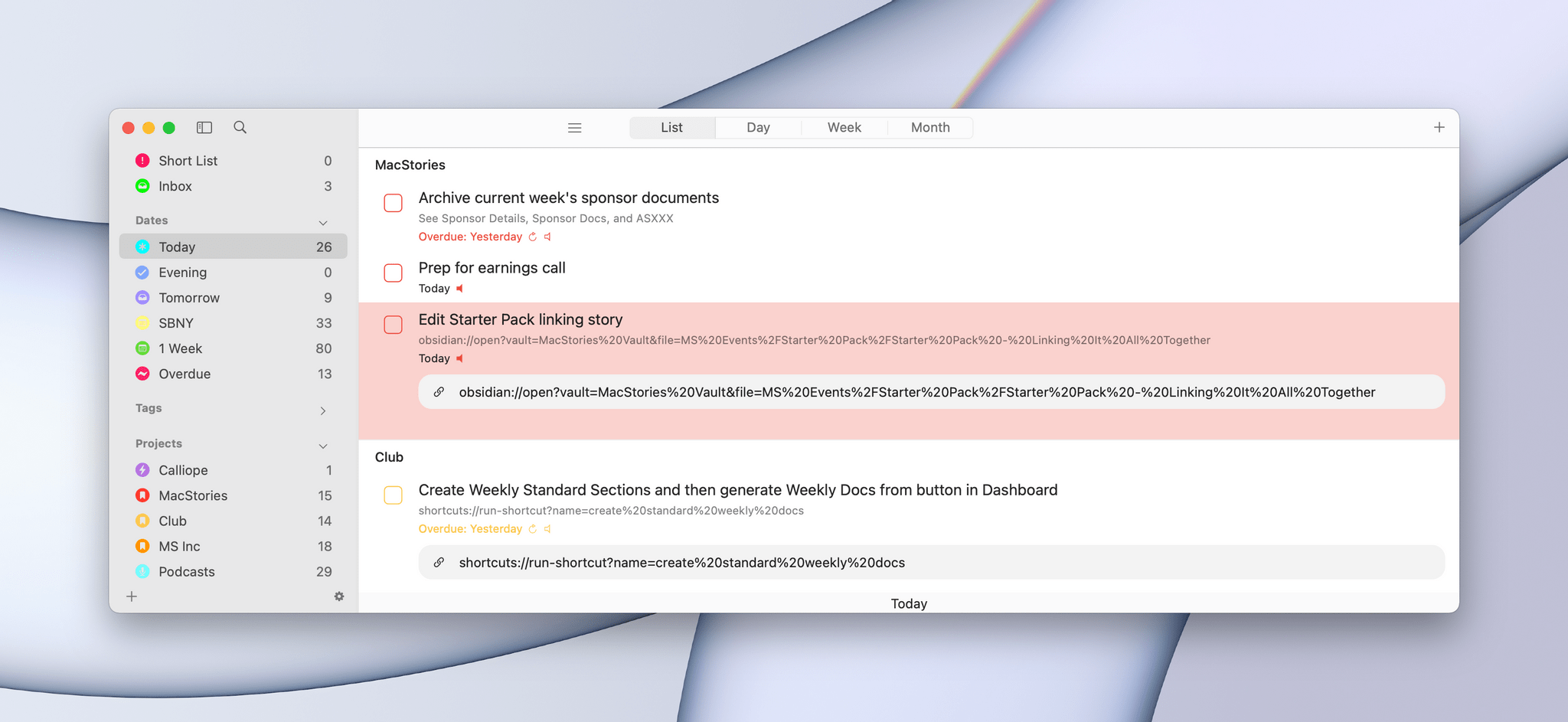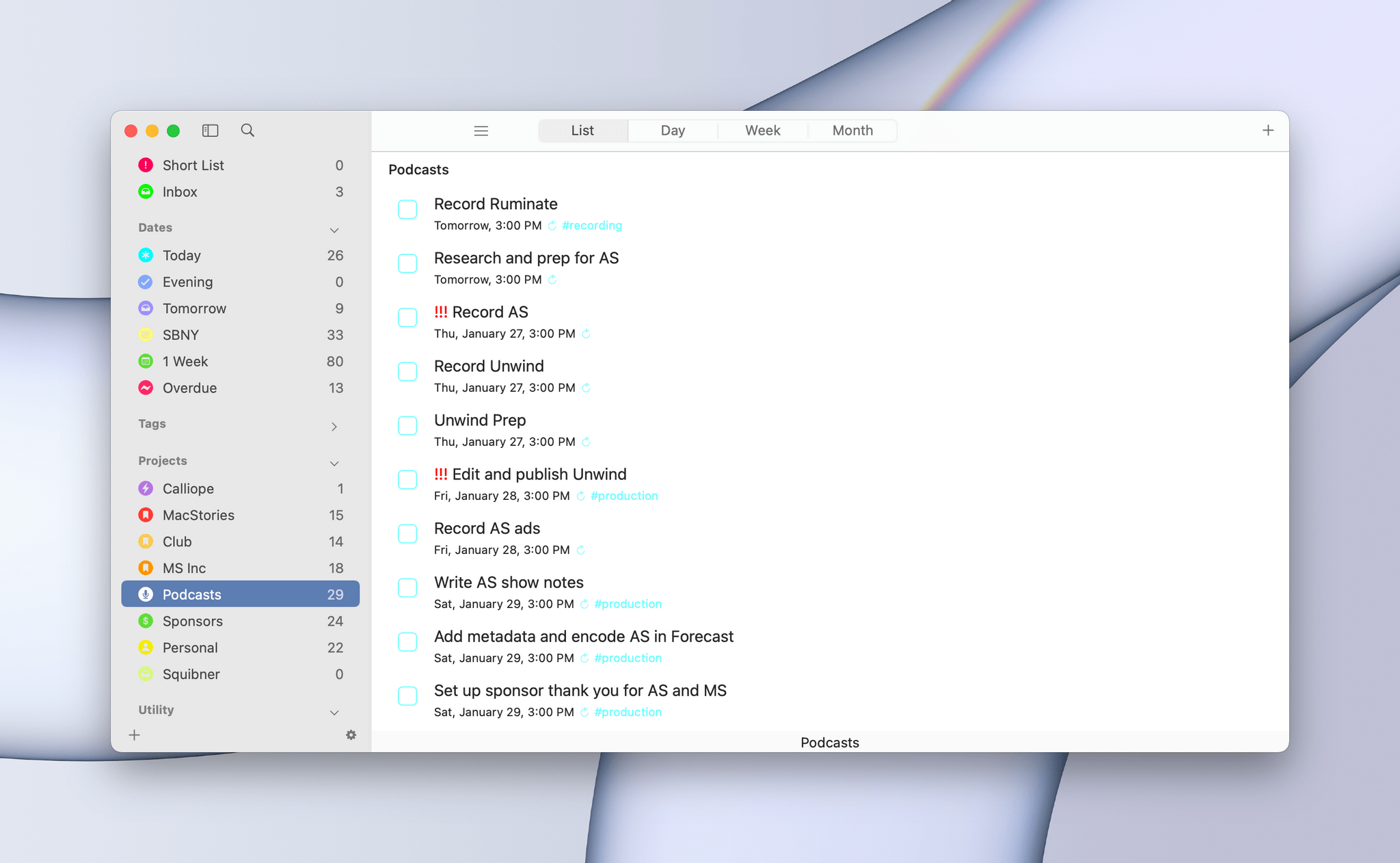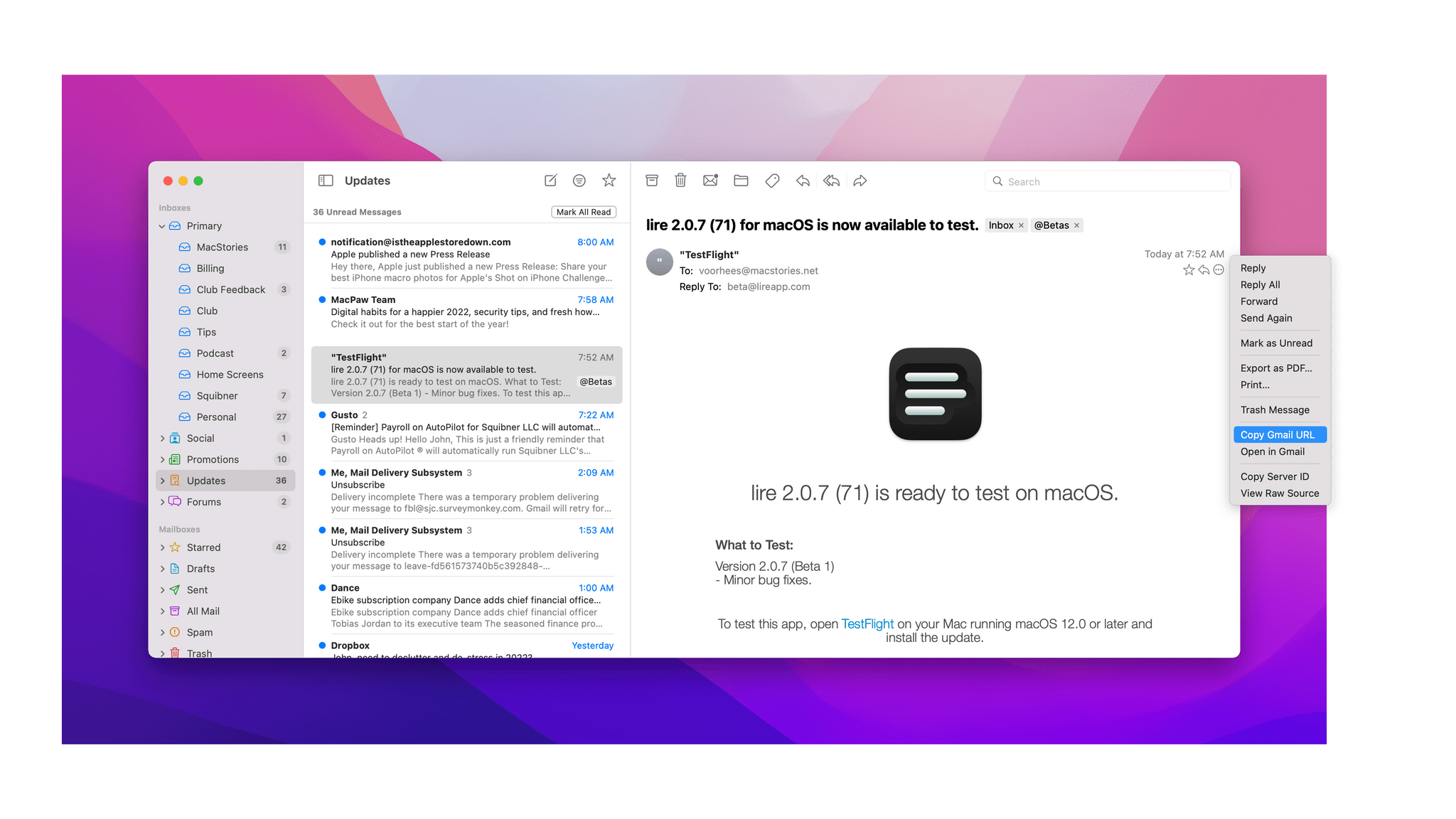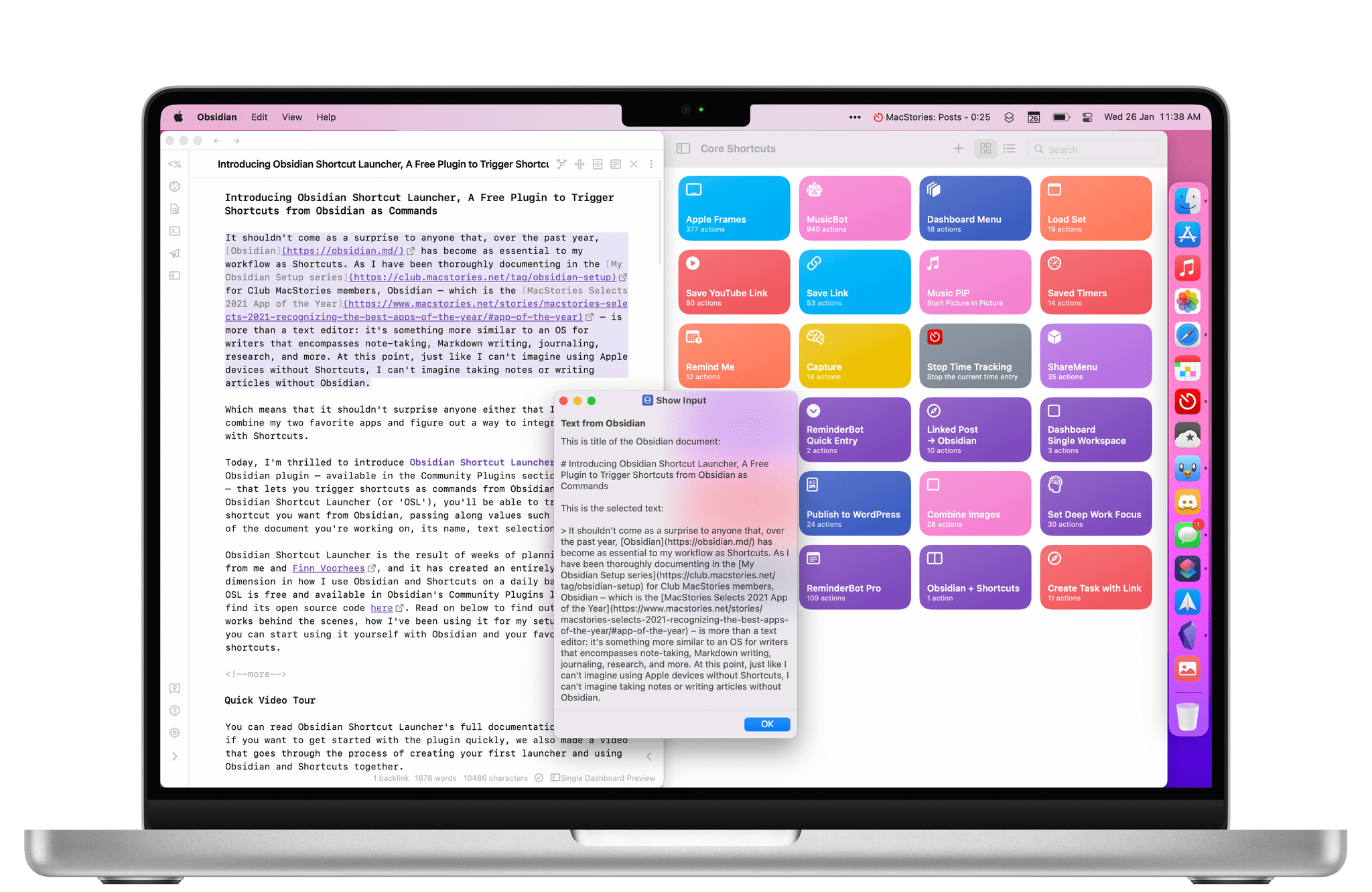
This week on MacStories Unwind, Federico recommends VGC Guide for anyone interested in learning about competitive Pokémon, and John shares The Batman, the latest reboot of the caped crusader series.
Sponsored by:
Kolide – Endpoint security for teams that Slack. Try Kolide for 14 days free; no credit card required.
All the shortcuts I created for Automation April this month.
It’s the final week of Automation April, and before we get into the details of the final batch of 10 shortcuts I’ve prepared for this week, I just want to express my gratitude toward all readers – old and new – who checked out MacStories this month, entered the contest, or signed up for Club MacStories. The response to Automation April has exceeded our most optimistic expectations: we received over 200 shortcut submissions for the contest, which is why we’re taking a few extra days to sift through all of them before; look for an official announcement of all the winners next week.
For this final group of 10 shortcuts, I’ve assembled another pretty diverse list of utilities for iPhone, iPad, and Mac that integrate with different parts of Apple’s operating systems. There’s a shortcut that automatically deletes old files from Finder or the Files app; another that finds the unique identifier of a specific task in the Reminders app; there’s a shortcut that gives you a weather report for the location of an upcoming event in your calendar. In case you missed the previous collections of shortcuts, you can find them here and here.
So, with Automation April coming to a close, let’s dive in one last time and check out the details of the shortcuts I’m sharing this week.
Apple has just published its financial results for Q2 2022. The company posted revenue of $97.28 billion. Apple CEO Tim Cook said:
“This quarter’s record results are a testament to Apple’s relentless focus on innovation and our ability to create the best products and services in the world,” said Tim Cook, Apple’s CEO. “We are delighted to see the strong customer response to our new products, as well as the progress we’re making to become carbon neutral across our supply chain and our products by 2030. We are committed, as ever, to being a force for good in the world — both in what we create and what we leave behind.”
The Zacks Consensus Estimate for revenues is currently pegged at $94.79 billion, indicating growth of 5.82% from the year-ago quarter’s reported figure.
Graphical Visualization
After the break, we’ve compiled a graphical visualization of Apple’s Q2 2022 financial results.
Knotwords is a deceptively simple new game from Zach Gage and Jack Schlessinger that combines elements of multiple word and logic puzzles into a unique, fun experience.
Each puzzle is composed of a set of squares that are divided into sections. Letters in the corner of a section establish which letters can be placed in that section of the puzzle. The goal is to arrange the letters, so they spell words vertically and horizontally throughout the puzzle. If that sounds simple, it is, but like any good game, just because the rules are easy to grasp doesn’t mean the game itself is easy.
As you explore and test solutions in Knotwords, the available letters are highlighted on a keyboard at the bottom of the screen, making it easy to tell which letters remain available to play. Once a row has been filled with letters horizontally or vertically, Knotwords will let you know if your letters are out of place by scratching out the letters in pink.
Like Sudoku, solving words makes each puzzle progressively easier by eliminating the number of possible letters that can be placed in open squares. It’s a dynamic that helps ease the frustration of getting stuck on one part of a puzzle because focusing your efforts elsewhere often leads to a breakthrough in an area where you were having trouble. There’s also a built-in hint system featuring the game’s rabbit mascot, who dispenses hints in the form of definitions of words instead of the answers themselves. Also, on iOS, the game includes an upbeat soundtrack with a jazzy lounge music vibe and generous use of haptic feedback, both of which add to the overall experience.
I’m a big fan of logic puzzles like Knotwords. They’re an excellent way to unwind by concentrating on something that isn’t your work or something else that might be on your mind. Knotwords fits that role perfectly by being easy to learn and play but challenging to solve and unique. The experience is a little like doing a crossword puzzle without the clues. It’s a combination that I love, so I plan to make Knotwords a regular part of my downtime this summer.
In addition to iOS and iPadOS, Knotwords is available on Android, the Mac, and PC. The game is free to download on the App Store and includes a core set of puzzles, but for $4.99/year or a one-time payment of $11.99, you can unlock more puzzlebook puzzles each month, a daily Twist puzzle, additional hints, statistics, and color themes.
I’ve used Tot by The Iconfactory on and off since it was released in 2020 and reviewed by Federico, but it never stuck. I never came up with a system for using the app that fits well with how I work. Instead, I would simply dump text and URLs copied from the web or jot notes to myself haphazardly in any of the app’s seven colorful dots. The trouble was that when I went back to the app to find something, I often found myself clicking and scrolling around a lot to find what I wanted.
With the introduction of Tot’s Shortcuts support, I immediately saw an opportunity to process Tot’s dots in ways that would make the app fit better with the way I use it. I still don’t have a system for the app’s seven dots. Instead, I’ve got a shortcut called Tot Dot Review that lets me parse and process Tot’s dots in several different ways that shows off Tot’s shortcuts actions along with a handful of built-in Shortcuts actions for extracting different types of data from text.
Tot Dot Review lets me quickly pull URLs, Apple Maps URLs, addresses, phone numbers, and dates from my Tot notes without skimming through each of the app’s seven notes. I can also copy Tot’s notes into Markdown-formatted text that I can copy and paste into another app for processing and delete the content of all seven Tot notes, so I can start fresh. The combination of options has made it easier to find and manage things in Tot, which has led me to use the app more too.
Sofa 3.3, the media organizer app for the iPhone, iPad, and Mac, is out, and the update is all about customization. If you haven’t tried Sofa before, check out our recentcoverageof the app, which was a runner-up for the MacStories Selects awards in the Best App Update category last year. The update includes a long list of ways to personalize Sofa, which are best shown off by showing you what’s possible, so let’s update the list of books I’ve got in Sofa.