This Week's Sponsor:

Turbulence Forecast

Know before you go. Get detailed turbulence forecasts for your exact route, now available 5 days in advance.


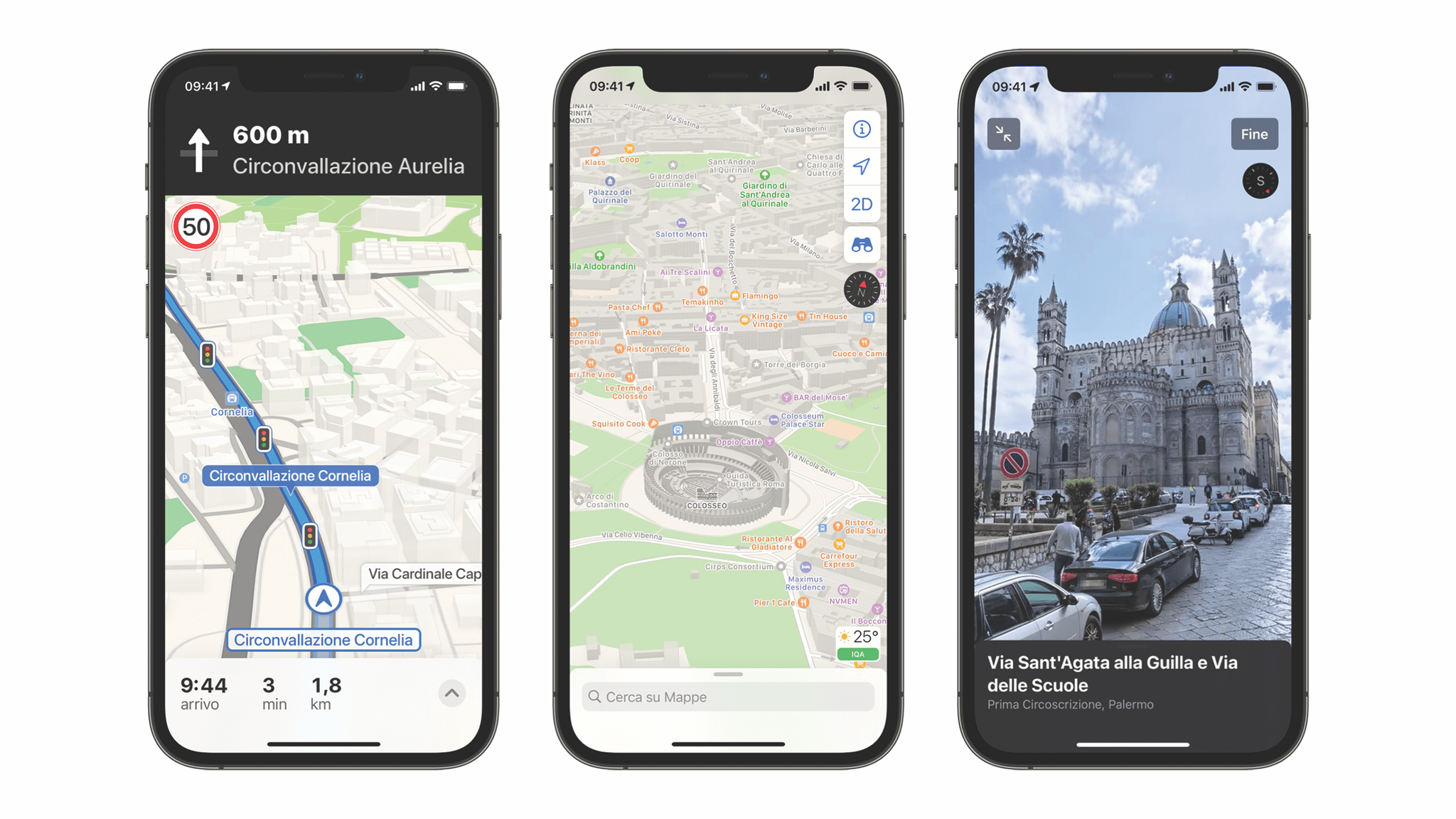
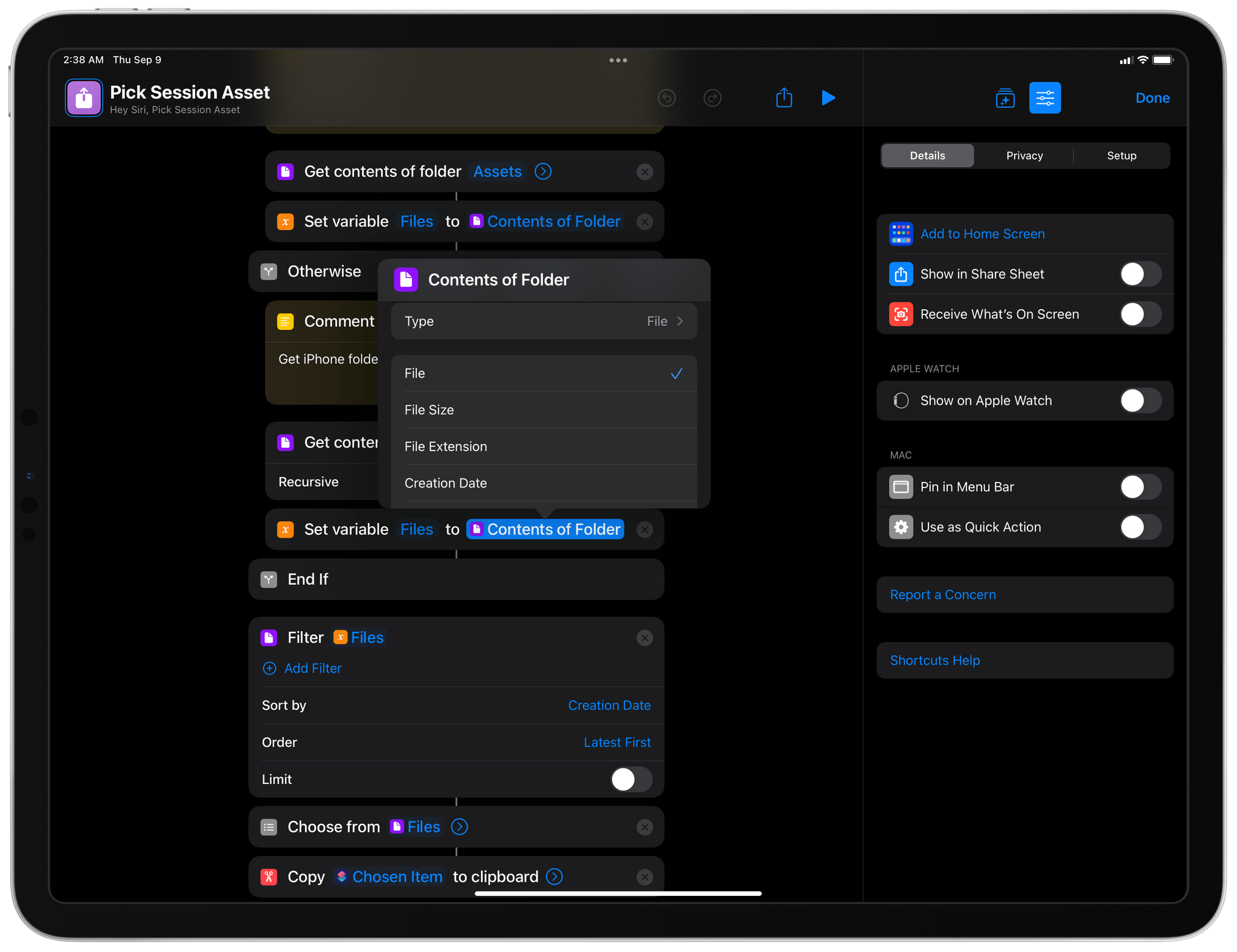
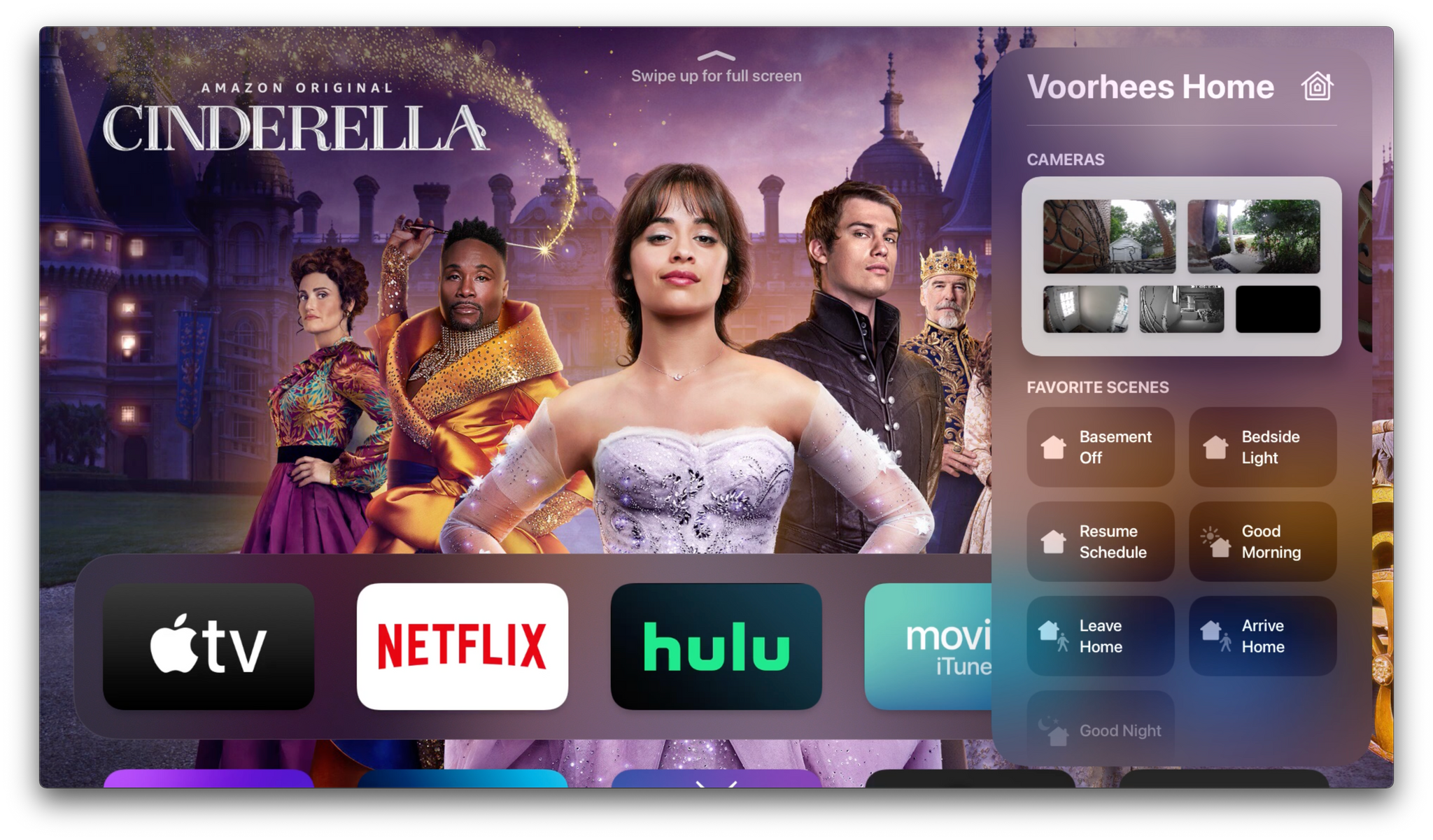
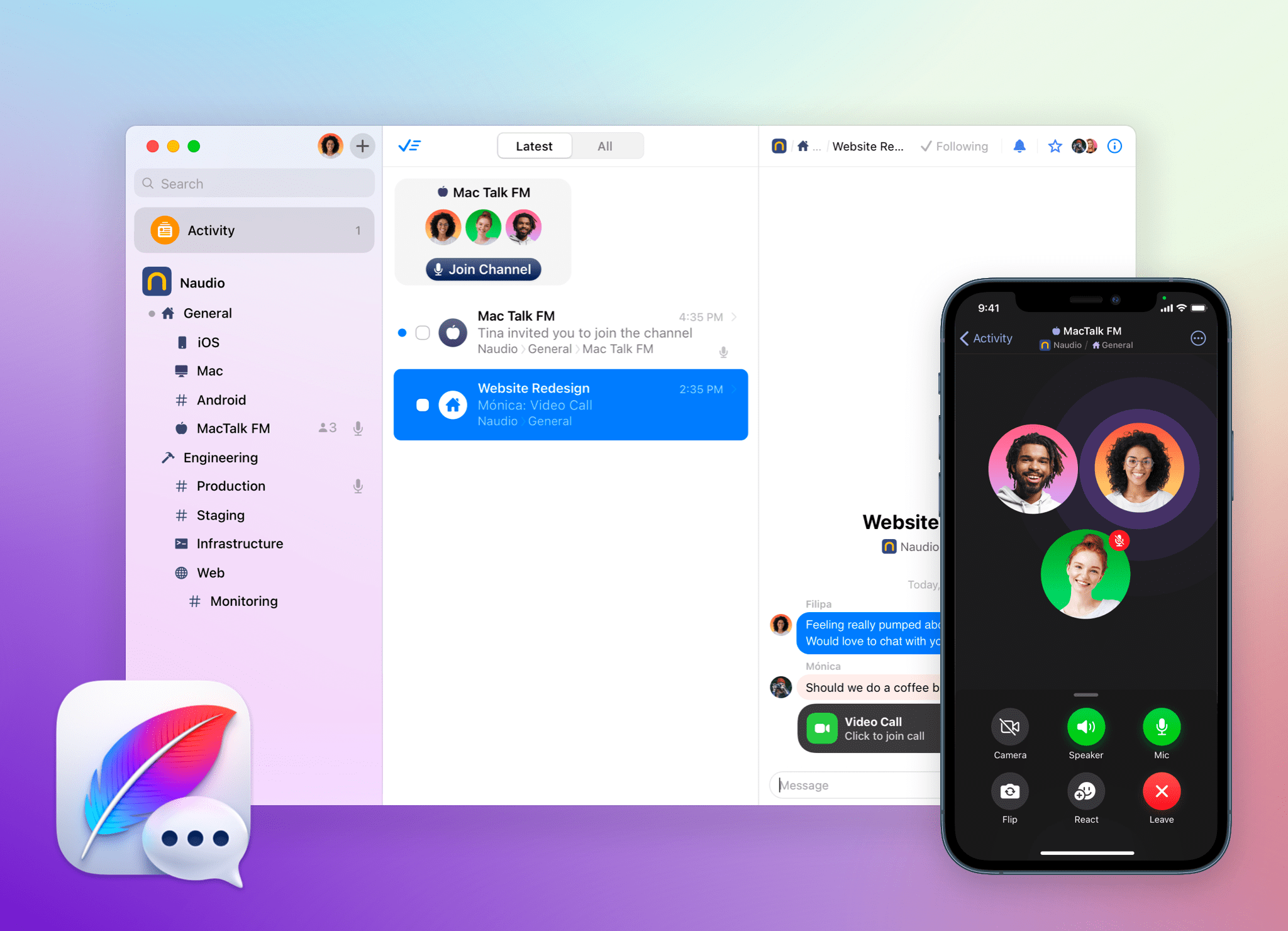
Apple Frames 2.1: Apple Watch Series 7 and 2021 MacBook Pro Support, New Update Flow, Plus Chinese and Czech Localization

Apple Frames, now with support for the latest MacBook Pros.

Apple Frames, now with support for the latest MacBook Pros.

Today I’m pleased to announce the release of Apple Frames 2.1, the first major update to version 2.0 of my popular Apple Frames shortcut, which I launched last October. It took me longer than I hoped to put together this update, but I’m happy that I was able to add compatibility fo all the latest device frames supported by Apple, new languages, as well as a brand new update flow that will make it easier to download the latest templates powering Apple Frames in the future.

Let’s take a look.

Read more


Are AirTags Causing Stalking or Making Us More Aware of It?

The problem of AirTags being used to stalk people has been in the news ever since they were released last spring, but a recent story in The New York Times has brought the issue to the forefront again. AirTags are fantastic when used as intended to keep track of your keys, luggage, and other personal items, but stalking is a serious problem that Apple should do everything it can to prevent.

Apple is also in a unique position given the vast size of its Find Me network. That puts the company in a different league than competitors like Tile, which carries greater responsibility with it.

In a story on Peer Reviewed, Matt VanOrmer puts a finger on something I’ve been wondering for a while: Are AirTags contributing to the problem of stalking or merely making us more aware of it because of the unique stalking countermeasures built into the device? It’s a classic causation/correlation question that is worth reflecting on. As VanOrmer explains:

I think the increase in news stories about AirTag stalking situations are less indicative of AirTags causing more stalking, and more indicative of how frequently stalkings already occur — with AirTags’ anti-stalking features simply bringing more of these horrible situations to light. These stories may be a classic example of the Baader-Meinhof phenomenon (AKA the “Frequency Illusion”) — in which increased awareness of creeps using AirTags to stalk women creates the illusion that it is happening more often, or even that AirTags are responsible for this illusory increase in incidence.

As VanOrmer rightly points out, Apple should do everything it can to prevent AirTags from being used to track people, which includes improving the tools available to Android users for whom Apple has made an app that is generally viewed as insufficient. This is also a topic where some added transparency about what Apple is doing to address concerns about stalking would help observers decide whether it’s enough instead of having only anecdotal news reports to go on. However, given the wide-reaching impact of the Find My network, which affects people who aren’t even Apple customers, I think a third-party audit of how Apple is handling the security and privacy implications of AirTags is warranted.

Permalink

Apple Recaps Its 2021 Services

In a press release today, Apple shared an update on the success of its services. According to Eddy Cue, Apple’s senior vice president of Services:

Apple’s world-class portfolio of services proved essential in 2021, as people worldwide sought new ways to keep entertained, informed, connected, and inspired. With over 745 million paid subscriptions, Apple continues to connect the world’s developers, artists, and storytellers with users across more than a billion devices, delivering powerful tools, content, and experiences that enrich their lives in profound ways every day.

Apple says that developers have earned more than $260 billion on the apps and games sold through the App Store since its inception in 2008. That’s a $60 billion increase since last year’s services announcement. The company also reports that 2021 was another record year for sales, and the Christmas to New Years Day period saw double-digit sales growth. However, unlike past years, sales numbers weren’t shared for the week between Christmas and New Years Day or for New Years Day.

Apple has created lists of 2021’s most downloaded apps and games, if you are curious about which apps resonated with the most users last year.

Apple’s press release recaps a long list of achievements of its other services, too, recapping the highlights of 2021, including the nominations and awards won by Apple TV+, the expansion of Apple Pay, and the recent additions to Fitness+. Having followed this annual services press release since its earliest days, what’s most impressive is how long the list of services has grown. What was once primarily an App Store and Apple Music recap now covers a much broader range of services.


Accessing Shortcuts for Mac with Alfred Workflows and Universal Actions

Alfred users can now access their library of shortcuts on the Mac, thanks to an official Alfred workflow by Vítor Galvão. The workflow allows users to access individual shortcuts and folders of shortcuts, as well as pass text and files to shortcuts for processing. It’s a nice approach that uses Alfred’s existing workflow system to invoke Ruby and Bash scripts under the hood.

Searching for individual shortcuts (left) and by folder (right).

Searching for individual shortcuts (left) and by folder (right).

Let’s start with the easiest approach first. Invoke Alfred with the hotkey you’ve assigned to the app, then type ‘sc’ for Shortcuts. Any shortcuts you’ve recently accessed through Alfred will appear at the top of the list for quick access. If you need a different shortcut, though, start typing its name to filter the results until you see the one you want. Press Return and the shortcut will run.

Browsing shortcuts by folder.

Browsing shortcuts by folder.

If you don’t recall the name of the shortcut you want or want to browse a folder of shortcuts before running one, type ‘scd’ instead, which lists all of your shortcuts folders. Highlight one and hit Return to see all of the shortcuts in that folder.

Providing text to Alfred that displays an alert.

Providing text to Alfred that displays an alert.


Using Universal Actions to pass the text to the Alert shortcut.

Using Universal Actions to pass the text to the Alert shortcut.

Alfred’s Shortcuts workflow also incorporates its Universal Actions feature, which was introduced last year. The simplest way to pass some text to a shortcut is to invoke Alfred, type, or paste some text into its UI. Then, invoke Alfred’s Universal Actions to display a list of commands that can be performed on the text you provided.

The list of Universal Actions includes ‘Run shortcut,’ ‘Shortcuts,’ and ‘Shortcuts Folders.’ ‘Run shortcut’ lets you pick from your list of shortcuts and then uses the text you provided to Alfred as its input. The ‘Shortcuts’ action locates any shortcuts that match the text you provided, and ‘Shortcuts Folders’ does the same searching instead for folder names that match your text. URLs and files work similarly when the ‘Run shortcut’ action is selected, passing the URL or file as input.

Picking an image to pass to a shortcut.

Picking an image to pass to a shortcut.


Displaying an image passed to a simple 'Open File' shortcut.

Displaying an image passed to a simple ‘Open File’ shortcut.

Vítor Galvão’s Alfred workflow for Shortcuts, which you can download from GitHub, is an excellent example of Alfred’s extensibility, which makes a series of Ruby and Bash scripts approachable for more users through Alfred’s simple UI. The workflow is also another of the many examples of just how well Shortcuts for Mac integrates with third-party utilities thanks to its scripting support and other integrations with macOS.


Obsidian In-Depth: Third-Party Plugins (Part 3)

AppStories+ Deeper into the world of apps

AppStories Episode 255 - Obsidian In-Depth: Third-Party Plugins (Part 3)

0:00
39:36

AppStories+ Deeper into the world of apps

This week, Federico and John embark on a tour of the third-party plugins they use to customize Obsidian.

This episode is sponsored by:

  • MindNode – MindNode: What’s on Your Mind?
  • Wealthfront – Invest for the long term on your terms.
  • Wix – Create a website you’re proud of.

Third-Party Plugins

We deliver AppStories+ to subscribers with bonus content, ad-free, and at a high bitrate early every week.

To learn more about the benefits included with an AppStories+ subscription, visit our Plans page, or read the AppStories+ FAQ.


Follow us on Twitter

Follow us on Instagram


Pushcut: Automate HomeKit, Notifications and Widgets [Sponsor]

Pushcut, the one-of-a-kind iPhone and iPad utility that extends the power of Apple’s Shortcuts app and your HomeKit devices with a smart notification system, just added support for Home Screen widgets. Now, as soon as you open your iPhone or iPad, the information that is most important to you is right at your fingertips on your Home Screen. It’s a powerful system that supercharges your automations.

With the latest update, Pushcut’s Pro subscribers can design custom widgets tailored to suit their individual needs. Widgets are built using a simple set of components that together, unlock the ability to create sophisticated, beautiful designs that dynamically update using shortcuts, webhook URLs, or integrated services like Zapier, and soon, IFTTT.

Designing your own widgets is simple, with Pushcut’s intuitive UI, but there’s also extensive documentation available on Pushcut’s website if you need help. Widgets can be exported and shared as JSON too, so others can enjoy your creations and you can learn from the example widgets shared by the Pushcut team and made by others.

Of course, widgets are in addition to Pushcut’s other powerful features like feature-rich notifications, a powerful web API for extending HomeKit device automation, and an automation server, which allows an iOS or iPadOS device to trigger your shortcuts automatically on a schedule, and more. It’s a fantastic way to take Shortcuts and HomeKit automations to an all-new level.

Download Pushcut from the App Store now and give it a try. It’s the premier way to automate HomeKit, notifications, and widgets on the iPhone and iPad.

Our thanks to Pushcut for sponsoring MacStories this week.


Apple Announces Time to Run, Fitness+ Collections, Season 3 of Time to Walk, and an Artist Spotlight Workout Series

Apple has announced several new expansions of its Fitness+ content available starting Monday, January 10th.

The first is the addition of Time to Run, which Apple describes as:

a new audio running experience designed to help users become more consistent and better runners, with each episode focused on a popular running route in some of the most notable and iconic locations.

Time to Run joins the Time to Walk, which will debut its third season on Monday too. Time to Run sessions will be led by Fitness+ trainers and feature coaching tips and high-energy music. Three episodes will be available at launch featuring runs in London, Brooklyn, and Miami Beach.

The Fitness app is adding Collections on Monday, too, with six available initially:

  • 30-Day Core Challenge
  • Improve Your Posture with Pilates
  • Perfect Your Yoga Balance Poses
  • Run Your First 5K
  • Strengthen Your Back, Stretch Your Hips
  • Wind Down for a Better Bedtime

Collections are designed as a new entry point into Apple’s catalog of over 2,000 workout sessions, which the company says ‘will include a suggested plan to help users make intentional training choices over the next several days or weeks.’

Finally, Apple is introducing Artist Spotlight, a series of workouts featuring music from Ed Sheeran, Pharrell Williams, Shakira, and the Beatles. A variety of workout types will be available as part of each series that focuses on the work of just that artist.

As someone who enjoys running, I’m glad to see Time to Run. The temperatures are in the single digits in Chicago this weekend, so it may be a while before I get out to try Time to Run, but I’m eager to give it a go when it gets a little warmer. I like the idea of Collections too. I’ve been dipping into the Fitness+ catalog more often since moving my workouts indoors for the winter, and themed collections of workouts with specific goals should add variety to the service.


CES 2022 Roundup: TVs, Home Automation, Health and Fitness Devices, and More

The Consumer Electronics Show was back this week as an in-person event in Las Vegas for 2022 despite the current COVID surge, which caused many large companies to pull out of the show or scale back their plans. Still, that hasn’t stopped companies from announcing a wide variety of products planned for the next year and beyond. New TV technology and home automation are big again this year, as are new takes on existing tech.

After sifting through the headlines and press releases, I’ve compiled a roundup of some of this week’s most intriguing announcements. Feel free to skip around to the categories that you find most interesting using the table of contents after the break.

Read more