Today the latest version of Ulysses, the excellent Markdown text editor, was released for iPad and iPhone. Ulysses 21 comes with two main changes: it brings the previously Mac-exclusive revision mode to iOS and iPadOS, while also introducing design updates that take advantage of new iOS 14 design elements, such as pull-down menus. It’s not a huge update, but it’s a nice one nonetheless for iPhone and iPad users.
Ulysses 21 Brings Revision Mode to iPhone and iPad Alongside Updated Design
Instagram Celebrates Its 10th Anniversary on the App Store with Classic Icons and Adds New Stories Archive and Anti-Bullying Features
As of today, Instagram has been on the App Store for ten years. To celebrate, the app has brought back classic icons from its past as well as variations on its current icon as an in-app Easter egg.
As The Verge reports, the icons can be accessed by going to Instagram’s settings view and then long-swiping down on your iPhone’s screen until a series of emoji appear. Keep swiping until confetti rains down, and the icons are revealed. Like me, you may also have to restart your iPhone for your Home Screen changes to take effect. In total, there are a dozen icons to choose from, excluding the default option.
According to TechCrunch, Instagram has released a couple of other features too. From your profile page, you can access three years of archived Stories from a private calendar or map view. For National Bullying Prevention Month in the US, Instagram is also testing a feature that automatically hides comments similar to others that have already been reported by users as abusive. Warnings to people who post offensive comments are also being expanded to alert repeat offenders that their comments may be hidden from view or their accounts deleted.
Must-Have Music Widgets for Your iPhone
AppStories Episode 187 - Must-Have Music Widgets for Your iPhone
43:10
This week, Federico and John tour music widgets, one of their favorite categories, exploring the many widgets they’re using to listen to music and follow their favorite artists.
CardioBot: Heart Rate and Activity Tracker [Sponsor]
CardioBot is a heart rate and activity tracker built from the ground up to help you lead a healthier life. The app is based on the latest studies by the American Heart Association and Mayo Clinic, and with the release of version 5, CardioBot is better than ever.
CardioBot uses a simple Heart Points system to help you keep track of whether you’re getting the recommended amount of aerobic exercise every day. There’s even an iOS 14 widget to help you track your points right on your Home Screen, and a heart rate widget for get a quick update throughout your day.
The app also tracks your resting heart rate and lets you know if you experience any significant changes. If you’ve got the latest Apple Watch Series 6, CardioBot can monitor your blood oxygen levels too, an important measurement of overall wellness. Of course, as with past versions, CardioBot also tracks your workouts to make sure you’re hitting your target heart rate and whether you’re getting enough sleep.
All of these advanced features are packed into a beautiful and recently-updated iPhone UI that makes it simple to understand your heart data and track your fitness progress using variety of graphs and trend analysis. CardioBot also includes an elegantly-designed Apple Watch app.
Download CardioBot from the App Store and start tracking your heart rate and activity today.
Our thanks to CardioBot for sponsoring MacStories this week.
MacStories Unwind: Sticky Notes for Your iPhone, GoodLinks and Deliveries Updates, Plus New iPad Features for Pixelmator, and Emoji
Sponsored by: YOUMAKER – Maximum Protection, Minimum Bulk
This week on MacStories Unwind:
MacStories
- Sticky Widgets Brings Simple Sticky Notes to Your Home Screen
- Deliveries Modernizes with Improvements in Every Corner of the App
- GoodLinks Updated with Three-Column iPad Layout, Widgets, and New Keyboard Shortcuts
- iOS, iPadOS, and macOS Betas Reveal New Emoji Coming Soon
- Pixelmator 2.6 Adds Pointer Support and More Than 70 Keyboard Shortcuts for iPad Users
- Justin O’Beirne Details Apple’s Update to Its Maps Data in the United Kingdom and Ireland
Club MacStories
- Monthly Log
- Federico on how he uses Sour’s Magic Mixes
- John’s first impressions of the Nike edition Series 6 Apple Watch
- Ryan switches to Todoist
- MacStories Weekly
- 10 more Giveaways
- Tempo: Workout Log for Runners
- A collection of apps with widgets
- An interview with Tanmay Sonawane, developer of Poor
- Mail and Twitter tips
- AppStories
Unwind
- Federico’s Pick:
- John’s Pick:
GoodLinks Updated with Three-Column iPad Layout, Widgets, and New Keyboard Shortcuts
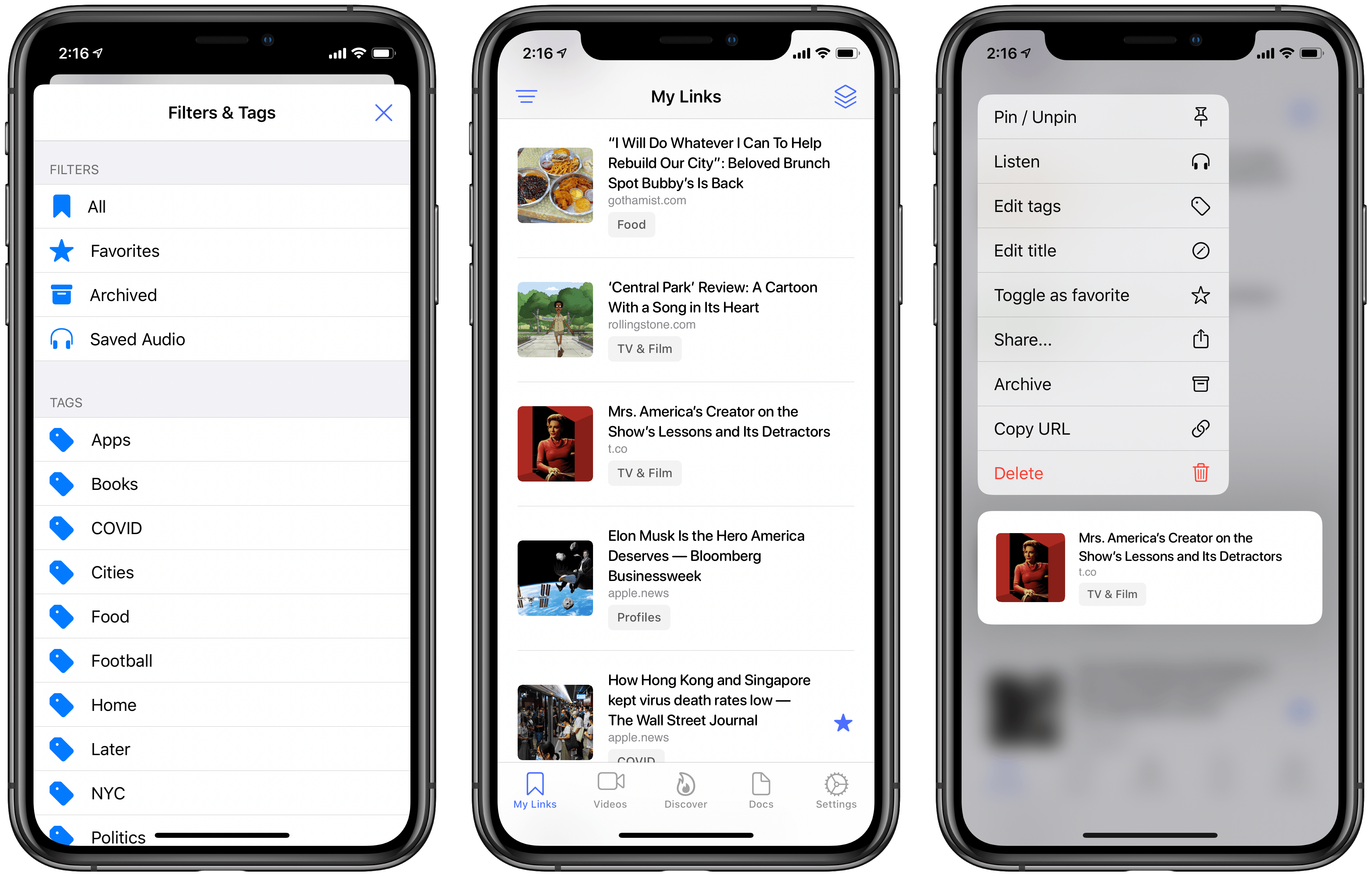
GoodLinks has only been out since June, but it quickly became my go-to read it later app that I dip in and out of every day. That position has only been reinforced with its frequent updates in the months following release, including its most recent update which adds a new three-column iPad layout, widgets, and new keyboard shortcuts.
The new iPad sidebar design is particularly well-suited to GoodLinks. The first column, which can be hidden, allows users to navigate between Unread, Starred, Untagged, Read, and Tags. The Tags section is collapsible, which declutters the sidebar when you don’t need to view a specific tag.
The second column is the article list that displays the favicon for each post, its title, a short excerpt, image, site and author information, and associated tags. The top of the second column features a button to sort from oldest to newest and vice versa, and one to add new links.
MacStories Weekly: Issue 242
This week, in addition to the usual links, app debuts, and recap of MacStories' articles and podcasts:
Justin O’Beirne Details Apple’s Update to Its Maps Data in the United Kingdom and Ireland→
As announced at WWDC, Apple has expanded its modern maps to the United Kingdom and Ireland. As usual, Justin O’Beirne has begun documenting the changes on his blog with GIFs and charts cataloging the differences.
Apple’s ninth Maps data update is its first outside the US and covers all of the United Kingdom and Ireland. Although the update represents one of the smaller additions by land area, it’s the second-largest in terms of the total population and population density.
As with previous updates, O’Beirne’s GIFs do a terrific job visualizing the changes with examples from urban areas like London, Edinburgh, Belfast, and Dublin, along with places like Stonehenge, Loch Ness, Wales, and the Cliffs of Moher. The new maps are a clear improvement with more clearly defined green spaces, detailed landmarks, and other improvements.
Be sure to visit O’Beirne’s website for his complete set of GIFs, charts, and ongoing updates.
Deliveries Modernizes with Improvements in Every Corner of the App
There can be no doubt that 2020 has been a record year for package deliveries. Perhaps things were already trending that direction pre-pandemic, but during a year in which many people have unexpectedly found themselves staying home more than ever, the number of deliveries being made has surely seen a huge spike.
Deliveries, the package tracking app for iOS and Mac, has received a strong update today with a wide variety of quality of life improvements. There’s nothing huge or flashy here, but the sum of the many small changes should help Deliveries continue being one of the best and easiest ways to track that steady stream of packages heading your way.