This Week's Sponsor:

Turbulence Forecast

Know before you go. Get detailed turbulence forecasts for your exact route, now available 5 days in advance.


Apple Maps Adds Dining and Hotel Picks, Plus F1 Features

Image: Apple.

Image: Apple.

Yesterday, Apple announced a couple of new features that are now available in the Maps app.

The first is a new label that’s been added to restaurants and hotels in the U.S., which have been awarded MICHELIN distinctions. According to Apple’s press release:

Users can now view and search for MICHELIN-starred, Green Star, and Bib Gourmand restaurants — along with MICHELIN Key hotels — starting in the U.S., with support for additional regions coming in the future.

The new MICHELIN integration also allows users to filter based on MICHELIN ratings and make restaurant reservations and book hotels through the MICHELIN Guide app. Apple says additional rankings and guides will be available soon from The Infatuation and Golf Digest, with more sources coming later. You’ll also be able to book tee times on golf courses using Supreme Golf.

Monaco.

Monaco.

For F1 fans, Apple has given Monaco the a special Detailed City Experience that’s designed for people attending Formula 1 TAG Heuer Grand Prix de Monaco 2025 as well as fans following along from home.

On its UK press site, Apple announced that:

The new Detailed City Experience features custom-designed 3D Monégasque landmarks of iconic locations, including Casino de Monte-Carlo, Fairmont Monte Carlo, Hôtel de Paris Monte-Carlo, Yacht Club de Monaco, and the F1 Paddock Club. Dark mode gives users an evening view of Monaco in a moonlit glow that activates at dusk.

The Detailed City Experience also features amazing details for road markings, land cover, trees, and public transit routes, as well as helpful navigation details like turn lanes, medians, bus and bike lanes, and pedestrian crossings. It also features a windshield view for drivers, which shows a road-level view as a user approaches complex interchanges, making it easier to see upcoming traffic conditions or the best lane for an approaching exit.

Apple has also added a lot of race-specific details, highlighting the course, landmark turns, as well as 3D representations of stands, cars, and more. Famous F1 courses have been added as a Maps Guide to promote Apple’s upcoming F1 movie starring Brad Pitt, too.

I appreciate the growing catalog of original curated content accessible through Maps. Travel planning on the web is a messy process, but with guides and well-regarded editorial content embedded directly in Maps, it’s often much easier to find a restaurant, hotel, or activity that sifting through an endless list of Google Search links.


Podcast Rewind: watchOS and tvOS Wishes, Swift Student Challenge Interviews, the Ultimate iOS Controller, and Stream Deck Alternatives

Enjoy the latest episodes from MacStories’ family of podcasts:

AppStories

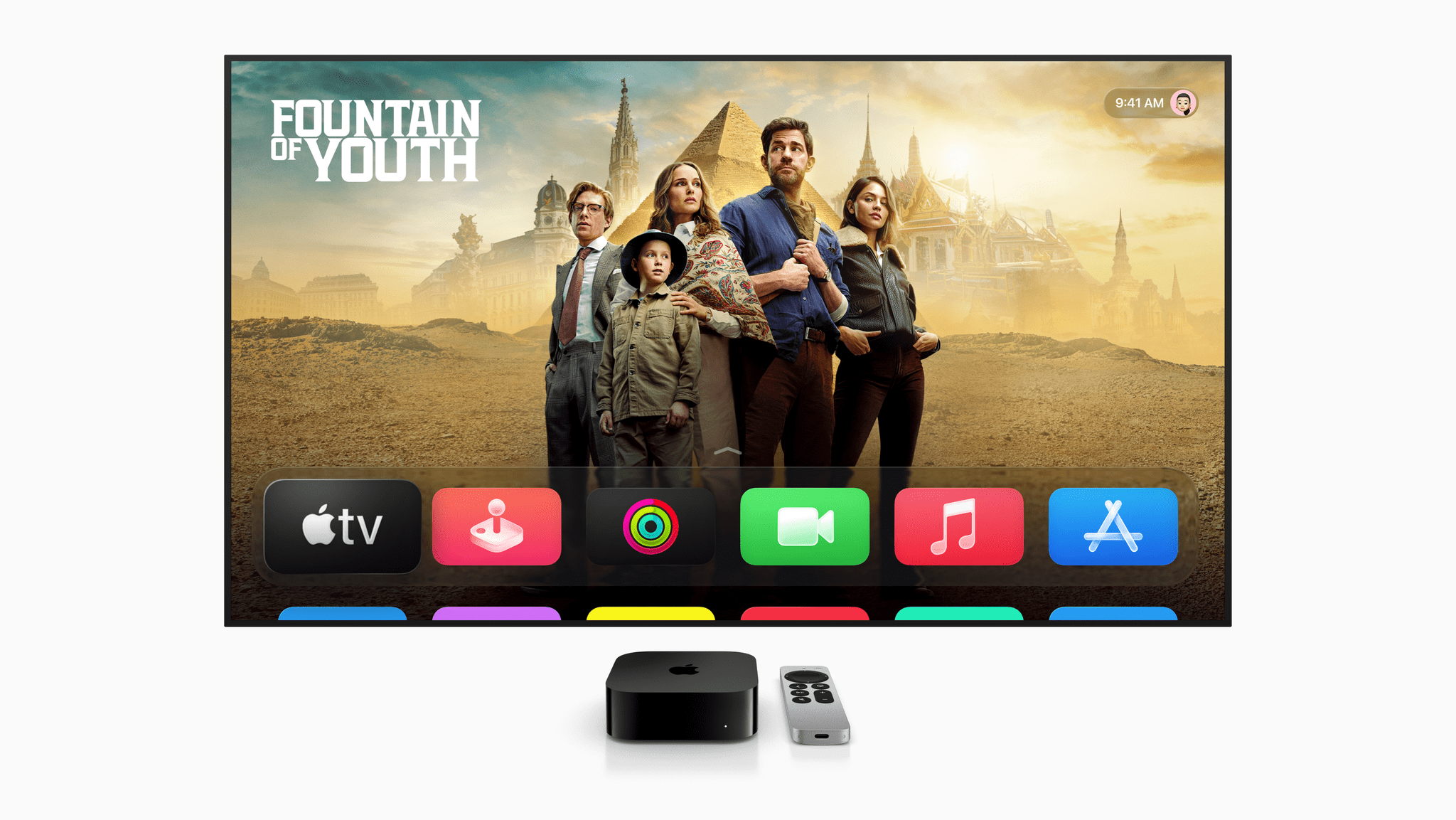
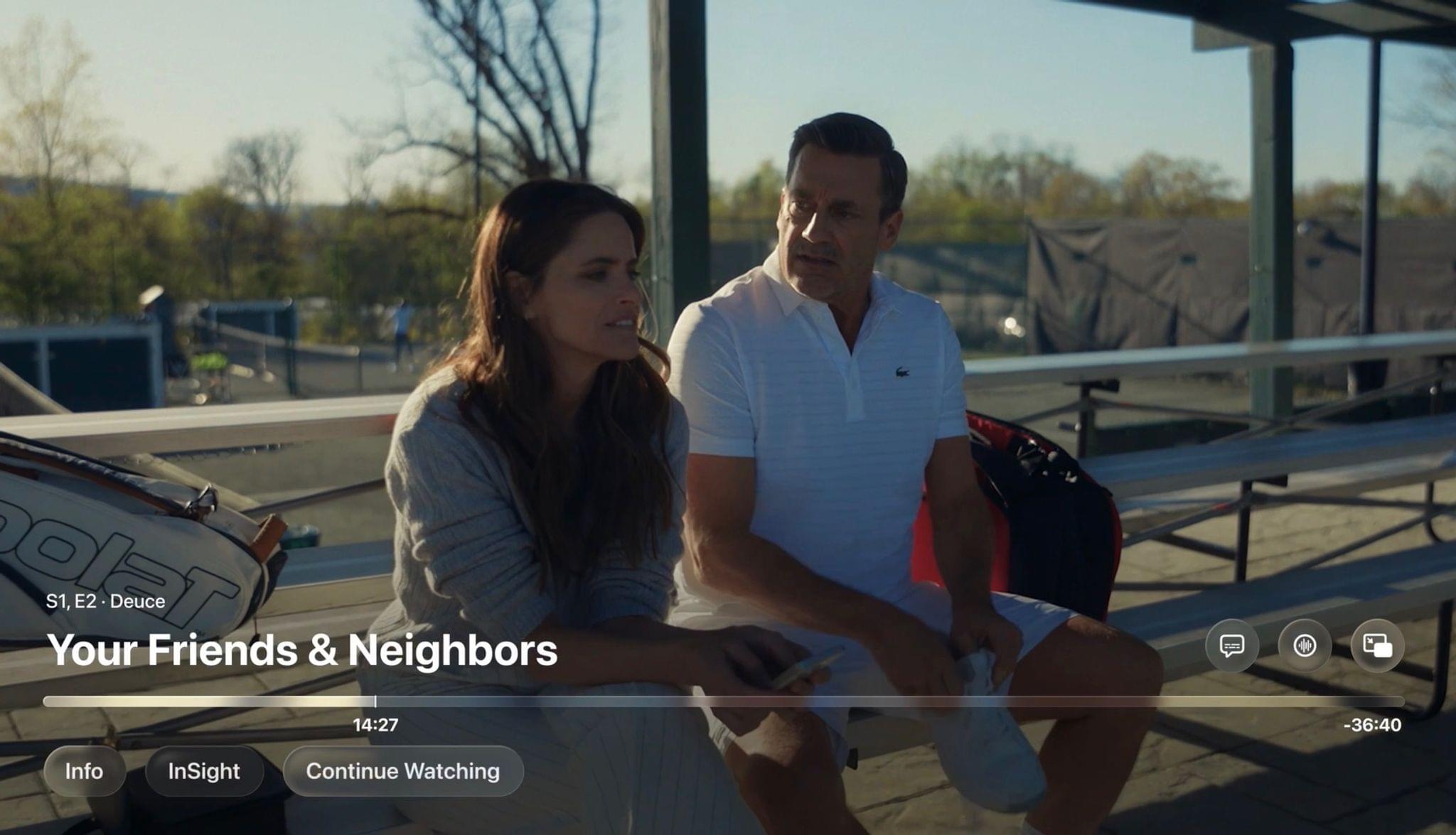
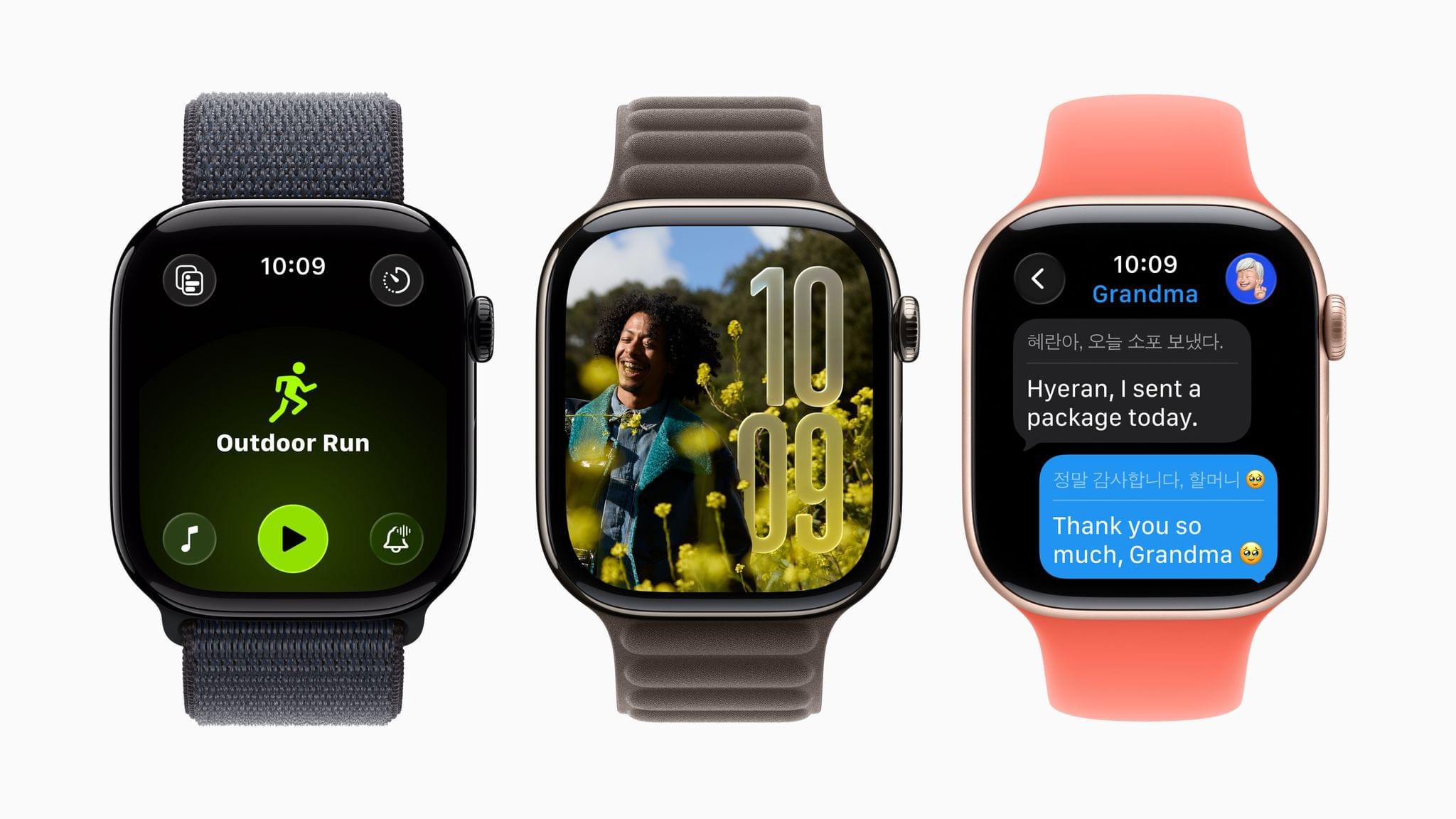
This week, Federico and John interview Apple’s VP of Developer Relations, Education, and Enterprise, Susan Prescott, along with Amy Key and Omar Firdaus, Distinguished Swift Student Challenge Winners. Then, they also share their 2025 wishes for watchOS and tvOS.

This episode is sponsored by:

Play – Save and Organize Videos to Watch Later. New subscribers can use the code MACSTORIES2025for 50% off their first year of Play Premium.


NPC: Next Portable Console

This week, Nintendo is back to its litigous ways, Backbone has a new controller, the Anbernic RG34XXSP is real, and not one but two ASUS Rog Ally 2s leak in FCC filings.

This week on NPC XL, I update listeners on my Xbox streaming tests and experience with Nintendo Virtual Game Cards before Federico and I discuss the sale of Polygon and what it means for online media.


Ruminate

Robb had a family Ruminate moment, I have some new buttons, and we both talk about some upcoming games.

Read more


Apple Previews a Wide Range of Upcoming Accessibility Features to Mark Global Accessibility Awareness Day

Source: Apple.

Source: Apple.

With Global Accessibility Awareness Day coming up this Thursday, May 15, Apple is back with its annual preview of accessibility features coming to its platforms later in the year. This year marks the 40th anniversary of the creation of the first office within Apple to address accessibility, and there’s no sign of any slowdown in the company’s development on this front. While no official release date has been announced for these features, they usually arrive with the new OS updates in the fall.

In addition to a new accessibility-focused feature in the App Store, Apple announced a whole raft of system-level features. Let’s take a look.

Read more


The Swift Student Challenge Interviews and watchOS and tvOS Wishes

This week, Federico and John interview Apple’s VP of Developer Relations, Education, and Enterprise, Susan Prescott, along with Amy Key and Omar Firdaus, Distinguished Swift Student Challenge Winners. Then, they also share their 2025 wishes for watchOS and tvOS.

On AppStories+, John leads a philosophical discussion about art, culture, and creativity and where it’s heading in an AI world.


We deliver AppStories+ to subscribers with bonus content, ad-free, and at a high bitrate early every week.

To learn more about an AppStories+ subscription, visit our Plans page, or read the AppStories+ FAQ.


AppStories+ Deeper into the world of apps

AppStories Episode 435 - The Swift Student Challenge Interviews and watchOS and tvOS Wishes

0:00
41:04

AppStories+ Deeper into the world of apps

This episode is sponsored by:

Play – Save and Organize Videos to Watch Later. New subscribers can use the code MACSTORIES2025for 50% off their first year of Play Premium.


Swift Student Challenge Interview

This week, Federico and John interviewed Apple VP of Developer Relations, Education, and Enterprise, Susan Prescott along with Distinguished Swift Student Challenge Winners Amy Key and Omar Firhaus.

Our 2025 watchOS Wishes

  • Federico shares wishes based on his use of a wearOS watch, and John hopes for faster connections, file transfers, and smarter workout tracking.

Our 2025 tvOS Wishes

  • Federico wants to customize the Siri Remote’s TV button, John wants new ways to manage the apps on his Apple TV, and more.


Leave Feedback for John and Federico

Follow us on Mastodon

Follow us on Bluesky


Podcast Rewind: An App Extravaganza, a Pair of Famous Seagulls, and an Audiobook Pick

Enjoy the latest episodes from MacStories’ family of podcasts:

Comfort Zone

The gang gets to work defending their Mac login items. Who has the most minimal startup? Who has the craziest apps? This episode has more new apps mentioned in any episode of Comfort Zone ever!


MacStories Unwind

This week, find out if we successfully podcasted our way to a new Pope. Learn just how poorly AI can spell Voorhees and Viticci. And, enjoy an audiobook pick, thoughts on Friends, and a Marvel movie bundle deal.

Also available on YouTube every Friday here.

Read more


MacStories Weekly: Issue 465

This week, in addition to the usual links, app debuts, and recap of MacStories' articles and podcasts:

  • Substage, by John
  • An Apple Intelligence Nightmare and the Value of Trust, by Jonathan
  • Three Todoist Tips and a Bonus, by John
  • Raycast for iOS, Legal Debates, and More, by Jonathan
Read more

Federico’s Latest Automation Academy Lesson: Building a Better Web Clipper with Shortcuts and AI

A webpage saved with Universal Clipper.

A webpage saved with Universal Clipper.

I share Federico’s frustration over saving links. Every link may be a URL, but their endpoints can be wildly different. If like us, you save links to articles, videos, product information, and more, it’s hard to find a tool that handles every kind of link equally well.

That was the problem Federico set out to solve with Universal Clipper, an advanced shortcut that automatically detects the kind of link that’s passed to it, and saves it to a text file, which he accesses in Obsidian, although any text editor will work.

Universal Clipper integrates with the Obsidian plugin Dataview, too.

Universal Clipper integrates with the Obsidian plugin Dataview, too.

Universal Clipper, which Federico released yesterday as part of his Automation Academy series for Club MacStories Plus and Premier members, is one of his most ambitious shortcuts that draws on multiple third-party apps, services, and command line tools in an automation that works as a standalone shortcut or as a function that can send its results to another shortcut. As Federico explains:

I learned a lot in the process. As I’ve documented on MacStories and the Club lately, I’ve played around with various templates for Dataview queries in Obsidian; I’ve learnedhow to take advantage of the Mac’s Terminal and various CLI utilities to transcribe long YouTube videos and analyze them with Gemini 2.5; I’ve explored new ways to interact with web APIs in Shortcuts; and, most recently, I learned how to properly prompt GPT 4.1 with precise instructions. All of these techniques are coming together in Universal Clipper, my latest, Mac-only shortcut that combines macOS tools, Markdown, web APIs, and AI to clip any kind of webpage from any web browser and save it as a searchable Markdown document in Obsidian.

Although the shortcut may be complex, the best part of Federico’s post is how easy it is to follow. Along the way, you’ll learn a bunch of techniques and approaches to Shortcuts automation that you can adapt for your own shortcuts, too.

Automation Academy is just one of many perks that Club MacStories Plus and Club Premier members enjoy including:

  • Weekly and monthly newsletters 
  • A sophisticated web app with search and filtering tools to navigate eight years of content
  • Customizable RSS feeds
  • Bonus columns
  • An early and ad-free version of our Internet culture and media podcast, MacStories Unwind
  • A vibrant Discord community of smart app and automation fans who trade a wealth of tips and discoveries every day
  • Live Discord audio events after Apple events and at other times of the year

On top of that, Club Premier members get AppStories+, an extended, ad-free version of our flagship podcast that we deliver early every week in high-bitrate audio.

Use the buttons below to learn more and sign up for Club MacStories+ or Club Premier.

Join Club MacStories+:

Join Club Premier:

Permalink