This Week's Sponsor:

Turbulence Forecast

Know before you go. Get detailed turbulence forecasts for your exact route, now available 5 days in advance.


Pixelmator 2.5 Brings Document Browser, New Photo View, and Extensive Presets to iPad and iPhone

The document browser in Pixelmator.

The document browser in Pixelmator.

Pixelmator is one of the few apps I’ve used longer than anything else. Over time I regularly change up task managers, email clients, note-taking apps, and more, but nothing has ever come close to replacing Pixelmator for me. In fact, last summer I had to try living without it for a time while the app was briefly incompatible with the iOS 13 beta. Try as I might, I could find no replacement for the excellent layer-based image editor.

Not even Pixelmator Photo, the more modern photo editing tool, could replace the original Pixelmator. It wasn’t exactly intended to, since the apps specialize in different areas, but the standard Pixelmator nonetheless felt light on meaningful updates even before the release of Pixelmator Photo. My fear was that eventually the app would be discontinued.

Pixelmator 2.5, launching today, is strong evidence that that’s not going to happen. By transitioning the app to the Files document browser, designing an all-new photo browser, and adding a rich collection of new image size presets, Pixelmator’s team has crafted the app’s biggest leap forward in years and set it up for a strong future.

Read more


Apple to Host Interactive Accessibility Event Online as Possible Warm-Up for WWDC

As noted by Steve Troughton-Smith on Twitter and reported by 9to5Mac, Apple has invited developers to attend an online event to learn about the accessibility features of its devices. According to an email message sent to developers, the event will include opportunities to ask questions during and after the presentation and schedule individual consultations.

https://twitter.com/stroughtonsmith/status/1252397243421716481

Last month, Apple announced that WWDC will be online-only this June for the first time. As Troughton-Smith suggested in his tweet, it’s not hard to imagine that Apple is using this week’s accessibility event to test systems that it will use to move WWDC online.

Apple periodically holds events for developers outside the annual WWDC cycle, but this event is a little different, especially the interactive component. I’m curious to see how the accessibility event goes and the mechanics Apple uses to implement developer participation.


The Evolution of Clipboard and Shelf Apps

AppStories+ Deeper into the world of apps

AppStories Episode 159 - The Evolution of Clipboard and Shelf Apps

0:00
36:00

AppStories+ Deeper into the world of apps

This week, Federico and John look back at the origins of clipboard apps on iOS, how they’ve evolved, and the apps they’re currently using on the iPhone, iPad, and Mac to save snippets of information for use elsewhere.

Read more


The Clock: The Best World Clock [Sponsor]

The Clock for iOS and the Mac takes the hassle out of time zones, so you can stay in touch with friends and family and schedule meetings with colleagues scattered across the globe. The app dispenses the confusion caused by time zones, eliminating the worry about when an event is scheduled to begin.

The result of nine years of updates and customer feedback, The Clock 4 is an intuitive and essential utility. Just take a look at the app’s many positive reviews on the Mac and iOS App Stores.

Of course, times and dates can be displayed in a a wide variety of formats, but that’s just the start. The Clock includes four handsome themes and supports eight different complications that display information like sunrise and sunset times, business hours, days off, days of the week, time zone offset, and more.

The Clock is also indispensable for planning meetings. With calendar integration and a unique slider interface, it’s easy to find a time window to chat with colleagues around the world. The app also automatically adjusts for Daylight Savings Time and alerts you as the time change approaches.

The Clock is loaded with lots of other features too:

  • Menu bar and dock options
  • Notes
  • Accessibility support
  • Local, iCloud, and Dropbox backups
  • An advanced widget
  • Keyboard support on the Mac and iPad
  • Handoff
  • Share sheet and service integration for converting times
  • Split Screen and Full Screen
  • Shortcuts

The Clock is the best world clock you’ll find anywhere on the Mac or iOS. Learn more about The Clock for macOS and download a trial version from the app’s website. While you’re there, check out the iOS version too. Both the macOS and iOS versions are available on the iOS App Store and the Mac App Store.

We’re giving away 20 copies each of the Mac and iOS versions of The Clock to MacStories readers too. Click here, to learn more and enter the giveaway.

Our thanks to The Clock for sponsoring MacStories this week.


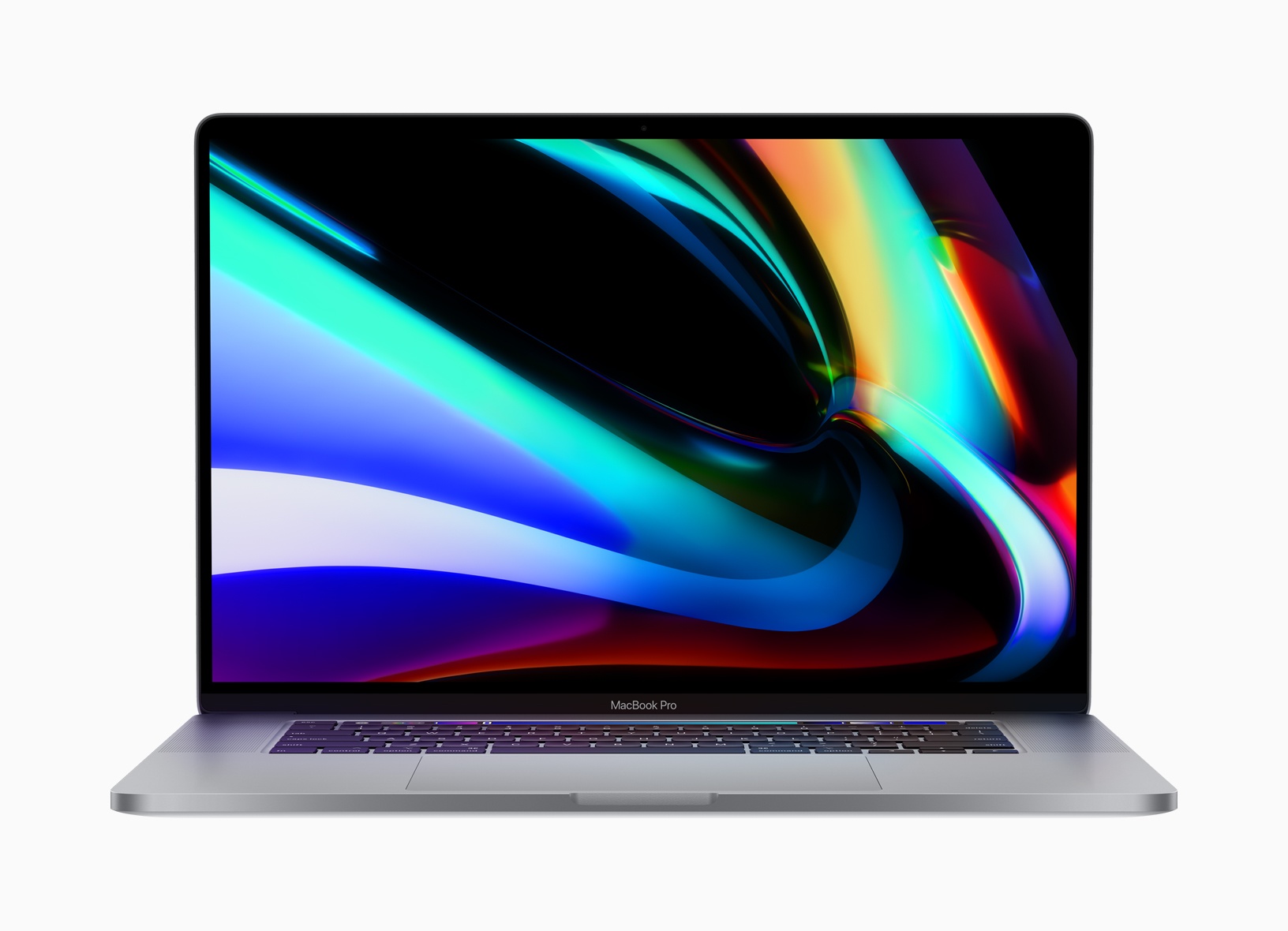
Catalina Developer Beta Changes How Mac Laptops Charge to Extend Their Batteries’ Lifespans

The developer beta release of macOS 10.15.5 has a new feature in the Energy Saver section of System Preferences called Battery Health Management that changes the battery charging behavior of Mac laptops with Thunderbolt 3 ports. According to a story by Jason Snell at Six Colors, Apple says:

…the feature is meant to reduce the rate of chemical aging of the MacBook’s battery, thereby extending its long-term lifespan—but without compromising on day-to-day battery life.

The feature works by analyzing the temperature of the battery over time, as well as the charging pattern the laptop has experienced—in other words, does the laptop frequently get drained most of the way and then recharged fully, or is it mostly kept full and plugged in?

Battery Health Management can be turned off by unchecking a box in System Preferences.

As Snell points out, Apple’s approach here is in contrast to what it did with the iPhone’s battery in 2017, which embroiled the company in controversy and ultimately, led it to issue a public apology. It’s good to see Apple take the initiative to explain how the new power management feature works and give users a way to turn it off when it makes sense, though I expect to leave it turned on most of the time myself.

Permalink

TV Forecast Review: An Elegant Way to Track Your Favorite Shows

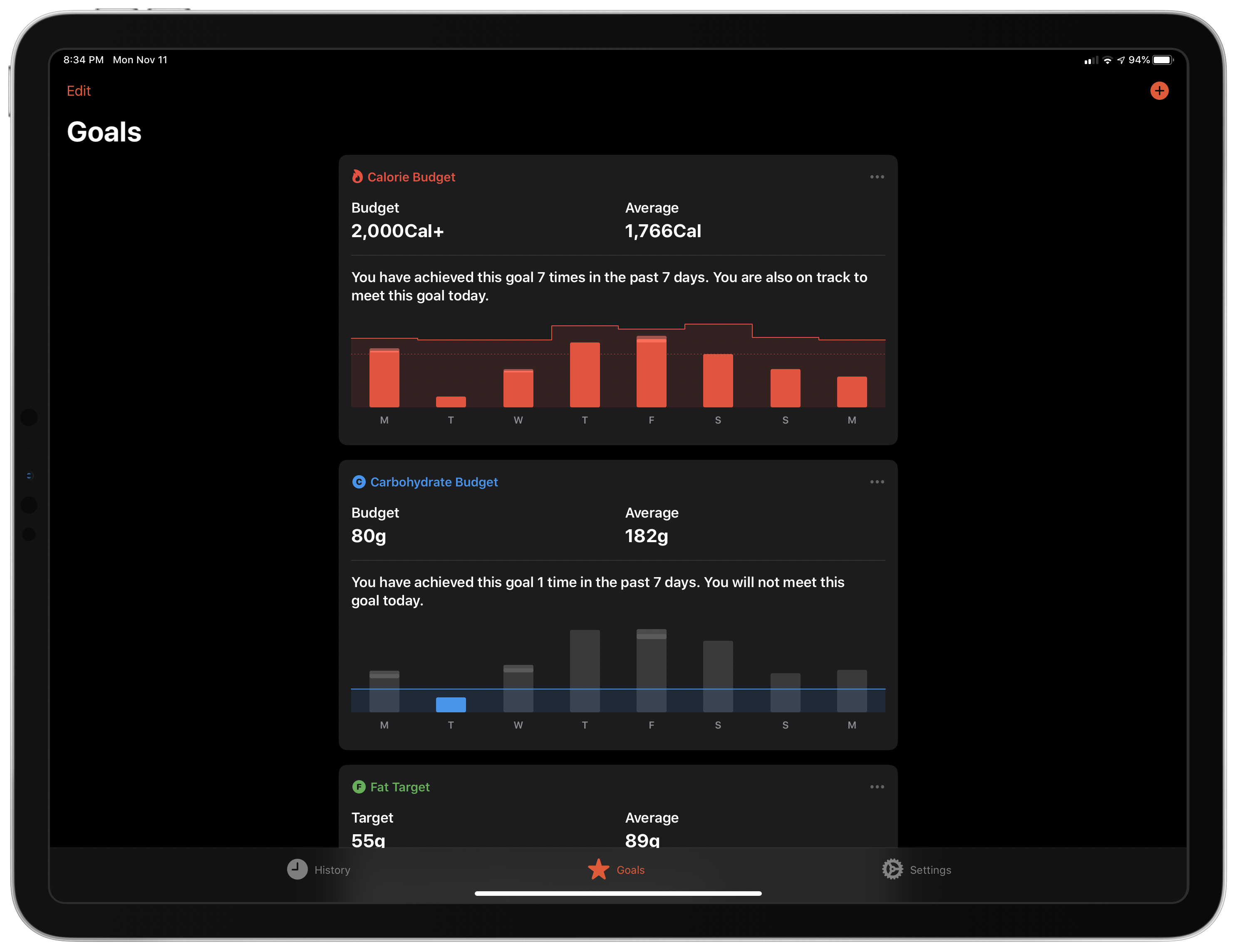
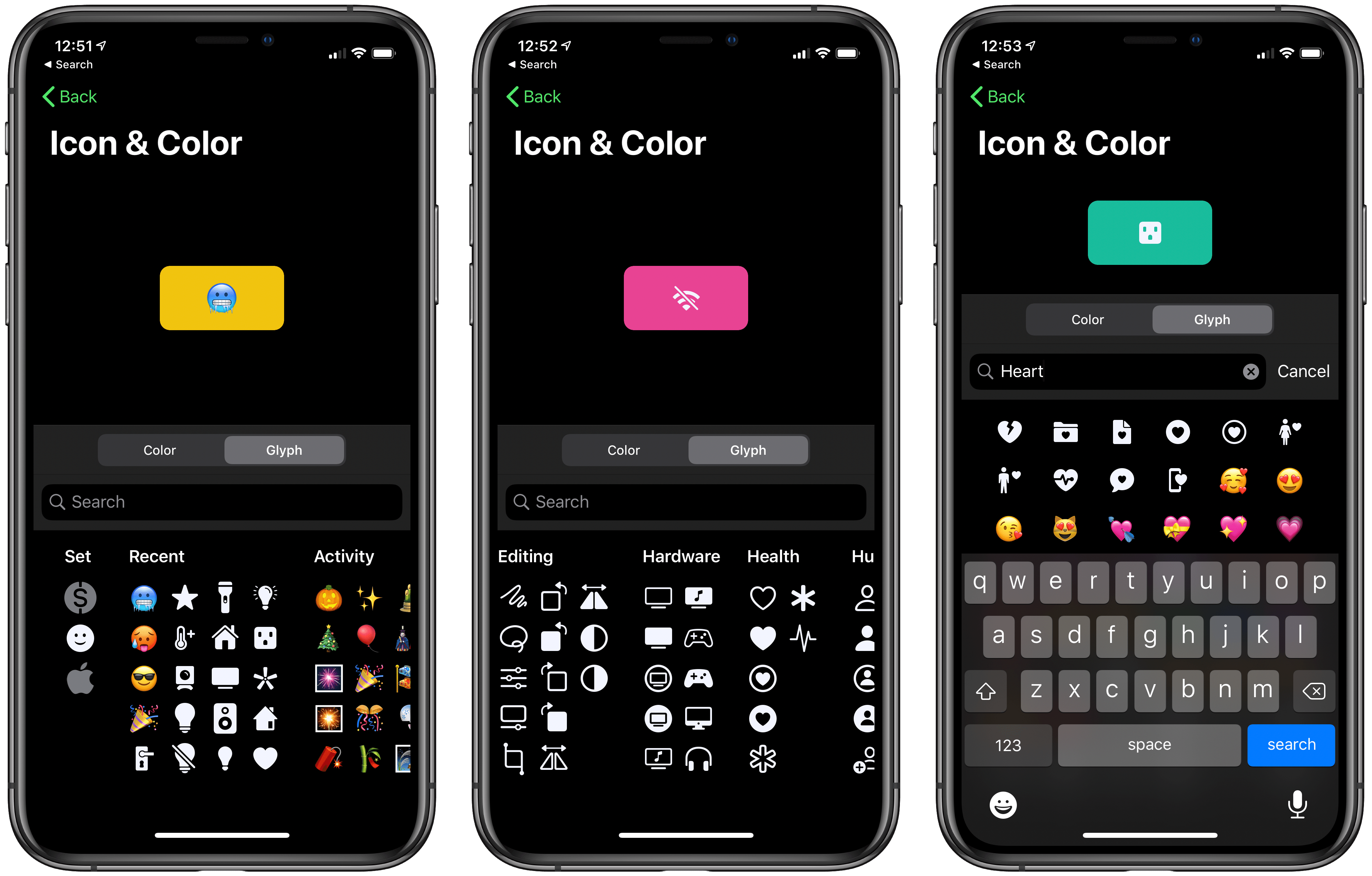
I’ve tried a lot of TV tracking apps and none ever stuck for long, until I tried TV Forecast. Some of the apps I’ve used had busy UIs, were hard to navigate, or just weren’t organized in a way that fits with how I watch TV. In contrast, I’ve been using TV Forecast for the last 11 months and absolutely love it. TV Forecast elegantly combines a simple, modern design aesthetic with smooth, fluid UI that carefully balances the shows you already watch with effortless browsing of new shows.

Read more


Halide Team Experiments with iPad Pro’s LiDAR Scanner

Source: Halide Blog

Source: Halide Blog

Sebastiaan de With, on the Halide blog, goes deep on the 2020 iPad Pro’s camera module. His examination reveals that the device’s wide camera is virtually identical to that of the 2018 model. And the ultra-wide camera, unfortunately, isn’t quite up to the quality level of what’s found in the iPhone 11 and 11 Pro.

The most exciting and impressive aspect of the camera system is the LiDAR Scanner. The Halide team actually went to the trouble of building an entire proof of concept app that utilizes the LiDAR Scanner to capture your surroundings.

With Halide, we’d love to use the depth data in interesting ways, even if it’s low resolution. There was only one problem: there are no APIs for us as developers to use to get access to the underlying depth data. They only expose the processed 3D surface.

What if we re-thought photographic capture, though? We built a proof-of-concept we’re calling Esper.

Esper experiments with realtime 3D capture using the cameras and LIDAR sensor at room scale. It’s a fun and useful way to capture a space.

I always love reading de With’s in-depth explanations and comparisons of new iPhone or iPad cameras, and this was an especially fun one.

Permalink