This Week's Sponsor:

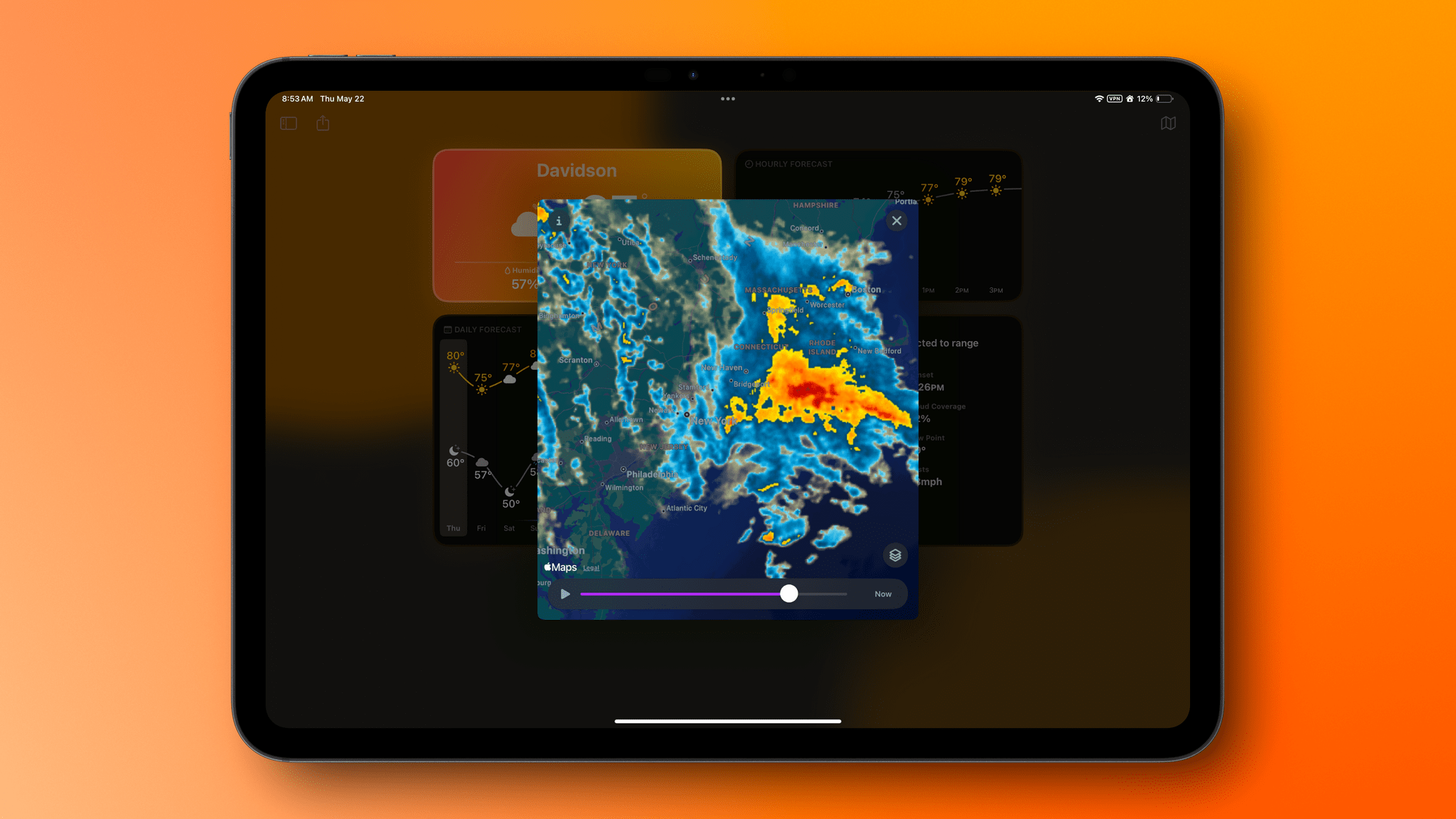
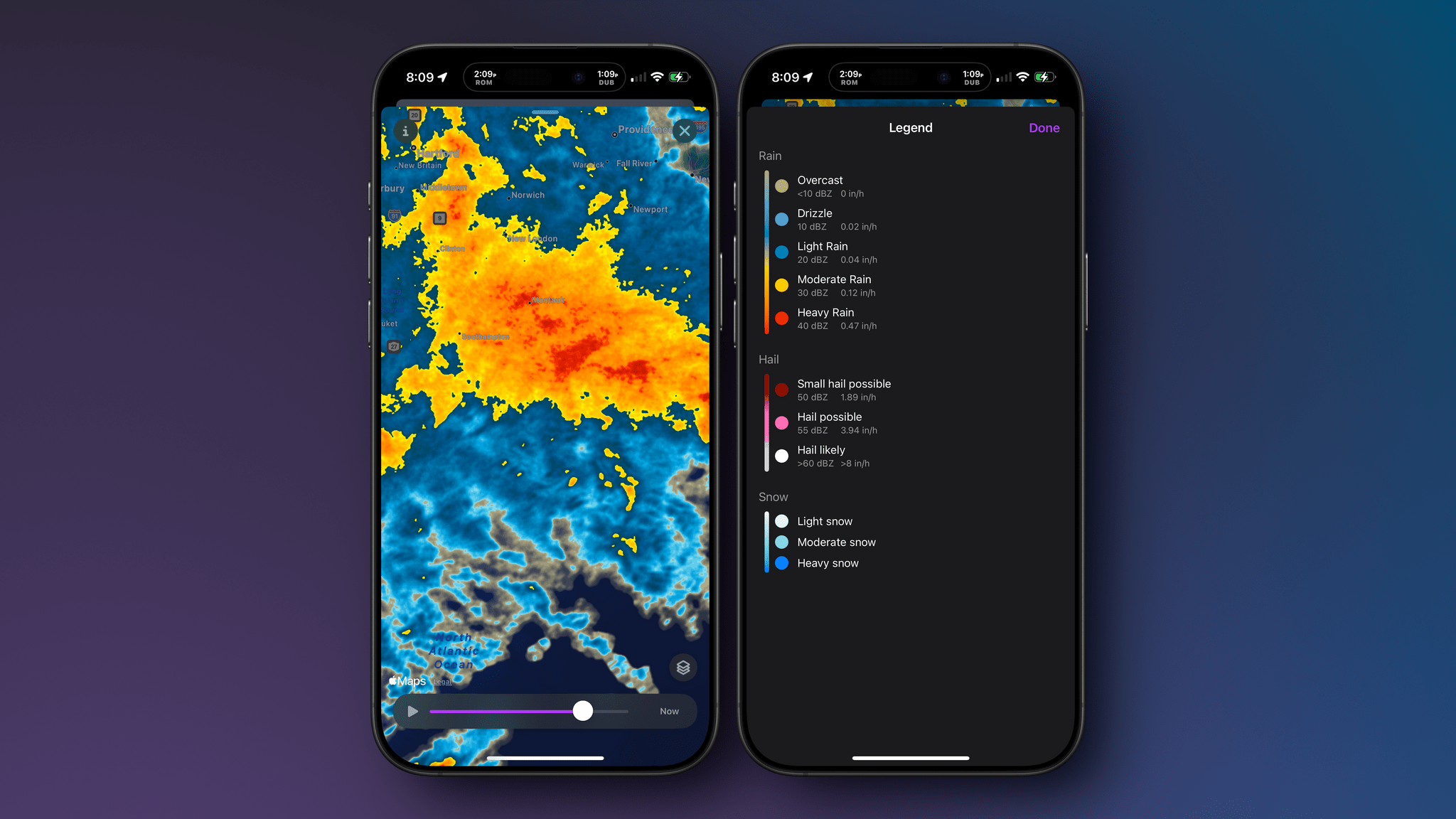
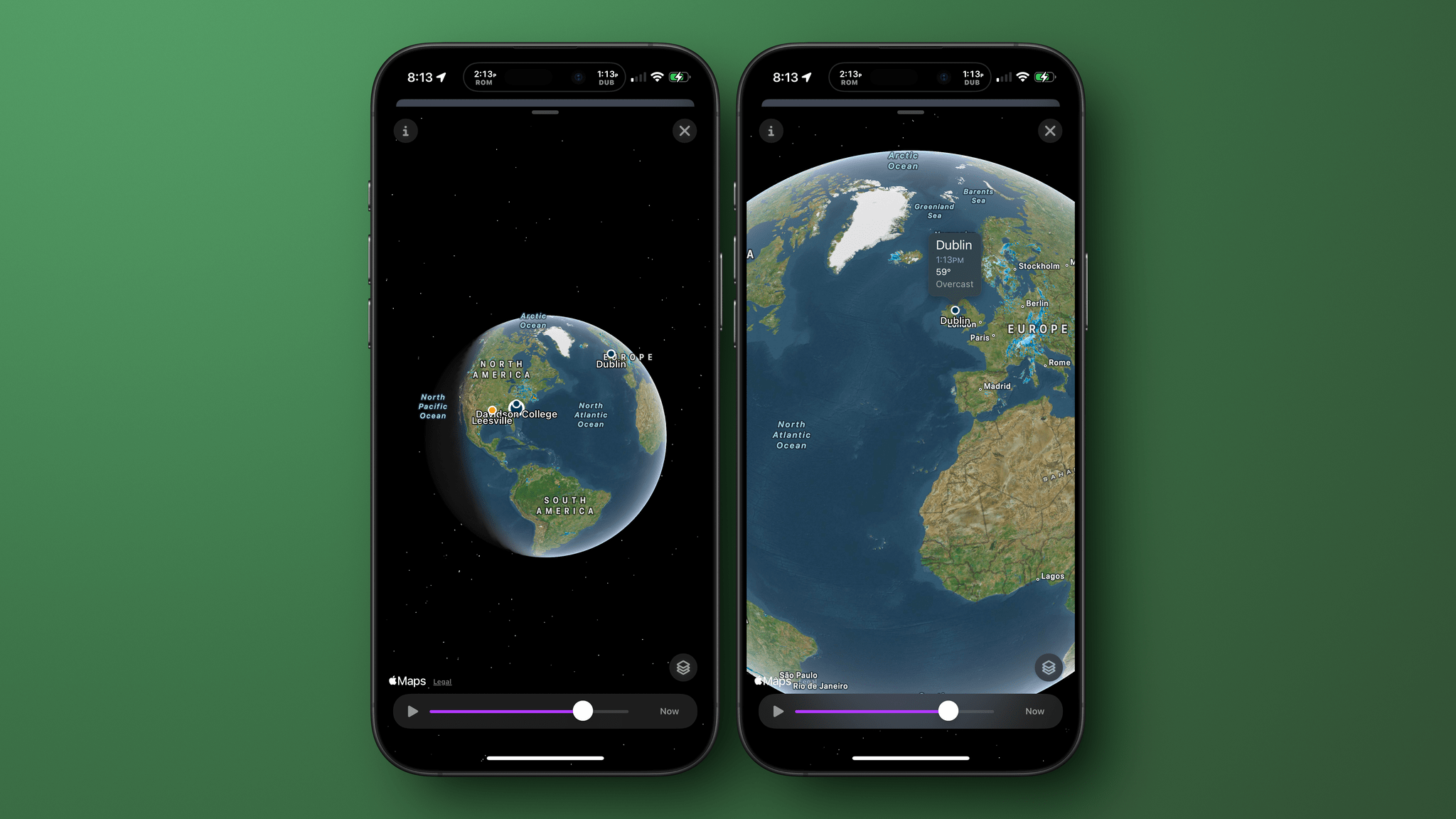
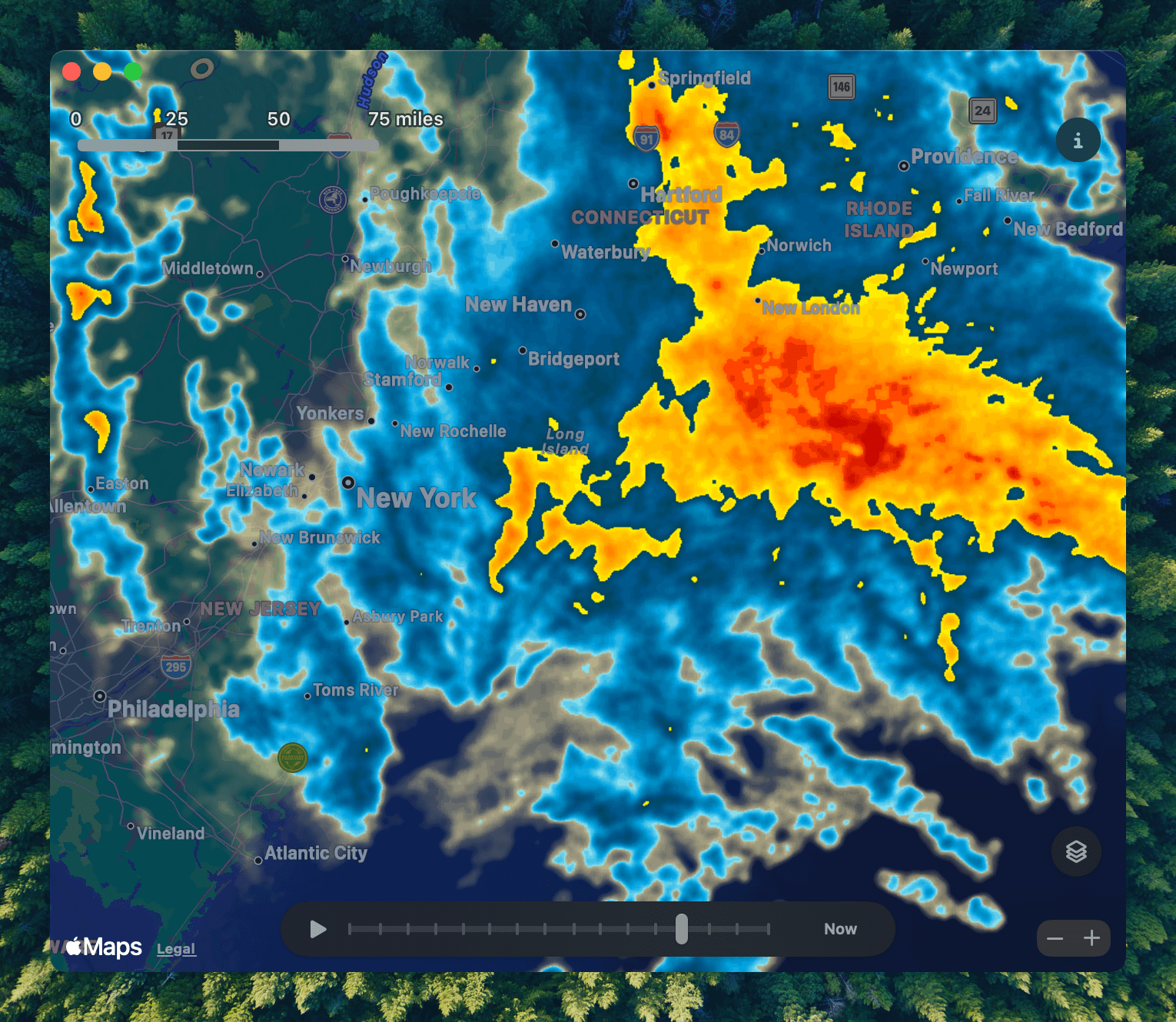
Turbulence Forecast

Know before you go. Get detailed turbulence forecasts for your exact route, now available 5 days in advance.


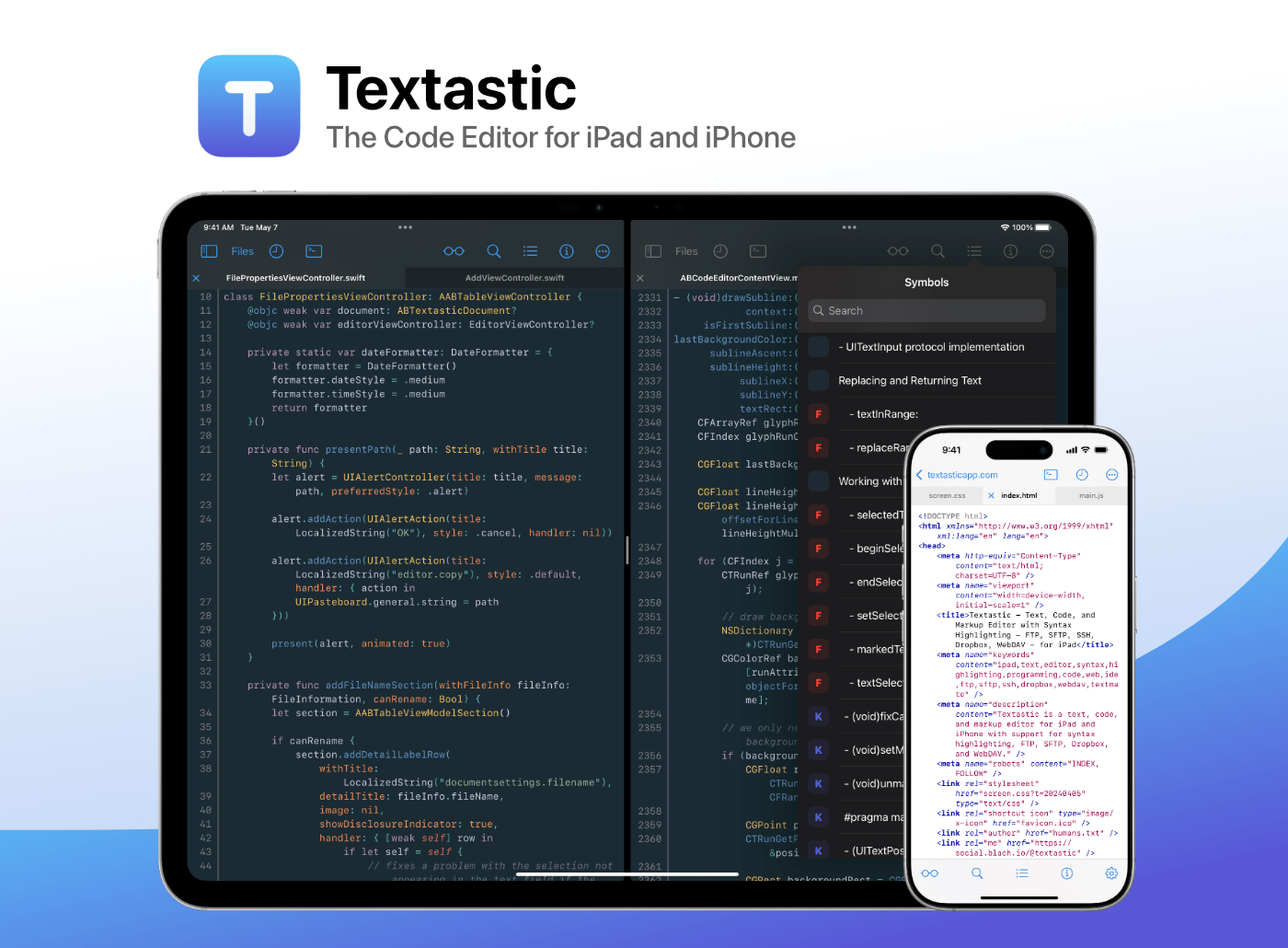
Textastic: The Powerful Code Editor for iPad and iPhone — Now Free to Try [Sponsor]

Boost your productivity with Textastic, the fast and versatile code editor for iPad and iPhone. Trusted by developers, web designers, and technical writers for over a decade, Textastic combines the polish of a native app with the flexibility and professional features you need.

And now, for the first time, it’s free to try!

Textastic is free to download with a 7-day trial and a variety of upgrade options—including a simple one-time purchase or a flexible subscription. You no longer need to pay upfront just to find out if it fits your workflow.

Textastic supports syntax highlighting for over 80 programming and markup languages—including web standards like HTML, CSS, and JavaScript; mobile and systems languages like Swift, Objective-C, and C++; and popular scripting languages and formats like Python, PHP, JSON, and Markdown. You can even add custom languages using Sublime Text or TextMate definitions.

With built-in support for SFTP, FTP, WebDAV, iCloud Drive, and Dropbox, Textastic goes far beyond the standard text editor. It even includes an SSH terminal. Work smoothly with multiple files and SSH sessions—use tabs or open files side-by-side in separate windows on iPad.

Flexible settings, powerful find-and-replace, and customizable keyboard shortcuts are just a few highlights. Textastic also supports the Files app, drag and drop, trackpad and mouse input, Split View, multiwindowing, printing, and more.

Whether you’re tweaking a website, reviewing code on the go, or writing Markdown notes, Textastic adapts to your workflow.

Ready to code? Download Textastic and start your free 7-day trial.

Our thanks to Textastic for sponsoring MacStories this week.


How Does This Keep Happening?

Today, Blue Prince, a critically acclaimed videogame appeared on Apple’s App Store. The trouble was, it wasn’t offered for sale by its developer, Dogubomb, or its publisher, Raw Fury. The real Blue Prince is only available on the Xbox, PlayStation, and PC.

What appeared on the App Store, and has since been removed, was an opportunistic scam as Jay Peters explained for The Verge:

Before it was removed, I easily found one iOS copy of the game just by searching Blue Prince on the App Store – it was the first search result. The icon looked like it would be the icon for a hypothetical mobile version of the game, the listing had screenshots that looked like they were indeed from Blue Prince, and the description for the game matched the description on Steam.

The port was available long enough for Blue Prince’s developer and publisher to post about it on Bluesky and, according to Peters, for the fake to reach #8 in the App Store Entertainment category. I feel for anyone who bought the game assuming it was legit given Peters’ experience:

I also quickly ran into a major bug: when I tried to walk through one of the doors from the Entrance Hall, I fell through the floor.

This isn’t the first time this sort of thing has happened. As Peters points out it happened to Palworld and Wordle too. Other popular games that have appeared on the App Store as janky scam ports include Cuphead, a version of Balatro that appeared before its official release on iOS, and Unpacking.

This seems like the sort of thing that could be fixed through automation. Scammers want users to find these games, so they can make a quick buck. As a result, the name of the game is often identical to what you’d find on the Steam, Xbox, or PlayStation stores. It strikes me that a combination of automated searching for the top games on each store, combined with an analysis of how quickly a game is moving up the charts would catch a lot of this sort of thing, flagging it for reviewers who could take a closer look.


By the way, if you haven’t tried Blue Prince, you should. It’s an amazing game and early contender for game of the year. You can learn more about the game and find links to where to buy it here. Also, Brendon Bigley, my NPC co-host, has an excellent written and video review of Blue Prince on Wavelengths.

Permalink

Tackling Trackers

This week, Federico and John tackle tracking apps. From database apps to media trackers, they consider what makes a good tracking app no matter what you’re tracking.

On AppStories+, Federico quizzes John about what’s on his desk, the tech he’d be happy to have a burgler steal, and more.


We deliver AppStories+ to subscribers with bonus content, ad-free, and at a high bitrate early every week.

To learn more about an AppStories+ subscription, visit our Plans page, or read the AppStories+ FAQ.


AppStories+ Deeper into the world of apps

AppStories Episode 433 - Tackling Trackers

0:00
35:23

AppStories+ Deeper into the world of apps

This episode is sponsored by:

  • WaterMinder – The Best Water Tracker App for Your Hydration Needs!


Tracking Apps


Leave Feedback for John and Federico

Follow us on Mastodon

Follow us on Bluesky


What Siri Isn’t: Perplexity’s Voice Assistant and the Potential of LLMs Integrated with iOS

Perplexity's voice assistant for iOS.

Perplexity’s voice assistant for iOS.

You’ve probably heard that Perplexity – a company whose web scraping tactics I generally despise, and the only AI bot we still block at MacStories – has rolled out an iOS version of their voice assistant that integrates with several native features of the operating system. Here’s their promo video in case you missed it:

This is a very clever idea: while other major LLMs’ voice modes are limited to having a conversation with the chatbot (with the kind of quality and conversation flow that, frankly, annihilates Siri), Perplexity put a different spin on it: they used native Apple APIs and frameworks to make conversations more actionable (some may even say “agentic”) and integrated with the Apple apps you use every day. I’ve seen a lot of people calling Perplexity’s voice assistant “what Siri should be” or arguing that Apple should consider Perplexity as an acquisition target because of this, and I thought I’d share some additional comments and notes after having played with their voice mode for a while.

Read more


MacStories Weekly: Issue 463

This week, in addition to the usual links, app debuts, and recap of MacStories' articles and podcasts:

  • Forklift, by John
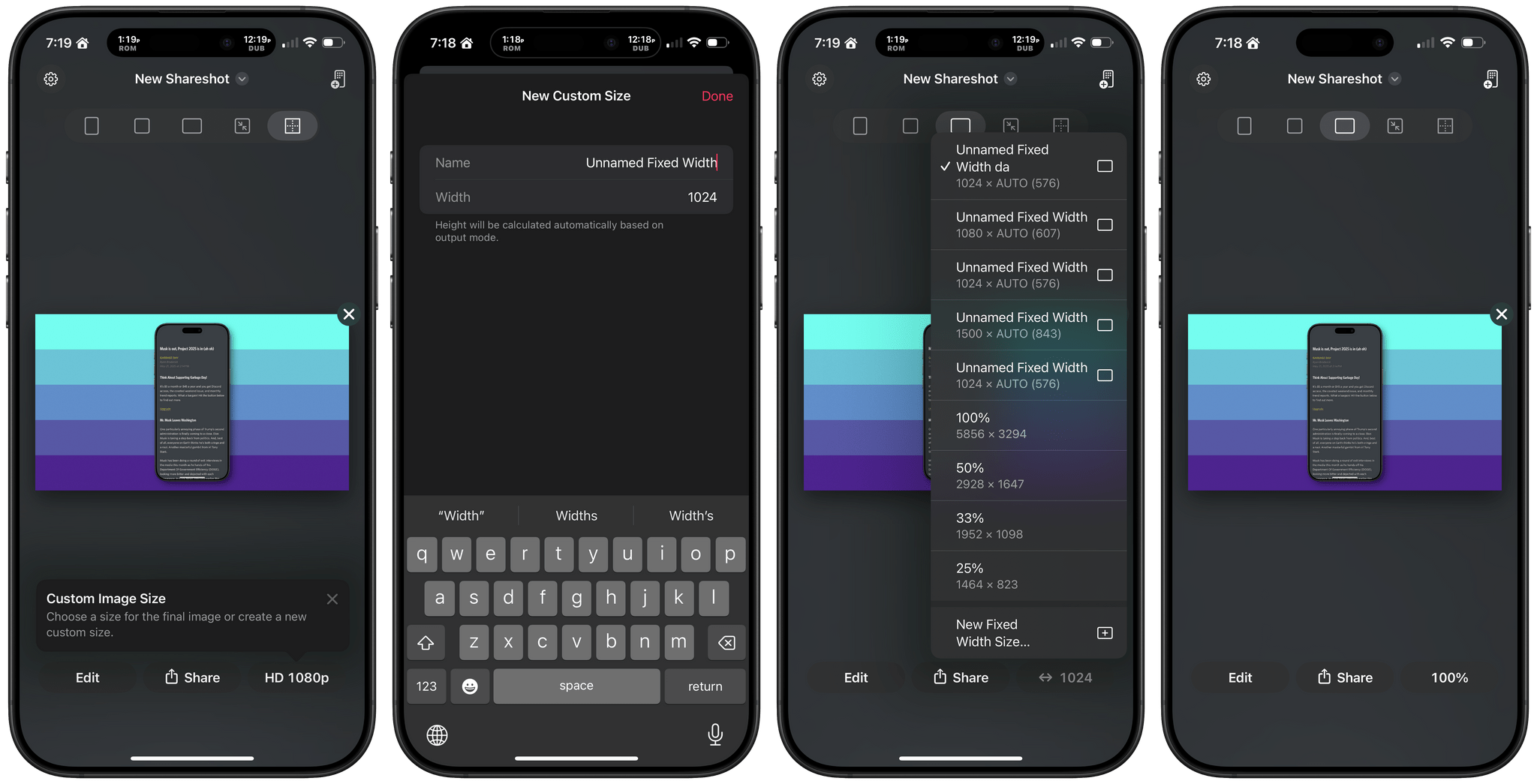
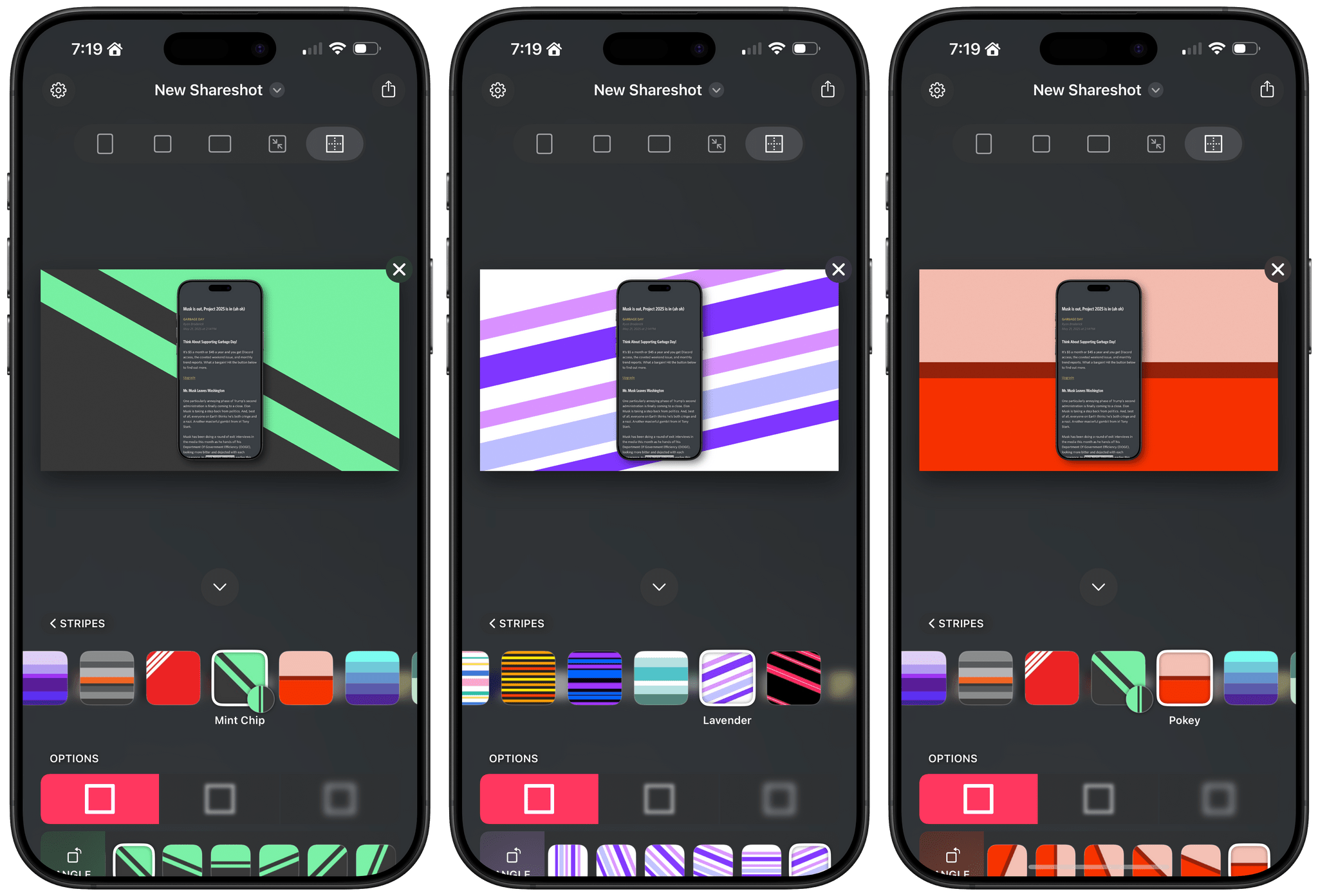
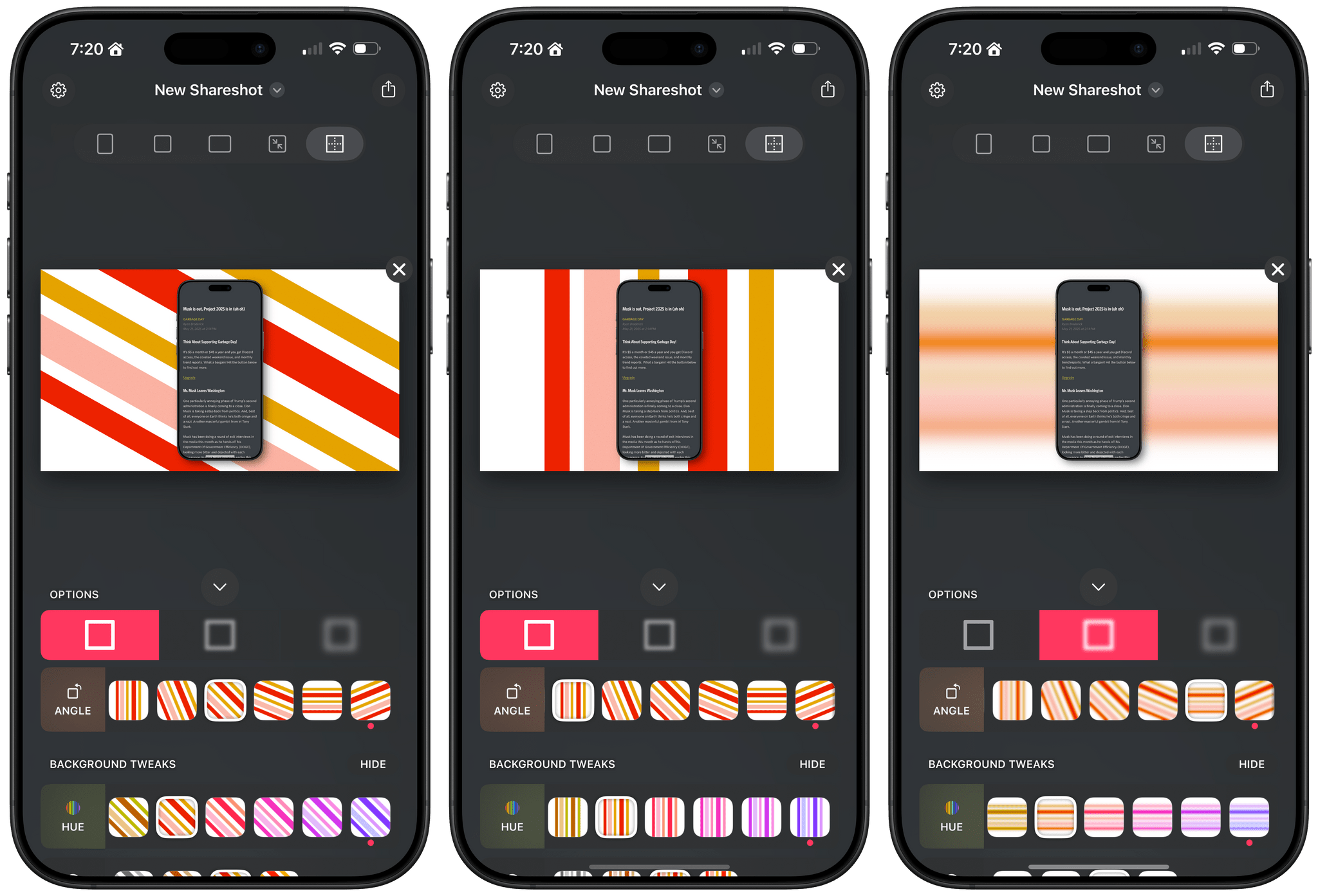
  • My Shortcut for Framing iPhone Screenshots on Backgrounds, by Jonathan
  • The Current State of Major LLMs and Their Shortcuts Integrations, by Federico
  • Transcribing Your Work Life, Shortcuts Via an MCP Server, and More, by Jonathan
Read more

Podcast Rewind: The Action Button, Fixing Finder, Vision Pro Antics, Crypto, and the Siri Remote

Enjoy the latest episodes from MacStories’ family of podcasts:

Comfort Zone

Matt finally found a new use for the action button, Niléane is here to fix your Finder, and Chris raises the bar in the challenge in a way no one saw coming.


MacStories Unwind

This week, Federico gets silly with the Vision Pro, and John learns about crypto – typical Unwind stuff.


Magic Rays of Light

Sigmund and Devon share their hopes for the next Siri Remote and recap Apple Original medical drama Berlin ER.

Read more


Framous 1.2: An Indispensable Screenshot Utility

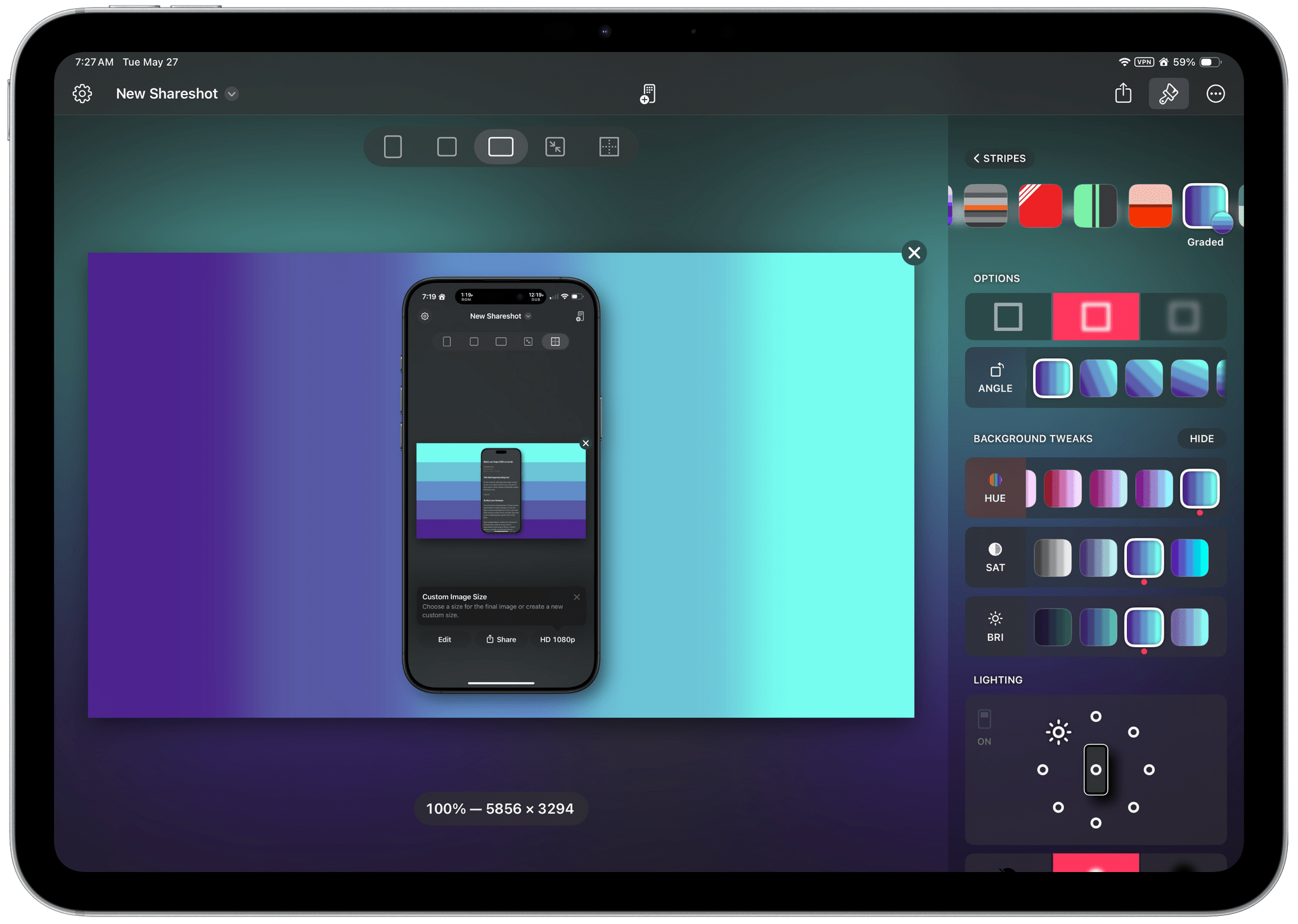
For a long time, the go-to method for quickly framing a screenshot taken on an Apple device was Federico’s excellent Apple Frames shortcut. Iterating on it each year, he even added an API for expanded customization. It’s still a terrific way to create a device-framed screenshot in a pinch, but due to the limitations of Shortcuts, you can’t manually adjust the layout of multiple screenshots or their output sizes.

Within the last year, not just one, but two well-made screenshot-framing apps have come on the scene. The first was Shareshot for iPhone, iPad, Vision Pro, and, more recently, Mac. John reviewed Shareshot in August of last year and came away impressed, but with a few reservations. In February, Dark Noise developer Charlie Chapman released his take on this new kind of app with Framous for macOS. At launch, the app showed promise but lacked a lot of features that I and many others desired. Version 1.2, available now, is a stacked release that adds a vast number of requested capabilities and customizations. Let’s take a look.

Read more


Podcast Rewind: Practical Uses for AI and Summertime Handheld Gaming Fun

Enjoy the latest episodes from MacStories’ family of podcasts:

AppStories

This week, Federico and I revisit the fast-paced world of artificial intelligence to describe how we use a variety of AI tools in our everyday workflows.

This episode is sponsored by:

  • Notion – Try the powerful, easy-to-use Notion AI today.

NPC: Next Portable Console

This week, Federico and I hold down the fort without Brendon, discussing U.S. Switch 2 pre-orders, Super Mario Kart World, upcoming hardware from Epilogue, Playdate’s Season 2, Razer Remote Play, and more.

NPC XL

This week on NPC XL, Federico and I flip out over the Retroid Pocket Flip 2, sharing their first 24-hours with the clamshell handheld.

Read more


Contabulation

Rumors have been flying for a while about a planned redesign for iOS 19. One of the rumors is that iOS tab bars will support search bars, which led Ben McCarthy, the developer of Obscura, to write a terrific breakdown of how tab bars should be used:

If search is the primary form of navigation, as in Safari, Maps, or Callsheet, it should be at the bottom. If a search bar is just used for filtering content already on screen, then it can make more sense to leave it at the top, as scrolling is probably the more natural way to find what you’re looking for (the Settings app is a good example of this). So I’m delighted at the rumours that iOS 19’s Tab Bars can adapt into Search Bars when needed. I think it’ll be [a] big improvement and allow for more flexible navigation patterns with less code.

But Ben didn’t just provide pointers on how tab bars should be used. They also explained that tab bars:

  • should support actions and context menus,
  • accommodate more than five tabs,
  • and allow for user-generated tabs, something that is common on macOS.

It’s a great post, well worth studying as we wait to see whether and how far Apple will go in modifying the tab bar. As Ben notes, the tab bar has been around since the beginning of the iPhone, has changed very little, and is due for a redesign. I agree.

Permalink