
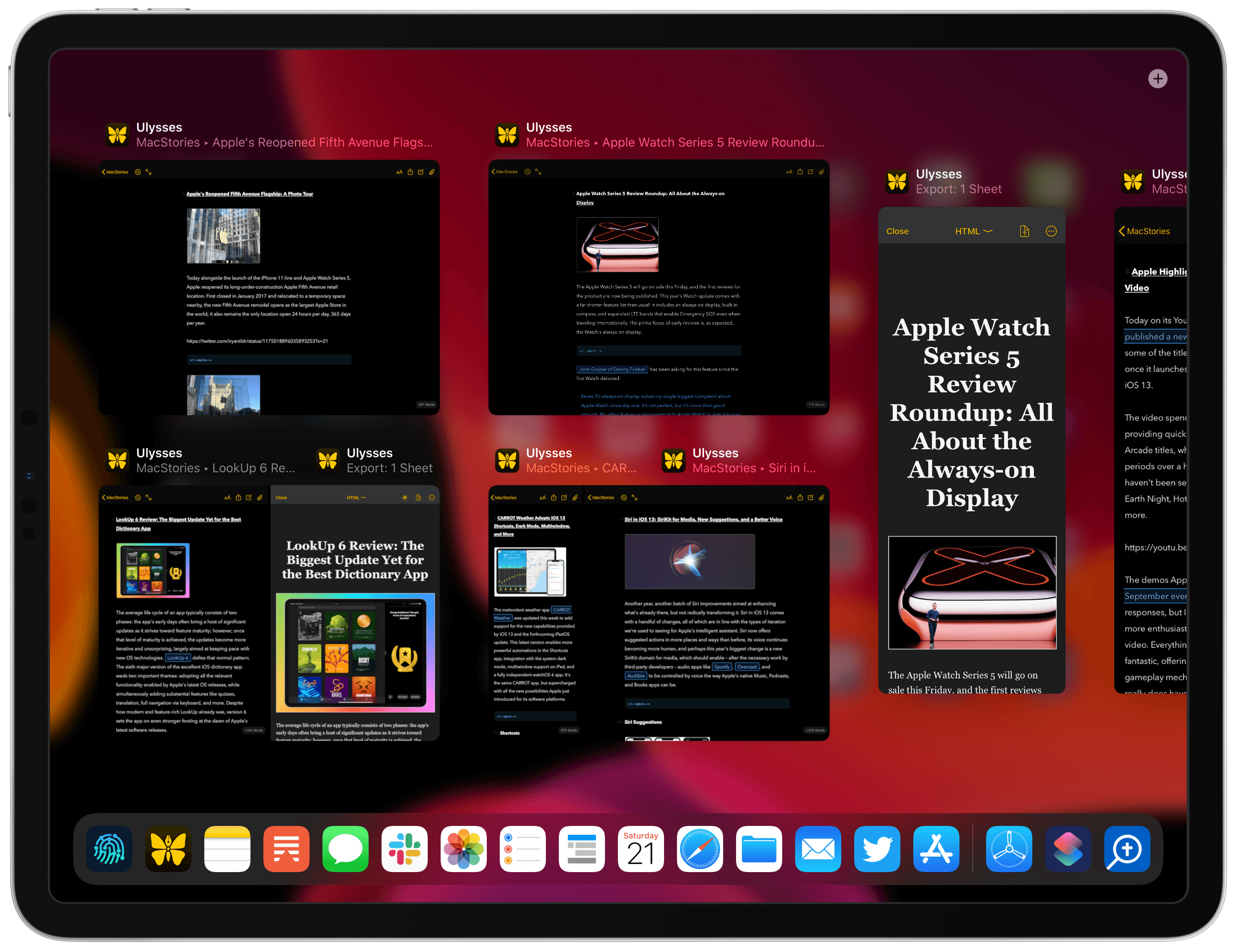
Earlier this year Ulysses debuted the best implementation I had seen of single-app split view on iPad, enabling working in two documents at once or editing a document while simultaneously seeing its export preview. In today’s Ulysses 18 release, that proprietary implementation has been replaced by iPadOS’ native multiwindow capabilities, bringing more power and flexibility than was previously available. Today’s update also integrates with iOS 13’s dark mode and other new design elements, makes automation easier than ever with Shortcuts parameters, and offers a gift to Dropbox users who have long had their Ulysses capabilities restricted.
Ulysses Adopts Multiwindow, iOS 13 Design Updates, and Modern Shortcuts
NotePlan: The All-in-One Calendar, To-Dos and Notes App [Sponsor]
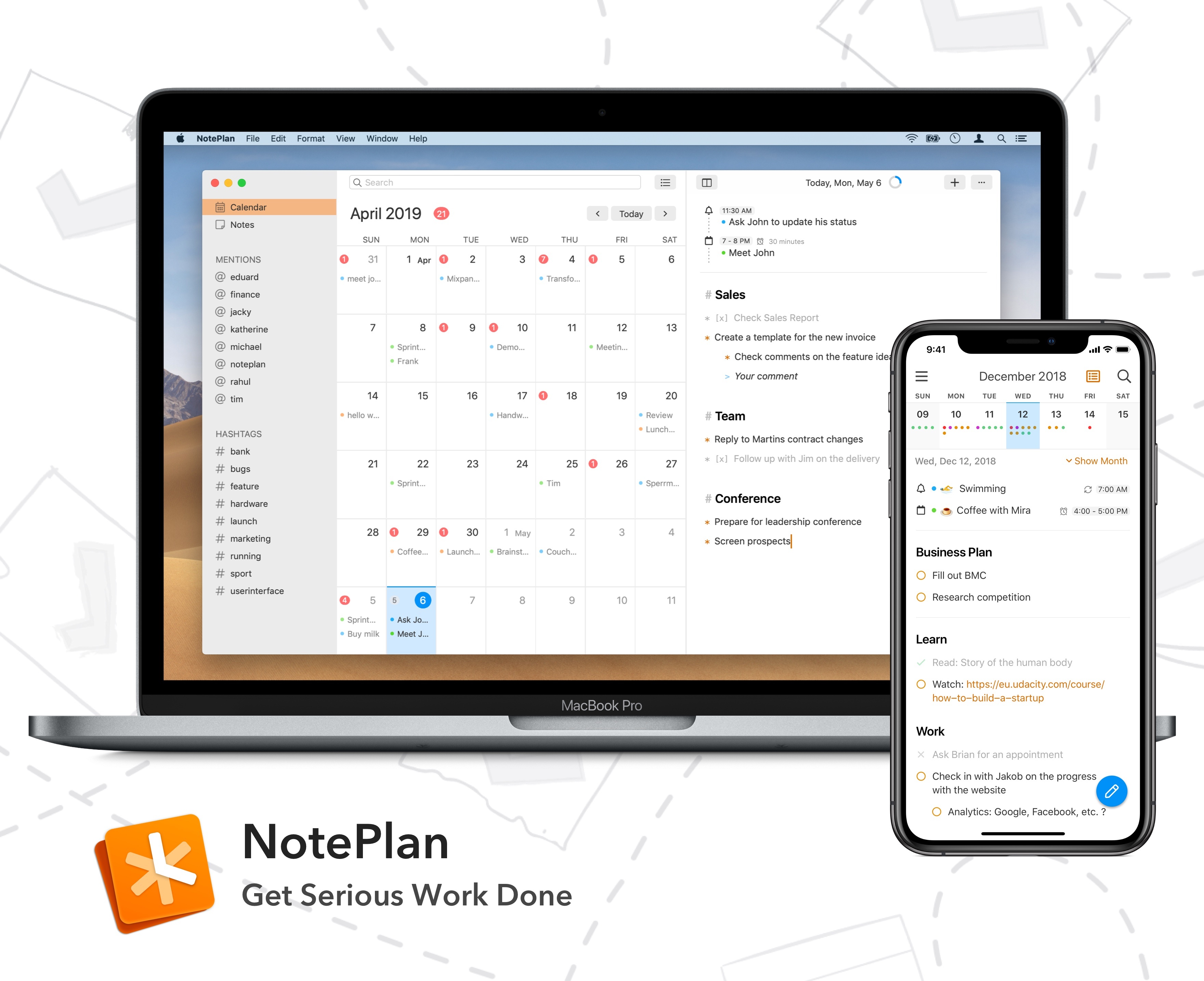
Every day is full of appointments, tasks, and meetings. Managing it all is hard, but it doesn’t have to be. With NotePlan for the Mac and iOS, you can manage your calendar, to-dos, and notes in one place so you can concentrate on getting your work done instead.
NotePlan helps you effortlessly capture all the bits of data that inundate you every day: dates, times, phone calls, meetings, follow-up tasks, and more. Nobody wants to spend their day on managing those things. By focusing on getting the information out of your head and into NotePlan in plain text, NotePlan helps you recapture your time and focus on being creative.
The app integrates with Apple’s Calendar and Reminders app, which handles keeping all your devices in sync via iCloud. There are weekly and monthly calendars to give you a bird’s eye view of your workload, which will help prevent you from becoming overwhelmed. Reviewing and managing open tasks and deadlines is trivially easy with NotePlan too. On top of that, notes are perfect for brainstorming, saving links, taking meeting notes, or storing reference materials. NotePlan is highly-customizable too with handsome light and dark themes as well as tagging for organizing and wiki-style linking between notes.
Visit NotePlan’s website today to learn more and start getting serious work done. NotePlan has a special deal just for MacStories readers too. Use this link for 10% off when you purchase NotePlan for Mac directly.
Our thanks to NotePlan for sponsoring MacStories this week.
tvOS 13: The MacStories Review
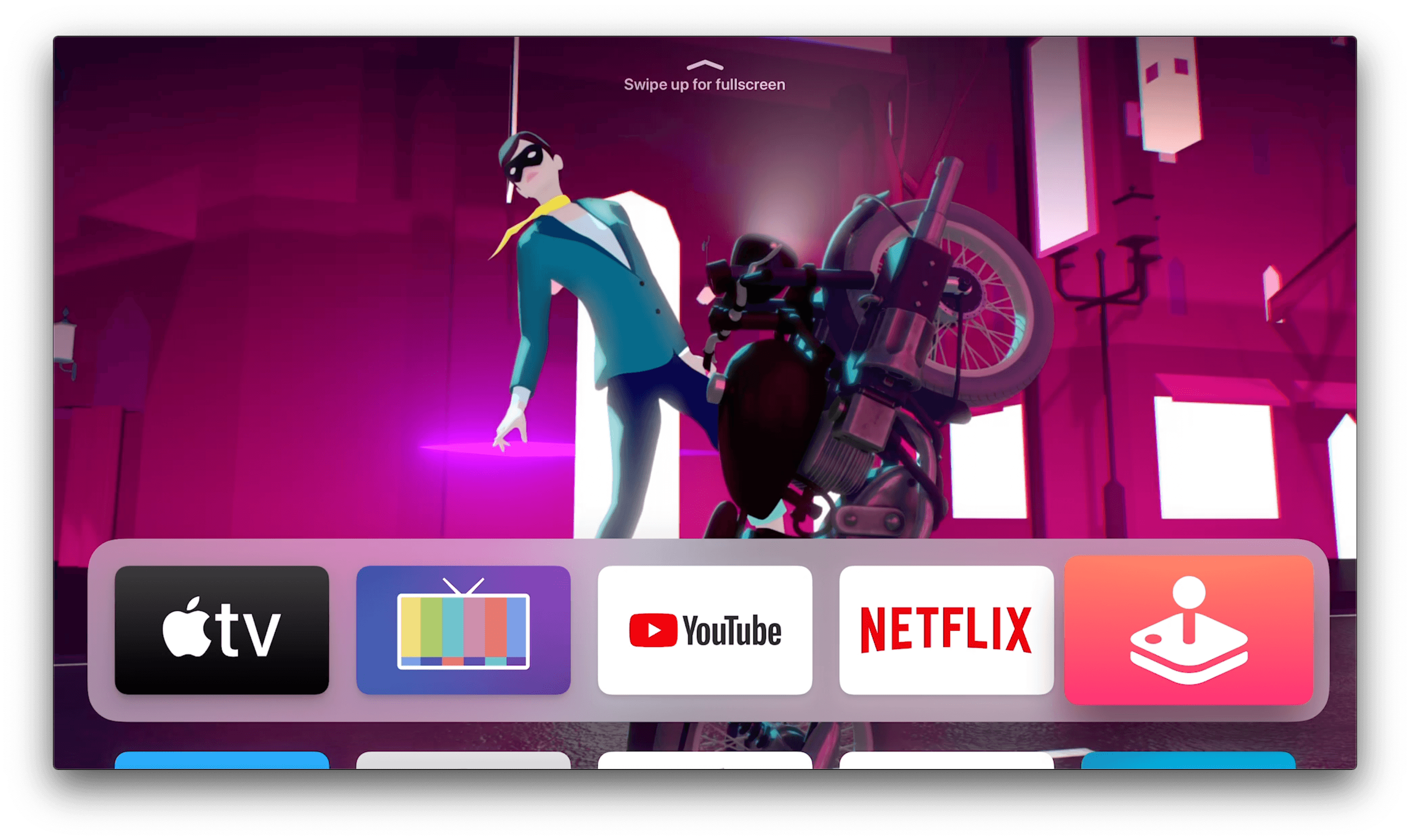
tvOS 13 is a surprising release. For years Apple has been pushing the TV app as the main draw of the Apple TV, then earlier this year it brought the app to Samsung TV sets with the promise of further expansion to Roku and Amazon Fire TV devices, along with a smattering of other TV sets. The proliferation of the TV app made the Apple TV seemingly less important to Apple, but in fact with tvOS 13, available now, Apple has launched the biggest tvOS update ever. Before getting too excited, know that the bar for “biggest ever” is extremely low in the case of tvOS, but nevertheless in a year when the Apple TV felt more marginalized than ever, it’s great to see new life breathed into the device.
On the heels of Apple TV Channels debuting earlier this year, and the new Apple TV+ streaming service launching in a matter of weeks, Apple has given the Apple TV an updated Home screen, multi-user functionality, brilliant new underwater screensavers, Picture in Picture, Apple Arcade aided by PS4 and Xbox One controller support, and even more. While it can’t compare to the behemoth release that was iOS 13, tvOS 13 remains a strong update in its own right.
 MacStories Weekly: Issue 193
Shortcuts Corner: Search YouTube, Preview Folder Contents, and Play Recent Music Albums
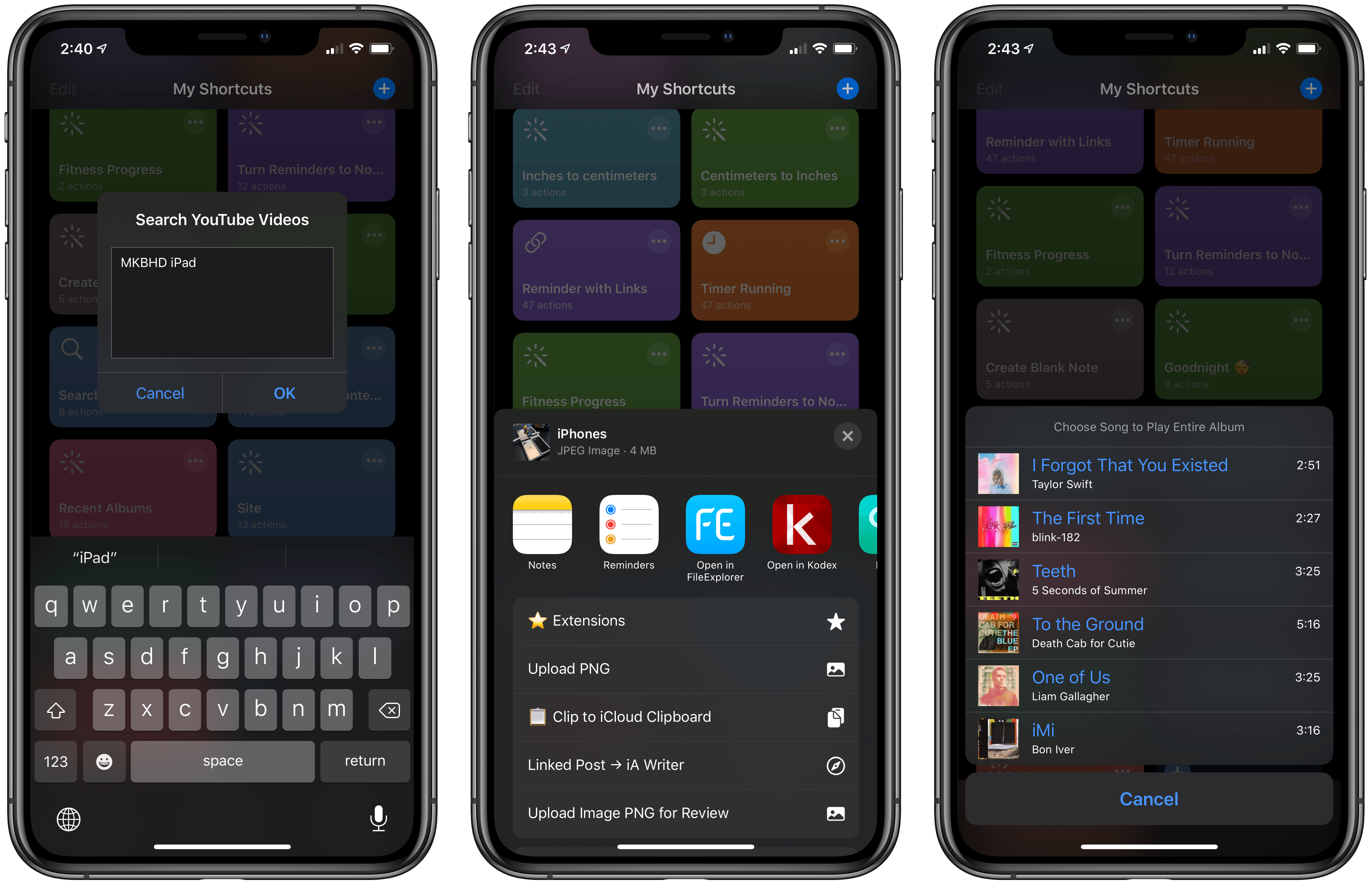
As I explained in today’s issue of MacStories Weekly for Club MacStories members, we’re bringing the newsletter’s Shortcuts Corner section to the site, with a twist: in this series, you’ll find simpler shortcuts that you can download for free, and which will be added to the public MacStories Shortcuts Archive; you’ll also get a preview of an exclusive shortcut available today for Club MacStories members.
In this week’s Shortcuts Corner, I share shortcuts to quickly launch a search query in the YouTube app, preview the contents of a folder in iCloud Drive, and start playback for one of your recently played albums in the Music app. Let’s dive in.
Connected, Episode 262: The Ghost of Bilateral Charging→
On this week’s episode of Connected:
There’s a lot going on: new iPhones, the new Apple Watch, iOS 13.1, Shortcuts updates and more. That’s not to mention the Galaxy Fold, iCloud woes and whatever Amazon has announced.
You can listen below (and find the show notes here).





Sponsored by:
- Pingdom: Start monitoring your website performance and availability today, and get instant alerts when an outage occurs or a site transaction fails. Use offer code CONNECTED to get 30% off.
- TextExpander, from Smile: Unlock your productivity with TextExpander. Get 20% off with your first year.
- Freshbooks: Online invoicing made easy.
Home+ 4 Released with Refreshed Design and iOS 13 Features
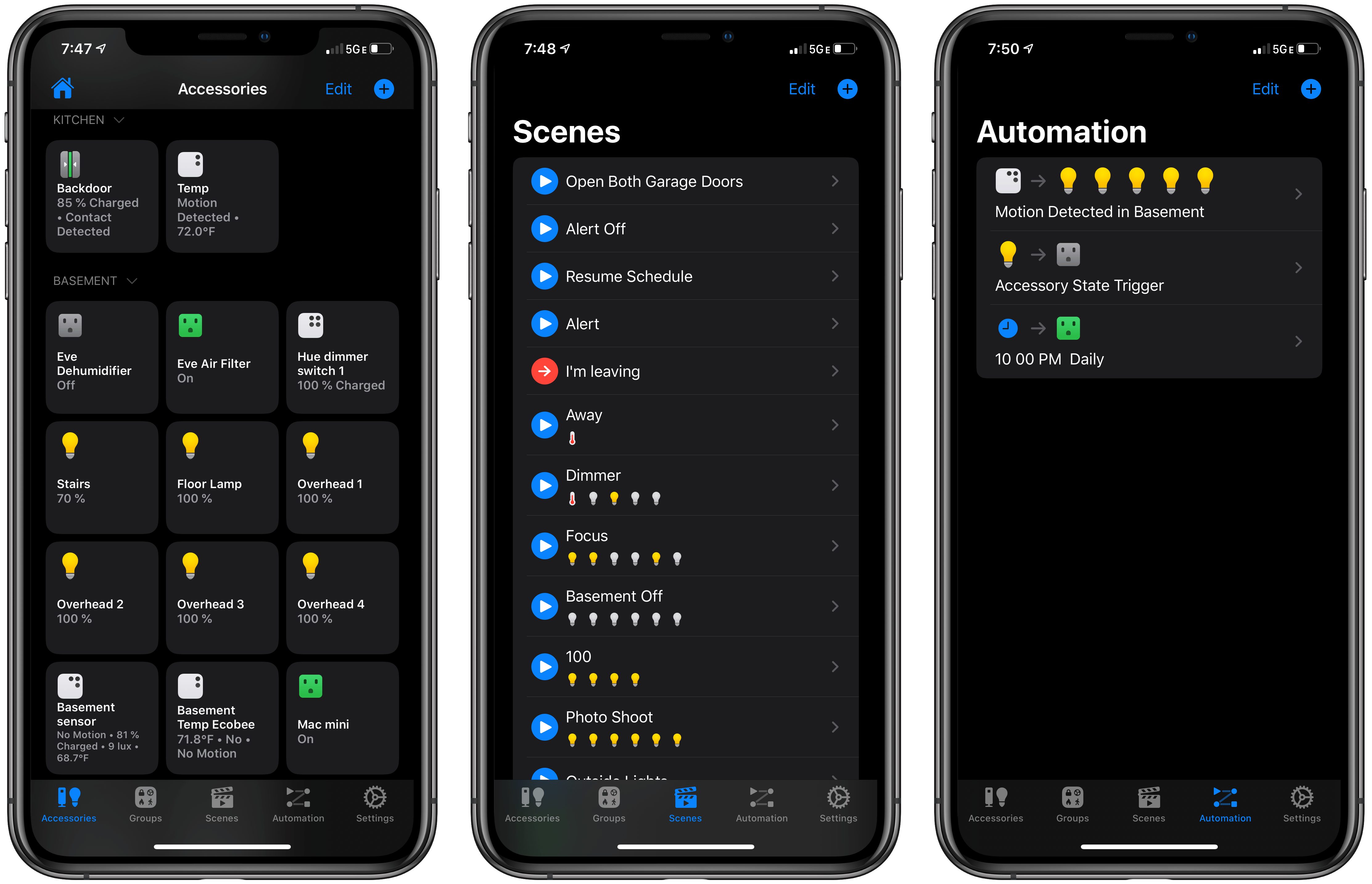
What Apple’s Home app lacks in flexibility and power-user features, Mathias Hochgatterer makes up for with his similarly-named app Home+ 4. The app, which adds a ‘+’ in its name with this update to avoid confusion with Apple’s app, is as capable as ever, but with a reimagined design that adopts new iOS 13 features and adds even more flexibility for automating your HomeKit devices.
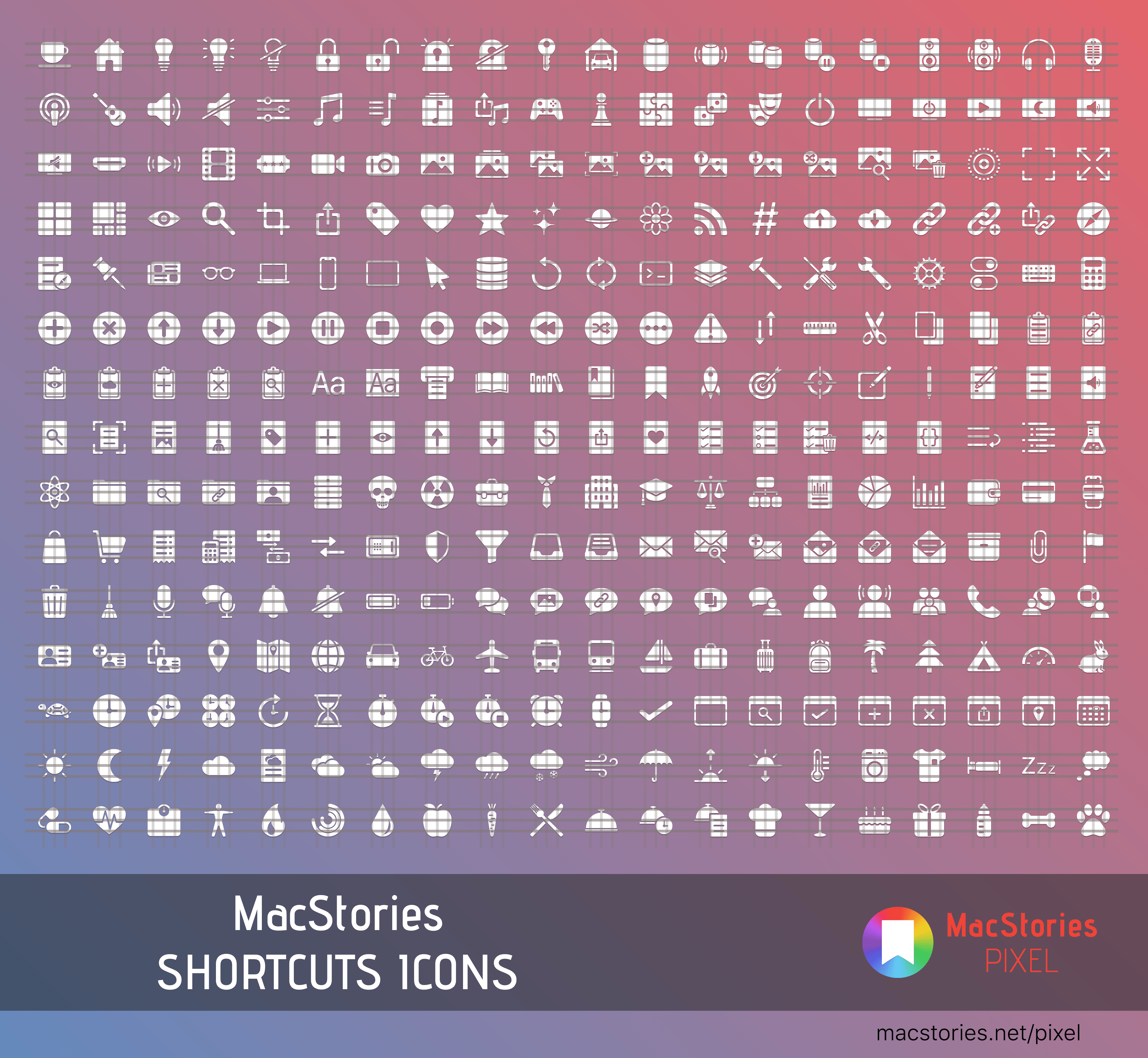
Introducing MacStories Shortcuts Icons: 300 Custom Home Screen Icons for Your Shortcuts
Update: October 18, 2019: MacStories Shortcuts Icons has received its first free update, which adds 50 new icons to the set. You can read more here.
I’m thrilled to announce MacStories Shortcuts Icons, a set of 300 custom icons for shortcuts added to your Home screen, designed by the MacStories team.
Here’s the short version of this story: the set contains 300 Home screen icons, it has been specifically designed with Shortcuts users in mind, and it works on both iPhone and iPad. It’s available today at $14.99 and you can buy it here.
If you’re a Club MacStories member, check your member area for a discount code first: for you, the set is 33% off, so you can purchase it at $9.99.
You can find a complete preview of MacStories Shortcuts Icons’ 300 glyphs here..
With these icons, you’ll have more options than what is provided by default in the Shortcuts app for Home screen icons. There are no workarounds, no hacks: our icons can be installed using a native feature of Shortcuts supported in the just-released iOS and iPadOS 13.1.
And here’s the best part: MacStories Shortcuts Icons will keep the original colors of your shortcuts, so you’ll be able to create Home screen shortcuts that are consistent with the app, yet unique and personal. MacStories Shortcuts Icons is the first Shortcuts-specific icon set to support this.
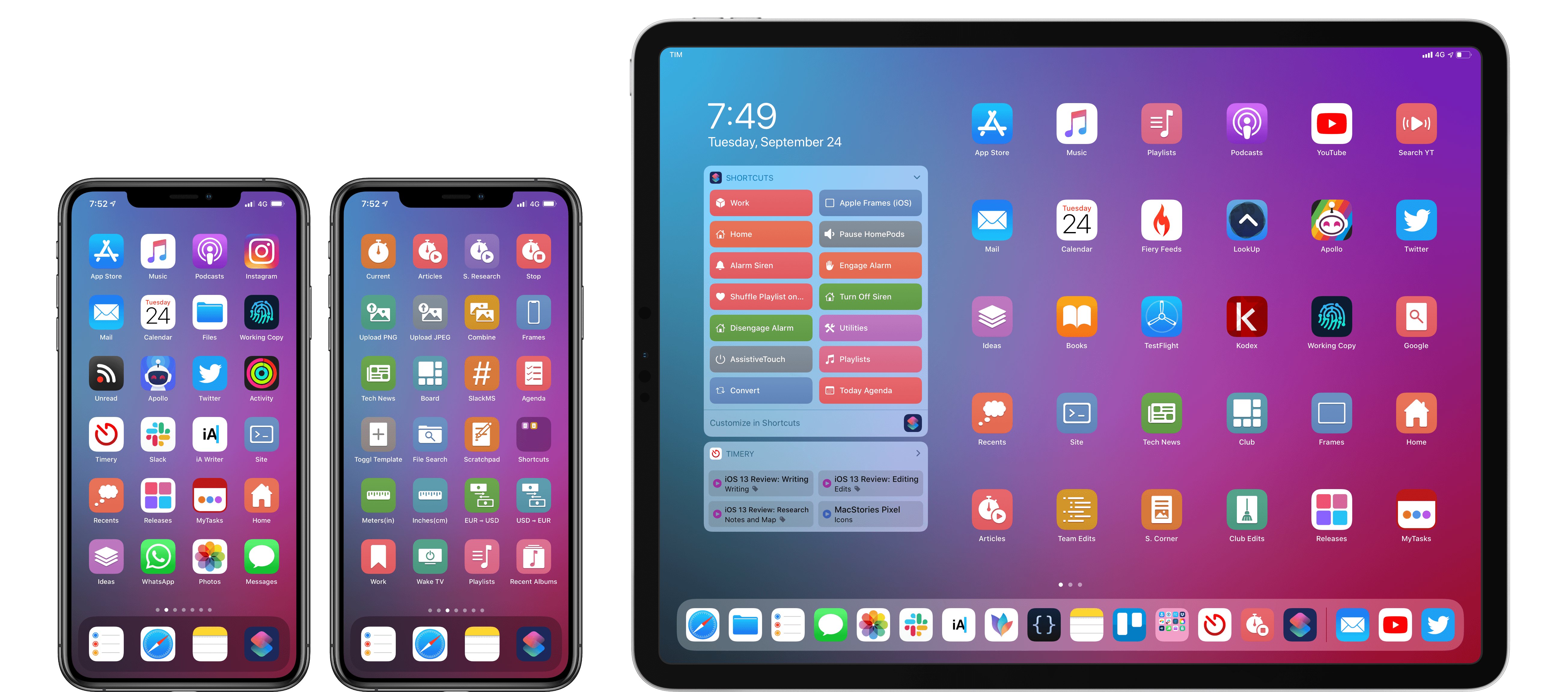
Here are actual examples of my iPhone and iPad Home screens, which I updated using MacStories Shortcuts Icons:
We’ve teamed up with our designer Silvia Gatta for this set, which is the first product we’re launching under the new MacStories Pixel brand.
We spent months crafting MacStories Shortcuts Icons with attention and care for the Shortcuts community, and I’d love for you to check it out.
Now, let me share a few more details on how MacStories Shortcuts Icons came to be.
Drafts 15 Review: Multiwindow, Shortcuts, and More
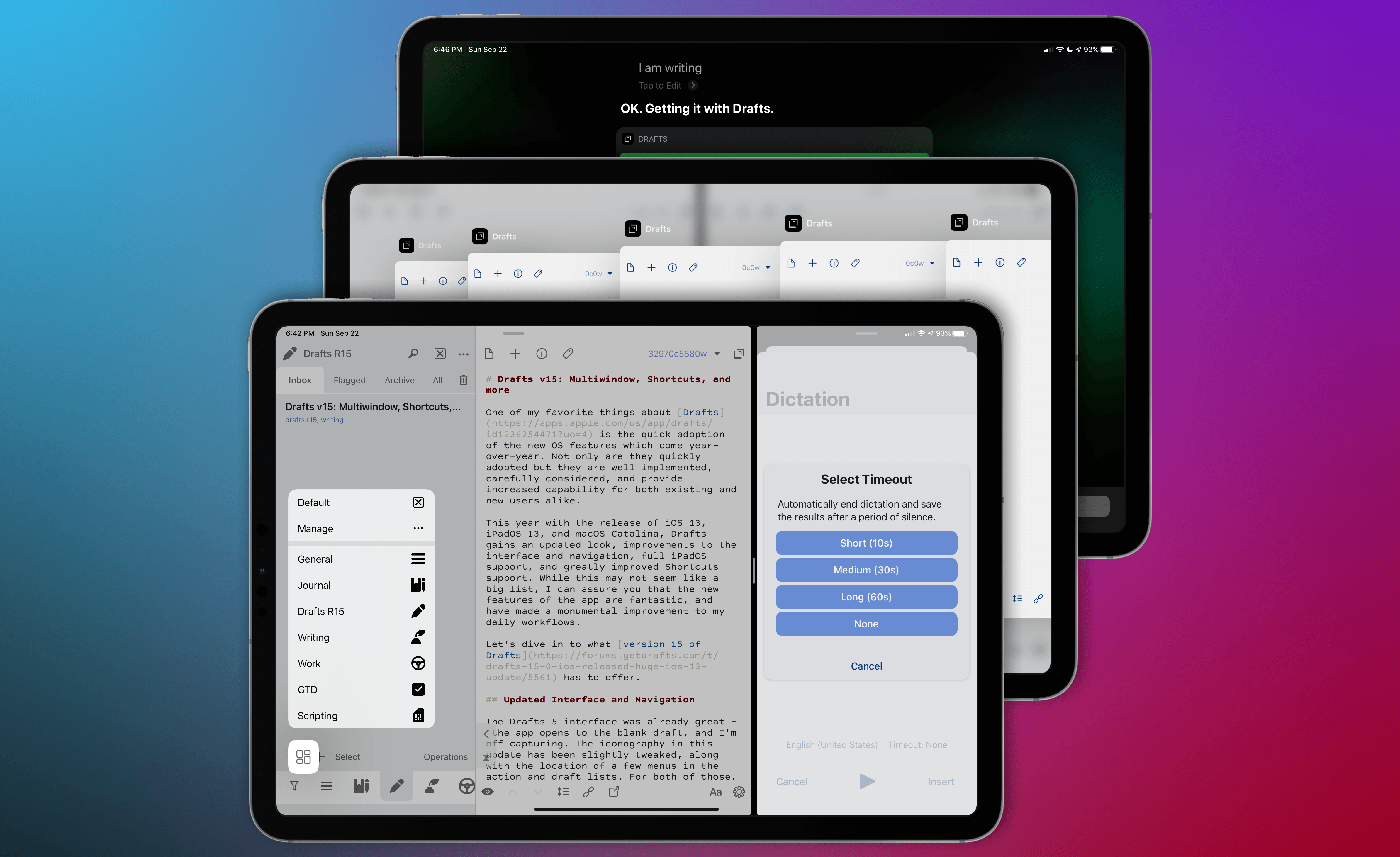
One of my favorite things about Drafts is its quick adoption of the new OS features that come year-over-year. Not only are they quickly adopted, but they are well implemented, carefully considered, and provide increased capability for both existing and new users alike.
This year with the release of iOS 13, iPadOS 13, and macOS Catalina, Drafts gains an updated look, improvements to the interface and navigation, full iPadOS support, and greatly improved Shortcuts integration. While this may not seem like a big list, I can assure you that the new features of the app are fantastic, and have made a monumental improvement to my daily workflows.
Let’s dive in to what version 15 of Drafts has to offer.