This Week's Sponsor:

Turbulence Forecast

Know before you go. Get detailed turbulence forecasts for your exact route, now available 5 days in advance.


Festivitas Brings Fresh Whimsy to Your Mac, iPhone, and iPad for the Holiday Season

Last year, Simon Støvring released Festivitas, a Mac app that lets you string holiday lights from your menu bar and across the top of your Dock. This year, Simon is back with an update to the Mac app and a new version for the iPhone and iPad.

The default set of lights consists of traditional multi-colored bulbs that blink on and off as you use your Mac. That’s the set I use the most, but Festivitas offers many more options. You can control the lights’ opacity, whether they appear along both the menu bar and the Dock or just one of them, and the colors of the lights and the cable from which they hang. You also have more than a dozen light styles to choose from, including round holiday lights, bats, clovers, eggs, stars, hearts, snowflakes, cocktail glasses, beer mugs, “2026,” “WWDC,” and more, covering a wide variety of holidays and festive events. Plus, you can control how the lights blink. It’s a lot, but it’s also just plain fun to tweak everything to suit your tastes.

This year, the Mac app adds a virtual snowstorm that you can start from the app’s settings or menu bar item. It’s a great addition that looks amazing against a dark backdrop like the Obsidian theme I often use to write. A fun touch is that the snowflakes avoid your pointer, and you can adjust the sensitivity of this feature in settings. You can also use your pointer to push around the lights hanging from the menu bar, which is handy for those times when they obscure Safari’s menu bar or other content.

The snow is lovely. I highly recommend pairing it with the Animal Crossing Snowy Day soundtrack on Nintendo Music. It’s an incredibly peaceful and relaxing combination.

Festivitas supports Shortcuts, too. Simon has created some fun example automations that you’ll find in the app’s settings to do things like turning on the snowstorm when snow is forecast and activating your lights when you play music.

Festivitas on iPhone.

Festivitas on iPhone.

New this year is a Festivitas app for the iPhone and iPad. The app lets you build small, medium, and large widgets to place on your Home Screen. You can either frame a photo with twinkling lights or create a transparent-style widget so the lights frame an element of your Home Screen. I love that the lights framing the photos are animated, an effect I know isn’t easy to do with a widget. You can also add text and make other adjustments to each widget.


Festivitas isn’t going to help you get more done. In fact, it might even slow you down a little bit, and maybe that’s the point. Taking a moment to enjoy the app’s lights and be mesmerized by the falling snow is a good reminder to slow down a little and have some fun.

Festivitas for the Mac is available directly from the app’s website for any price you want to name between $3.99 and $9.99. The iPhone and iPad version is a free download on the App Store with a range of in-app purchases from $3.99 to $9.99 to create a similar name-your-price system.


“The iPad’s Software Problem Is Permanent”

I love my iPad Pro, but, as you know, lately I’ve been wondering about what comes after iPadOS 26. We have much better multitasking now, and key workflow limitations such as file management, audio recording, and long-running background tasks have been addressed by Apple this year. But now that the user-facing system’s foundation has been “fixed”, what about the app ecosystem?

Over at Snazzy Labs, Quinn Nelson has been wondering the same, and I highly recommend watching his video:

Quinn makes a series of strong, cogent arguments with factual evidence that show how, despite multitasking and other iPadOS 26 improvements, using apps on an iPad Pro often falls short of what can be achieved with the same apps on a Mac. There is so much I could quote from this video, but I think his final thought sums it up best:

There are still days that I reach for my $750 MacBook Air because my $2,000 iPad Pro can’t do what I need it to. Seldom is the reverse true.

I’m so happy that Apple seems to be taking iPadOS more seriously than ever this year. But now I can’t help but wonder if the iPad’s problems run deeper than windowing when it comes to getting serious work done on it.

Permalink

Wading Back Into the Liquid Glass Pool: The MacStories OS 26 App Roundup Continued

Last month, we featured 15 great examples of apps that have adopted Apple’s Liquid Glass design language and latest APIs. Today, the MacStories team is sharing nine more of our favorite updates that take advantage of Apple’s latest technologies.

We’ll have additional coverage in the weeks ahead, but for now, let’s dive into even more of the best OS 26 updates we’ve seen this fall.

Denim

John: I remember when Denim was first released. It was a great idea that filled a gap in Apple’s Music app, allowing users to create their own playlist covers. The designs you could make with that first version were nice, though fairly modest. But Denim is one of those indie developer stories that I love. Through relentless iteration, the app has evolved into something very special, being named an Apple Design Award finalist in the Delight and Fun category earlier this year.

With the OS 26 release cycle, Denim is all-in on Liquid Glass. We’ve covered a lot of great Liquid Glass implementations already, but Denim’s is extra special. The design is present in the app’s tab bar, where you’ll see the glass blob effect, but it’s also in the animations, like when you return from the cover picker to your playlists. Similar animations are on display when you tap the ‘+’ button to add a new cover or the ‘…’ button.

Denim’s Gallery interface is an excellent example of Liquid Glass used to display a collection of artwork. The view has a lot in common with apps like Music, but it does a better job of implementing the design without sacrificing legibility, thanks to its buttons’ frosted treatment.

Denim’s Liquid Glass update aside, if you haven’t tried the app in a while, it’s worth taking another look at. I get tired of the auto-generated playlist art in Music, and the alternative covers Apple added a couple of years ago are uninspired. In contrast, Denim offers a wide variety of styles with highly customizable artwork, fonts, and colors. The gallery is incredibly deep, allowing you to make some fantastic covers.

Denim, which is iPhone-only, is available on the App Store for $2.99/month, $9.99/year, or a one-time payment of $29.99.

Drafts

Federico: 2025 has been the year that I’ve fully embraced Drafts as my Markdown text editor/notepad of choice, and that’s all thanks to AI. Let me explain: thanks to the advancements in coding for models like GPT-5 and Sonnet 4.5, I’ve been able to turn Drafts into a highly personalized, extensible plain text editor that – unlike Obsidian – is natively integrated with Apple’s design language and latest platform features. That was never the case with Obsidian, which is an Electron app at its core and can’t match the pace of truly native apps for iOS and iPadOS. With Drafts, I get to have my cake and eat it too; I can “vibe-code” my own actions thanks to Claude, and I don’t have to give up on the nice perks that come with an application that is frequently updated for the latest Apple APIs.

Over the past two months, Drafts has received a series of notable updates for the 26 family of OSes. The app has been updated for Liquid Glass, which I think pairs well with Drafts’ UI, but more importantly, it’s also been optimized for iPadOS 26. That means full integration with the menu bar, multi-windowing, and keyboard shortcuts. Greg Pierce has done a solid job integrating with App Intents: Drafts actions can now be triggered from Control Center on the Mac and Apple Watch, and there’s a new ‘Show Capture’ action in Shortcuts that opens the app’s Capture window with the ability to pre-fill some text in it. Last but not least, Pierce also added support for the on-device Foundation model, which can be invoked from Drafts’ JavaScript-based scripting library to access tools that let you query drafts, create new ones, and more.

In a sea of so-called “opinionated” text editors that often use that adjective as an excuse for their lack of features, Drafts has managed to keep its simplicity while unlocking incredible potential for power users. If you haven’t played around with Drafts in a while, its latest updates for iOS, iPadOS, and macOS 26 are a great opportunity to test the app again.

Drafts is available as a free download for iPhone, iPad, and Apple Watch, with the full feature set available as part of Drafts Pro for $1.99/month or $19.99/year.

Read more


The Ever-Changing App Store

This week, Federico and John explore current changes to the world of apps through the lens of its past evolution.

On AppStories+, we build “money’s no object” holiday wish lists for ourselves.

Also available on YouTube here.


We deliver AppStories+ to subscribers with bonus content, ad-free, and at a high bitrate early every week.

To learn more about an AppStories+ subscription, visit our Plans page, or read the AppStories+ FAQ.


AppStories+ Deeper into the world of apps

AppStories Episode 462 - The Ever-Changing App Store

0:00
32:35

AppStories+ Deeper into the world of apps


The Evolving App Store


Leave Feedback for John and Federico

Follow us on Mastodon

Follow us on Bluesky


MacStories Weekly: Issue 491

In this issue: Jonathan shares lost features he’d like Apple to bring back, Federico breaks down how he uses Shortcuts to add notes to his Notion daily notes, and John explains how he used a Claude Skill to filter one million Black Friday deals, plus the usual Links, App Debuts, the latest happenings in the Club MacStories+ Discord community, and a recap of MacStories articles and this week’s episodes of MacStories podcasts.Read more


Podcast Rewind: Experiment Season, A Plain Text Challenge, Tech Nostalgia, and Audiobooks

Enjoy the latest episodes from MacStories’ family of podcasts:

AppStories

This week, Federico and John kick off their holiday app and automation experimentation season a little earlier than usual with a mix of apps, automations, and services.

On AppStories+, they look ahead, considering the future of Shortcuts and automation.

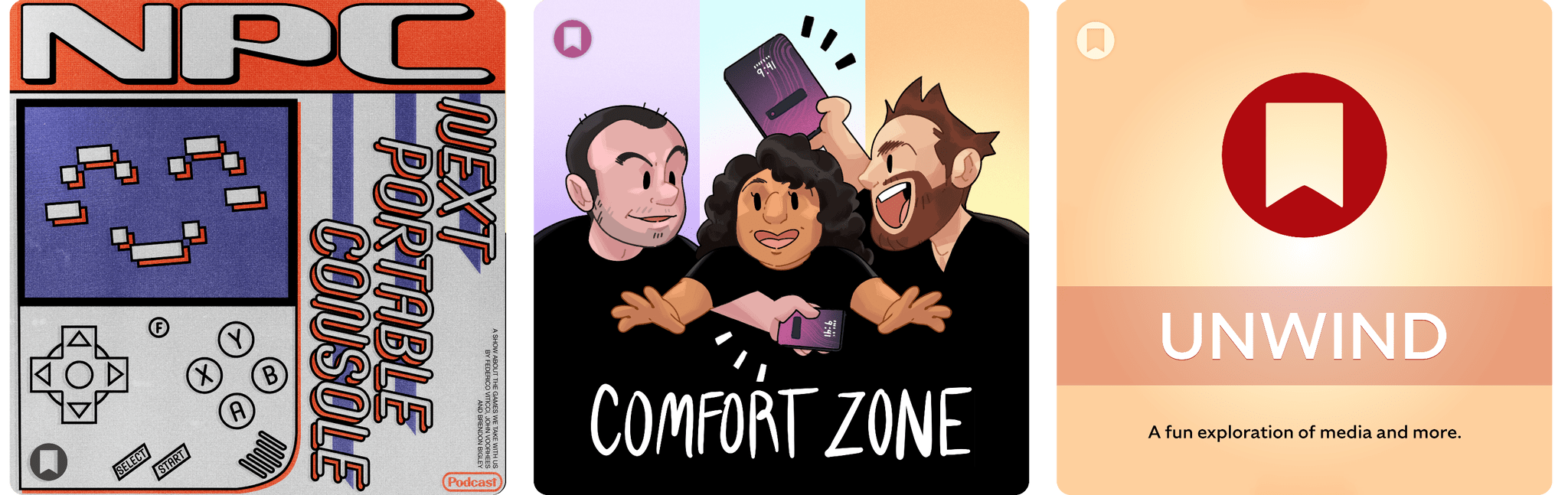
Comfort Zone

Niléane is getting bold with laptop appendages, Chris is nostalgic about the iPad Pro, and everyone gets weird with text files.

This week’s Cozy Zone is a deep dive into 2012’s Les Misérables film.

MacStories Unwind

This week, Federico and John explore tech nostalgia and the importance of tech history before picking a new TV series and music artist.

Magic Rays of Light

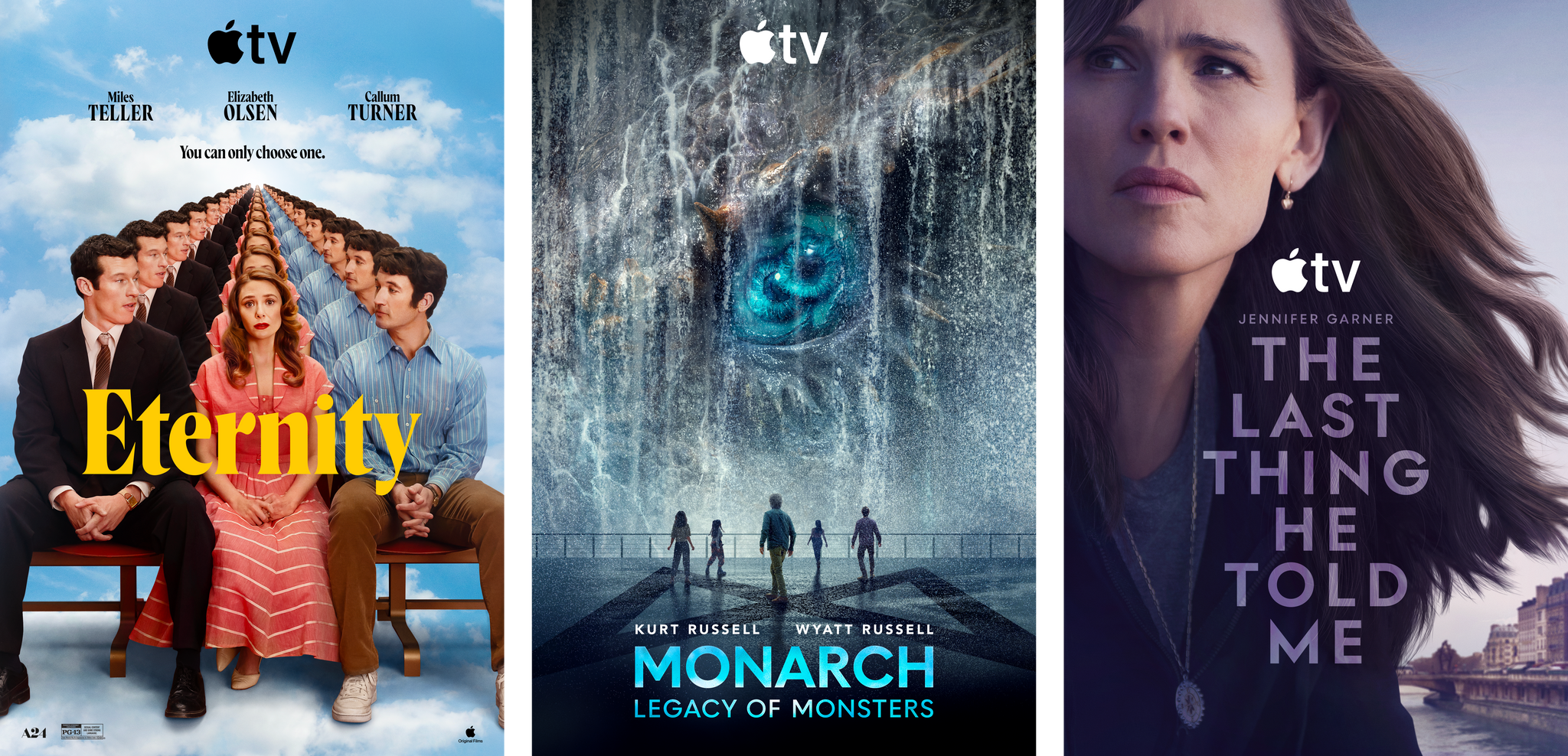
Sigmund and Devon discuss Devon’s new audiobook listening habit and what it’s taught him about adaptations. Then, they share gift ideas for the Apple TV fan in your life.

Read more


Our Top Amazon Early Black Friday Picks

If you haven’t noticed, it’s not Friday, and Thanksgiving is still a week away. Yet here we are, talking about Black Friday deals. That’s because every year, Amazon pushes the start of its deals a little earlier.

This is far from the first article you’ll come across about Black Friday deals, and it won’t be the last. But what’s different about our approach to Black Friday is that we’re pickier than most sites.

When I sat down to consider Amazon’s Black Friday deals, I looked at a long list of factors, including:

  • whether we’ve reviewed and recommended a product on MacStories,
  • the percentage of the discount,
  • the absolute dollar amount of the discount (which we can’t list due to Amazon rules),
  • whether each deal beats past deals,
  • and a bunch of other factors.

What we’ve come up with is a list of a couple dozen excellent deals that will save you loads of money on everything from great holiday gifts to nerd staples like storage, networking gear, and upgrades to your computing setup.

Every time I write one of these roundups, I inevitably run across even more great deals after the story has been published. So in addition to this story, we’ll be posting deals on the MacStories Deals Mastodon and Bluesky accounts.

Club MacStories Plus and Premier members will be sharing their Black Friday deal finds on Discord too. If you’re not a member, you can sign up here. The Discord server is just one of the many perks of joining the Club.

Finally, please note that the Amazon links in this article are affiliate links. If you follow one of our links and buy something, we make a small commission.

Storage

Some of Amazon's best deals are on storage.

Some of Amazon’s best deals are on storage.

Storage is a staple of Black Friday, with excellent deals on hard drives and SSDs of all shapes and sizes. This year is no different. Whether your Mac’s drive is filling up and you need to offload some large files or you’re looking for a backup solution, now is the time to pull the trigger and get more storage.

I mention Samsung portable SSDs a lot on MacStories and the MacStories Deals accounts because I’ve used them for years and they’re reliable. Samsung’s fastest model – the T9 – is my favorite because it uses USB-C 3.2 Gen 2x2, making it equally good for quick backups and working on large files externally.

Currently, both the 4TB Samsung T9 SSD and the 2TB model are on sale on Amazon, with the biggest discount on the 4TB model. You can save a little more with SanDisk’s 2TB external drive, but it runs at half the speed of the Samsung T9, so I recommend the T9. However, if you want to go really big with an SSD, SanDisk has Samsung beat with an 8TB model that, while expensive and half the speed of a Samsung T9, will be far faster than a mechanical hard drive for backing up a Mac with lots of internal storage. Samsung sadly does not offer an 8TB T9 drive.

SSDs are great, but even on sale, they’re more expensive than mechanical hard drives. If you don’t need the fastest speeds and can tuck your hard drive away somewhere the heat and noise won’t bother you, Amazon has a great deal on a 14TB Western Digital Elements hard drive. I’ve used Elements drives a lot over the past several years for archiving big projects and Time Machine backups, and I’ve been very happy with their performance. If you need a big drive, now is the time to pick one of these up; they’ve never been cheaper.

Smart Home

For starters, the Aqara 4MP Camera Hub G5 Pro is deeply discounted for Black Friday. I reviewed this outdoor HomeKit-compatible camera earlier this year and love it. From the feedback I’ve heard, MacStories readers seem to love the camera, too.

I also reviewed the Philips Hue Play HDMI Sync Box 8K this summer. Paired with Philips Hue lights, it’s remarkably capable, syncing the colors of your lights to whatever is on your TV. While it’s not a smart home essential, it is a lot of fun, and if you need a little push to pull the trigger on this sort of gadget, this discount is a great excuse.

On the more practical end of the spectrum, Philips Hue is also offering a great deal on its Go Smart Portable Table Lamp, which works plugged in or via its built-in battery. I’ve had my eye on this lamp for a while because it’s very portable and would add nice accent lighting when I’m working on my balcony in the evening or anywhere else with less-than-ideal lighting.

Finally, as I mentioned on the Setups video that Federico and I recently released, I love my new SwitchBot Smart Desk Fan. It oscillates left and right as well as up and down, and it has nine speed settings. Best of all, I can control it from the buttons on the front of the device, using the included remote control, or with Shortcuts because it works with HomeKit.

Read more


I Finally Tested the M5 iPad Pro’s Neural-Accelerated AI, and the Hype Is Real

The M5 iPad Pro.

The M5 iPad Pro.

The best kind of follow-up article isn’t one that clarifies a topic that someone got wrong (although I do love that, especially when that “someone” isn’t me); it’s one that provides more context to a story that was incomplete. My M5 iPad Pro review was an incomplete narrative. As you may recall, I was unable to test Apple’s promised claims of 3.5× improvements for local AI processing thanks to the new Neural Accelerators built into the M5’s GPU. It’s not that I didn’t believe Apple’s numbers. I simply couldn’t test them myself due to the early nature of the software and the timing of my embargo.

Well, I was finally able to test local AI performance with a pre-release version of MLX optimized for M5, and let me tell you: not only is the hype real, but the numbers I got from my extensive tests over the past two weeks actually exceed Apple’s claims.

Read more


Apple Announces 45 App Store Awards Finalists for 2025

Source: Apple.

Source: Apple.

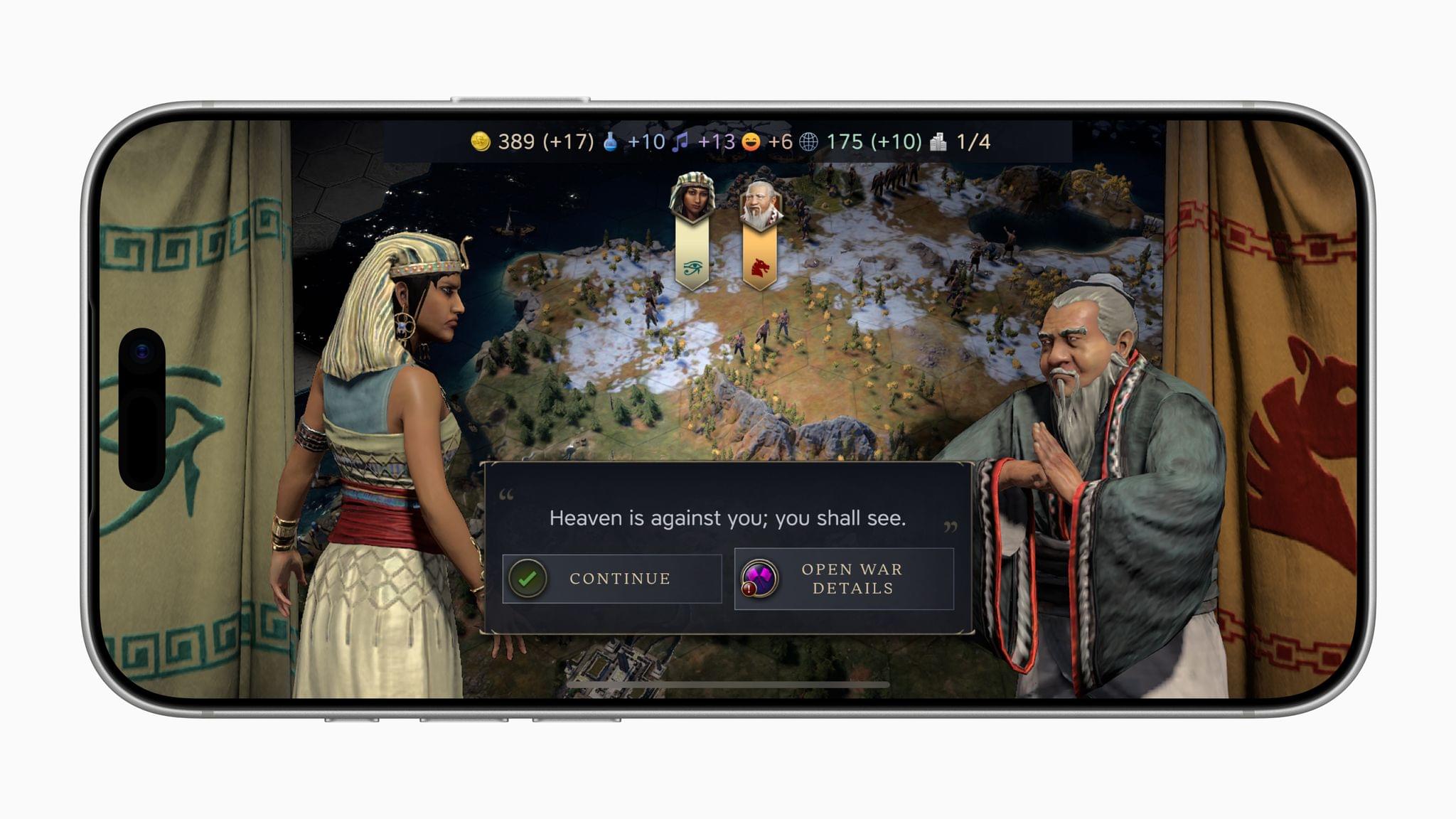
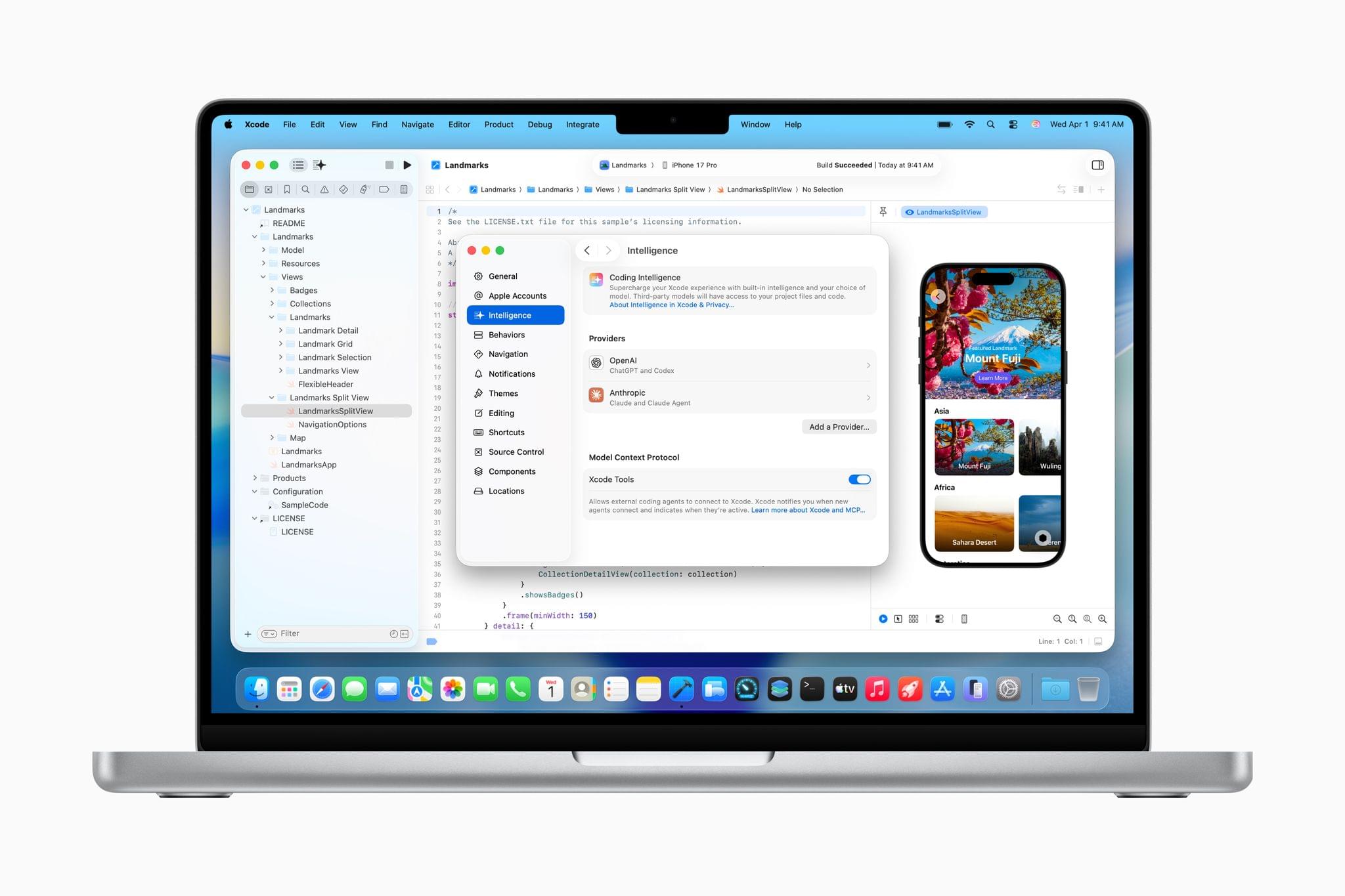
Today, Apple announced the finalists for the 2025 App Store Awards. The App Store Awards are Apple’s annual celebration of exceptional apps and games across 12 categories spanning the company’s platforms. It’s an excellent collection that includes solo developers, small indie teams, big companies, and many MacStories favorites.

Here’s the complete list of finalists.

iPhone App of the Year Finalists:

iPhone Game of the Year Finalists:

iPad App of the Year Finalists:

iPad Game of the Year Finalists:

Read more