This Week's Sponsor:

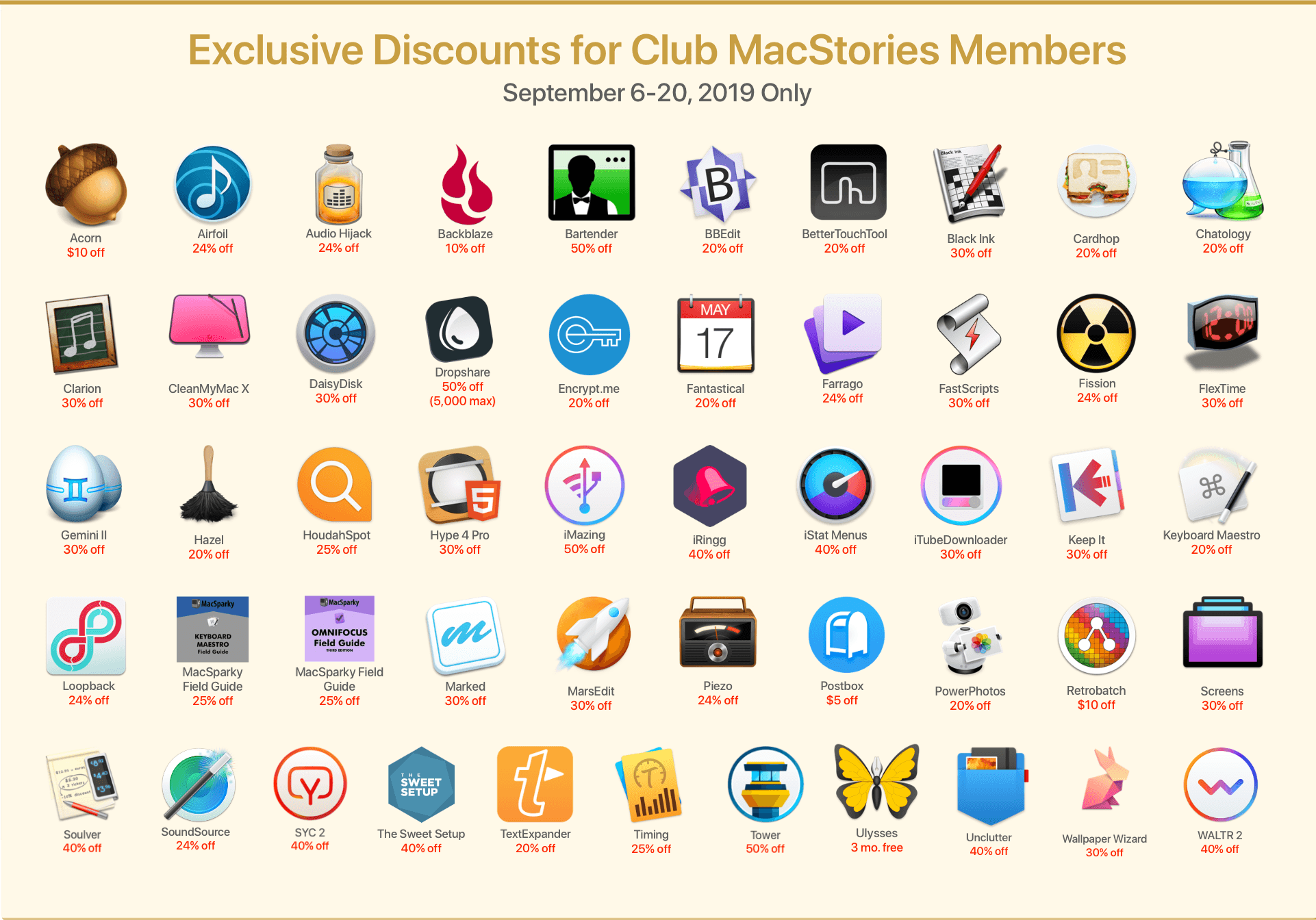
SoundSource

New Year, New Audio Setup: SoundSource 6 from Rogue Amoeba


Apple Introduces Mac Catalyst Version of Swift Playgrounds

Swift Playgrounds has been around for quite a while on the iPad, but now, it’s on the Mac too as a Mac Catalyst app.

Swift Playgrounds teaches coding concepts and the Swift programming language. Until today, the app, which includes lessons designed to teach Swift alongside a coding environment, was an iPad exclusive. Now, however, anyone interested in learning Swift can move from the iPad to the Mac and back again.

I’ve been a fan of Swift Playgrounds since it debuted. It’s a friendly, easy-to-use environment for experimenting with Swift ideas and concepts, and the lessons available are excellent. With the addition of a native Catalyst app on the Mac, anyone who wants to learn Swift can do so whether they are in front of their Mac or using an iPad. What’s more, the additional space afforded by most Macs there’s more room to navigate playground books and files. Playgrounds on the Mac includes expanded code completion functionality that allows you to navigate code suggestions with the arrow keys on your keyboard or trackpad too.

I haven’t had a chance to spend more than a few minutes with the new Swift Playgrounds yet, but it’s clear from even a cursory review of the app that a lot of thought and care has gone into it. The sidebar and Touch Bar support stand out as terrific Mac-centric additions that take advantage of the Mac’s bigger screen and keyboard and trackpad. I’m looking forward to diving spending more time with Swift Playgrounds on my Mac mini in the coming weeks.

Swift Playgrounds is available as a free download on the Mac App Store and requires macOS Catalina 10.15.3.


FlickType Keyboard Review: Real Typing on an Apple Watch Display

The Apple Watch is steadily moving toward full independence from the iPhone. Making cellular an option, adding new apps at a healthy pace, and enabling apps to be downloaded and run independent of an iPhone are all crucial steps toward the device becoming entirely untethered. I have a cellular Apple Watch and go running with it each week without bringing my iPhone along, and it works great. I’ve even gone to a couple of doctor’s appointments with only my Watch, and the list of things I miss my phone for in those cases is now minimal.

One time the device still falls flat, however, is when I need to send a message. Scribble is too slow for more than a word or two, dictation is hit-or-miss, and canned responses aren’t good enough for most situations. FlickType Keyboard sets out to solve this problem, and entirely succeeds.

Read more


The Beta Releases that Will Change the App Economy

AppStories+ Deeper into the world of apps

AppStories Episode 149 - The Beta Releases that Will Change the App Economy

0:00
39:41

AppStories+ Deeper into the world of apps

This week, Federico and John discuss the updates to Apple’s OSes and developer tools, the changes to the app economy they signal, and the impact they’ll have on users and developers.

Read more


Ulysses: The Ultimate Writing App for Mac, iPad and iPhone [Sponsor]

Ulysses is a powerful text editor for the Mac, iPad, and iPhone with unparalleled depth and an award-winning design that received an Apple Design Award. It’s a compelling combination that allows you to concentrate on your writing in a distraction-free environment with a full complement of cutting edge tools just a click or tap away. Ulysses works where and when you do too by offering iCloud sync between all of your devices, so your writing is always at your fingertips.

The flexibility of Ulysses’ deep toolset means you have all the functionality you need to manage writing projects of any size. The Library sidebar is brings order to your writing allowing you to organize it into groups that can be nested. The app also features powerful search and filtering options, keyword support, in-line images that can be stored locally or remotely on a server, and a whole lot more. Ulysses is updated all the time with new features to support the latest Apple technologies like dark mode, iPad multitasking, and context menus too.

Ulysses’ features go far beyond what other text editors offer. For instance, the app’s Goals feature lets you set character, word, and other types of writing goals that can be attached to a single document or entire group. Goals can be combined with deadlines too, which is a fantastic way to form good writing habits. You can learn more from Ulysses’ excellent tutorial.

When your writing is finished, Ulysses includes a wide variety of export and publishing options too. Your work can be exported as plain text, Markdown, TextBundle, rich text, DOCX, ePub, HTML, and PDF and published using WordPress, Medium, or Ghost. To learn more about Ulysses, visit ulysses.app.

Ulysses is a free download, so you can try it before deciding whether to subscribe for $4.99 per month or $39.99 per year. Students can subscribe for six months at a time for $10.99. The app offers a 14-day free trial, but MacStories readers can take advantage of a special extended three-month free trial right now. It’s a fantastic way to discover the app’s full capabilities, so be sure to check it out right away.

Our thanks to Ulysses for sponsoring MacStories this week.


Adapt, Episode 18: Fixing Multitasking

On this week’s episode of Adapt:

Multitasking is key to using the iPad as a primary computer, but the current drag and drop-centric system is flawed. Ryan shares his idea for a new approach, then Federico details his email app discoveries.

You can listen below (and find the show notes here), and don’t forget to send us questions using #AskAdapt and by tagging our Twitter account.

AppStories+ Deeper into the world of apps
0:00
01:24:27

Adapt, Episode 18

AppStories+ Deeper into the world of apps

Sponsored by:

Permalink

Connected, Episode 280: Peanut Butterpeanut Butterpeanut Butter

On this week’s episode of Connected:

This week, most of the show document got shredded as a bunch of breaking news took place during recording. iOS 13.4 is bringing a bunch of changes, Mac Catalyst could become more useful and universal apps are coming to the Mac. When not breaking news, Federico shares a sad story, Myke reads a tweet about bread and Stephen struggles with how to edit the episode.

You can listen below (and find the show notes here).

AppStories+ Deeper into the world of apps
0:00
01:30:51

Connected, Episode 280

AppStories+ Deeper into the world of apps

Sponsored by:

  • Pingdom: Start monitoring your website performance and availability today, and get instant alerts when an outage occurs or a site transaction fails. Use offer code CONNECTED to get 30% off. Offer expires on January 31, 2021.
  • Health IQ: Insurance for the Health Conscious. Save up to 41%. Take the quiz now to see if you qualify.
  • Boll & Branch: The Softest Organic Sheets & Luxury Bedding. Save $50. Try them for 30 days in a risk free trial.
Permalink

A Fix for iPad Multitasking

Concept by Silvia Gatta.

Concept by Silvia Gatta.

The iPad’s primary appeal the last 10 years has been its resemblance to the iPhone. If you can use an iPhone, you can use an iPad – at least in most respects. Where that’s no longer true is multitasking.

I love the functionality enabled by iPad multitasking, but the current system is unnecessarily complex. I don’t believe the iPad should revert to its origins as a one-app-at-a-time device, but I know there’s a better way forward for multitasking.

My proposal for a new multitasking system employs a UI mechanic that already exists across both iPhone and iPad. Without losing any of iPadOS 13’s current functionality, it brings the iPad closer to its iPhone roots again and makes multitasking accessible for the masses.

Context menus are the key to a better multitasking system.

When you long-press an app icon in iOS and iPadOS 13, a context menu appears and provides various options. These menus, I believe, are the perfect home for multitasking controls.

Read more