This Week's Sponsor:

SoundSource

New Year, New Audio Setup: SoundSource 6 from Rogue Amoeba


Apple Announces ‘Best of 2019’ Lists for Apps, Books, and Podcasts

Apple today published its picks for the best media in 2019 across its various platforms and services. These include selections for best app on iPhone, iPad, Mac, and Apple TV, as well as top picks in books and podcasts. Alongside these editorial selections, Apple has published top charts for the year across the App Store, Apple Podcasts, and Apple Books. Separately, Apple announced the first-ever Apple Music Awards, which we’ve covered here.

Apple’s pick for the iPhone’s App of the Year is Spectre Camera, the long-exposure camera app from Lux Optics, which we reviewed in February when it was released. Lux Optics is also the maker of Halide, one of our favorite iOS camera apps.

The winner of iPhone Game of the Year is Sky: Children of the Light from thatgamecompany. From the makers of the popular console, and later iOS, game Journey, Sky is a social adventure game that shares a similar aesthetic with Journey.

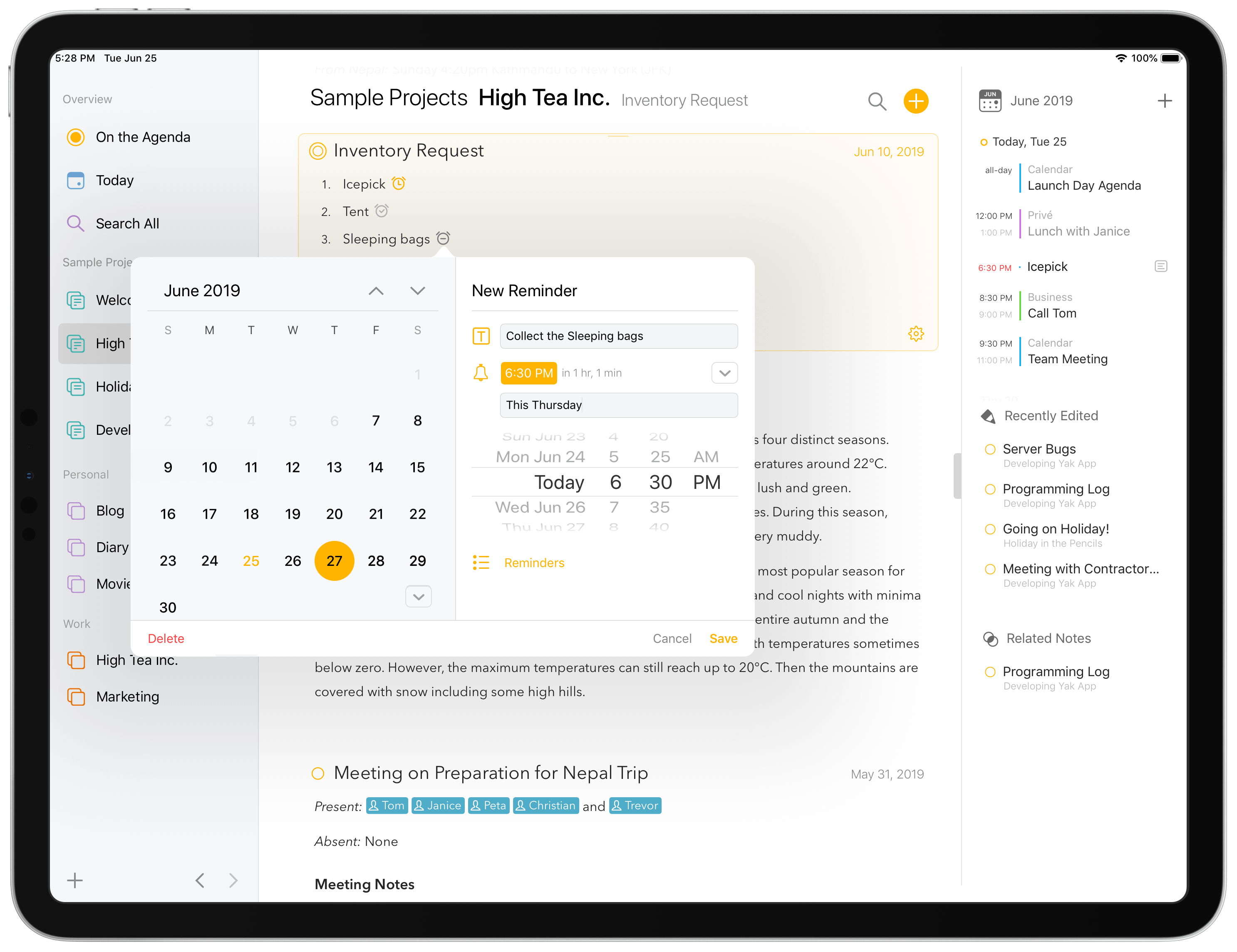
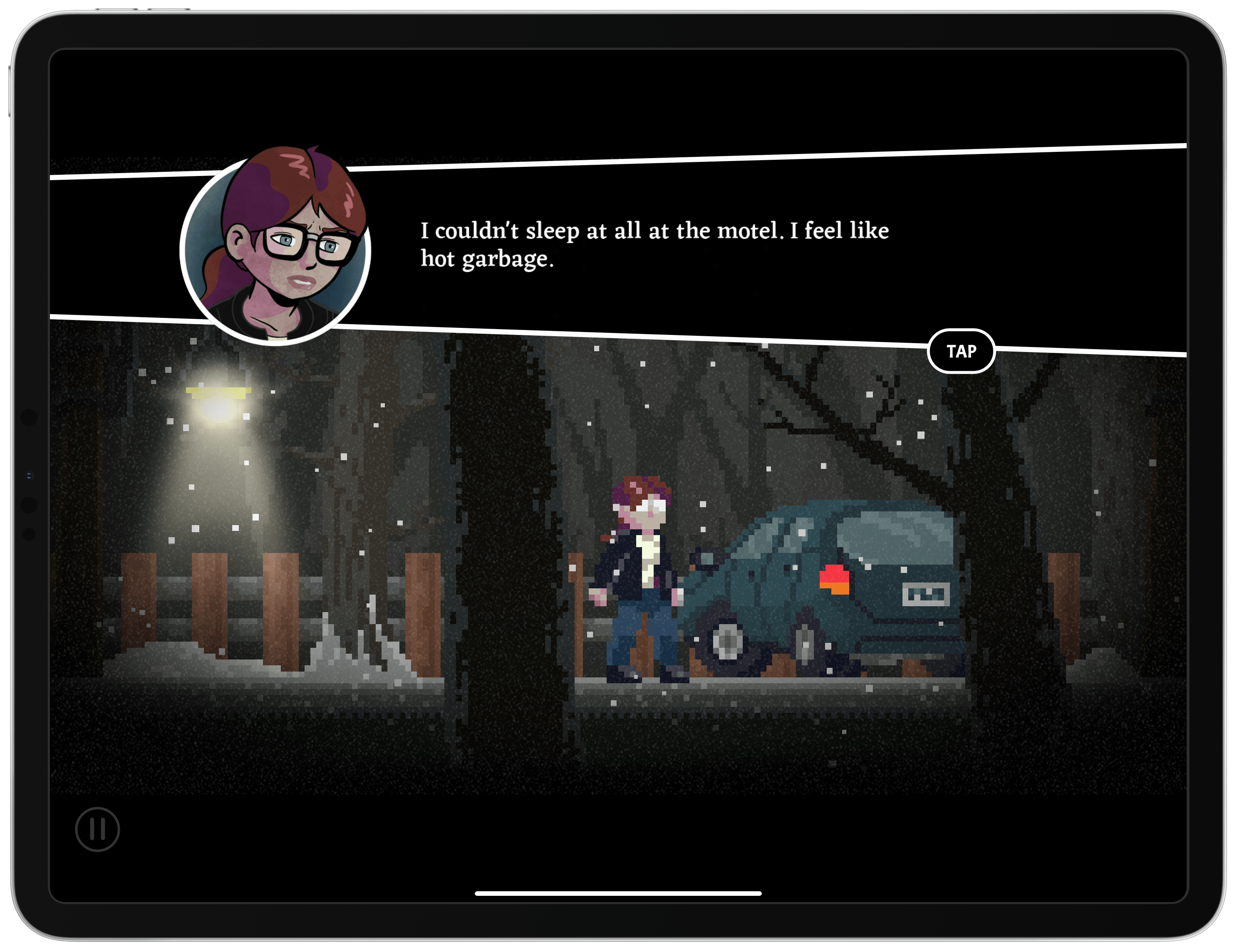
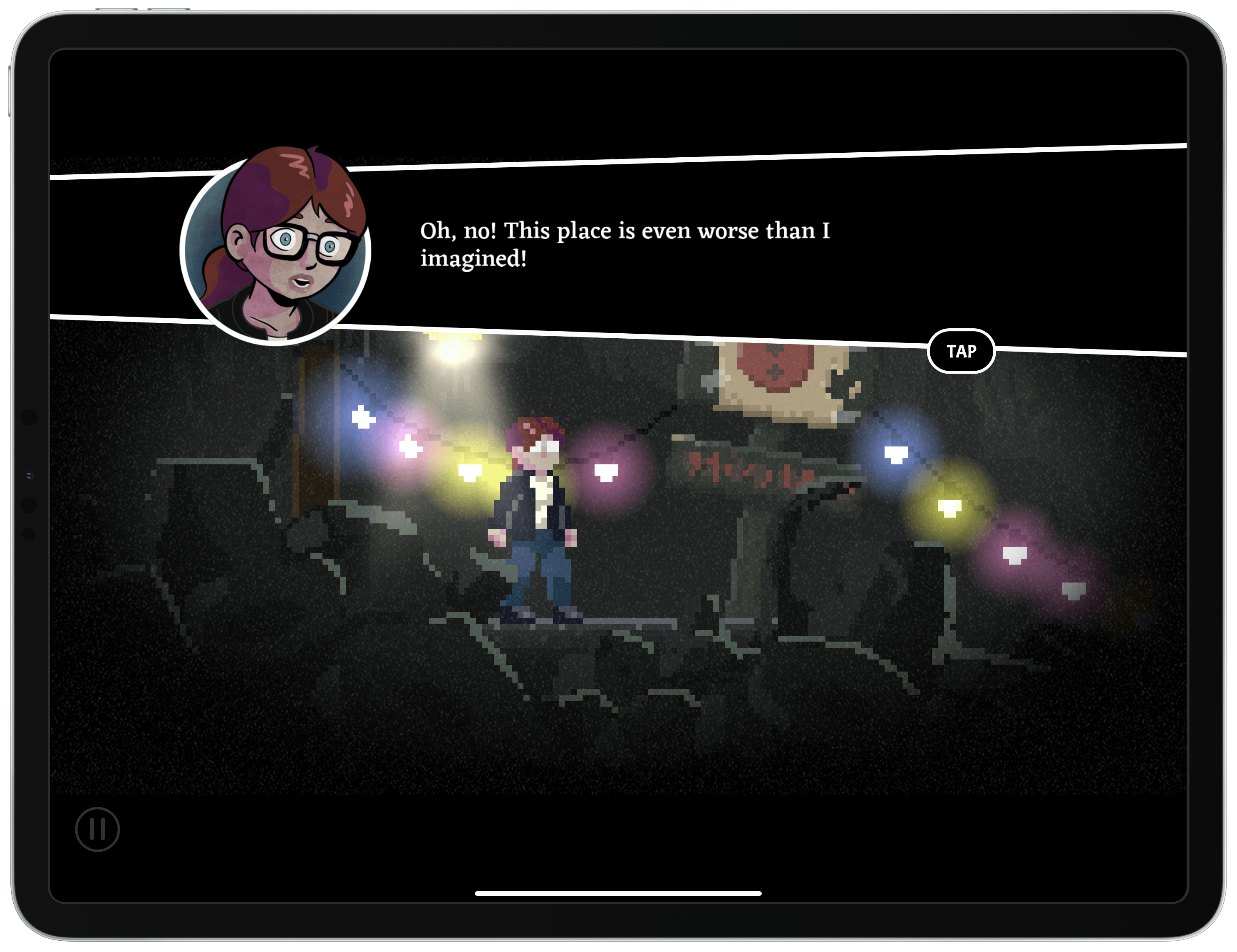
On the iPad, Apple picked Flow from Moleskine as App of the Year, which we reviewed here, and Hyper Light Drifter by Abylight as Game of the Year, while on the Mac, the company selected Affinity Publisher as the App of the Year and GRIS as the Game of the Year. The Apple TV’s App and Game of the Year, respectively, are The Explorers and Wonder Boy: The Dragon’s Trap. This year, Apple also added a new category: Apple Arcade Game of the Year, which it awarded to the excellent Sayonara Wild Hearts by Simogo, which you can learn more about here.

Like last year, Apple’s App Store editorial team highlighted two App Store trends too. The 2019 App Trend of the Year was ‘Storytelling Simplified,’ with Apple featuring apps focused on telling stories through a wide range of media, spotlighting Anchor, Canva, Unfold, Steller, Spark Camera, Over, and Wattpad. The Game Trend of the Year was ‘Blockbusters Reimagined,’ which highlighted well-known game franchises reimagined for mobile like Mario Kart Tour, Dr. Mario World, Minecraft Earth, Pokémon Masters, Assassin’s Creed Rebellion, Gears POP!, The Elder Scrolls: Blades, Alien: Blackout, and Call of Duty: Mobile.

In addition to apps, Apple also made editorial selections for other media categories, including best podcasts and books of the year. Rather than singling out individual overall winners, Apple highlighted a variety of its favorites, which can be found in the Browse section of Apple’s Podcasts app and the Book Store section of the Books app.


Pick 2: Reeder for the Mac and iOS

AppStories+ Deeper into the world of apps

AppStories Episode 141 - Pick 2: Reeder for the Mac and iOS

0:00
47:22

AppStories+ Deeper into the world of apps

This week, Federico and John cover one of their favorite RSS client for the Mac and iOS: Reeder by Silvio Rizzi.

Read more


Express Mode for Apple Pay Now Available with Transport for London

Benjamin Mayo, reporting for 9to5Mac:

If you are in London, you can now travel using Apple Pay on the Underground network without having to use Touch ID or Face ID authentication.

This means that you don’t need to hold up the queue at the turnstile when travelling the Underground. You can simply tap and go with either iPhone or Apple Watch.

Express Transit has been a feature since iOS 12.3 but it requires partnerships with the transit networks in order for the feature to work. Apple announced the new support for the London Underground today with a new web page and sending out notifications to iPhone and Apple Watch users in the United Kingdom.

One particularly interesting detail about Express Mode is that it enables a special Power Reserve state for your iPhone or Apple Watch. When your device is set up for Express Mode, and its battery is close to depletion, iOS and watchOS will automatically save a certain amount of power so you can still use your device for transit access for another five hours after Power Reserve kicks in. This will undoubtedly reduce a lot of anxiety for people who regularly deplete their battery, and would otherwise want to keep an alternate transit access method as a backup. Power Reserve is available on the iPhone XR and newer, and Apple Watch Series 4 and newer.

Even setting aside Power Reserve, the convenience of no longer needing to pre-authenticate with Express Mode is a significant user experience improvement for transit customers. The feature’s also available in my home of New York City, but only in an extremely limited rollout; I can’t wait for it to be part of my daily commute.

Permalink

UpHabit: The Personal CRM That Helps Make Building and Maintaining Strong Relationships Part of Your Daily Routine [Sponsor]

UpHabit makes building and maintaining strong relationships with the people who matter to you the most part of your daily routine.

We all lead busy, active lives. Pulled in several directions at once and with an ever-growing list of personal and business contacts, it’s easy to fall out of touch with people. UpHabit solves the problem with a powerful set of tools that help you maintain strong, healthy relationships.

With UpHabit, you can take control of creating stronger personal or business relationships with features like:

  • The ability to set reminders to keep in touch with people
  • A place to take notes so you can pick up where you left off the next time you talk to someone
  • Reminder snoozing, so getting in touch with contacts doesn’t fall through the cracks when you’re busy 
  • Tagging to help organize your contacts

It’s incredibly easy to get started and begin enjoying the benefits of stronger relationships immediately with UpHabit.

UpHabit is continually updated with new functionality drawn from feedback from its growing community of users with features like message templates, two-way contact syncing, and more coming soon.

Of course, privacy is of paramount importance to UpHabit too. The app doesn’t have ads, and your contact data isn’t shared with third parties.

Make connecting with your most important contacts part of your daily routine. Download UpHabit now to try it for free, and for a limited time, you can get 25% off when you sign up for UpHabit.

Our thanks to UpHabit for sponsoring MacStories this week.


Adapt, Episode 14: The Modern iPad Home Screen

On this week’s episode of Adapt:

Ryan outlines why now is the perfect time to revisit the iPad’s Home screen, then Federico details Pages’ Smart Annotation feature, and the guys celebrate Thanksgiving with some iPad gratitude.

You can listen below (and find the show notes here), and don’t forget to send us questions using #AskAdapt and by tagging our Twitter account.

AppStories+ Deeper into the world of apps
0:00
01:00:52

Adapt, Episode 14

AppStories+ Deeper into the world of apps

Permalink

Connected, Episode 271: You Have a Police Record

On this week’s episode of Connected:

There are a lot of iPhone cases to talk about, as well as new information about HomeKit Secure Video and Deep Fusion. One of us bought a TV, but no one here is ordering a Cybertruck.

You can listen below (and find the show notes here).

AppStories+ Deeper into the world of apps
0:00
01:51:58

Connected, Episode 271

AppStories+ Deeper into the world of apps

Sponsored by:

  • Squarespace: Make your next move. Enter offer code CONNECTED at checkout to get 10% off your first purchase.
  • ExpressVPN: High-Speed, Secure & Anonymous VPN Service. Get 3 months free with a 1-year package.
  • Ahrefs: SEO Tools & Resources To Grow Your Search Traffic. Get a 7-day trial for just $7.
Permalink

Loupedeck+ Review: Faster, More Natural Image and Video Editing with a Dedicated Control Panel

Source: Loupedeck

Source: Loupedeck

The Loupedeck+ is a hardware control panel for editing photos and video that transforms the software tools you’re accustomed to using with a mouse or trackpad into physical buttons, knobs, and dials. By eliminating the need to dive into menus and hunt for software, the Loupedeck+ changes the image editing process into something much closer to the feeling of editing on an iPad with the Apple Pencil. The seemingly endless series of swipes, drags, and clicks are replaced by something far more tactile and natural.

The result is a clear example of the benefit of using a dedicated tool for a particular task. Photo and video editing is often a high-volume, high-precision activity with lots of repetition, and depending on your job, tight deadlines. That makes any tool that can shave a little time off of editing each photo a win for professionals who often edit thousands of images in a week.

What I didn’t expect, though, is that the Loupedeck+ also makes editing more accessible for beginners like myself. As I’ll explain in more detail below, when Loupedeck sent me their device to test, I spent most of my time using it in Adobe Lightroom Classic, which I hadn’t used before. However, after a short time familiarizing myself with the Loupedeck+ layout, I found myself deep in the editing process with my eyes fixed on the images I was working on instead of darting back and forth hunting for the tools I wanted to use.

I may never enjoy the sort of time savings that a professional photographer could squeeze out of the Loupedeck+. However, simply knowing that I can dip in and out of Lightroom Classic for my editing needs with virtually no learning curve eliminates a significant hurdle that has slowed me down in the past. Although there are aspects of the Loupedeck+ that could be improved, it’s an incredibly powerful tool that fits into more workflows than I anticipated, which makes it an accessory worth considering for a wide range of users.

Read more