This Week's Sponsor:

Turbulence Forecast

Know before you go. Get detailed turbulence forecasts for your exact route, now available 5 days in advance.


A Cavalcade of Nightmares

AppStories+ Deeper into the world of apps

AppStories Episode 413 - A Cavalcade of Nightmares

0:00
01:07:18

AppStories+ Deeper into the world of apps

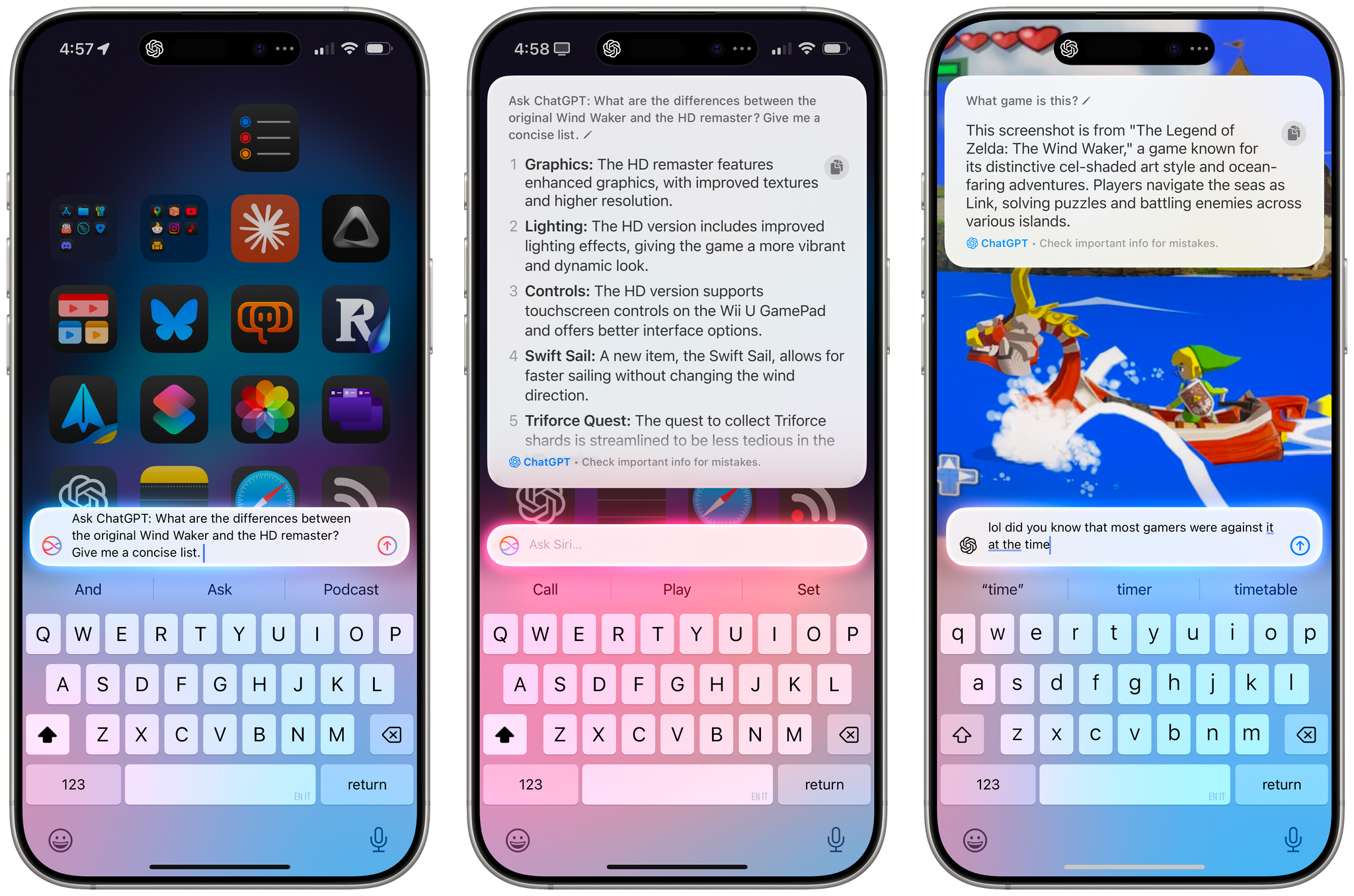
This week, John is joined by his NPC: Next Portable Console co-host Brendon Bigley for a conversation about Control Ultimate Edition coming to the Mac, Bluesky, a friendly interrogation about the apps and gear Brendon uses, and more.

This episode is sponsored by:


A Conversation with Brendon Bigley

Control Ultimate Edition Is Coming to the Mac

Bluesky

A Friendly Interrogation

iOS Game Recommendations

Follow Brendon’s work

We deliver AppStories+ to subscribers with bonus content, ad-free, and at a high bitrate early every week.

To learn more about the benefits included with an AppStories+ subscription, visit our Plans page, or read the AppStories+ FAQ.


Follow us on Mastodon

Follow us on Bluesky

Follow us on Threads

Follow us on Instagram


MacStories Weekly: Issue 443

This week, in addition to the usual links, app debuts, and recap of MacStories' articles and podcasts:

  • GamePal, by John
  • A New Tool from Trakt Prompted Me to Update My Letterboxd Shortcut, by Jonathan
  • Bluesky, Black Friday, and Big Ideas, by Jonathan
Read more

The Latest from Comfort Zone, Magic Rays of Light, and MacStories Unwind

Enjoy the latest episodes from MacStories’ family of podcasts:

Comfort Zone

Matt brings his latest obsession, Niléane wants to talk about Bluesky, and Chris challenges the gang to automate something.


Magic Rays of Light

Sigmund and Devon highlight the return of Silo, dive in to The Weeknd’s immersive music video for Open Hearts, and share their thoughts on Disclaimer following its seven-episode run.


MacStories Unwind

This week, Netflix is making sexy holiday movies, Federico is warming himself with GaN chargers and batteries, and I check out the latest Deadpool movie in the Vision Pro, share a new Apple Music playlist, and have a movie deal for listeners.

Read more


A Peek into the Past Through the Lens of the Early iPhone’s Camera

Riley Walz has created a marvelous couch potato project that peeks into a different era of the iPhone and YouTube. The idea behind Walz’s project, which I stumbled upon thanks to a story written by Umar Shakir at The Verge, is simple. The project is called ‘IMG_0001,’ because, as Walz explains:

Between 2009 and 2012, iPhones had a built-in “Send to YouTube” button in the Photos app. Many of these uploads kept their default IMG_XXXX filenames, creating a time capsule of raw, unedited moments from random lives.

Walz was inspired by Ben Wallace to build a website around the videos after Wallace wrote about discovering these videos. Walz found over 5 million videos with the IMG_XXX title on YouTube, which now feed into the IMG_XXXX website where they can be randomly played.

When you need a break, visit Walz’s site and watch a few videos. Filmed with early iPhones and iPod Touches, the quality isn’t great, but there’s something about these snippets of everyday life that someone decided to upload that is mesmerizing to watch. Projects like this are what make the open web great.

Permalink

Creating Gradients with Your iPhone and an App Clip

Recently on AppStories, I asked listeners to suggest apps for creating gradients. I’ve tried a few, but none have grabbed me yet, so I’d sort of given up for the time being. But then a listener suggested something totally different and amazing: a prototype App Clip that uses your iPhone’s camera to create gradients.

It isn’t a complete app. For instance, you can’t save a captured gradient to your photo library; instead, you have to take a screenshot of the gradient. That isn’t ideal, but the lack of functionality doesn’t take away from the concept, which I love.

A wallpaper made with Kandravy's App Clip.

A wallpaper made with Kandravy’s App Clip.

When the App Clip launches, it presents you with just three adjustable sliders that control things like the diffusion of the image your camera is recording and its saturation. Once you’ve framed a gradient you like, tapping the screen freezes the image so you can take a screenshot and start using the gradient as a wallpaper. Another option is to use an image from your photo library to create a gradient. Adobe has something similar baked into its Capture app for the iPhone and iPad, but it’s more complicated and only generates 640x640-pixel images that aren’t suitable to be used as wallpapers without doing additional work in another app.

The App Clip was created by Dominik Kandravy, a designer who is looking for a developer to turn the prototype into a full-blown app. I’m hoping Dominik can find someone to help because the simple elegance of the prototype is compelling.

Permalink

Shazam Crosses 100 Billion Songs Recognized

According to Apple, Shazam has recognized over 100 billion songs, a staggering number of songs. To help put the milestone in perspective Apple shared some statistics:

  • That’s equivalent to 12 songs identified for every person on Earth.
  • A person would need to use Shazam to identify a song every second for 3,168 years to reach 100 billion.
  • That’s more than 2,200x the number of identifications of Shazam’s top song ever, “Dance Monkey,” with over 45 million tags.

  • Shazam Predictions 2023 alum Benson Boone’s “Beautiful Things” was the first track released this year to hit 10 million recognitions, and the fastest, doing so in 178 days. At that pace, it would take more than 4,800 years for it to hit 100 billion.

Those are fun statistics, but what’s equally incredible to me is the fact that Shazam hit the 50 billion mark just over three years ago in 2021. The app obviously isn’t slowing down, despite being older than the iPhone and App Store themselves:

Shazam launched in 2002 as an SMS service in the UK, and back then, music fans would dial 2580, hold up their phones to identify music, and receive the song name and artist via text message. Shazam’s following and influence continued to grow in the years that followed, but it was the 2008 debut of the App Store and introduction of Shazam’s iOS app that brought its music recognition technology to millions of users. By the summer of 2011, Shazam had already recognized over 1 billion songs.

Fun fact: The first song ever matched by Shazam was Jeepster by T. Rex. It makes you wonder what the 100 billionth song was. Also, if you’d like to listen to the top 100 Shazamed songs, Apple has a playlist for the occasion:

Shazam has come a long way from its SMS roots and is now sprinkled throughout Apple’s OSes. It’s a testament to how a fundamentally great idea can evolve alongside technological advances.


Control Ultimate Edition Is Coming to the Mac Early Next Year

Source: Remedy Entertainment.

Source: Remedy Entertainment.

At WWDC this year, Apple announced that Control Ultimate Edition from Remedy Entertainment would be coming to the Mac. At the time, no release date was announced, but thanks to a Remedy investor event, we now know that the game is slated to arrive on February 12, 2025.

A few days ago, Tom Polanco of Tom’s Guide got a brief demo of the game and came away optimistic about how it will run on the latest Macs:

I briefly played Control Ultimate Edition on the new Mac mini M4, which was the first time I’ve played the game since it originally launched in 2019. The high-resolution textures and buttery-smooth gameplay make it feel like a completely different game from the PS4 version I remember.

According to Polanco:

Apple says that Control Ultimate Edition has been optimized for Macs and will have smooth performance, precise gameplay, and support HDR and MetalFX Upscaling. The game will also support hardware-accelerated ray tracing on Macs with M3 and M4 processors.

Although Control is a five-year-old game, its demanding visuals are still a benchmark against which hardware is often measured, so those details are encouraging. It’s also great to hear that Remedy has gone to the trouble of adapting the game for Apple’s latest videogame APIs. Apple’s hardware has become increasingly capable of playing AAA games, but cooperation from publishers like Remedy is necessary, too.

I expect it will take a while before the entire Mac lineup can run the most demanding games. However, as Apple silicon continues to make advances that trickle throughout the Mac lineup, the market for videogame publishers like Remedy will expand. If Remedy can show that the Mac can deliver a great experience with a game like Control, I’m cautiously optimistic about the platform’s long-term prospects as a high-end gaming platform.

Update: Control Ultimate Edition is available to pre-order on the Mac App Store for $39.99.


The Latest from NPC: Next Portable Console and AppStories

Enjoy the latest episodes from MacStories’ family of podcasts:

AppStories

This week, Federico and John interview Robb Knight, John’s co-host on Ruminate, a show about the open web, snacks, and the occasional videogame about Mastodon, ActivityPub, and the apps Robb uses day-to-day.

This episode is sponsored by:

  • Notion: Try the powerful, easy-to-use Notion AI today.

NPC: Next Portable Console

For the latest episode, Brendon explains the cronut, the AYANEO 3 Windows handheld has been announced, we consider Anbernic burnout, Federico shares his PS5 Pro first impressions, we speculate about Microsoft’s handheld future, and on the heels of Brendon’s trip to France, we have thoughts on traveling with handhelds and downsizing our handheld setups.

Read more


A Feature from 10 Years Ago Is Back – with a Twist – in My Favorite RSS Client

Unread's new custom shortcuts.

Unread’s new custom shortcuts.

When it comes to productivity apps, especially those that have to work within the constraints of iOS and iPadOS, it’s rare these days to stumble upon a new idea that has never been tried before. With the exception of objectively new technologies such as LLMs, or unless there’s a new framework that Apple is opening up to developers, it can often feel like most ideas have been attempted before and we’re simply retreading old ground.

Let me be clear: I don’t think there’s anything inherently wrong with that. I’ve been writing about iPhone and iPad apps for over a decade now, and I believe there are dozens of design patterns and features that have undeservedly fallen out of fashion. But such is life.

Today marks the return of a very MacStories-y feature in one of my longtime favorite apps, which – thanks to this new functionality – is gaining a permanent spot on my Home Screen. Namely, the RSS client Unread now lets you create custom article actions powered by the Shortcuts app.

Read more