This Week's Sponsor:

Turbulence Forecast

Know before you go. Get detailed turbulence forecasts for your exact route, now available 5 days in advance.


Posts tagged with "club"

iOS and iPadOS 26 Review Extras: eBooks, Drafts Actions, Apple Intelligence Shortcuts, and a Special Edition of MacStories Weekly

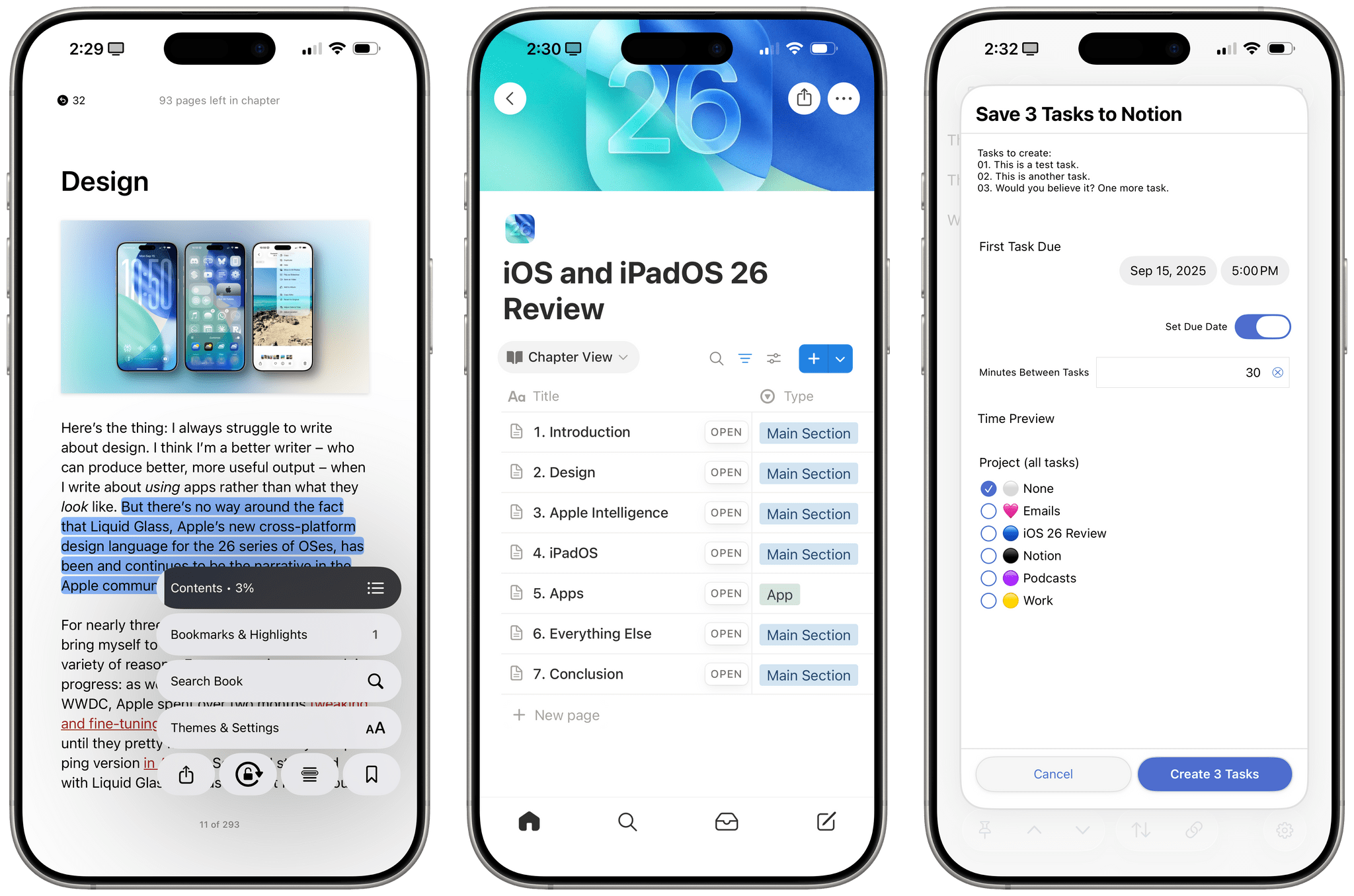
Today’s the day! This morning, Federico published his comprehensive review of iOS and iPadOS 26, covering the systems’ design, new app features, and more – including, of course, big changes to iPadOS. His review kicks off a really fun week here at MacStories, and we’re making it extra special with exclusive perks for Club MacStories members. Here’s what’s in store.

For Club MacStories members, we’ve got some exciting perks to help you dive deeper into Federico’s review:

  • An eBook edition of iOS and iPadOS 26: The MacStories Review that you can download and read on your favorite device or app
  • A behind-the-scenes making-of story in the next MacStories Weekly with details on how Federico researched, wrote, and compiled the review

If you’re not already a member, you can join Club MacStories for $5/month or $50/year using the buttons below:

Read more


Federico’s Latest Automation Academy Lesson: Building a Better Web Clipper with Shortcuts and AI

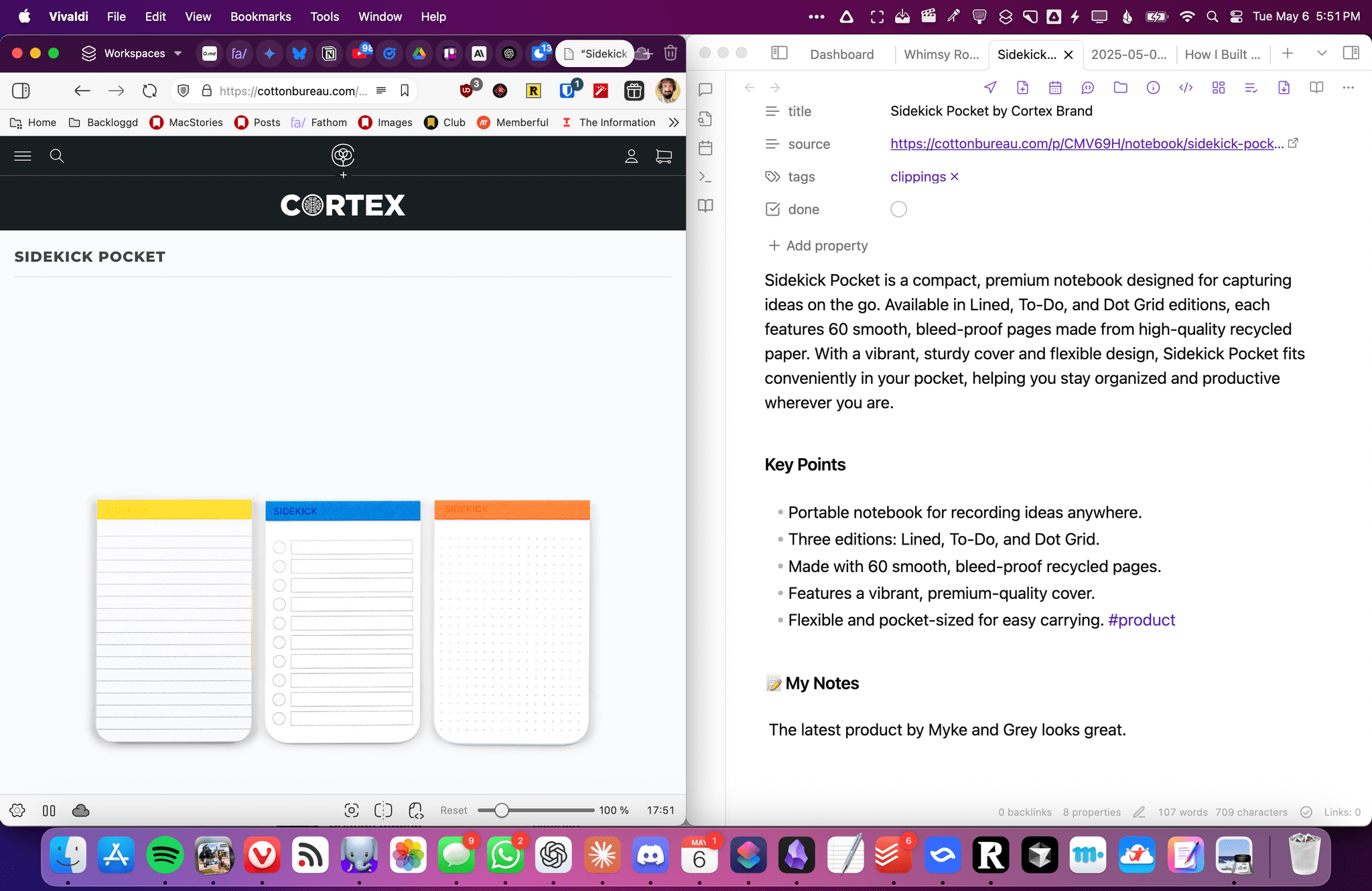
A webpage saved with Universal Clipper.

A webpage saved with Universal Clipper.

I share Federico’s frustration over saving links. Every link may be a URL, but their endpoints can be wildly different. If like us, you save links to articles, videos, product information, and more, it’s hard to find a tool that handles every kind of link equally well.

That was the problem Federico set out to solve with Universal Clipper, an advanced shortcut that automatically detects the kind of link that’s passed to it, and saves it to a text file, which he accesses in Obsidian, although any text editor will work.

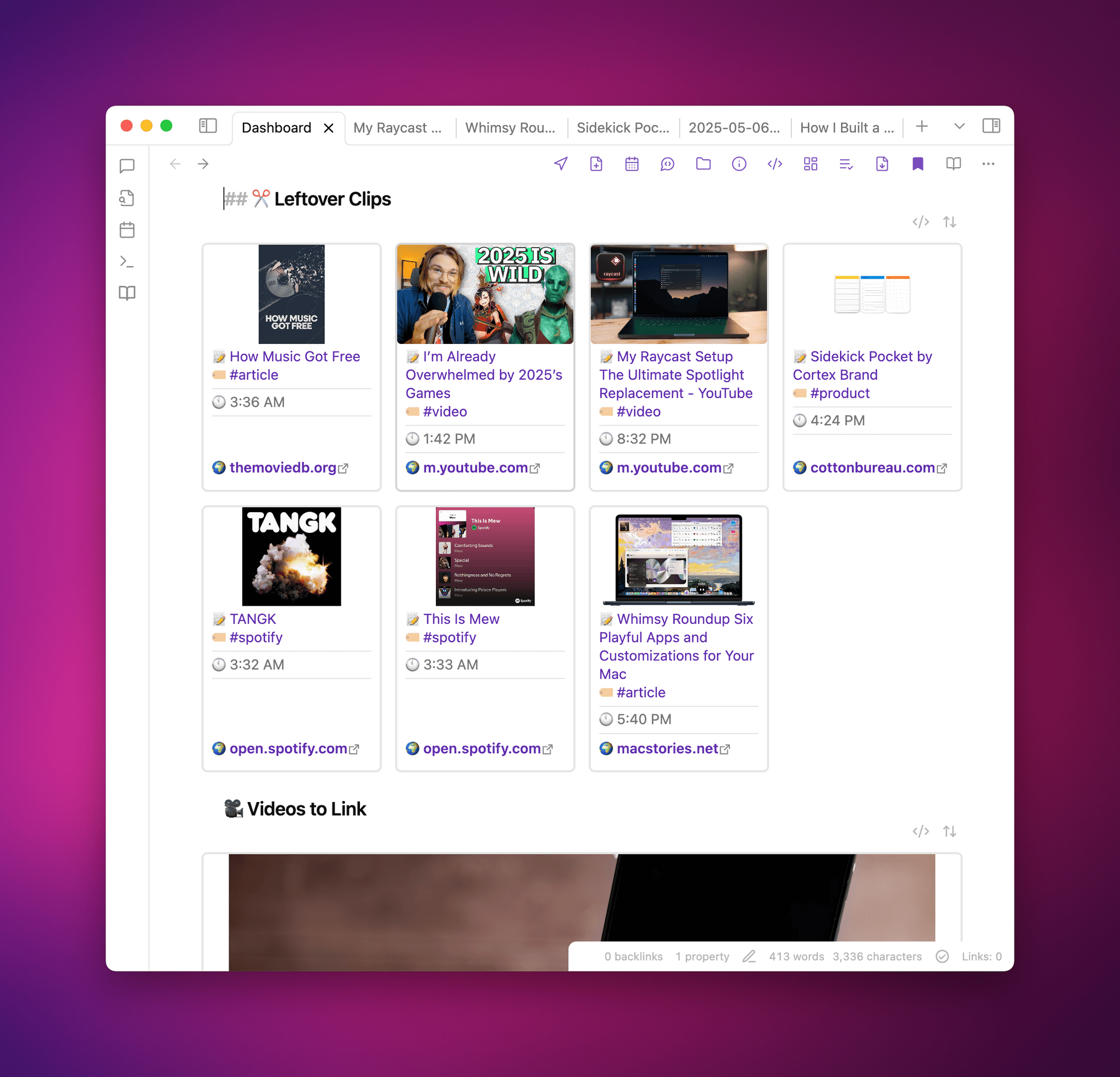
Universal Clipper integrates with the Obsidian plugin Dataview, too.

Universal Clipper integrates with the Obsidian plugin Dataview, too.

Universal Clipper, which Federico released yesterday as part of his Automation Academy series for Club MacStories Plus and Premier members, is one of his most ambitious shortcuts that draws on multiple third-party apps, services, and command line tools in an automation that works as a standalone shortcut or as a function that can send its results to another shortcut. As Federico explains:

I learned a lot in the process. As I’ve documented on MacStories and the Club lately, I’ve played around with various templates for Dataview queries in Obsidian; I’ve learnedhow to take advantage of the Mac’s Terminal and various CLI utilities to transcribe long YouTube videos and analyze them with Gemini 2.5; I’ve explored new ways to interact with web APIs in Shortcuts; and, most recently, I learned how to properly prompt GPT 4.1 with precise instructions. All of these techniques are coming together in Universal Clipper, my latest, Mac-only shortcut that combines macOS tools, Markdown, web APIs, and AI to clip any kind of webpage from any web browser and save it as a searchable Markdown document in Obsidian.

Although the shortcut may be complex, the best part of Federico’s post is how easy it is to follow. Along the way, you’ll learn a bunch of techniques and approaches to Shortcuts automation that you can adapt for your own shortcuts, too.

Automation Academy is just one of many perks that Club MacStories Plus and Club Premier members enjoy including:

  • Weekly and monthly newsletters 
  • A sophisticated web app with search and filtering tools to navigate eight years of content
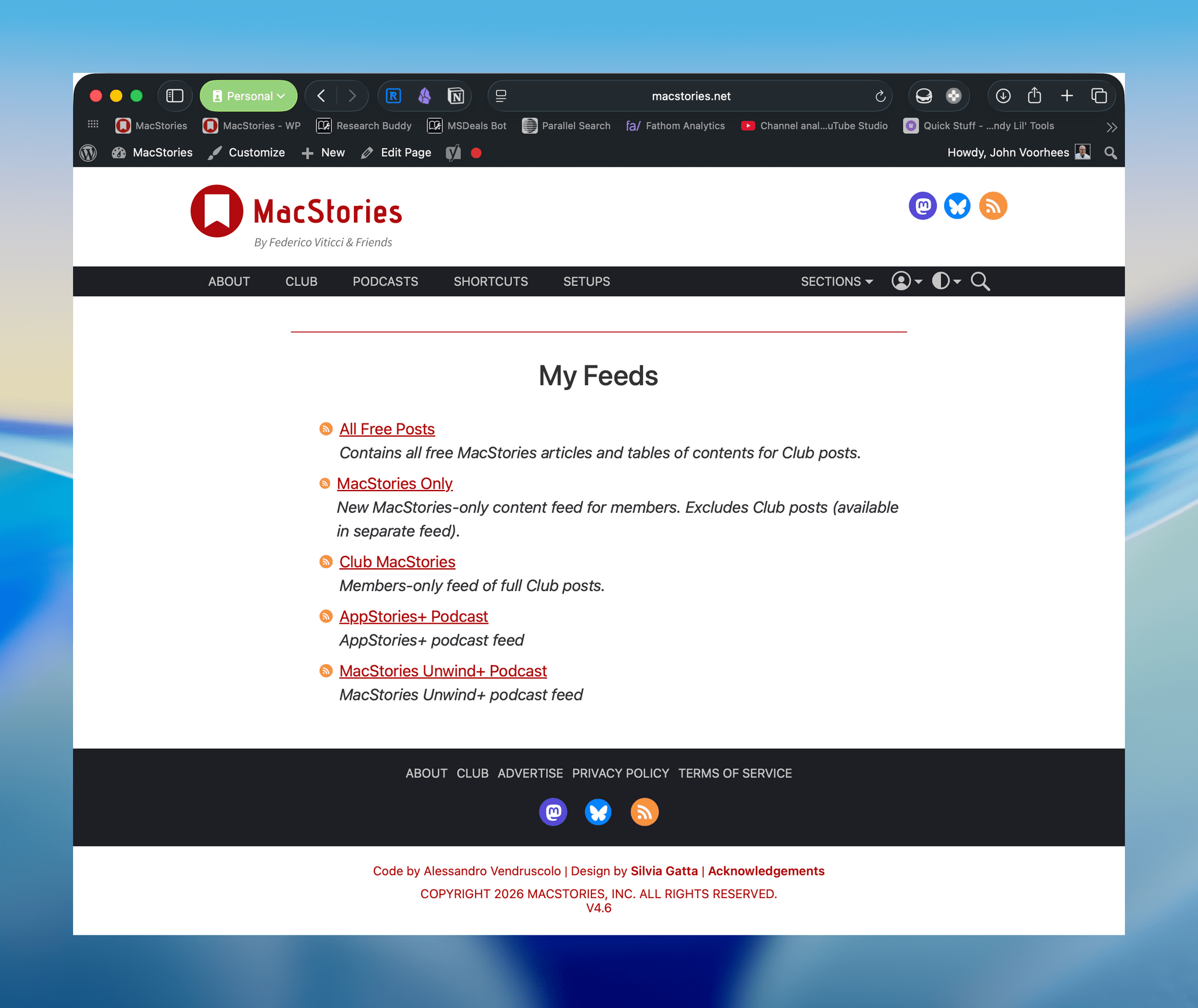
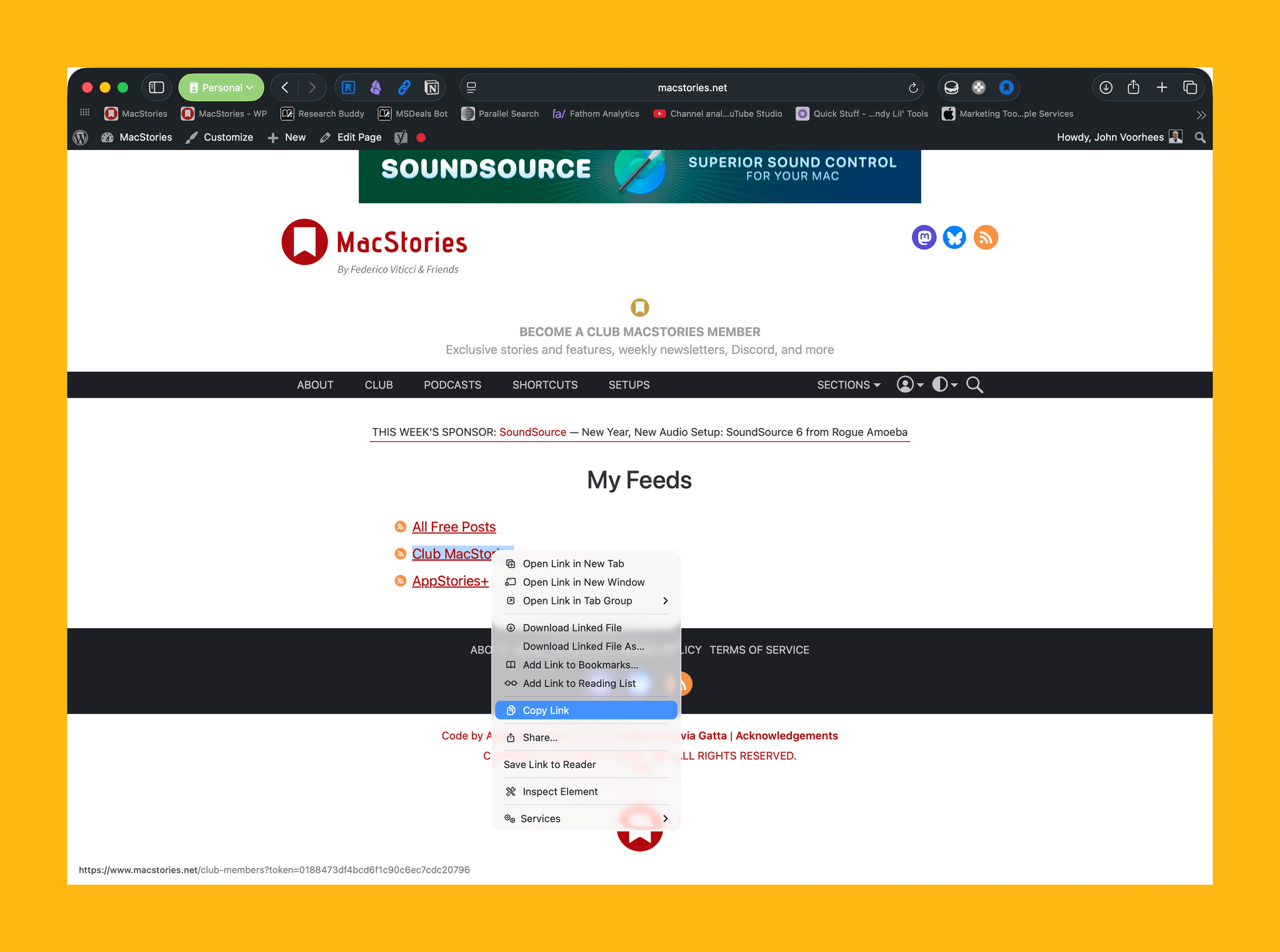
  • Customizable RSS feeds
  • Bonus columns
  • An early and ad-free version of our Internet culture and media podcast, MacStories Unwind
  • A vibrant Discord community of smart app and automation fans who trade a wealth of tips and discoveries every day
  • Live Discord audio events after Apple events and at other times of the year

On top of that, Club Premier members get AppStories+, an extended, ad-free version of our flagship podcast that we deliver early every week in high-bitrate audio.

Use the buttons below to learn more and sign up for Club MacStories+ or Club Premier.

Join Club MacStories+:

Join Club Premier:

Permalink

Enjoy a Special Free Edition of AppStories+ on Us

Today we’re publishing the AppStories+ post-show for all AppStories listeners to enjoy for free.

This week’s subscriber-only post-show is all about the contempt order entered against Apple last week. In a world or tech litigation where Google and Meta are at risk of being broken up, the contempt order entered against Apple may seem inconsequential. However, the reality is much different.

In the post-show, I walk listeners through what this sort of high-stakes litigation is like and pinpoint the critical mistakes Apple made in complying with Judge Gonzalez Rodgers’ order. It’s a fascinating story of hubris, miscalculation, and the critical difference between assumptions and facts. It’s also a decision that will change the App Store in the U.S. and perhaps worldwide.

Today also marks the beginning of our annual OS wish list episodes of AppStories, which we kick off with our iOS and iPadOS 19 wishes. Each week until WWDC, Federico and I will be detailing what we’ll be looking for at Apple’s annual developer conference.

We hope AppStories listeners enjoy the extended bonus this week. As many readers and listeners are probably aware, the ad market for podcasts and websites is in an extended period of decline, and I don’t think it’s ever coming back to where it once was. As a result, we rely on listener support more than ever. AppStories has been around since 2017, and we want to continue producing the show long into the future.

You can support the show by subscribing to AppStories+ for just $5/month or $50/year. In return, each week you’ll get:

  • an extended version of the show with bonus topics, extended discussions, and first-looks at what we’re working on,
  • that’s ad-free,
  • published early, and
  • in high-bitrate audio.

To learn more about an AppStories+ subscription, visit our Plans page, or read the AppStories+ FAQ.

AppStories+ is also available to Club Premier members. That’s the highest tier of a Club MacStories subscription that gets you everything the Club offers, including AppStories+. It’s the best deal of all if you want everything we do for Club MacStories members. You can learn more about Club Premier, which is $12/month or $120/year, here.

Join Club Premier:

We work hard to make every episode of AppStories the best episode, but some are naturally better than others. This is one of the better ones. We hope you enjoy it.

Finally, thanks as always to everyone who supports what we do at MacStories, whether you subscribe to AppStories+, are a member of the Club, leave our shows a rating on Apple Podcasts, or recommend what we do to a friend. Every bit helps us continue to do what we love and try new things.


How Federico Turns Voice Recordings into Searchable Obsidian Notes with Shortcuts, Hazel, and LLMs

Automation on the Mac is powerful because you have so many choices when building a workflow. Now, with large language models, you can do even more, which is the approach Federico took in his latest Automation Academy lesson for Club MacStories Plus and Premier members:

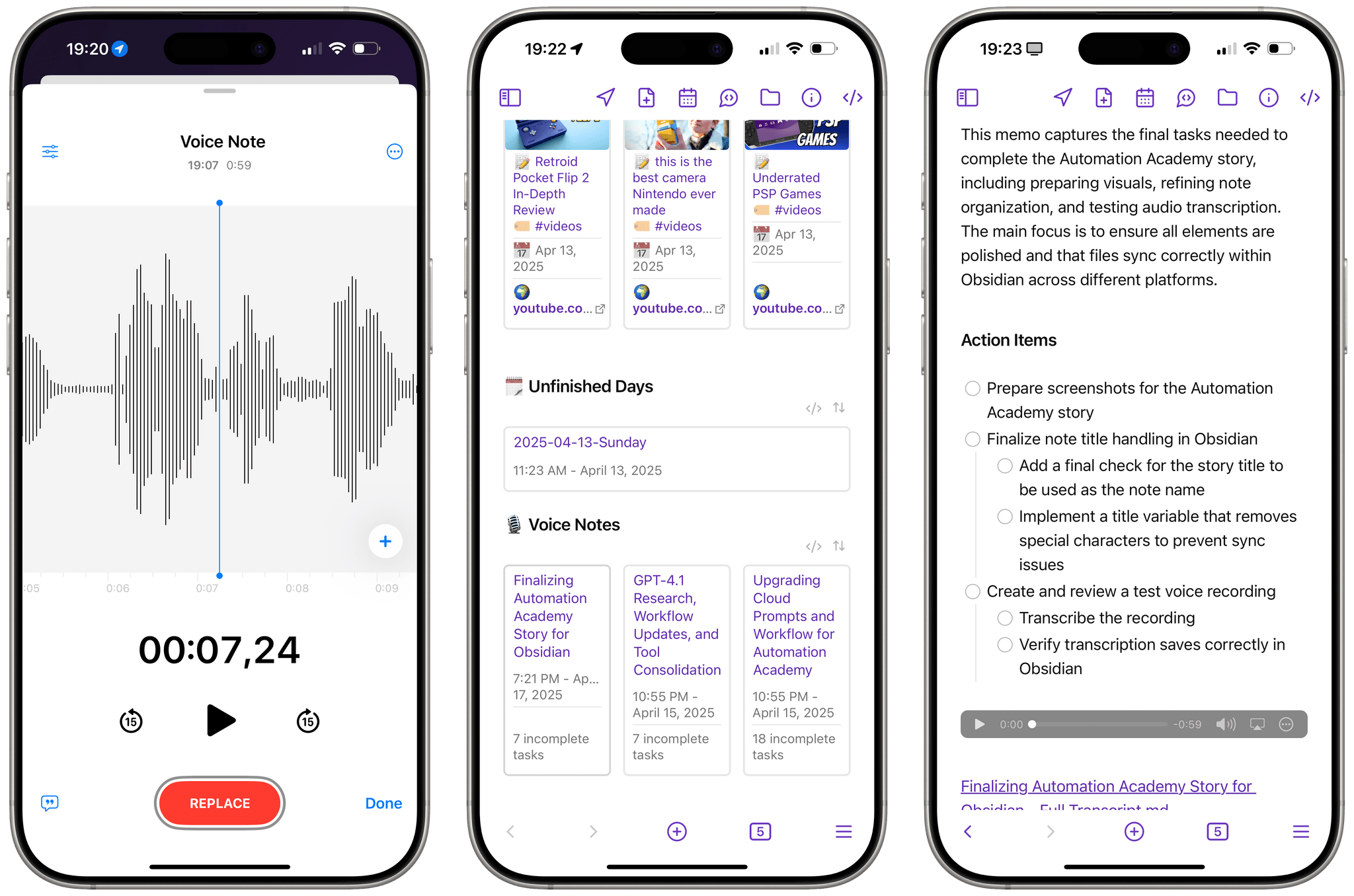
I built a hybrid automation to bridge spoken words and Markdown – a system that combines the non-deterministic nature of human language and messy voice recordings with the reliability of Shortcuts, the power of Hazel rules on macOS, and the flexibility of LLMs, which are ideal for processing natural language. The system revolves around a shortcut called Process Transcript that takes the raw transcript of a voice recording and turns it into a structured note in Obsidian, complete with a summary, action items, an embedded audio player, and an internal link to the full transcript.

It’s an amazing automation that takes his audio notes, transcribes them into text, structures the results in an Obsidian template that includes extracted tasks, and embeds the original audio file and transcript for reference. Along the way, Federico used Simon Willison’s llm CLI, Google Gemini 2.5 Pro Hazel, Shortcuts, and other tools. It’s a great example of how to make the most of automation on the Mac.


Automation Academy is just one of the many Club MacStories perks.

Automation Academy is just one of the many Club MacStories perks.

Automation Academy is just one of many perks that Club MacStories Plus and Club Premier members enjoy including:

  • Weekly and monthly newsletters 
  • A sophisticated web app with search and filtering tools to navigate eight years of content
  • Customizable RSS feeds
  • Bonus columns
  • An early and ad-free version of our Internet culture and media podcast, MacStories Unwind
  • A vibrant Discord community of smart app and automation fans who trade a wealth of tips and discoveries every day
  • Live Discord audio events after Apple events and at other times of the year

On top of that, Club Premier members get AppStories+, an extended, ad-free version of our flagship podcast that we deliver early every week in high-bitrate audio.

Use the buttons below to learn more and sign up for Club MacStories+ or Club Premier.

Join Club MacStories+:

Join Club Premier:

Permalink

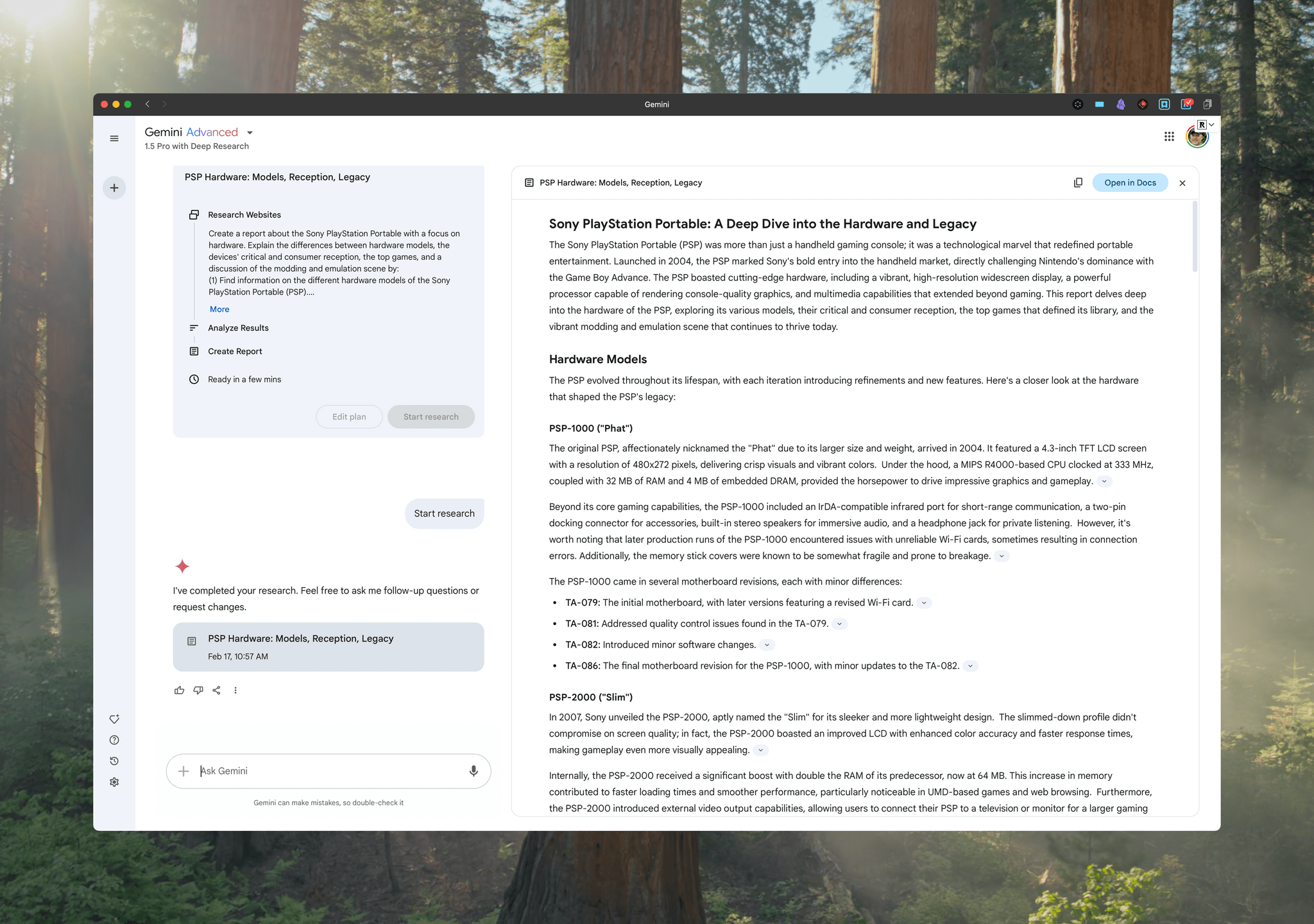
My Latest Mac Hacks Column: Using Google Gemini with Read-Later and Listen-Later Services for Research

A Google Gemini report on the Sony PlayStation Portable.

A Google Gemini report on the Sony PlayStation Portable.

Yesterday, I published the latest installment of my Mac Hacks column, an exclusive perk of Club MacStories+ and Club Premier, covering how I use Google Gemini combined with read- and listen-later services to do preliminary research for projects.

What started as a way to reduce distractions when doing research with the help of Google Gemini quickly evolved into something more. As I explain in the conclusion:

The result of this workflow is that I can generate a Gemini report for an ongoing project and then read it at my leisure somewhere other than at my desk, whether I’m using my laptop, an iPad, or an e-ink device. I also have the option of heading out to my local coffee shop for a change of scenery and listening to a report as I walk. On a busy day, it’s a nice way to get some exercise and knock out some research at the same time. That flexibility, combined with fewer up-front distractions, has proven to be a great productivity boost.

Research is a universal task that touches every sort of project. It’s also a place where it’s easy to get bogged down. If you’re interested in streamlining the process, don’t miss the latest Mac Hacks.

Discounts are just one of the many Club MacStories perks.

Discounts are just one of the many Club MacStories perks.

Mac Hacks is just one of many perks that Club MacStories+ and Club Premier members enjoy, which also include:

  • weekly and monthly newsletters,
  • a sophisticated web app with search and filtering tools to navigate eight years of content,
  • customizable RSS feeds,
  • bonus columns,
  • an early and ad-free version of MacStories Unwind, our Internet culture and media podcast,
  • a vibrant Discord community of smart app and automation fans who trade a wealth of tips and discoveries every day, and
  • live Discord audio events after Apple events and at other times of the year.

On top of that, Club Premier members get AppStories+, an extended, ad-free version of our flagship podcast that we deliver early every week in high-bitrate audio.

Use the buttons below to learn more and sign up for Club MacStories+ or Club Premier.

Join Club MacStories+:

Join Club Premier:

Permalink

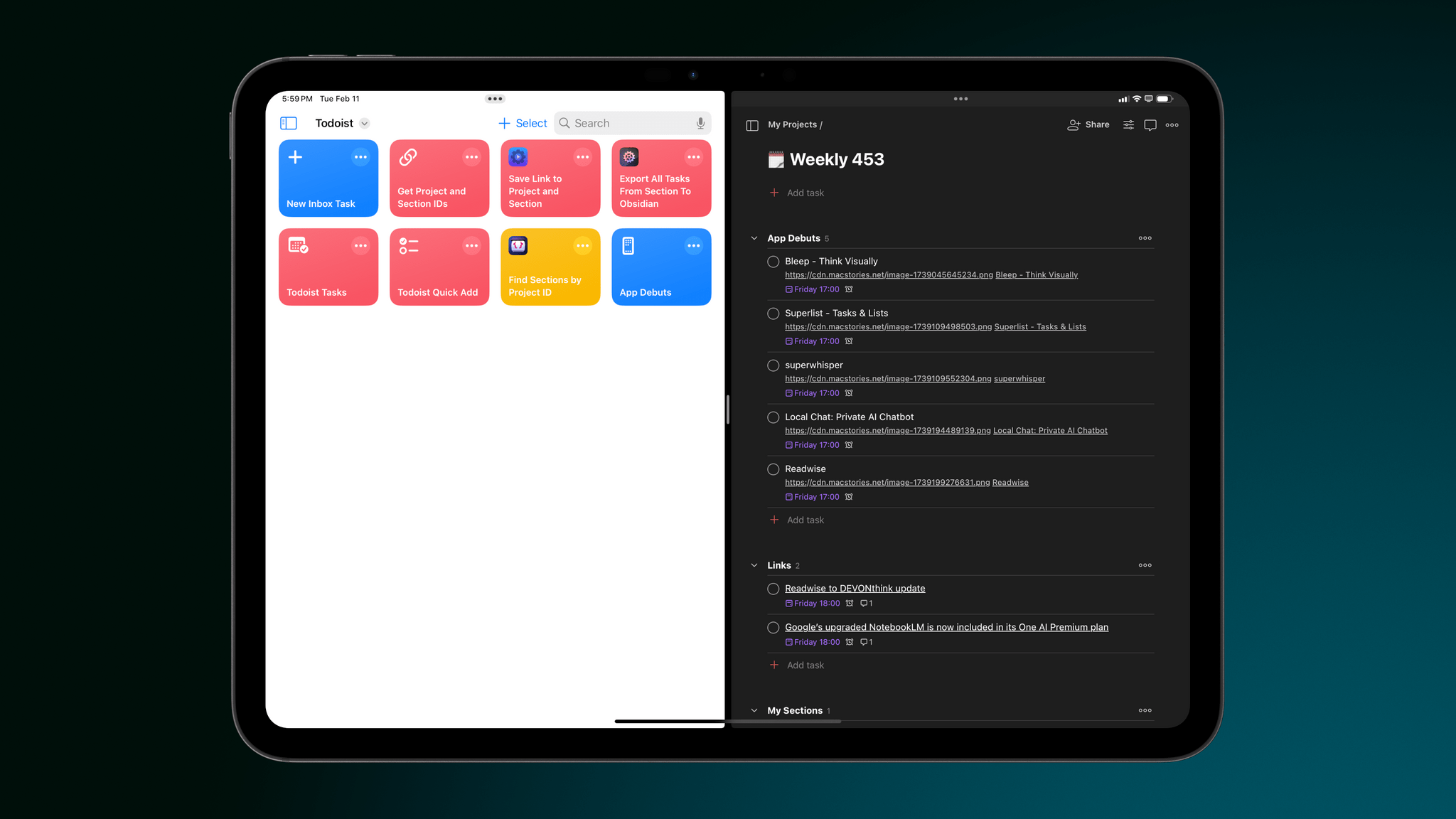
Federico’s Latest Automation Academy Lesson: Working with Web APIs in Shortcuts

Federico's Todoist shortcuts.

Federico’s Todoist shortcuts.

Earlier today, Federico released a collection of four advanced Todoist shortcuts as part of his Automation Academy column, an exclusive perk of Club MacStories+ and Club Premier.

Federico started using Todoist again a few months ago specifically because it has a robust web API:

There were several reasons behind my decision to return to Todoist, but the most important one was its web API. I’m convinced that our modern AI era is marking a resurgence of web services, and I wanted to find something that could theoretically support some kind of connection to an AI assistant (such as ChatGPT or Gemini) down the road. At the same time, I also wanted something that could be easily _and_consistently automated. With more responsibilities coming into my life, it’s essential for me to automate all the boring parts of my job that can happen without my manual, time-consuming input. With the combination of a REST API and native Shortcuts actions, Todoist simply felt like the perfect candidate.

Federico is absolutely right. As I recently wrote for Club members, web apps have been on the rise for a long time, and the trend is only accelerating with the ascension of AI tools. As a result, knowing how to use web APIs with Shortcuts is only going to become more important over time. Sure, you can often manage to scrape information from a website directly, but you’re much better off with a thoughtfully designed REST API that can fetch data for you in a structured way.

Today’s Automation Academy installment is the perfect place to get started. Todoist’s API is rich and thorough, and Federico takes readers through each of his four shortcuts in a methodical but conversational way that concludes with key takeaways readers can use in other contexts.

I struggled with implementing web APIs in Shortcuts for a long time. Web APIs aren’t easy. But today’s Academy lesson is the perfect introduction that starts with the basics and builds up to more advanced techniques, helping readers do more with Todoist and apply their new skills to other web APIs they encounter.

Discounts are just one of the many Club MacStories perks.

Discounts are just one of the many Club MacStories perks.

Automation Academy is just one of many perks that Club MacStories Plus and Club Premier members enjoy including:

  • Weekly and monthly newsletters 
  • A sophisticated web app with search and filtering tools to navigate eight years of content
  • Customizable RSS feeds
  • Bonus columns
  • An early and ad-free version of our Internet culture and media podcast, MacStories Unwind
  • A vibrant Discord community of smart app and automation fans who trade a wealth of tips and discoveries every day
  • Live Discord audio events after Apple events and at other times of the year

On top of that, Club Premier members get AppStories+, an extended, ad-free version of our flagship podcast that we deliver early every week in high-bitrate audio.

Use the buttons below to learn more and sign up for Club MacStories+ or Club Premier.

Join Club MacStories+:

Join Club Premier:

Permalink

Mac Hacks: Everyday Tailscale Uses for People Who Aren’t Network Administrators

During our Club MacStories Fall Membership Drive, I published my Mac Hacks column, an exclusive perk of Club MacStories+ and Club Premier. Mac Hacks is about exploring new ways of using the Mac and integrating it with other devices and novel workflows.

My latest column is all about Tailscale. As I explain in the story:

I’m a big fan of Tailscale, but it has two big problems that can make it confusing. The first issue is also one of Tailscale’s greatest strengths: its flexibility. The service has several built-in features that are useful as standalone tools, which is a good place to start. However, the ability to connect a disparate collection of devices without regard for their operating systems opens up a vastly larger universe of possibilities that’s only limited by your imagination. That makes it incredibly powerful – but a lot to wrap your head around, too.

So, to make Tailscale a little more accessible, I walked readers through how I’m using it to:

  • Share large files across my home network
  • Provide an added layer of security when using an unfamiliar Wi-Fi network
  • Move files from the Mac, iPhone, and iPad to Windows and Android devices
  • Remotely log into Macs
  • Directly access files on multiple Macs from my iPhone and iPad

Plus I cover using Tailscale to manage an over-the-air TV DVR, Plex server, and more.

Mac Hacks is just one of the many perks of Club MacStories.

Mac Hacks is just one of the many perks of Club MacStories.

Automation Academy is just one of many perks that Club MacStories+ and Club Premier members enjoy including:

  • Weekly and monthly newsletters 
  • A sophisticated web app with search and filtering tools to navigate eight years of content
  • Customizable RSS feeds
  • Bonus columns
  • An early and ad-free version of our Internet culture and media podcast, MacStories Unwind
  • A vibrant Discord community of smart app and automation fans who trade a wealth of tips and discoveries every day
  • Live Discord audio events after Apple events and at other times of the year

On top of that, Club Premier members get AppStories+, an extended, ad-free version of our flagship podcast that we deliver early every week in high-bitrate audio.

Use the buttons below to learn more and sign up for Club MacStories+ or Club Premier.

Join Club MacStories+:

Join Club Premier:

Permalink

A Roundup of Club MacStories Giveaways and Discounts

Tomorrow, November 1st, is the final day of the Club MacStories Fall Membership Drive. So if you haven’t jumped on our deal to get 20% off any annual plan with the code ‘CLUB2024’, you can read more about it here.

Each of the Club’s three tiers offers a variety of perks, but today, I want to highlight two: giveaways and discounts. I’d also like to thank the developers who have participated in this year’s giveaways and discounts, along with those whose apps we’ve added throughout the year for Club members. We appreciate the support immensely.

If you haven’t joined yet, you can do so here:

Join Club MacStories:

Join Club MacStories+:

Join Club Premier:

We’ve been doing app giveaways for all members since the beginning of the Club in 2015, but this year’s Membership Drive giveaways are some of the best we’ve ever done. We announced the first batch in last week’s issue of our Club-exclusive MacStories Weekly newsletter, and below, I’ll reveal the giveaways we’re doing this week. Giveaways are all announced in MacStories Weekly, and any Club member can enter.

To kick things off last week, we announced giveaways of:

  • Parcel, the excellent universal app for tracking deliveries with tight integration with Amazon and many delivery companies around the world;
  • Shareshot, the terrific utility for the iPhone, iPad, and Vision Pro that frames screenshots in photorealistic hardware frames with beautiful gradient backgrounds;
  • Paku, a tool for keeping an eye on air quality;
  • Text Workflow for iOS, an excellent way to automate text transformations with its long list of built-in tools and Shortcuts support;
  • Photomator, which recently got a big update with flagging, filtering, and rating options;
  • Due for Mac, which lets you set a reminder and have it ping you at intervals until you complete the task; and
  • two Suti PhoneBacks for the iPhone 16 Pro Max.

This week, we’ll add the following giveaways:

  • Acorn, the Mac image editor from Flying Meat;
  • Retrobatch, Flying Meat’s batch editor for images that integrates with Shortcuts;
  • Due for iOS, which lets you set a reminder and have it ping you at intervals until you complete the task;
  • Unsqueeze, a utility for intelligently upscaling videos to as high as 8K; and
  • the Dual Grip Ultimate v.3 iPhone 16 Pro Max adapter for Joy-Con controllers.

Entries for all of these dozen giveaways will remain open until November 6th, so anyone who joins Club MacStories during the Fall Membership Drive can enter to win.

For Club MacStories Plus and Premier members, we’ve also announced brand new discounts for the following apps:

Those deals join a long list of ongoing discounts currently available to Club MacStories Plus and Premier members and viewable by anyone, whether you’re a Club member or not, here. Altogether, it’s become quite a list:

Thanks again to all the developers who have participated in our giveaways and discounts this year and in the past. You make the apps we love, so your support means a lot to us.

And thank you to everyone who has signed up for Club MacStories this week, too. As the Club has grown, so have our plans for it and MacStories in general, and having the support of Club members old and new is what has given us the confidence to keep growing despite difficult times in the advertising world.


Kicking Off Club MacStories’ Fall Membership Drive with Deals and Perks

Last year’s Club MacStories Fall Membership Drive was a big success, so we’re doing it again. There are more details below, but from now through November 1st, we’re offering 20% off on all annual Club MacStories plans plus special columns, a live Discord event, giveaways, deals, and more throughout the event. There’s a lot going on, so let’s look at the details.

To take advantage of the discounted plans, please use the coupon code CLUB2024 at checkout or click on one of the buttons below.

Join Club MacStories:

Join Club MacStories+:

Join Club Premier:

Visit our [Plans page](https://staging.macstories.net/club/plans) for more details on each Club option.

Visit our Plans page for more details on each Club option.

Club MacStories is a bigger part of MacStories that ever before. The Club has grown steadily every year since it was started in 2015, and every plan is packed with more of what you love about MacStories. With this month’s event, we want to accomplish three things:

  • Thank our current members with two weeks of what makes the Club special;
  • Offer a special 20% off on annual plans to grow the Club further; and
  • Make switching to a higher-tier membership more affordable for existing members.

The support of Club MacStories members is the foundation of MacStories. It’s given us the freedom to expand, focus on our in-depth stories and reviews, and build a closer relationship with readers. And most recently, while ad dollars have dried up and websites are shutting down and laying off staff due to plummeting ad revenue, we’re still growing and have plans to do even more in the coming year. That wouldn’t have been possible without the Club.

What’s unique about Club MacStories is that it’s the perfect complement to MacStories. If you’re a fan of the site and our podcasts, you’ll find that the Club is a natural extension of what you already love, with more of everything.

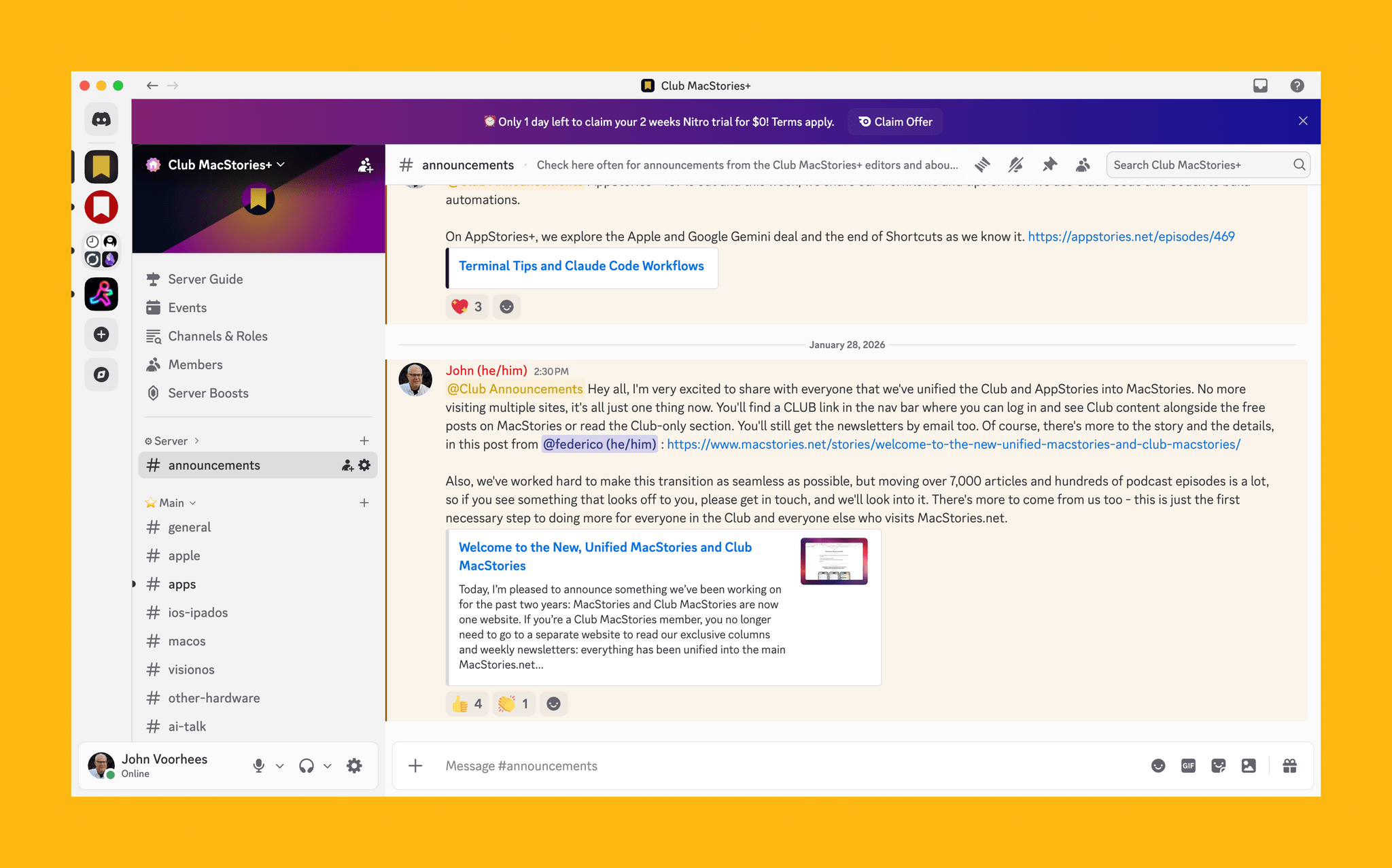
Our Club Discord community has become a fantastic resource for Club MacStories+ and Premier members.

Our Club Discord community has become a fantastic resource for Club MacStories+ and Premier members.

That’s been the case since the Club launched over eight years ago. We didn’t hide MacStories content behind a paywall when the Club was started. Instead, the Club has always been designed to supplement MacStories with more app coverage, complex automations, longer podcast episodes, and more. Then, with the introduction of Club MacStories+ and Club Premier, we built on that model further with a vibrant, respectful Discord community of app and automation fans who help each other get the most out of their technology.

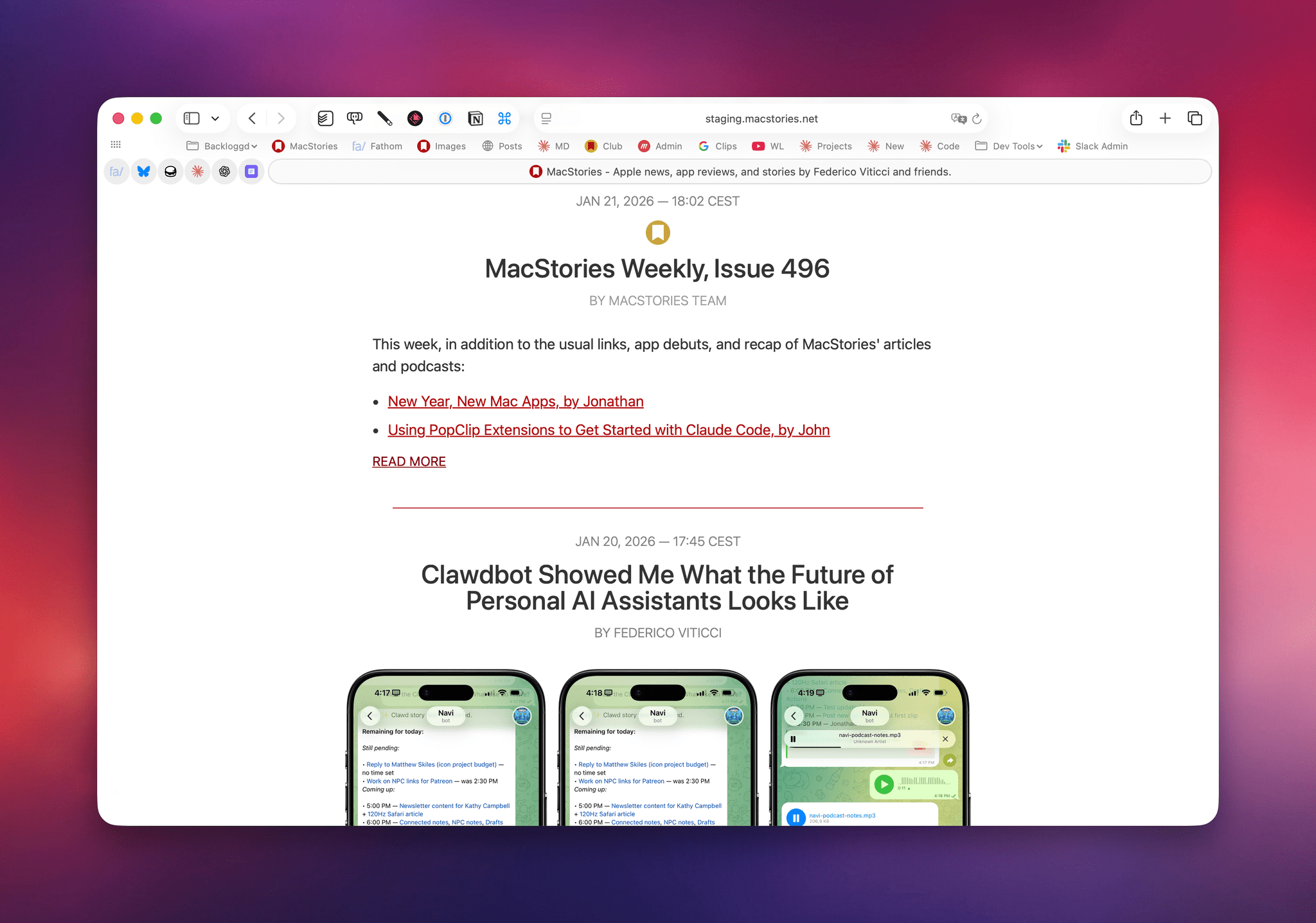
Club newsletters are available in our fully-searchable web app for Club MacStories+ and Premier members.

Club newsletters are available in our fully-searchable web app for Club MacStories+ and Premier members.

We know that folks are inundated with subscriptions these days, which is why we work hard to offer what we think is a great value at every tier of the Club. Our nine-year track record of consistency and content, which includes over 500 issues of our newsletters, speaks for itself, but we also realize that committing to an annual plan is still a lot. So that is why we’re excited to offer a big discount during our fall membership drive. Here’s a breakdown of each tier and the discounts we’re offering through November 1, 2024:

Normally Through Nov. 1
Club MacStories $50/year $40
Club MacStories+ $100/year $80
Club Premier $120/year $96

If you’re not familiar with the Club, you can learn more and compare plans side-by-side here and read our FAQ page.

These discounts are available to anyone signing up for an annual Club membership for the first time, reactivating an expired plan, or upgrading a current plan.

To take advantage of the discounted plans, please use the coupon code CLUB2024 at checkout or click on one of the buttons below.

When you change a monthly plan to an annual one, you'll get credit for the remainder of your current month's subscription.

When you change a monthly plan to an annual one, you’ll get credit for the remainder of your current month’s subscription.

Join Club MacStories:

Join Club MacStories+:

Join Club Premier:

As a thank you to members, we’re also rolling out loads of extra content, giveaways, deals, and more this week and next, starting with new additions to our Club MacStories+ and Club Premier app discounts page, which we’ll begin revealing tomorrow on Mastodon and Threads. Then, through Nov. 1st, we’ll have columns, giveaways, a special Discord audio event tomorrow, and more, so keep an eye on the MacStories and Club MacStories Mastodon accounts and the MacStories Threads account every day to hear what’s coming next. We’ll be sure to keep any giveaway entries open throughout the fall Membership Event, too, so no matter when you join, they’ll be available.

Thanks again to our many loyal Club MacStories members, and welcome to everyone joining for the first time. You’ve all helped us grow MacStories, launch new projects, and build MacStories on a strong foundation while staying independent and true to our editorial values. We look forward to bringing you even more of what makes MacStories special for many years to come.