This Week's Sponsor:

Turbulence Forecast

Know before you go. Get detailed turbulence forecasts for your exact route, now available 5 days in advance.


Posts tagged with "club"

Macintosh Desktop Experience: No Mac Is an Island

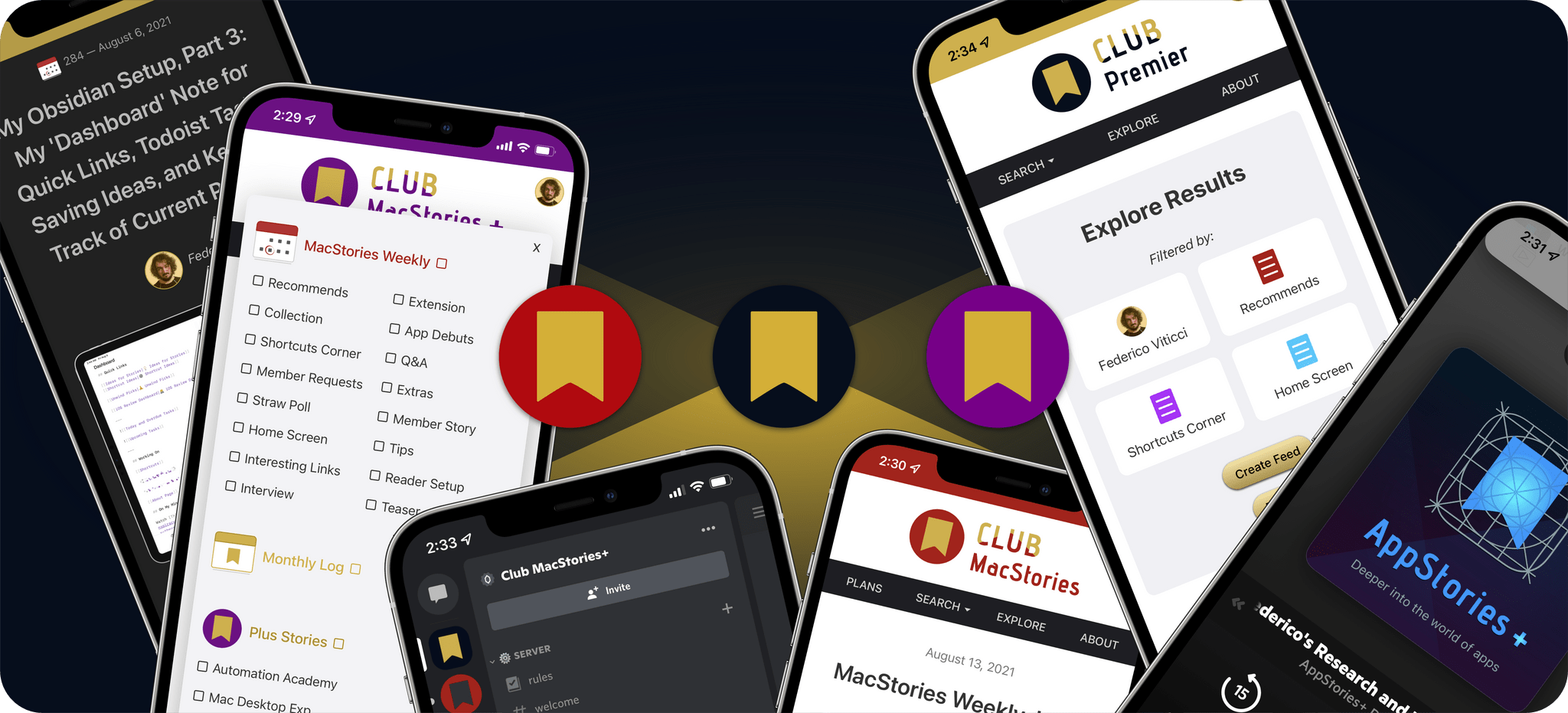
One of the perks of a Club MacStories+ and Club Premier membership are special columns published periodically by me and John. In this week’s Macintosh Desktop Experience column, John explained how widgets in macOS Sonoma are the glue between apps and services that make the Mac feel even more like part of an integrated ecosystem of platforms and devices:

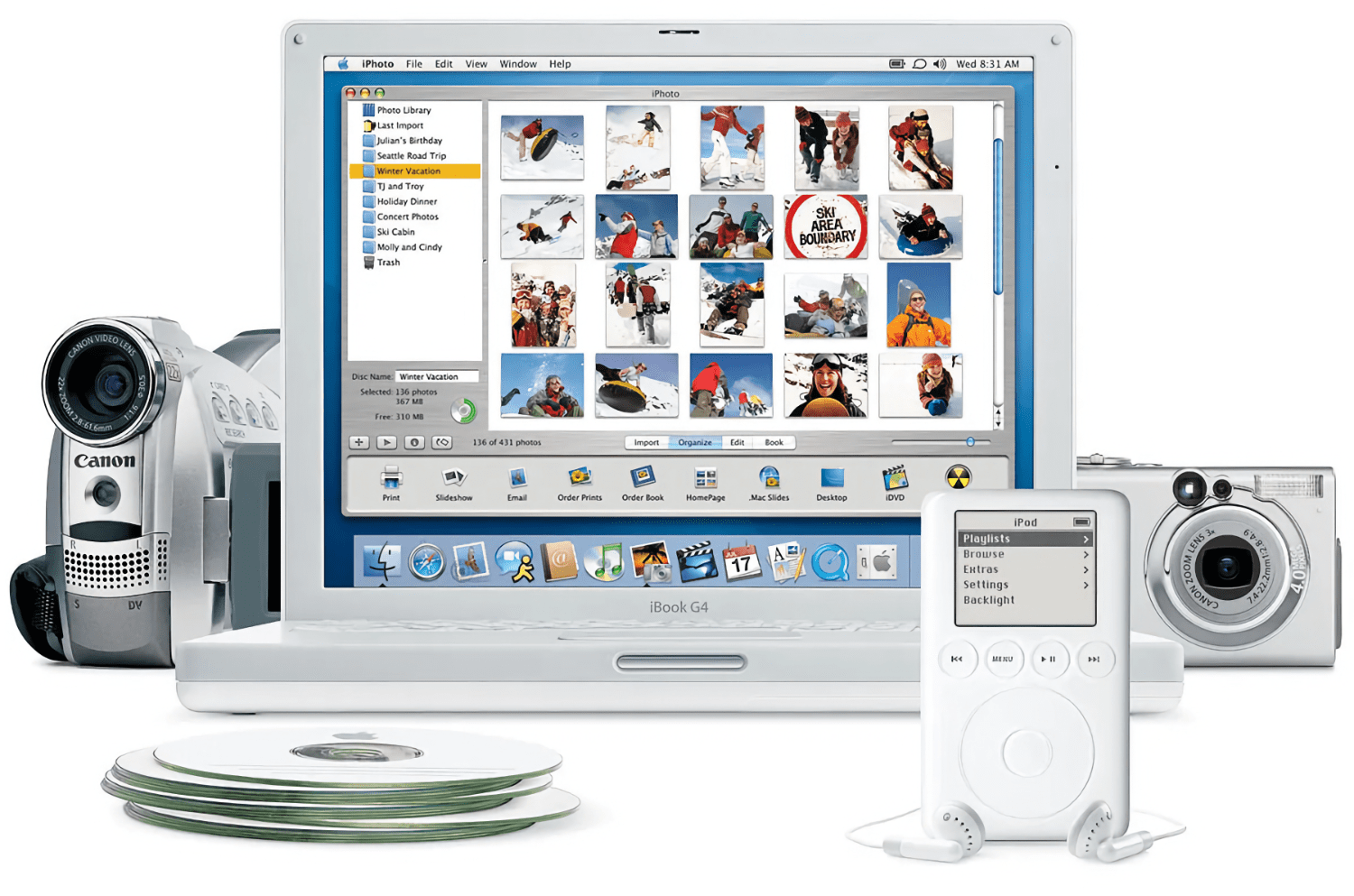
The Mac’s place in users’ computing lives has changed a lot since Steve Jobs returned to Apple and reimagined the Mac as a digital hub. Those days were marked by comparatively weak mobile phones, MP3 players, camcorders, and pocket digital cameras that benefitted from being paired with the Mac and Apple’s iLife suite.

The computing landscape is markedly different now. The constellation of gadgets surrounding the Mac in Jobs’ digital hub have all been replaced by the iPhone and iPad – powerful, portable computers in their own right. That’s been a seismic shift for the Mac. Today, the Mac is in a better place than it’s been in many years thanks to Apple silicon, but it’s no longer the center of attention. Instead, it sits alongside the iPhone and iPad as capable computing peers.

What hasn’t changed from the digital hub days is the critical role played by software. In 2001, iLife’s apps enabled the digital hub, but in 2023, the story is about widgets.

Stay until the end of the story and don’t miss the photo of John’s desk setup, which looks wild at first, but actually makes a lot of sense in the context of widgets.

Macintosh Desktop Experience is one of the many perks of a Club MacStories+ and Club Premier membership and a fantastic way to recognize the modern reality of macOS as well as get the most of your Mac thanks to John’s app recommendations, workflows, and more.

Join Club MacStories+:

Join Club Premier:

Permalink

Announcing the Club MacStories Fall Membership Event and Discount

Today, we’re announcing our first-ever Club MacStories Membership Event and Discount. I’ve got more details below, but the highlights include 20% off on all annual Club MacStories plans plus special columns, a live Discord event, giveaways, deals, downloadable content, and more every day through October 31st. There’s a lot going on, so let’s look at the details.

To take advantage of the discounted plans, please use the coupon code CLUB2023 at checkout or click on one of the buttons below.

Join Club MacStories:

Join Club MacStories+:

Join Club Premier:

Visit our [Plans page](https://staging.macstories.net/club/plans) for more details on each Club option.

Visit our Plans page for more details on each Club option.

Club MacStories has become a big part of MacStories. The Club has grown steadily every year since it was started in 2015, and every plan is packed with more of what you love about MacStories. With this month’s event, we want to accomplish two things:

  • Thank our current members with two weeks packed with what makes the Club special
  • Offer a special 20% off on annual plans to grow the Club further and make switching to a higher-tier membership more affordable for existing members.

The support of Club MacStories members is the foundation of MacStories. It’s given us the freedom to expand, focus on our in-depth stories and reviews, and build a closer relationship with readers. And most recently, while websites are shutting down and laying off staff due to plummeting ad revenue, we’re growing and have plans to do even more in the coming year. That wouldn’t have been possible without the Club.

What’s unique about Club MacStories is that it’s the perfect complement to MacStories.net. If you’re a fan of the site, you’ll find that the Club is a natural extension of what you already love, with more of everything.

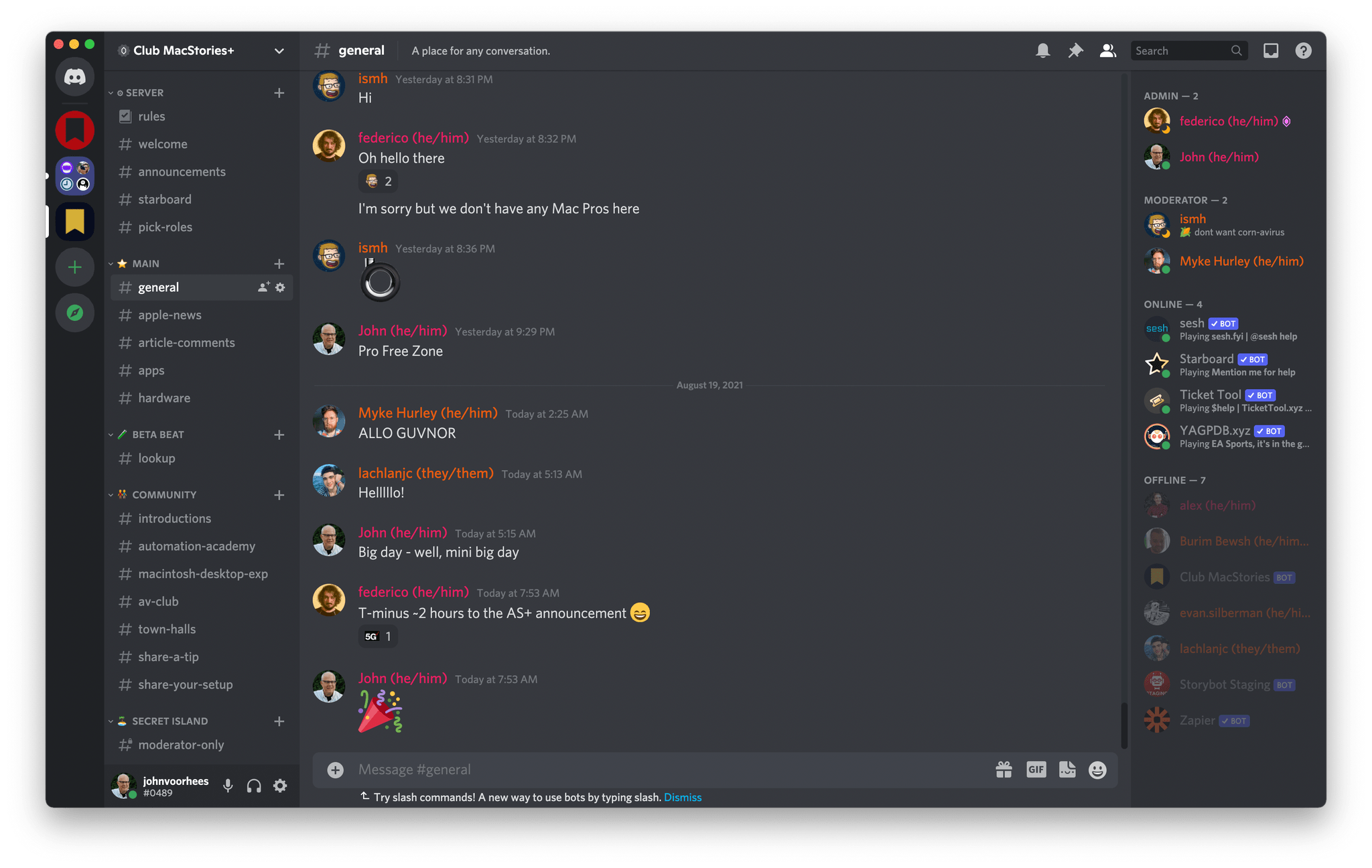
Our Club Discord community has become a fantastic resource for Club MacStories+ and Premier members.

Our Club Discord community has become a fantastic resource for Club MacStories+ and Premier members.

That’s been the case since the Club launched over eight years ago. We didn’t hide MacStories content behind a paywall when the Club was started. Instead, the Club has always been designed to supplement MacStories with more app coverage and complex automations, longer podcast episodes, and more. Then, with the introduction of Club MacStories+ and Club Premier, we built on that model further with a vibrant, respectful Discord community of app and automation fans who help each other get the most out of their technology.

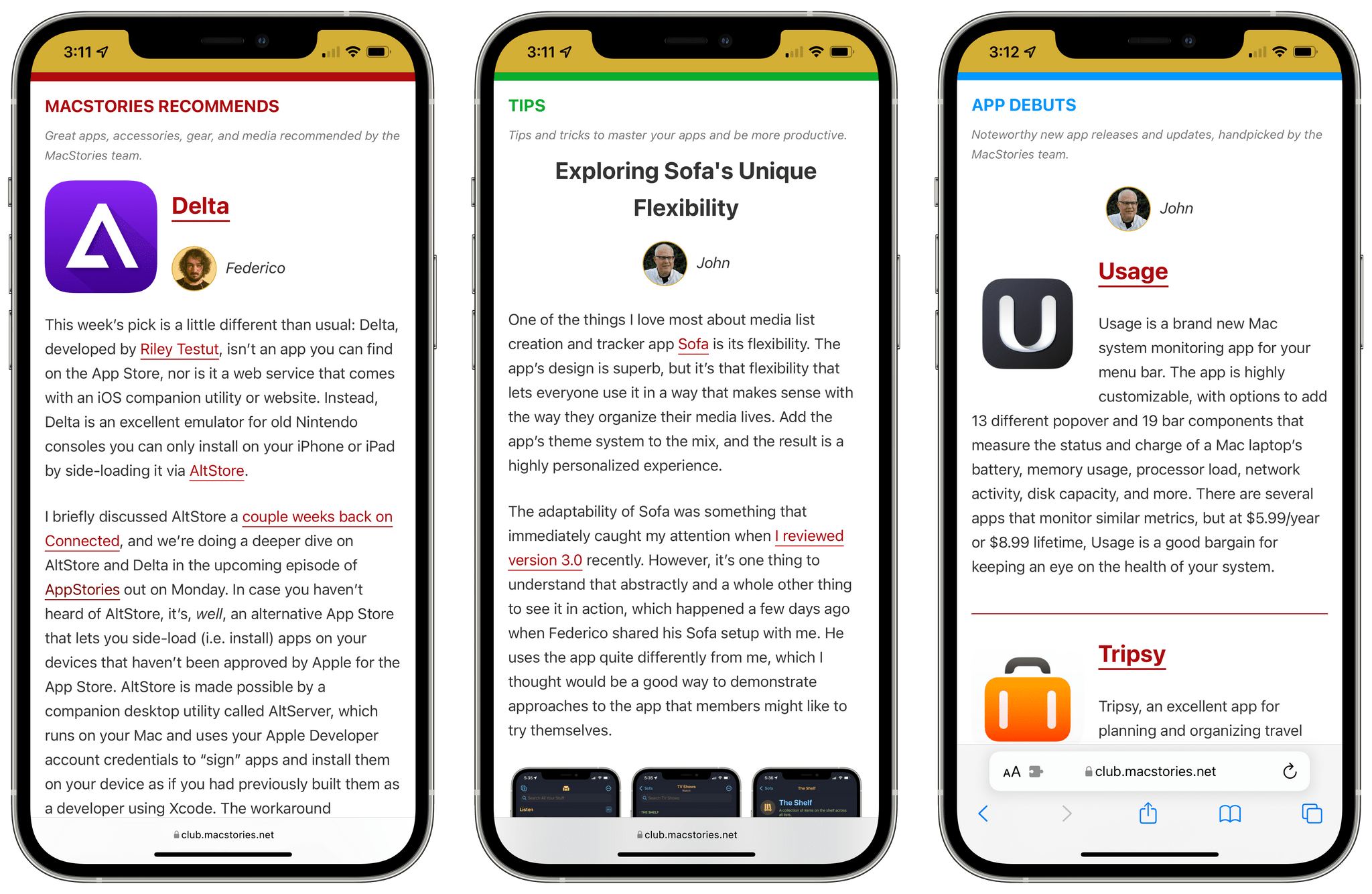
Club newsletters are available in our fully-searchable web app for Club MacStories+ and Premier members.

Club newsletters are available in our fully-searchable web app for Club MacStories+ and Premier members.

We know that folks are inundated with subscriptions these days, which is why we work hard to offer what we think is a great value at every tier of the Club. Our eight-year track record of consistency and content, which includes nearly 500 issues of our newsletters, speaks for itself, but we also realize that committing to an annual plan is still a lot. So that is why we’re excited to offer the biggest discount on Club MacStories plans we’ve ever done. Here’s a breakdown of each tier and the discounts we’re offering through October 31, 2023:

Normally Through Oct. 31
Club MacStories $50/year $40
Club MacStories+ $100/year $80
Club Premier $120/year $96

If you’re not familiar with the Club, you can learn more and compare plans side-by-side here and read our FAQ page.

These discounts are available to anyone signing up for one annual Club membership for the first time, reactivating an expired plan, or upgrading a current plan.

To take advantage of the discounted plans, please use the coupon code CLUB2023 at checkout or click on one of the buttons below.

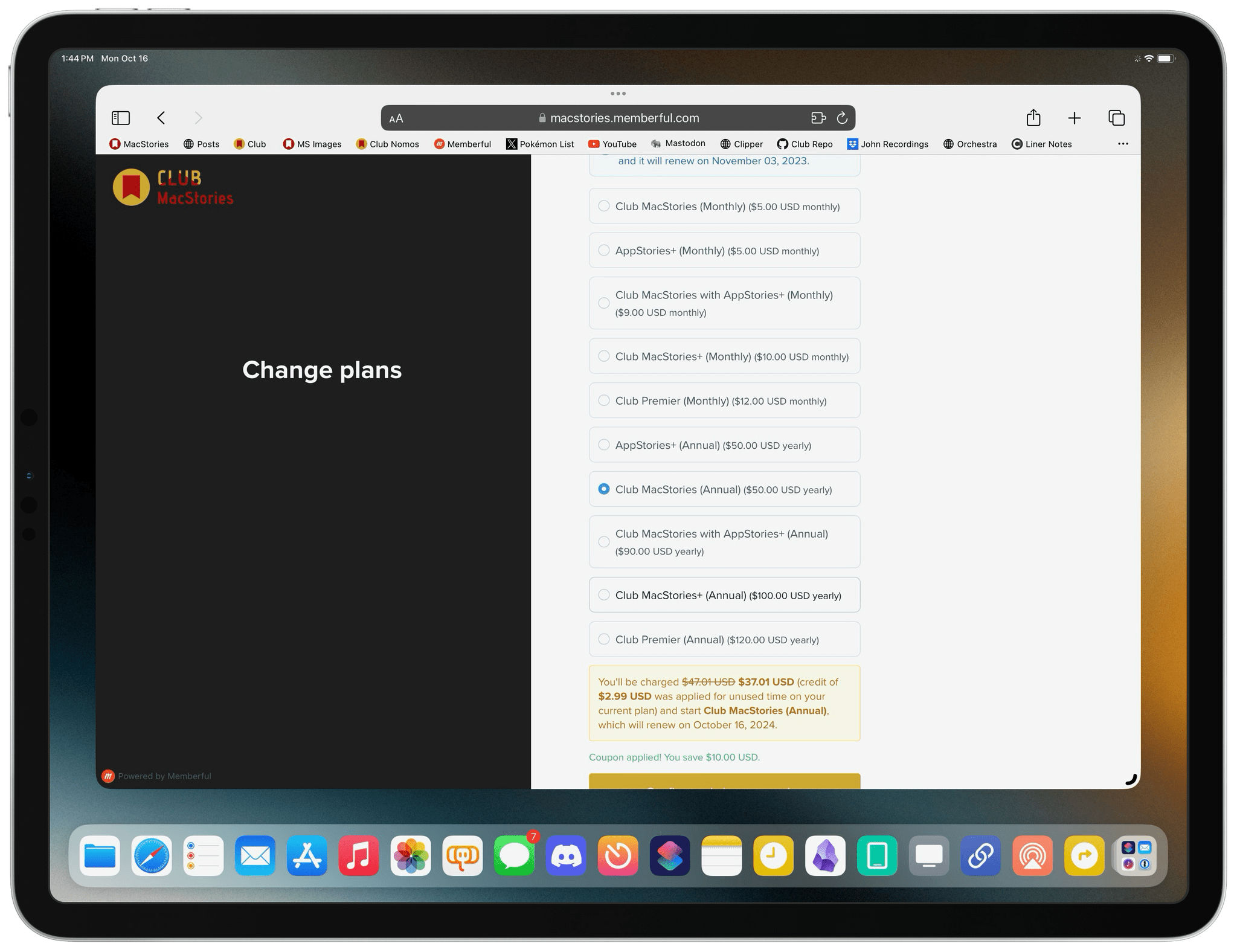
When you change a monthly plan to an annual one, you'll get credit for the remainder of your current month's subscription.

When you change a monthly plan to an annual one, you’ll get credit for the remainder of your current month’s subscription.

Join Club MacStories:

Join Club MacStories+:

Join Club Premier:

As a thank you to members, we’re also rolling out daily content, giveaways, deals, and more over the next two weeks, starting with a new addition to our Club MacStories+ and Club Premier app discounts page, which we’ll reveal tomorrow on Mastodon and Threads. Then on each day for the next two weeks, we’ll have columns, giveaways, a special Discord audio event, eBooks, and more, so keep an eye on the MacStories and Club MacStories Mastodon accounts and the MacStories Threads account every day to hear what’s coming next. We’ll be sure to keep any giveaway entries open throughout the fall Membership Event, too, so no matter when you join, they’ll be available.

Thanks again to our many loyal Club MacStories members, and welcome to everyone joining for the first time. You’ve all helped us grow MacStories, launch new projects, and build MacStories on a strong foundation while staying independent and true to our editorial values. We look forward to bringing you even more of what makes MacStories special for a long time to come.


iOS and iPadOS 17 Review Extras: eBook, Special Editions of MacStories Weekly and AppStories+, and Two New Obsidian Plugins

Today, Federico published his iOS and iPadOS 17 review. As in past years, we’re releasing a wide variety of perks exclusively for Club MacStories members throughout the week, including an eBook version of the review, a special ‘making of’ edition of MacStories Weekly, a behind-the-scenes AppStories+ segment, and two new Club-exclusive Obsidian plugins.

Read more


Four Brand-New Deals for Club MacStories+ and Club Premier Members

One of the perks of a Club MacStories+ or Club Premier membership is discounts on a long list of great apps and services. Today, we’re pleased to add four new Mac apps to the growing catalog of deals available to members:

Lasso – 30% off

Lasso.

Lasso.

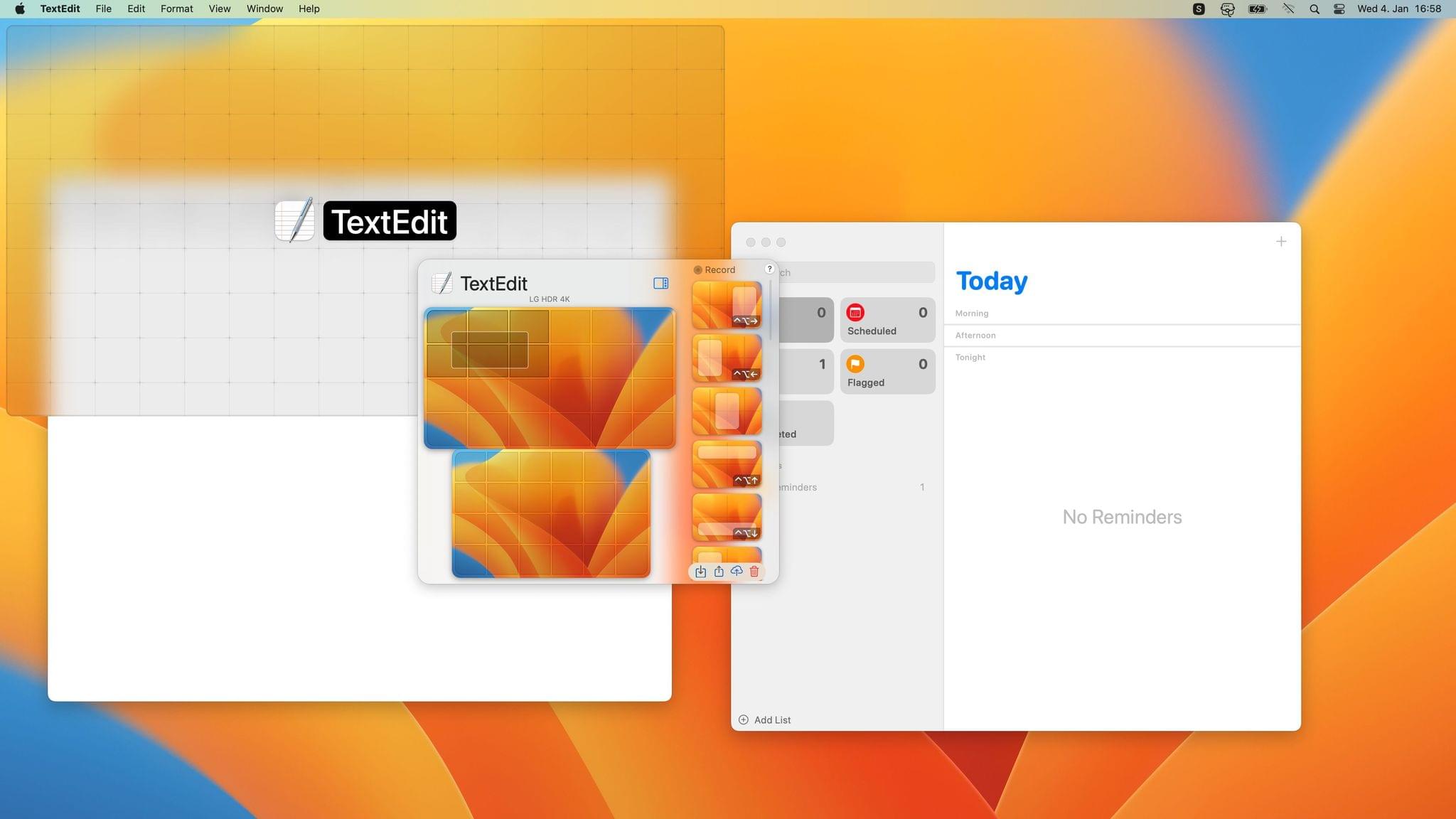
Lasso is a Mac window manager that lets you move and resize windows using only your mouse. The app uses a simple grid system and keyboard shortcuts, plus it supports custom layouts, multiple displays, layout exporting and importing, and more.

Mission Control Plus – 20% off

Mission Control Plus.

Mission Control Plus.

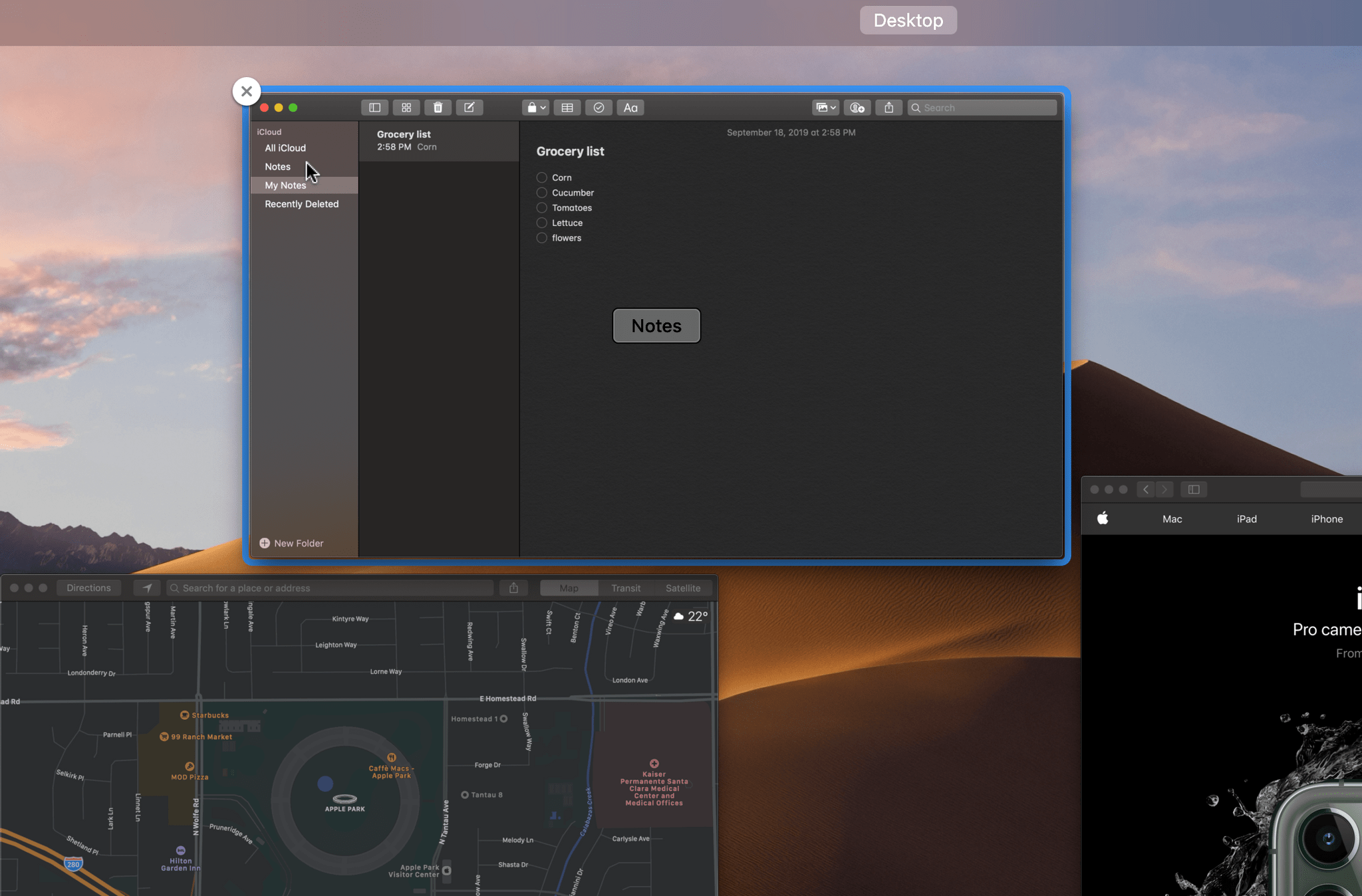
Mission Control Plus is a Mac app that puts the ‘control’ back in Mission Control by letting you manage your windows in Mission Control, adding keyboard navigation, shortcuts, and more.

Batteries – 20% off

Batteries.

Batteries.

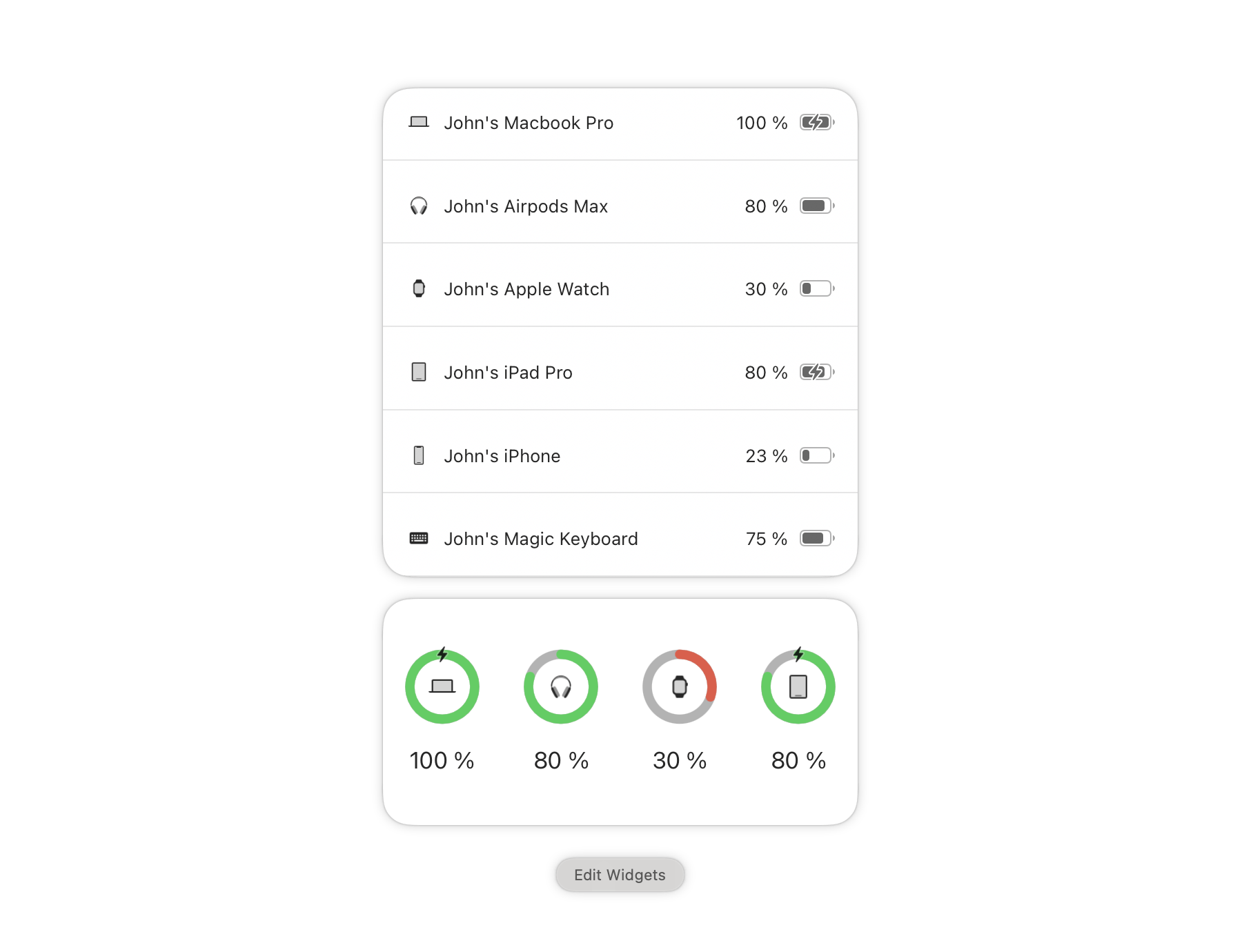
Batteries for Mac allows you to track all your devices’ batteries from your Mac and will notify you when your iPhone, iPad, AirPods, Beats headphones, and Bluetooth peripherals need recharging.

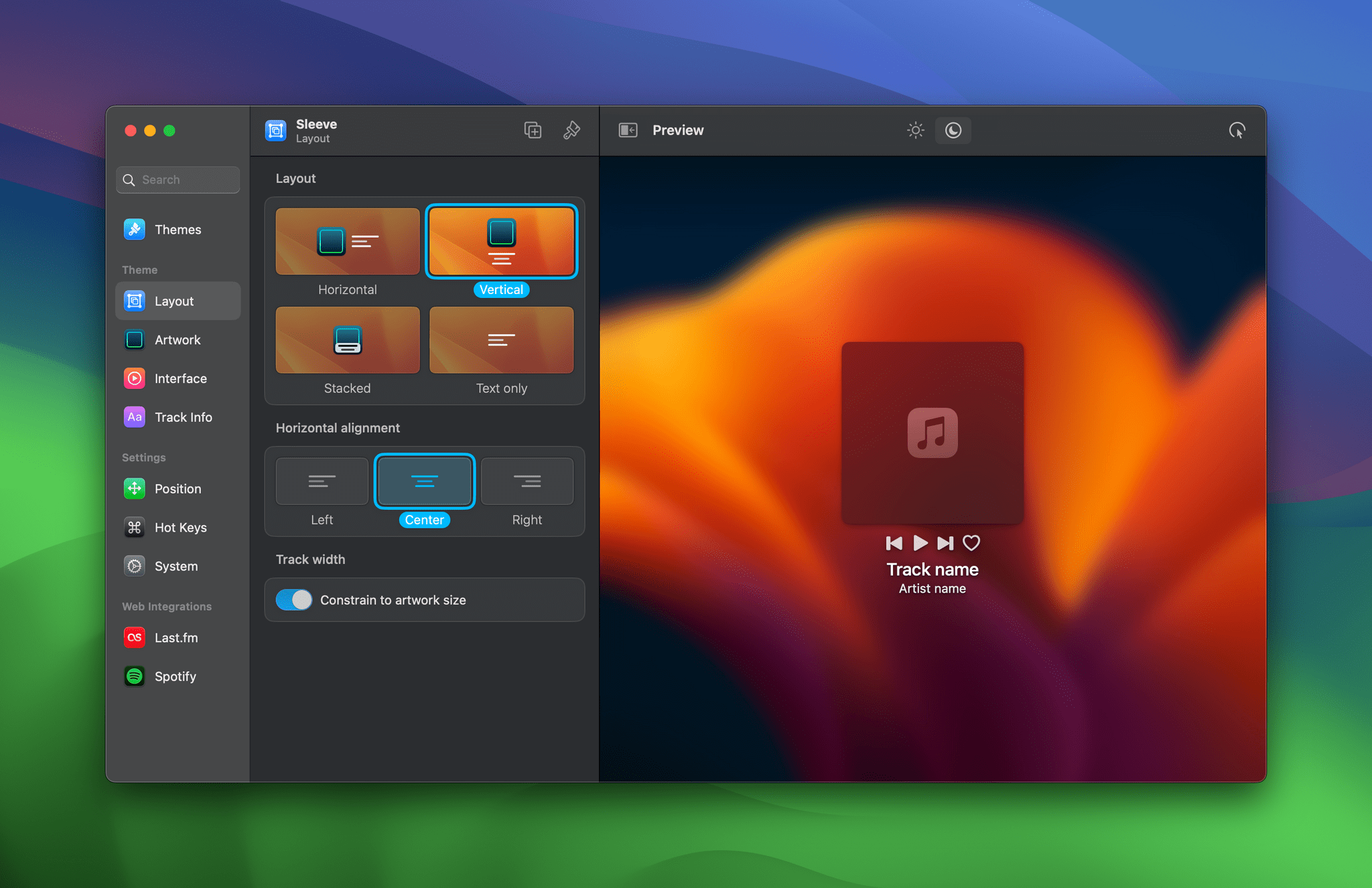
Sleeve 2 – 25% off

Sleeve 2.

Sleeve 2.

Sleeve 2 is the ultimate music accessory for your Mac. Sleeve sits on the desktop, displaying and controlling the music you’re currently playing using Apple Music, Spotify, and Doppler. The app is highly customizable, supports themes, and integrates with Last.fm.

In addition to the discounts above, Club MacStories+ and Club Premier members enjoy discounts on top apps like CleanShot X, Keyboard Maestro, Lingon X, Clean Email, MarsEdit and other Red Sweater apps, TextSniper, Screens, Audio Hijack and other Rogue Amoeba apps, Ulysses, and Sensei. Whether or not you’re a Club member, you can browse our complete catalog of deals on our Club Discounts page.

But discounts are just part of what sets a Club MacStories+ and Club Premier membership apart from a standard Club MacStories membership.

Club MacStories+ adds to Club MacStories, with bonus content, a powerful web app to read Club articles on the web with advanced search and filtering, advanced RSS features, exclusive discounts, our Discord community, and ad-free, early access to MacStories Unwind, our fun weekly podcast that explores culture, media, and more.

Club Premier is the ultimate plan that includes all of Club MacStories, Club MacStories+, and the extended, ad-free AppStories+ podcast in a single package. It is the best value and the easiest way to access everything we do. It’s the MacStories all-access pass.

To learn more about each tier, visit plus.club.


Last Week, on Club MacStories: Our WWDC Travel Home and Lock Screens and Ben McCarthy’s Development Desk Setup

Because Club MacStories now encompasses more than just newsletters, we’ve created a guide to the past week’s happenings:

MacStories Weekly: Issue 371

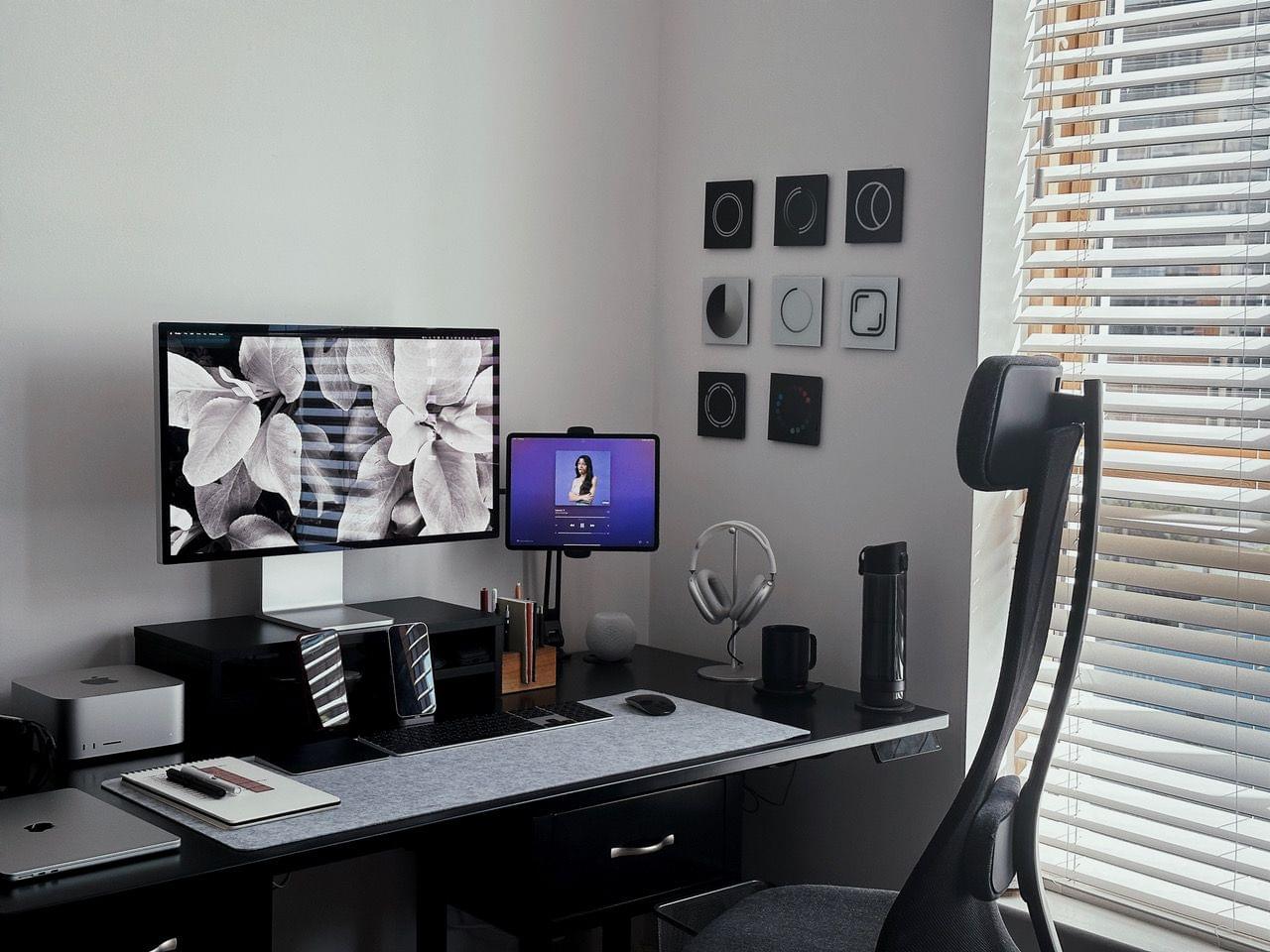
Ben McCarthy's Desk Setup.

Ben McCarthy’s Desk Setup.


Last Week, on Club MacStories: iPad Stand, Keyboard, and Mouse Recommendations, AppStories Live, and Rebuilding Workflows

Because Club MacStories now encompasses more than just newsletters, we’ve created a guide to the past week’s happenings:

MacStories Weekly: Issue 370

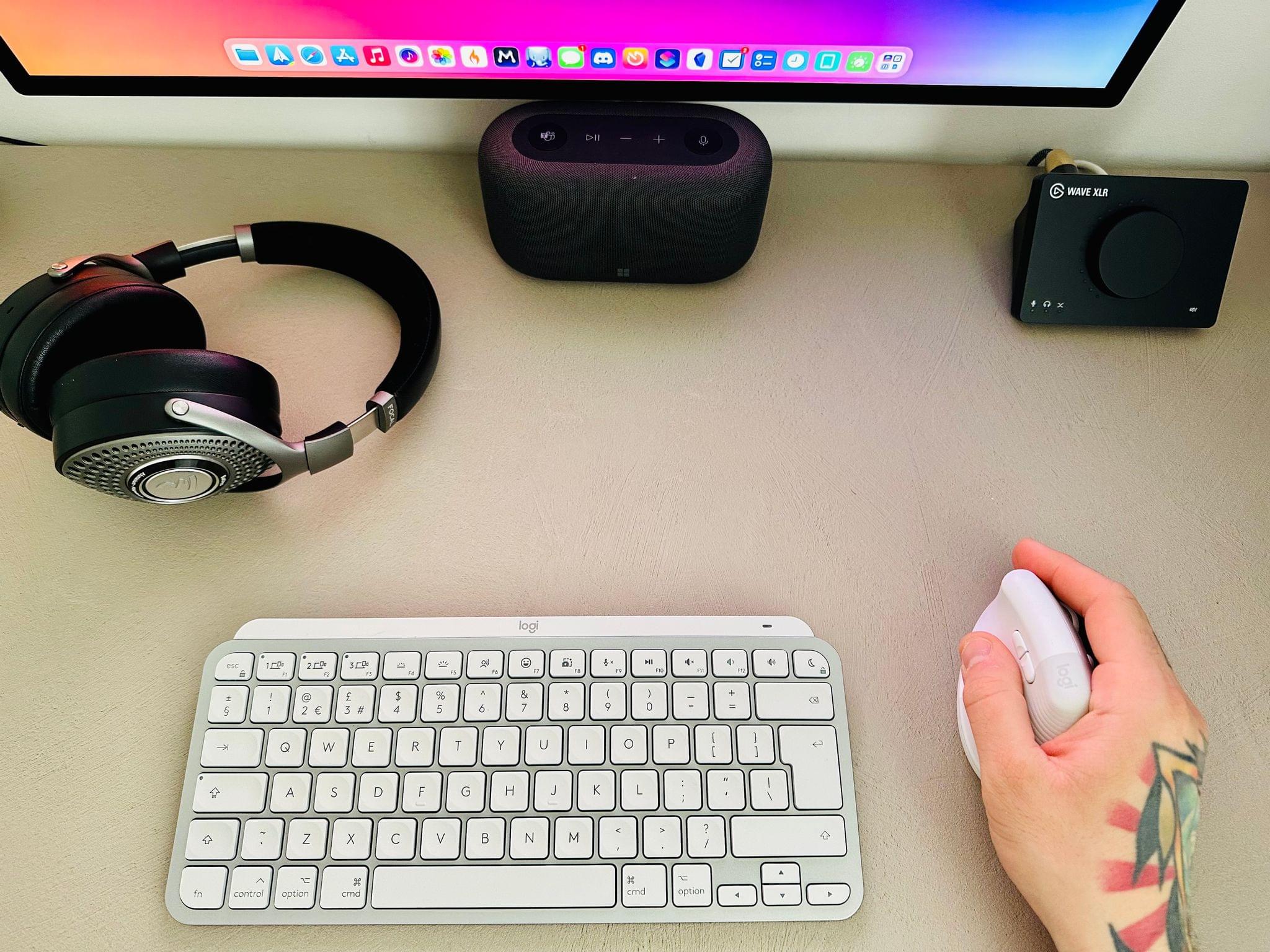
Federico's keyboard and mouse setup.

Federico’s keyboard and mouse setup.


Last Week, on Club MacStories: Task Manager Overload, a Things Web Clipper, and the Need for Migration Assistant for Apps

Because Club MacStories now encompasses more than just newsletters, we’ve created a guide to the past week’s happenings:

MacStories Weekly: Issue 369


Last Week, on Club MacStories: Things Shortcuts Tips, App Pricing Complexity, and New and Updated Apps

Because Club MacStories now encompasses more than just newsletters, we’ve created a guide to the past week’s happenings:

MacStories Weekly: Issue 368


Last Week, on Club MacStories: Using Dropover with Shortcuts, Mona Tips, an Apple Podcasts Experiment, and Giveaway

Because Club MacStories now encompasses more than just newsletters, we’ve created a guide to the past week’s happenings:

MacStories Weekly: Issue 367

Sending images to Shortcuts using Dropover.

Sending images to Shortcuts using Dropover.