This Week's Sponsor:

Turbulence Forecast

Know before you go. Get detailed turbulence forecasts for your exact route, now available 5 days in advance.


Posts tagged with "design"

Wallpaper Interviews Apple’s Alan Dye and Richard Howarth

Today, Wallpaper published an interview with Alan Dye, Apple’s Vice President of Human Interface Design, and Richard Howarth, Vice President of Industrial Design. It’s a fantastic read with some great images, including an exploded view of the Vision Pro’s components.

Something I noticed as soon as I unboxed the Apple Vision Pro was how approachable it was. The setup process was easy, well-paced, and felt natural. That carries through to the hardware itself, too, which Dye explained to Wallpaper:

We wanted people around you to also feel comfortable with you wearing it, and for you to feel comfortable wearing it around other people. That’s why we spent years designing a set of very natural, comfortable gestures that you can use without waving your hands in the air. That’s also why we developed EyeSight, because we knew more than anything, if we were going to cover your eyes, that takes away much of what is possible when you connect with people. Getting that right was at the core of the concept of the product because we wanted people to retain those connections in their actual world.

My very early impression is that Apple’s design team accomplished its goal. Howarth puts a slightly different spin on the same message:

There’s a hardness and precision to the front of the product that is completely technical and feels like it’s been sent from the future, but then everything else that connects the product to you is soft and really approachable, so you feel cushioned and there’s not a barrier to putting it on or taking it off. And in fact, it should be a pleasure.’

Nobody is going to confuse the Vision Pro for something that it’s not. Still, the care that has been taken in its design goes a long way toward taking a device that is completely foreign to many people and making it one that isn’t intimidating. That’s something very uniquely Apple and why I’m optimistic about Vision Pro’s long-term prospects.

Permalink

The macOS App Icon Book: A Mini Review

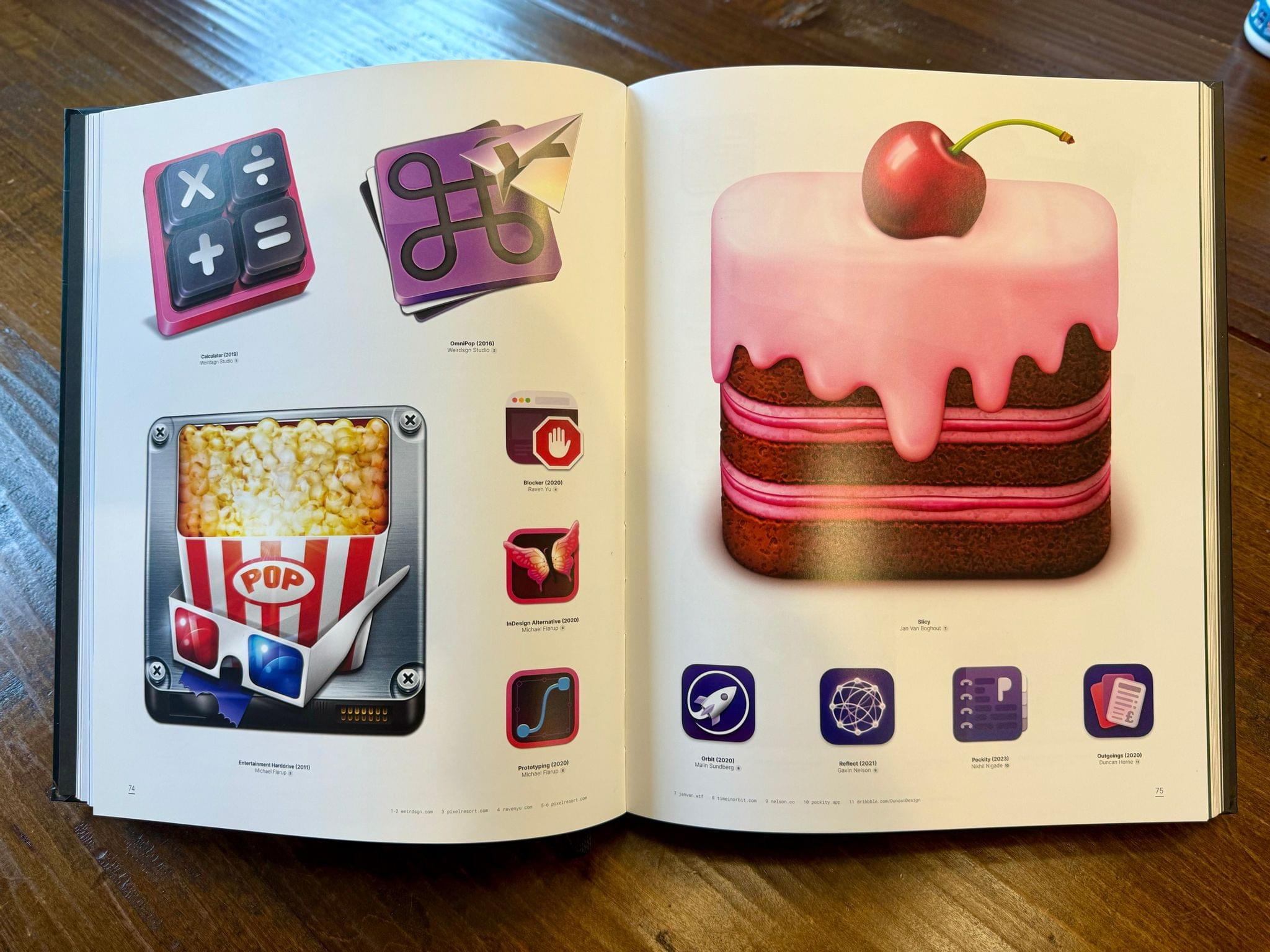
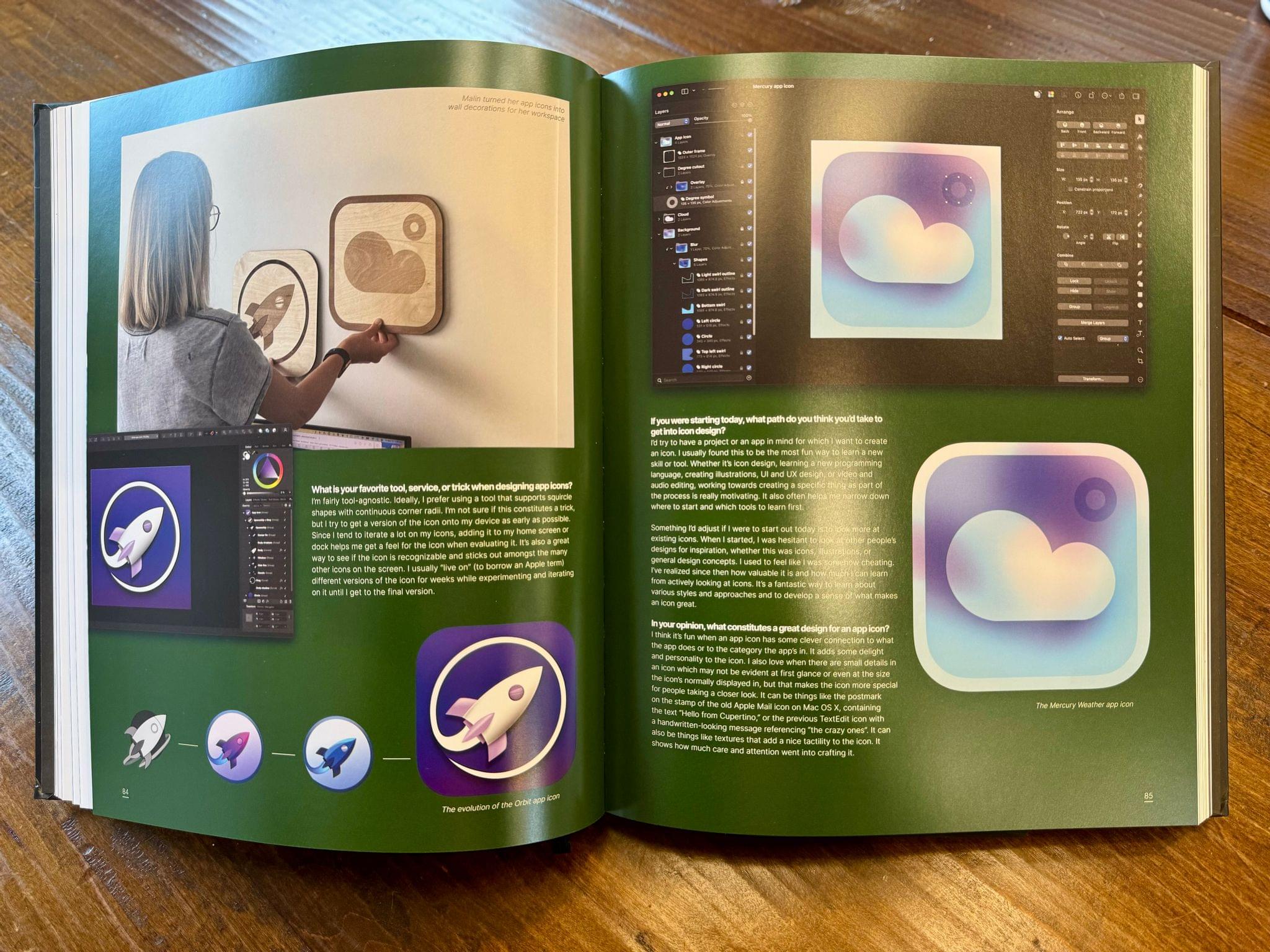
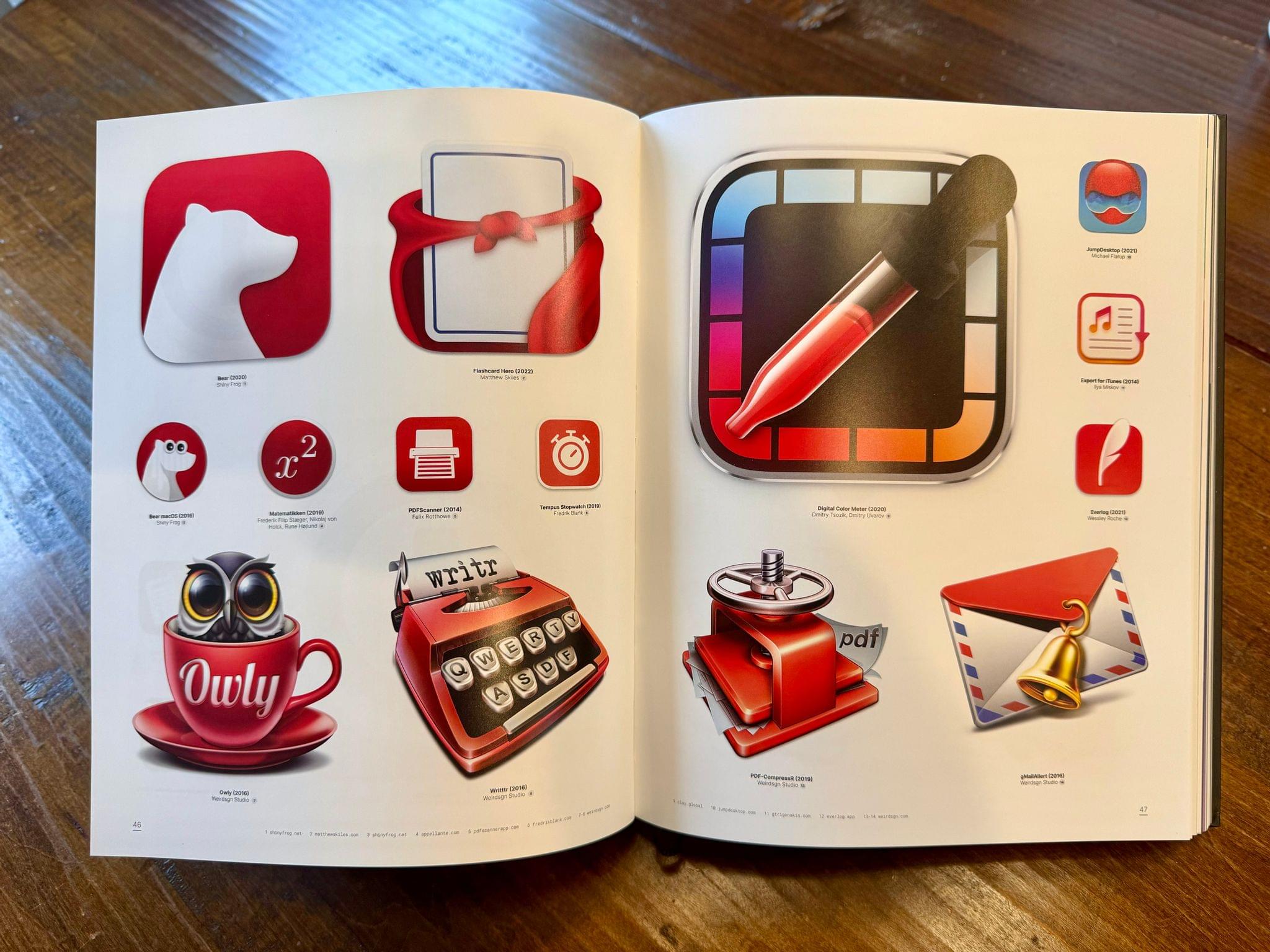
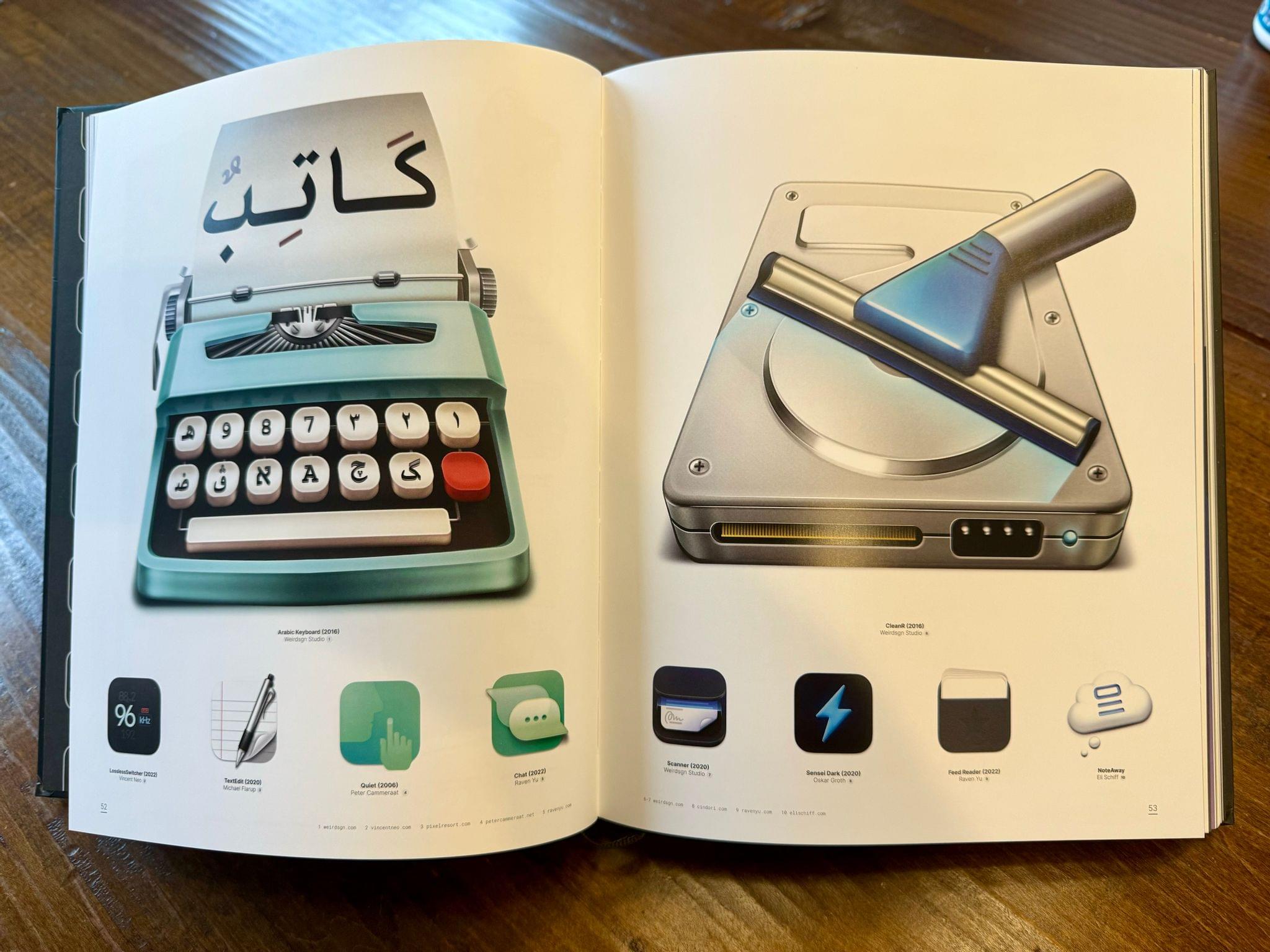
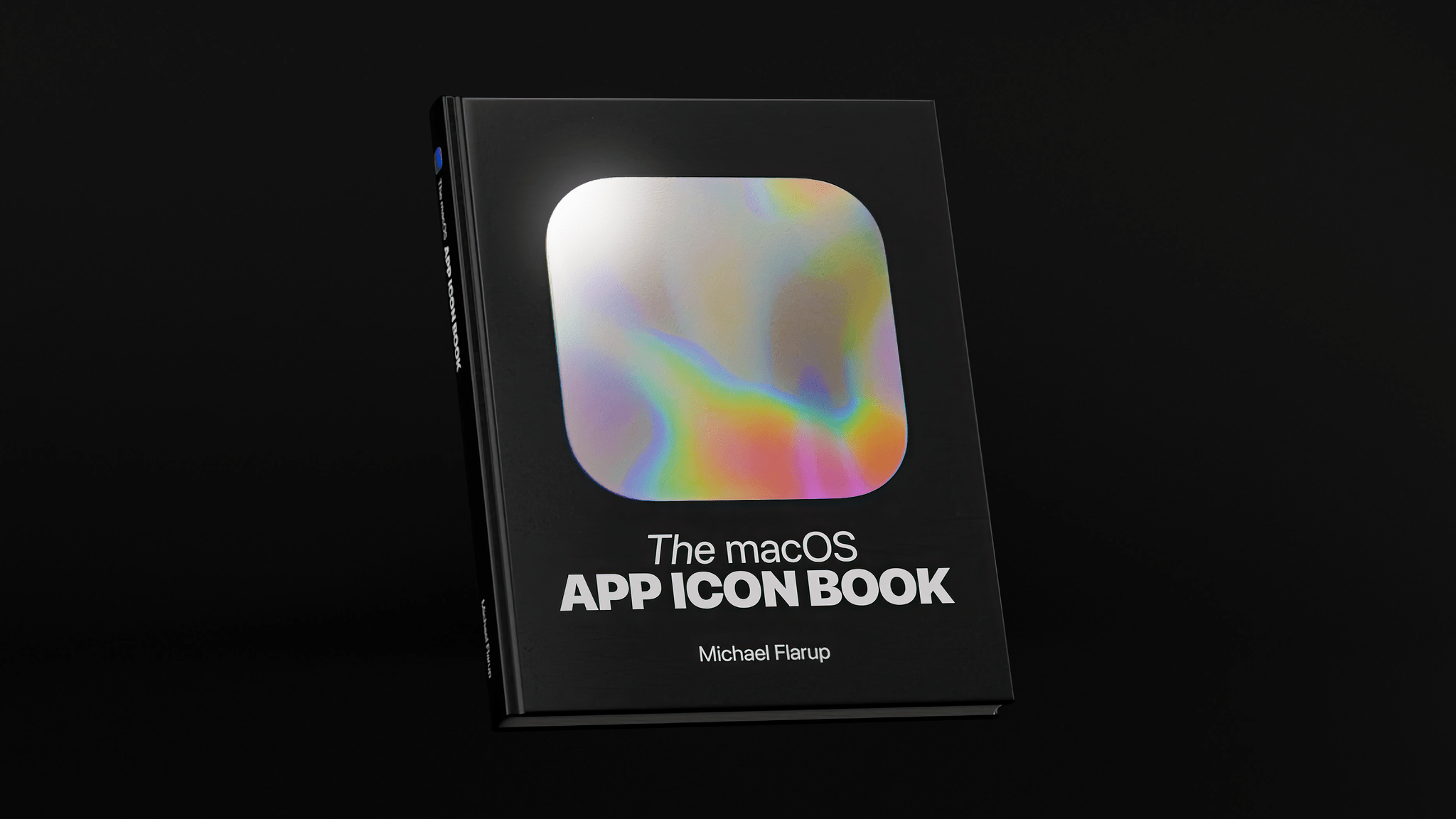
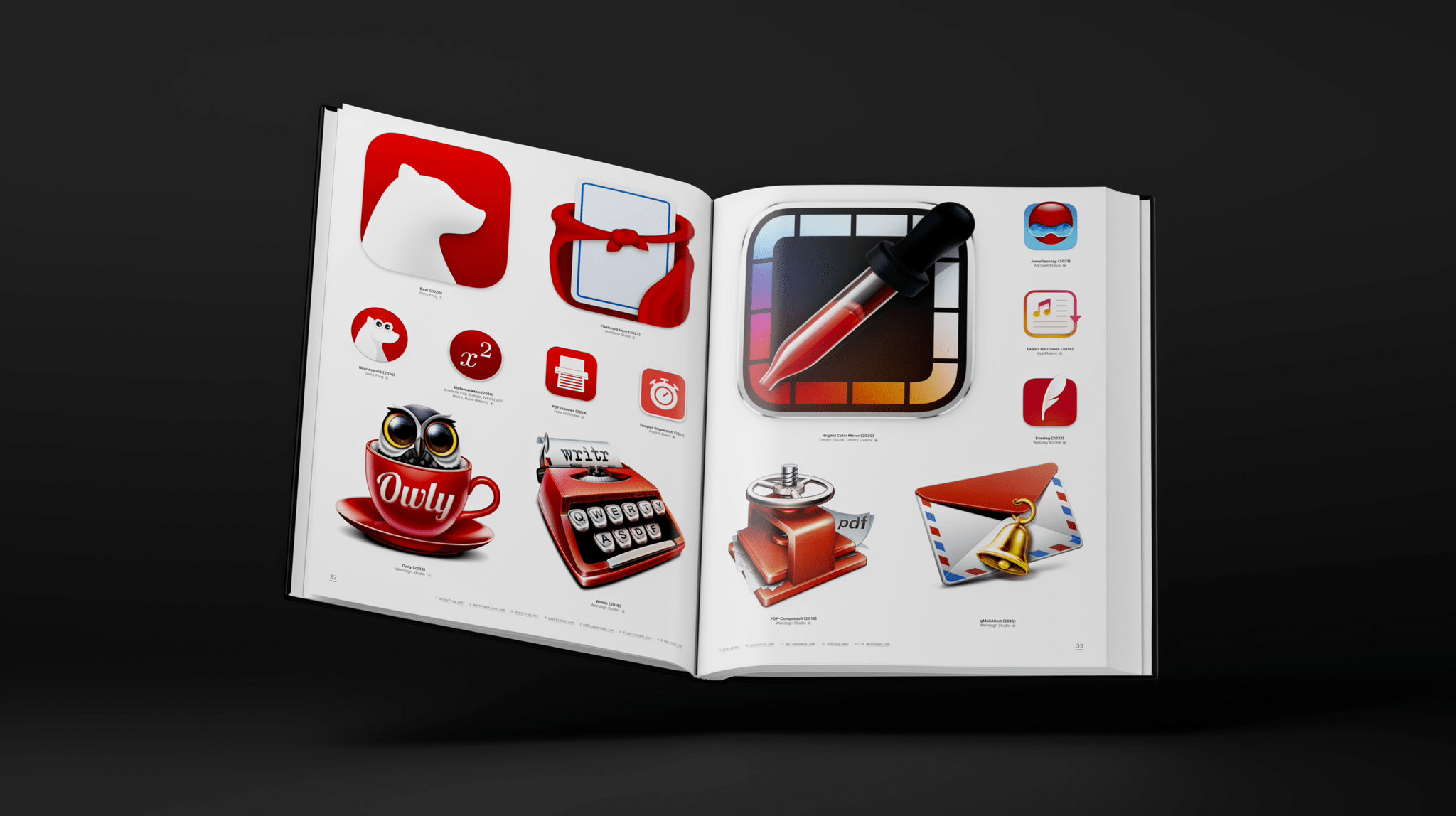
Are you still basking in the glow of the Mac’s 40th anniversary and longing for a little more nostalgia? Well, I’ve got it for you with Michael Flarup’s latest book of iconography, The macOS App Icon Book. I loved Flarup’s book of iOS icons and was excited when I heard months ago that he was working on a follow-up dedicated to Mac iconography. I received my copy about a week ago, and it’s a fantastic mix of icons, history, and designer profiles.

The macOS App Icon Book includes designer profiles.

The macOS App Icon Book includes designer profiles.

Flarup wrote the forward, introduction, an essay on visual design, and a brief history of Mac app icons, which help put the beautifully reproduced icons in context. The book also features profiles of ten icon designers, including many of my favorites like Christa Mrgan, Matthew Skiles, Malin Sundberg, and Gavin Nelson. There’s also a section on icon sets, which is packed with great examples.

If you appreciate good design, I highly recommend picking up a copy of The macOS App Icon Book. I’m sure developers and designers will be inspired by the book’s contents, but it’s also perfect for app fans who are picky enough about the apps they use to be reading this post.

The macOS App Icon Book was funded with a Kickstarter campaign, but it’s now available on Michael Flarup’s online store for $77.


The History of Cover Flow

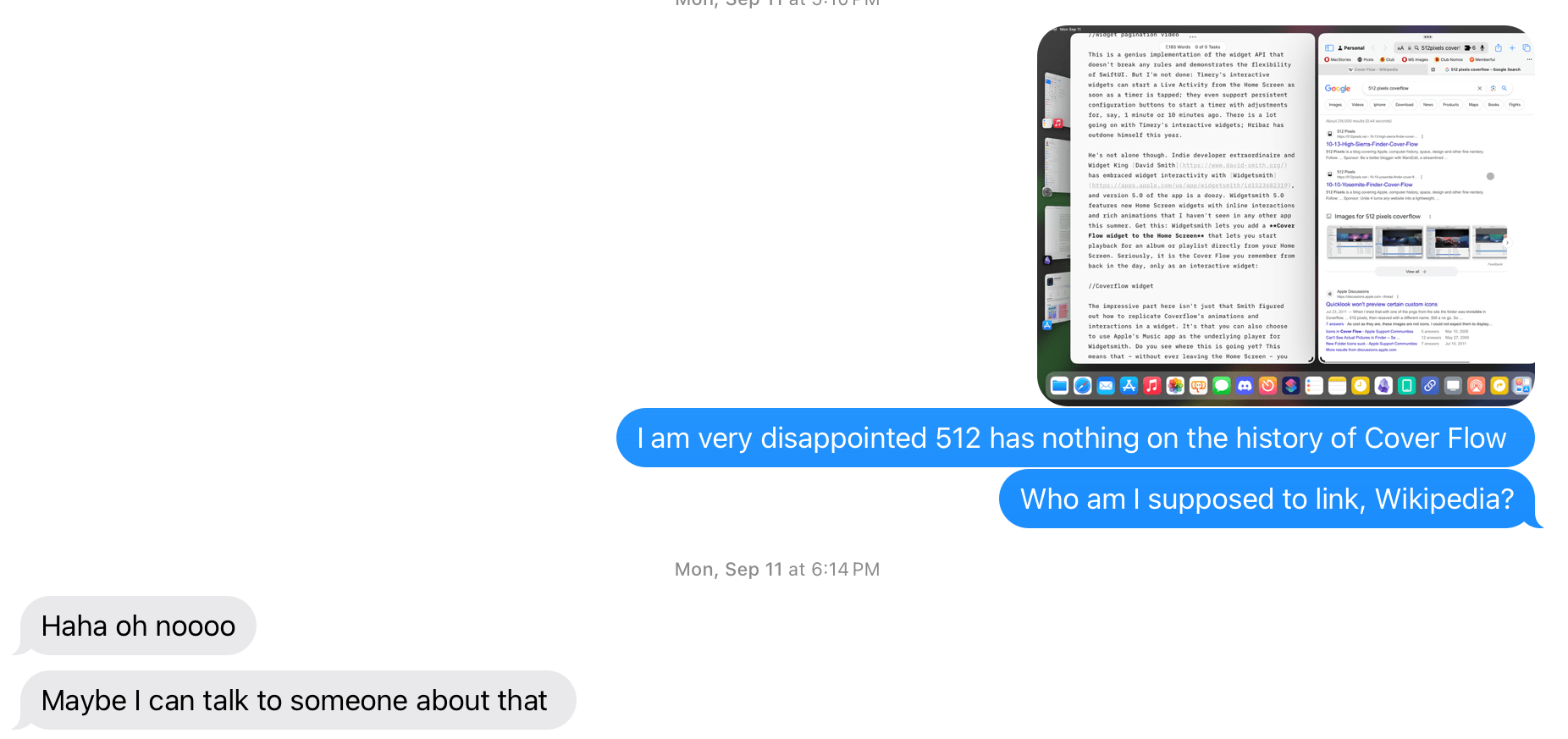
A few months ago when I was writing about Widgetsmith’s new music widgets in my iOS 17 review, I told my buddy Stephen Hackett I couldn’t believe there was no Cover Flow retrospective on 512 Pixels. Yesterday, Stephen delivered:

Over the last decade or so, Apple has been hard at work in simplifying the user interfaces that power its myriad platforms. I’ve welcomed most of that work, but it’s hard to deny that we’ve all lost some things along the way.

Today, we look at a UI element that started life in iTunes, but spread to the iPod, iPhone and Mac over time: Cover Flow.

I had completely forgotten that Cover Flow eventually found its way to Safari as well. I miss Cover Flow more today than I ever used it at the time; I wonder if a similar 3D interface could be revived for the age of visionOS and Vision Pro.

Permalink

Michael Flarup Launches a Kickstarter Campaign for The macOS Icon Book

Michael Flarup has launched a Kickstarter campaign to fund an illustrated book about macOS iconography. The macOS App Icon Book, which has already been fully funded, is estimated to ship in January 2024.

This book is a follow-up to The iOS App Icon Book, which was also funded via Kickstarter and shipped last year, and I reviewed on MacStories. The new title includes full-color reproductions of hundreds of icons and profiles of the designers behind some of them.

Flarup’s iOS icon book was a wonderful bit of Apple history that preserved some of the best iconography produced on the platform. It’s great to see a macOS version is being added to preserve the history of iconography on the Mac, too. If you’re interested in pledging, there are multiple reward levels, including the hardback book, a PDF version, and a set of both the iOS and macOS icon books.

Permalink

Apple Publishes Updated Human Interface Guidelines for visionOS

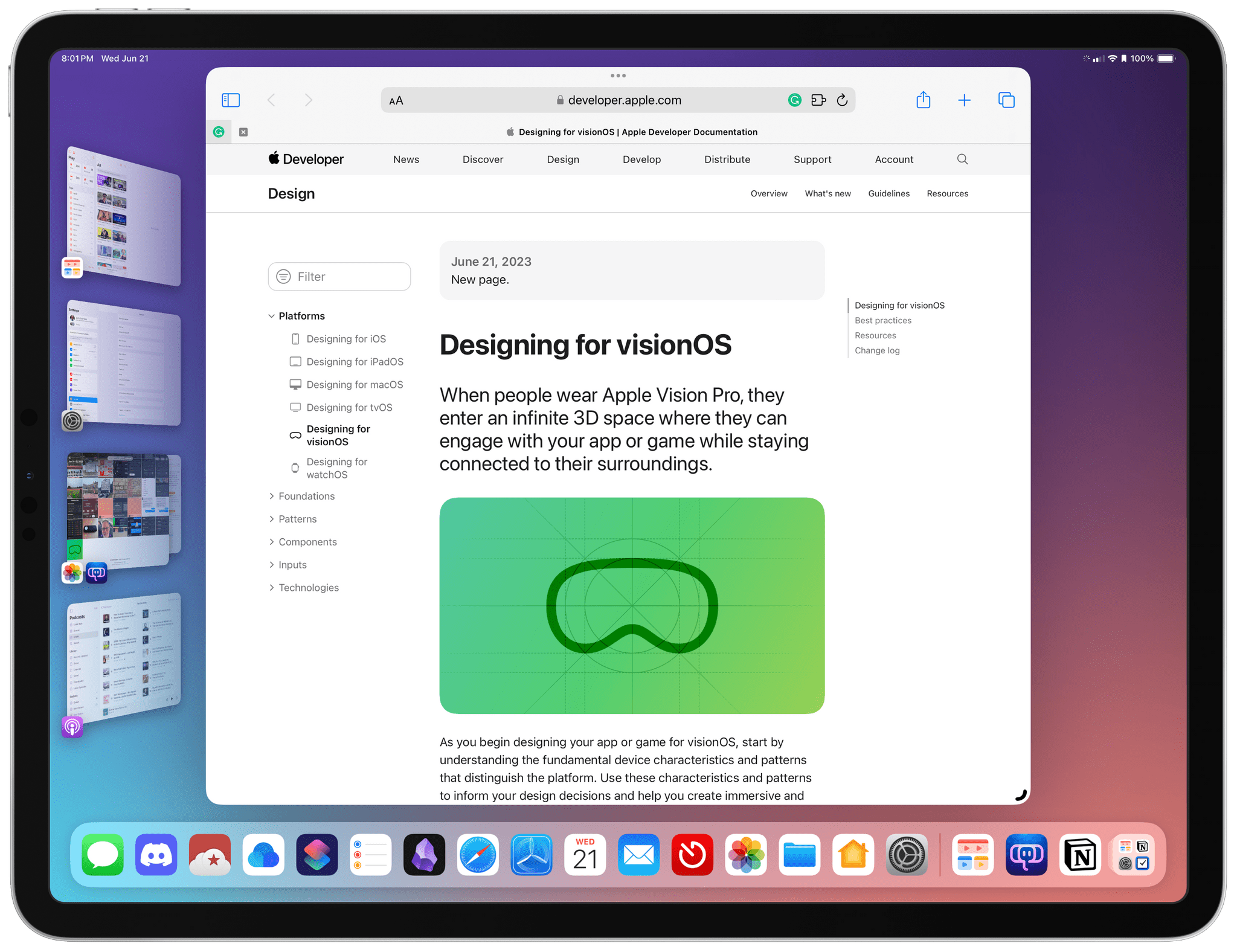
In addition to releasing the visionOS SDK and developer tools today, Apple has updated its Human Interface Guidelines and published additional visionOS documentation for developers. The updated HIG begins with an overview of designing for the Apple Vision Pro, covering topics like Passthrough, Spatial Audio, Focus and Gestures, Ergonomics, and Accessibility, advising developers to:

Embrace the unique features of Apple Vision Pro. Take advantage of space, Spatial Audio, and immersion to bring life to your experiences, while integrating passthrough, focus, and gestures in ways that feel at home on the device.

If you’re interested in Apple’s design philosophy for the Vision Pro, the HIG is an excellent plain-English read. For developers who want to dive deeper into the details of building apps, Apple has also published a lot of additional documentation covering the nuts and bolts of building visionOS apps.

Permalink

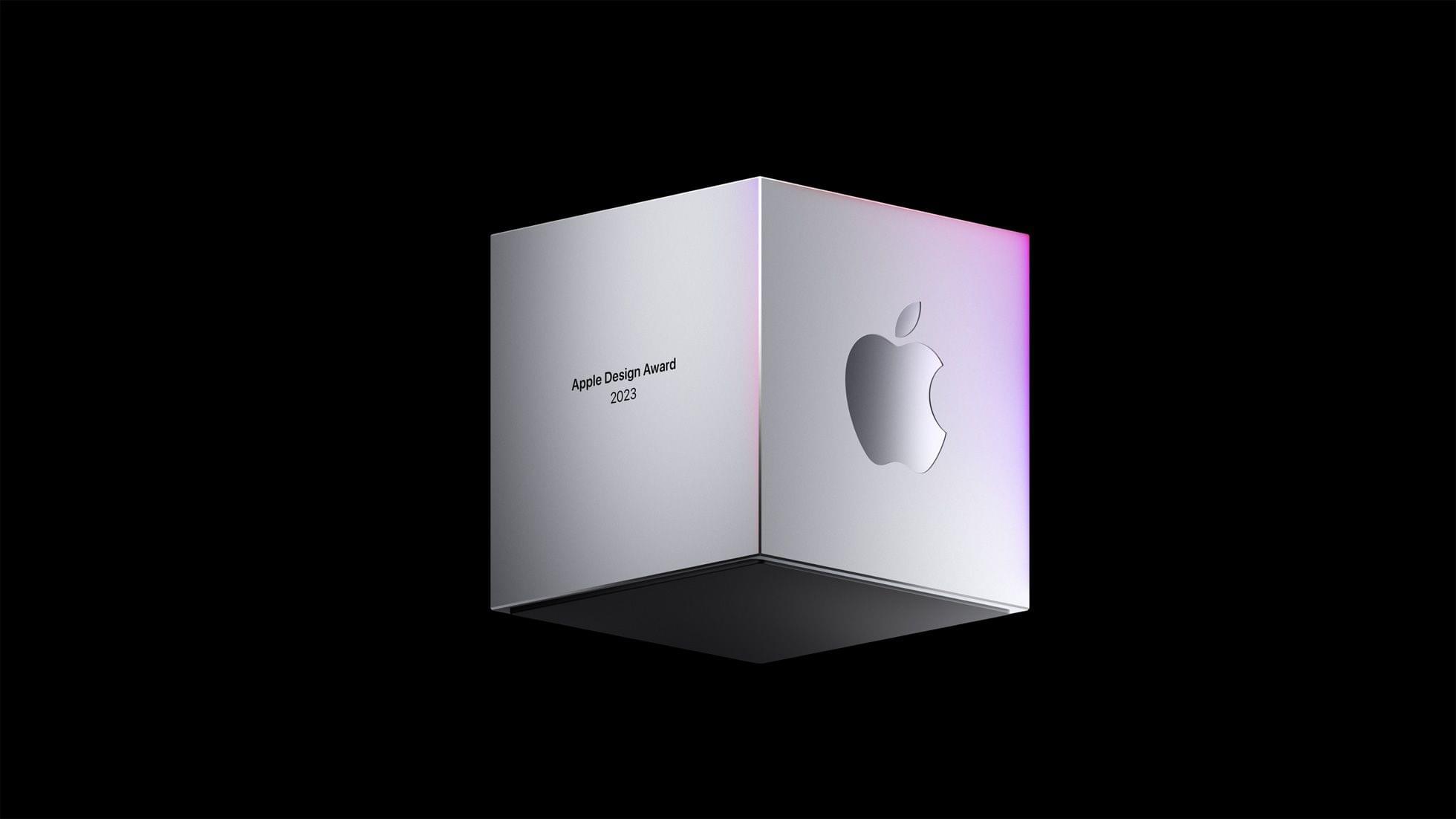
2023 Apple Design Award Winners Revealed

Two weeks ago, Apple announced the finalists for the 2023 Apple Design Awards: 36 apps and games in six categories: Inclusivity, Delight and Fun, Interaction, Social Impact, Visuals and Graphics, and Innovation.

Last evening, at an outdoor event on the stage built outside Caffè Macs for yesterday’s WWDC Keynote, the company announced two winners (one app and one game) in each category for a total of twelve 2023 Apple Design Award winners. Following the announcements, developers gathered in Caffè Macs for a reception and had a chance to see the Vision Pro for themselves at the Steve Jobs Theater.

Congratulations to all of this year’s Apple Design Award winners:

Inclusivity

Delight and Fun

Interaction

Social Impact

Visuals and Graphics

Innovation

We’ll have more 2023 Apple Design Award coverage soon, so stay tuned.


You can follow all of our WWDC coverage through our WWDC 2023 hub or subscribe to the dedicated WWDC 2023 RSS feed.


2023 ADA Finalists Announced

As has been the case the past couple of years, Apple has announced the finalists in the running for its annual Apple Design Awards. The awards ceremony revealing the winners will be held during WWDC at 6:30 pm Pacific on June 6th.

The finalists have been divided into six categories that include six finalists each:

Inclusivity

Delight and Fun

Interaction

Social Impact

Visuals and Graphics

Innovation

The selections include a broad selection of games and apps, including some apps from smaller developers like Knotwords, Afterplace, and Gentler Streak, as well as titles from bigger publishers.

This is the third year in a row that Apple has announced the finalists in advance, which I like a lot. Winning an ADA is a big achievement for any developer, but it’s also nice to know who the finalists are because it’s quite an honor among the many apps that could have been chosen too.


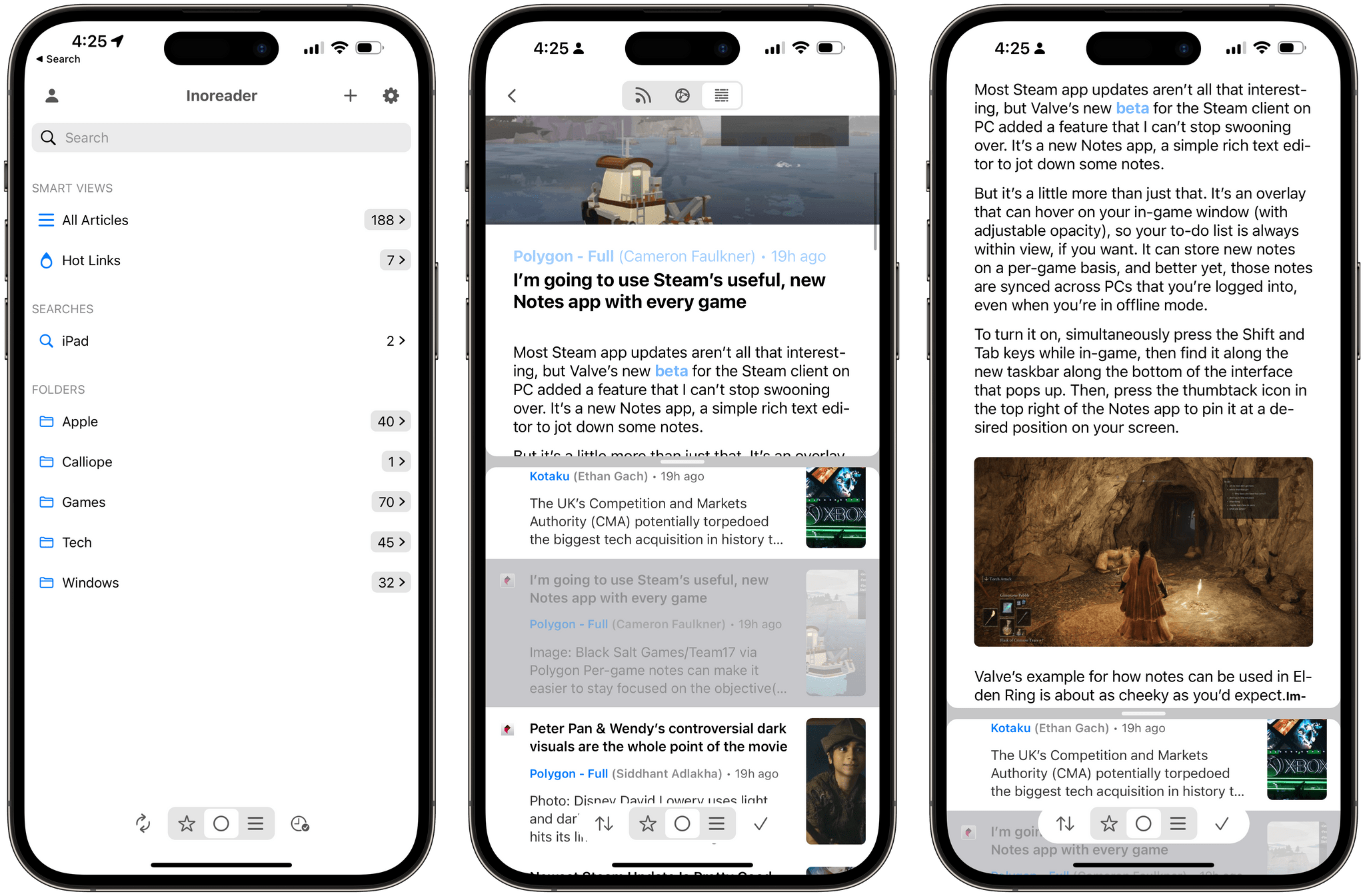
Fiery Feeds for iOS Added an In-App Split View Mode That I Wish More iPhone Apps Offered

Vertical split view in Fiery Feeds.

Vertical split view in Fiery Feeds.

A few weeks ago on Mastodon, I shared a simple feature request: a split-screen mode for iPhone RSS readers that would allow me to scroll headlines in the one half of the screen and preview actual articles in the other.

If this sounds familiar, you’re not alone: back in 2007, Steve Jobs demoed pretty much the same thing for the first version of the Mail app for iPhone OS 1.0. That layout mode never shipped, and probably rightfully so at the time given the limited screen real estate of the first iPhone.

Read more


Apple’s Taken the Joy out of its Books App with iOS 16

I enjoyed this article by Mitchell Clark, writing for The Verge, about the removal of the classic page-turn animation from the redesigned Books app in iOS 16:

Apple Books has been my main reading app for years for one very specific reason: its page-turning animation is far and away the best in the business. Unfortunately, that went away with iOS 16 and has been replaced by a new animation that makes it feel like you’re moving cards through a deck instead of leafing through a digitized version of paper. And despite the fact that I’ve been trying to get used to the change since I got onto the beta in July, I still feel like Apple’s destroyed one of the last ways that my phone brought joy into my life.

I forgot to mention this in the Books section of my iOS 16 review. The Books app received a major redesign this year, and I’ve heard from quite a few people over the past few months about why, for serious readers like them, the new UI layout of the Books app is a regression from iOS 15. All that aside, however, I don’t understand why the page-turn animation – a fun, whimsical aspect of the Books UI that felt uniquely Apple – had to be taken away.

I agree with Mitchell on this: the page-turn animation should come back – if anything, as an optional setting.

Permalink