This Week's Sponsor:

SoundSource

New Year, New Audio Setup: SoundSource 6 from Rogue Amoeba


Posts tagged with "featured"

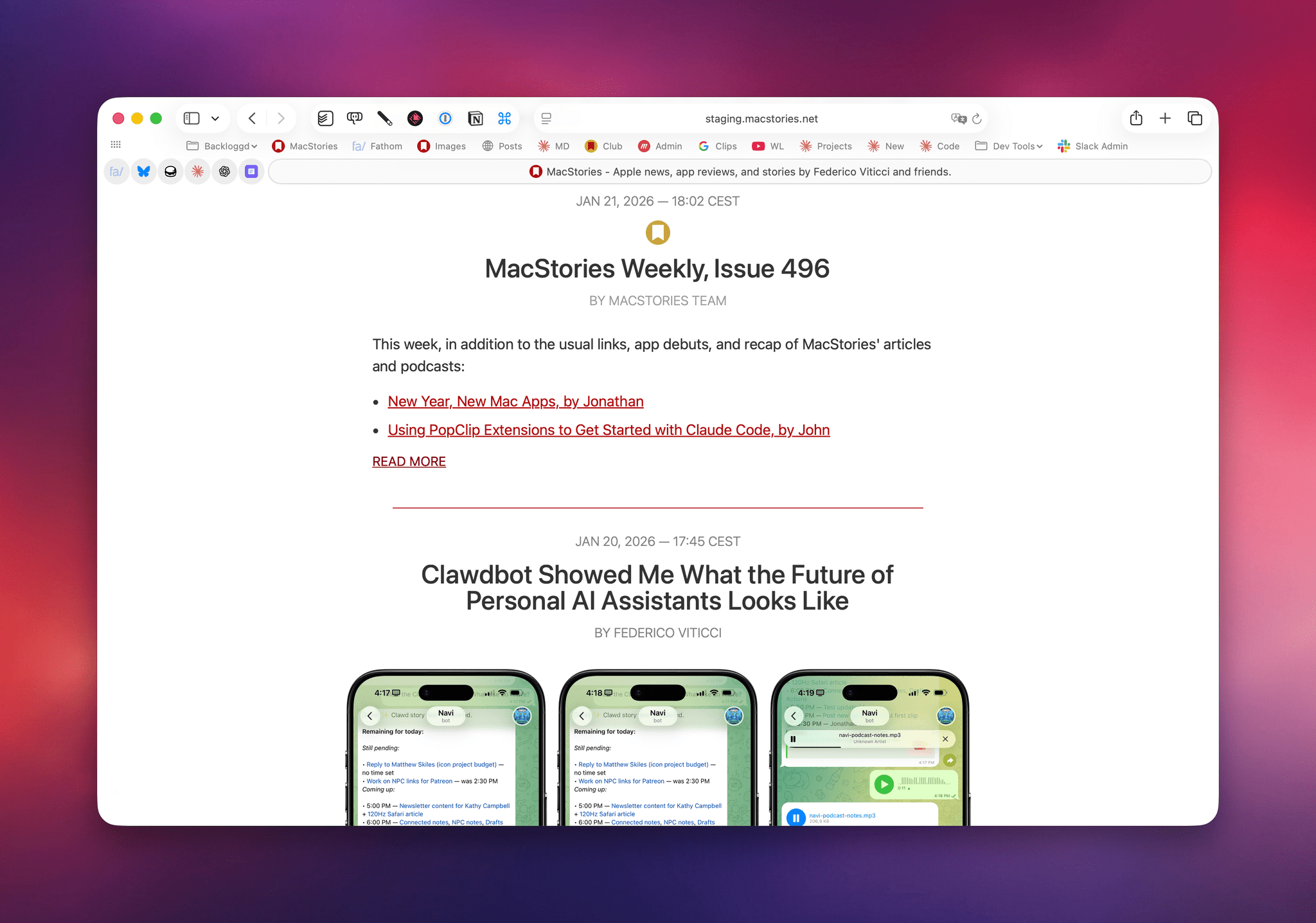
Moltbot (Formerly Clawdbot) Showed Me What the Future of Personal AI Assistants Looks Like

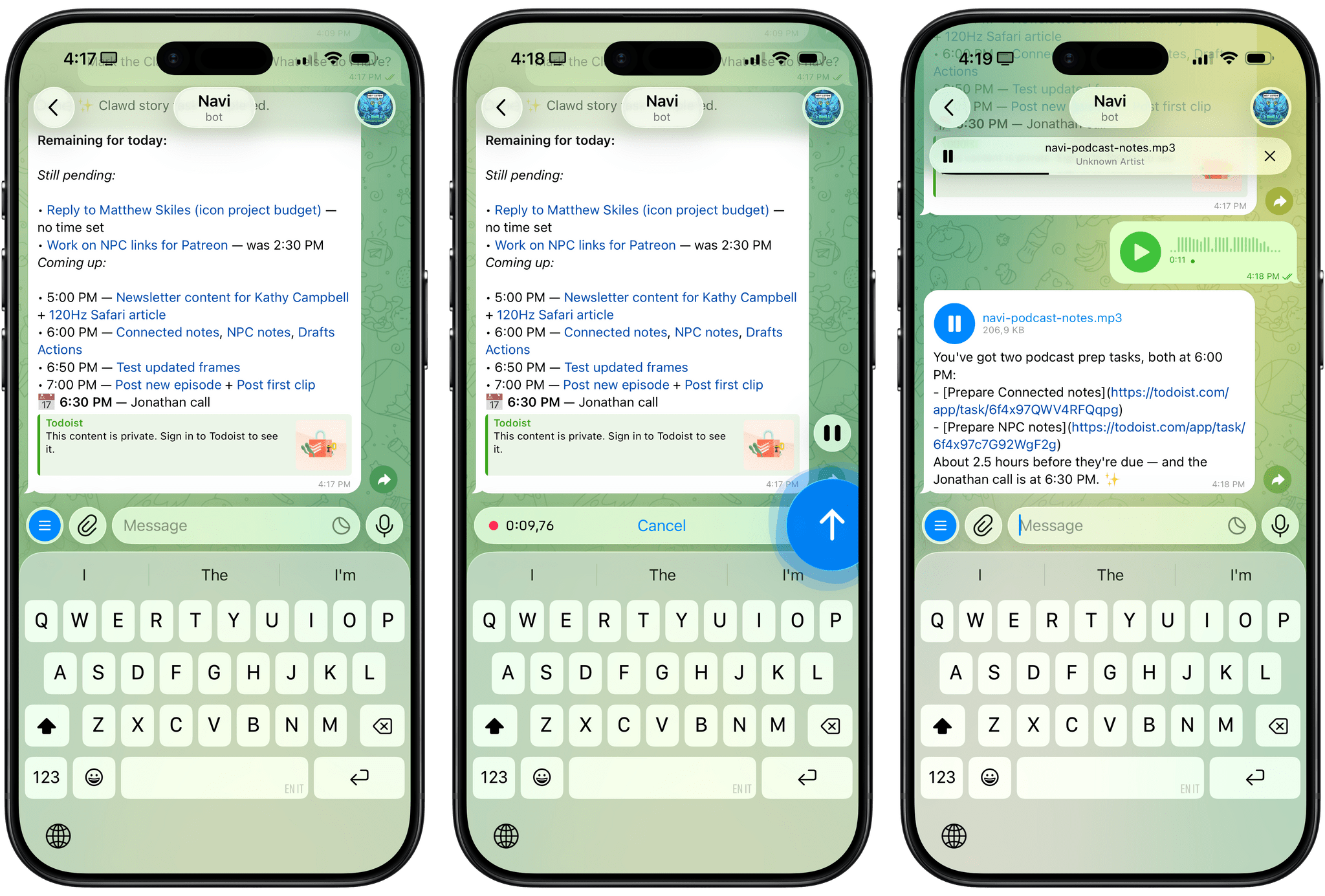
Using Clawdbot via Telegram.

Using Clawdbot via Telegram.

Update, January 27, 2026: Clawdbot has been renamed to Moltbot following a trademark-related request by Anthropic.

For the past week or so, I’ve been working with a digital assistant that knows my name, my preferences for my morning routine, how I like to use Notion and Todoist, but which also knows how to control Spotify and my Sonos speaker, my Philips Hue lights, as well as my Gmail. It runs on Anthropic’s Claude Opus 4.5 model, but I chat with it using Telegram. I called the assistant Navi (inspired by the fairy companion of Ocarina of Time, not the besieged alien race in James Cameron’s sci-fi film saga), and Navi can even receive audio messages from me and respond with other audio messages generated with the latest ElevenLabs text-to-speech model. Oh, and did I mention that Navi can improve itself with new features and that it’s running on my own M4 Mac mini server?

If this intro just gave you whiplash, imagine my reaction when I first started playing around with Clawdbot, the incredible open-source project by Peter Steinberger (a name that should be familiar to longtime MacStories readers) that’s become very popular in certain AI communities over the past few weeks. I kept seeing Clawdbot being mentioned by people I follow; eventually, I gave in to peer pressure, followed the instructions provided by the funny crustacean mascot on the app’s website, installed Clawdbot on my new M4 Mac mini (which is not my main production machine), and connected it to Telegram.

To say that Clawdbot has fundamentally altered my perspective of what it means to have an intelligent, personal AI assistant in 2026 would be an understatement. I’ve been playing around with Clawdbot so much, I’ve burned through 180 million tokens on the Anthropic API (yikes), and I’ve had fewer and fewer conversations with the “regular” Claude and ChatGPT apps in the process. Don’t get me wrong: Clawdbot is a nerdy project, a tinkerer’s laboratory that is not poised to overtake the popularity of consumer LLMs any time soon. Still, Clawdbot points at a fascinating future for digital assistants, and it’s exactly the kind of bleeding-edge project that MacStories readers will appreciate.

Read more


Apple Unveils Apple Creator Studio App Suite

Source: Apple.

Source: Apple.

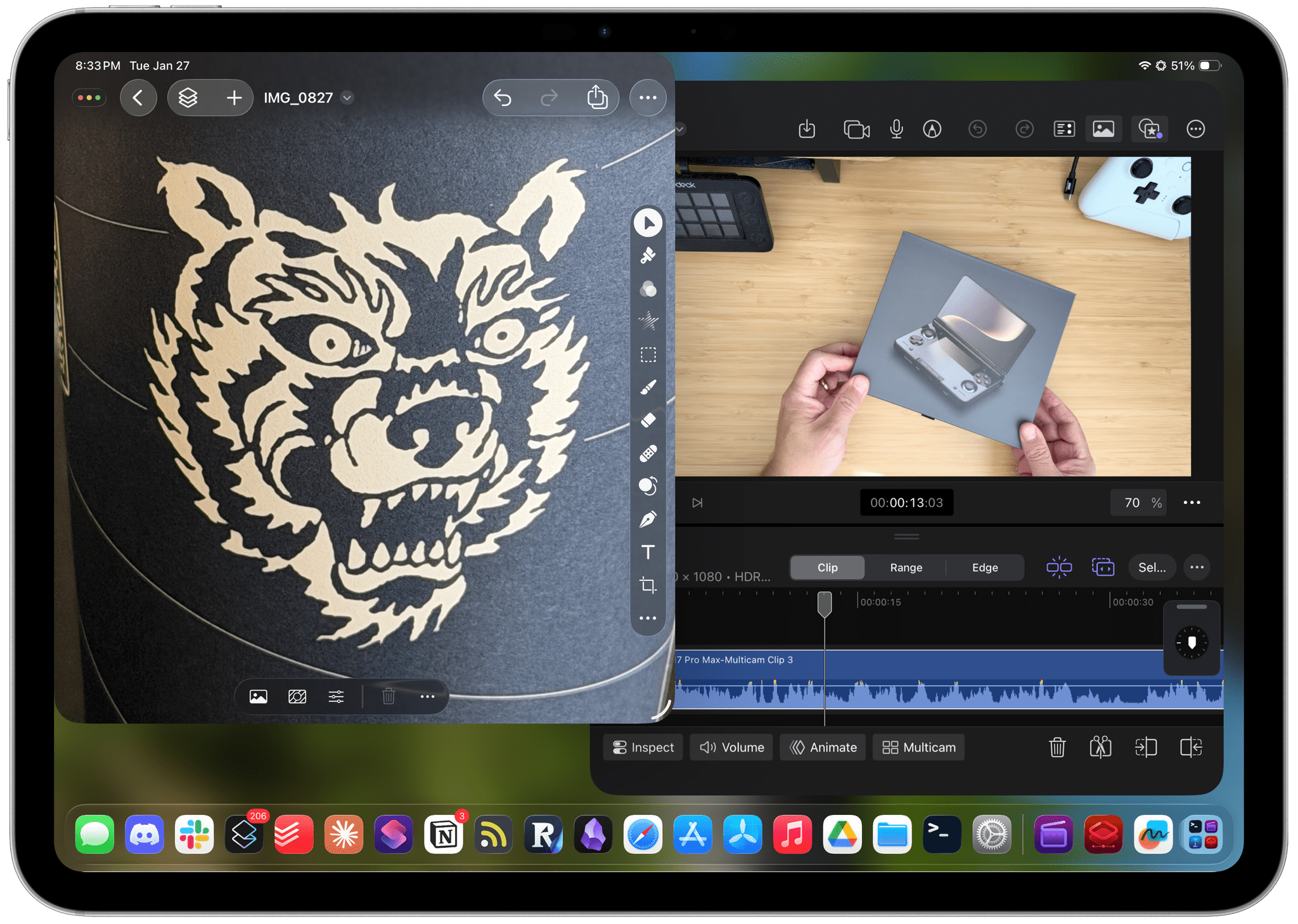
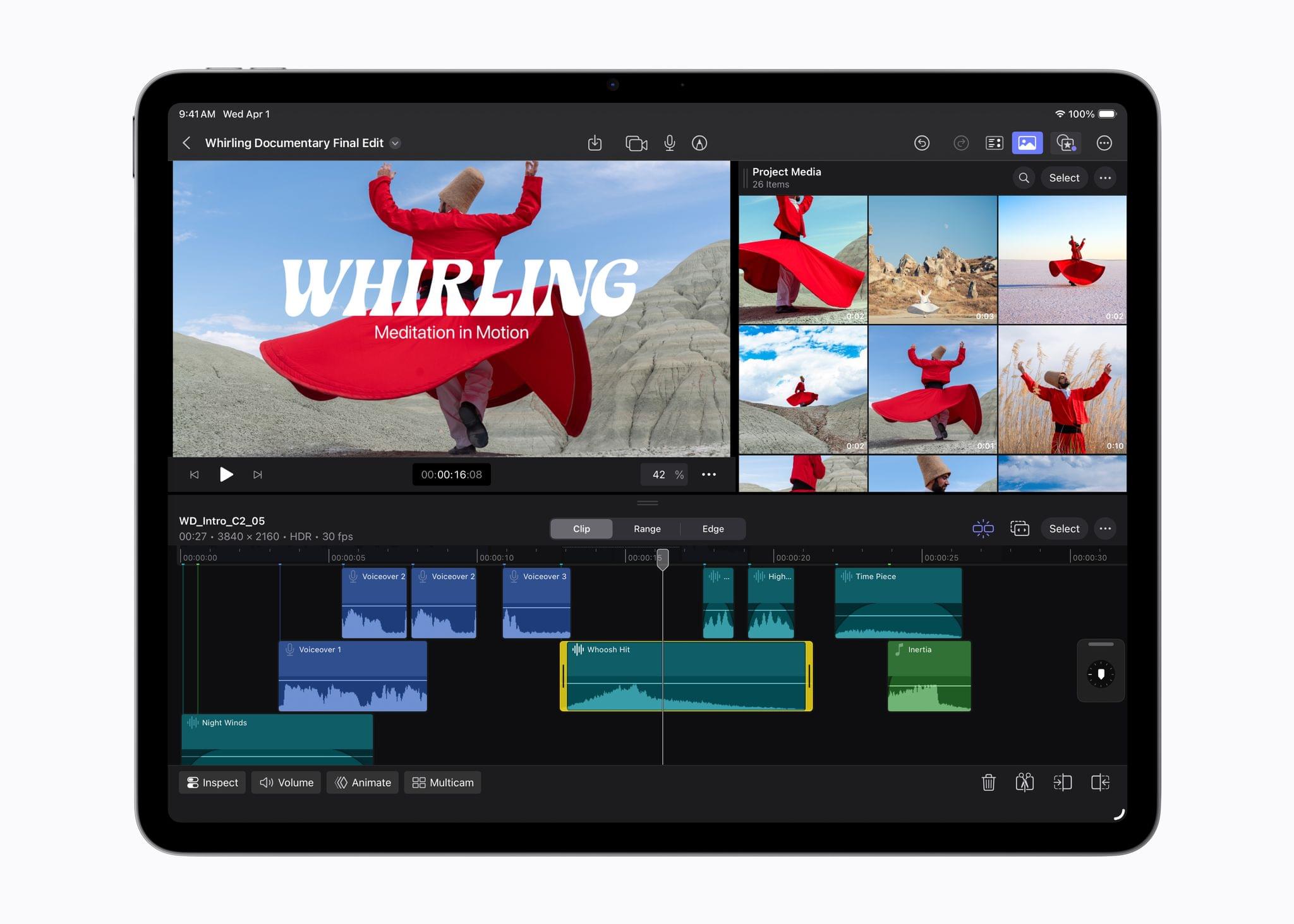
Today, Apple announced Apple Creator Studio, a suite of creativity apps for the Mac and iPad combined with premium content and features for productivity apps across the company’s platforms. This collection of apps, which includes the debut of Pixelmator Pro for iPad, offers tools for creative professionals, aspiring artists, students, and others working across a wide variety of fields, including music, video, and graphic design.

The bundle includes a number of apps:

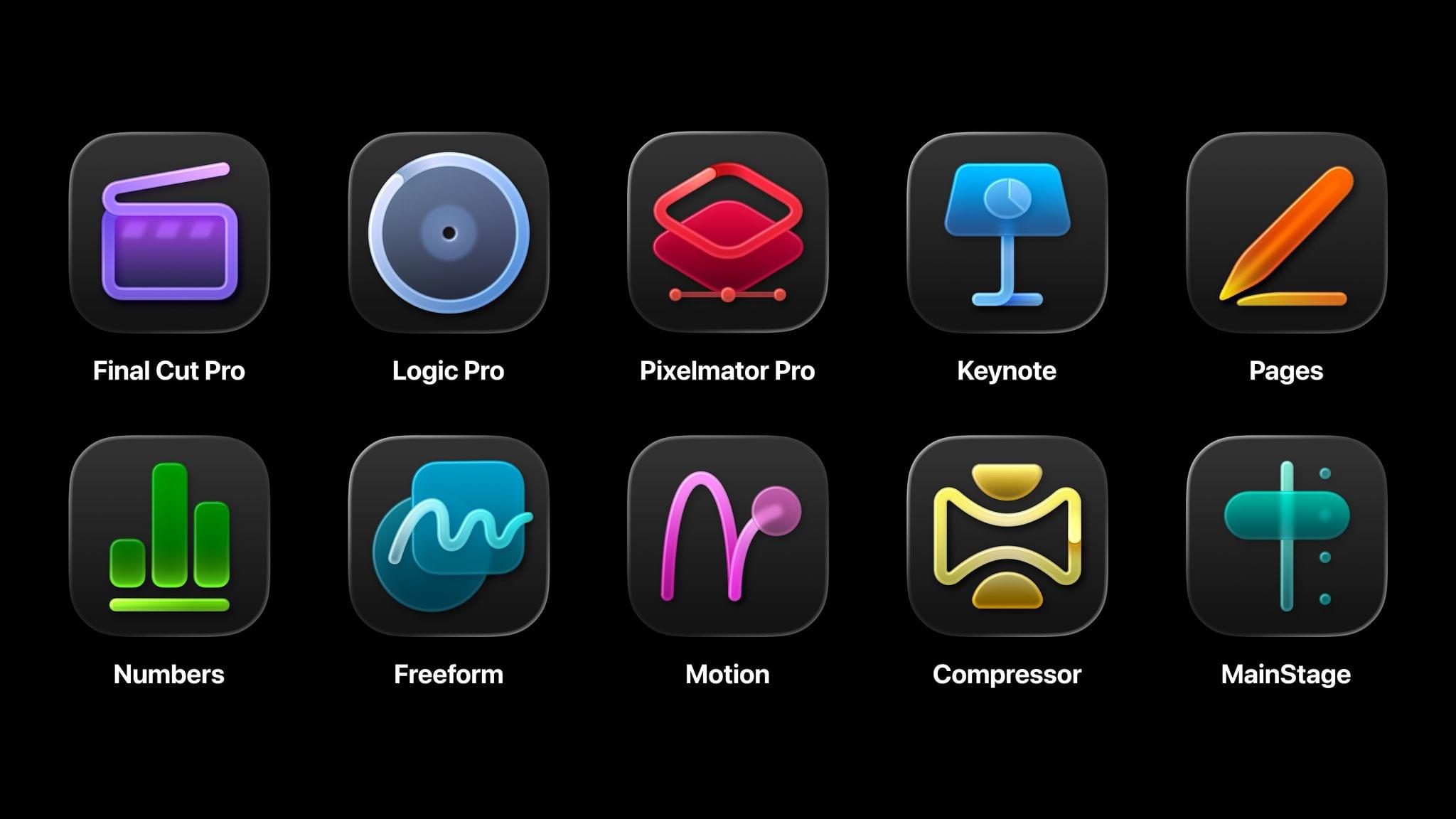
  • Final Cut Pro for Mac and iPad (video editing)
  • Logic Pro for Mac and iPad (music creation)
  • Pixelmator Pro for Mac and iPad (photo editing and graphic design)
  • Motion for Mac (video effects)
  • Compressor for Mac (video encoding)
  • MainStage for Mac (music performance)

It also features a new Content Hub with premium graphics and photos for Apple’s iWork suite – Pages for word processing, Keynote for presentations, and Numbers for spreadsheets – as well as exclusive templates, themes, and AI features. The company says these features will also come to its Freeform canvas app soon.

Apple Creator Studio will be available on Wednesday, January 28, for $12.99/month or $129/year with a one-month free trial. Students and teachers can subscribe at a discounted rate of $2.99/month or $29.99/year, and three months of Apple Creator Studio will come free with the purchase of a new Mac or iPad. The subscription also includes Family Sharing, allowing users to share the apps and features with up to five family members.

With this offering, Apple is combining several disparate offerings for creatives into a single package that looks quite compelling. Because many of these apps are also available individually – some of them for free – there are a lot of details to get into regarding what’s new, what’s included, and what’s available elsewhere. Let’s get into it.

Read more


The iPad Finally Becomes a Gaming Console with CloudGear

My iPad has been gathering dust. I bought it last May – an 11” M4 iPad Pro with 512GB of storage and a Magic Keyboard – mostly for writing, photo and video editing, and experimenting with Apple’s seemingly renewed focus on gaming.

On paper, it excels at all of these things.

While the M4 chip is overkill for the iPad’s possibility space, the ever-present specter of the shortcomings inherent in iPadOS tends to loom over more intensive tasks. There’s a clear disconnect between what Apple states the iPad is for in a post-iPadOS 26 world and what the hardware itself is allowed to do when constrained by software limitations. Quinn Nelson of Snazzy Labs explored this from multiple angles in a recent video that ended with a poignant sentiment:

There are still days that I reach for my $750 MacBook Air because my $2,000 iPad Pro can’t do what I need it to. Seldom is the reverse true.

As a person who also owns a MacBook Pro with an M4 Pro chip stashed away inside, I’ve found the moments I choose my iPad to be few and far between. Despite the ease with which I could fit it into most of my small sling bags when I leave the house and the fact that it’s “good enough” at accomplishing most tasks I could throw at it, I still tend to pack the MacBook instead.

Just in case.

Read more


How I Revived My Decade-Old App with Claude Code

Blink from 2017 (left) and 2026 (right).

Blink from 2017 (left) and 2026 (right).

Every holiday season, Federico and I spend our downtime on nerd projects. This year, both of us spent a lot of that time building tools for ourselves with Claude Code in what developed into a bit of a competition as we each tried to one-up the other’s creations. We’ll have more on what we’ve been up to on AppStories, MacStories, and for Club members soon, but today, I wanted to share an experiment I ran last night that I think captures a very personal and potentially far-reaching slice of what tools like Claude Code can enable.

Blink from 2017 running on a modern iPhone.

Blink from 2017 running on a modern iPhone.

Before I wrote at MacStories, I made a few apps, including Blink, which generated affiliate links for Apple’s media services. The app had a good run from 2015-2017, but I pulled it from the App Store when Apple ended its affiliate program for apps because that was the part of the app that was used the most. Since then, the project has sat in a private GitHub repo untouched.

Last night, I was sitting on the couch working on a Safari web extension when I opened GitHub and saw that old Blink code, which sparked a thought. I wondered whether Claude Code could update Blink to use Swift and SwiftUI with minimal effort on my part. I don’t have any intention of re-releasing Blink, but I couldn’t shake the “what if” rattling in my head, so I cloned the repo and put Claude to work.

Read more


Two Months with the Narwal Freo X10 Pro

In the depths of the pandemic, I bought an iRobot Roomba j7 vacuum. At the time, it was one of the nicer models iRobot offered, but it was expensive. It did a passable job in areas with few obstacles, but it filled up fast, had a hard time positioning itself on its base and frequently got clogged with debris, requiring me to partially disassemble and clean it regularly. The experience was bad enough that I’d written off robot vacuums as nice-to-have appliances that weren’t a great value.

So, when Narwal contacted me to see if I wanted to test its new Freo X10 Pro, I was hesitant at first. However, I’d seen a couple of glowing early reviews online, so I thought I’d see if the passage of time had been good to robo-vacuums, and boy has it. The Narwal Freo X10 Pro is not only an excellent vacuum cleaner, but a mopping champ, too.

Read more


MacStories Selects 2025: Recognizing the Best Apps of the Year

John: 2025 was a different sort of year for apps, which is reflected in this year’s MacStories Selects Awards winners. App innovation comes from many places. Sometimes it’s new Apple APIs or hardware, and other times it’s broader shifts in the tech world.

Last year was marked by a series of App Store changes in the EU, U.S., and elsewhere that have begun to reshape the app landscape. The updates have been slow to roll out and have been met with resistance from Apple, but we’re starting to see policy updates, like developers’ ability to offer web-based purchases, translate into new business models, expanding the kinds of apps that are available.

Political and regulatory pressures on Apple continued to affect the apps we use this year, too, but the lion’s share of the change we saw in 2025 came from more traditional sources. This year, it was great to see a surge in app innovation sparked by Apple Intelligence and other AI services, the Liquid Glass design language, and other new APIs and features from Apple. The result has been a broad-based acceleration of app innovation that we expect to continue into 2026 and beyond. But before looking ahead to what’s next, it’s time to pause as we do each year to reflect on the many apps we tried in 2025 and recognize the best among them.

This year, the MacStories team picked the best apps in six categories:

  • Best New App
  • Best New Feature
  • Best Watch App
  • Best Mac App
  • Best Design
  • App of the Year

Club MacStories members were part of the selection process, too, picking the winner of the MacStories Selects Readers’ Choice Award. And as we’ve done in the past, we also named a Lifetime Achievement Award winner that has stood the test of time and had an outsized impact on the world of apps. This year’s winner, which joins past winners:

is the subject of a special story that Federico wrote for the occasion.

As usual, Federico and I also recorded a special episode of AppStories covering all the winners and runners-up. It’s a terrific way to learn even more about this year’s honorees.

You can also listen to the episode below.

And with that, it’s our pleasure to unveil the 2025 MacStories Selects Awards.

Read more


The MacStories Selects 2025 Lifetime Achievement Award

Unread

In the 16 years that I’ve been writing for MacStories, I’ve seen my fair share of new apps that have come and gone. Apps that promised to revolutionize a particular segment of the App Store were eventually acquired, discontinued, or simply abandoned. It’s been very unusual to witness an indie app survive in a highly competitive marketplace, let alone to find one that thrived after having been sold twice to different owners over the years. But such is the case of Unread, the RSS client now developed by John Brayton of Golden Hill Software and the recipient of this year’s MacStories Selects Lifetime Achievement Award.

Unread was originally created by indie developer Jared Sinclair in 2014, sold to Supertop (at the time, the makers of Castro), and then sold again to Golden Hill Software in 2017. When it first came out in 2014, Unread entered a crowded space: in the aftermath of Google Reader’s demise in 2013, third-party companies and developers rushed to offer comparable RSS syncing services and compatible apps to let users sync their RSS subscriptions and read articles across multiple devices.

In my original review from 2014, I noted how Unread set a new standard for elegant, gesture-driven interfaces optimized for phones that were getting progressively larger and harder to operate with one hand. With a fluid and minimal interface driven by “sloppy gestures” that didn’t require precision or specific buttons, Unread stood out because it followed Apple’s then-new “flat design” but imbued it with personality in the form of typographic choices, colors, share options (Sinclair created a custom share sheet before an official one even existed), and a novel interaction mechanism for an RSS reader.

After a three-year stint as a Supertop product, Unread was taken under the wing of John Brayton, who did something exceptionally rare: instead of following short-lived industry trends and fads, he doubled down on Unread’s essence while judiciously embracing modern technologies. Eleven years after its inception and eight years after its second sale to a different developer, Unread still stands out in the third-party indie app market because it’s managed to honor its lineage while adapting to the ever-changing nature of the Apple ecosystem.

Unread for iOS.

Unread for iOS.

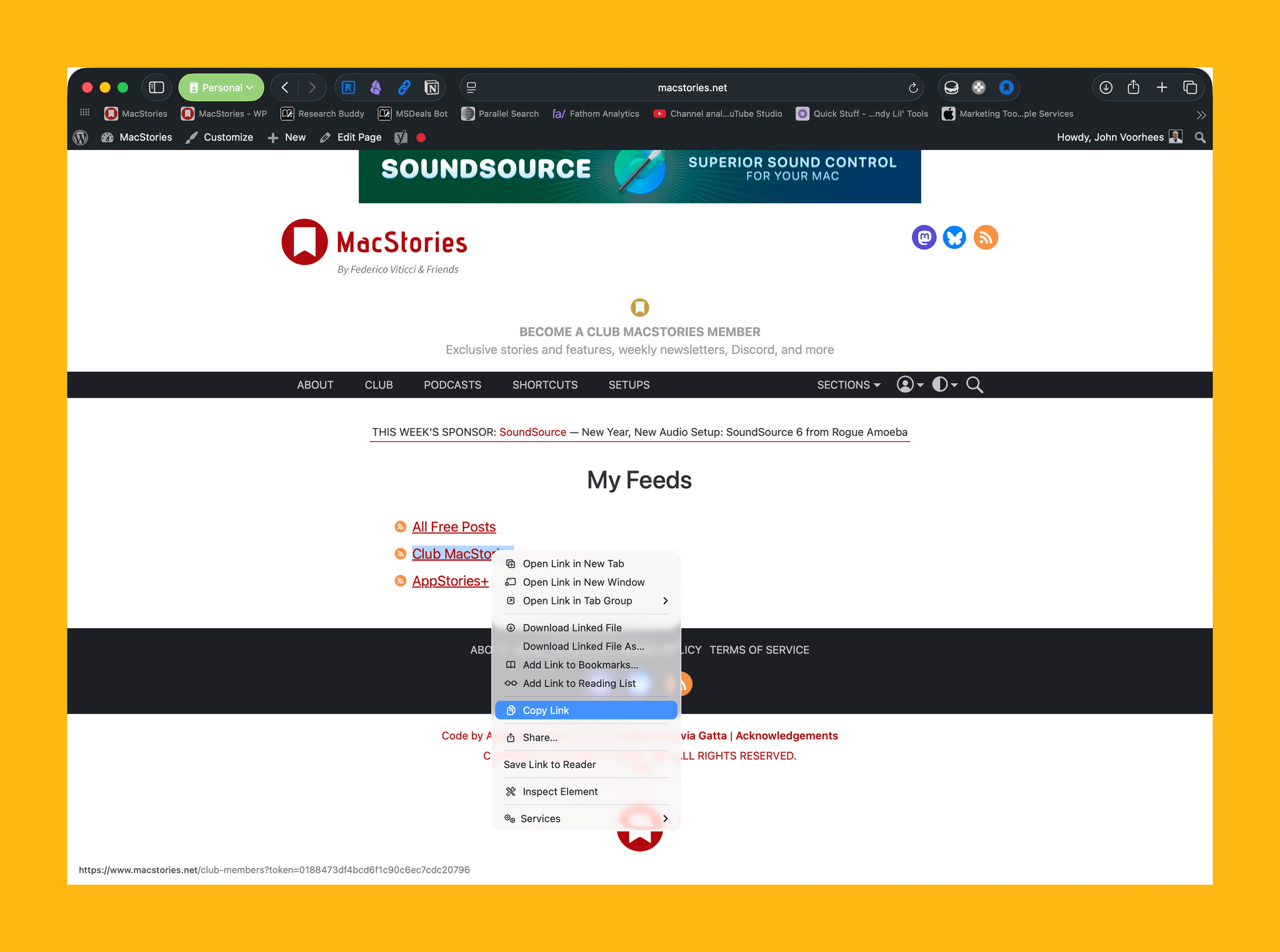
Unread still is, at a fundamental level, an elegant and polished RSS client that syncs with multiple services and presents articles in a minimal, clutter-free UI that you can easily control with your thumb. Everything else around it, however, has evolved and expanded. Unread is now available on the iPad and Mac, where it supports features such as menu bar commands, windowing, and keyboard shortcuts. There is an Unread Cloud syncing service that is fully managed by its developer. Last year, Brayton shipped an incredibly powerful and custom Shortcuts integration that lets you trigger automations in the Shortcuts app from individual articles in Unread. This year, Brayton adapted to another new reality of the modern web: Unread can now securely store logins for paywalled websites – such as Club MacStories – so that all your articles that require a subscription to be read can be saved and accessed within the app. And in all of this, the modern Unread is both unmistakably the “same” app from 11 years ago, but also something far greater that has built upon Sinclair’s original idea thanks to the constant, relentless work of its current developer, John Brayton.

If you’ve been reading MacStories all these years, you know that this is no easy feat. Most app acquisitions don’t work out in the end, leaving users with the bittersweet nostalgia of something that used to be great and was eventually swallowed up by the greater scheme of economic factors, app rot, technical debt, and App Store changes.

Against all odds, Unread has successfully bucked that trend and evolved into a mature, powerful product that continues to stand alone in the sea of RSS clients as a beacon of hope for indie developers and our community as a whole. There is nothing else like it. For all these reasons, we couldn’t think of an app more worthy of the MacStories Selects Lifetime Achievement Award in 2025.

Learn more about Unread:


Awake: A Considered, Effective Alarm for Chronic Snoozers

Waking up on time is a quintessential human problem. Over the years, we’ve come up with all kinds of solutions, from ringing analog clocks to flashing lights to motorized digital clocks that roll away from our bedsides as they chime, forcing us to get up and find them to turn them off. But what if there was a way to use a device you already have – your phone – to help you break the habit of snoozing and actually get out of bed when you’re supposed to?

That’s what unorderly, the team behind the day planner app and App Store Awards 2025 finalist Structured, have set out to do with their new alarm app Awake. Built on the newly introduced AlarmKit API, which gives third-party alarm apps the same level of system access as Apple’s Clock app, Awake takes a comprehensive approach to setting alarms that’s meant not only to wake you up but to help you feel more alert and prepared for the day when you do.

If you’ve ever used Structured before, you’re aware of how deeply the unorderly team considers every element of their work, from the color scheme to the fine details of editing events, to make tools that are both elegant and powerful. I’m happy to report that the same level of care is reflected in Awake, both in its design and in the balance of simplicity and customization it offers.

Read more