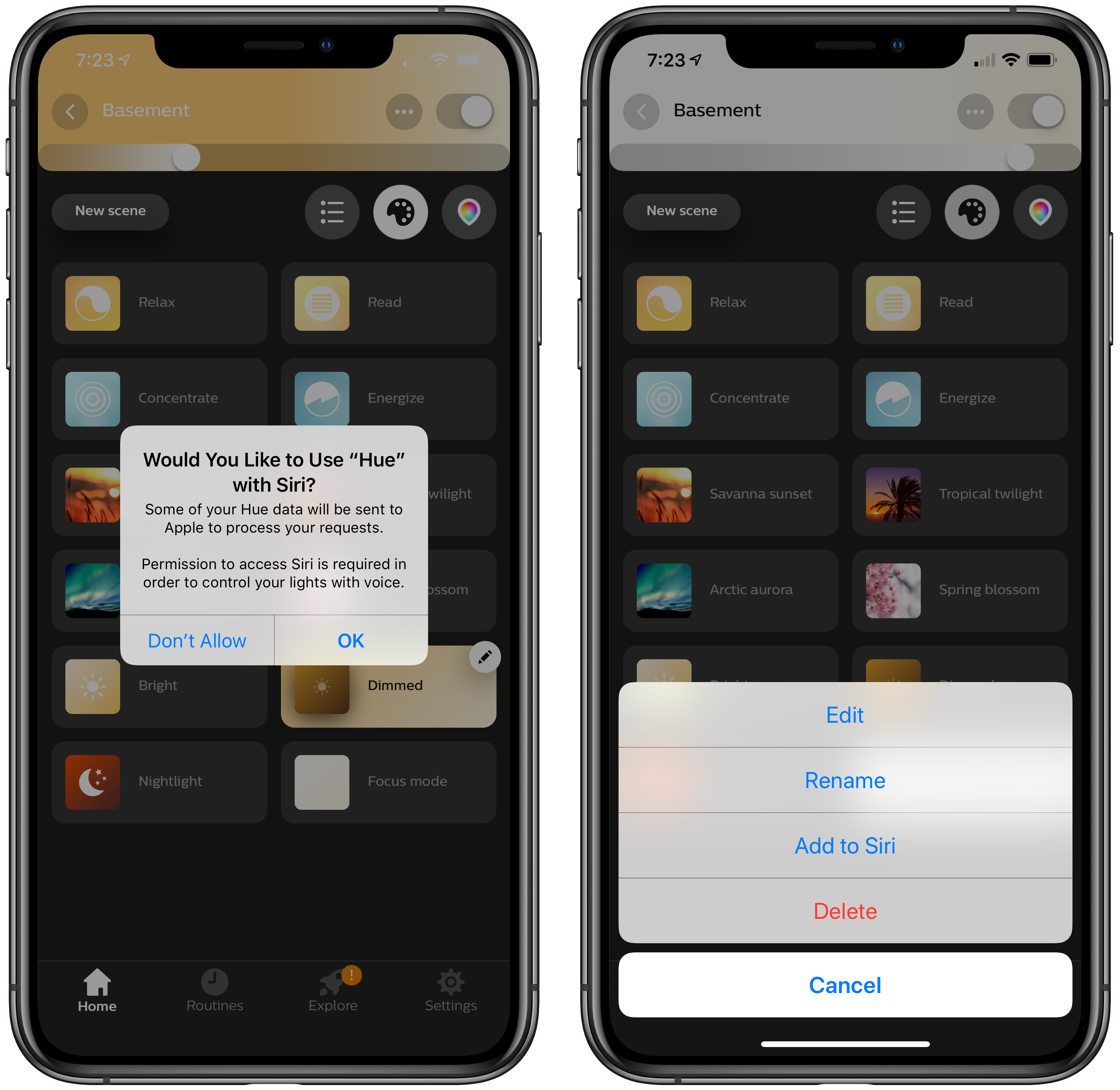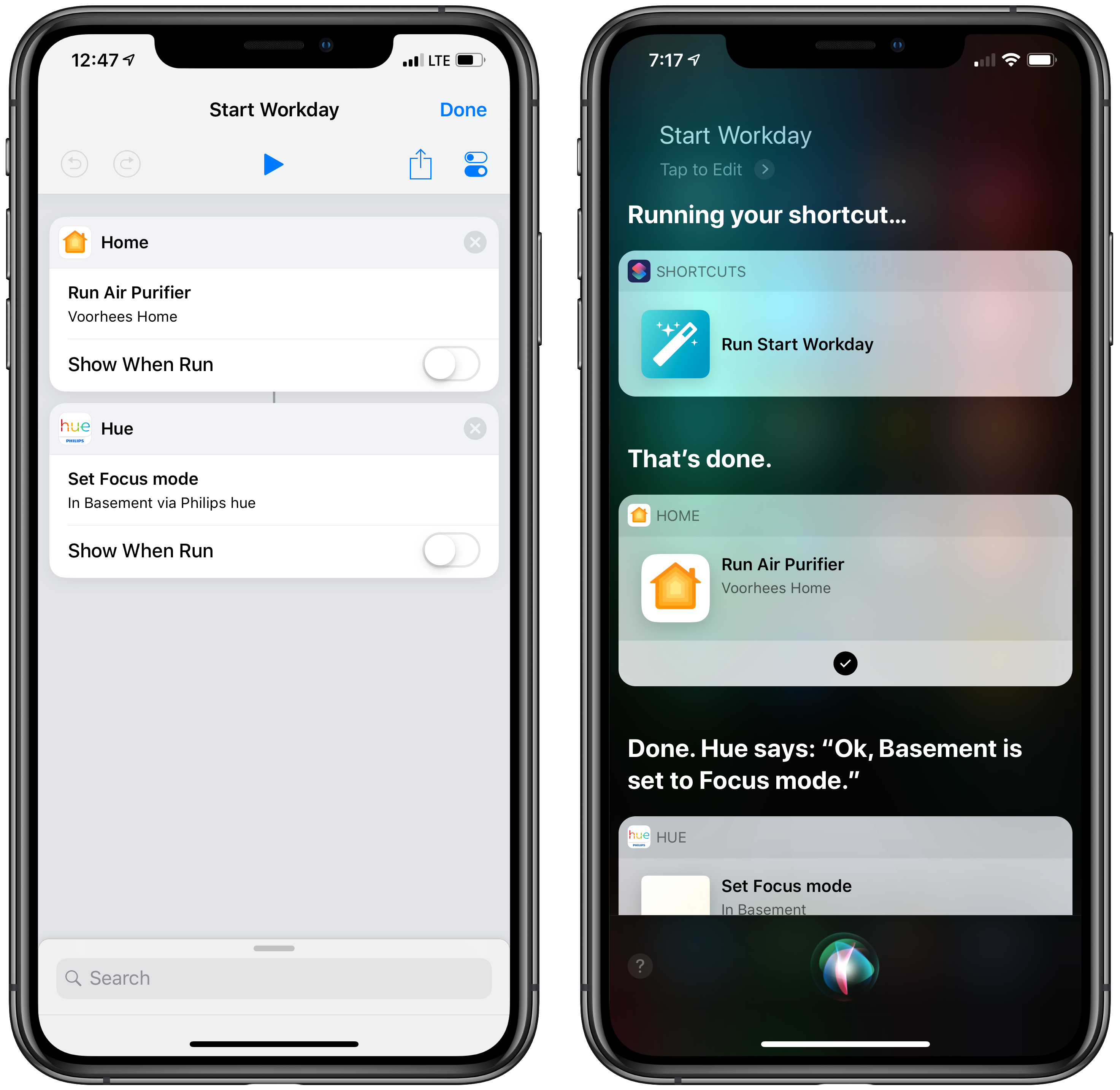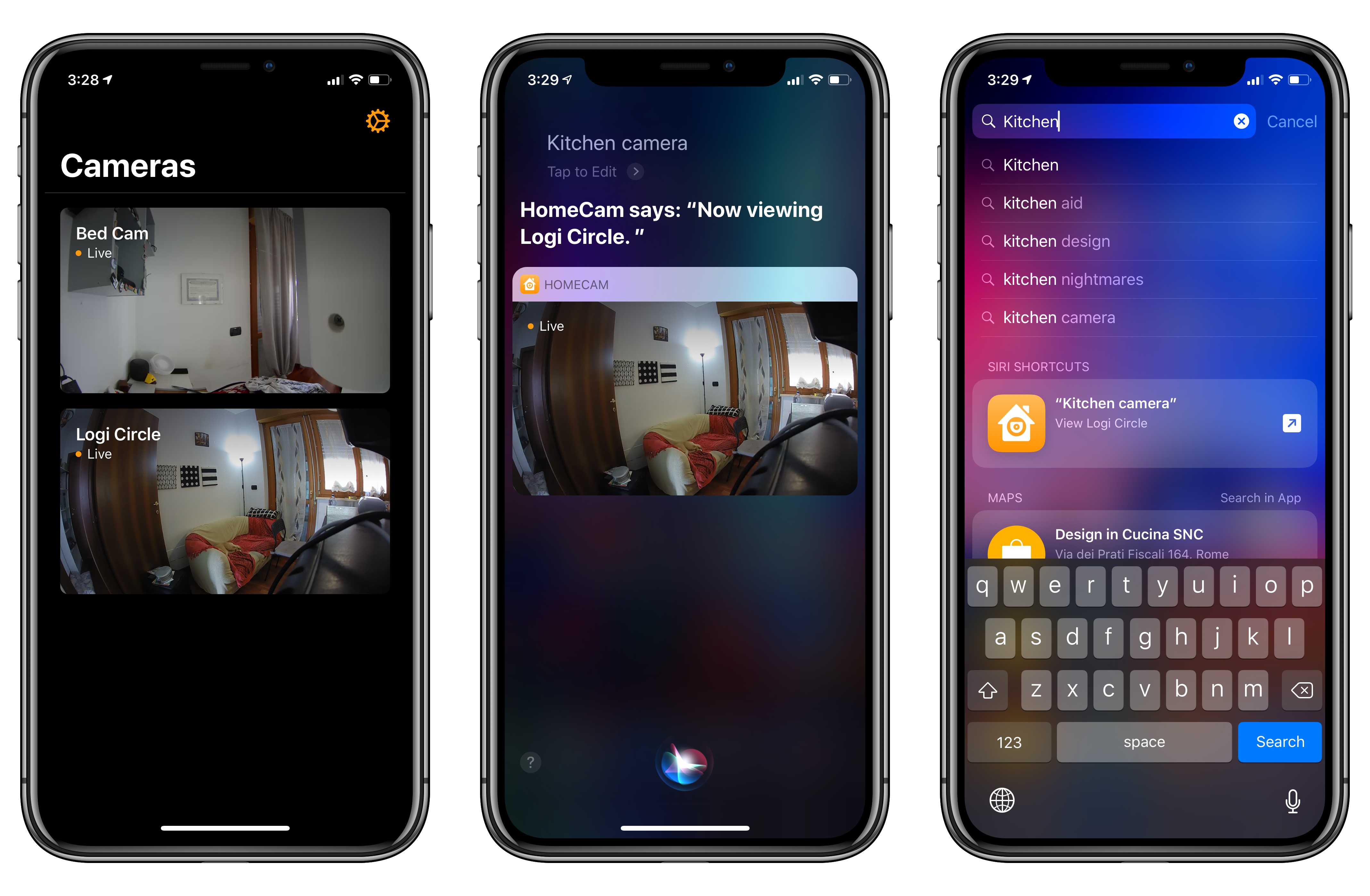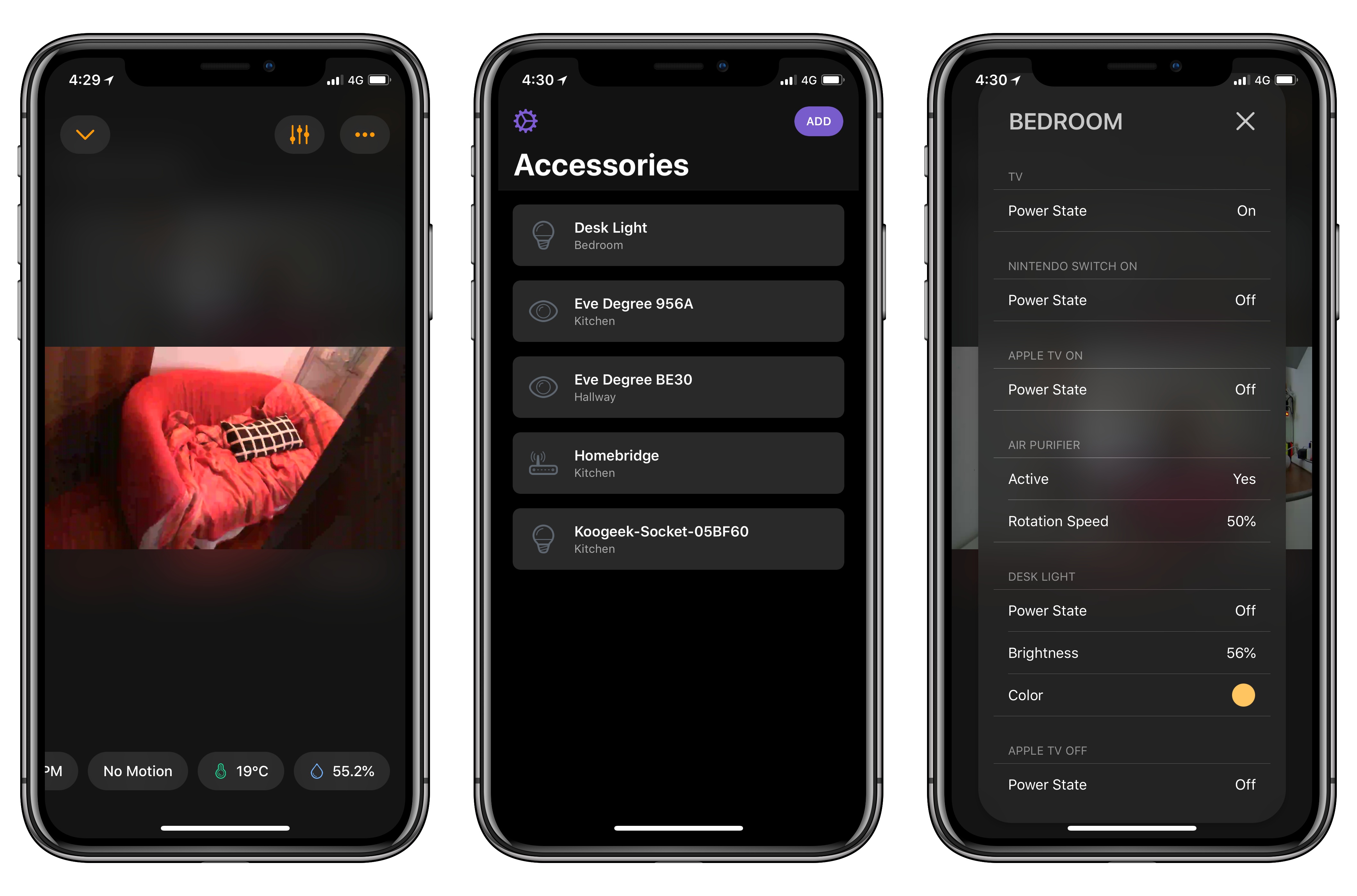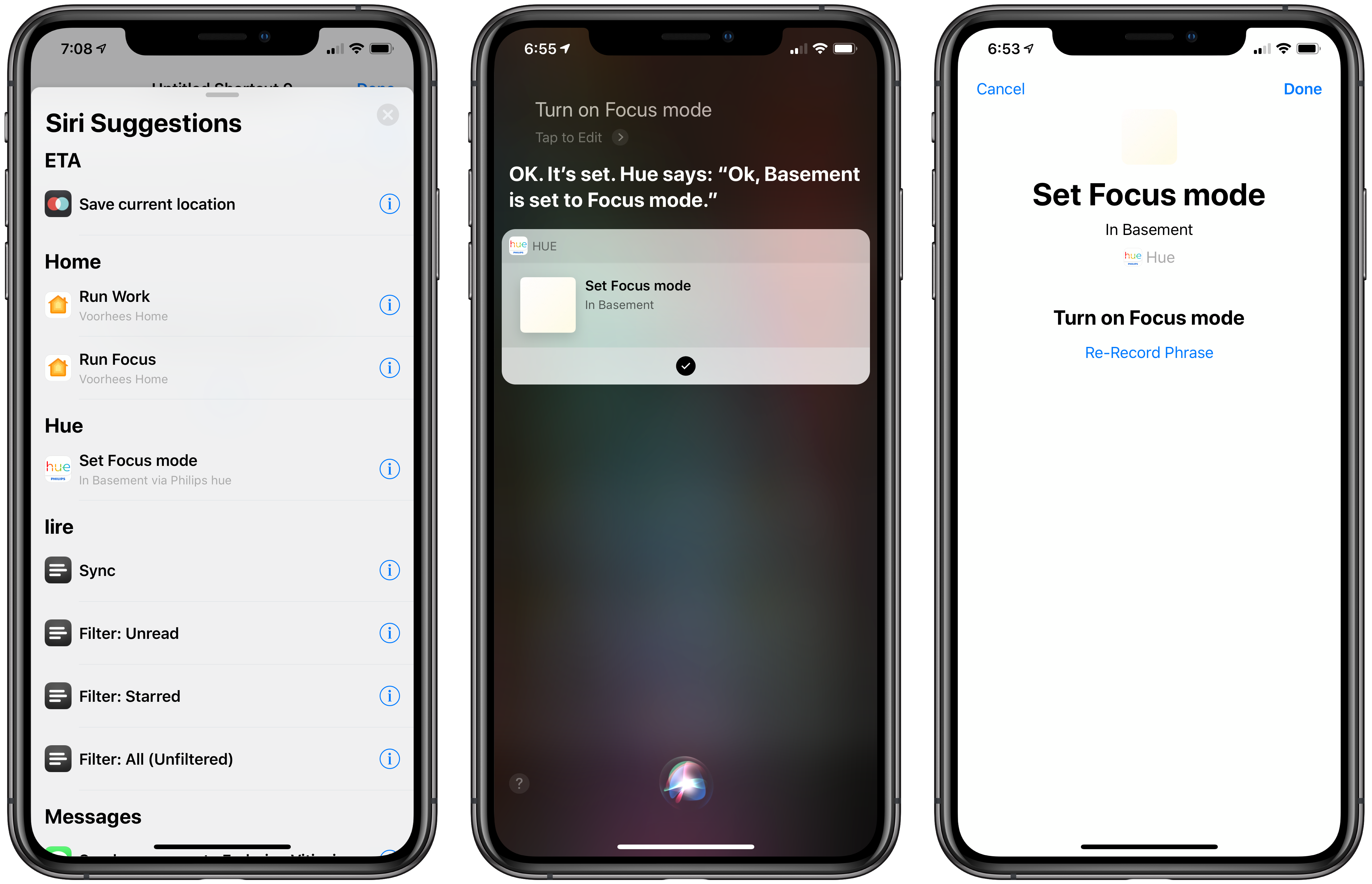
I previously covered HomeCam, a HomeKit utility by indie developer Aaron Pearce, as a superior way to watch live video streams from multiple HomeKit cameras. In addition to a clean design and straightforward approach (your cameras are displayed in a grid), what set HomeCam apart was the ability to view information from other HomeKit accessories located in the same room of a camera and control nearby lights without leaving the camera UI. Compared to Apple’s approach to opening cameras in the clunky Home app, HomeCam is a nimble, must-have utility for anyone who owns multiple HomeKit cameras and wants to tune into their video feeds quickly. With the release of iOS 12, HomeCam is gaining one of the most impressive and useful implementations of Siri shortcuts I’ve seen on the platform yet.
Posts tagged with "HomeKit"
HomeCam 1.5 Adds Shortcuts to View Live HomeKit Camera Feeds in Siri, Search, and the Shortcuts App
Apple Updates AirPort Express Firmware with AirPlay 2 Support
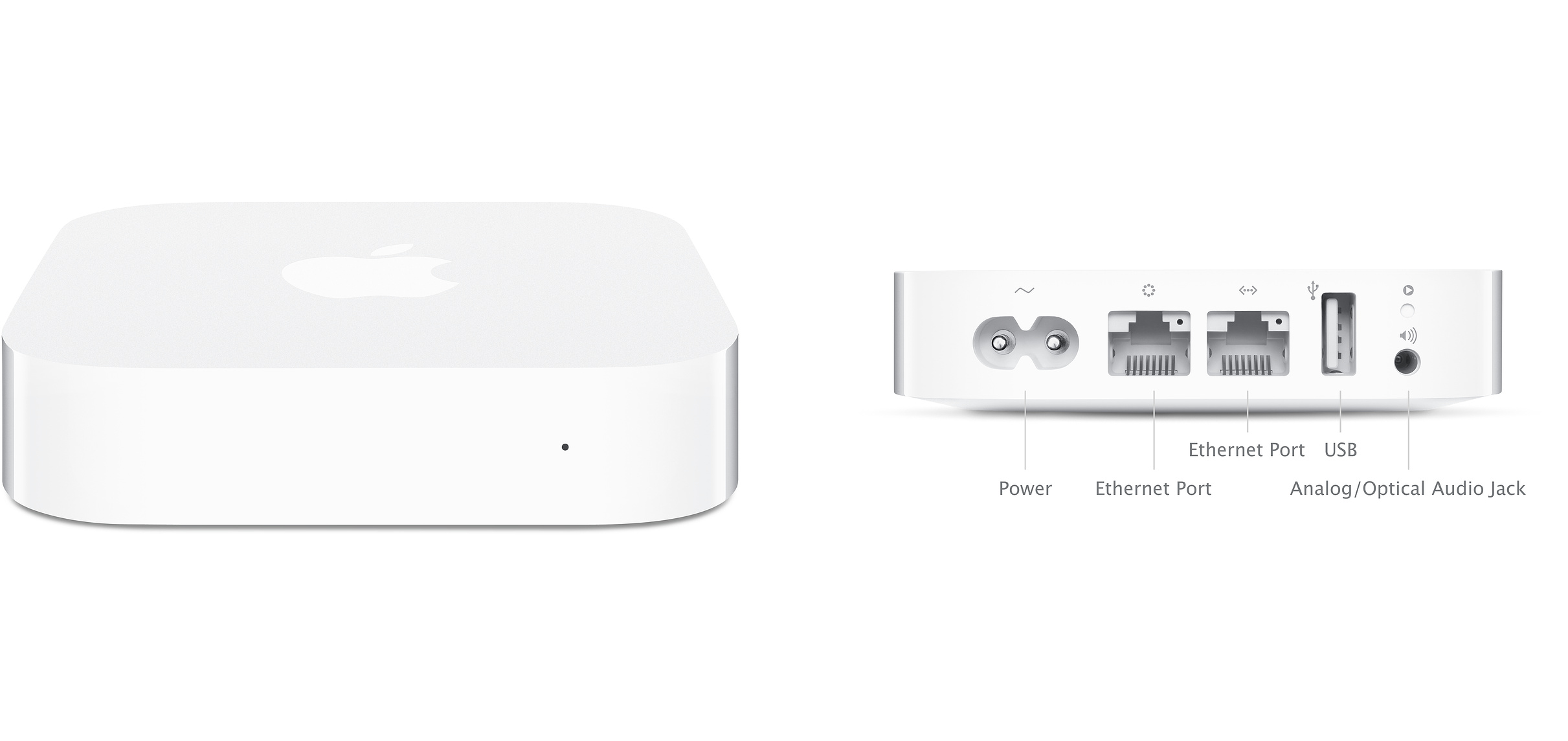
Apple has released version 7.8 of the firmware for compatible AirPort Express WiFi routers to add AirPlay 2 support. Although there had been hints in iOS betas that the latest iteration of Apple’s peer-to-peer streaming technology was coming to the Express routers, its addition still came as a surprise since the routers were discontinued in April.
One of my favorite features of the AirPort Express is an audio out port that works with a 3.5mm analog or digital cable. Add an amplifier and speakers, and you’ve got a nice music streaming setup.
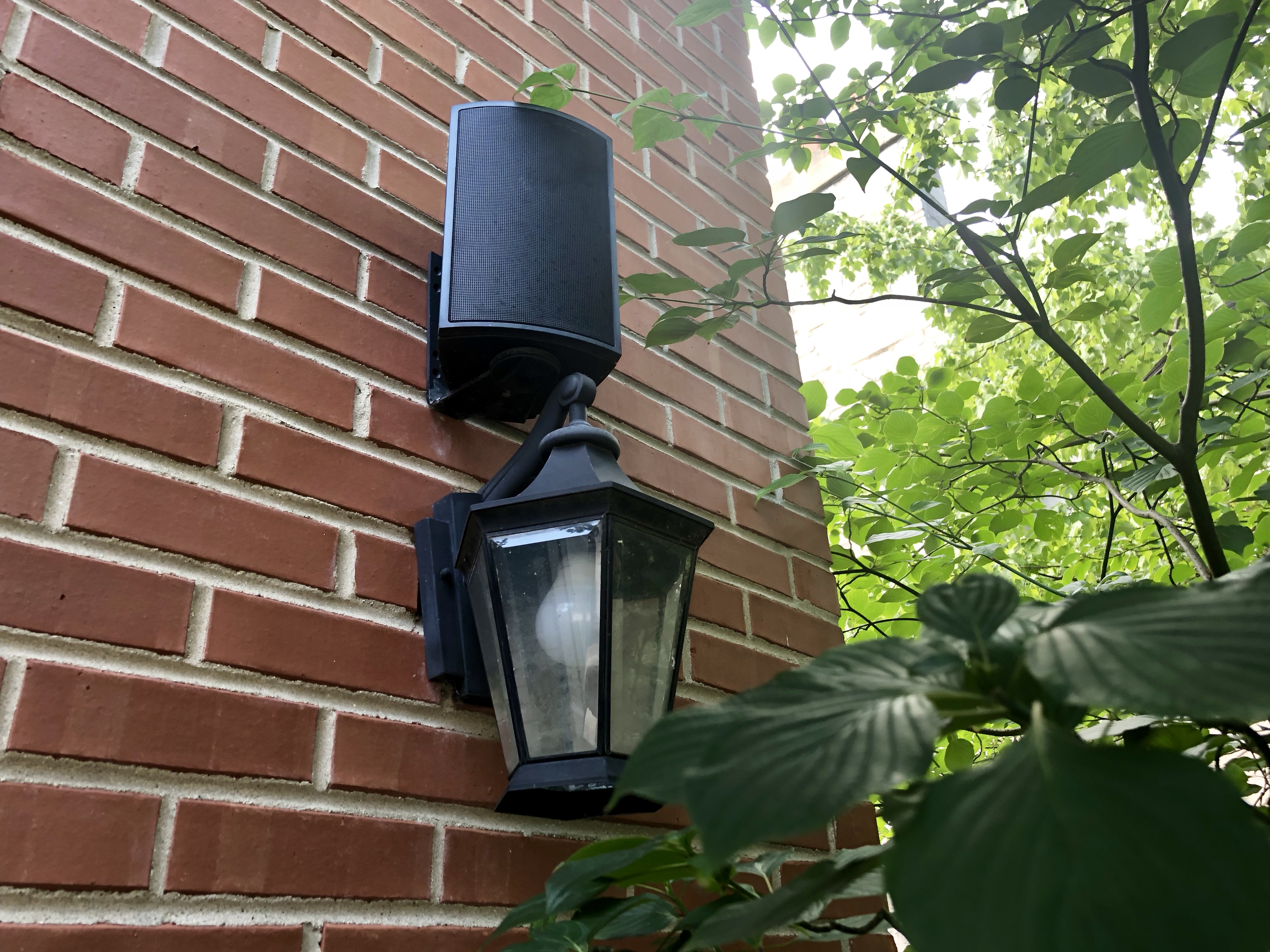
As soon as I heard about the new firmware, I had to try it. I have a Griffin 20 that was designed for use with the first generation AirPort Express that looked more like a MacBook power brick than an Apple TV. Unfortunately for Griffin, Apple changed the form factor of the Express in 2012, the same year its amp was released.
Still, I used the Griffin 20 and a first generation AirPort Express to drive speakers on the outside of my house for years. It was a simple way to enjoy music outside. It came with the downside that the original iteration of AirPlay had buffering issues, so I usually needed to leave my iPhone inside the house to stream. More recently, my six-year-old Express started to become flakey too.
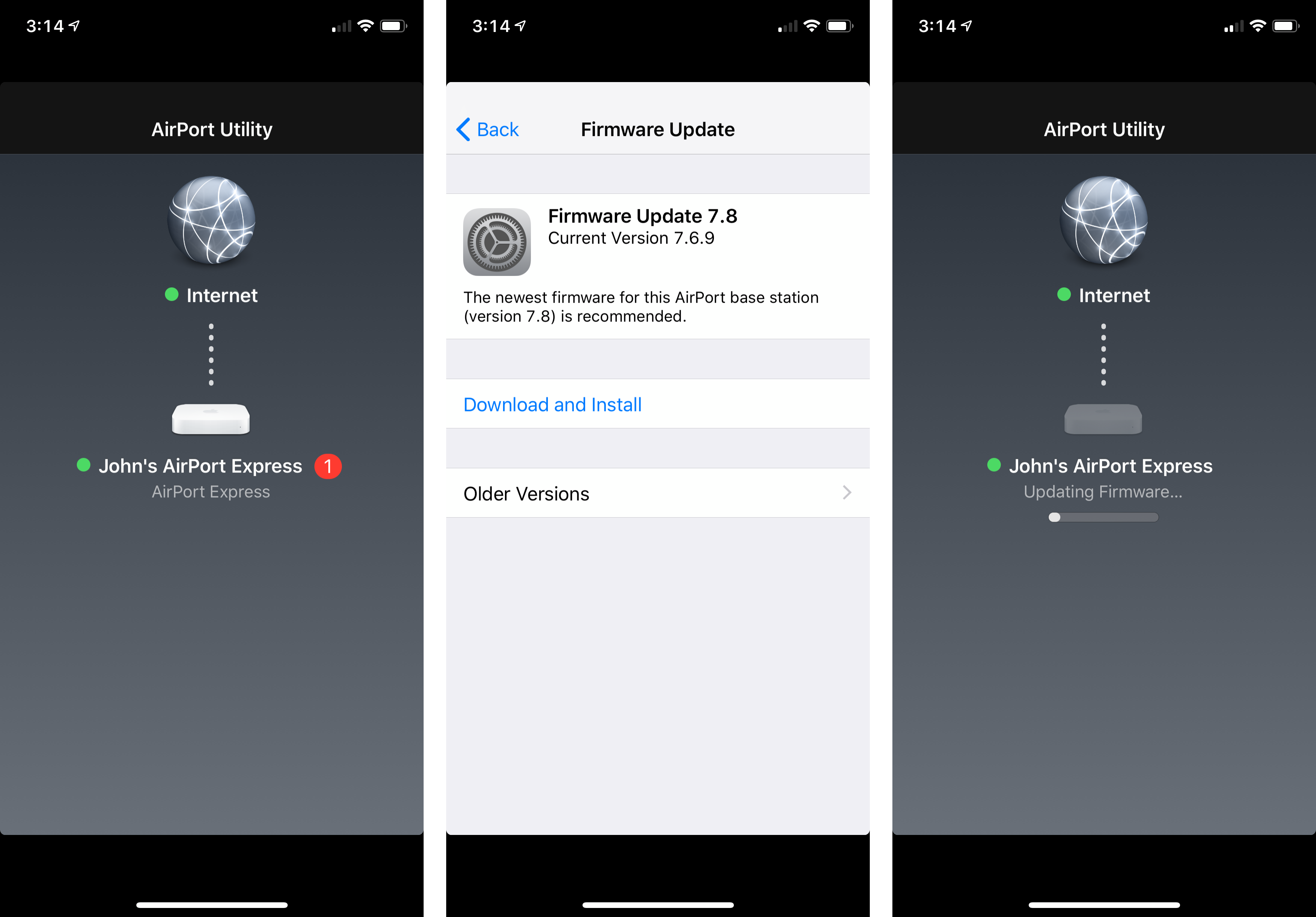
I couldn’t update the first-generation Express to the new firmware, but I had a newer second-generation model in a box in my basement. I dusted it off, plugged it in, and updated the firmware using the Airport Utility app. I had to fiddle with my overly-complicated network setup to get it to work properly, but it didn’t take long before the Express was working.
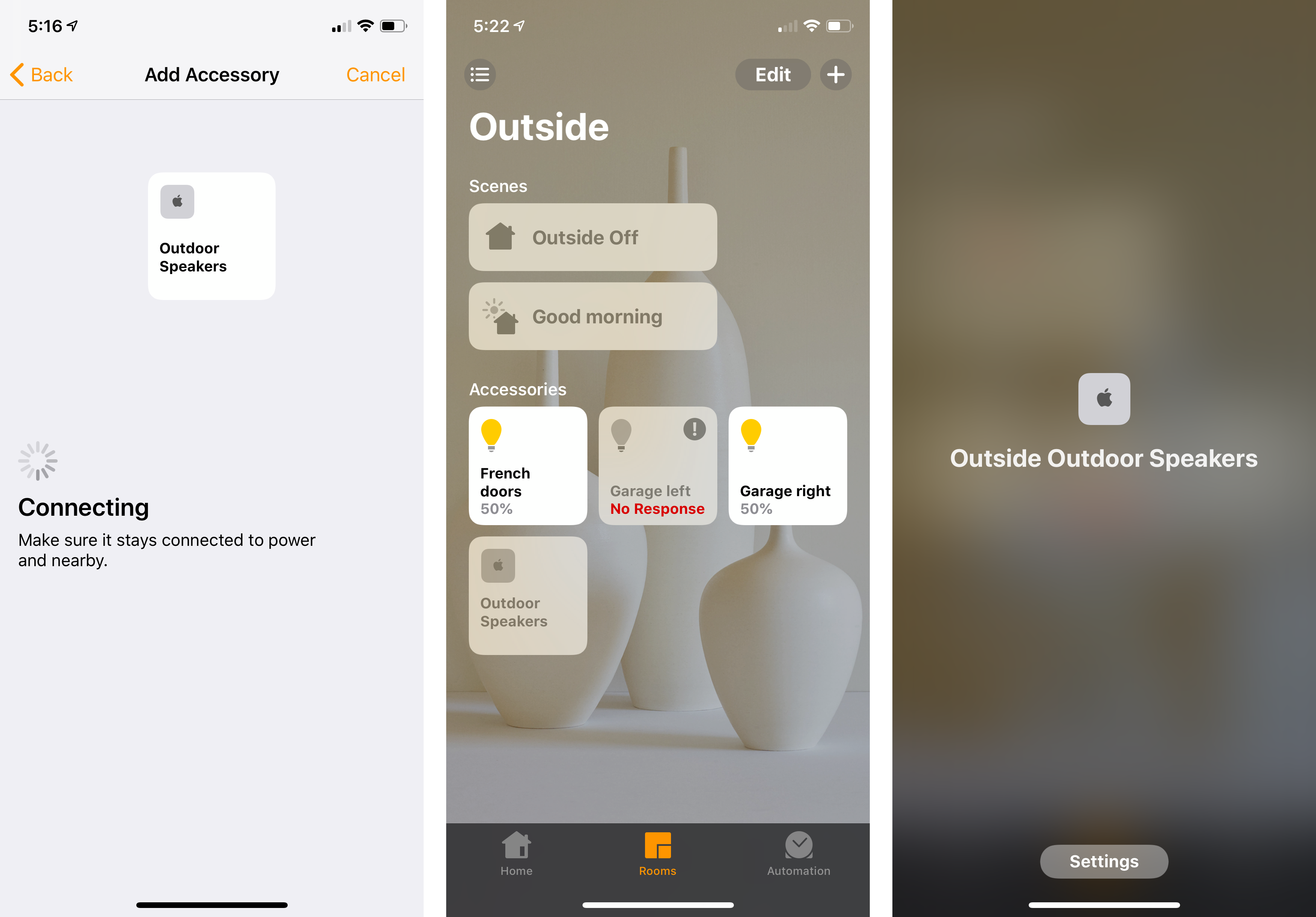
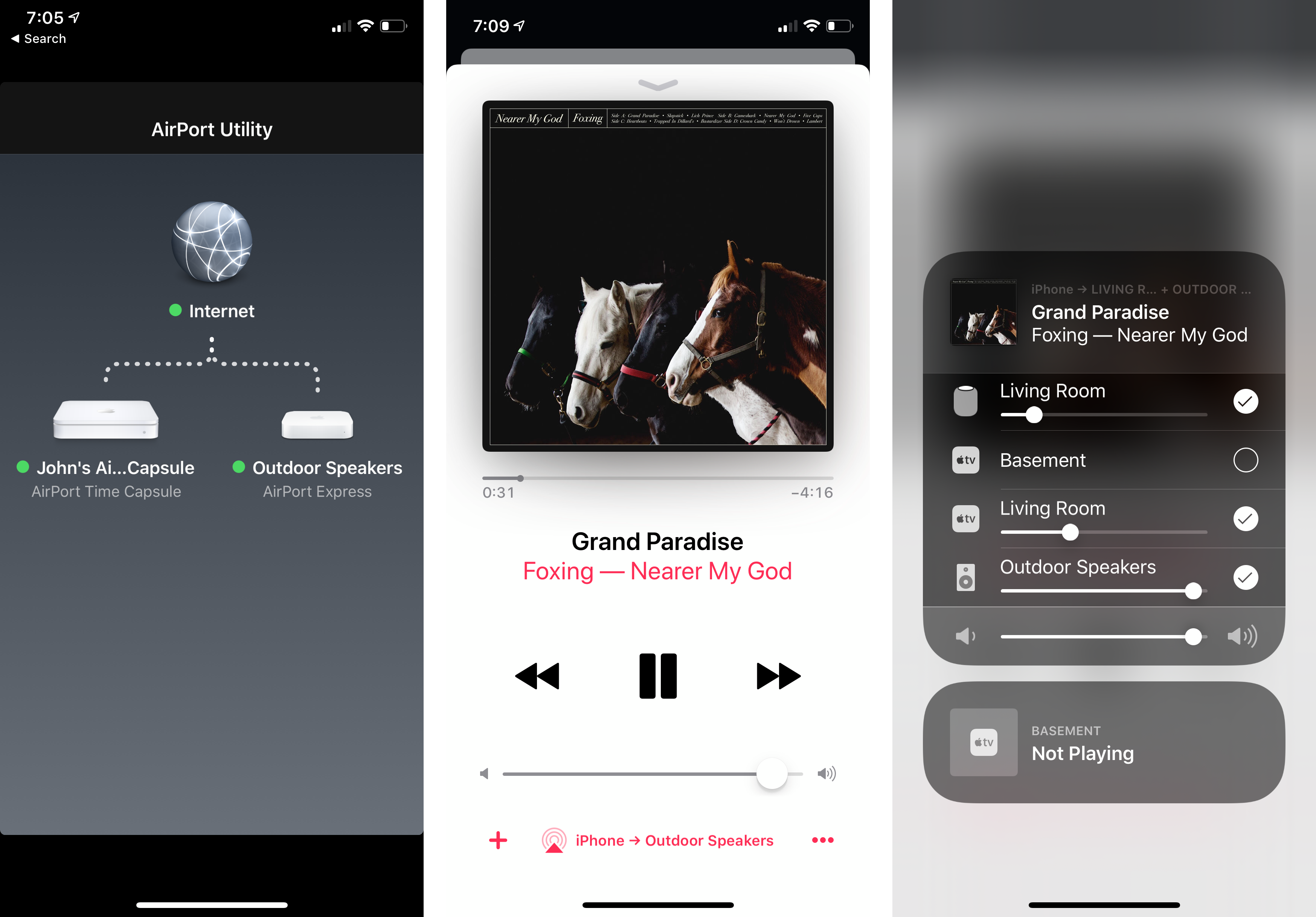
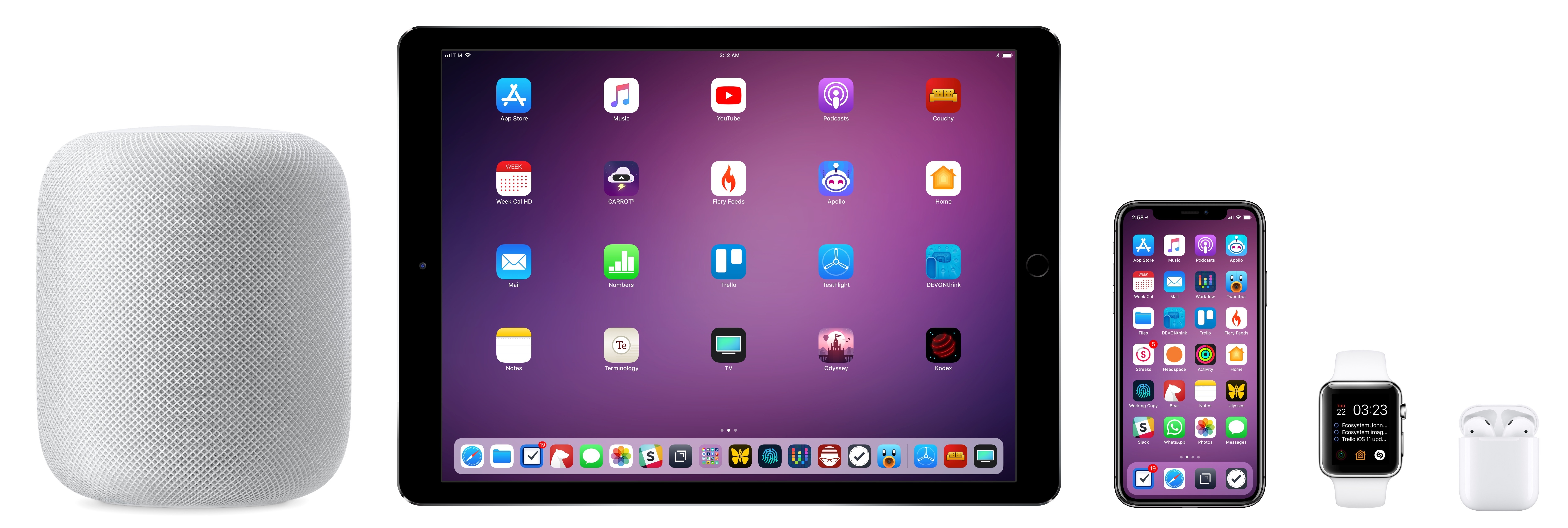
The final step was to go into the Home app and add the Express as a new accessory. Because it predates HomeKit accessories, I couldn’t scan a code to add the Express. Instead, I added it manually using the ‘Don’t Have a Code or Can’t Scan?’ button in the Home app. Now, I have music playing perfectly synced on our back patio using the AirPort Express and in our living room using my HomePod and Apple TV. I also have the convenience of picking my outdoor speakers from the sources list in Control Center and using Siri to move music to those speakers without the buffering issues I experienced with the first version of AirPlay.
It’s a shame the AirPort Express was discontinued. Not every situation justifies the expense of a HomePod. Nor are those devices practical outdoors or in other environments. Fortunately, the AirPort Express remains an option for now if you already own one or can find a used or refurbished one for sale.
Signify Introduces New Indoor and Outdoor Lighting Options→
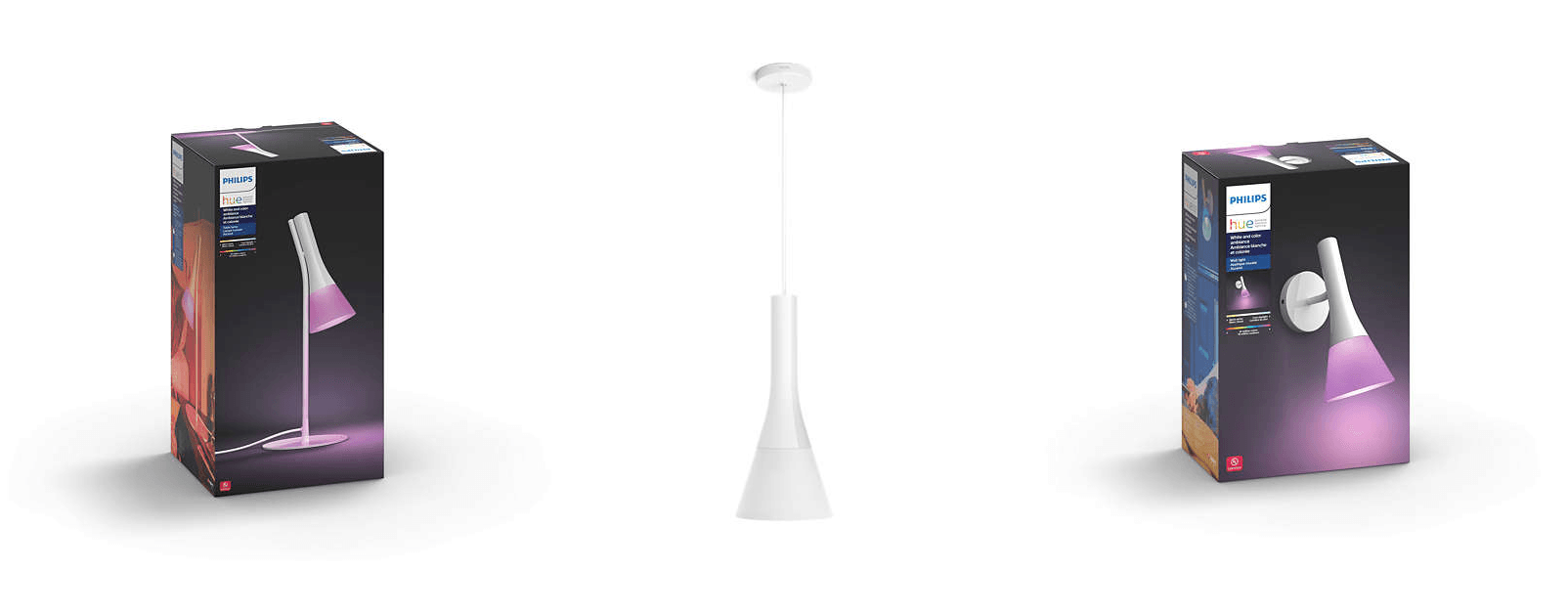
Signify (formerly Philips Lighting) has been steadily expanding its Hue lineup of smart lighting products for some time now. Best known for its LED light bulbs, which support HomeKit and other home automation systems, the company also offers a wide range of lamps and light fixtures designed to accommodate a wide range of environments. As previewed for The Verge, the most recent expansion of its product line expands its smart lighting options both inside and outside the home.
Outdoors, Signify announced weatherproof light strips that come in 7-foot and 16-foot models for $89.99 and $159.99. Inside, Signify has added the Ascend collection, which incorporates Hue bulbs and a uniformly-shaped light cover that is offered as a tabletop lamp ($129.99), pendant fixture ($179.99), sconce ($99.99), and floor lamp ($179.99). In addition, Signify introduced the Being pendent ($249.99), a ring-shaped ceiling fixture, the simple Enchant pendent light ($99.99), and a circular, lighted mirror ($249.99) and ceiling light ($179.99) designed for bathrooms.
Most of the new lighting options will be available in October, but the Enchant pendant light and bathroom lights will go on sale August 20th.
Philips Hue App Update Enhances Light Management and Adds 30 New Designer Scenes
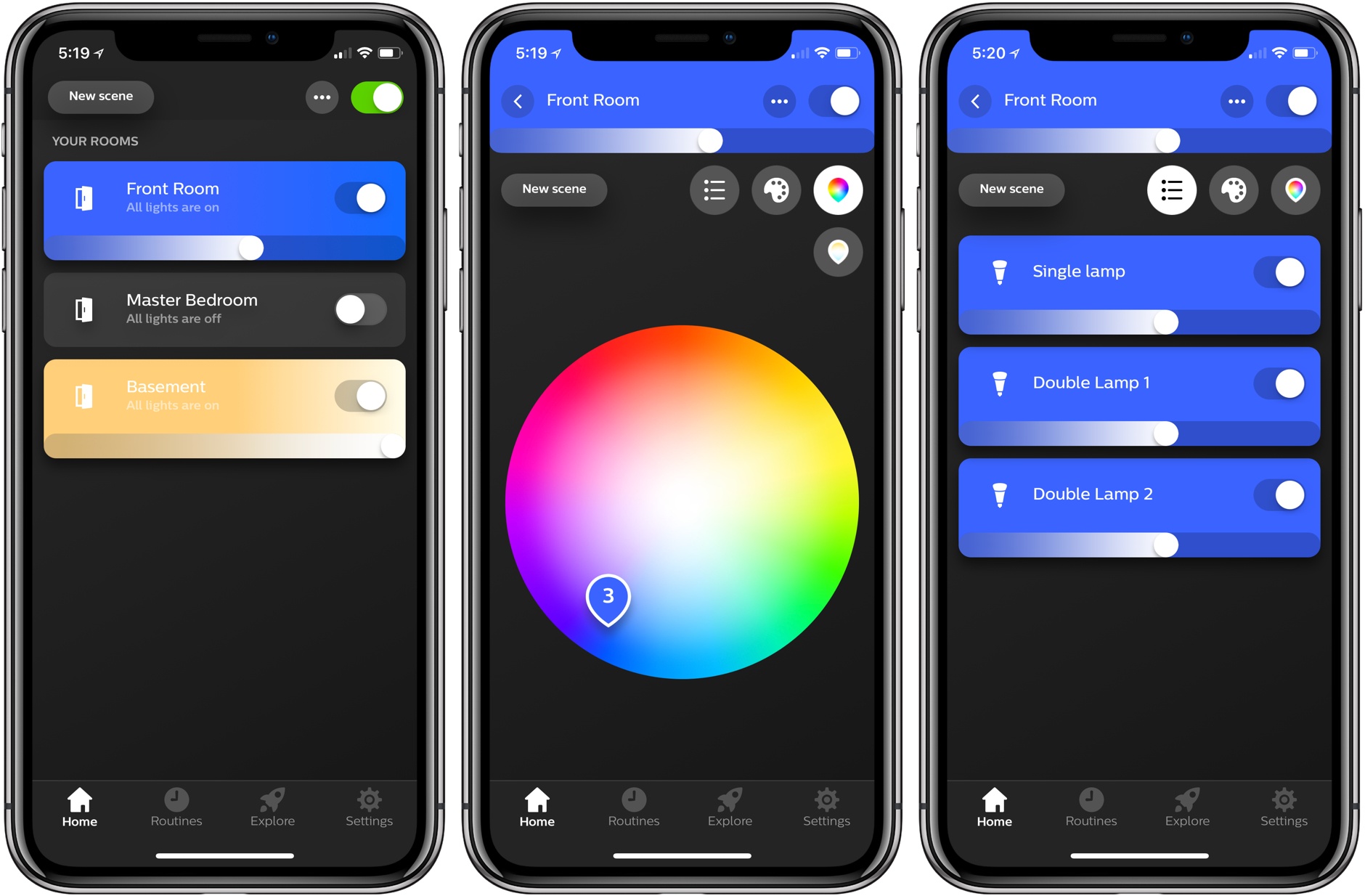
Philips has released an update to Hue, the companion app for its line of smart lightbulbs. The user interface will be familiar to existing users, but the update introduces a refreshed design that looks better than the prior version and surfaces features that used to be harder to find. Philips has added a bunch of new built-in lighting scenes too.
iOS 11.3 and HomeKit’s Software Authentication→
Mikah Sargent, writing for iMore, on the importance of software-based authentication for HomeKit devices that Apple officially rolled out with iOS 11.3 last week:
Up to this point, commercial accessories were also required to incorporate Apple’s hardware-based Authentication Coprocessor in order to obtain HomeKit certification. The coprocessor handled Apple’s strict rules for encryption and security for HomeKit-enabled accessories. Apple takes HomeKit security seriously — the company says all HomeKit sessions are end-to-end encrypted and mutually authenticated (authenticated by all parties). Each communication session also includes something called “perfect forward secrecy,” meaning that encryption keys aren’t reused — a new key is generated for every session.
These strict rules meant most companies had to build accessories specifically with Apple’s HomeKit requirements in mind. It was a beneficial rule for consumers in terms of privacy and security, but it also meant — at least at the beginning — fewer available HomeKit-enabled accessories. Companies who already had smart home products on the market would need to rethink their products if they wanted to offer HomeKit-enabled accessories. That changes as of iOS 11.3.
I was under the assumption that HomeKit software authentication was already available since Apple announced it at WWDC ‘17 (in fact, I covered it in my iOS 11 review here). As Sargent notes on Twitter, however, accessory makers only received support for software authentication with iOS 11.3, which explains why we haven’t heard of major “HomeKit software updates” yet. Assuming that Apple’s certification process for HomeKit accessories is still going to take weeks, I’m curious to see if software authentication will at least make it easier for third-party manufacturers to consider HomeKit integration.
HomePass and Homecam Add HomeKit Setup Code Scanning, Data Layers and Controls in Camera View
I’m a big fan of HomePass and Homecam, the two HomeKit utilities created by indie developer Aaron Pearce to store accessory setup codes and view live feeds of HomeKit cameras, respectively. I covered both apps a few times on MacStories this year, and I’m glad to see two substantial updates released by Pearce today that address all my complaints from previous versions.
Erasing Complexity: The Comfort of Apple’s Ecosystem
Every year soon after WWDC, I install the beta of the upcoming version of iOS on my devices and embark on an experiment: I try to use Apple’s stock apps and services as much as possible for three months, then evaluate which ones have to be replaced with third-party alternatives after September. My reasoning for going through these repetitive stages on an annual basis is simple: to me, it’s the only way to build the first-hand knowledge necessary for my iOS reviews.
I also spent the past couple of years testing and switching back and forth between non-Apple hardware and services. I think every Apple-focused writer should try to expose themselves to different tech products to avoid the perilous traps of preconceptions. Plus, besides the research-driven nature of my experiments, I often preferred third-party offerings to Apple’s as I felt like they provided me with something Apple was not delivering.
Since the end of last year, however, I’ve been witnessing a gradual shift that made me realize my relationship with Apple’s hardware and software has changed. I’ve progressively gotten deeper in the Apple ecosystem and I don’t feel like I’m being underserved by some aspects of it anymore.
Probably for the first time since I started MacStories nine years ago, I feel comfortable using Apple’s services and hardware extensively not because I’ve given up on searching for third-party products, but because I’ve tried them all. And ultimately, none of them made me happier with my tech habits. It took me years of experiments (and a lot of money spent on gadgets and subscriptions) to notice how, for a variety of reasons, I found a healthy tech balance by consciously deciding to embrace the Apple ecosystem.
Philips Hue Outdoor Lights Arrive This Summer
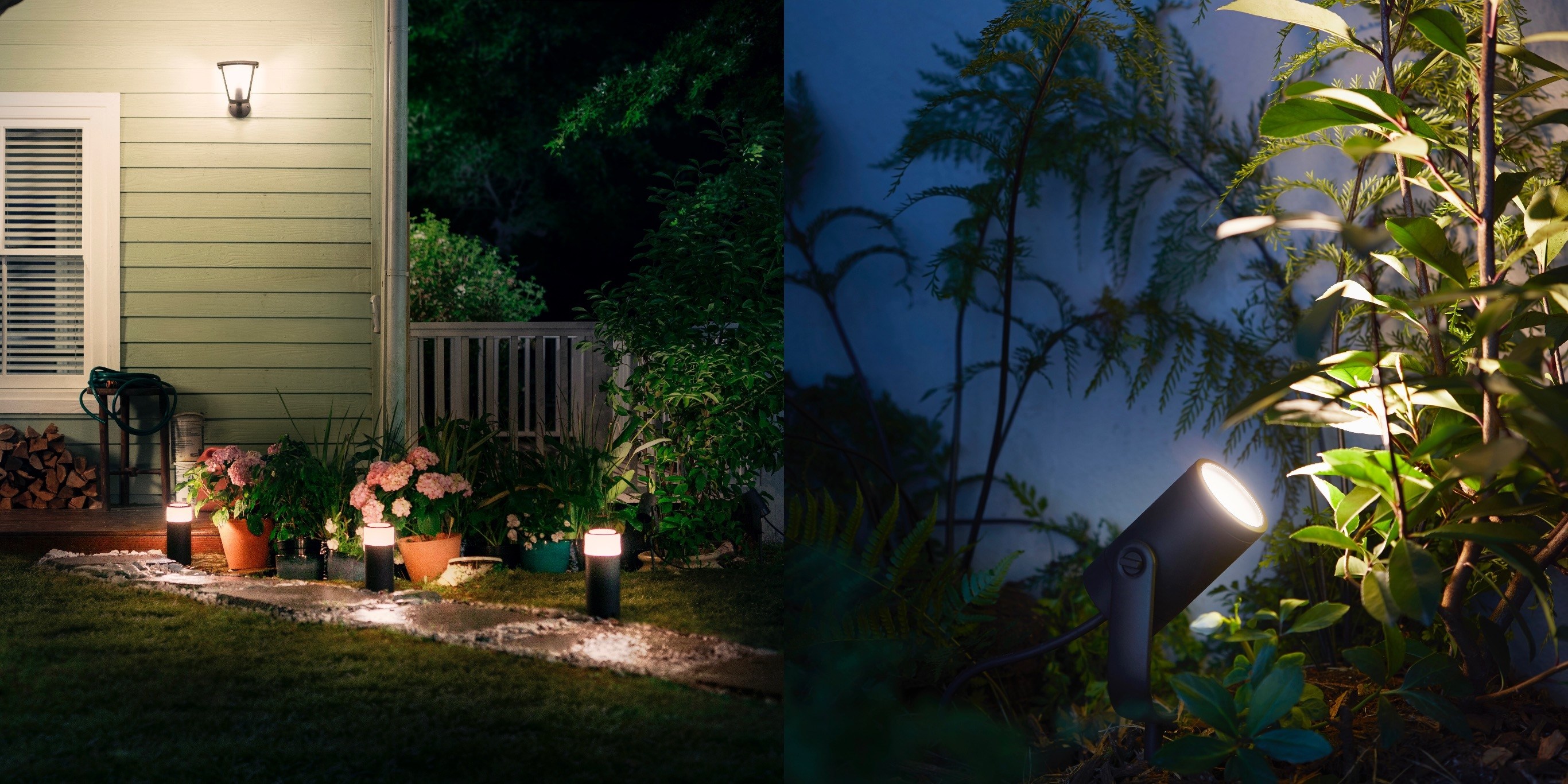
Philips has announced the launch of a major expansion in Hue lighting products into the great outdoors. Just in time for the season of neighborhood BBQs, the assortment of outdoor Hue products includes standard lighting units for mounting on your home’s exterior, along with a couple products uniquely suited for occupying the grounds surrounding your house.
The new Lily product is a spotlight for highlighting different areas of your landscaping; it will be available in a 3-pack for $279. The Calla bollard is ideal for placement along a pathway, or at central gathering places in your yard; it will retail for $129. Both of these products feature the full range of color options available with many other Hue lights, while the wall-mounted lights will be limited to a white range and start at $49.
Hue’s outdoor products will work similarly to its existing lineup of indoor lights, with the Hue bridge acting as a hub for them all, and full HomeKit support. They are scheduled to release in the U.S. and Europe in July.
Philips has established a strong reputation for its Hue products as the go-to smart lighting option, and for those invested in that ecosystem already, it’s great to see new and diverse products continue to be made available.
It’s Time for a Complete Home App Makeover
I’ve spent a lot of time experimenting with home automation gear since late last year: lightbulbs, light strips, electrical plugs, and door sensors, among other things. Most of the devices I’ve tested support Apple’s HomeKit APIs and those that don’t, I plan to integrate with Homebridge. That means I’ve also spent a lot of time in Apple’s Home app, and despite poking around in every corner of the app, I still find it frustrating and hard to use.
Last week, I tried to configure something new in my studio that illustrates several of the Home app’s problems. I have several Hue lights: there’s one over the steps leading to my workspace, four recessed ceiling lights, a floor lamp, and a desk lamp. It’s a lot of lights, but my studio is in the basement, and the lights help keep it from feeling like a cave.
I set the lights up as a group in Home and trigger them with a motion sensor. As soon as I open the door to the basement, the lights come on. I added a Hue switch on the wall as a shortcut for turning the lights on and off too.
I recently got an Elgato Eve door sensor for my back door. I figured it would be nice to know when my wife and son got home in the afternoon if I’m working away with the door closed, listening to music, and don’t hear the back door open. I can get alerts from the sensor on my Apple Watch and iPhone, but I thought it might be fun to also turn the Hue light on my desk red when the door opens as a visual cue. That turned out to be harder than I anticipated.