This Week's Sponsor:

Turbulence Forecast

Know before you go. Get detailed turbulence forecasts for your exact route, now available 5 days in advance.


Posts tagged with "iPad"

Mossberg Declares iPad “Best Product of 2010”

WSJ tech journalist Walt Mossberg thinks Apple’s iPad is the best product of 2010. The iPad is “amazing” and thanks to the new iOS 4.2 and huge selection of apps available, it “continues to stay ahead of the competition”. Competition that saw devices like the Dell Streak released in 2010, which Mossberg calls a “tweener” that’s “too big to be a phone yet too small to be a tablet”. The Samsung Galaxy S and iPhone 4 both ranked third in Mossberg’s chart of best products.

As for the second place:

High-speed 4G networks in the United States took the second spot. As the world goes more mobile, the availability of faster networks is critical. Today, 3G networks are bursting at the seams, and the promise of these networks will be something to watch closely in 2011.

We might argue on the relevance of 4G networks in 2010, as they seem more “promising” than actually available right now. There’s no doubt, though, that better and faster mobile networks will expand in 2011. We look forward to seeing what Mossberg’s “best & worst” chart will look like in 2011.

RetinaPad Enables Retina Graphics for iPhone Apps in 2x Mode

The iPad can run iPhone apps in compatibility mode, and we all know Apple implemented this feature to allow iPad owners to access a huge catalogue of apps on day one. The fact that the iPad App Store got to more than 40,000 apps in a few months is a different story. What is not great about iPhone compatibility mode is that, when an iPhone app is blown up to 2x mode, the graphics become fuzzy. Even if you’ve installed on your iPad an app that’s got Retina Display-ready graphics on the iPhone, you’ll get the pixelated graphics.

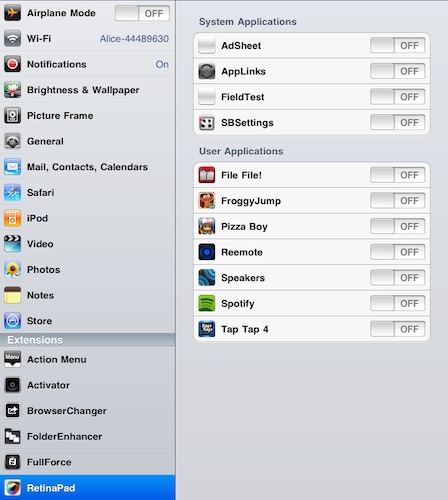
RetinaPad, a new Cydia tweak by Ryan Petrich, fixes this problem, and it works great with basically any app or game that’s got Retina graphics. Once installed, you’ll have to choose the iPhone apps that you’d like to run with the new 2x mode. Fire up the app, tap on 2x and you’ll notice that the iPad will display clean graphics without pixelation. If the iPhone app has been updated for the Retina Display, it most likely works with RetinaPad out of the box. It’s really neat.

I’ve been able to successfully run in the 2x mode Spotify, Voices 2, Calvetica – they all look great on the iPad now. RetinaPad is available at $2.99 in the Cydia Store. More screenshots below. Read more


The iToiletstand Is Exactly What You Think

Some ideas are just plain wrong. Yet, you have to admit sometimes you’ve thought about these wrong and silly ideas as some sort of a geek dream you don’t want the world to know about. Like iOS gadgets for the toilet. You know, this is especially true for the iPad, which is a great device for reading.

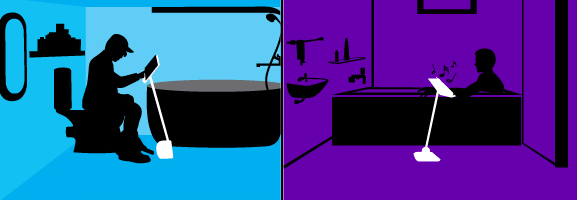
It looks like your prayers for a comfortable iPad stand to use you-know-where have been answered: the Angled Stand is an “adjustable, angled stand for iPads, tablets & other electronic devices”.

What are the features: top is adjustable, pole can be moved back & forth, easily tightened at various angles making it flexible & user friendly. Pole has an adjustable height between 26-46 inches which is starting from around your knees on up. Pole angle various to around 45 degrees. Top is just a bit wider and taller than an ipad and device is foldable.

The product is coming in early 2011 and, bath and toilet aside, can be used a stand for when you’re in bed, by the barbecue, in the kitchen, in hospital…wherever you think it’d be nice to have an iPad following you by on a stand.

I guess Steve Jobs is already using something like this for his iPad 2 in his home office. [CultofMac via iToiletstand]


Gorillaz iPad Album Now Available for Streaming

As announced by Damon Albarn in November, the new Gorillaz album “The Fall” is now available online for streaming and will be released as digital download tomorrow, December 25th. What’s so special about The Fall that we’re covering it on MacStories? It was entirely recorded on an iPad.

Albarn first told the NME:

I’ve made it on an iPad – I hope I’ll be making the first record on an iPad. I fell in love with my iPad as soon as I got it, so I’ve made a completely different kind of record.

The Fall contains 14 new songs and it was recorded using apps such as SoundyThingie, AmpliTube, iOrgel HD and iElectribe. Full list of songs and apps used in the album is embedded below. You can stream the record for free now by hitting this link, which requires you to subscribe to the band’s mailing list. From a first listen, it all sounds pretty…digital and electronic. Perhaps different from previous Gorillaz records, but interesting nonetheless considering the setup being used to produce it. Check out the video of “Phoner to Arizona” below.


Read more


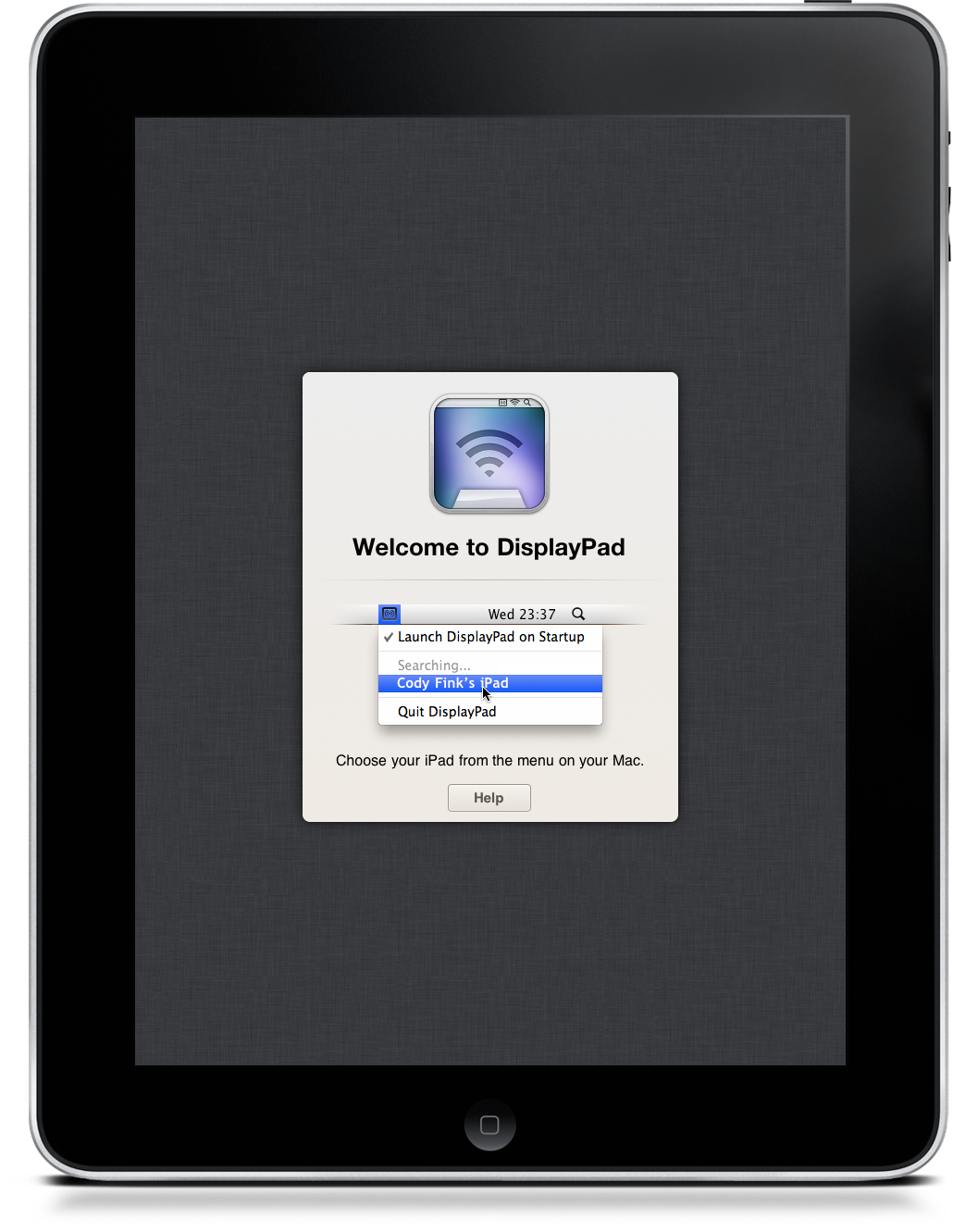
Because Everyone Needs A Second Monitor, We’re Giving Away 10 Copies Of DisplayPad

Thinking about buying a monitor for the holiday? How about a multi-touch monitor that doubles as a computer when it isn’t sitting in a dock next to your iMac? DisplayPad for the iPad was reviewed yesterday as the multi-touch champ that is drop-dead simple to set up. Who doesn’t want a whole second monitor dedicated to iTunes or Reeder for OS X? DisplayPad is currently on sale for $.99 in the iTunes App Store, but Christmas penny pinchers may want to click past the break for a MacStories-to-Ten chance to win DisplayPad for your iPad.

Read more


iPhones and iPads Take Over The Italian Parliament

In spite of the major conflicts and debates going on right now in the Italian Parliament, it seems like every member agrees on one thing: getting an Apple device for Christmas. As noted by iSpazio, members and senators from PD, PDL (Italian Prime Minister Berlusconi’s party) and FLI are all getting iPads from Santa.

It is unknown whether the devices will be gifted as a “bonus” for personal use or will be deployed for work purposes in the Parliament. We read about the iPad being used by congressmen at the U.S. House of Representatives before, and at the White House, too. I wouldn’t be surprised to see the Italian Parliament coming up with its own apps to check on daily appointements, logs and activities.

As iSpazio also notes, members of FLI will be able to choose from iPads and iPhones. Not bad!  Why not giving away some Macs as well at this point? I think members would enjoy an awesome app like Screens.


Skyfire for iPad Now Available

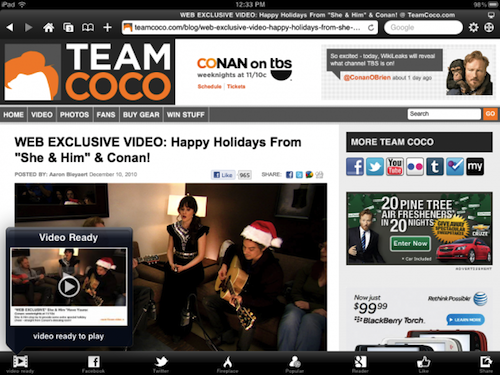
As noted by 9to5mac, Skyfire for iPad is now available. As previously reported, Skyfire takes advantage of the iPad’s larger screen to integrate more social features in the app and allow users to constantly share items on Twitter, Facebook and Google Reader (or send over to Pinboard, Instapaper and Read It Later) with the app of a button. Most notably, Skyfire for iPad comes with a series of buttons in the bottom toolbar that let you check on your Reader feeds, Twitter timeline and Facebook wall, together with the possibility to like every page with a universal Like button and see only updates from friends who shared links.

Social features aside, Skyfire for iPad has the same on-the-fly Flash video conversion technology seen on the iPhone version. If the iPhone app is to be trusted, Skyfire Flash-to-HTML5 conversion tool is pretty awesome, and it converts video to an iOS-compatible format in seconds. One could ask why Flash videos are needed on iOS when most of web video has iOS-optimized fallbacks now, but still. Skyfire for iPad also comes with additional functionalities such as a new tab design, desktop option to avoid loading websites in mobile versions, private browsing a.k.a. “porn mode”. Also, guess what kind of websites still doesn’t provide iOS-compatible video. I think I know why Skyfire is selling all those copies.

Skyfire for iPhone made $1 million in its weekend in the App Store. With the App Store charts freezing tomorrow until the 28th, I wouldn’t be surprised to see the app having a tremendous success on the tablet as well. Go download it here at $4.99, and check out the demo video and feature list below. Read more