This Week's Sponsor:

Turbulence Forecast

Know before you go. Get detailed turbulence forecasts for your exact route, now available 5 days in advance.


Posts tagged with "iPad"

Apple Introduces New ‘iPad’ Model with 9.7” Display and A9 Chip Starting at $329

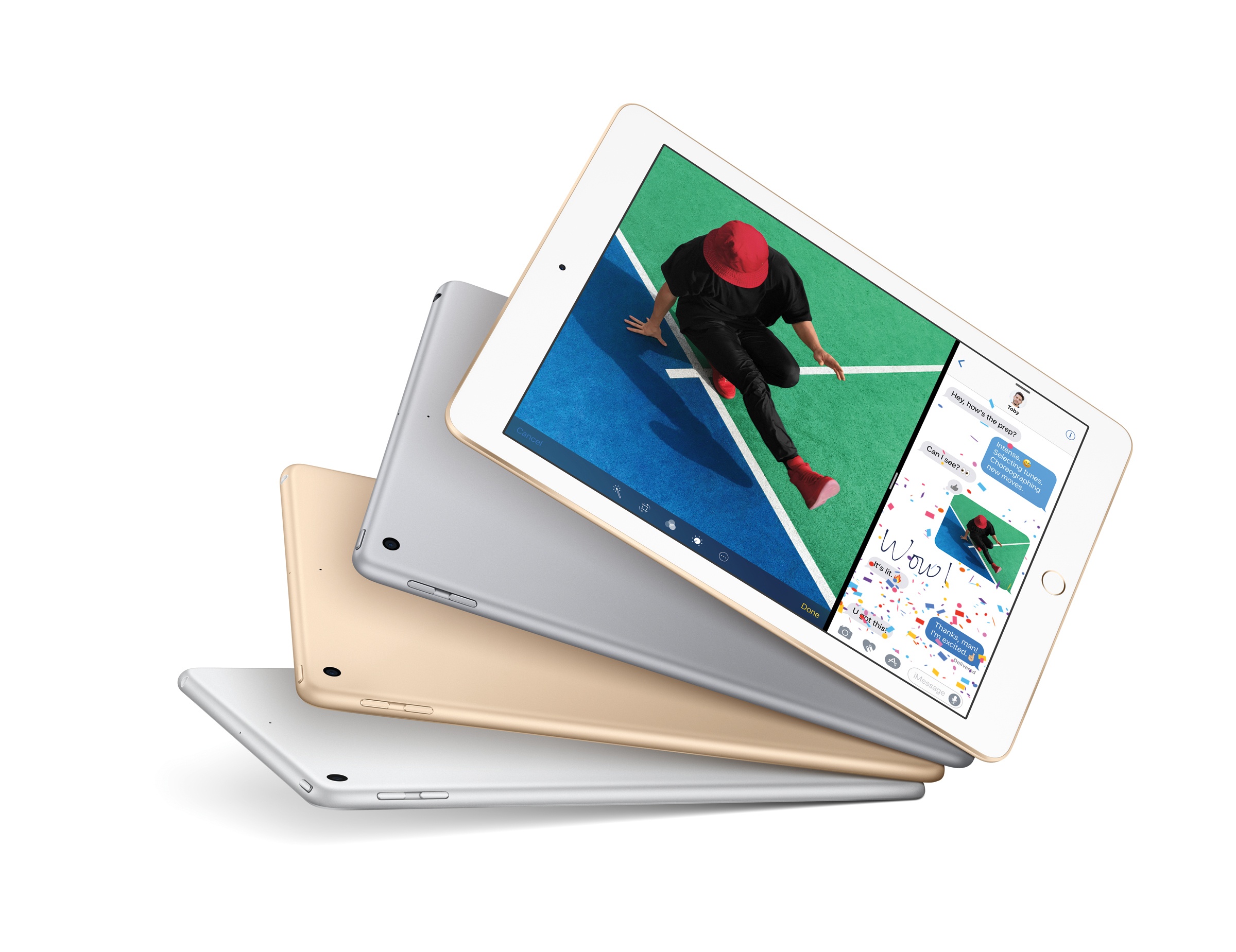
Following a 5-hour downtime of its online store this morning, Apple announced a new base model of the 9.7” iPad.

Starting at $329 for the 32 GB Wi-Fi version and simply called ‘iPad’, the new device appears to be a lower-cost replacement for the iPad Air line as the company’s iPad lineup now includes iPad mini 4, the new ‘iPad’, and the iPad Pro in existing 9.7” and 12.9” configurations. Neither iPad Pro model received any update this morning. The iPad mini 4, on the other hand, now offers more capacity for the same price: the 128 GB Wi-Fi model is now priced at $399, while the 128 GB Wi-Fi + Cellular is available at $529.

Read more


John Gruber on the 2017 iPad Lineup

John Gruber on what may be coming next in terms of iPad refreshes:

What doesn’t make sense to me is a new 10.5-inch model. The idea makes sense — keeping the physical footprint of the current 9.7-inch models but reducing the bezels and putting in a bigger display. The ideal form factor for iPads and iPhones is just a screen, like the phones in Rian Johnson’s Looper — reducing the size of bezels and moving toward edge-to-edge displays is inevitable. Even the pixel density math works out for a 10.5-inch display.

What doesn’t make sense to me is the timing. I don’t see how an iPad with an exciting new design could debut alongside updated versions of the existing 9.7-inch and 12.9-inch iPads. Who would buy the updated 9.7-inch iPad Pro with the traditional bezels if there’s a 10.5-inch model without bezels? No one.

If Apple is going to position both the second-gen 12.9” and 9.7” iPad Pros as the high-end models, I don’t see where a simultaneous release of a drastically different 10.5” iPad Pro would fit. But if the second-gen iPad Pros (with the current form factors) move to the low end of the lineup, that means the 10.5” iPad Pro could introduce an edge-to-edge design with no Home button before the iPhone gets such treatment (supposedly) later this year.

That idea always seemed odd to me. Traditionally, the iPad doesn’t get major hardware changes before the iPhone. The iPad hardware tends to follow the iPhone. True Tone and the four-speaker system were iPad Pro-first features, but they weren’t fundamental platform changes such as Touch ID or Retina. Both of those came to the iPhone first. (I won’t even count the Smart Connector here.) An edge-to-edge design with no Home button is a major platform shift – particularly if it includes new developer APIs, which would have to launch in the Spring before iOS 11 if the rumor of an imminent iPad Pro 10.5” is to be believed. At this point, I find that somewhat hard to believe.

Instead, I think spec-bumps across the entire iPad lineup would make more sense in the short term. I can see Apple bringing consistency to the product line (True Tone, USB 3 speeds, and fast charging for every iPad Pro model) and adding faster CPUs/more RAM for powerful iPad-only features coming with iOS 11. I’m curious to see if Apple will revive the iPad mini by making a 7.9” iPad Pro and if iPad accessories will receive substantial improvements at all (it’d be nice to get an upgraded Smart Cover or a Pencil with superior battery life).

Permalink

LiquidText 3.0: A Uniquely Digital PDF Experience

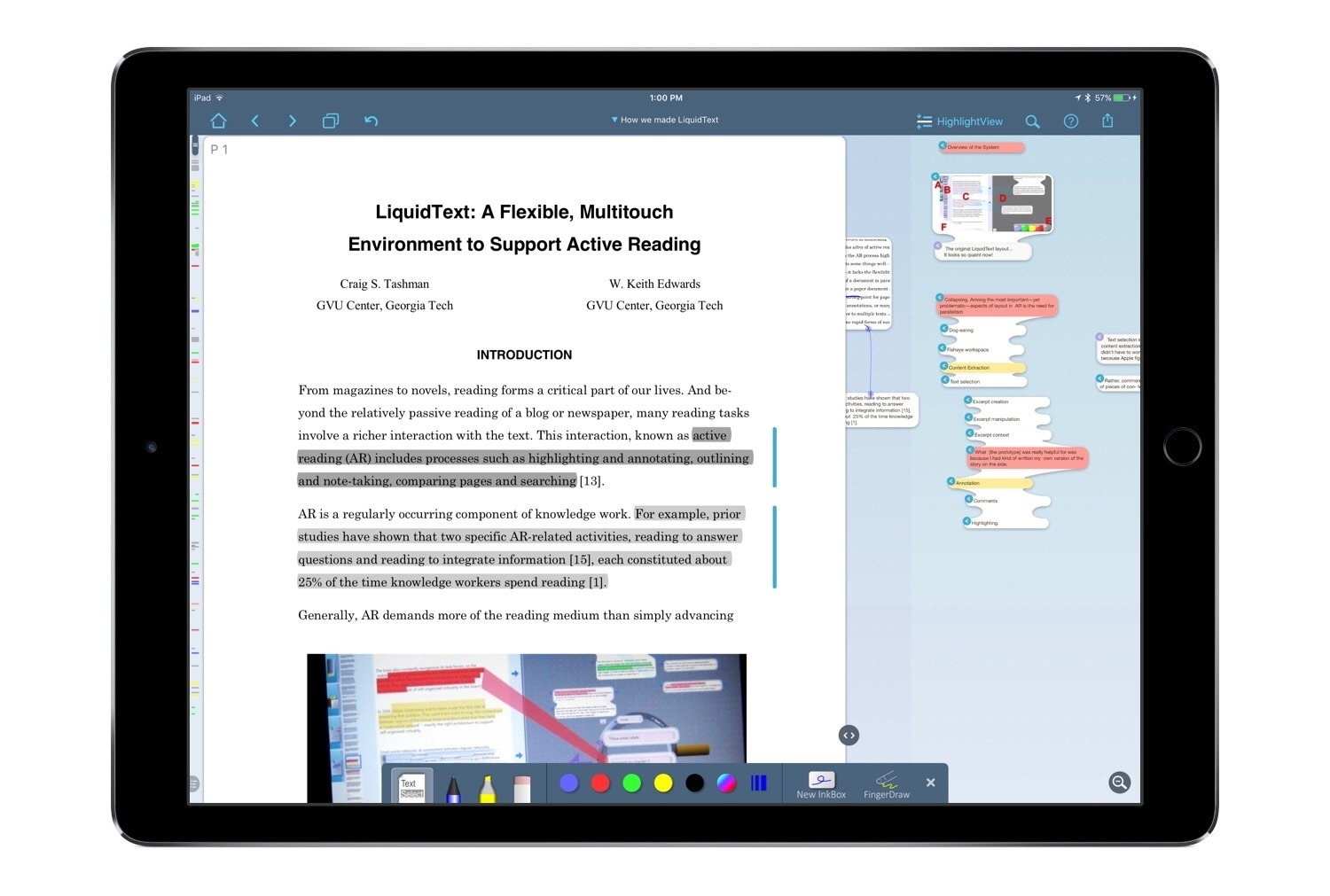
LiquidText is one of the few apps that feels uniquely built for the iPad. There is currently no desktop version available, nor iPhone version, and though that may be a negative in some ways, the positive side is that every new feature and enhancement is focused exclusively on iPad use. As a PDF reader, LiquidText has always provided tools that make its reading experience something you couldn’t get with a physical document. This is perhaps why it was recognized by Apple as the most innovative iPad app of 2015. But today, with version 3.0, LiquidText not only offers a reading experience that’s uniquely digital – it does the same with note-taking and annotation. And the Apple Pencil is a big reason for that.

Read more


iPad Diaries: Advanced File Management and Research with DEVONthink

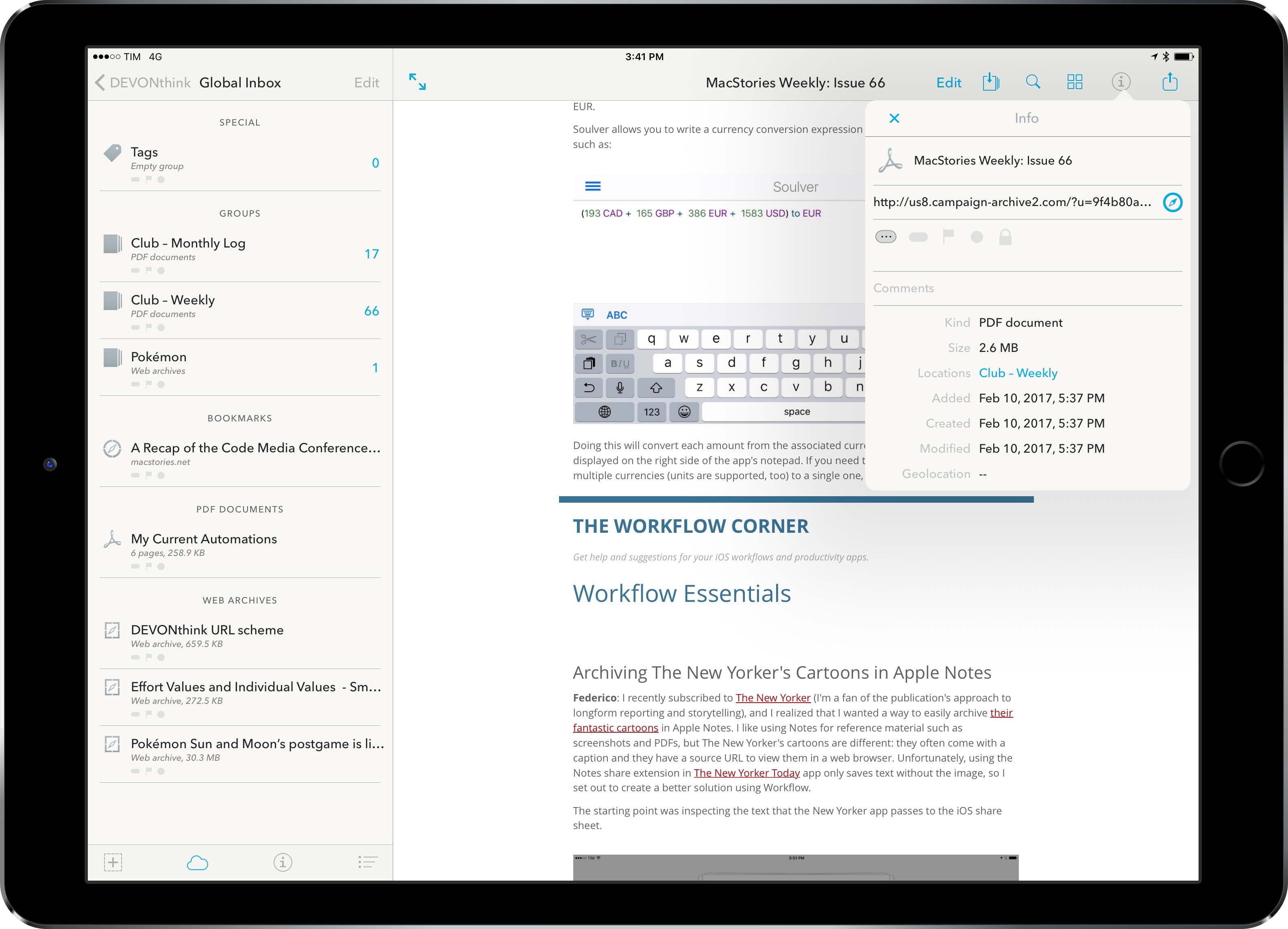
As I wrote in my story on one year of iPad Pro, I consider cloud services a necessity for managing files on iOS. Dropbox and iCloud Drive make it possible to keep the same sets of documents and app libraries synced across devices, but, more importantly, they help overcome iOS’ file management woes through centralized storage spaces. In the article, I espoused the flexibility of Documents and its tight integration with Dropbox, noting how Readdle had built the missing iPad file manager with features Apple omitted from their iCloud Drive app.

Since early January, I’ve been thinking about my larger writing projects scheduled for 2017 and whether Documents can scale as a reference and research tool. Looking back at 2016 and the time I poured into organizing and referencing files for my iOS 10 review draft in Scrivener (which I covered here), I realized that neither Scrivener’s built-in file manager nor Documents could meet the basic requirements I have set for this year’s review. These include the ability to search different file types with advanced operators as well as a system to reference individual files and folders throughout iOS with local URLs. It was during this meta-research phase1 that I decided to try DEVONthink To Go again.

Read more


Linea: An Elegant Sketching App for the iPad from The Iconfactory

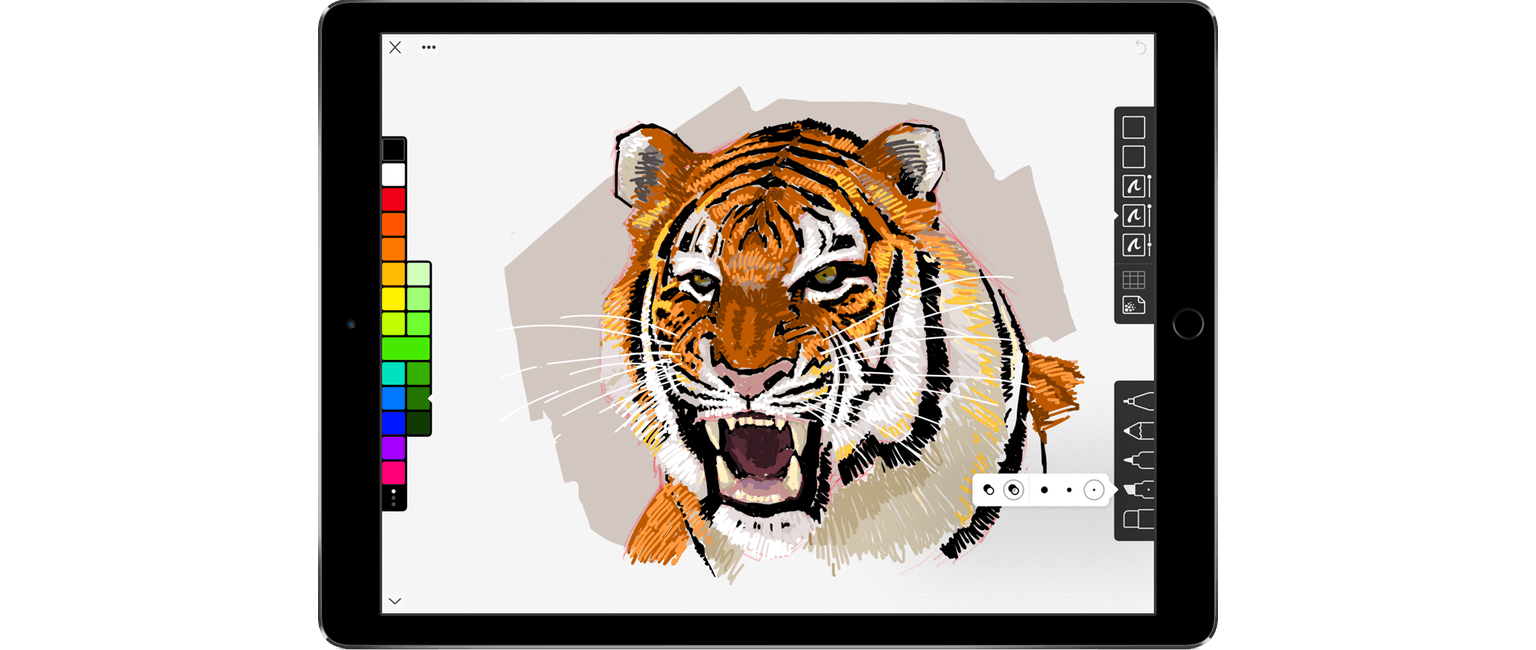
Drawing and sketching apps present difficult interface challenges. On the one hand, they should maximize the space reserved for their intended use – drawing. On the other, they need to include sufficient tools for users to create what they envision. It’s a balance that many apps get wrong. Some are too simple, forcing too many constraints on users, while others are horribly complicated and intimidating to new users. Linea, a new sketching app for the iPad from The Iconfactory, is exceptional because it manages an ease-of-use and approachability that is rare while maintaining just the right set of tools.

Linea is a sketching app, not a full artist’s toolbox. It won’t replace a more complex app like Procreate, but that’s not its purpose. Instead, Linea is focused on delivering the best possible sketching experience whether you are drawing, prototyping an app interface, storyboarding, taking notes, or something else. The point is to get visual ideas down with the least amount of fiddling, which is exactly what Linea delivers.

Read more


Why a 10.5” iPad Would Make Sense

Dan Provost:

Rumors have been swirling about Apple working on an iPad that falls inbetween the 9.7” and 12.9” sizes they currently offer in the Pro lineup. John Gruber and Jim Dalrymple briefly discussed this on the latest episode of The Talk Show, with Gruber saying: “It doesn’t make any sense to me.” (discussion at 1 hour 41 minute mark). There is, I believe, one explanation that makes too much sense not to be true.

His numbers check out. An iPad with the same footprint of the 9.7” iPad Pro but a bigger display with the same pixel density of the iPad mini sounds like a very compelling iPad to me.

Permalink

Canopy Keyboard Cover and iPad Stand Review

I’ve been carrying Studio Neat’s new Canopy, a combination keyboard case and iPad stand, for about a week. It’s the first time Apple’s Smart Keyboard has been off my iPad Pro since I got it, but I haven’t missed it at all. There are still certain situations where I prefer the Smart Keyboard, but I love having the option to work on my iPad with Apple’s Magic Keyboard when it suits my needs. So, while I won’t be switching to a Magic Keyboard/Canopy combination full-time, it’s a choice I’m glad to have and one I will use frequently.

Read more


A Computer for Everything: One Year of iPad Pro

I wasn’t sure I needed a 12.9-inch iPad when Apple announced the iPad Pro in September 2015. And yet, over a year later, the iPad Pro is, by far, the best computer I’ve ever owned. I’ve never felt so satisfied with any other Apple device before – but the transition wasn’t easy.

After years spent adapting what I learned from the Mac to bring it to iOS, what I found on the other side was a more focused, efficient way of working and communicating with people. The iPad Pro accelerated my move to an iOS-only setup; today, I genuinely don’t know how to perform certain tasks on a Mac anymore.

I use my iPad Pro for everything. It’s my writing machine and favorite research tool, but I also rely on it to organize my finances, play games, read books and watch movies, program in Python and Workflow, and manage two successful businesses. While I’ve been advocating for such multi-purpose use of the iPad platform for a while, the iPad Pro elevated the threshold of possibilities, reaching an inflection point that has pushed others to switch to an iPad as their primary computer as well.

Much of the iPad’s strength lies in iOS and its app ecosystem. If Apple were to stop making iPads, I’d still prefer to work on a device that runs iOS rather than macOS. iOS is where app innovation happens on a regular basis with developers one-upping each other in terms of what software can achieve; I also prefer the structure and interactions of iOS itself. The iPad Pro is the purest representation of iOS: it’s a computer that can transform into anything you need it to be.

Even if this discussion was settled a long time ago, it bears repeating: millions of people today like working on iOS more than they do on macOS, and the iPad Pro is the best machine to run iOS. There is no sarcastic subtext about the Mac here, which is still a fantastic environment that many Apple users love and need for their line of work. The Mac and the iPad can coexist in a market where customers believe one is superior to the other. I prefer working on the iPad; others like their Macs more. And that’s fine because, ultimately, the Apple ecosystem as a whole grows stronger and we all reap the benefits.

Over the past year of daily iPad Pro usage, I’ve made it my personal goal to optimize my iPad workflows as much as possible. This is one of the best aspects of the iOS platform: competition between developers is fierce and you can always choose between different apps to get work done – apps that are improved on a regular basis and are constantly updated for the latest iOS technologies. With enough curiosity and patience, iOS rewards you with the discovery of new ways to work and save time.

Since my last iPad story in February, I’ve taken a hard look at my entire iPad setup and rethought the parts that weren’t working. I tried new apps, created new automations, and optimized every weak spot I could find. I improved how I collaborate with my teammates and produce weekly content for Club MacStories members. Thanks to the time I invested in understanding and fine-tuning my iPad Pro, I was able to embark on more projects, double MacStories’ growth, and manage a larger team.

As a result, my iPad Pro today is noticeably more capable than it was a year ago – all without the need for a hardware refresh.

Here’s what I’ve done.

Read more


    Workflows of a Casual Apple Pencil User

    One year ago, Apple launched a new product to accompany its first ever iPad Pro: the Apple Pencil. Presented not as a replacement for touch input, but as a tool geared toward specific tasks, the Pencil immediately endeared itself to creatives who sketch or illustrate. In the weeks following the announcement, I remember scouring Twitter and Instagram for any first impressions I could find from people who had tried this new device. Some of the best came from Apple’s visits to Disney and Pixar, where many of my favorite movie makers seemed thrilled about the Pencil. It looked like the perfect tool for artistic tasks.

    Apple’s pride in creating the Pencil has been clear since they first announced it. In its already jam-packed September 2015 keynote, the company dedicated significant time and attention to the product, including a video introduction from Jony Ive and three live demos that put the Pencil to use. In this past March’s keynote, when Apple announced the 9.7” iPad Pro, Phil Schiller called the Pencil “the greatest accessory Apple has ever made.” High praise from a proud parent.

    My initial take on the Pencil was that it seemed like a great device, but it wasn’t for me. I don’t sketch, I’m not a fan of handwriting notes, and using the Pencil for system navigation never appealed to me. But I bought one to give it a try. Apple’s return policy made sure no money would be wasted if the Pencil became merely a pretty paperweight in my life. Within a few hours of use I discovered that while the Pencil isn’t a daily-used tool for me, it is a device that, for specific tasks, I would never want to be without.

    Read more