It’s time to get packed for WWDC, and like most years, my carry-on bag will be stuffed with everything I need to cover the event for MacStories. This year, I’ve focused on streamlining my podcast recording setup after some problems that slowed me down last year. Built around my everyday ‘away from home’ setup that I’ve been using for several months, I think I finally have a simple yet powerful writing and podcasting travel setup that should serve me well on the trip.
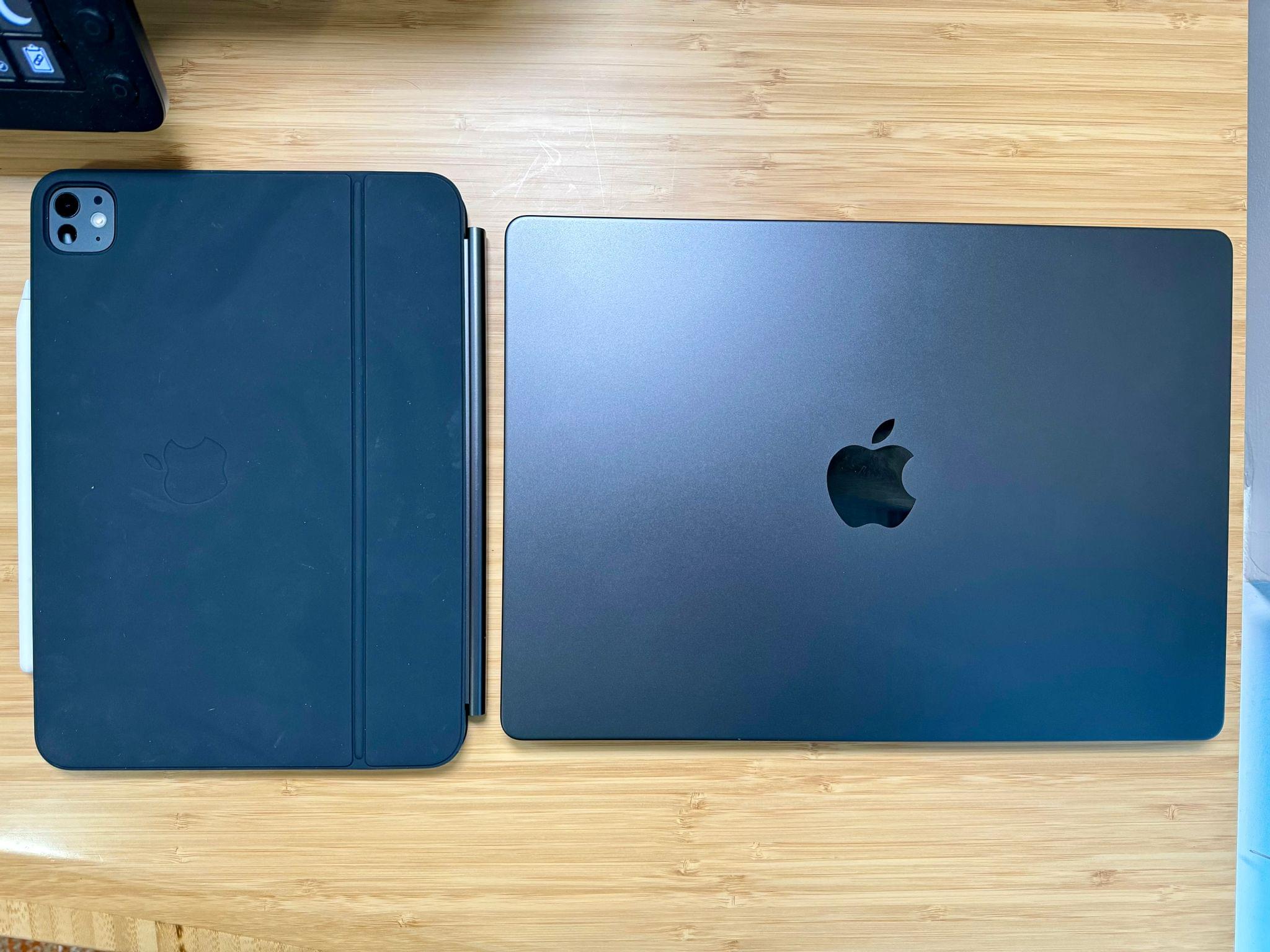
11” M4 iPad Pro and MacBook Pro.
The center of my setup will be a 14” M3 Max MacBook Pro that Apple sent me for testing. It’s a fantastic computer that’s more than capable of handling the research, writing, and audio production work I’ll be doing, along with any video taken during the week.
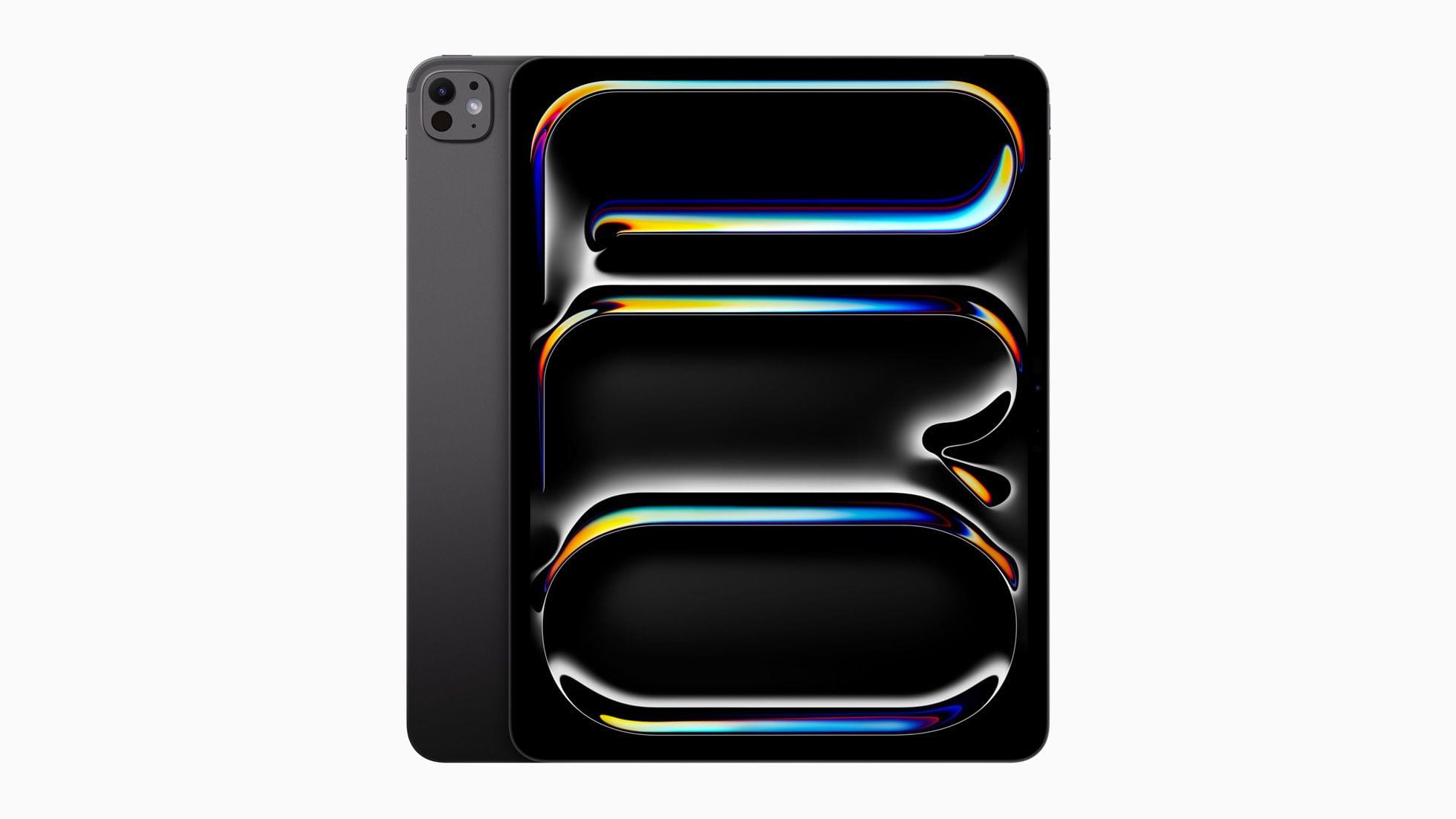
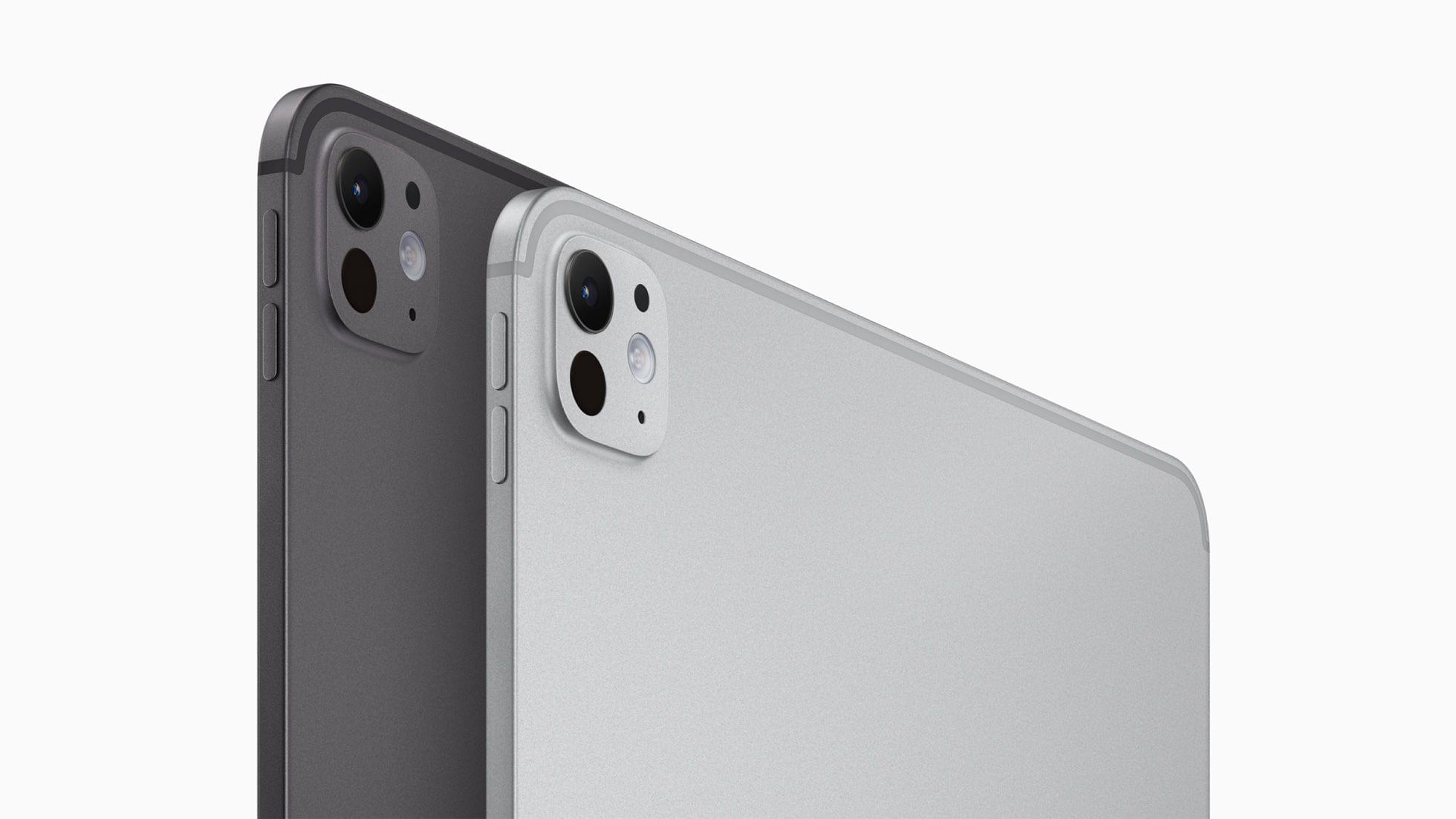
I’ll also take my new 11” iPad Pro, which should help lighten my bag when I’m traveling back and forth from my hotel to Apple Park. Swapping my old 12.9” iPad Pro for the new 11” model will be perfect for this sort of trip. I plan to use it for getting some work done on the flight to California and for taking notes at the WWDC keynote. It’s hard to jot much down during the event while you’re sitting outside in the sun, so anything more than my iPad would be overkill.
This time of year is one that’s always filled with anticipation for what’s upcoming for both developers and users of Apple’s platforms. And while many traveling to Cupertino will be focused on the iPhone in their pocket or the iPad or MacBook that regularly travels with them, for an Apple TV aficionado, it’s a different story.
As I packed for my first WWDC last year, I had a moment of self-reflection. Did I really need to pack an external display, ATEM switcher, HDMI splitters, HomePod minis, controllers, multiple Apple TVs, and an eight-gang multi-plug extension lead into my carry-on in anticipation of a noteworthy software story for Apple TV?1 After all, the year prior had developers and fans giving their best impersonations of confused John Travolta following a largely absent year for tvOS.
Thankfully, WWDC23 was a different story, with a surprisingly ambitious tvOS 17 release full of improvements and features I couldn’t wait to try. But while other attendees could go hands-on with the first developer betas of their favorite platforms with relative ease, given the nature of Apple TV hardware, I had to head back to the apartment I was staying at whenever I wanted to get hands-on time with tvOS.
Somewhere in the Apple TV multiverse, there was a USB-C powered device that I could carry with me for quick reference, whether at Apple Park or a south London coffee shop during my writing process for last year’s tvOS review. Somewhere, there was an iPad-like device that could run tvOS, offering a superior software alternative to the plentiful supply of affordable, battery-powered Android portable projectors.
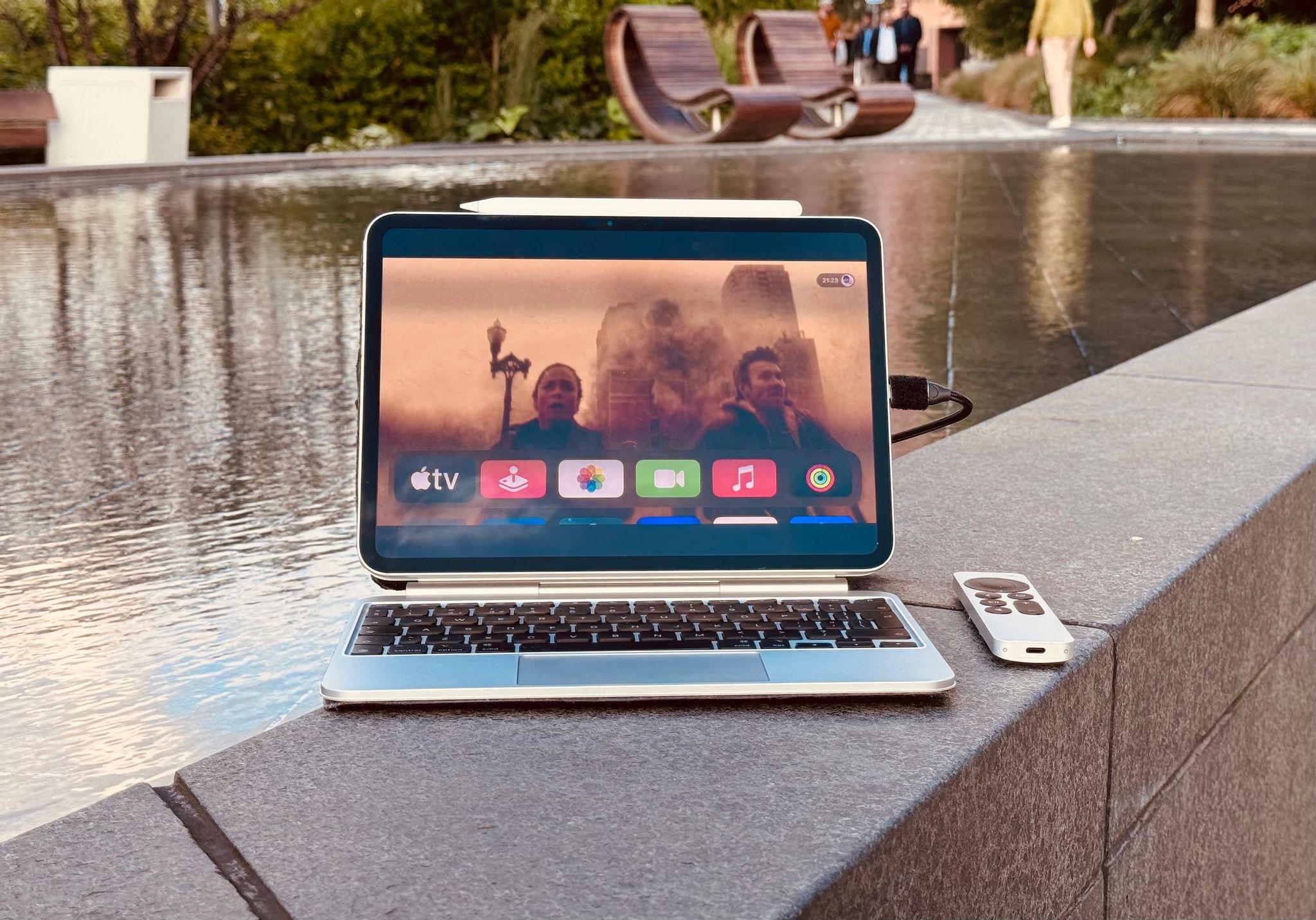
Although neither of those products have yet to enter our own Apple TV universe, the introduction of iPadOS 17 and its support for UVC (USB Video Class) devices had my imagination running wild at the possibilities for this year. I needed to become the hero of my own story and create the on-the-go tvOS workstation I envisioned by braving the world of hardware modification and building my very own Apple TV Go.
There are so many parts of Steve’s iPad Pro manifesto I would quote here on MacStories, but I’m going to limit myself to just a couple of excerpts.
What I like about this story is that it’s a balanced take on the limitations of iPadOS from the perspective of a developer, laid out in a comprehensive roundup. It serves as a great companion piece to my story, but from a more technical angle.
Here, for instance, is a well-reasoned assessment of why Stage Manager isn’t ideal for developers of iPad apps:
Stage Manager was such a missed opportunity: it tried to bolt-on a windowing model onto iPadOS without providing developers any way to optimize for it, and has had virtually no meaningful improvements in two years. What I really want to see are APIs. APIs to know when an app is running in Stage Manager and give it an opportunity to enable extra functionality to accommodate that — like having an ‘open in New Window’ context menu option that it would otherwise hide. APIs to set window size/shape, minimum and maximum size. APIs to open a window in split view if possible, with a preferred screen side. APIs to drag a window on mouse-down. Auxiliary views or inspector panels that can be floated on/near a primary window, like visionOS’ ornaments.
Many of these features are available as APIs to apps using the iOS SDK… on macOS and visionOS. Which is why it boggles the mind that iPad’s own Stage Manager spec completely shunned them, and ignored the explicit intent provided by developers as to how they want their apps to work. Stage Manager wasn’t provided as an opportunity to make our apps better, it was inflicted on developers in a way that harmed the developer, and user, experience. Which is why today you can very quickly stumble upon apps that don’t quite resize correctly, or have important parts of the UI covered by the virtual keyboard, or toolbars floating in strange places.
To this day, developers have no way to fine-tune their apps so that they behave differently (and better!) when Stage Manager is active. This part about JIT is also worth calling out:
Just-in-time compilation is essential to power things like web browsers, console and PC emulators, and language-based virtual machines. It is used by Apple’s own apps, like Playgrounds, to empower key functionality that no third party app can match. And it is provided in a very limited way (with a ton of asterisks) to Alternative Web Browsers in the EU under the DMA, so they can implement their own JavaScript engines. The DolphiniOS project, which emulates Nintendo’s GameCube, recently posted a video that perfectly encapsulates the problem and demonstrates why emulators for newer consoles just can’t come to iPadOS. Other app stores, like Microsoft’s Windows Store, offer a JIT entitlement as standard, and I think Apple should, too.
It’s not like JIT cannot exist on iPadOS; it’s that Apple has chosen not to offer it as an entitlement for third-party developers.
I also want to point out two more aspects of Steve’s manifesto. It’s almost a 1:1 match of a story he wrote for us in 2019, which is quite sad as it tells you a lot about iPadOS’ state of affairs. Five years later, and we’re still asking for the same changes. Additionally, it should be noted that Steve is not asking for Apple to call it a day and put macOS on iPad. Claiming that someone who criticizes iPadOS does so because “they just want the iPad to turn into a Mac” has become the de rigueur dismissal for some reply guys these days, and it completely misses the point.
Let me cut to the chase: sadly, I don’t have a new iPad Pro to review today on MacStories.
I was able to try one in London last week, and, as I wrote, I came away impressed with the hardware. However, I didn’t get a chance to use a new iPad Pro over the past six days ahead of today’s review embargo.
I know that many of you were expecting a deeper look at the iPad Pro on MacStories this week, but that will have to come later. I still plan on upgrading to a 13” iPad Pro myself; I’ve decided I want to return to the larger size after a few months with the 11” iPad Pro. If you’re interested in checking out reviews of the new iPad Pros from heavy iPad users like yours truly right now, I highly recommend reading and watching what my friends Jason Snell and Chris Lawley have prepared.
Still, as I was thinking about my usage of the iPad and why I enjoy using the device so much despite its limitations, I realized that I have never actually written about all of those “limitations” in a single, comprehensive article. In our community, we often hear about the issues of iPadOS and the obstacles people like me run into when working on the platform, but I’ve been guilty in the past of taking context for granted and assuming that you, dear reader, also know precisely what I’m talking about.
Today, I will rectify that. Instead of reviewing the new iPad Pro, I took the time to put together a list of all the common problems I’ve run into over the past…checks notes…12 years of working on the iPad, before its operating system was even called iPadOS.
My goal with this story was threefold. First, as I’ve said multiple times, I love my iPad and want the platform to get better. If you care about something or someone, sometimes you have to tell them what’s wrong in order to improve and find a new path forward. I hope this story can serve as a reference for those with the power to steer iPadOS in a different direction in the future.
Second, lately I’ve seen some people argue on Mastodon and Threads that folks who criticize iPadOS do so because their ultimate goal is to have macOS on iPads, and I wanted to clarify this misunderstanding. While I’m on the record as thinking that a hybrid macOS/iPadOS environment would be terrific (I know, because I use it), that is not the point. The reality is that, regardless of whether macOS runs on iPads or not, iPadOS is the ideal OS for touch interactions. But it still gets many basic computing features wrong, and there is plenty of low-hanging fruit for Apple to pick. We don’t need to talk about macOS to cover these issues.
Lastly, I wanted to provide readers with the necessary context to understand what I mean when I mention the limitations of iPadOS. My iPad setup and workflow have changed enough times over the years that I think some of you may have lost track of the issues I (and others) have been experiencing. This article is a chance to collect them all in one place.
I just came back to my hotel from the media event Apple held earlier today in London at their Battersea Power Station headquarters. I had high expectations for the new generation of iPad Pros that Apple unveiled today – some of which were exceeded by reality (hardware), and others that were, regrettably but unsurprisingly, faced with the reality of the iPad platform (software).
What follows is a loose collection of notes and impressions from the event, where I was able to try both iPad Pro models multiple times and spend some quality time with their accessories.
Today’s Let Loose online Apple event was packed with facts, figures, and statistics throughout the presentation and elsewhere. We’ve pulled together the highlights.
iPad Pro
Source: Apple.
The new iPad Pro’s GPU is 10x faster than the original model and 4x faster than the M2 iPad Pro
The M4 chip is 50% faster than the M2
The M4’s 16-core Neural Engine is 60x faster than the original Neural Engine
The M4 uses a 2nd generation 3nm process
The M4 features 28 billion transistors
Source: Apple.
Apple has improved the thermal performance of the iPad Pro by 20% compared to the previous model
The Neural Engine can handle 38 trillion operations per second
The unified memory bandwidth is 120GB/s
The iPad Pro display supports 1000 nits of brightness for SDR and HDR content and 1600 nits peak brightness for HDR
Storage capacities range from 256GB to 2TB
The Wi-Fi version of the 11” iPad Pro is .98 pound (444 grams), and the 13” model is 1.28 pounds (579 grams). Adding cellular adds 2 grams to the 11” model and 3 grams to the 13” version.
Source: Apple.
The 256 and 512GB models have 8GB of RAM, while the 1TB and 2TB models have 16GB of RAM
The new models support Bluetooth 5.3
The 11” iPad Pro is 5.3mm thick, and the 13” model is 5.1mm thick
It’s possible to spend $3,077 on a fully-spec’d 13” iPad Pro with Apple Pencil Pro and Magic Keyboard for iPad
iPad Air
Source: Apple.
There’s a new 13” model
The M2 chip in the new Air is 50% faster than the M1 and 3x faster than the iPad Air with the A12 Bionic chip
The iPad Air can be configured with up to 1TB of storage
The front and back cameras both have 12MP sensors
There are 4 colors available, 2 of which are new
The 11” Air is 1.02 pounds, and the 13” model is 1.36 pounds, both of which are heavier than their iPad Pro counterparts
Both models are 6.1mm thick
The 11” iPad Air maxes out at 500 nits of brightness and the 13” model at 600 nits for a 100-nit difference
Accessories and Other
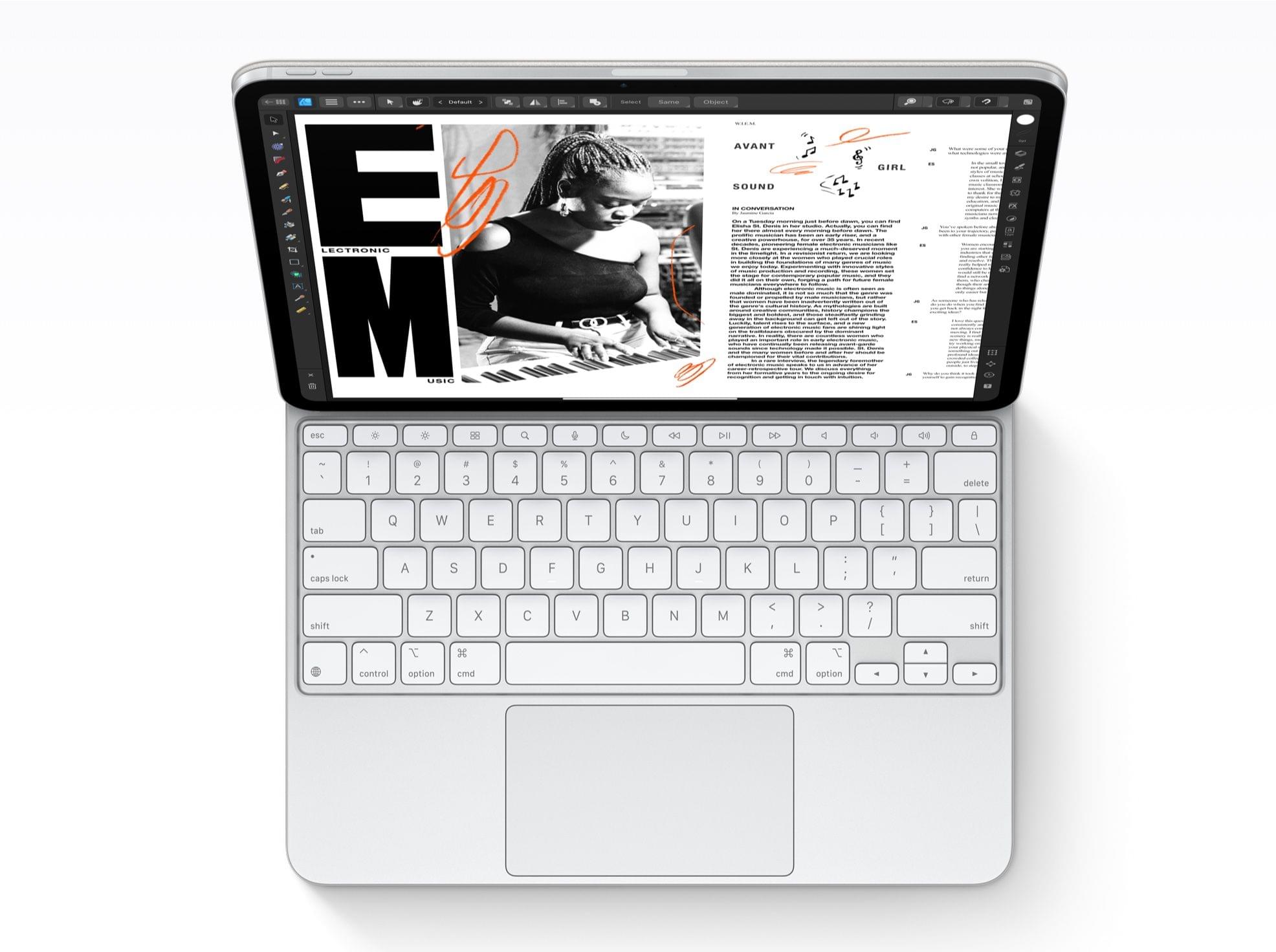
Look at that beautiful row of function keys.
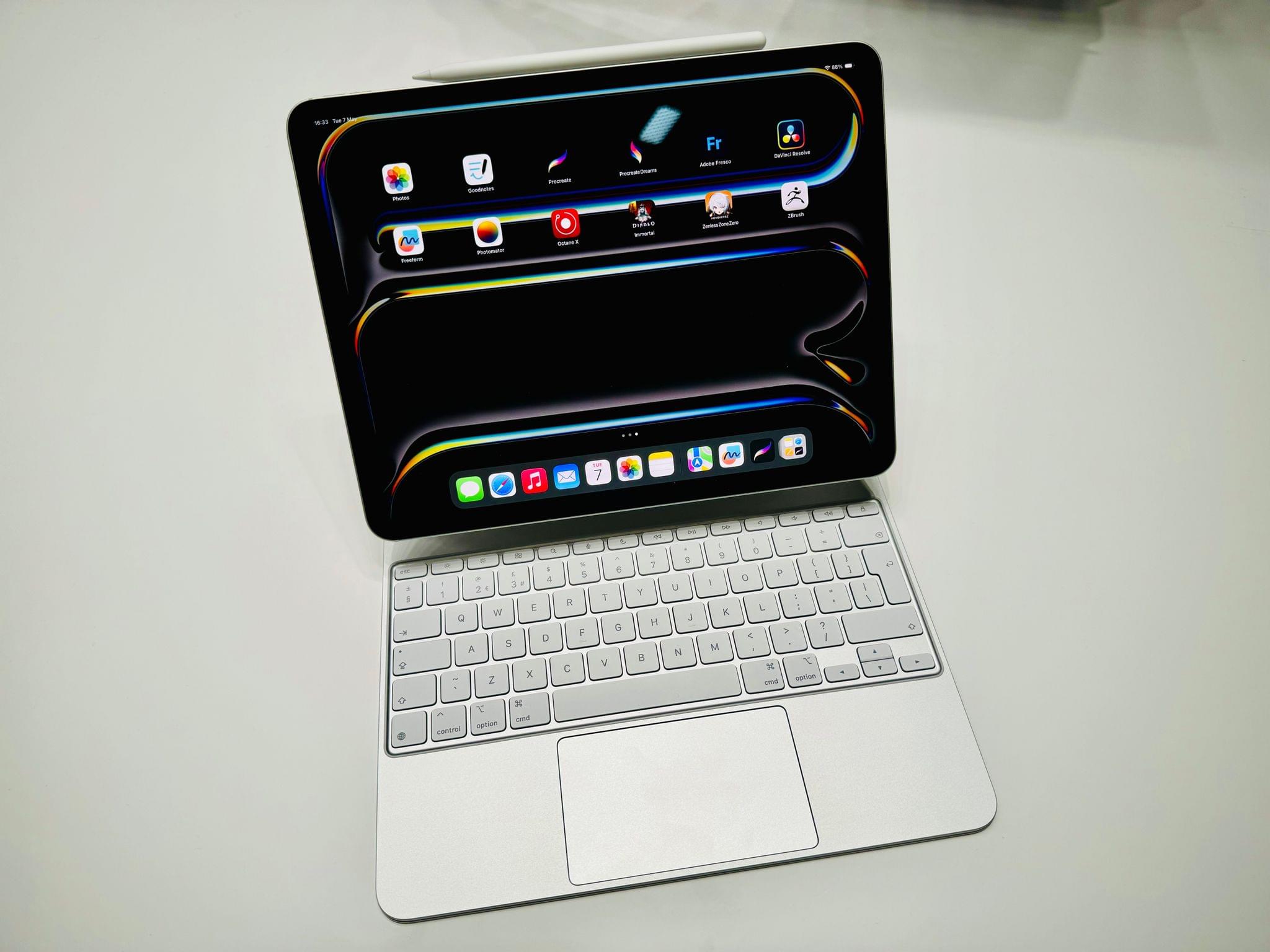
The Magic Keyboard for iPad Pro has a 14-key function row
The price of the existing 10th generation iPad was reduced to $349
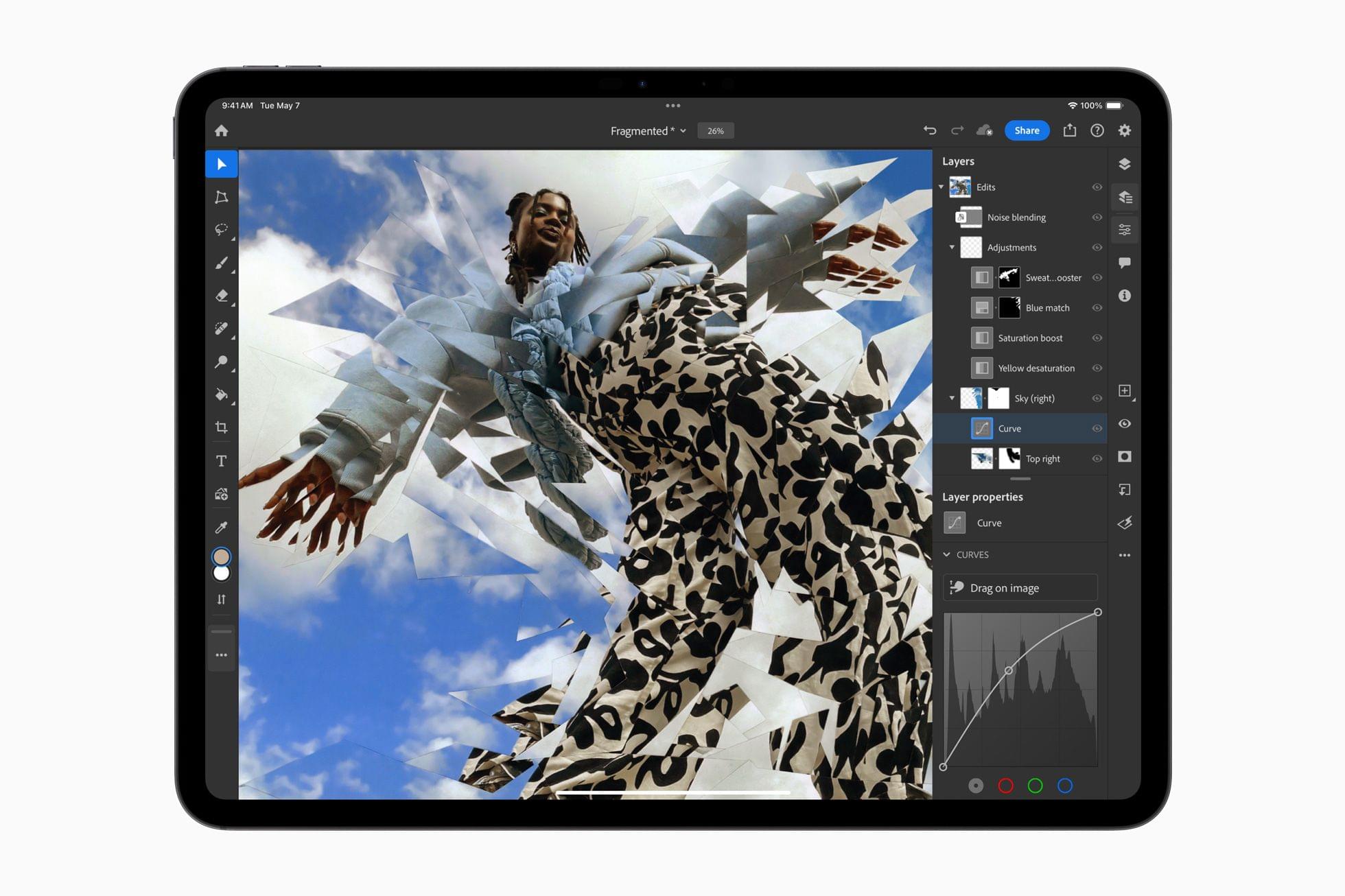
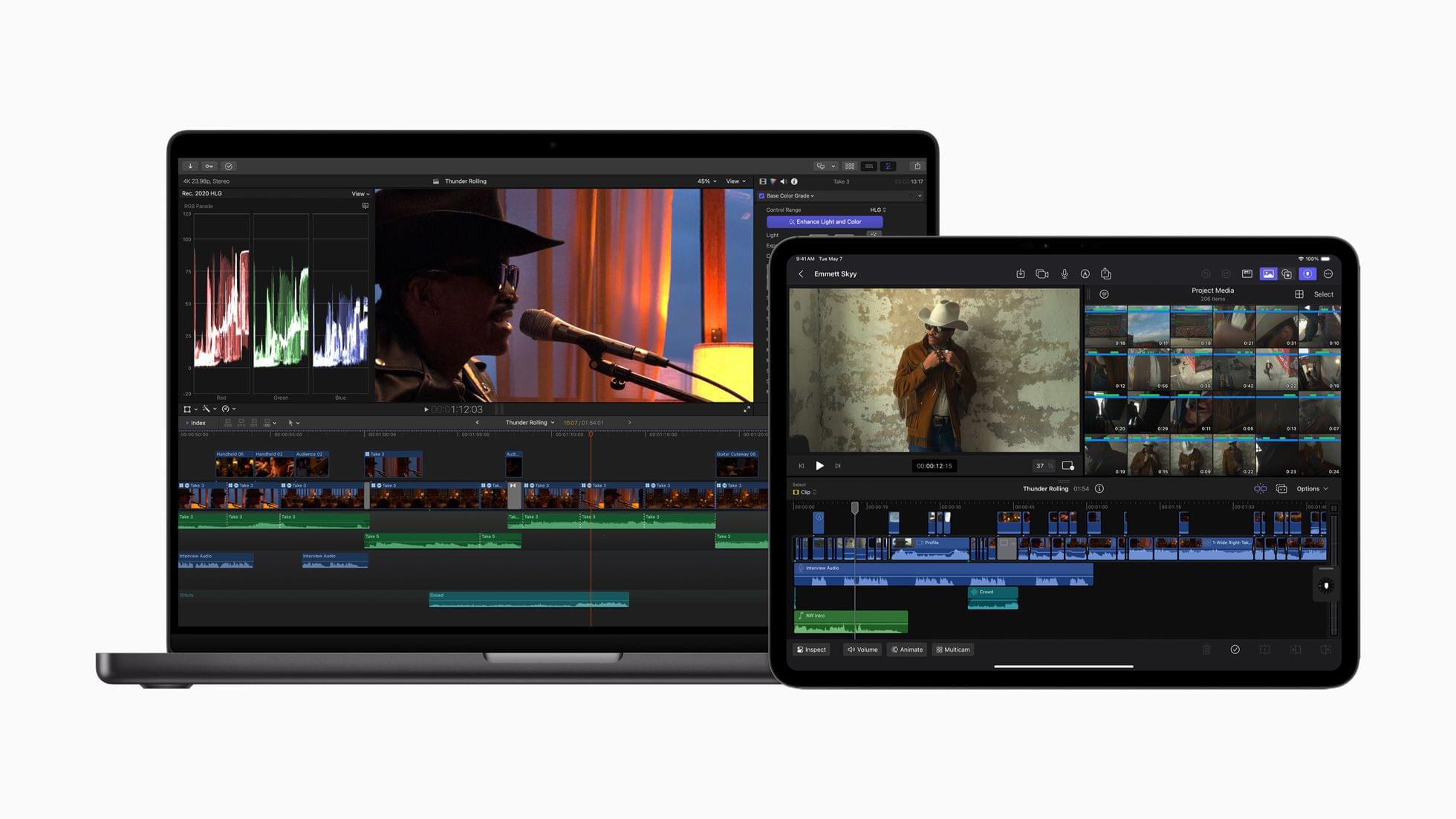
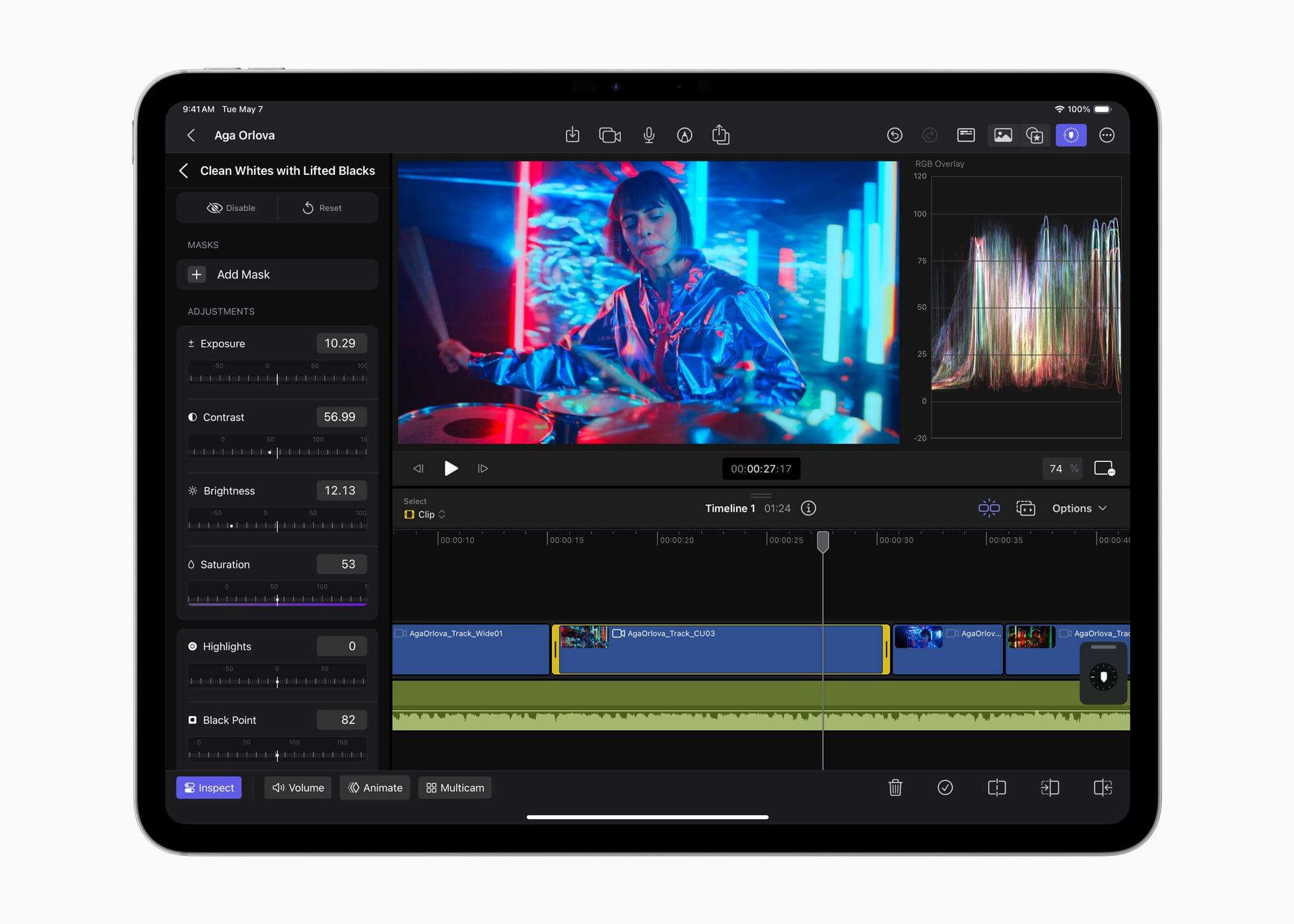
Last year at this time, I beta-tested Final Cut Pro and Logic Pro for iPad. I was impressed with both and found editing podcasts in Logic Pro for iPad surprisingly easy. That said, both apps were still limited compared to what their sibling versions could do on the Mac. With today’s update, Apple appears to be pushing both apps much further into ‘Pro’ territory than ever before, undoubtedly thanks to the M4 chip inside the new iPad Pros.
Source: Apple.
In what I think is a first for one of its iPadOS apps, Apple has given Final Cut Pro for iPad a version number. One of the most impressive features shown off today was Live Multicam, which supports up to four simultaneous live camera feeds:
Final Cut Pro for iPad 2 delivers Live Multicam, an innovative new solution for users to capture up to four different angles of a single scene, whether working with their own devices or collaborating with others. Live Multicam connects wirelessly via Final Cut Camera, a new video capture app, enabling users to view up to four iPhone or iPad devices and providing a director’s view of each camera in real time. Each live camera feed can have settings adjusted right from Final Cut Pro for iPad 2 to easily dial in exposure, focus, zoom, and more for the perfect shot. Editable preview clips are immediately passed through to Final Cut Pro for iPad and replaced with full-resolution files in the background, so users can seamlessly move from production to editing.
Final Cut Camera is a separate new app for the iPhone and iPad that works with Final Cut Pro for iPad 2 to feed each video stream to an iPad for real-time, wireless capture.
Source: Apple.
The app also offers greater storage flexibility, allowing videographers to edit projects on an external drive. Here’s how Apple describes it in its press release:
For even more storage flexibility, Final Cut Pro for iPad 2 now supports external projects, letting users easily create or open projects on an external storage device and import media without taking up space on their iPad. Editors can quickly hand off external projects to another editor or take them into Final Cut Pro for Mac; create new projects on external storage; and seamlessly import high-resolution files and professional codecs like ProRes and Log.
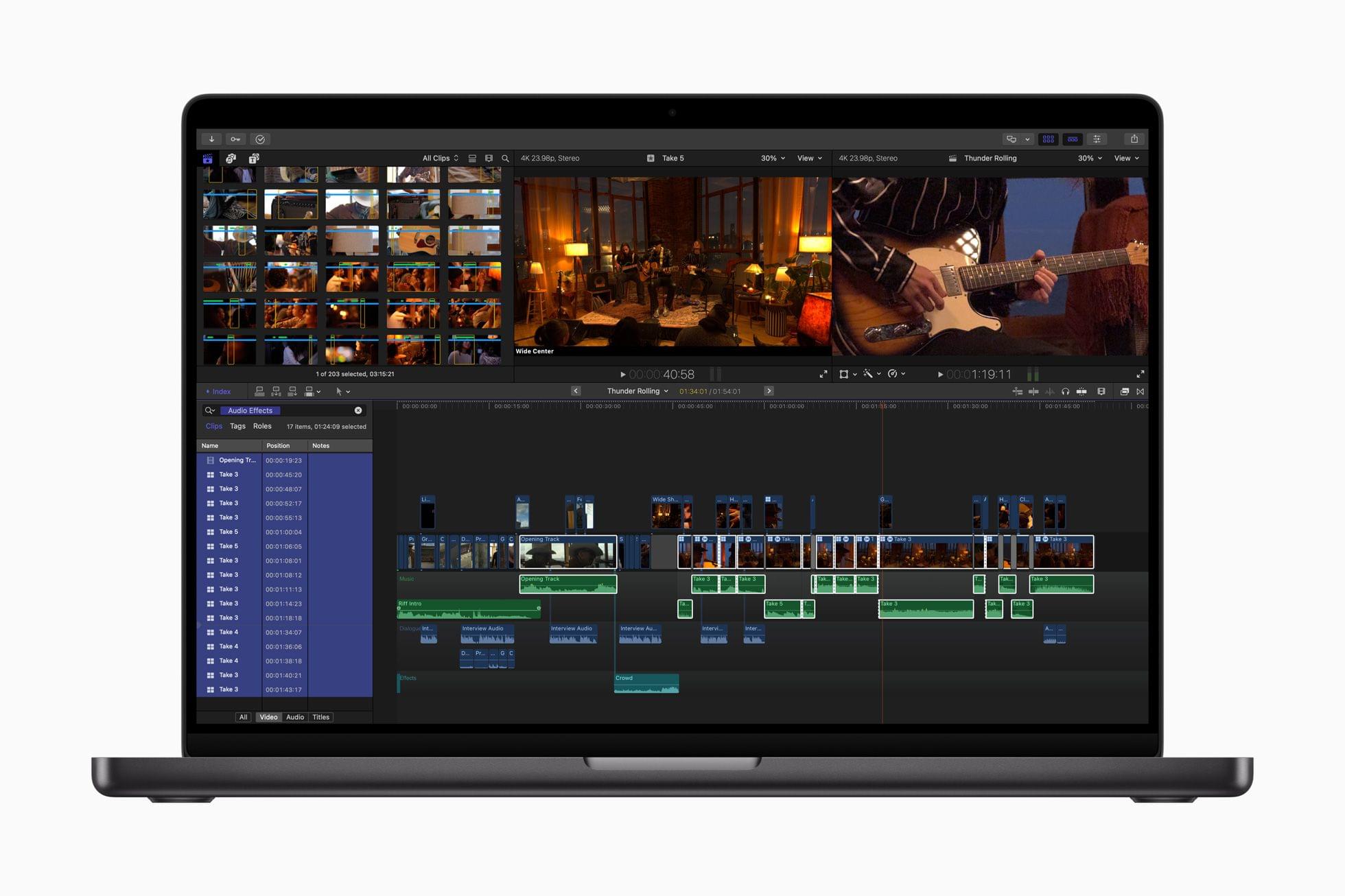
Additionally, the update adds new color-grading presets, text titles, and soundtracks. Final Cut Pro for Mac is being updated to version 10.8, which includes new AI features and organizational tools.
Source: Apple.
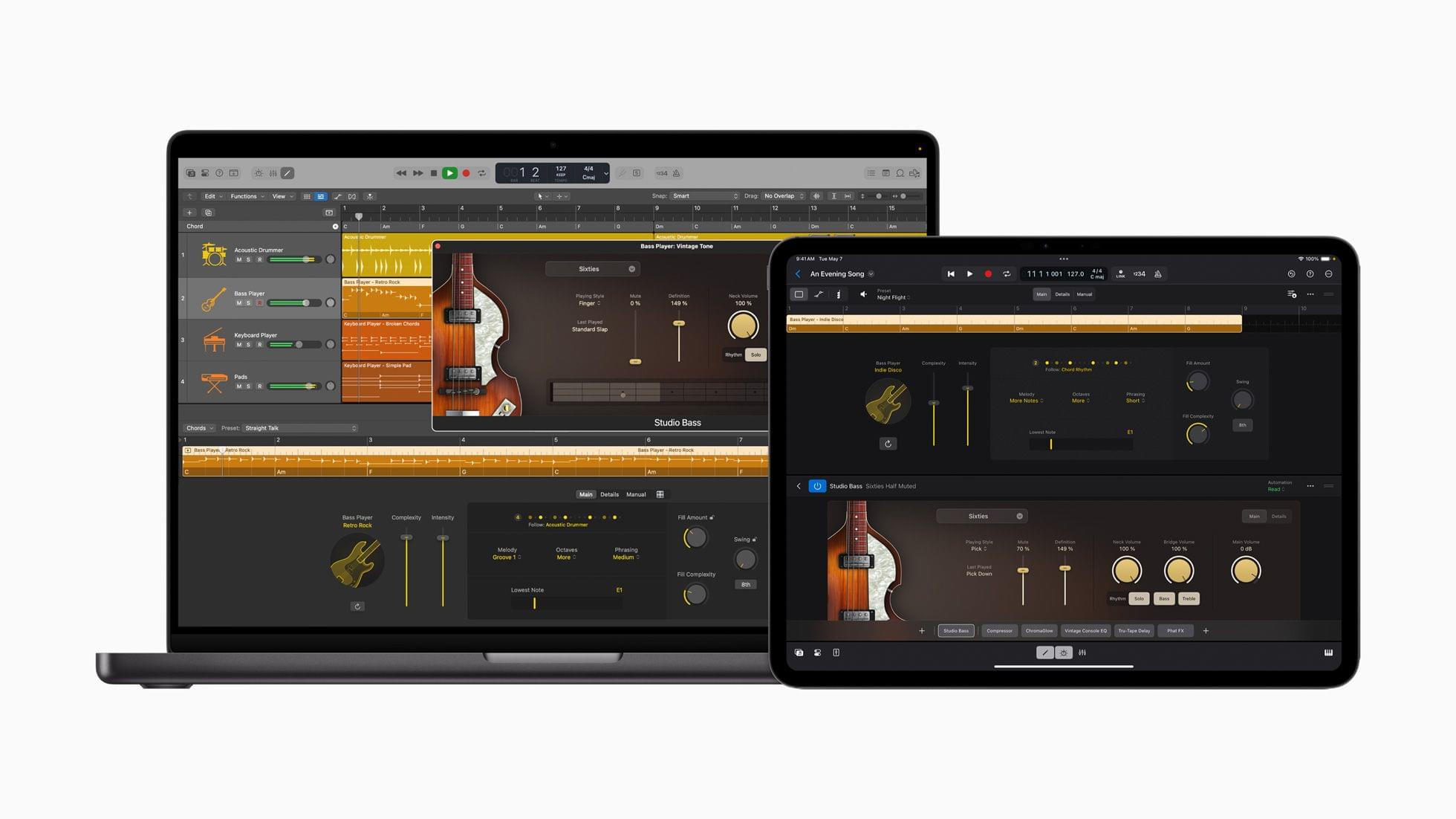
Logic Pro has been updated for the iPad and Mac, too, with several features, including:
…Session Players, which expand the popular Drummer capabilities in Logic Pro to include a new Bass Player and Keyboard Player; Stem Splitter, to extract and work with individual parts of a single audio recording; and ChromaGlow, to instantly add warmth to tracks.
The common thread among these updates that Apple highlighted is the apps’ reliance on AI and machine learning to make complex edits to compositions.
Apple says that Final Cut Pro for iPad 2, Final Cut Camera, and Final Cut Pro for Mac 10.8 will be available later this spring, while Logic Pro for iPad 2 and Logic Pro for Mac 11 will be available on the App Store starting Monday, May 13.
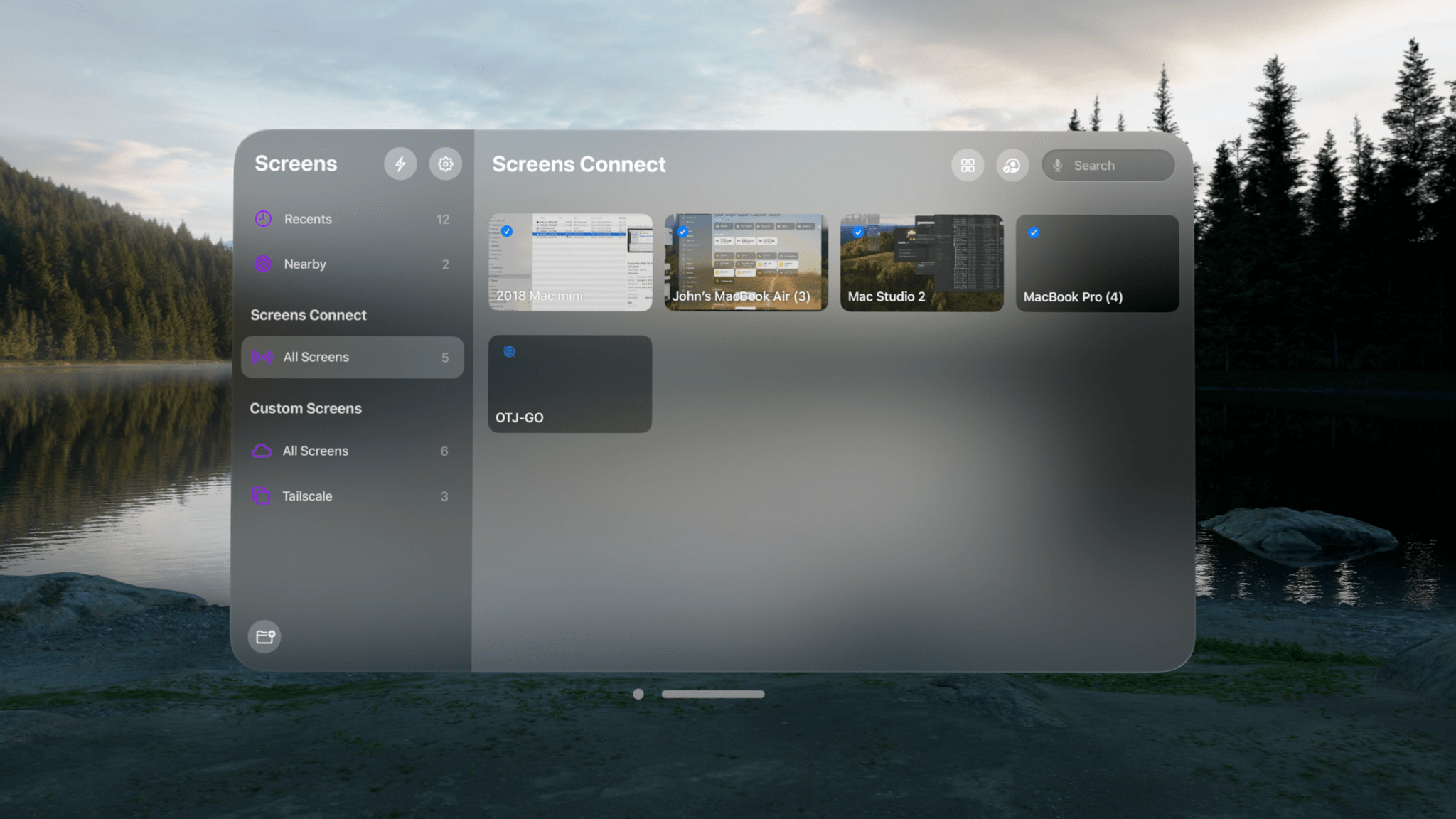
Screens by Edovia is a screen-sharing app that lets you control your computer from another device, and today, version 5.2 is out with an excellent set of updates that improve the app’s performance and usability. However, the biggest change is that Screens now works on the Vision Pro, which is a big deal for anyone managing computers remotely.
I’m a longtime Screens user, but I was initially skeptical about using it with the Vision Pro. How useful or easy-to-use would Screens be when running on the device? The answer is ‘very.’ The Vision Pro version of Screens is a terrific addition to the previously-released iPhone, iPad, and Mac versions, and combined with the other changes in version 5.2, this is a bigger update than the point release might suggest.
In addition, on May 30th, Where Cards Fall, the excellent indie game by The Games Band that was published by Snowman and is already part of Apple Arcade, will be coming to the Vision Pro for the first time.
Source: Apple.
Where Cards Fall is a beautiful game that won an Apple Design Award in 2020. One of the game’s core mechanics is building structures from cards that help you advance from one level to the next, which strikes me as an excellent match for the Vision Pro’s spatial gestures.
Source: Apple.
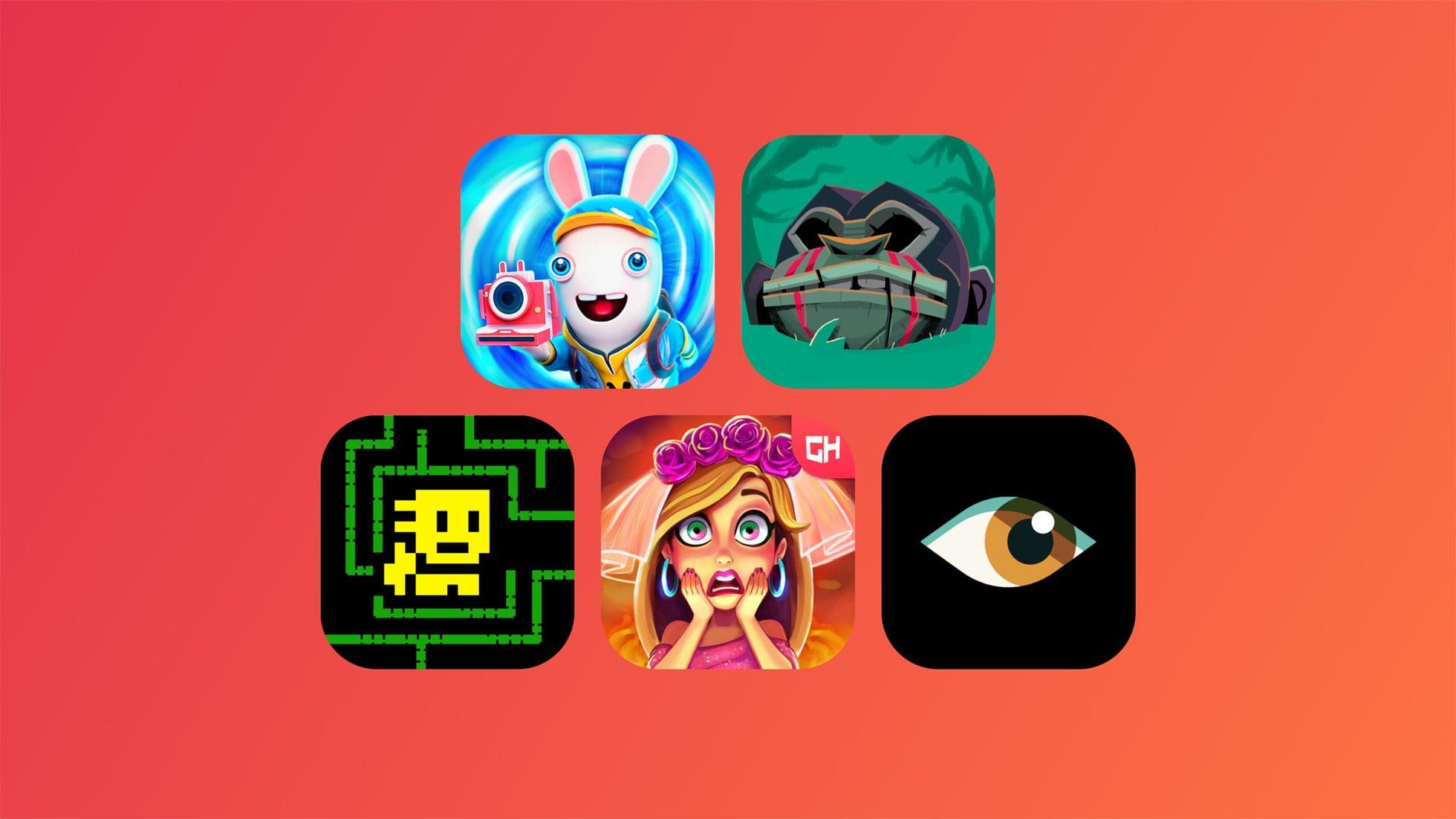
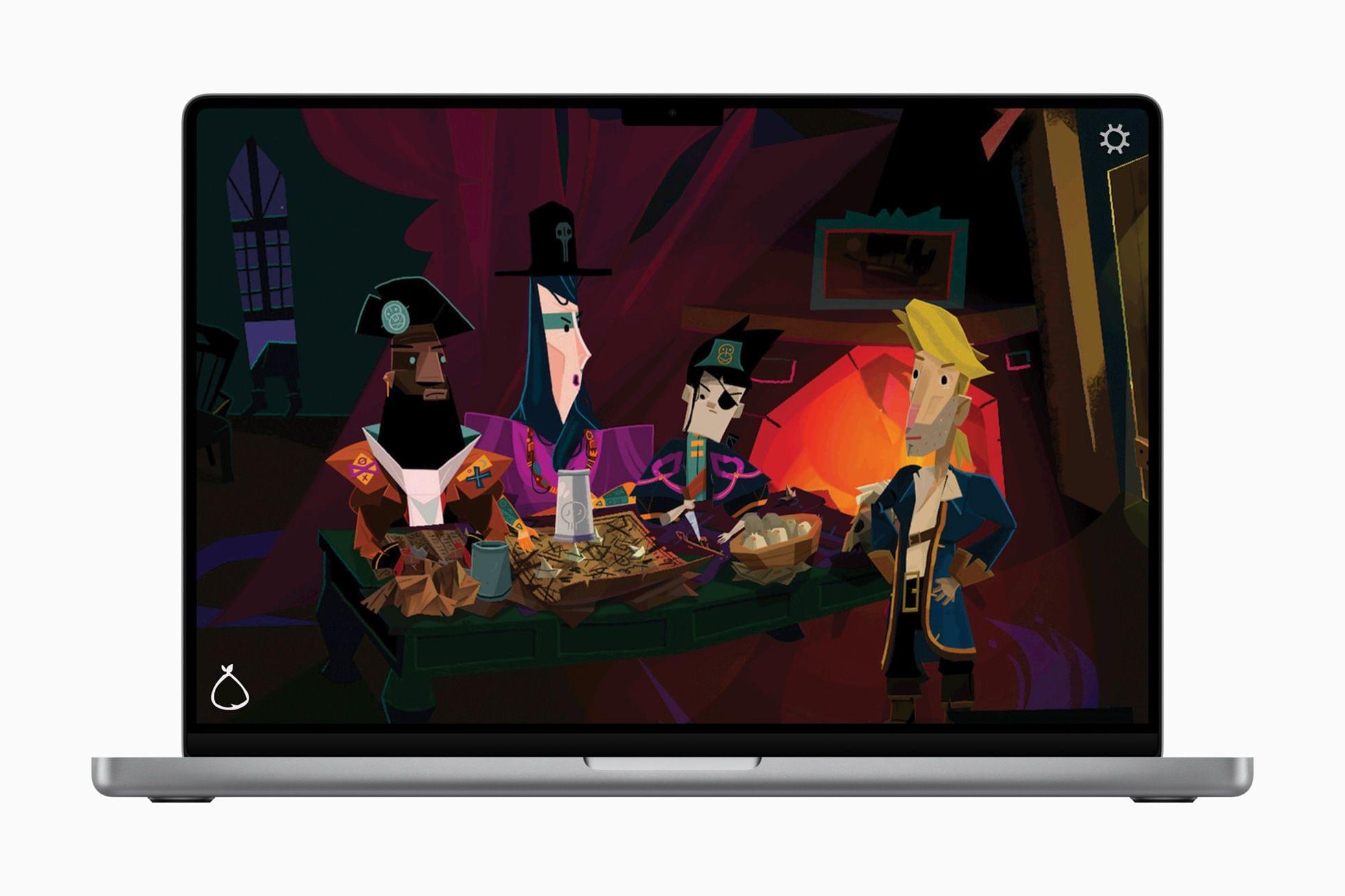
Return to Monkey Island is getting the Apple Arcade ‘+’ treatment too. As Apple describes it:
Return to Monkey Island+ is an unexpected, thrilling return of series creator Ron Gilbert that follows the legendary adventure games The Secret of Monkey Island and Monkey Island 2: LeChuck’s Revenge. The game continues the story of Guybrush Threepwood, his zombie pirate nemesis LeChuck, and his true love Elaine Marley. Return to Monkey Island+ is playable across iPhone, iPad, and Mac. Players will solve puzzles and explore the islands with a clever evolution of classic point-and-click adventure game controls.
Anyone who grew up in the 90s on The Secret of Monkey Island should enjoy this game a lot. I’m also curious to try Tomb of the Mask+, a retro platformer.


 backpack.](https://cdn.macstories.net/img_6224-1717759614943.jpg)