

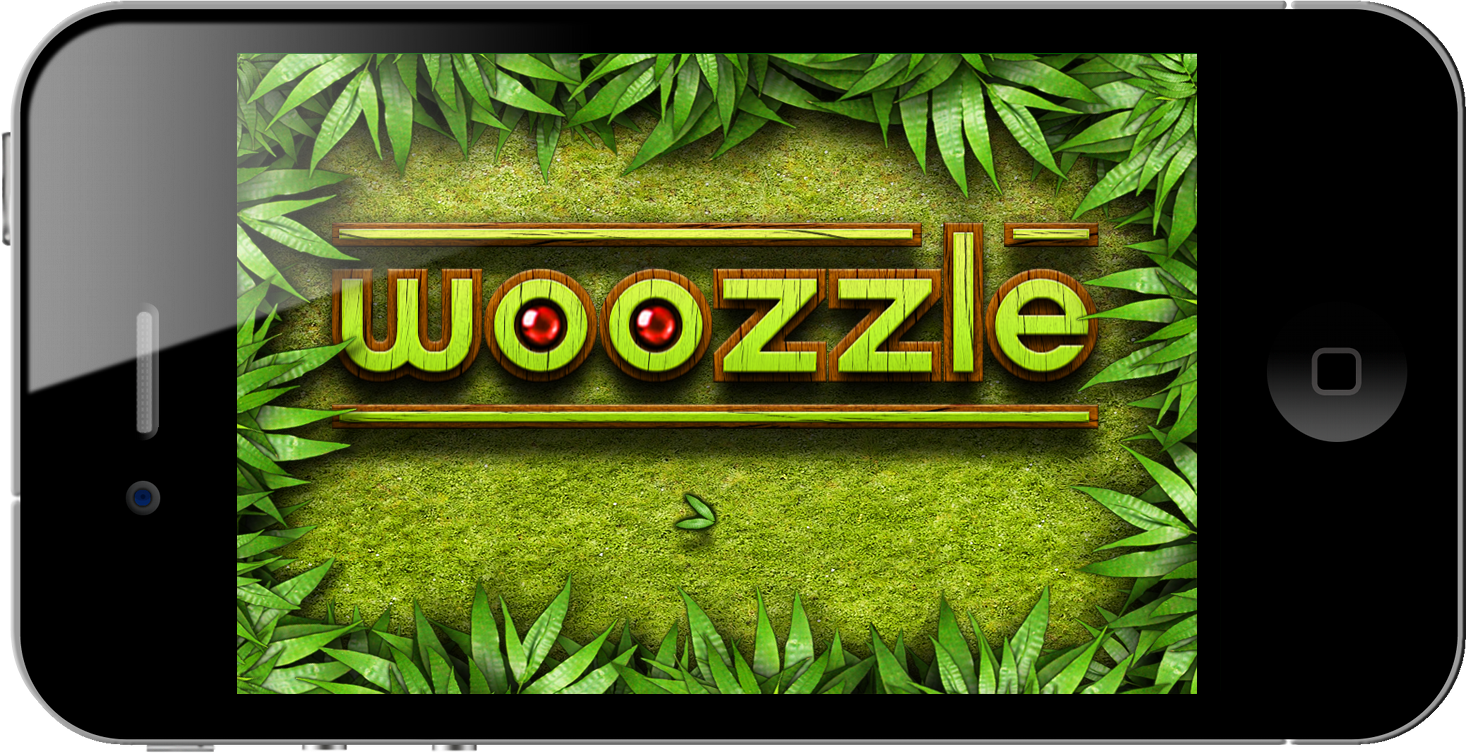
A good time-based brain teaser takes considerable skill and mental coordination to solve, and with Woozzle you’ll be shifting colored orbs around a series of mazes to complete the colored wheels and earn your right to a perfect 3-ball’d perfect score (the equivalent of earning three stars in Angry Birds). Woozzle spits out a series of colored orbs which fall into open slots on wheels that can be spun and aligned with maze-like ramps where you can swipe the orbs onwards to the appropriate destination. Becoming increasingly complicated as you progress, you’ll soon have to manage several paths that change direction thanks to levers, while managing incoming orbs and competing to solve the puzzles as quickly as possible. The puzzles aren’t terribly difficult to solve (you can take as long as you need to get through the sometimes grueling levels), but the faster you complete the objective, the higher score you’ll obtain. Excellent management skills are a must: you’ll have to control multiple wheels at once to prevent orbs from bouncing back and to compete for the best times.
Posts tagged with "iPad"
Tickle Your Brain With Puzzle-Logic Game Woozzle
Rejoice, The Easter Update To Angry Birds Seasons Is Here!

Remember hearing about that “amazing” Easter update for the Angry Birds Seasons game? Well just a few hours ago that update for Angry Birds Seasons went live (for the iPad version too) with version 1.4.0 and its full of 15 new Easter-themed levels, and of course some more of those golden eggs!
The new Easter-themed levels (jump the break for screenshots and a video) look just like you would expect with the strong prominence of the Spring sun, chocolate eggs and of course Easter bunnies. Intriguingly the update also brings the ability to send some Angry Birds and Easter themed cards to others.
EASTER EGGS FOR ANGRY BIRDS!
Spring is upon us and the time is ripe for some chocolate eggs and easter bunnies! So shed the winter gear and get in – Easter Eggs have never been this delicious! If you think St. Patrick’s Day was a blast, well, you ain’t seen nothing yet! This episode will again prove that Angry Birds is the most generous update giver of them all!New Features in version 1.4.0:
- 15 LEVELS FULL OF SPRING
- NEW THEME TO FIT THE MOOD
- GOLDEN EGGS A-PLENTY
- LISTEN TO THE TWITTER OF BIRDS TO GET MORE
#MacStoriesDeals - Friday

We’ll tweet the daily deals at @MacStoriesDeals as well as exclusive weekend deals too, so please follow! Here are today’s deals on iOS, Mac, and Mac App Store apps that are on sale for a limited time, so get ‘em while they’re hot!
#MacStoriesDeals - Thursday

We’ll tweet the daily deals at @MacStoriesDeals as well as exclusive weekend deals too, so please follow! Here are today’s deals on iOS, Mac, and Mac App Store apps that are on sale for a limited time, so get ‘em while they’re hot!
World of Goo Now Available for iPhone, Now Universal
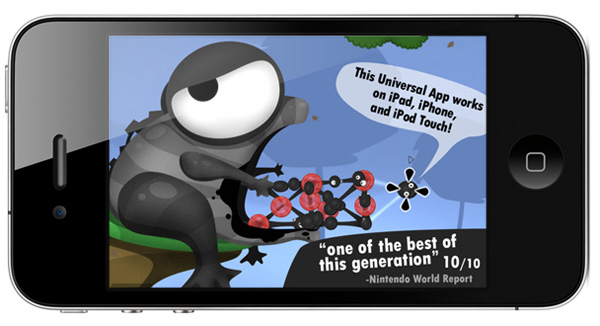
2D Boy’s mega hit World of Goo set records for iPad sales and just last week we told you that a universal update was awaiting approval. The universal update is now available with support for iPad, iPhone and iPod Touch. So instead of walking around in circles waiting for Tweetbot (and our review), why not grab the universal update to World of Goo HD? It’s only $4.99 and you can get your gooey hands on it right here.
An iPhone/iPod Touch only version is also available for only $.99, you can get it here.
Teardown: What’s Inside Apple’s Big New iPad 2 Dock (+ iPad 1 Dock)→
Teardown: What’s Inside Apple’s Big New iPad 2 Dock (+ iPad 1 Dock)
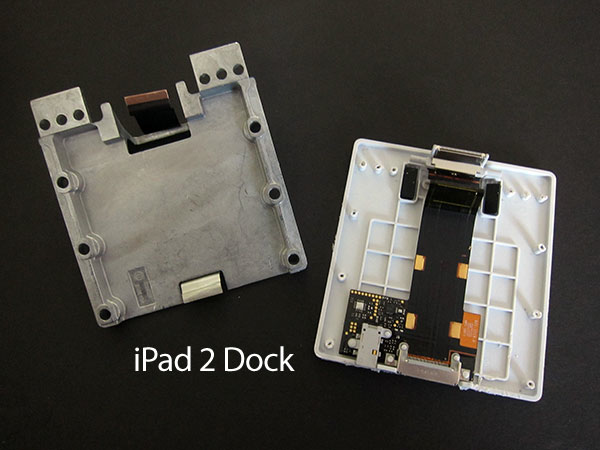
First, if you’ve ever wondered how Apple gets those docks to feel substantial, the answer’s not tiny sandbags. Each version of the Dock actually has a huge, heavy metal plate inside molded with a “Zinc-3” legend on its undercarriage.
That explains why the iPad 2 Dock is so heavy. iLounge also goes as far to show the comparisons between the first iPad dock with newer model. What’s interesting is that the dock appears as one solid piece from the outside, but is divided into an outer shell and a base on which the components sit. It’s an interesting design, and one that competitors probably wouldn’t mimic: they wouldn’t hide the fact that their docks are just cheap plastic or are built & glued in multiple pieces, whereas Apple goes out of their way to make their products presentable. Even in accessories, Apple does a substantial job paying attention to solid unibody designs. TUAW writes:
In terms of actual computer hardware, as you might guess, there’s not a lot – just a few chips for functionality like authentication and of course iPad synching. In fact, the iPad 2 dock, says iLounge, has more empty space than the first dock, even though the actual design is a little more compact than before.
Also of note: the weight shown in the pictures looks heavier than it feels. If I was to perceive how the iPad 2 Dock felt by looking at the picture above, I would think it’d be as heavy as the iPad 2 itself.
Sketch The Next Killer iPad App on a Dry Erase Board

Quickly prototyping iPad designs doesn’t have to be done on a chalkboard, in Keynote wireframes, or via an iPad app. To get things down quickly without leaving a mess, whiteboards are perfect with your favorite dry erase markers for easy swiping and wiping across Design Commission’s iPad Dry Erase Board. Give your design a project title and screen name, and quickly mark down your favorite interface with your choice of black and red dry erase markers, topped with foam erasers to quickly undo mistakes. Not only is the board gridded and marked so you can quickly get the right perspective on your navigation headers and tab bars, but the back of the dry erase bar features a legend (an interaction key) chock full of iPad symbols, terminology, and descriptors for common iPad symbols and icons. You’ll find lots of subtle additions such as guides for positioning the sidebar in the right the place, and other additional alignment tools in conjunction with the dotted grid that helps you sketch pixel (erm, marker) perfect designs. Being able to collaborate on a whiteboard (or five) and pass around designs in the office can be a huge benefit for those not attracted to the iPad screen, and it’s made from the same folks who’ve delivered various other iPhone, iPad, and browser stencils. Available on UI Stencils for $24.95, you can pick yourself up a whiteboard for designing the next great iPad app.
[UI Stencils via TUAW, Swissmiss]
#MacStoriesDeals - Wednesday

We’ll tweet the daily deals at @MacStoriesDeals as well as exclusive weekend deals too, so please follow! Here are today’s deals on iOS, Mac, and Mac App Store apps that are on sale for a limited time, so get ‘em while they’re hot!
Oscium’s $300 Kit Turns iPad into Oscilloscope
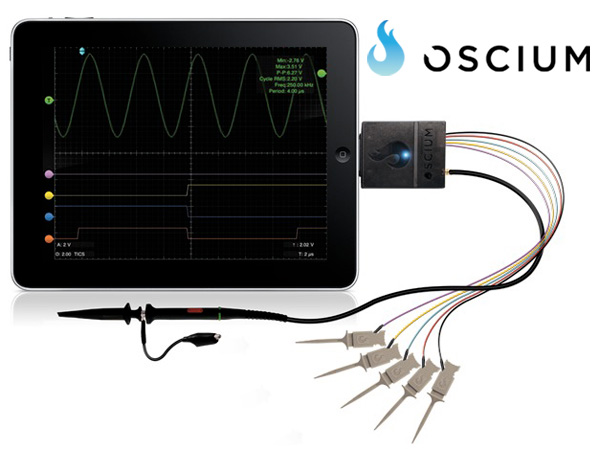
For anyone that doesn’t know, an oscilloscope, or O-scope, is an electronic measuring instrument that creates a visible two-dimensional graph, on a screen, of one or more continuously varying voltages or currents. Oscium has revealed the iMSO-104, a combination of a free universal iOS app and a $300 hardware kit that attaches via the iDevice’s dock connector. Read more