Posts tagged with "iPad"

AT&T Q4 Earnings: 4.1 Million iPhone Activations and 442,000 iPads & Tablets

US-based carrier AT&T has announced its quarterly results for Q4 2010, and there are some interesting numbers in there worth to be considered. The company reported 4.1 million iPhone activations in Q4, the last quarter as the exclusive iPhone carrier in the United States. On February 10, Verizon Wireless will begin selling a CDMA version of the iPhone 4, with pre-order sales starting February 3rd.

Mentioning “continued expansion in new wireless growth areas”, AT&T also announced they added 1.5 million “connected devices” including 442,000 iPads and Android tablets. AT&T started selling the iPad WiFi + 3G model in its retail stores on October 28th, 2010.

AT&T also reported 9.9% growth in wireless revenues and consolidated revenues of $31.4 billion in the fourth quarter. Full press releases embedded below. Read more
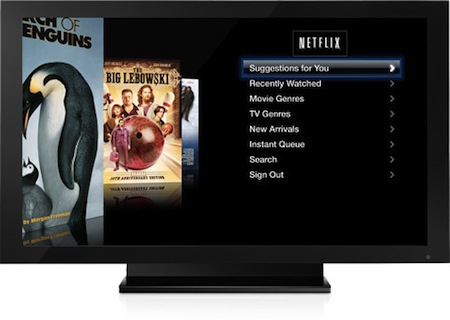

Netflix: More Viewing Hours on Apple TVs Than iPads

In today’s earnings release, movie streaming service Netflix has announced that viewing hours on Apple TV have surpassed those through the iPad. What’s interesting is that the Apple TV was released in September 2010 and has sold less than two million units since then; the iPad, on the other hand, was released in April and has sold almost 15 million units.

It has to be considered, though, that Netflix makes more sense on a TV’s big screen than a tablet’s, and Apple implemented a native Netflix front-end on the second-gen Apple TV. The iPad has access to Netflix through an app that has to be downloaded manually from the App Store.

In spite of the iPad’s bigger numbers, people still like to watch movies on their TVs, apparently. Perhaps the iPad is more meant for “web video”, rather than just movies. [TiPB via Yahoo]


Assero Defender And Protector Frontpacks For iPad

At only one and a half pounds, you’d think the iPad would be fine on its own being slipped in and out of a messenger bag. If the iPad isn’t portable enough for your day job (or you’re ultra-paranoid about pickpockets), Assero has slimmed down a backpack so you can wear it over your chest. Opening out and presenting the iPad as a typing surface, they’re designed to be mobile “offices” where you can quickly access your most used gadgets and accessories. Of the two models, the Protector is a slim version at $89.99 that can be worn underneath clothes (the aluminum iPad would make for good body armor), and the Defender is a more expensive workhorse that has more pouches and pockets for $129.99. You can preorder the cases at Assero’s landing page, but I can’t say I’m jumping at the opportunity to actually get one.

[via CNET]


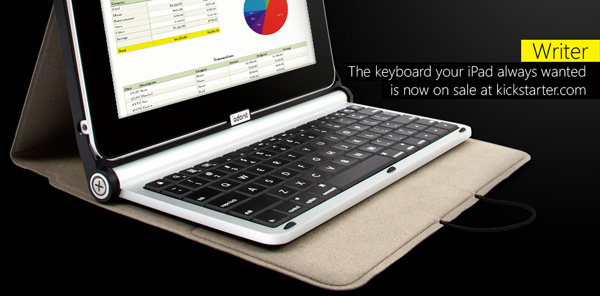
Kickstarter Project: Adonit WRITER

Kickstarter is the largest funding platform for creative projects in the world. They have helped projects like the TikTok+LunaTik watch kit for iPod Nano and the Glif tripod mount / stand for iPhone. Today, we thought we would show you a project that’s aimed at all of our hearts, the iPad.

Adonit has started a project via Kickstarter for their product WRITER, an iPad case + keyboard. Adonit is trying to raise $10,000 to get this project funded by February 3 and currently has over $7,000 (US). Read more


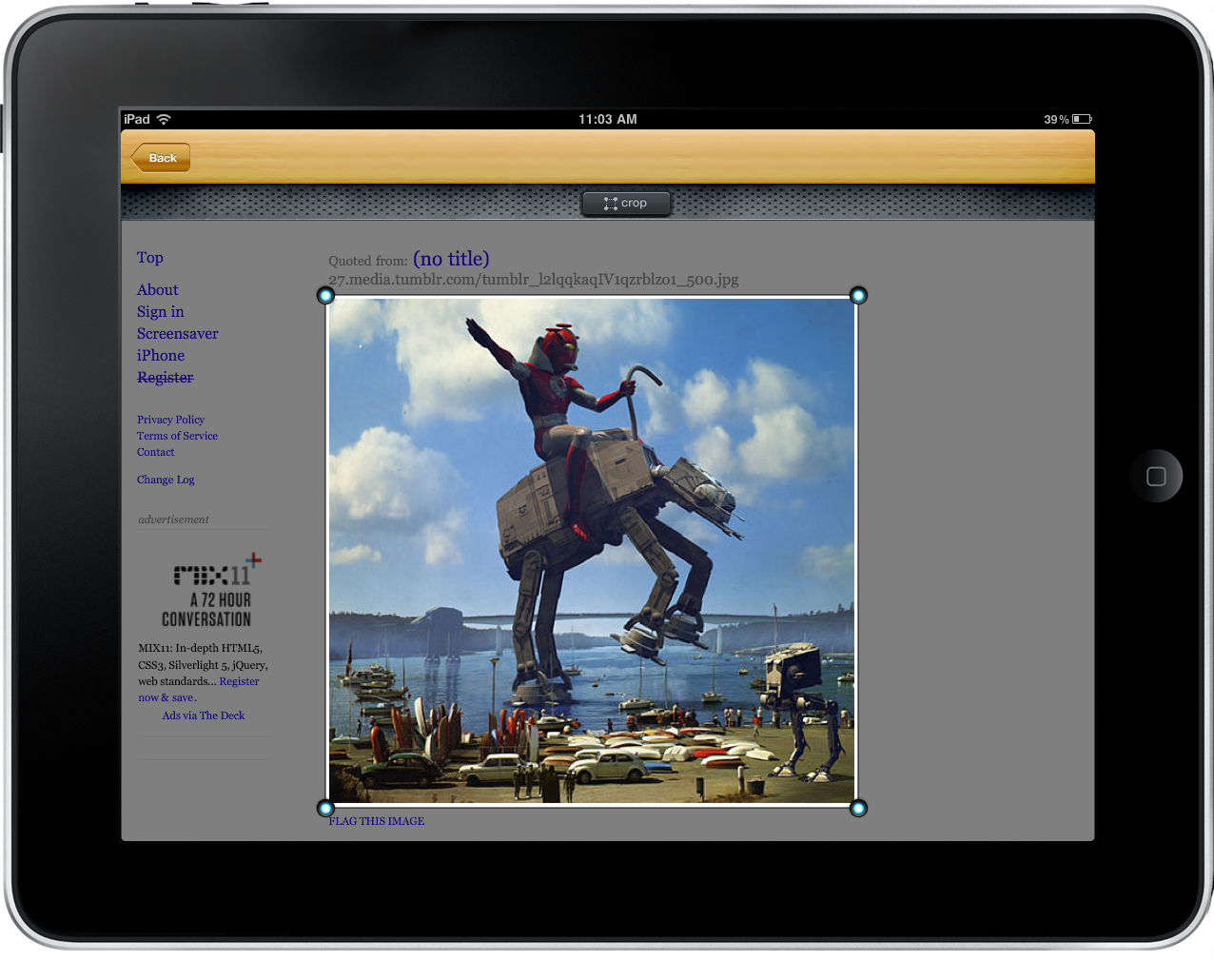
Superstash For iPad Snaps And Annotates Web Clippings: Review & Giveaway!

More and more time is seemingly spent on the iPad than the Mac as of late, and it’s funny that I’d forgo the comfort and speed of a laptop for the wrist-destroying aluminum slate. Maybe it’s because of all the great apps developers keep sending us! Casually my iPad resides in a proper case (the Macally Bookstand) that allows me to prop the iPad at a slight typing angle, complete with the “kitchen lean” where I ruin the back legs of my favorite wooden chair. I’ll swipe through Flipboard, pinch into Reeder, and browse Safari before starting my work & school day over a couple hot cups of coffee. Those moments in the morning are often spent finishing the previous evening’s Instapaper & Read It Later queues, then spending the remaining free time looking for new content. On the Mac I’m accustomed to saving bits and pieces of pictures and web pages I find to LittleSnapper, and I haven’t had that luxury on the iPad without some manual work dragging content out of iPhoto.

Superstash for the iPad solves this dilemma: it is the web browser for web hoarders, creative thinkers, and anyone looking to collect, annotate, file, and share good ideas. You’d never think about collecting pictures and web clippings in a browser, but Superstash arrives on the iPad with every intention to reshape those ideas, and to get us thinking about using our iPads as a proper discovery and collection bin.

Read more


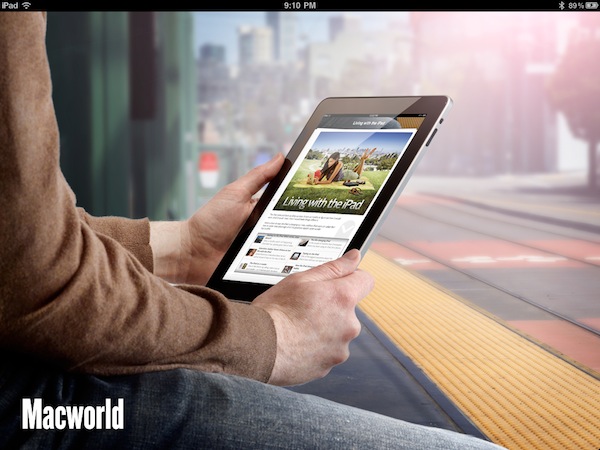
Macworld Releases “Daily Reader” Free iPad App

Macworld, the decade-long printed and digital publication on all things Apple, has released a free app for the iPad today that takes full advantage of the tablet’s unique form factor and brings the best of Macworld.com to the device. The Daily Reader app, in fact, is a selection of the best content from the website, and not a replica of the printed magazine available to subscribers every month. In Daily Reader, you’ll find popular content from Macworld organized in sections you can also access from a navigation bar at the top.

I’ve just tried the app for a few minutes and it’s quite nice. You can increase / decrease font size, flick through sections with a swipe. I did not like the poor layout of some article clearly taken out of Macworld’s RSS feed without formatting for the iPad; this was an isolated issue though. Most of the articles have been updated with graphics and banners that look really great on the iPad. The app takes a few seconds to load contents and images, there is advertising between articles and sections but, again, it feels good. I also like the fact that there is a box on the right side to access a live feed of authors from Macworld. You can share articles on Twitter / Facebook / Email and bookmark them for later reading into a specific page inside the app.

Unlike many blogs’ apps for the iPad and iPhone, Macworld Daily Reader is really, really nice in my opinion. The layout is clean and there’s lots of information to look at. Here’s to hoping the app will be regularly updated with new content. In the meantime, go download the app here and take a look at more screenshots and promo video below. Read more