


Here are today’s deals on iOS, Mac, and Mac App Store apps that are on sale for a limited time, so get ‘em while they’re hot!
Posts tagged with "mac"
#MacStoriesDeals - Monday
Byword: Distraction-less Writing App For Mac
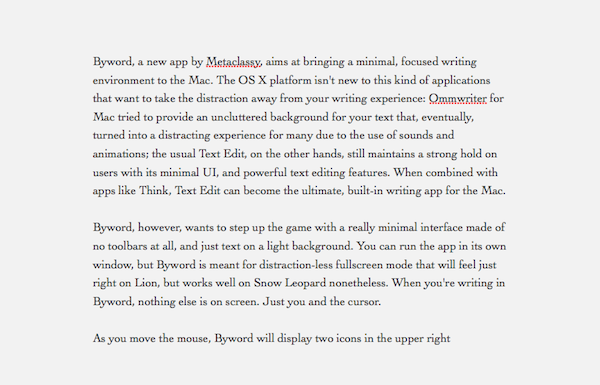
Byword, a new app by Metaclassy, aims at bringing a minimal, focused writing environment to the Mac. The OS X platform isn’t new to this kind of applications that want to take the distraction away from your writing experience: Ommwriter for Mac tried to provide an uncluttered background for your text that, eventually, turned into a distracting experience for many due to the use of sounds and animations; the usual Text Edit, on the other hand, still maintains a strong hold on users with its minimal UI and powerful text editing features. When combined with apps like Think, Text Edit can become the ultimate writing app for the Mac.
Byword, however, wants to step up the game with a really minimal interface made of no toolbars, and just text on a light background. You can run the app in its own window, but Byword is meant for distraction-less fullscreen mode that will feel just right on Lion, but works well on Snow Leopard as well. When you’re writing in Byword, nothing else is on screen. Just you and the cursor. Read more
ScreenFloat: A Better Way To Capture Information with Screenshots

ScreenFloat by Eternal Storms Software – the same developer behind Flickery for Mac – is a new app released in the Mac App Store last night that allows you to take screenshots that will float above other windows on your Mac. Why would you want to do that, instead of the classic CMD + Shift + 4? Because sometimes information can’t be copied & pasted, and a screenshot is the best you can do to have the information you need a few clicks away. With OS X’ default screenshot-taking capabilities, you’ll still be forced to switch between the main app you’re using (say, the browser or a text editor) and the screenshot you just took, perhaps opened with Preview or Quick Look. So Eternal Storms thought that, when screenshots are the best way to quickly capture information, your Mac should be able to let you easily and quickly take a look at the image. Read more
#MacStoriesDeals - HUGE Friday

We’re sending thoughts and prayers to the people of Japan today. Also, today is iPad 2 day! Here are today’s deals on iOS, Mac, and Mac App Store apps that are on sale for a limited time, so get ‘em while they’re hot!
Blue Planet Casts Shadows On Your Mac Desktop
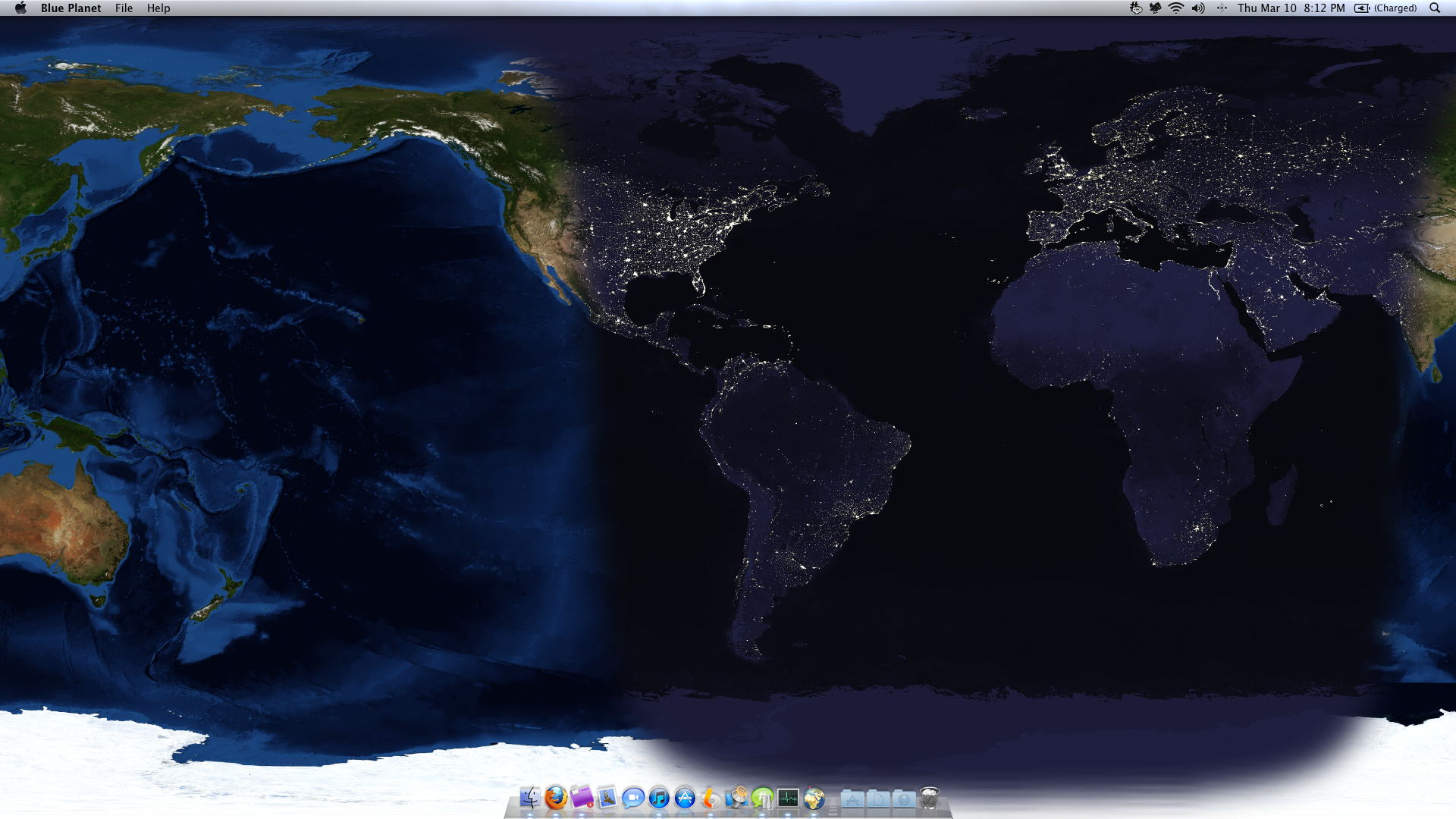
A couple things are very telling of an individual when you first analyze how they use their Mac. Desktop wallpaper in particular is very personal, and Blue Planet for the Mac transforms the desktop into a world theater cast in shadow. Perhaps someone who paints their desktop with glow of sleeping cities finds it almost calming that the world continues to turn as time intended it. Blue Planet covers your desktop in a map of the Earth, overlaying one of four different topographic maps, and enables you to pinpoint your location if location services are enabled. In real time, you can witness the passing of the sun as day turns to night for the small price of $4.99 in the App Store.
#MacStoriesDeals - HUGE Thursday

So who’s getting a new iPad 2 tomorrow? Here are today’s deals on iOS, Mac, and Mac App Store apps that are on sale for a limited time, so get ‘em while they’re hot!
MacStories Product Review: Seagate GoFlex & GoFlex Desk For Mac

Storage is both incredibly cheap and amazingly portable these days, allowing us to carry gigabytes upon gigabytes of iTunes media, Time Machine backups, and HDD clones in our messenger bags. Too, hard drives are getting much more sophisticated, adaptable to both local Mac and network sharing. I’ve had the chance to play with a pair of GoFlex external hard drives for the Mac that offer some notable flexibility.
#MacStoriesDeals - Wednesday

iOS 4.3 is out! Check out the iPad section for a $.99 Gameloft Sale! Here are today’s deals on iOS, Mac, and Mac App Store apps that are on sale for a limited time, so get ‘em while they’re hot!
iTunes Updated to 10.2.1
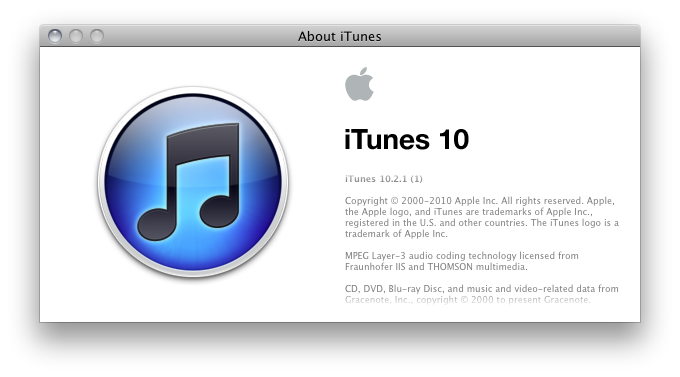
Apple is on update roll this afternoon, first delivering Java updates and now offering a new version of iTunes which improves compatibility with iOS devices running iOS 4.3. iTunes 10.2.1 will be able to take advantage of improved Home Sharing, where you’ll be able to stream music across your local network from iOS 4.3 devices once Home Sharing is enabled in the iPod settings. You can download it using the link below, or simply check for software updates in your Mac menu bar.
Download: iTunes 10.2.1