

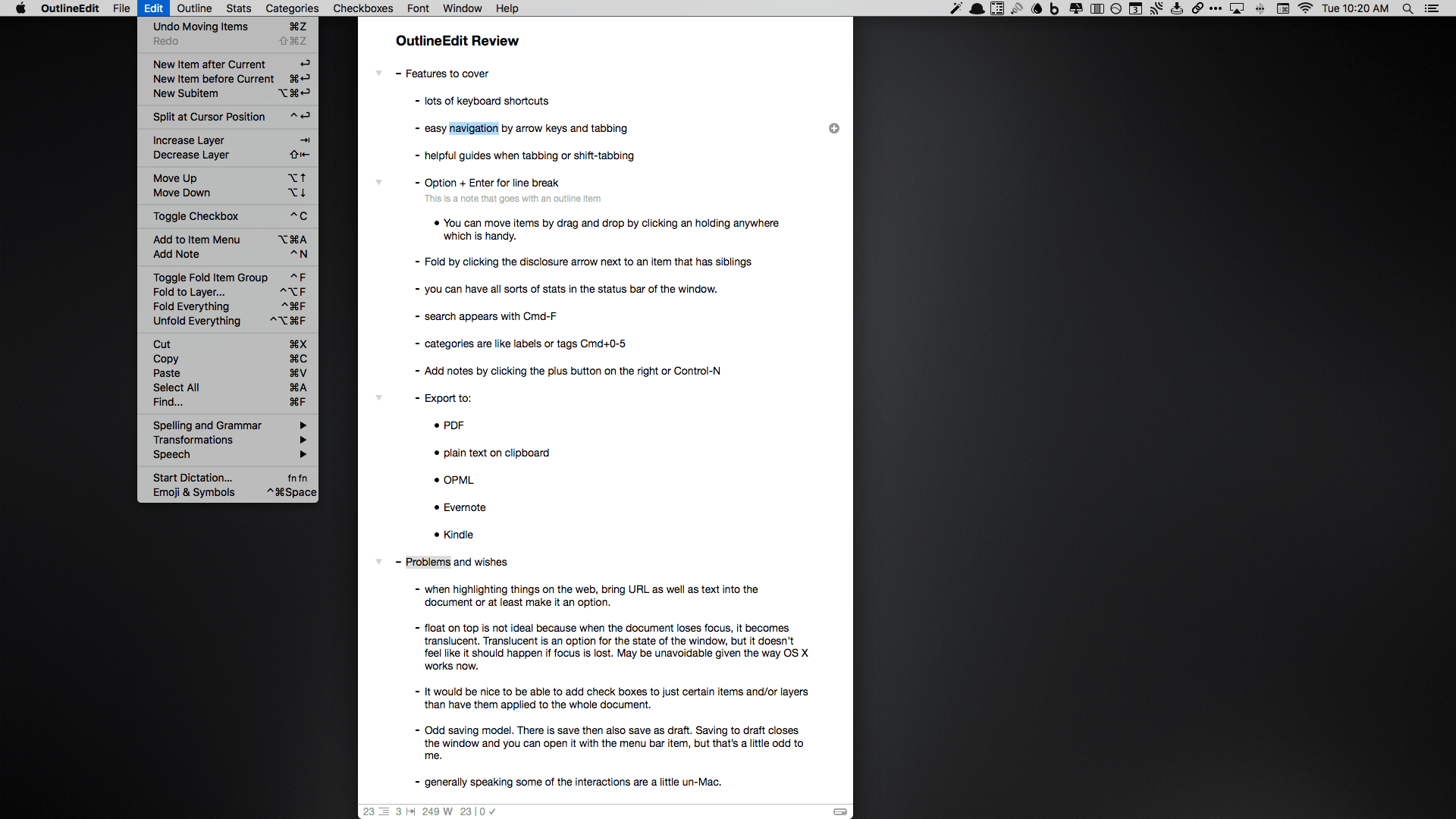
I think in outlines. I suppose that’s because it’s what I was trained to do. You see, when I was in law school, we would make elaborate outlines of the subjects we studied to prepare for exams. So over time, I developed a knack for breaking down topics into their component ideas and imposing a hierarchy on them. Nowadays, I still make outlines, but they are usually simple ones that I create while taking notes or brainstorming ideas. I discovered OutlineEdit from Robin Schnaidt recently, and it immediately stuck with me. The speed with which I can get ideas out of my head, into an outline, and then move them around has made it a go-to tool when I’m working on my Mac.
Posts tagged with "mac"
OutlineEdit Packs Power Into a Simple Outliner
Hazel 4 Adds Rule Previewing, Sync, and More
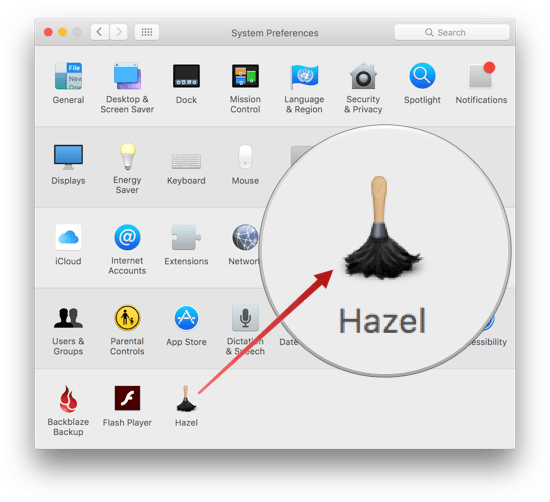
Hazel is one of the first utilities that I install when I get a new Mac. Judging from the Noodlesoft forums, there are many people who use Hazel far more heavily than I do, but it is no less important to my Mac setup. By automating what would otherwise be repetitive file management tasks, Hazel helps keep me focused on more important tasks. Today, Hazel 4 was released with new features and refinements that bring new power and convenience to an already exceptional app.
Better File Juggling with Yoink
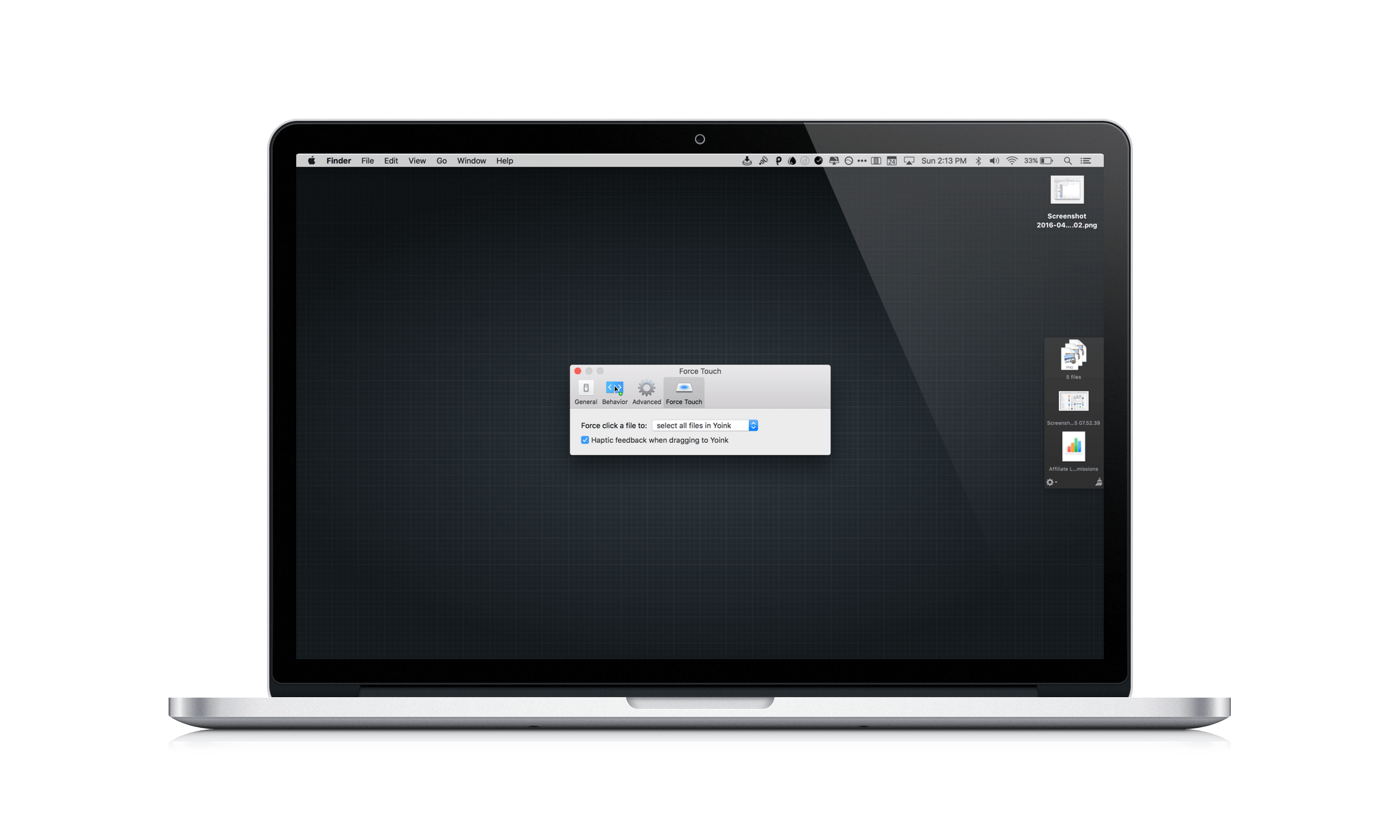
When I put together an article for MacStories on my Mac, Yoink by Eternal Storms Software is what brings order to the messy process of creating screenshots. You see, I like to use Spaces on my MacBook Pro to separate my writing environment from other apps I’m using to produce screenshots. But between Spaces, apps, and the Finder, things get cluttered fast. By being available wherever I am on my Mac, Yoink gives me an easily accessible spot to park images as I create them, so that when I’m finished, I can incorporate them into an article all at once, which saves me time.
Arq 5 Brings Significant New Features and a Major Licensing Improvement
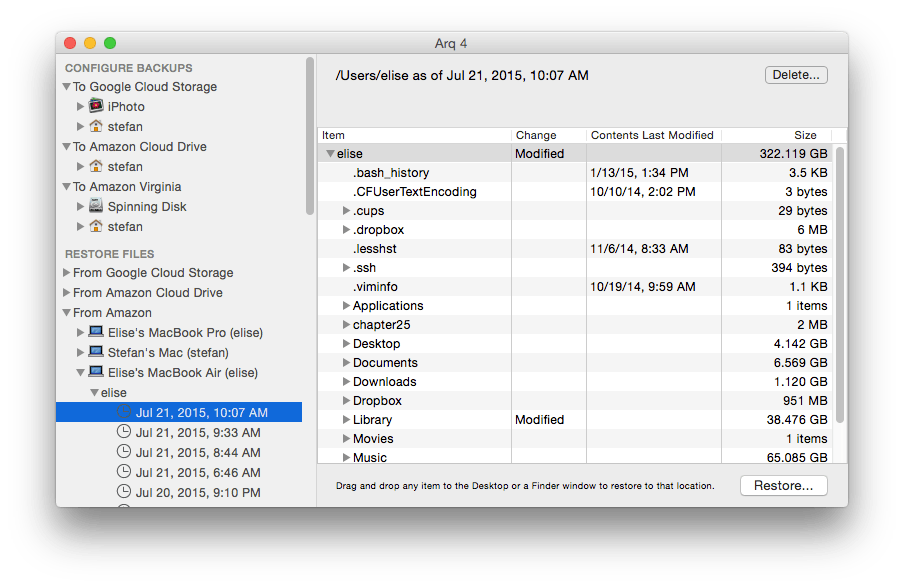
For years, Arq Backup has been often overlooked when talking about backup solutions for the Mac, despite the fact that it is one of the easiest and most flexible options, as well as the most configurable. If you are really concerned about the privacy and security of your backups, you should take a close look at Arq.
Today marks the release of version 5 of Arq, a little over 6 years since its first official release, and it contains many awesome new features, but one significant change that I want to highlight right up front is this: Arq v5 moves from a per computer license to a per user license. That means that instead of having to buy a new license for each Mac you own, one license covers them all. This makes Arq a much more affordable option for people who use multiple Macs. It also means this is the time to take a closer look at what Arq offers.
TextExpander Updates Focus on New Service

TextExpander from Smile Software is one of those indie apps that feels like it’s been around forever. TextExpander has saved customers countless hours of typing by letting them define short abbreviations that it expands into longer snippets of text. Today, Smile released TextExpander 6 for Mac, TextExpander 4 for iOS, and even an all-new Windows beta. The apps include some interesting updates, but at the center of the updates is a new service, TextExpander.com, which provides snippet group syncing, sharing services, and team management. Smile is simultaneously moving TextExpander to a subscription pricing model, a development that I expect will not be popular with some long-time customers.
Run Better Meetings with Agenda Minder

Sometimes it feels as though meetings are designed purposefully to waste time. Research suggests that some simple steps can make meetings far more productive. Internodal has synthesized the research on planning better meetings into a new Mac app called Agenda Minder that tackles the problem by facilitating the setting of objectives, and the creation and sharing of agendas. If you care about your own time and respect others’ time, you’re already half way there, and an app like Agenda Minder may help you turn those good intentions to action.
Turn Your Mac Into a Media Server With AirParrot 2 and AirParrot Remote
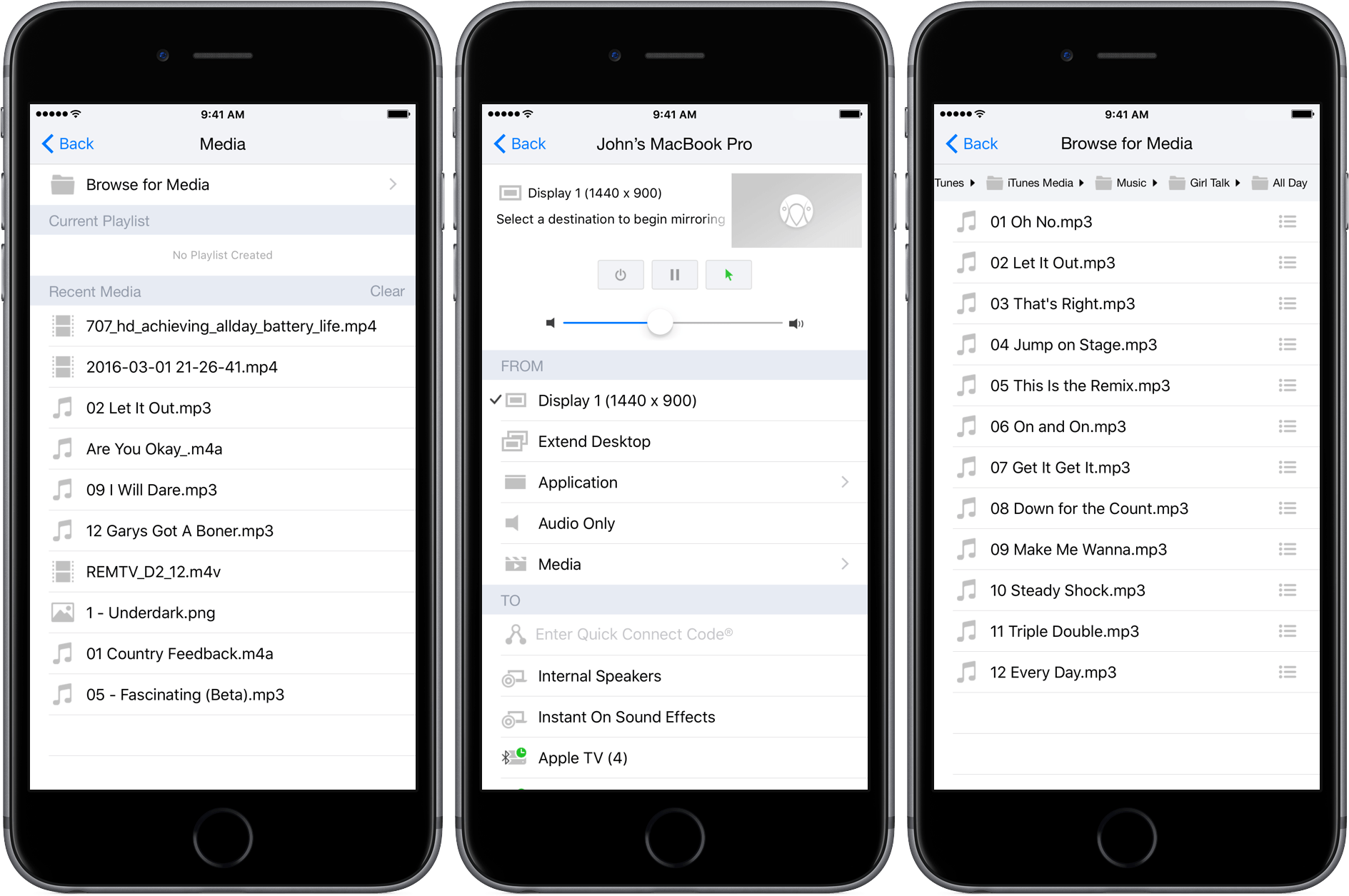
Shortly after reviewing AirFoil for Mac, which acts as a hub for routing audio to multiple devices and has an iOS remote control app, I heard that Squirrels was planning something similar for its AirParrot product. AirParrot 2 for Mac acts as a hub for sharing your Mac’s screen, apps, and media to devices like the Apple TV. With an update to AirParrot and the release of AirParrot Remote for iOS, you can now control the streaming of your Mac’s screen, apps, and media remotely from your iPhone or iPad.
GIF Brewery 3 Is More Powerful and Versatile Than Ever

GIFs are everywhere. Sites and services like Tumblr, Twitter, and Facebook breathed new life into GIFs and created demand for things like Giphy, a GIF search engine. But a good search engine isn’t always enough. Sometimes I want to make my own GIFs. For that, I use GIF Brewery 3 from Hello, Resolven Apps.
Screenbot Brings Droplr File Sharing to Slack
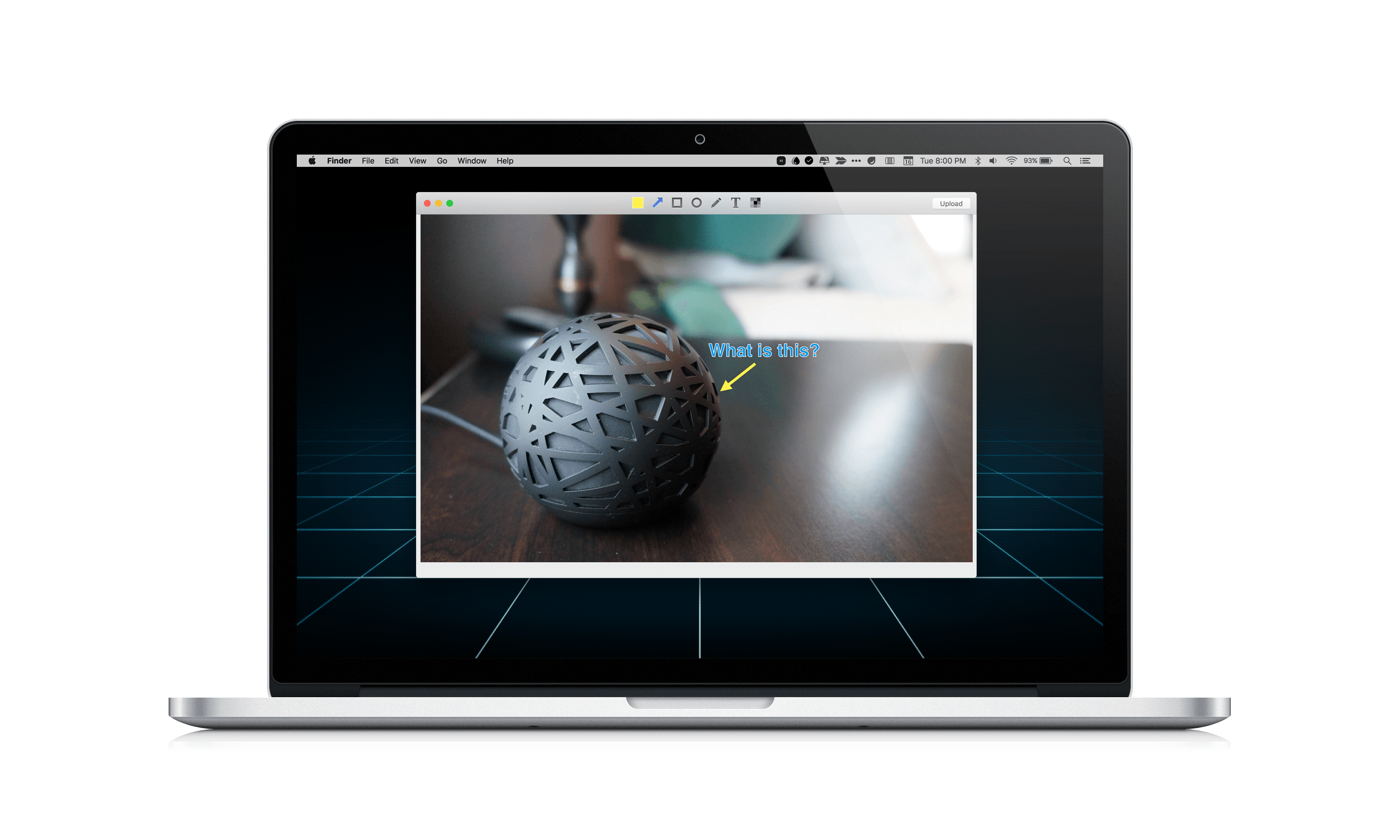
Yesterday, Droplr released a version of its online file sharing service as a Mac-only integration with Slack called Screenbot. Like Droplr, which I covered in my roundup of Mac and iOS screenshot apps, Screenbot makes it easy to share screenshots, screencasts, the clipboard, and other items.
Screenbot has a free tier that permits you to share a rather anemic 20 items per month. For unlimited sharing, you will need to pay $5 per Slack user, per month, which could get expensive fast if you have a lot of users. Given the amount of time so many teams spend in Slack, Screenbot is a smart move by Droplr, but I am skeptical about whether it is economical, unless you have a big budget and your file sharing needs are simple.