In the past months, I’ve reviewed several alternative browsers for iOS, and eventually settled with Grazing 2.0 because of its great multitouch support and push features that allow me to effortlessly and reliably share webpages across the Mac, iPhone and iPad through push notifications. However, amidst the plethora of shameless Safari copycats and relatively clever iPad browsers, there was Sleipnir, an iPhone app developed by Japanese studio Fenrir that impressed me with an innovative interface, and group tab management aimed at enhancing the iPhone’s browsing experience with the possibility of grouping tabs/websites by context through large thumbnail previews. Months later, Sleipnir came to the iPad, bringing an overhauled interface with bigger previews, and a new navigation system specifically built for the tablet. And now a beta of Sleipnir is available on the Mac, porting many of the functionalities seen on iOS to the desktop.
Sleipnir for Mac is in beta, and much is expected to change before the final release. The app is already compatible with OS X Lion, though it doesn’t support native full-screen mode in this first beta version, and some features like bookmark import are not working on my machine. In spite of the app being a little rough around the edges, Sleipnir for Mac is already pretty solid, and with free bookmark sync through the Fenrir Pass service it provides and interesting solution to use a non-default browser (like Safari) or more popular browsers like Google Chrome on iOS or the Mac.
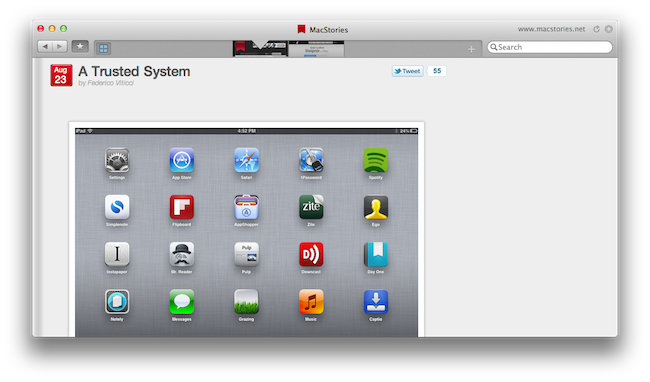
On the Mac, Sleipnir displays tabs as mini-thumbnails in an address bar-free toolbar, which also contains a search field, a new tab button, and, optionally, your bookmarks. In spite of the lack of an address bar by default, Sleipnir lets you manually type in an address with the standard CMD+L shortcut (it will slide in the address bar), and it enables you to keep an eye on the currently opened webpage by visualizing its domain in the upper right corner (something that Mozilla has also been experimenting with in Firefox). The selected tab is constantly marked by an indicator that runs through the toolbar as you switch between pages, whilst tabs can be closed by clicking on the “x” button, or by using the CMD+W shortcut.
The biggest feature of Sleipnir is always been tab management through groups, and this has been ported to the Mac as well. Groups on the Mac are accessible from a window called “TiledTab”, which displays large previews on a linen background, with groups in the bottom section of the page. You can move thumbnails between groups, search for tabs and rename groups, though I couldn’t find an option to delete existing groups or create new ones in this beta. Tab groups are useful if you usually keep a lot of tabs open and have been looking for ways to link related webpages together – furthermore, you can move between groups from the TiledTab UI with a two-finger swipe.
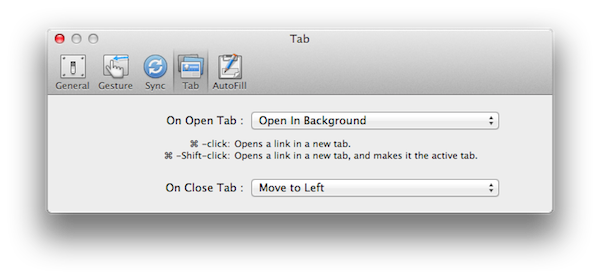
In the Preferences, Sleipnir lets you setup free bookmark sync using Fenrir Pass, and as we’ve seen before on the iPhone and iPad, Sleipnir’s implementation of bookmarks include things like an archive button, ribbons, and labels for deeper organization of saved webpages.
Sleipnir for Mac won’t replace the Safaris and Chromes of this world, but it’s got the feature set and ideas to become an alternative browser that you might want to use outside of your main browsing environment – say for research purposes (groups are great for that) or just to keep a different set of bookmarks always in sync between OS X and iOS.
You can download Sleipnir for Mac beta here, and get the universal iOS app for free on the App Store.