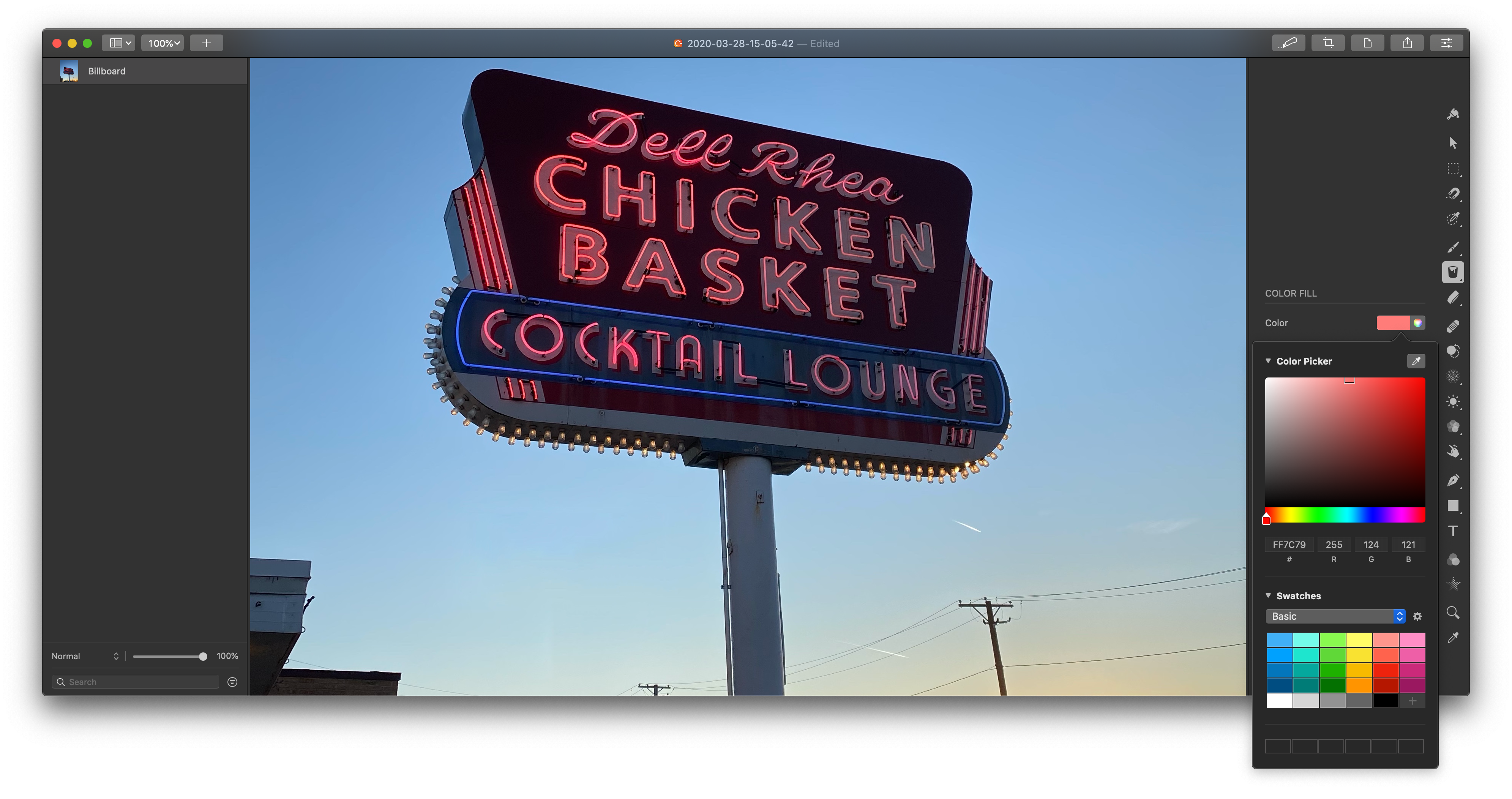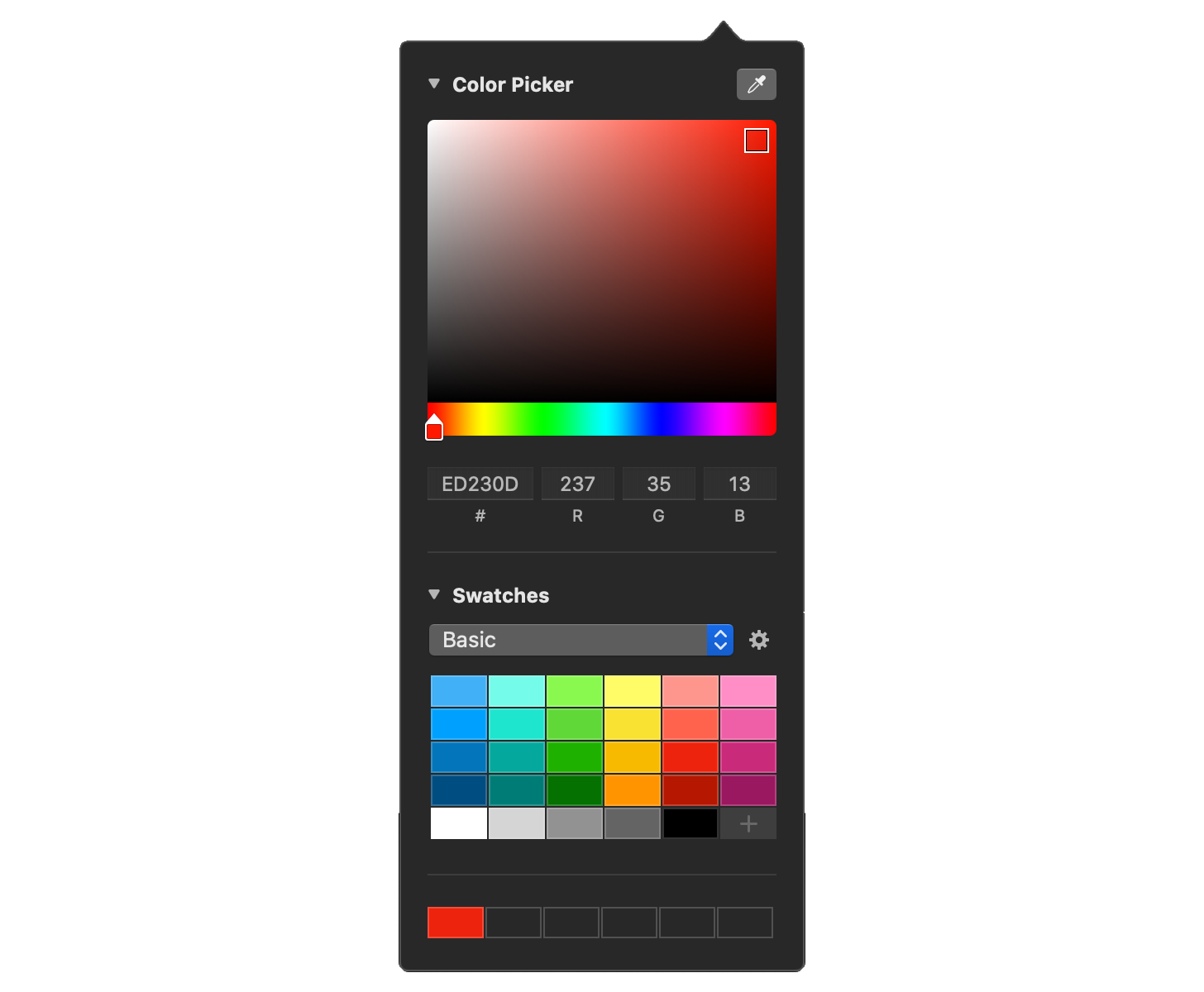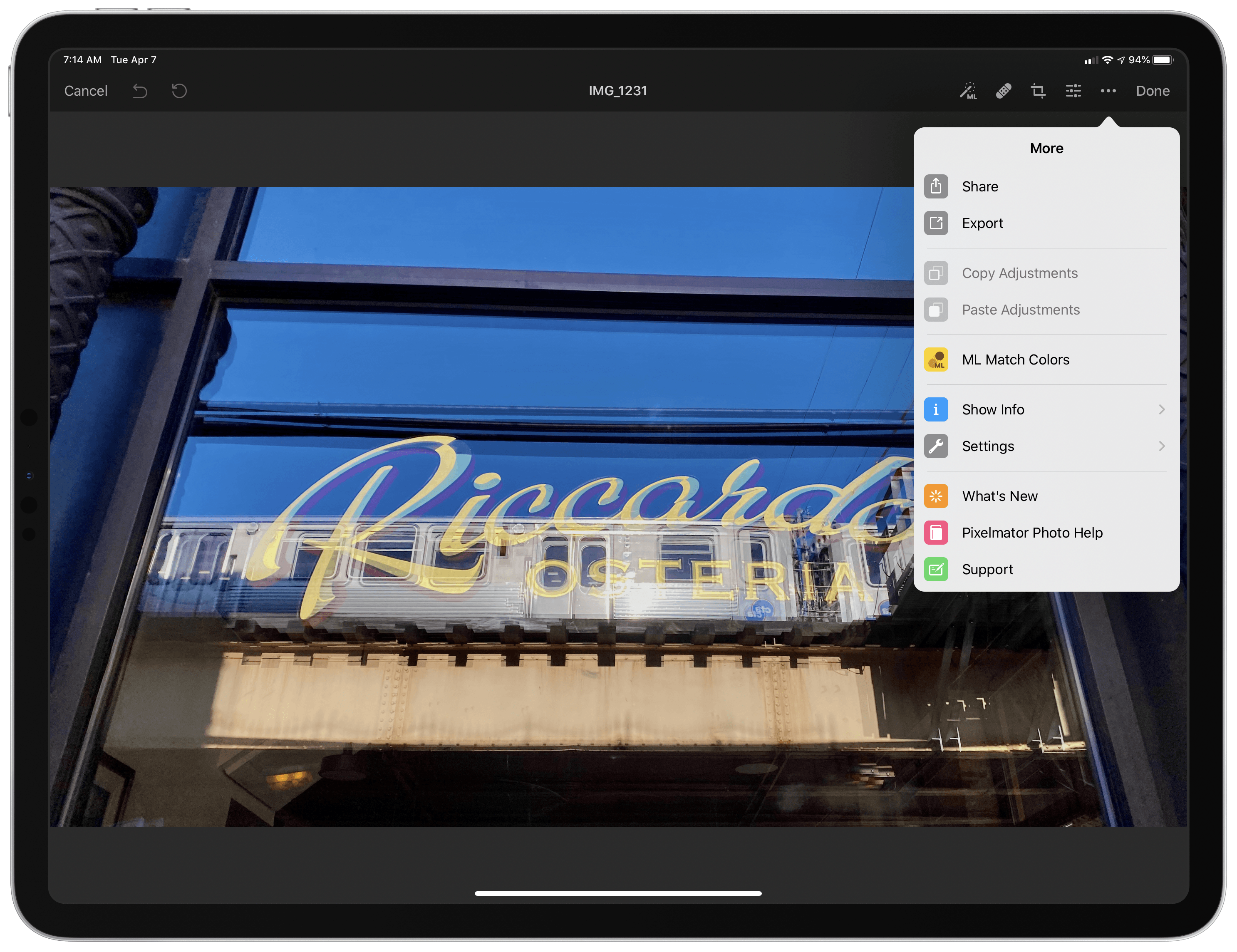
The Pixelmator team has released version 1.2 of Pixelmator Photo for the iPad with iPadOS cursor and Split View support and Pixelmator Pro’s ML Match Colors feature. The update also includes a new way to change the intensity of color and preset adjustments and a ‘Recents’ section for its filter tool.
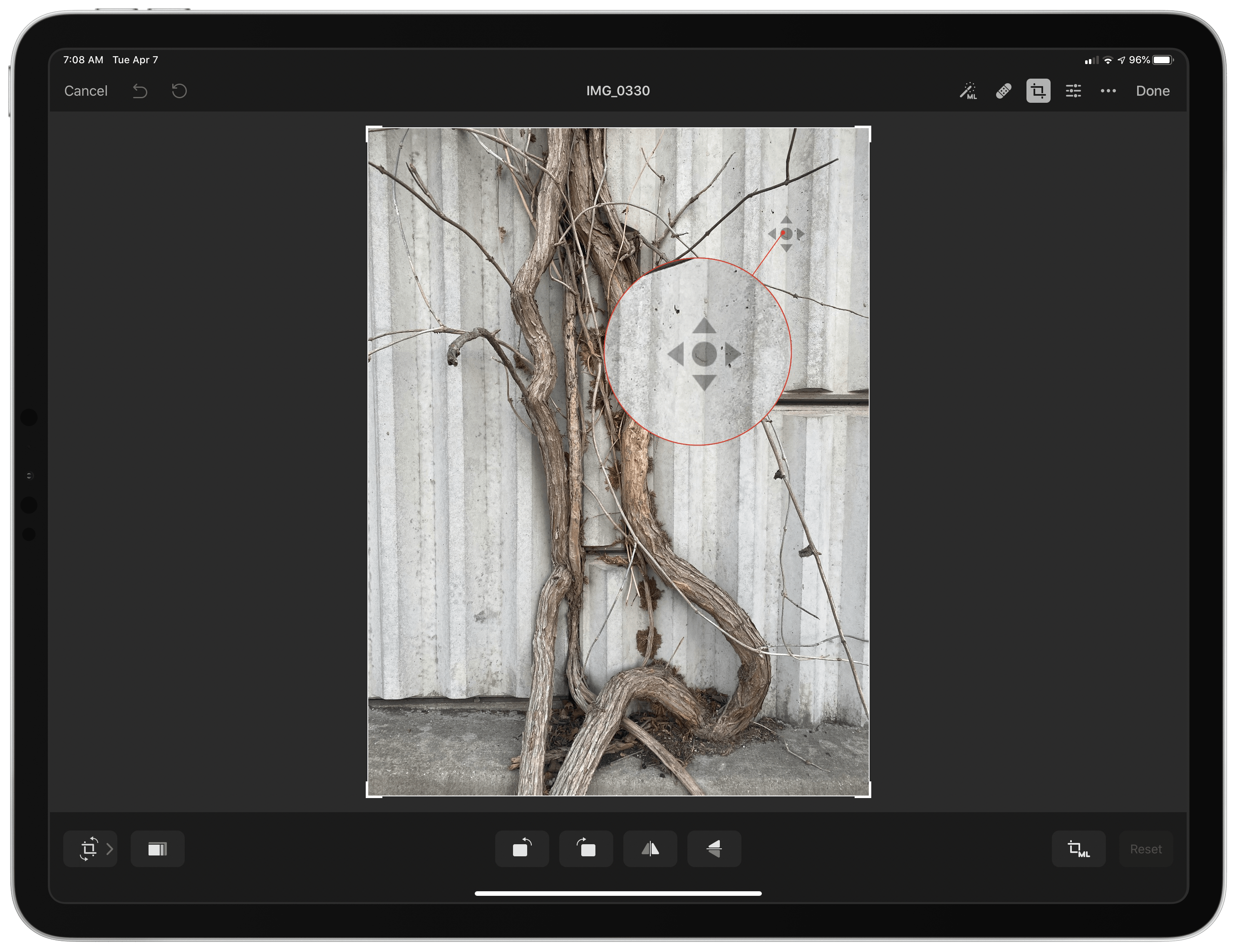
The addition of cursor control is a welcome enhancement to Pixelmator Photo, which already supported keyboard shortcuts. Now it’s possible to make edits to a photo with a combination of the keyboard and either a trackpad or mouse without reaching up to touch the screen. Combined with the addition of Split View, Pixelmator Photo is far more powerful when used in combination with another app than it was before.
For example, when I’m working on an article and want to touch up a photo, I often use Pixelmator Photo to touch up any photos I plan to use. Before the update, if I was doing that with my iPad Pro in a stand, I would usually remove the iPad and edit with it lying flat on a table because it was easier than reaching up repeatedly to navigate Pixelmator Photo’s UI.
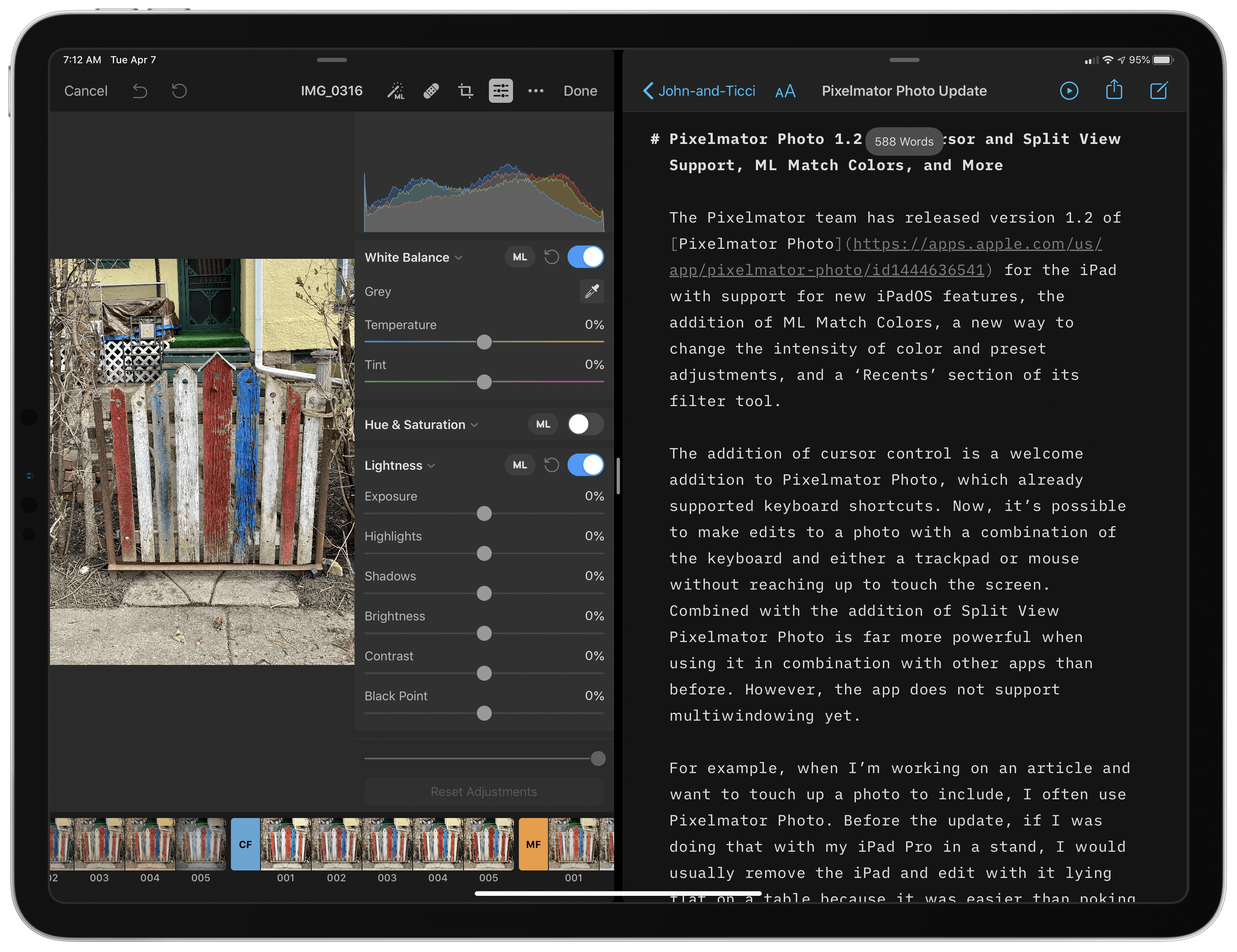
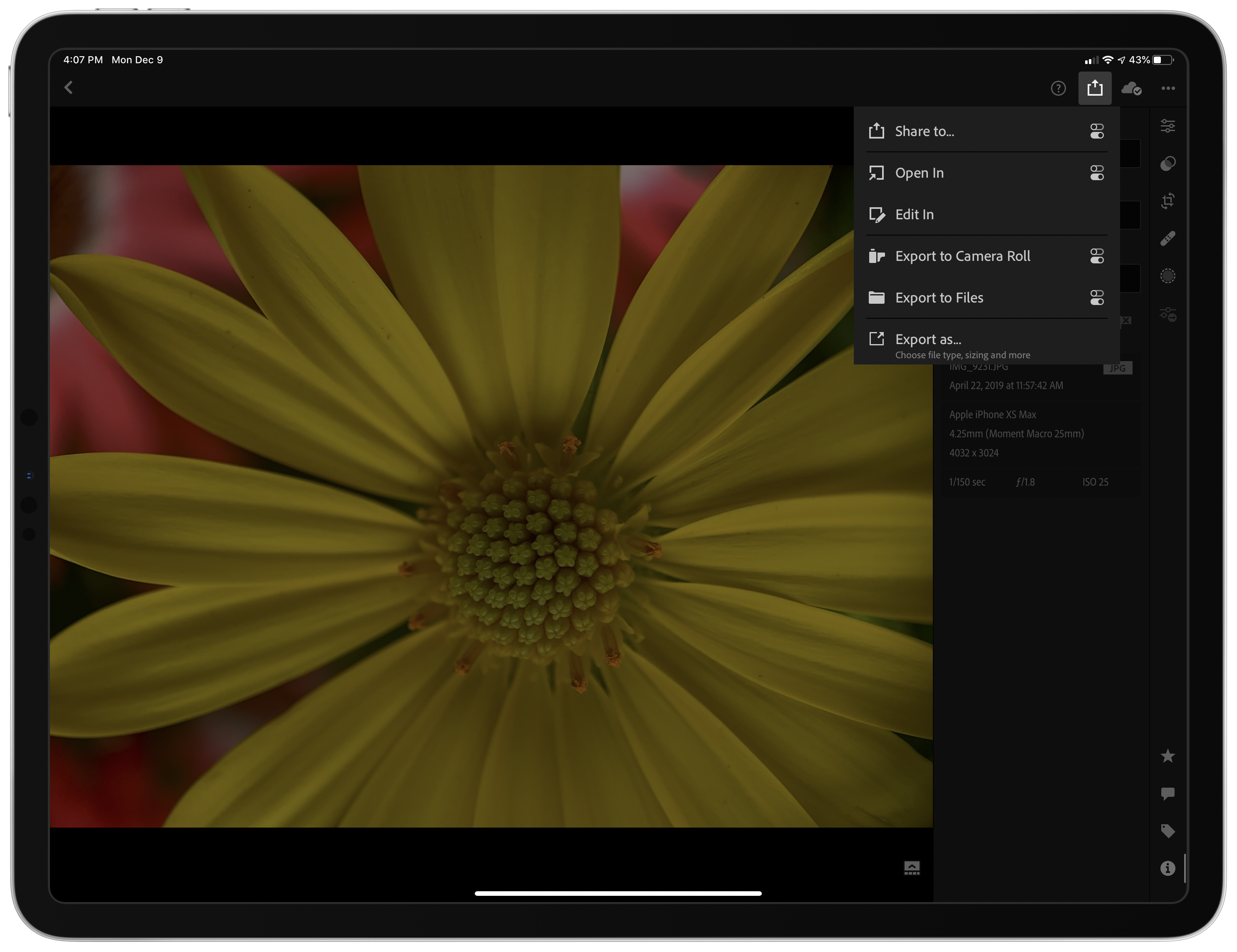
With cursor support, my iPad can remain in the stand while I edit. Better yet, with Split View, I can edit an image alongside the article I’m writing and use the app’s share sheet support to use a shortcut that uploads the final image to our CDN and returns a URL that I can paste into the story. The pairing eliminates the need to switch back and forth between Photos and my text editor, saving time. It’s worth noting that Pixelmator Photo does not support iPadOS’s multiwindowing feature, which I imagine could be valuable in some editing scenarios.