This Week's Sponsor:

Turbulence Forecast

Know before you go. Get detailed turbulence forecasts for your exact route, now available 5 days in advance.


Posts tagged with "tv"

TV App Review

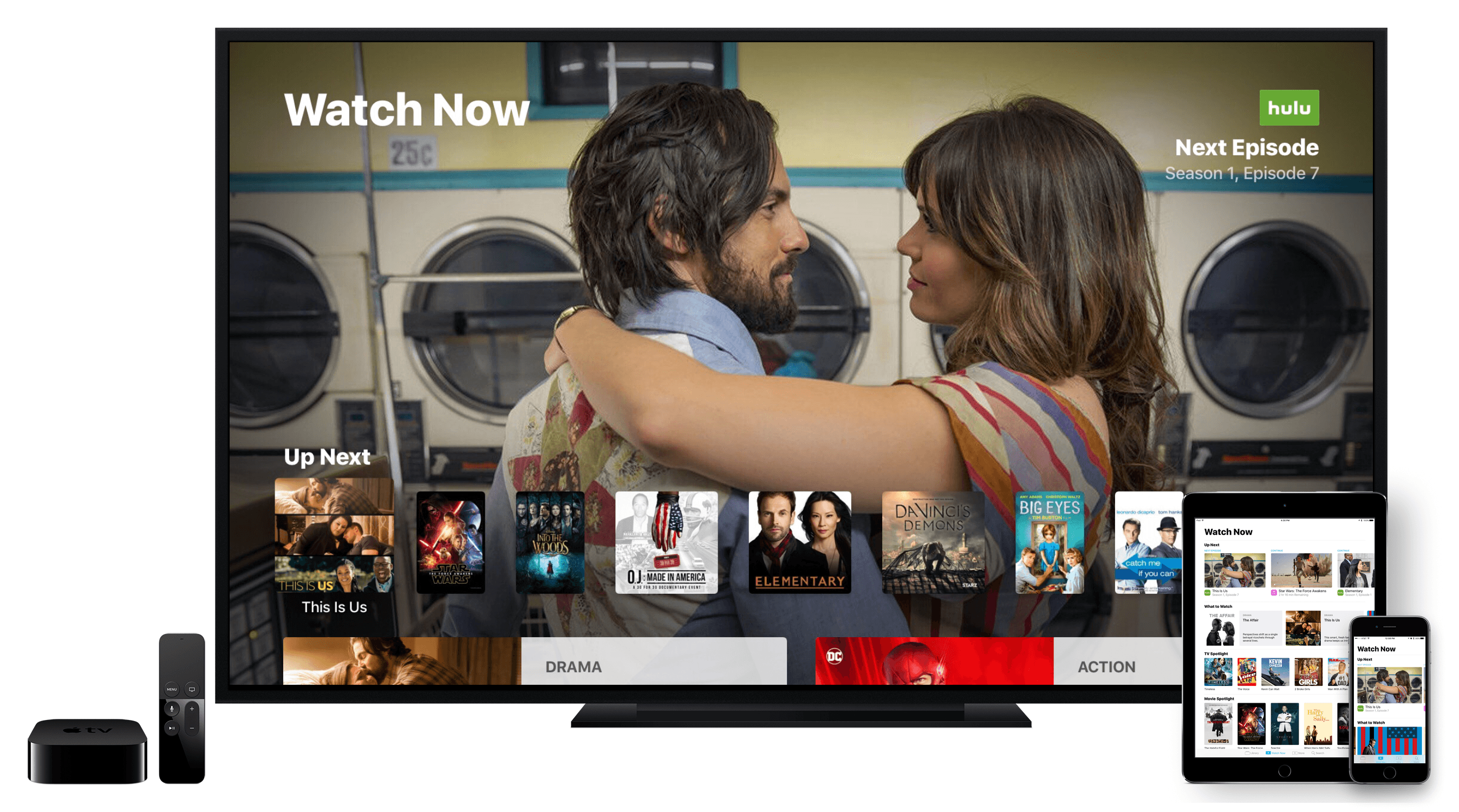
Today Apple released tvOS 10.1 and iOS 10.2, both of which bring several additions to the operating systems. Chief among all additions, the clear centerpiece of these updates is a brand new app called TV. When Tim Cook announced this app onstage earlier this fall, he plainly stated its purpose: TV exists to create a unified TV experience, one place to access all TV shows and movies.

Does it succeed? Is this the best television experience available today?

Before answering those questions, it’s important to consider the history of underwhelming television endeavors that brought Apple to this point.

Steve Jobs introduced the first Apple TV set-top box over ten years ago, in September 2006. That product unveiling came at the tail end of a keynote focused on the iPod and iTunes, where Jobs announced the additions of Movies and TV Shows to the iTunes Store. At its birth, the Apple TV was not meant to revolutionize television; it was made to support the iTunes ecosystem Apple was building.

Throughout its first three iterations, the Apple TV was never a hallmark product like the iPod, Mac, or iPhone; it was simply a hobby for the company. It was Apple dipping its toes in the TV market. But the fourth generation Apple TV represented a shift. With modern hardware, a new operating system dubbed tvOS, and a vision that the future of TV is apps, Apple dove full force into the television market. It set out to create the best TV experience possible.

The newly released TV app is a significant step forward in realizing that goal.

TV is intended to address a modern issue. While the future of television may be apps, up until now Apple’s implementation of that vision has been lacking; it’s been lacking because the more video apps you have, the more navigating it requires to find the content you love. More time navigating means less time watching. TV was built to solve this problem.

The TV app on tvOS and iOS centralizes content from a wide array of video apps in one place, presenting that content in a simple and familiar interface. No one wants to juggle an assortment of video apps, jumping from one app to another to find the content they’re looking for. We’ve all learned to tolerate it, but none of us wants it. So Apple built TV to be the new hub of our video-watching life.

Read more


The TV App as a Supporting Actor

Joe Steel makes a good point in his look at this week’s Apple TV announcements:

Why is TV the app an app and not the Home screen on the device? It’s obviously modeled after the same ideas that go into other streaming devices that expose content rather than app icons, so why is this a siloed launcher I have to navigate into and out of? Why is this bolted on to the bizarre springboard-like interface of tvOS when it reproduces so much of it?

You could argue that people want to have access to apps that are not for movies or TV shows, but I would suggest that that probably occurs less often and would be satisfied by a button in the TV app that showed you the inane grid of application tiles if you wanted to get at something else.

As I argued yesterday on Connected, I think the new TV app should be the main interface of tvOS – the first thing you see when you turn on the Apple TV. Not a grid of app icons (a vestige of the iPhone), but a collection of content you can watch next.

It’s safe to assume that the majority of Apple TV owners turn on the device to watch something. But instead of being presented with a launch interface that highlights video content, tvOS focuses on icons. As someone who loves the simplicity of his Chromecast, and after having seen what Amazon is doing with the Fire TV’s Home screen, the tvOS Home screen looks genuinely dated and not built for a modern TV experience.

I think Apple has almost figured this out – the TV app looks like the kind of simplification and content-first approach tvOS needs. But by keeping it a separate app, and by restricting it to US-only at launch, Apple is continuing to enforce the iPhone’s Home screen model on every device they make (except the Mac).

That’s something the iPad, the Watch1, and the Apple TV all have in common – Home screen UIs lazily adapted from the iPhone. I wish Apple spent more time optimizing the Home screens of their devices for their different experiences.


  1. The Watch is doing slightly better than the other ones thanks to watchOS 3 and its Dock, but the odd honeycomb Home screen is still around, and it doesn’t make much sense on the device’s tiny screen. ↩︎


Open Casting Call Posted for Apple’s ‘Planet of the Apps’ Reality TV Show

Chance Miller at 9to5Mac:

Earlier this year it was announced that Apple was planning to launch its first original TV series about the “app economy.” Now, Apple has posted an open casting call for the unscripted reality series, which we now know is called Planet of the Apps.

The show is being co-produced with Propagate, a newly launched production company co-owned by Ben Silverman, best known for The Biggest Loser, and Howard T. Owens of MasterChef Junior fame. Will.i.am will also have a hand in producing Apple’s reality series.

The casting call is open to legal residents of the US, and it requires you to have a functioning app (for iOS, macOS, tvOS or watchOS) by October 21. The show will also incorporate elements of mentorship, marketing and promotion (“featured placement in the App Store at the end of the show”), and even funding from “top-tier VCs”.

Executive producers will.i.am, Ben Silverman, and Howard Owens are teaming up for an unscripted series about the world of apps and the talented people that drive its innovation. They’re looking for developers with the vision to shape the future, solve real problems, and inspire change within our daily lives. “We can really tell their stories as we explore how apps are developed and created and incubated,” says Silverman.

If you’re interested in potentially applying to be a part of Planet of the Apps, you can visit their website which contains more information on the requirements and application process.

Shooting takes place from “late 2016 to early 2017” with no official broadcast date just yet, though the website does note that the show will “reach millions of viewers around the world on Apple platforms”. Also yet to be announced are the tech experts and mentors, and these will be announced in “the coming weeks”.

I’m not sure why they’re calling the series “Planet of the Apps”, a name which appears to inexplicably riff on the “Planet of the Apes” science fiction franchise. I hope that by the time the series goes to air it has a different, better, name.

Permalink

Tracking TV Shows with iShows 2: Welding Great Design with Extensive Customization

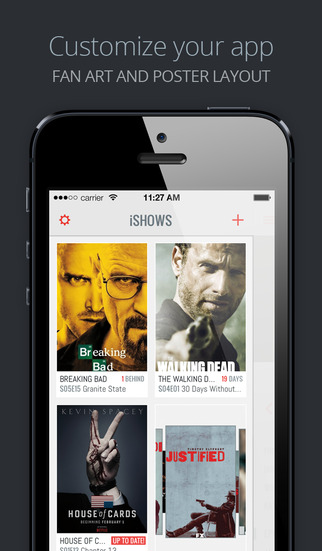
I watch a lot of TV – almost certainly too much TV. Years ago I used to keep track of the TV shows I watched mentally and through a TV guide from the Saturday newspaper. But as I started to watch more TV it became harder to keep track of when shows air. Fortunately, I started to use iPhone TV tracker apps, which make it effortless to keep track of your favorite TV shows. I’ve probably used 4 or 5 different apps for a solid period of time, and this February I switched to what I think is the latest and greatest TV tracker app: iShows 2, which officially launches today in the App Store.

I had briefly used the original iShows app, but I never permanently switched to it. Whilst the design was quite good, it had this very odd layout that left a gap on the side of the screen which (as petty as it sounds) I couldn’t get over. Somewhat embarrassingly the other issue I encountered was that I never discovered some of the gestures, without which the app was a lot harder to use. Some of those gestures persist in iShows 2, and I’ll discuss them shortly.

Prior to switching to iShows 2 whilst it was in beta, I had been using iTV Shows for around a year. It never looked quite as good as iShows or TeeVee 3 (another popular and very pretty app), but I preferred the way iTV Shows worked. I’m still a fan of iTV Shows, but I’ve been convinced (after months of use) that iShows 2 is the better option for me.

Read more


Tracking TV Shows with TV Files

TV Files

TV Files

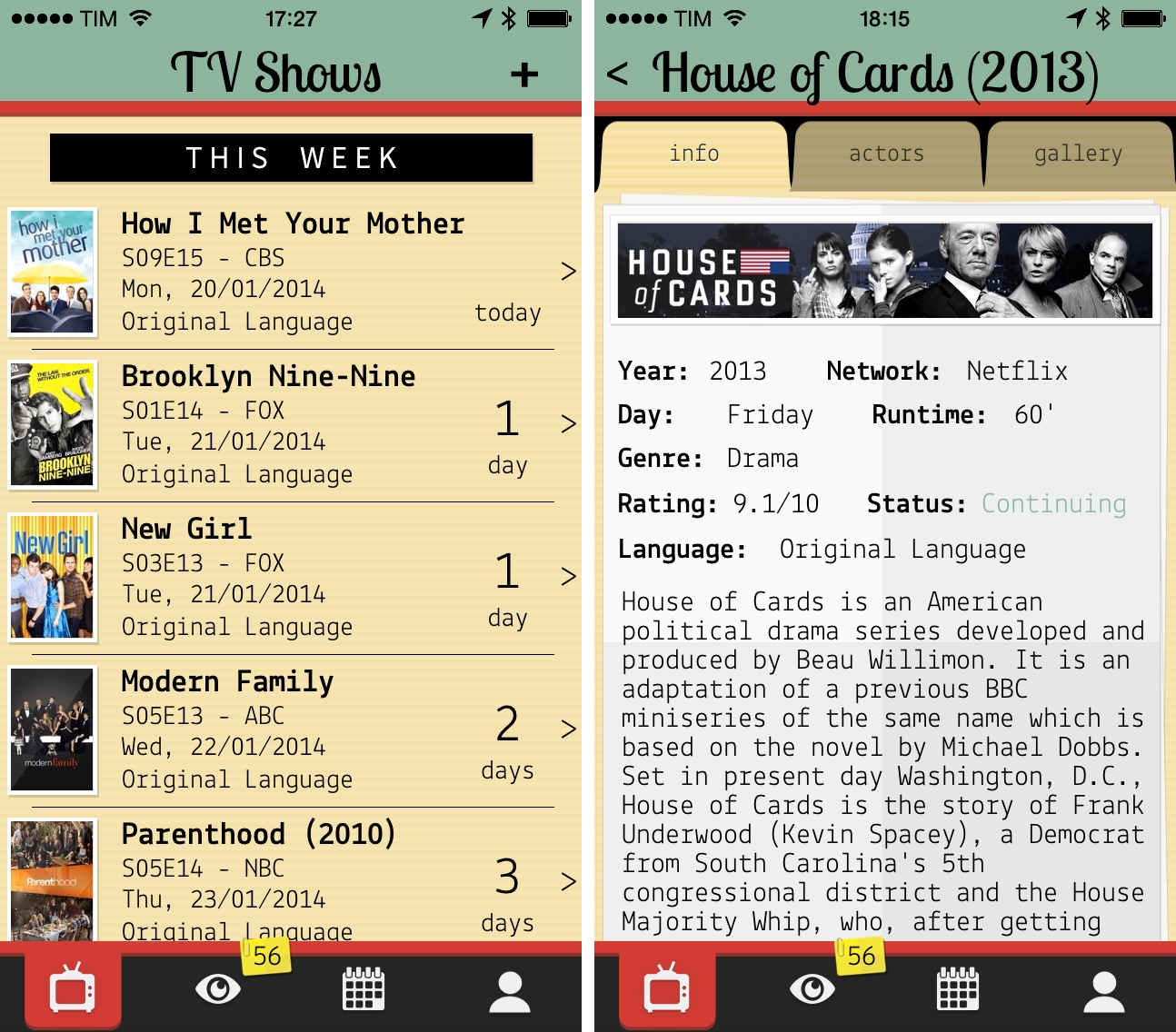
My experiment to add calendar events for TV shows I watch failed miserably. Because of programming schedules that change often and holiday breaks I can’t always predict, I ended up with a calendar full of repeating weekly events for episodes that had been delayed. Therefore, I started looking for a good TV show tracker app for my iPhone and iPad, and lately I’ve been using TV Files, developed by Italian team Whale True. Read more


Vintage Apple Ads On YouTube

Husain Sumra:

Old Apple commercials from the 1980s have been resurfacing on YouTube channel EveryAppleAds over the past few days, offering an extensive look at vintage Apple advertising that is normally overshadowed by Apple’s famous Super Bowl commercial “1984”.

The channel’s Recent Uploads section is where you can easily to watch all the videos. Some of them are utterly “vintage” in the way they’re meant for an audience who couldn’t have decades of computer experience like we do today; others are still fascinatingly modern in how they imply the product’s superior functionality in a casual, familiar setting. A great find.

Permalink

Televised

Televised

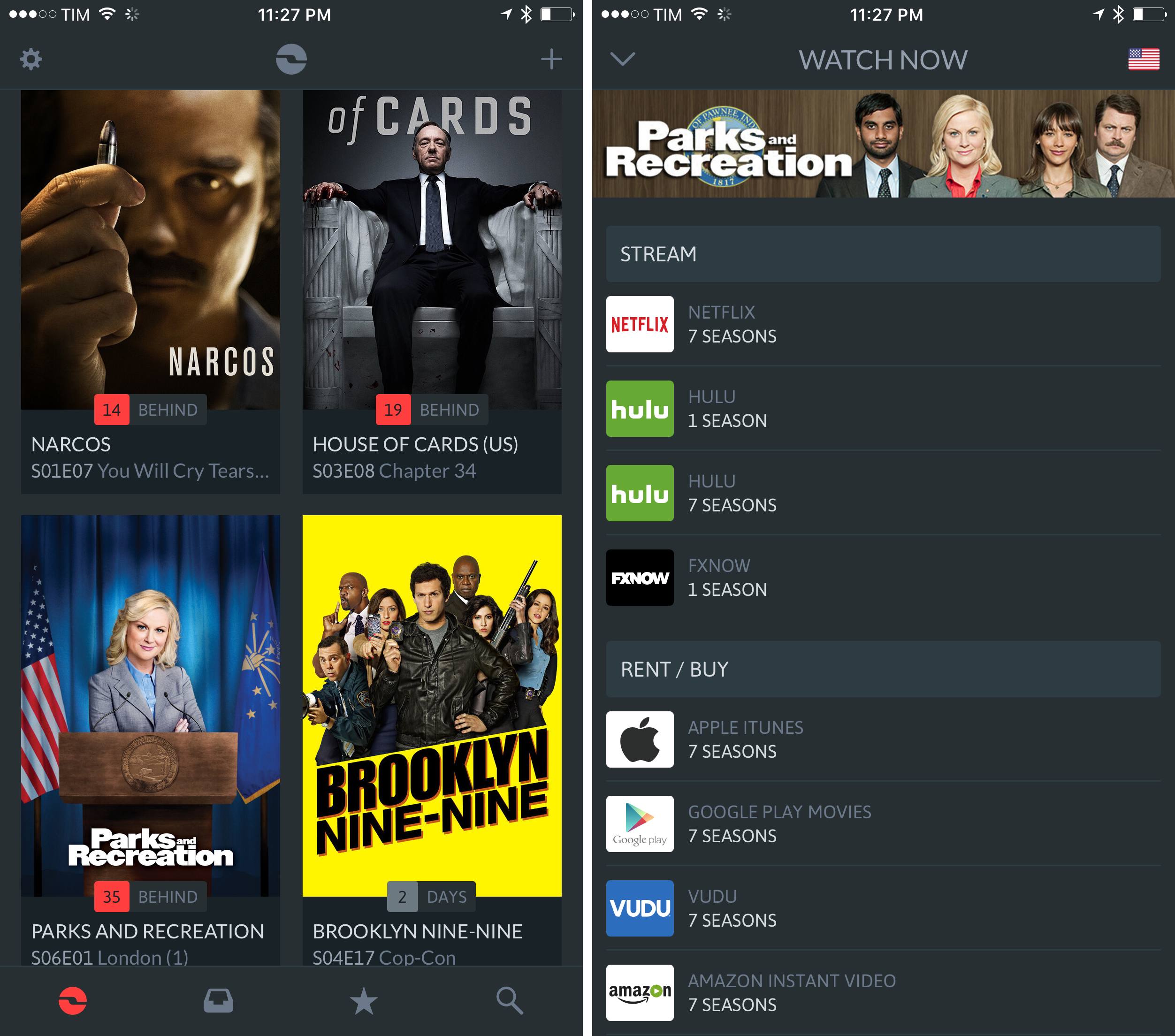
I don’t watch American TV shows as soon as they’re aired, mainly because, being based in Italy, I don’t have access to legal TV subscription. However, I do like to “stay in the loop” with news and episode dates so I can later download everything in iTunes. Televised is a new iPhone app developed by Robocat that wants to provide a way to easily catch up on “status updates” for TV shows you’re interested in.

Televised takes a very visual approach. TV shows are presented as posters of the current season and the entire app features a custom design by Michael Flarup that is a mix between the dark style of Plex and a remote. In fact, you can tap on the hamburger button in the top left to open a section with buttons for Settings, Help, and “Add Shows”. Unlike most iOS apps, this section doesn’t open from a side, but from the top, with an animated light reminiscent of a TV remote. The design is very particular, but I found it to be slightly confusing coming from apps such as Facebook or Rdio (and really, just about any other app these days), which use a standard side-panel navigation. However, considering Televised’s highly custom approach to navigation, sounds, and modal views, I think the alternative take fits with the rest of the app.

The core element of Televised are the show preview thumbnails. You can tap on one to bring up a modal “card” that comes in the foreground with a nice 3D animation. Each card contains information about a show’s upcoming episode with summary, background photo, airing date, and three buttons at the bottom. These buttons let you share an episode, turn on notifications (which I haven’t been able to test), and “View on IMDB”. Televised uses data from TheTVDB, but if you have the IMDB app installed it’ll try to display a selected episode’s information on the service. I say “try” because – I don’t know if this is related to Televised or IMDB itself – in my tests I haven’t always been redirected to an episode’s proper page.

Televised focuses more on the “upcoming” aspect of TV shows rather than providing a fully searchable archive of a show’s episodes. There are some nice touches (the static effect as background for modal cards is one of them) and some aspects I can’t comment on (such as the future reliability of notifications), and the app does undoubtedly look good on the Retina display. I recommend checking out Televised on the official website, where there’s also a promo video.

Permalink

Apple Posts New Siri Ads Featuring John Malkovich

Following a series of “celebrity ads” for the iPhone 4S’ voice-based assistant released last month, Apple today posted two new Siri TV commercials featuring actor John Malkovich. The ads, titled “Joke” and “Life” show Malkovich casually talking to Siri with short sentences and a series of single words such as “weather” or “evening”, perhaps in an effort to showcase both Malkovich’s particular attitude and Siri’s capability of handling short commands with seemingly no context (“evening” returns a series of calendar appointments, “linguica” displays local restaurants).

According to a recent study, the previous commercials featuring Zooey Deschanel and Samuel L. Jackson fared well with viewers, who, reportedly, were highly receptive to familiar faces of celebrities illustrating the latest features of the iPhone in a familiar, almost casual setting. MacRumors has put together a number of possible responses Siri can give to Malkovich’s query – tests performed with the question asked by Samuel L. Jackson showed that, in practice, Siri was a little less accurate than its primetime counterpart.

The new Siri ads are available on Apple’s website, YouTube channel, and we have embedded the official versions below.
Read more