

Not all Philips bulbs are smart bulbs. This week, the company debuted a new light of highly-efficient LED bulbs that use around 40% less energy and last 50 years, lightening the load on your wallet and the planet. (Link) Strava introduced Spotify integration this week, allowing users to control playback directly from the Strava...
Last Week, on Club MacStories: The Making of S-GPT, Our First Automation April Workshop, a Club-wide Discount, and Lots of App Coverage
Because Club MacStories now encompasses more than just newsletters, we’ve created a guide to the past week’s happenings:
The Making of S-GPT, Part 1: Using the ChatGPT API with Apple’s Shortcuts App to Have Conversations with OpenAI’s Assistant
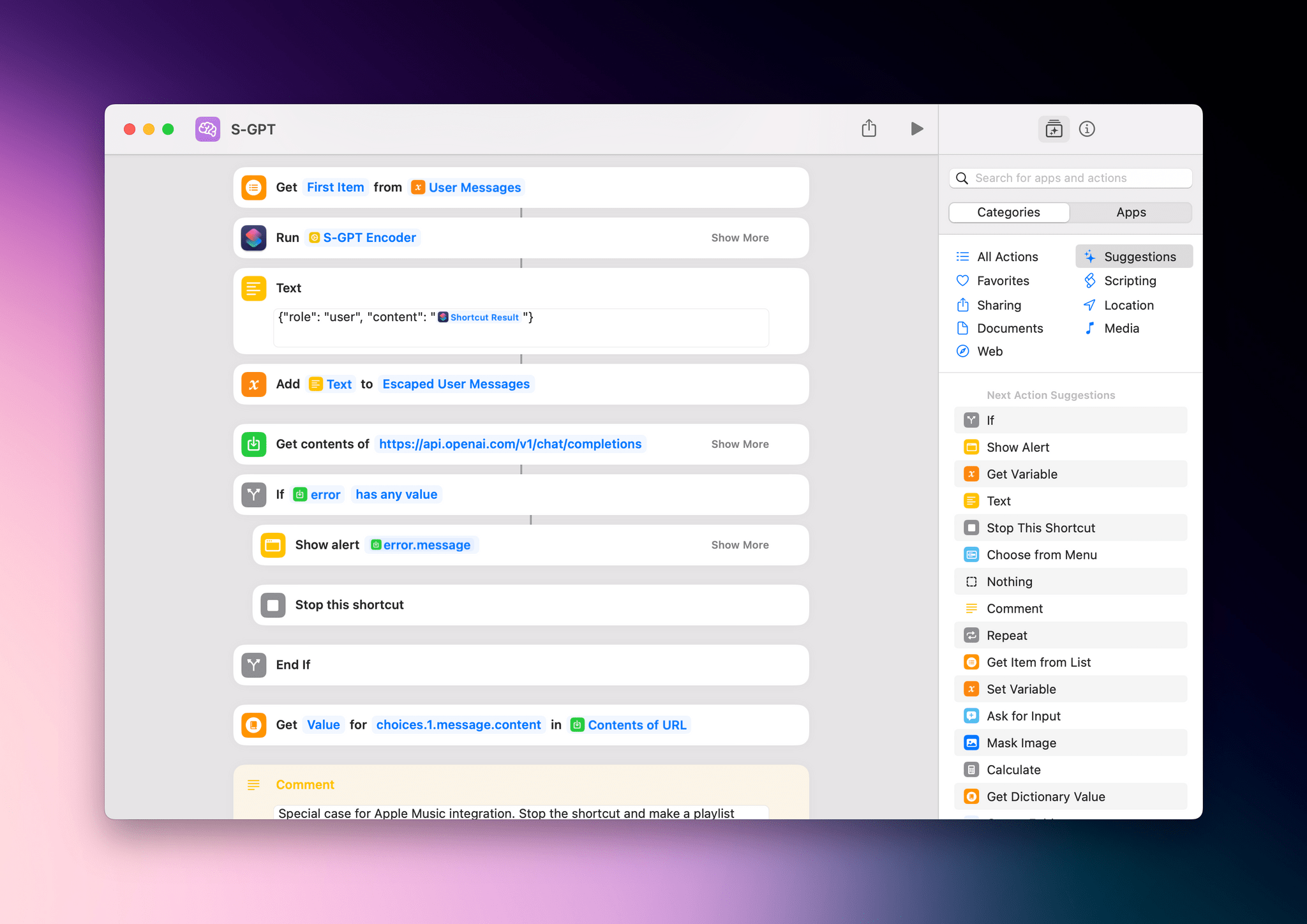
Last week saw the return of Federico’s Automation Academy column for Club MacStories+ and Premier members. The latest edition dug into the techniques Federico used to build S-GPT, his shortcut that integrates OpenAI’s Chat-GPT with Apple’s OSes.
Federico’s column is a deep dive into working with web APIs in shortcuts, navigating JSON dictionaries, and the clever way S-GPT stores its ongoing conversation in a variable. Whether you’re working with ChatGPT’s API or another web API, the column is a great place to learn how to to hook your shortcuts up to web APIs.
Automation April: Shortcuts Workshop, Part 1
Last week we also held our first Automation April workshop where Federico and I were joined by Jack Wellborn, who won Best Overall Shortcut in last year’s Automation April Shortcuts Contest, to talk about tips for coming up with shortcuts ideas, our recent shortcuts experiments and projects, incorporating AppleScript and other techniques into Mac-based Shortcuts, and more.
Alerty: A New Club-Wide Discount
In MacStories Weekly 364, we announced a new Club-wide discount from our friends at Alerty, a push notification service. Alerty’s incredibly easy-to-use web API allows you to generate rich push notifications to any of your Apple devices. They can be used to extend Shortcuts’ notification system, triggered by server events, and more.
Members can get 50% off on a monthly or annual subscription by visiting the Club Discounts page.
MacStories Weekly: Issue 364
- A review of Button Creator for Stream Deck
- Apps to extend your Shortcuts experience on Mac
- A GoodLinks giveaway
- A tip on how to read the contents of Markdown files in Shortcuts
- Plus:
- App Debuts
- Highlights from the Club MacStories+ Discord
- Interesting links from around the web
- A sneak peek at what’s next on MacStories’ podcasts
- and more
 Automation April: Third-Party Apps with Great Shortcuts Support
 Federico
 Button Creator
When I first got a Stream Deck and later a Loupedeck Live, I realized very quickly that setting up those devices can quickly turn into an unproductive time sink. There’s the question of which automations to turn into a button, plus the layout and look of the buttons to consider. If you’re not careful, it’s...
Extending Shortcuts for Mac with Third-Party Apps
Automation April has reacquainted me with the many bugs in Shortcuts for Mac. It’s incredibly frustrating to hit a wall when you have an idea for an automation that should work but doesn’t because of a bug. I have a long list of wishes for Shortcuts actions, but I’d take stability over any of them....
App Debuts
SwiftKey Keyboard Microsoft’s third-party keyboard for iPhone is the latest of the company’s products to receive integration with AI-powered Bing chat, but don’t expect to be able to access the ChatGPT-based service from inside the keyboard view on your phone: when you tap the ‘Chat’ button above the keyboard, you’ll be taken into a...
Deadline Extended for Automation April Shortcuts Contest to April 21st

As we head into the weekend, we wanted to let everyone know that we’ve extended the Automation April Shortcuts Contest to Friday, April 21st, at 5:00 PM Eastern US time. That gives you four extra days to finish your shortcuts and submit them.
Remember:
- You can submit up to two shortcuts for consideration in any of the six categories
- You can edit your submissions until the deadline on April 21st
- Shortcuts do not have to be complex to win the contest; originality and utility are key factors in the judges’ decisions
- We have tons of great prizes, including a Loupedeck Live S and CalDigit Thunderbolt Station 4 for the winner of the Best Overall Shortcut, plus Club MacStories memberships
For the complete rules, be sure to read our post from last week.
Good luck, and use the extra time wisely!
You can also follow MacStories’ Automation April coverage through our dedicated hub, or subscribe to its RSS feed.
MacStories Unwind: An Iced Coffee, a Mouse, New Caledonia, and John Wick






This week on MacStories Unwind, I explain iced coffee to Federico, who has a new Logitech Lift mouse and has been playing Tchia, while I spent hours at the theater enjoying John Wick, Chapter 4.
Iced Coffee
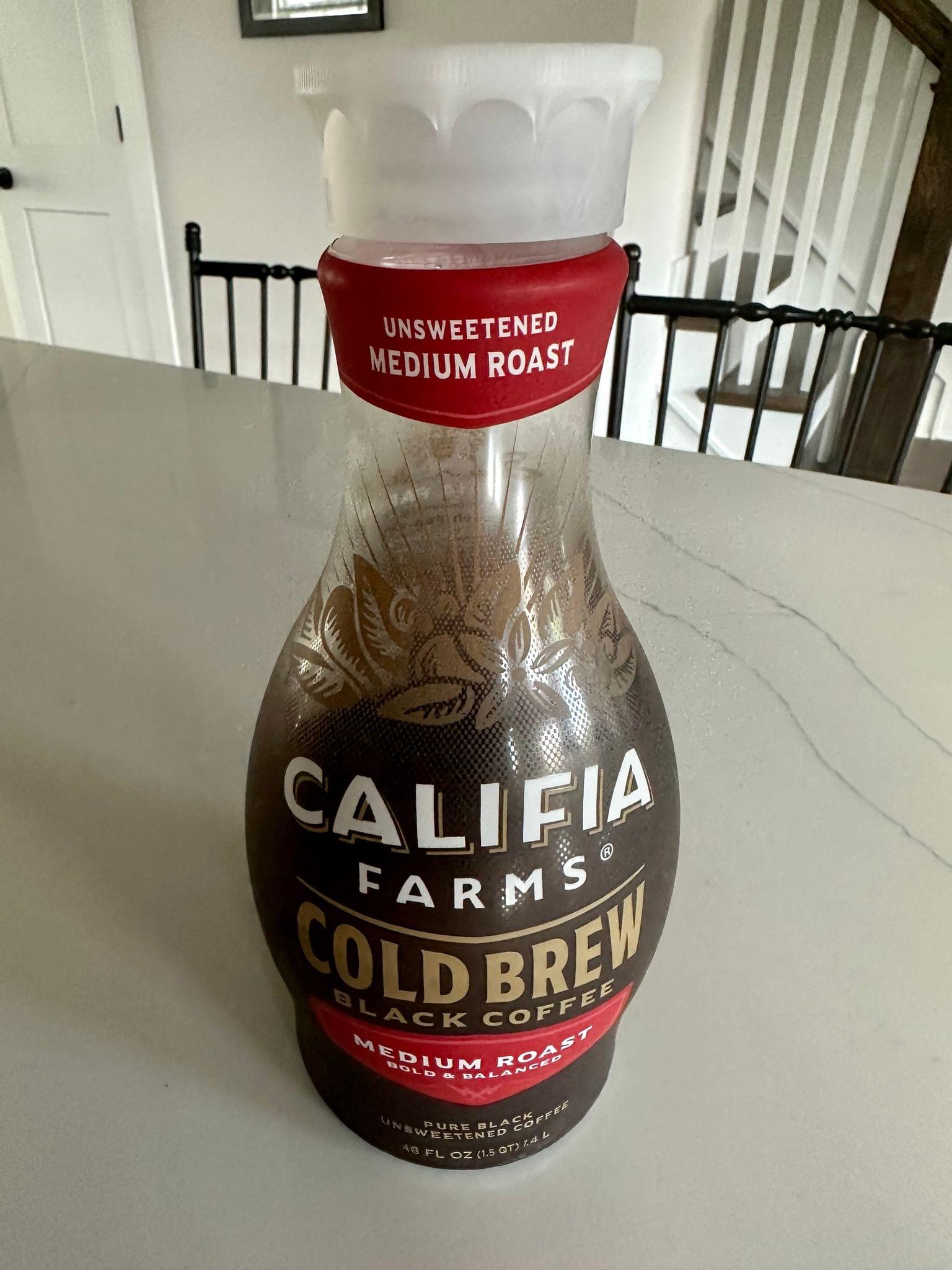
- John’s jug of Calafia Farms Cold Brew
Federico’s Picks:
Legend of Zelda: Tears of the Kingdom
- A brief Tears of the Kingdom aside because we couldn’t help ourselves.
John’s Pick:
Unlock Big App Savings with Club MacStories+ and Premier Memberships

A core perk of a Club MacStories+ or Club Premier membership is the wide variety of discounts on our favorite apps and services we offer in partnership with developers. Our app discount program brings Club members a long list of deals that regularly rotate, so there’s always something new to try. That makes it easy to save hundreds of dollars on some of the best apps out there when you sign up and to keep on saving month after month.