

 Federico
Femto Justin Hamilton’s text editor (which I first covered in Issue 211 of MacStories Weekly) has received a major update this week that added multiwindow support, pointer integration, and an extension to open text files directly in Femto from other apps. Furthermore, Hamilton addressed my two complaints from the original version: Femto now supports...
 Controlling Yoink With a Keyboard
Things, which is among our favorite task managers, is an app that we often mention as having one of the best implementations of keyboard shortcuts and navigation on the iPad, which it absolutely does. Today, however, I wanted to mention another app that fits that description: Yoink. We included Yoink in our coverage of...
Highlights for iPhone and iPad: An Excellent Companion for Researchers
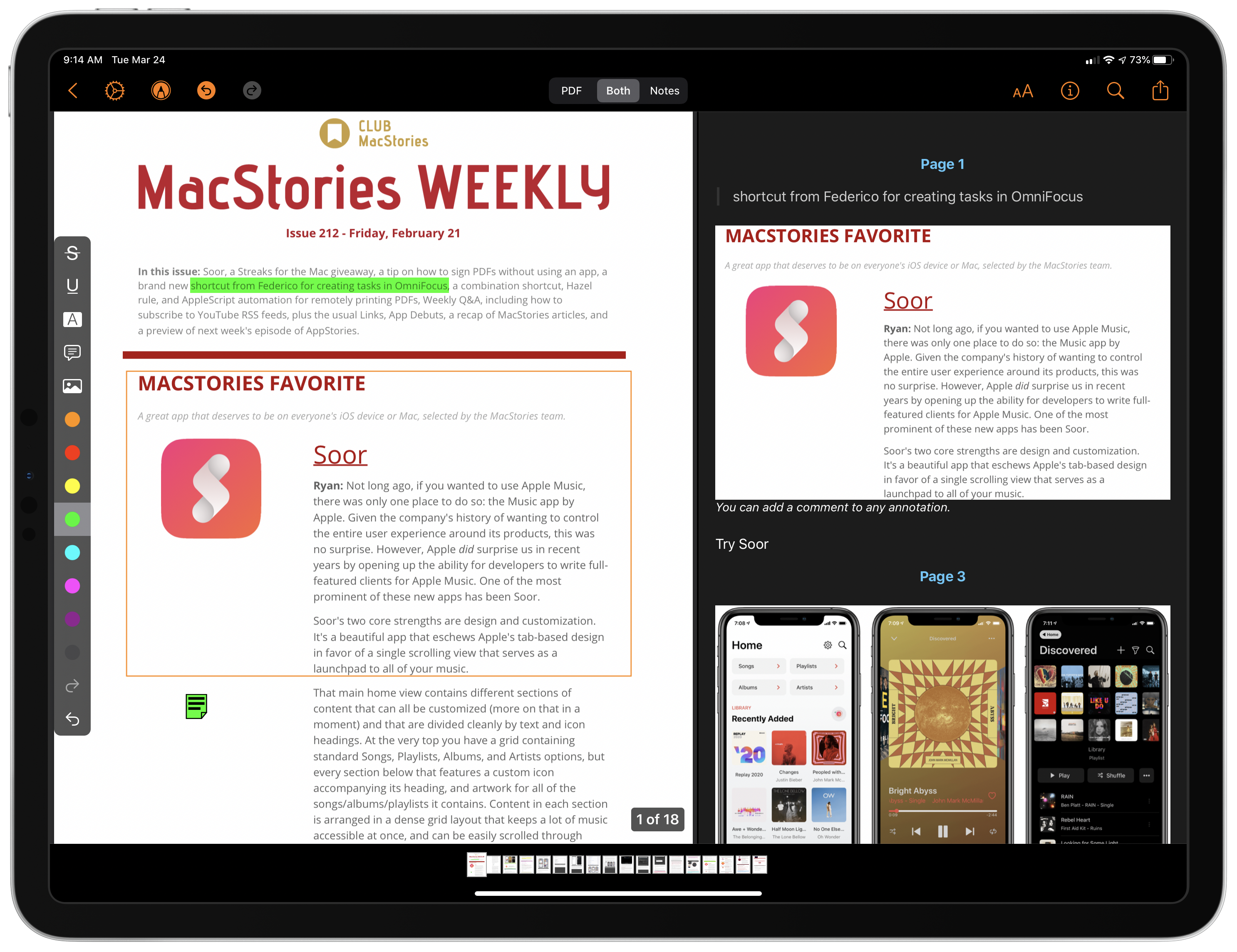
I wish I had Highlights for iOS and iPadOS when I was a lawyer. Back then, it wasn’t unusual for me to review PDFs of legal documents that were hundreds of pages long. Unfortunately, the digital tools I had for annotating those documents were primitive. So instead, I typically fell back on marking up hard copies with highlighters and adding notes in the margins.
Highlights is a PDF annotation app that’s been available on the Mac for a long time but is brand new on iOS and iPadOS. The app translates the analog process of marking up a PDF to the digital world very well by providing tools that demonstrate an understanding of the needs of students, researchers, and anyone who spends a lot of time with PDFs.
I don’t have the same PDF needs I once did, but as I’ve used Highlights the past couple of weeks, I’ve appreciated its flexibility and power, and I expect that anyone who works with lots of PDFs will too.
AppStories, Episode 157 – Research Tools→
This week on AppStories, we recap the MacStories’ iPad at 10 coverage and then compare notes on the research apps we use and approaches we take when working on a big project.
Sponsored by:
- Diarly – Modern Digital Diary. Enter here by April 10, 2020, for a chance to win one of fifteen copies of Diarly.
- Linode – Cloud Hosting and Linux Servers. Get a $20 credit.
https://staging.macstories.net/podcasts/appstories/episodes/157/embed/






Pixelmator Photo 1.2 Adds Cursor and Split View Support, ML Match Colors, and More
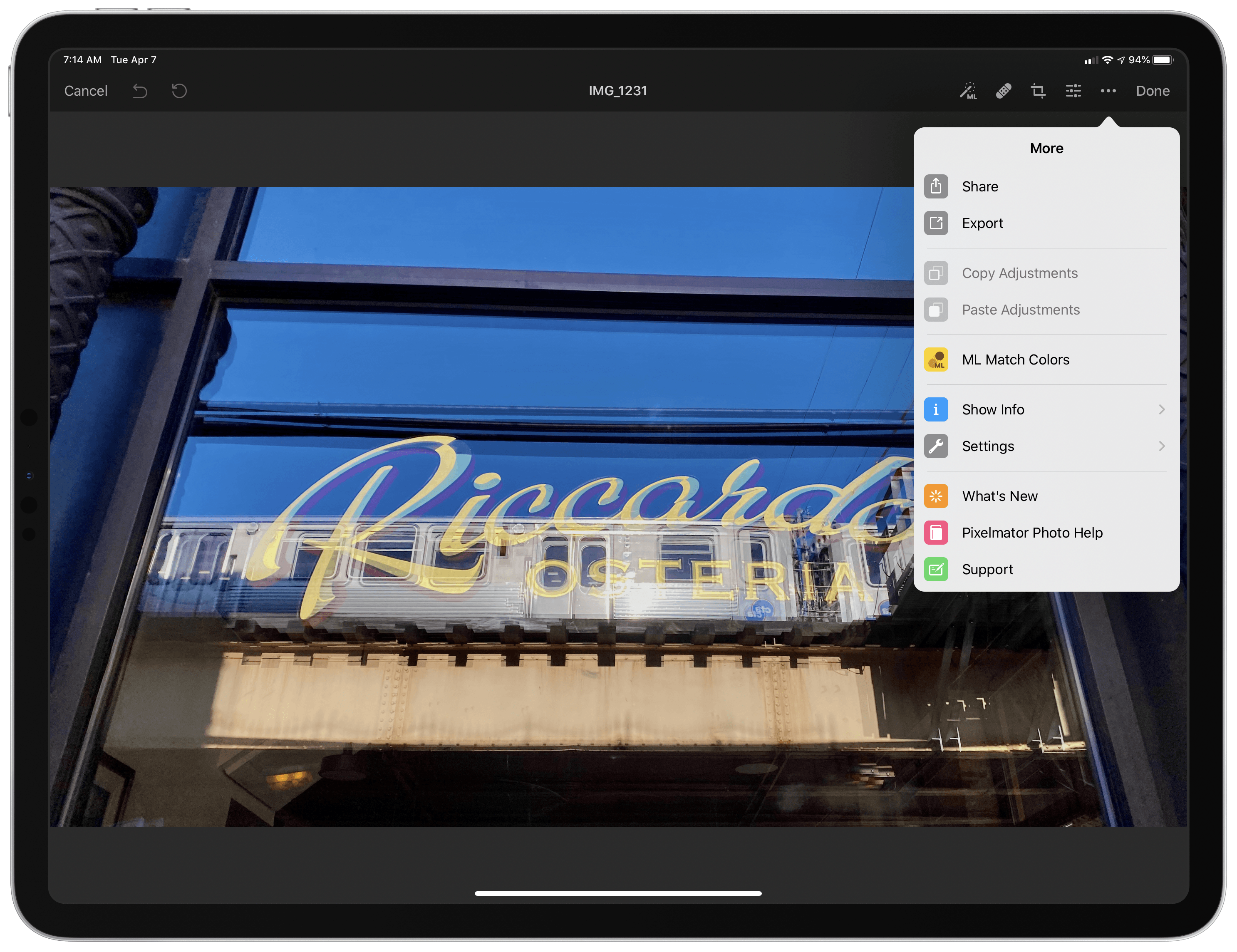
The Pixelmator team has released version 1.2 of Pixelmator Photo for the iPad with iPadOS cursor and Split View support and Pixelmator Pro’s ML Match Colors feature. The update also includes a new way to change the intensity of color and preset adjustments and a ‘Recents’ section for its filter tool.
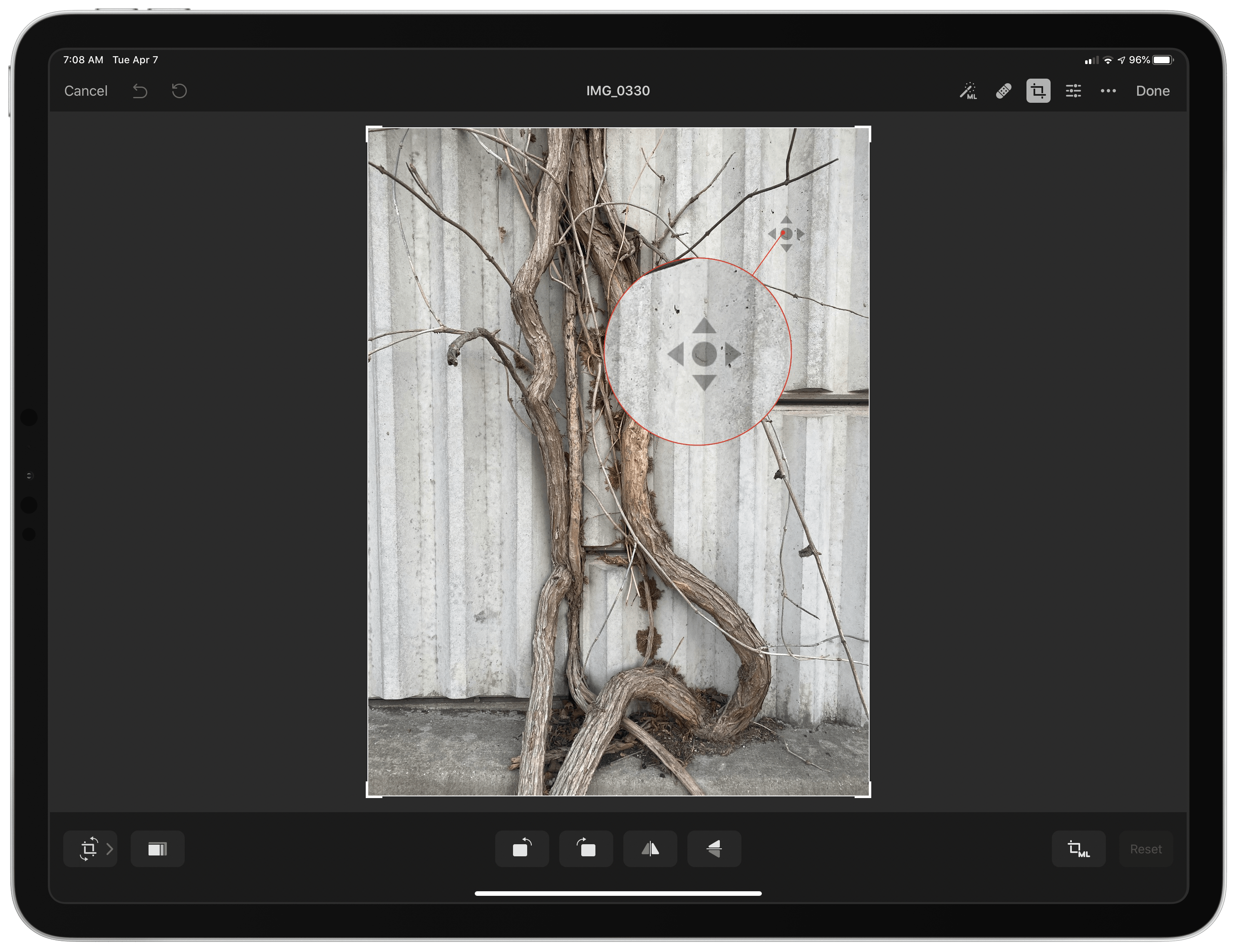
The addition of cursor control is a welcome enhancement to Pixelmator Photo, which already supported keyboard shortcuts. Now it’s possible to make edits to a photo with a combination of the keyboard and either a trackpad or mouse without reaching up to touch the screen. Combined with the addition of Split View, Pixelmator Photo is far more powerful when used in combination with another app than it was before.
For example, when I’m working on an article and want to touch up a photo, I often use Pixelmator Photo to touch up any photos I plan to use. Before the update, if I was doing that with my iPad Pro in a stand, I would usually remove the iPad and edit with it lying flat on a table because it was easier than reaching up repeatedly to navigate Pixelmator Photo’s UI.
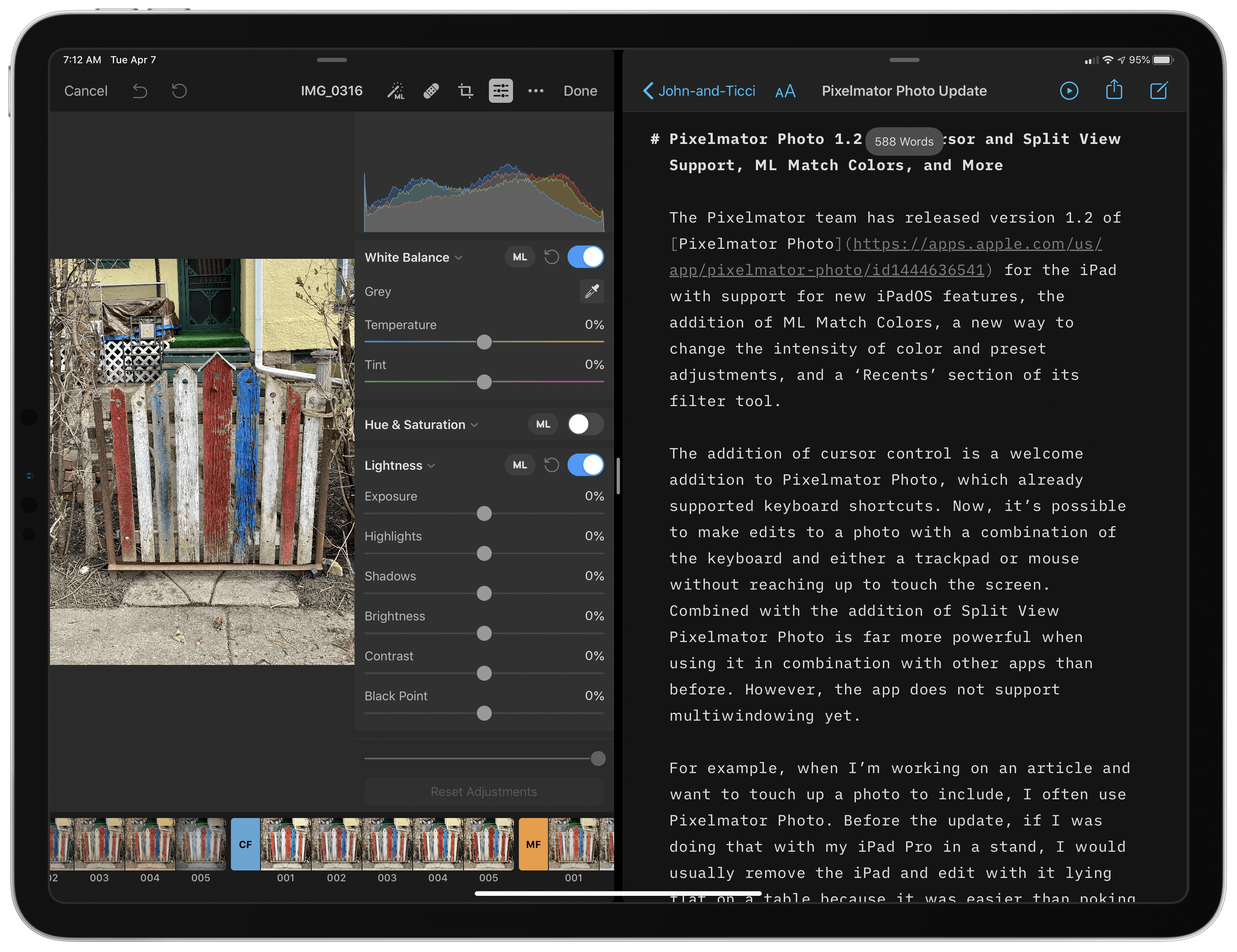
With cursor support, my iPad can remain in the stand while I edit. Better yet, with Split View, I can edit an image alongside the article I’m writing and use the app’s share sheet support to use a shortcut that uploads the final image to our CDN and returns a URL that I can paste into the story. The pairing eliminates the need to switch back and forth between Photos and my text editor, saving time. It’s worth noting that Pixelmator Photo does not support iPadOS’s multiwindowing feature, which I imagine could be valuable in some editing scenarios.
 Research Tools

App Debuts
ACNH Travel Guide If you, like millions of other Nintendo Switch owners, have been playing Animal Crossing this past week, you’ll want to get this useful companion utility by developer Jeffrey Kuiken. ACNH Travel Guide is a comprehensive database with information about bugs, fish, events, villagers, and recipes from Animal Crossing: New Horizons. The...
John’sFavorite iPad Games of the Decade
I’ve been following games on the App Store for a while now. I’ve reviewed dozens of games, and in 2018 wrote about the state of gaming on the App Store for its tenth anniversary. In 2018, it was hard to be optimistic about iOS games. Manipulative free-to-play games dominated the App Store, often...
Home Screen: John Voorhees
As I explained in The Mighty mini: Adapting Apple’s Diminutive Tablet to Work and Play yesterday, I bought an iPad mini last year with the idea that it would be my downtime iPad for activities like reading, watching TV, and playing games. Over the course of the year, though, it evolved into a hybrid...