

Earlier this fall, I found myself on an uncomfortable early morning flight to California. I thought the flight was going to have WiFi, but it didn’t. I was stuck with nothing to listen to and in such tight quarters that I couldn’t use my iPad either. What I did have, though, was a...
 Member Requests
Question: I’ve had some trouble setting up a personal automation that runs when I connect my iPhone to CarPlay and was hoping you could help. If my iPhone is connected to CarPlay between 6:30am and 7:30am Monday through Friday, I’d like it to play a podcast station that I created in Apple Podcasts called Daily...
App Debuts
GoodTask (iOS and the Mac) GoodTask 5.0 is out with several new features. Lists are more flexible than before allowing you to organize them into collapsible groups. The app has also added an element of time tracking with a ‘Next’ page and ‘Focus’ mode that displays a single task at a time according to...
Mac Pro and Pro Display XDR Unboxings and Impressions
Earlier today, Apple began accepting orders for the all-new Mac Pro, which will start shipping to customers in 1-2 weeks. Reminiscent of what Apple did when it released the iMac Pro, the new Mac Pro was provided to a very limited set of reviewers with video production experience in advance of pre-orders.
Marques Brownlee shares his impressions after using the Mac Pro and two Pro Display XDRs to edit all of his YouTube videos for the past two weeks. His main takeaways? “One, it’s really quiet, Two, it’s really fast.” So fast, in fact, that he was able to render 8K video more quickly than the time it would take to watch.
For two unboxings and a look at the setup process, be sure to watch these videos by Justine Ezarik and Jonathan Morrison.
To learn more about what it’s like to edit video on using Final Cut Pro X, a new Mac Pro, and Pro Display XDR, don’t miss Episode 514 of Mac Power Users on Relay FM, on which David Sparks and Stephen Hackett interview Thomas Grove Carter.
Finally, director and photographer Vincent Laforet shares his impressions of Apple’s newest hardware on his blog along with the first project he created with it.
More than anything else, the thing that struck me about each of the impressions shared by this small group is their sense of wonder and amazement at the speed and power of the new Mac Pro. This isn’t a computer for most people, but if you need it, the Mac Pro clearly opens up new possibilities.
Apple Begins Accepting Pre-Orders for the New Mac Pro and Pro Display XDR with Shipping Beginning in 1-2 Weeks
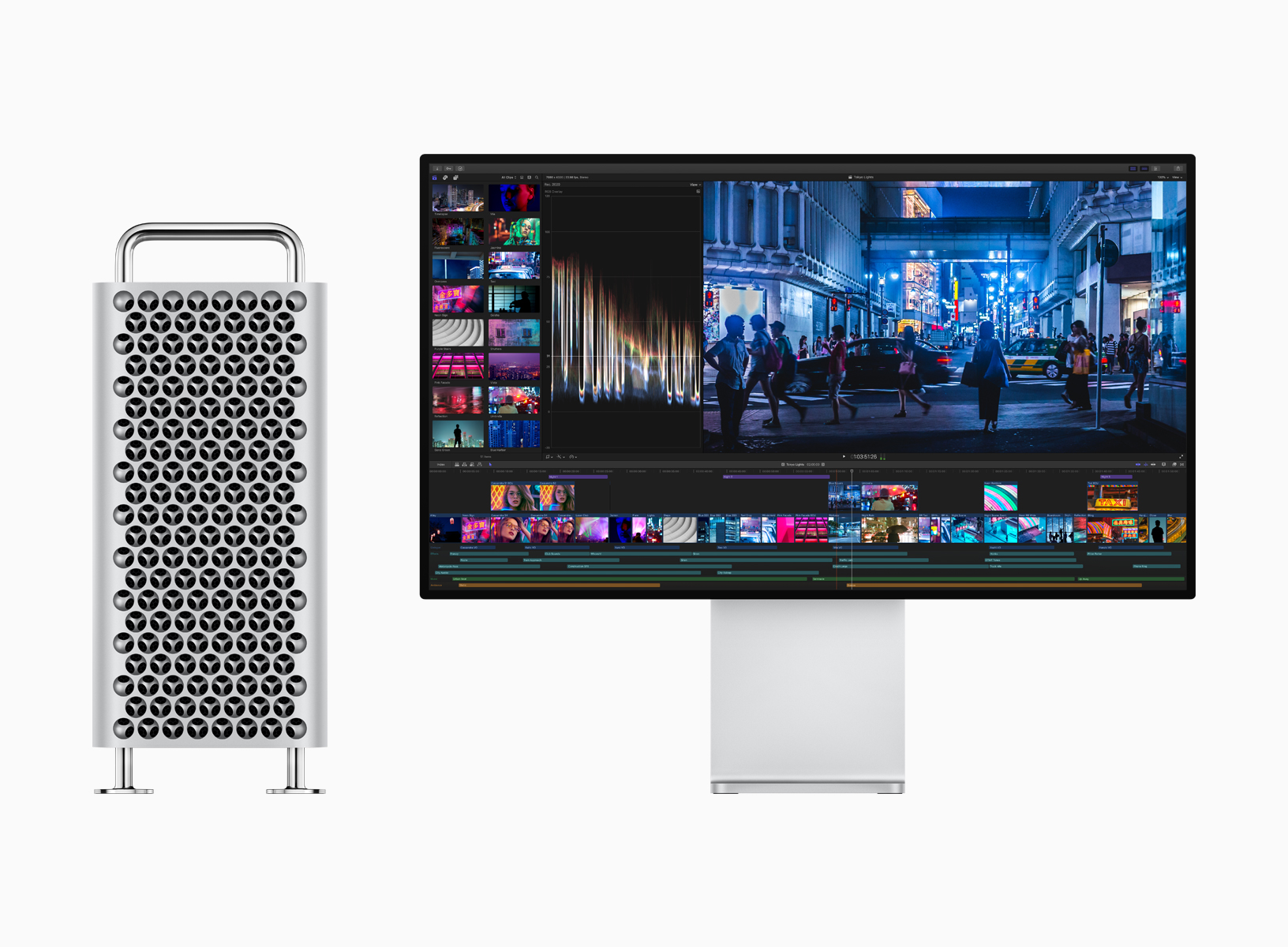
First revealed at WWDC this past June, Apple has begun taking pre-orders for its next-generation Mac Pro and 32-inch Pro Display XDR with in-store availability and shipping beginning in 1-2 weeks.
The new Mac Pro’s specs are a huge step up from the previous cylindrical model. As we reported from WWDC in June:
The system’s processor is an Intel Xeon W available in 8, 12, 16, 24, and 28-core configurations powered by a 1.4 kilowatt power supply. The processors also feature large L2 and shared L3 caches and 64 PCI Express lanes. The 8, 12, and 16-core models support 32, 48, 96, 192, 384, and 758GB memory configurations, with the 24 and 28-core models also supporting 1.5TB of memory using a six-channel architecture and 12 easily accessible DIMM slots. There are also a total of eight PCI expansion slots, four of which are double-wide, three of which are single-wide, and one of which is a half-wide slot preconfigured with Apple’s I/O card. The Mac Pro also supports up to 4TB of SSD storage and features Apple’s T2 chip.
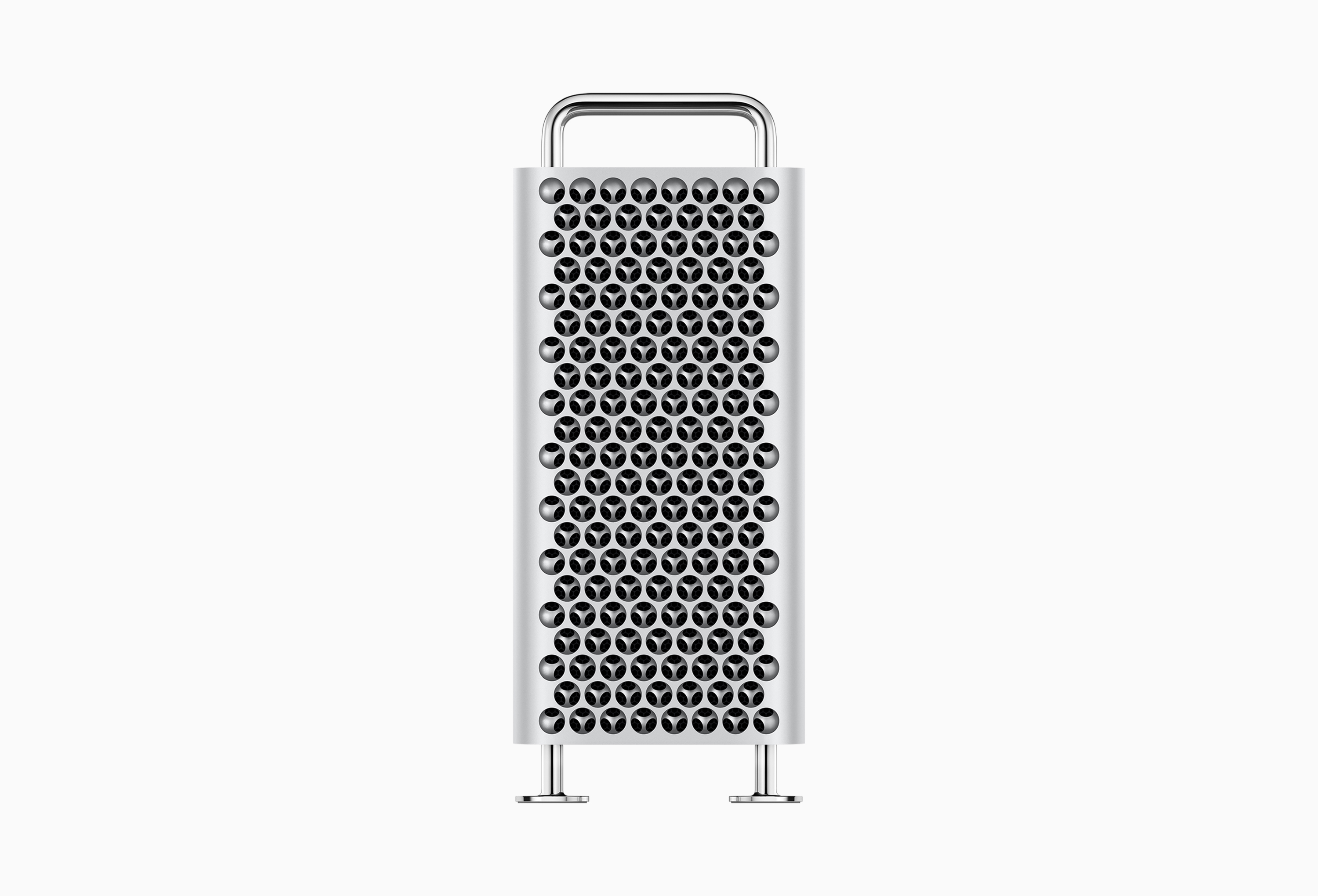
The graphics options are similarly impressive:
The system supports two MPX Modules with a total of up to 4 GPUs. Configurations include a single AMD Radeon Pro 580X, single AMD Radeon Pro Vega II, or AMD Radeon Pro Vega II Duo, which features two GPUs. Two MPX Modules with AMD Radeon Pro Vega II Duos provide 56 teraflops of compute power and 128GB of high-bandwidth memory, for handling the most demanding video compositing and 3D rendering tasks, for example. The new Mac Pro also introduces Apple Afterburner, a hardware accelerator card that can process up to 6.3 billion pixels per second, which allows up to 3 streams of 8K ProRes RAW, 12 streams of 4K ProRes RAW, or 16 streams of 4K ProRes 422 video all at 30 frames per second.
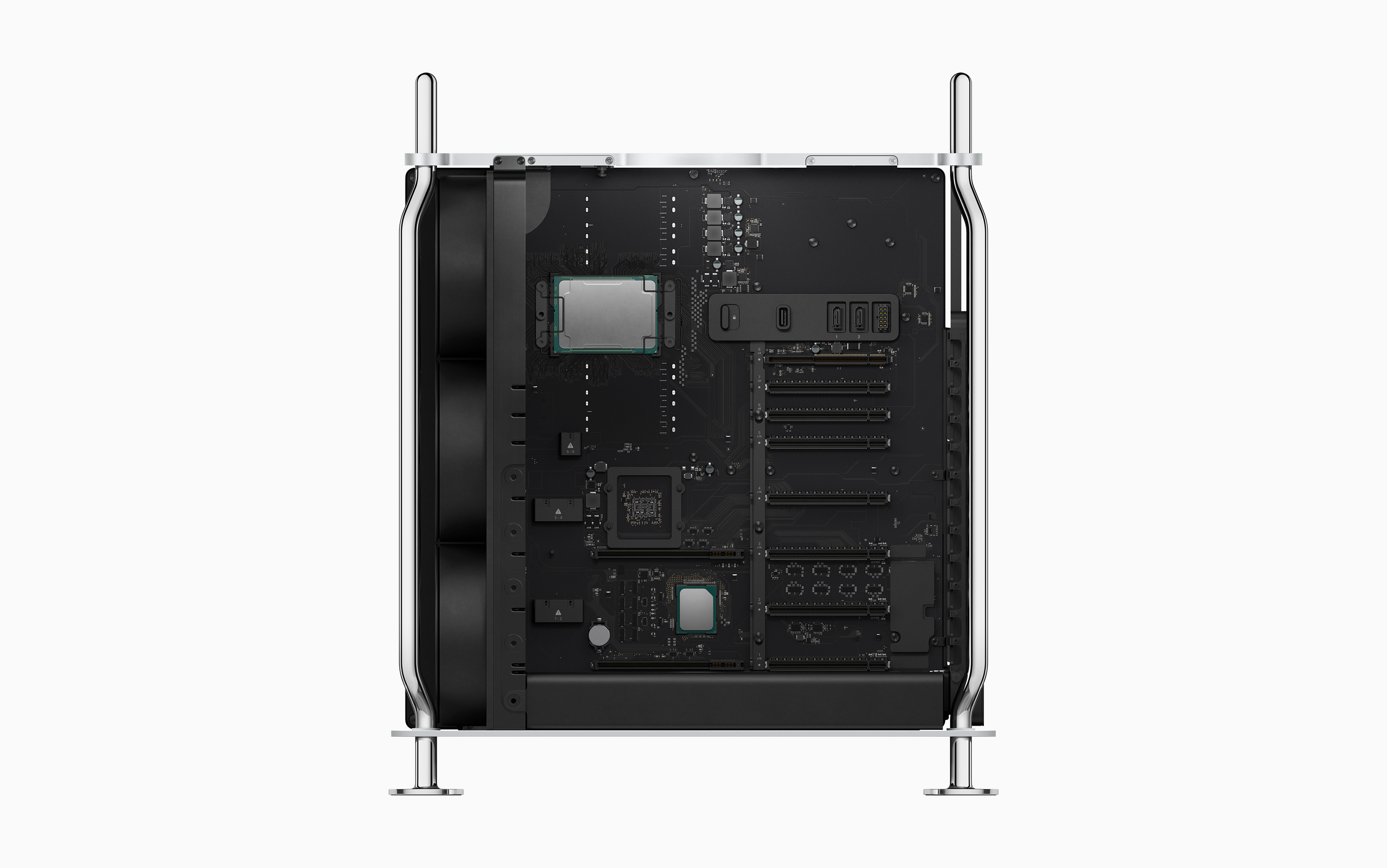
The new Mac Pro, which starts at $5,999 and can be configured well into five figures, is available for immediate pre-order on apple.com with in-store availability and shipping beginning in 1.2 weeks. In total, there are two base configurations – tower and rack mounted versions – each of which can be further customized on Apple’s website. Apple’s website also revealed that the optional Mac Pro wheels will cost $400.
As you would expect from a pro-level desktop Mac, there are numerous options for processors, system memory, storage, graphics, and more. Equipped with the most expensive of every hardware option, you can spend over $50,000 on a Mac Pro, which is a very large sum, but one that professionals in industries like film and music will likely be willing to pay to eliminate bottlenecks in their production workflows.
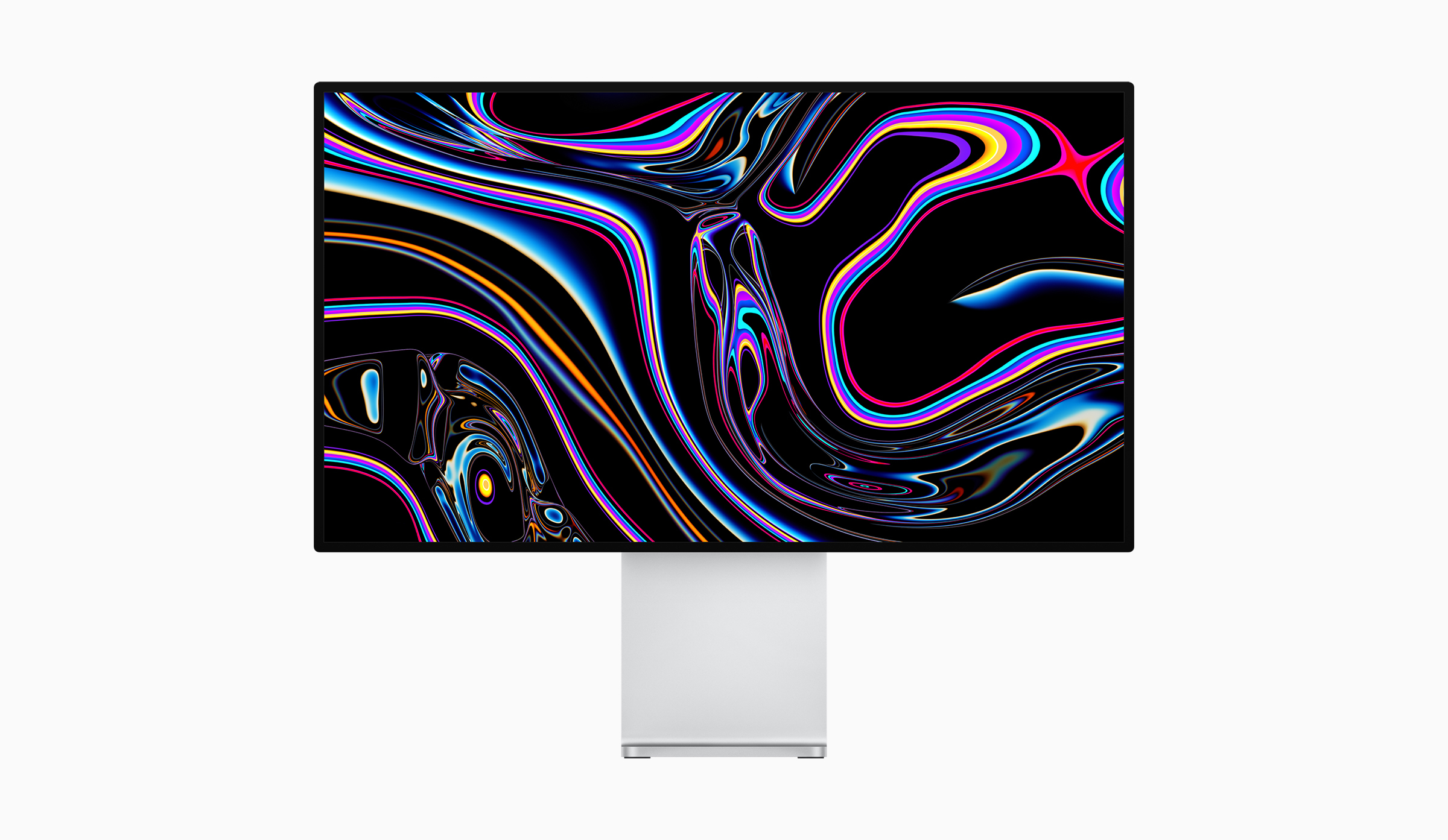
Apple has also announced availability of the Pro Display XDR, which was shown off alongside the Mac Pro at WWDC.
The new display is 32 inches diagonally with over 20 million pixels, P3 wide color gamut, and 10-bit color, which Apple says results in over 1 billion colors. The display can sustain 1,000 nits of brightness with 1,600 nit peaks and features a 1 million to 1 contrast ratio. The company also offers an optional matte finish that etches the screen’s glass at a nanometer scale, which adds $1,000 to the price.
The Pro Display XDR is available for pre-order now starting at $4,999. A model with a nano-etched anti-glare finish model begins at $5,999. The display’s stand is sold separately for $999, as is the VESA adaptor, which is is $199.
The MacStories Selects Awards Are Just Around the Corner

Last year, we introduced readers to the MacStories Selects Awards, which honored our favorite apps of 2018 in various categories. The MacStories Selects Awards will be back again this year with awards in the following eight categories:
- App of the Year
- Best New App
- Best App Update
- Best New Feature
- Best Watch App
- Best Mac App
- Best Game
- Readers’ Choice Award
The response to last year’s awards from readers and developers was fantastic, so this year we’ve decided to expand the MacStories Selects with a few new categories and some surprises that we aren’t ready to reveal just yet.

Club MacStories members can find the link to vote for the Readers’ Choice Award in Issue 203 of MacStories Weekly.
One of the new categories that deserves a special mention, though, is the Readers’ Choice Award, which will be awarded to an app chosen by Club MacStories members. If you’re a Club member, please take the time to use the link in Issue 203 of MacStories Weekly that was sent to members last Friday, December 6th to vote for your favorite iOS or iPadOS app from a third-party developer. You can find Issue 203 in the MacStories Weekly Archives. We’ve had a tremendous response so far, but would love to have an even broader group of members participate.
Every year, we look at hundreds of terrific apps on all of Apple’s platforms, and MacStories Selects is our way to call out a handful of our absolute favorites. It’s the perfect way to cap off the year as the new one approaches. We look forward to sharing our selections and our Club members’ pick very soon.
Lightroom 5.1 Adds Direct SD Card Importing on iPad and iPhone, Plus New Export Options
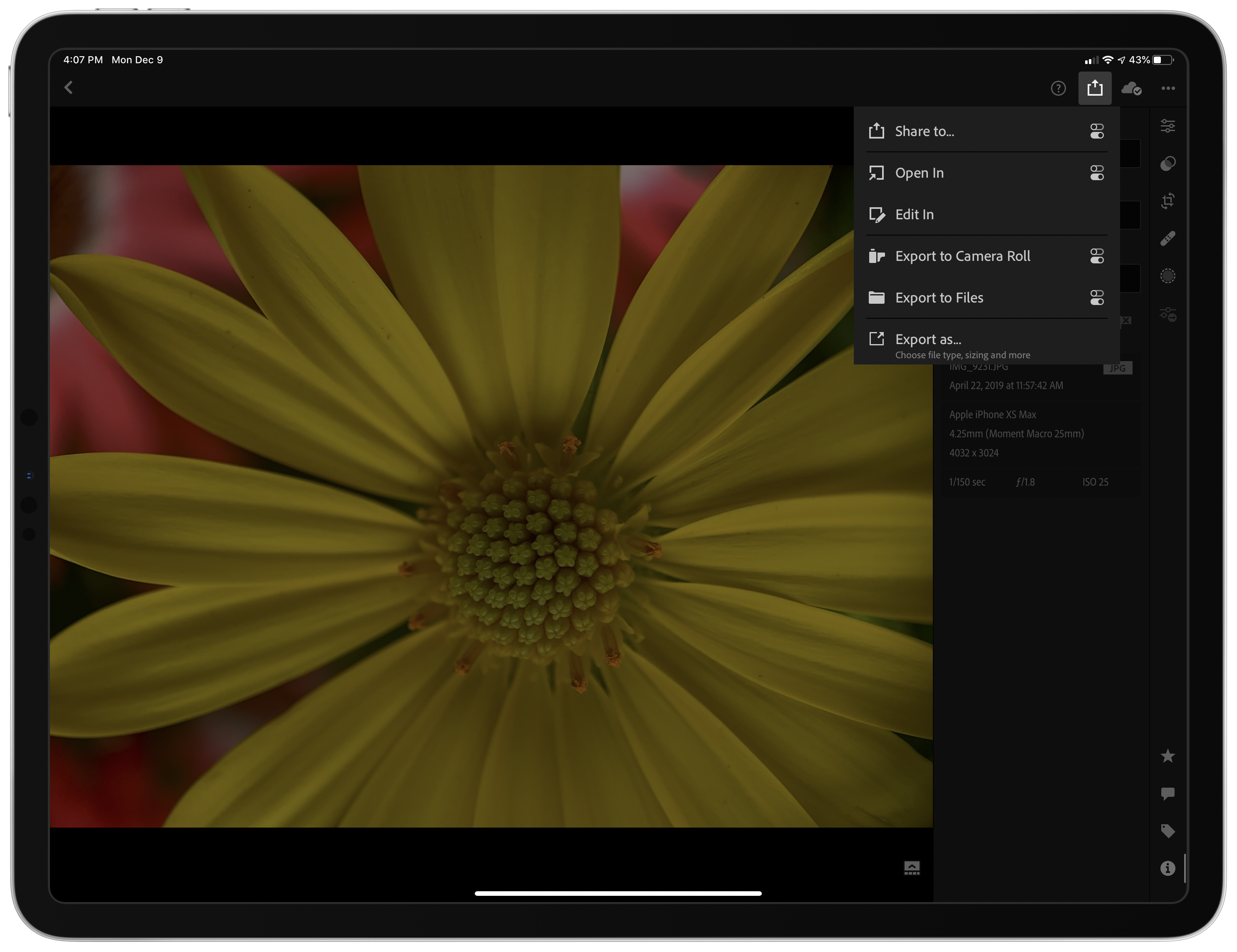
As promised this fall, Adobe has updated Lightroom for iPad and Lightroom Photo Editor for the iPhone with the ability to import image files from SD cards directly inside the app. The company has added new options when exporting your photos too. I’ve been using the beta of Lightroom 5.1 for the past couple of weeks, and the update has worked exceptionally well, reducing the friction of getting images into the app and adding flexibility to getting them back out again.
AppStories, Episode 142 – Our 2020 App Wishes→
This week, we share our 2020 wishes for Apple’s system apps on iOS and the Mac.
Sponsored by:
- Luna Display – Turn any Mac or iPad into a wireless second display.
- Linode – High-performance SSD Linux servers for all of your infrastructure needs. Get a $20 credit.
- Kensington – The Professionals Choice. Find the right docking solutions for your organization today.
https://staging.macstories.net/podcasts/appstories/episodes/142/embed/







 Federico