This week, Federico and John are joined by developer Zac Cohan, the creator of Soulver, a combination notepad and calculator that reimagines how calculations are made on the Mac and iOS.
Read more
Earlier this week, Guilherme Rambo released a new Mac utility called NoiseBuddy that toggles between the noise cancellation and Transparency modes of AirPods Pro and the Beats Solo Pro headphones when they’re connected to a Mac. The app can place an icon in your Mac’s menu bar or on the Touch Bar and uses the same noise cancellation and Transparency iconography found in Control Center on iOS and iPadOS. The app’s settings allow you to run NoiseBuddy in the menu bar, on the Touch Bar, or in both places. To switch modes, simply click the icon in the menu bar or tap the Touch Bar button.
This isn’t Rambo’s first time working with Bluetooth headphones and the Mac. He also created AirBuddy, which we covered previously. AirBuddy is a Mac utility that displays the charge status of AirPods and Beats headphones that use Apple’s proprietary wireless chips. The app also allows users to connect those headphones to their Macs via Bluetooth with a single click.
NoiseBuddy is the kind of Mac utility that I love. It takes overly fiddly aspect of interacting with macOS and makes it dead simple. The free app is available from Rambo’s GitHub repo, where it can be downloaded as a ZIP archive and then dragged into your Applications folder.
As I wrote in my NABOKI review earlier this week, I flew to California and back last weekend for a short trip to visit family. I was bored during the flight, but my plane didn’t have WiFi, and I didn’t have much music or any video to watch on my iPhone. I did, however,...
It’s getting easier than ever to connect iOS devices to external storage. External drives are supported, but so are SMB servers, which provides an easy way to access folders on a Mac on your local network. The first step is to go to System Preferences on your Mac and turn on File Sharing, as...
Question: Is there a way to create a shortcut that opens two apps in a Split View in iPadOS or switches to an existing Split View pair of apps? (Corbb O’Connor, @Corbb)
You cannot create mulitiwindow or Split View pairs from scratch using Shortcuts. However, if you have an existing multiwindowing or Split View...
Wandering Weather Wandering Weather is an app that serves a very specific purpose: telling you the ideal time to leave for a trip according to weather considerations. Road trips can be a lot of fun, but when you run into hazardous weather on the way that changes. Yet sometimes, if you leave just a...
Travel is a big, messy app category that reminds me of games. It’s a vast expanse of mediocrity punctuated by gems that can be hard to find. The gems are there though, and there are lots of them. Tripsy Earlier this fall, Ryan reviewed Tripsy 2.0 on MacStories. The app is a trip...
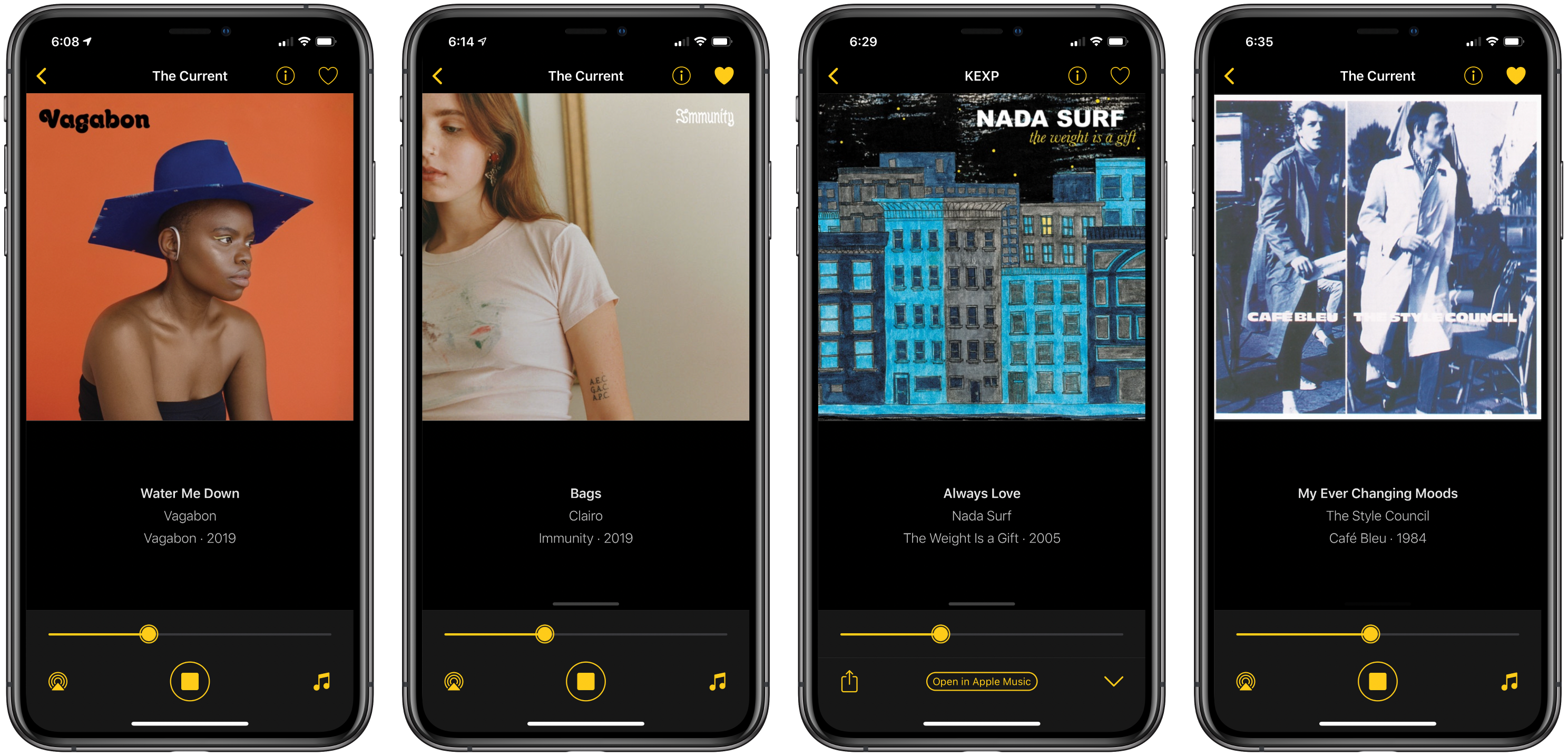
Triode is a new Internet radio app from The Iconfactory for iOS and iPadOS, the Mac, and Apple TV that fills a niche all but abandoned by Apple. Internet radio stations used to claim a more prominent place in iTunes, but in Apple’s new Music app, they have been mostly abandoned in favor of Apple’s own radio stations. A handful of third-party broadcast stations are available in Music, the HomePod can play many more stations, and you can open any station’s stream on a Mac if you know the URL, but that’s it. Triode fills the gap with support for iOS, iPadOS, the Mac, and tvOS, plus CarPlay via the app’s iOS app.
As someone who hasn’t listened to the radio in years, I was a little skeptical of the utility of an Internet radio app at first, but Triode immediately won me over. The app is beautifully-designed, as you’d expect from The Iconfactory, and easy to use. Coupled with Apple’s latest technologies and a set of 31 hand-picked stations, the combination makes for a compelling way to discover new music.
Read more
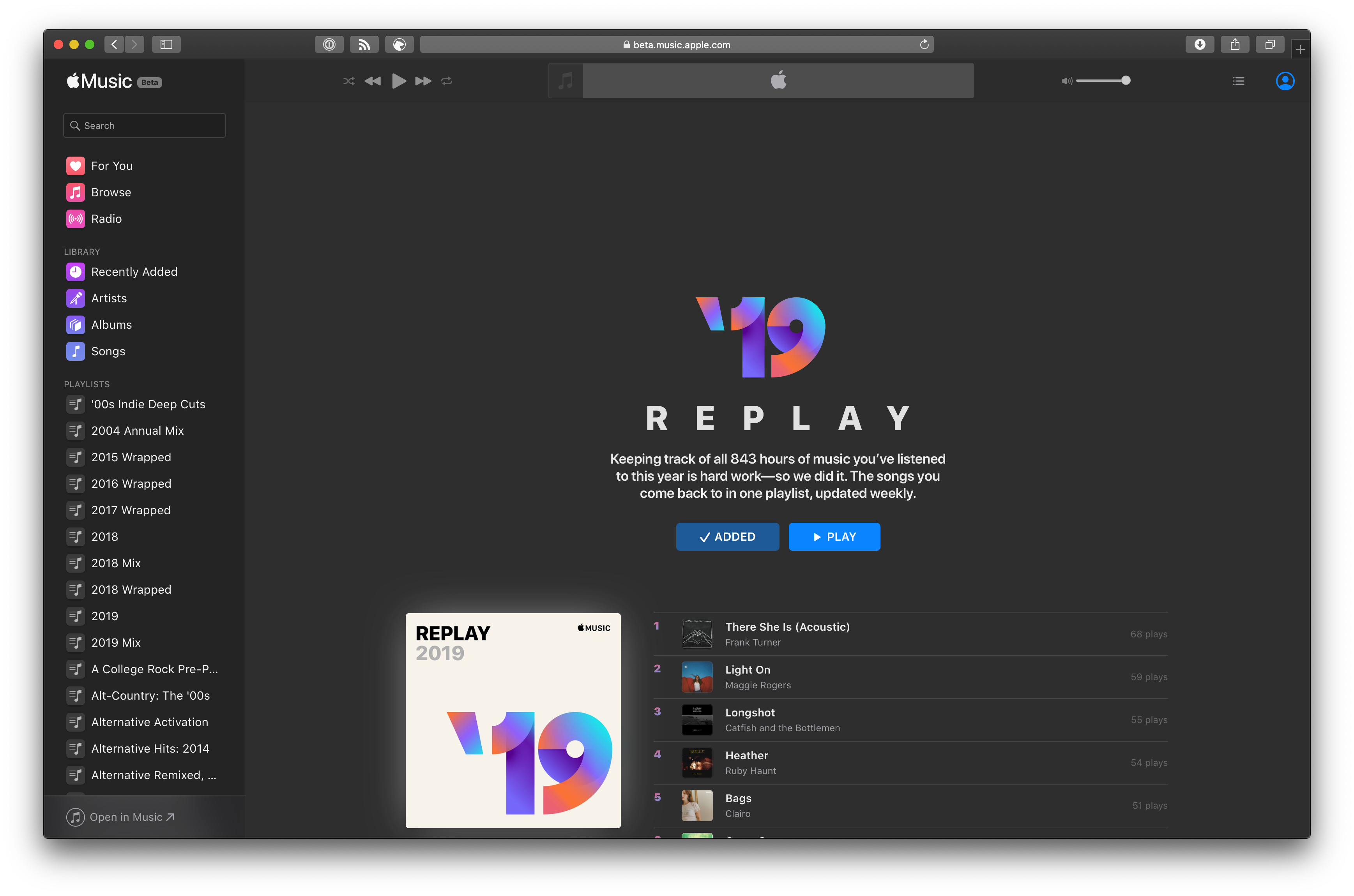
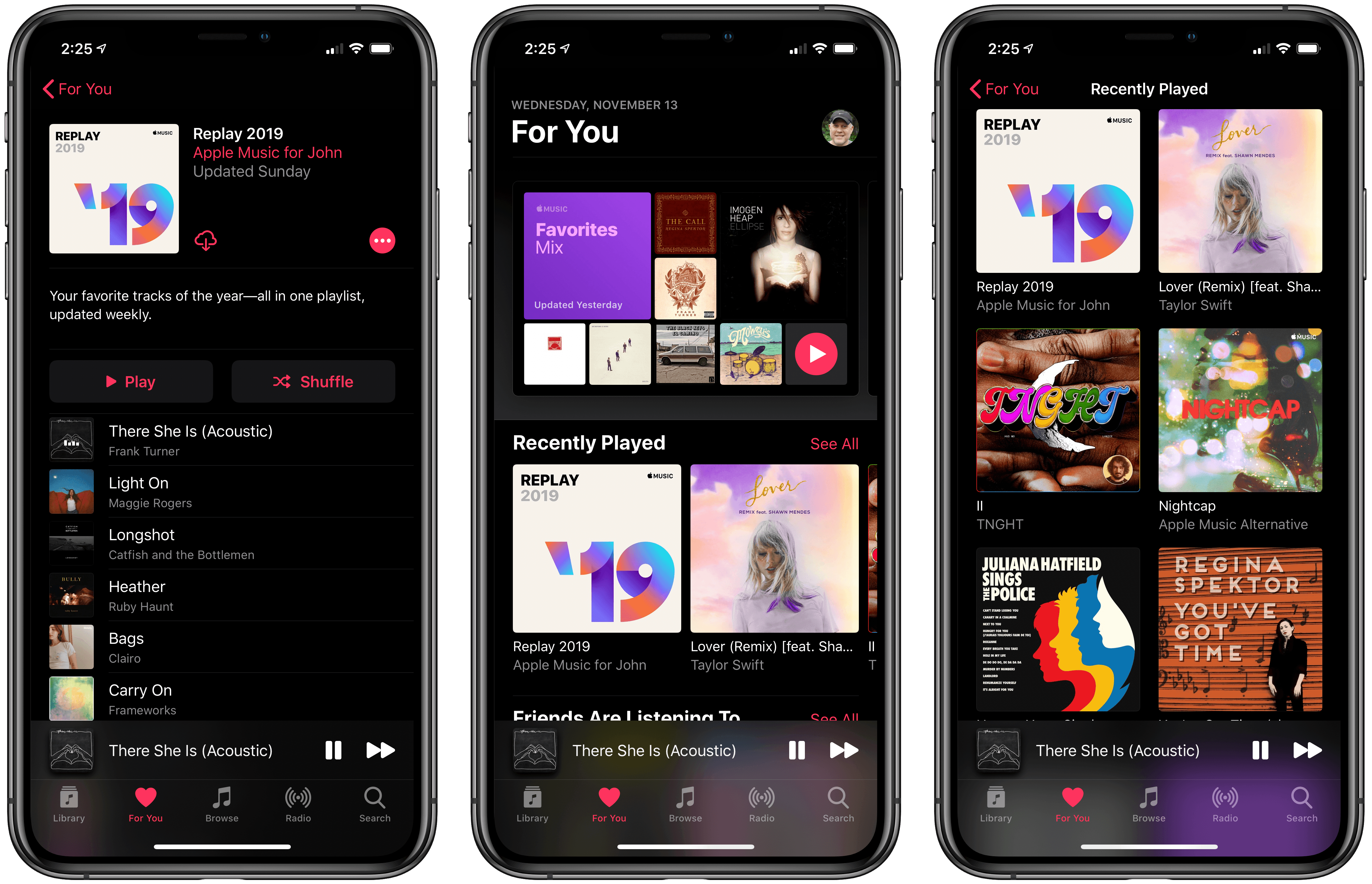
TechCrunch reports that Apple Music has added a new automatically-generated playlist called Replay that collects your top 100 songs for each year you’ve subscribed to the music streaming service. The concept is similar to Spotify’s year-end Wrapped playlist but differs in that it is updated every Sunday throughout the year.
According to Sarah Perez’s story on TechCrunch:
With Apple Music Replay, subscribers will get a playlist of their top songs from 2019, plus playlists for every year you’ve subscribed to Apple Music, retroactively. These can be added to your Apple Music Library, so you can stream them at any time, even when offline. Like any playlist, your Apple Music Replay can also be shared with others, allowing you to compare top songs with friends, for example, or post to social media.
If you don’t see your 2019 Replay playlist in Music, I was able to force it onto my devices by visiting replay.music.apple.com, adding my 2019 playlist, and then playing it. A couple of minute later it showed up in the Recently Played section of For You on iOS, though it seems to be taking longer to show up on my Mac.
I’ve always hoped Apple Music would do something like this, as has Federico who took matters into his own hands and created his Apple Music Wrapped Shortcut that you can find in the Music section of the MacStories Shortcuts Archive. I also appreciate that the playlist will be available throughout the year as a snapshot of my current favorite songs.




 Federico




 Ryan
Ryan