John is MacStories' Managing Editor, has been writing about Apple and apps since joining the team in 2015, and today, runs the site alongside Federico.
John also co-hosts four MacStories podcasts: AppStories, which covers the world of apps, MacStories Unwind, which explores the fun differences between American and Italian culture and recommends media to listeners, Ruminate, a show about the weird web and unusual snacks, and NPC: Next Portable Console, a show about the games we take with us.
Question: Can you recommend an app for merging, rearranging, deleting, and extracting the pages of a PDF document? I don’t need annotation, signature, or form support and the apps I’ve found either have more features than I need, which makes them very expensive, or require a subscription. (Jordy, @jordyvantoor)
Last March, I sat down with Eli Hodapp at Blue Bottle Coffee in San Francisco. We were in town for the annual Game Developers Conference (GDC). For me, it was strange to be back in the environs of the Moscone Center for something other than WWDC. I felt a little like a fish out of water, and I sensed Hodapp did too, though for a very different reason.
You see, Hodapp had just announced that he was leaving as Editor-in-Chief of TouchArcade, after a decade of helping build it into one of the premier websites that covers iOS games. As a reader, I was sorry to see him go, but I was also eager to chat with Hodapp because what brought us together was the buzz surrounding the reason he left: GameClub.
GDC San Francisco 2019.
Hodapp and I are both from the Chicago area, but we’d never met before GDC. What led me to contact him was a column he’d written for gameindustry.biz about preserving the legacy of iOS games that had disappeared from the App Store, a topic that we’ve covered manytimes on MacStories and elsewhere in the past.
In the gameindustry.biz story, Hodapp explained why he left TouchArcade:
I’ve been incredibly vocal about preserving our digital history over the years, and it’s distressing to think how many great, historically important (and simply fun!) games have been lost. That reality is my prime motivation in stepping down from TouchArcade: to raise awareness of this problem.
Hodapp had joined GameClub as its VP of Business Development shortly before GDC to help build the library of 70 classic iOS games that are launching with the service today.
Over coffee, Hodapp and I discussed the state of gaming on iOS, game preservation, and, of course, GameClub. It was still very early days, but Hodapp articulated a clear vision of how classic iOS games could be resurrected in an economically viable way. As we chatted, Hodapp outlined the very thing GameClub is launching today: a service designed to reintroduce dozens of games to a new generation of iOS gamers without ads, manipulative In-App Purchases, or other gimmicks. The business model hadn’t been locked down yet, but if all the business and technical hurdles could be cleared, a subscription service was likely.
Shortly thereafter, GameClub launched a beta program to test games that it had already updated to work on modern iOS hardware and software. I joined immediately. I enjoyed playing some old favorites throughout the summer, and watching as the ranks of GameClub’s beta testers grew on Discord.
As I checked in periodically over the summer, it was clear that something about GameClub had struck a chord. For some gamers, it was the fatigue built up over many years from the constant barrage of ads and In-App Purchases. For others, it was the delight and nostalgia of rediscovering the first games they’d played on iOS. Even in those early days, it was clear that GameClub had tapped into something special by releasing a steady stream of classics and building a community of people that cared about them.
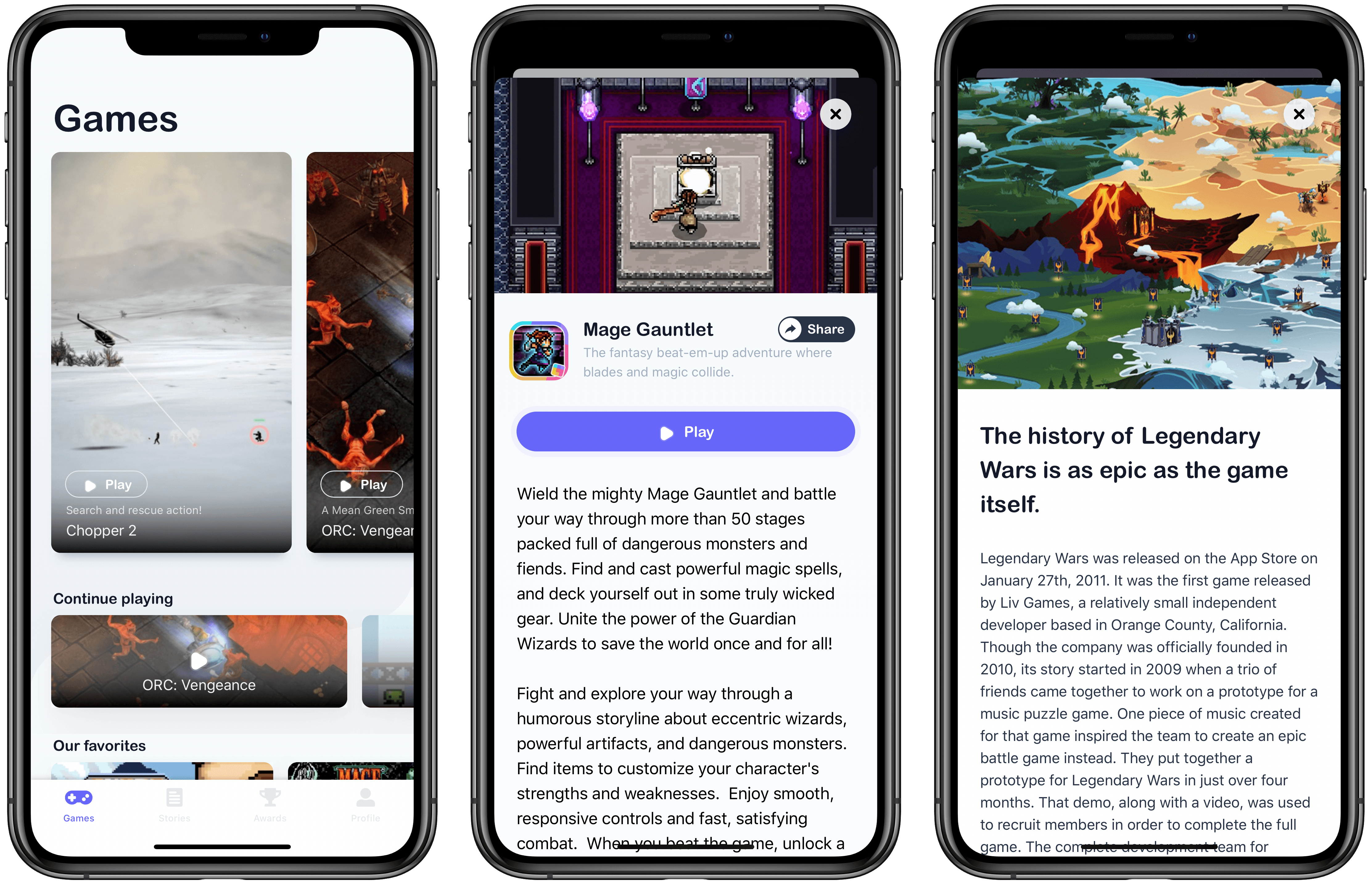
Now, after over seven months and many more beta-tested games, GameClub has launched, and I love it. Not only is the service brimming with many of my all-time favorite iOS games, but the GameClub app itself is a terrific way to discover new games and keep track of favorites. There’s a lot going on with GameClub, so let’s dig in.
This week, Federico and John interview James Thomson, the creator of PCalc and Dice, for a developer’s perspective on Mac Catalyst and go behind the scenes of Federico’s iPhone 11 Pro camera story, Eternal City, Modern Photography: The iPhone 11 Pro in Rome.
I recently rediscovered Living Earth when a Club member asked if I knew of any apps that can track the weather and time in multiple cities. There are a lot of apps that do one or the other, but far fewer that can do both. Fortunately, Living Earth not only gets the job done...
Question: What app would you recommend to pixelate part of an image when publishing or sharing the image publicly? Ideally an app that works on iPad with Pencil support. (Anonymous)
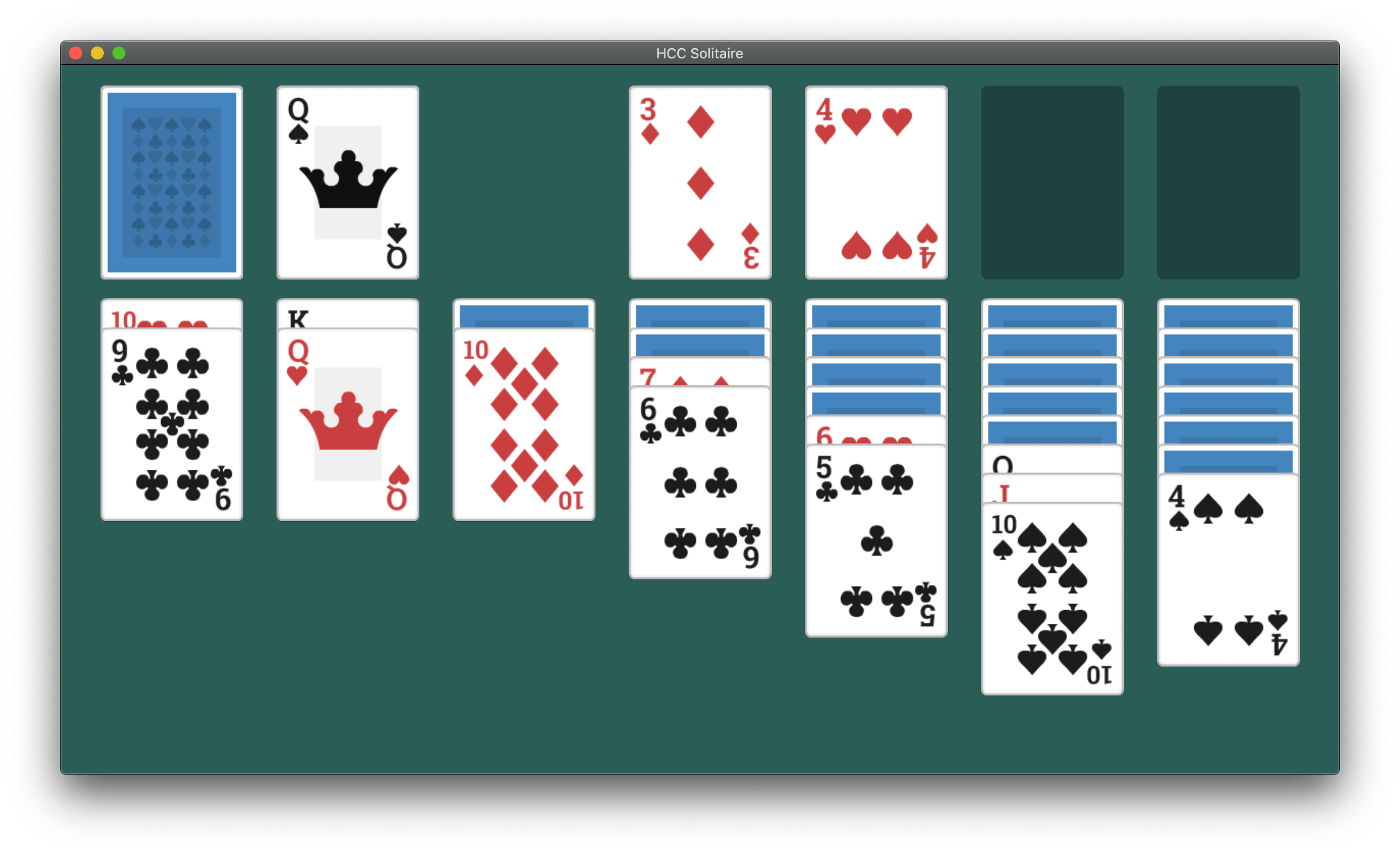
So far, the most common path to releasing a Mac Catalyst app on the Mac App Store has been to adapt and release an existing iPadOS app as a first-time Mac app. However, that’s not the only route to the Mac App Store. Apple allows developers to use Mac Catalyst in a variety of ways, as Steve Troughton-Smith has demonstrated with HCC Solitaire, a Mac-only game built using Mac Catalyst. He and Brian Mueller, the creator of CARROT Weather, have also used Mac Catalyst to release new versions of Mac apps that were previously built with AppKit.
As Troughton-Smith’s HCC Solitaire confirms, developers are not required to have an iPad app on the App Store to release an app on the Mac App Store using Mac Catalyst.
The game is an implementation of classic solitaire that’s just $0.99 and displays no ads. Perhaps most interesting from a developer standpoint, though, is that you won’t find HCC Solitaire if you search for an iOS or iPadOS version on the App Store. Troughton-Smith built the game using UIKit and the tools provided as part of Mac Catalyst without also creating an iPadOS version.
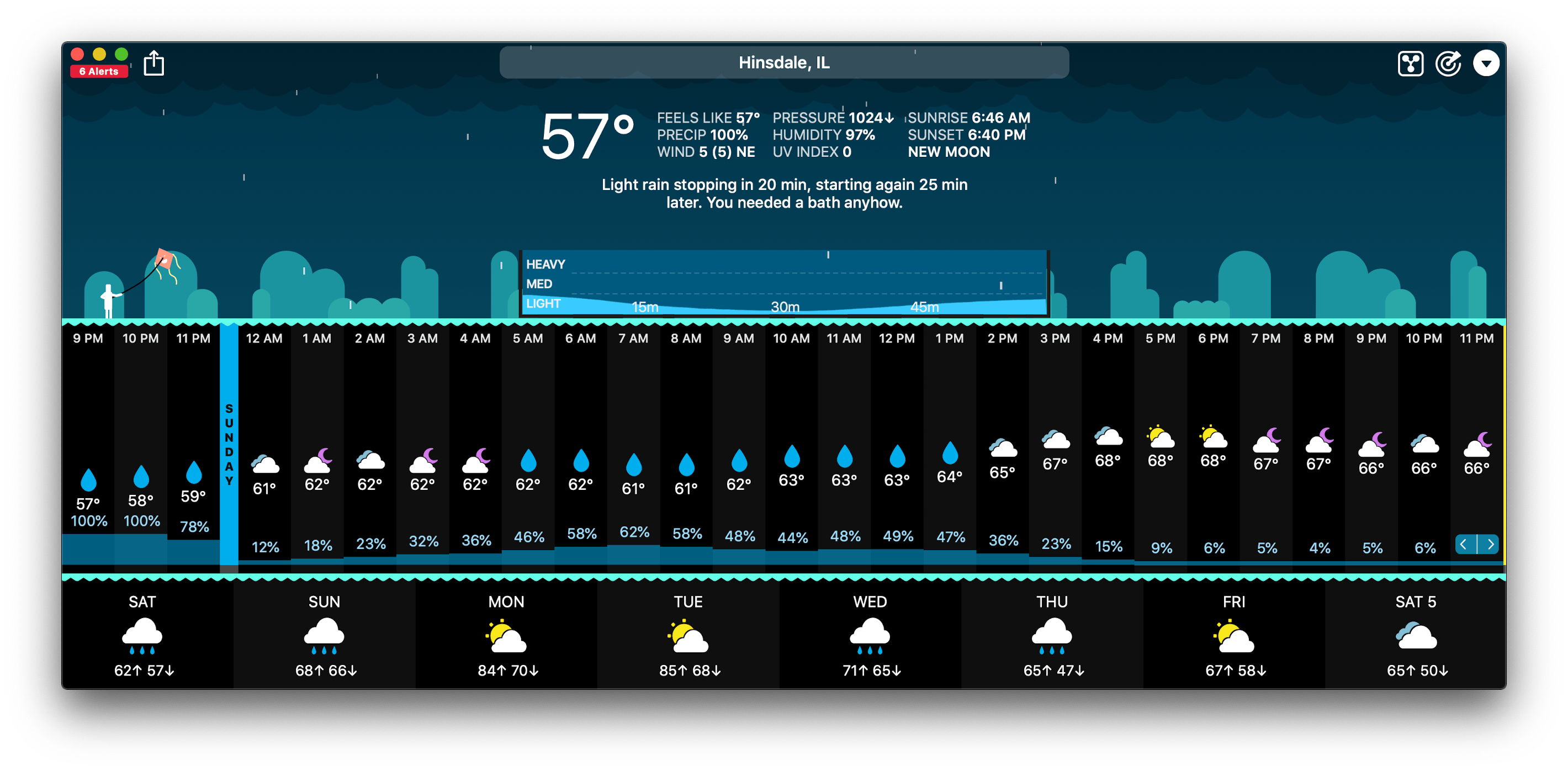
Brian Mueller’s CARROT Weather.
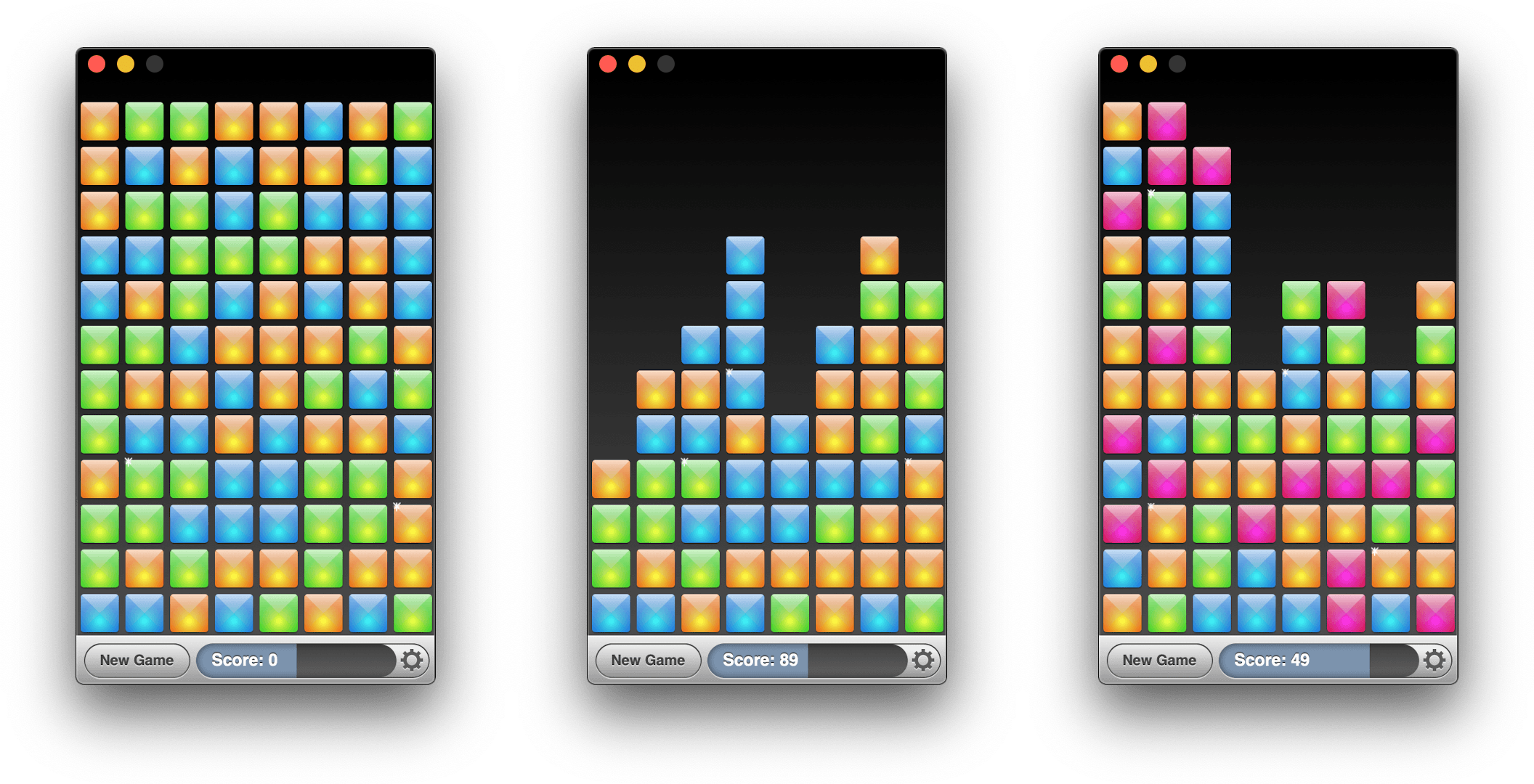
Mac Catalyst apps can also be swapped in for existing Mac apps. That’s what Brian Mueller did with CARROT Weather, which was launched the day macOS Catalina was released as version 4.13 of his existing AppKit app. Troughton-Smith took the same approach with SameGame, a color-matching game in which you earn points by eliminating contiguous blocks that are the same color, releasing version 2.2 shortly after Catalina’s release.
Steve Troughton-Smith’s SameGame.
I don’t expect either of these approaches to become the main way that Mac Catalyst apps are released, but I’m glad to see that it’s possible. Most developers will be bringing an iPadOS app to the Mac for the first time, but business models, developer backgrounds, the APIs used in an app, and many other variables play a role in the decision of whether to use Mac Catalyst. It’s encouraging to see Apple take a flexible approach and allow developers to experiment because that makes Mac Catalyst useful to more of them. However, as I noted in my Catalina review and elsewhere, that flexibility needs to be coupled with bug fixes, documentation, and rapid evolution of Mac Catalyst for it to become a viable option for a wider audience of developers.
I often find myself reaching for my iPhone or iPad to do something that can’t be done at all or as quickly on my Mac. If I’m already working at my desk in front of my Mac, though, that requires a context switch that slows me down and often leads to being distracted by something else. One of the areas where this happens most frequently is with specialized, single-purpose utilities that are plentiful on iOS and iPadOS, but often unavailable on the Mac.
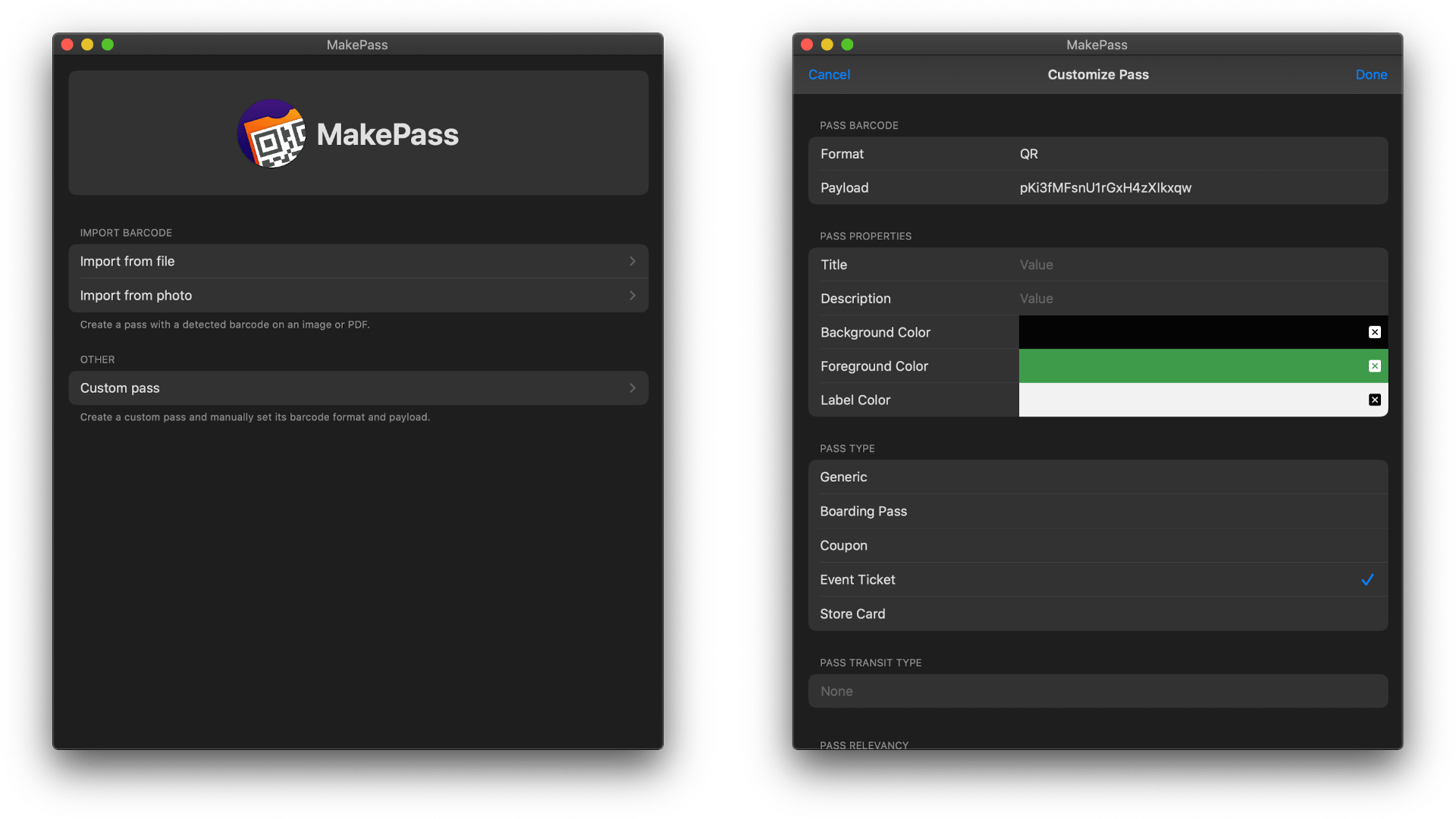
A terrific example that just debuted on the Mac as a Mac Catalyst app is MakePass, an app for generating Apple Wallet passes. Whether it’s a health club membership card, bus pass, grocery store loyalty card, or concert ticket, MakePass can turn them all into digital passes stored inside Apple’s Wallet app where they are organized and out of the way.
Several apps offer functionality similar to MakePass’ on the iOS and iPadOS App Store. However, my searches turned up none on the Mac App Store. That may be because Apple’s Wallet app is an iPhone-only app, but it’s handy to be able to make passes on your Mac too because that’s one of the places where codes come into your life.
Apple subsidiary Beats has announced a new version of the Beats Solo Pro noise cancelling headphones, which can be pre-ordered now and will begin shipping at the end of the month.
The new headphones, which retail for $299, feature Apple’s H1 chip that also powers the second-generation AirPods and Powerbeats Pro. The H1 chip enables hands-free ‘Hey Siri’ commands and the ability to share audio with someone using the Audio Sharing feature that Apple debuted with iOS and iPadOS 13. The headphones also have volume, track, and call controls on the right ear cup and a button for turning noise cancellation and their Transparency feature on and off on the left ear cup.
Unfolding and folding the Solo Pros turns them on and off.
The Beats Solo Pros feature active noise cancellation to filter out external sound and what Beats calls Transparency that uses external microphones to allow some sounds through, so users remain aware of their surroundings when using the headphones. According to Beats, the headphones, which are turned on and off by unfolding and folding them, get 22 hours of battery life with noise cancellation and Transparency turned on. If those features are turned off, the company says the battery life lasts 40 hours. The company also says that a ten-minute charge provides up to 3 hours of battery life. The Solo Pros charge with a USB-A to Lightning cable for the first time too.
The Solo Pros come in six colors: light blue, red, dark blue, ivory, black, and gray. Although The Verge and other sites report that the new headphones will begin shipping on October 30th in the US, apple.com currently lists the ship date as October 29th during the pre-order checkout process.












 Federico