John Voorhees

5429 posts on MacStories since November 2015

John is MacStories' Managing Editor, has been writing about Apple and apps since joining the team in 2015, and today, runs the site alongside Federico. John also co-hosts four MacStories podcasts: AppStories, which covers the world of apps, MacStories Unwind, which explores the fun differences between American and Italian culture and recommends media to listeners, Ruminate, a show about the weird web and unusual snacks, and NPC: Next Portable Console, a show about the games we take with us.

AppStories, Episode 134 – Mac Catalyst and the First Wave of Apps Built with It

On this week’s episode of AppStories, we discuss Mac Catalyst, the technology for bringing iPad apps to the Mac, and round up some of our favorite Mac Catalyst apps that have been released so far.

Sponsored by:

  • Kolide – User focused security for teams that Slack. Try it free for 30 days.
  • Direct Mail – Create and send great looking email newsletters with Direct Mail, an easy-to-use email marketing app designed exclusively for the Mac.
  • UpHabit: – The app that makes connecting with people you care about part of your routine. Try it for free or take advantage of 60% off for new subscribers

https://staging.macstories.net/podcasts/appstories/episodes/134/embed/

Permalink

Mac Catalyst and the First Wave of Apps Built with It

AppStories+ Deeper into the world of apps

AppStories Episode 134 - Mac Catalyst and the First Wave of Apps Built with It

0:00
40:47

AppStories+ Deeper into the world of apps

This week, Federico and John discuss Mac Catalyst, the technology for bringing iPad apps to the Mac, and round up some of their favorite Mac Catalyst apps that have been released so far.

Read more


Agenda: Date-Focused Note Taking [Sponsor]

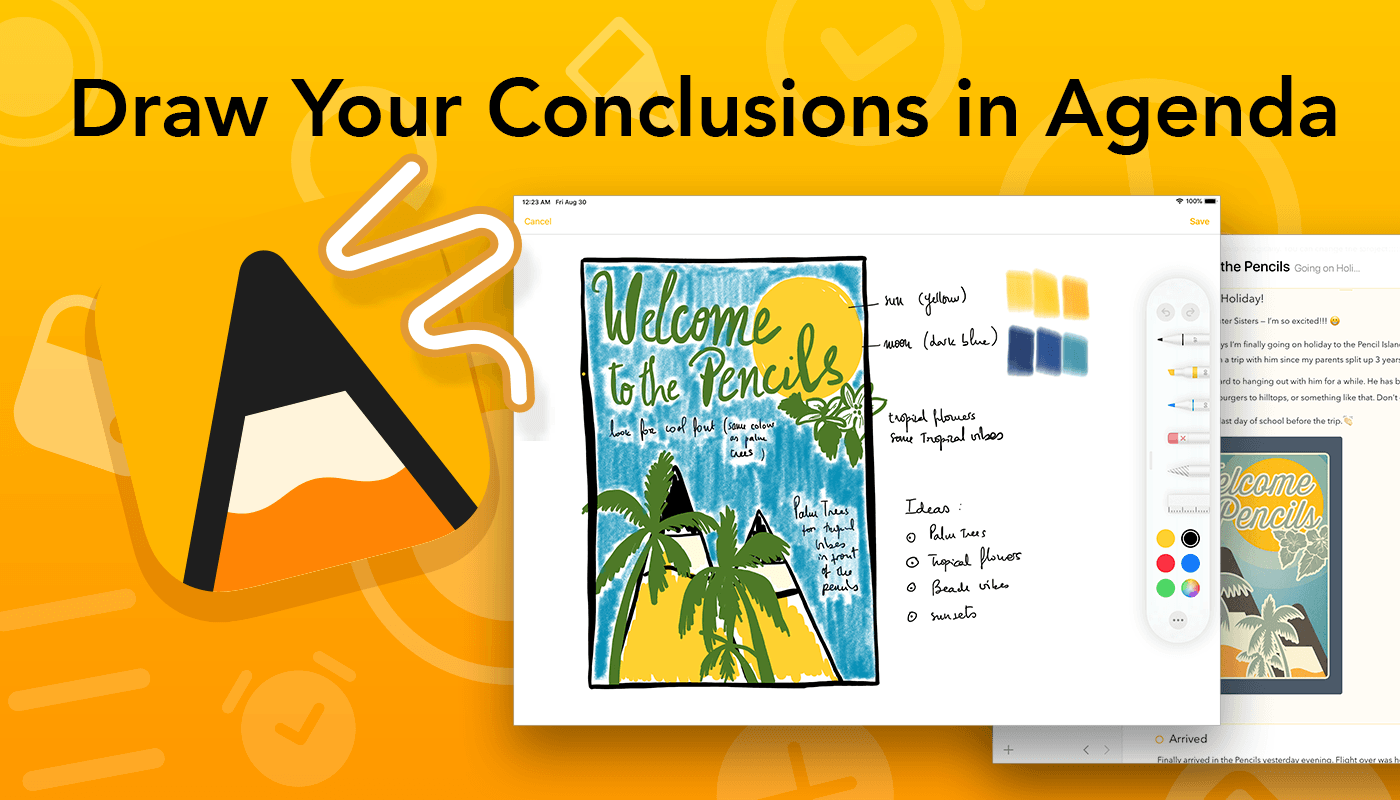
Agenda is the award-winning note-taking app for iOS, iPadOS, and the Mac with a focus on dates. Our lives are full of notes and dates, and it only makes sense to bring order to the chaos by integrating the two. Agenda, the winner of an Apple Design Award, does precisely that, ensuring that your notes are always at your fingertips when and where you need them most.

By tightly integrating your calendar and notes, Agenda becomes something more than either can offer on their own. By tying those notes you’ve been taking in advance of your next meeting to the event on your calendar, they are right there when you need them. You can use Agenda to track your team’s progress as you work on hitting milestones for a big project too. The app is also terrific for keeping a daily journal or simply expanding your to-do list with relevant reference material and notes to help keep you on track.

You can create and edit events without ever leaving Agenda too. Rather than competing with your calendar, Agenda complements it, working perfectly together.

Agenda is continually updated with the latest features for every platform. For instance, with the release of iPadOS 13, you can now use the Apple Pencil to handwrite notes or add sketches to your notes. Of course, Agenda also supports dark mode on every platform, Shortcuts, and is tightly integrated with Apple’s new Reminders app. You can even scan documents to create PDF attachments to notes on iOS and iPadOS.

Agenda is free to download and use forever. Premium features are available with an In-App Purchase that unlocks all current premium features and new ones introduced over the following 12 months.

To learn more, visit Agenda’s website, or just download Agenda now for free on the Mac App Store and on iOS and iPadOS.

Our thanks to Agenda for sponsoring MacStories this week.


The Important Role Design Plays in Building a Mac Catalyst App

There’s more to migrating an iPad app to the Mac than simply checking a box in Xcode. Although developers need to resort to AppKit APIs used to build Mac apps for some functionality, thoughtful design that respects the interaction model of the Mac is a significant part of the process too.

Vidit Bhargava is the designer behind the dictionary app LookUp and the cofounder of Squircle Apps. Bhargava, who we interviewed in the most recent issue of MacStories Weekly for Club MacStories, has written an in-depth look at how much of the process of bringing LookUp’s iPad app to the Mac was about design. As he explains:

I’m sharing this design document to highlight some of the design considerations I made for bringing LookUp’s iOS App to macOS. And while I did use fall backs to AppKit in certain situations (Even though I had no prior knowledge to AppKit, the APIs were relatively easy to get to), I still feel that a lot of apps can design a good experience without having to use them.

We’ve covered the iOS and iPadOS version of LookUp before and love it. On the Mac, there are dozens of little touches implemented throughout the app that make LookUp one of the best examples of an excellent Mac Catalyst app. What I find most fascinating is how familiar but also unmistakably Mac-like LookUp’s Mac design is, which is why it was one of a handful of apps that I spotlighted in my macOS Catalina review.

Bhargava’s full post is worth a read because it’s fully-illustrated with examples of the differences between the iPad and Mac designs, early prototypes, and the evolution of the app’s design.

Permalink

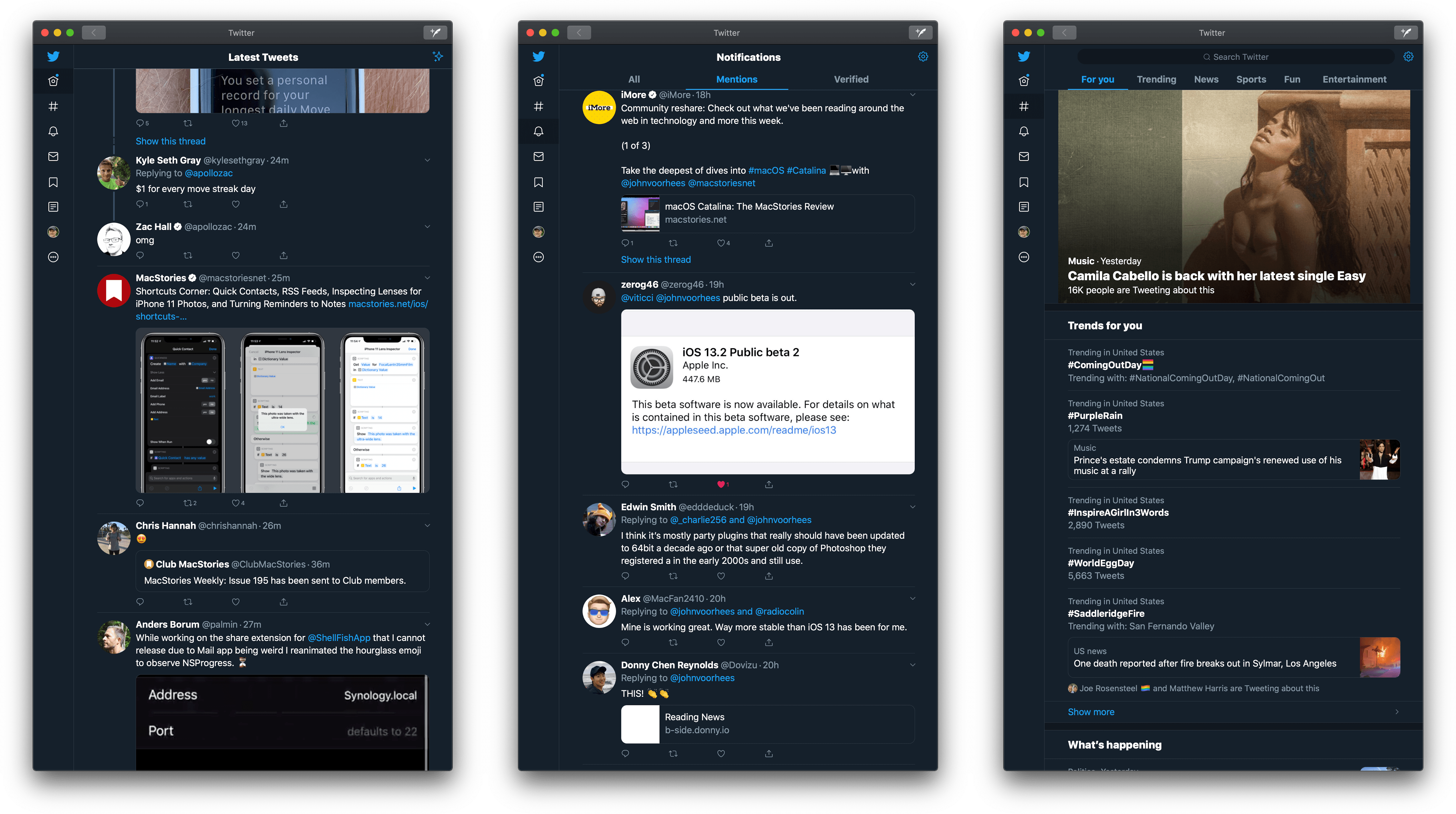
Despite Some Rough Edges, Twitter’s Mac Catalyst App Provides an iPad-like Experience That’s Better Than the Company’s Web App

Twitter is back on the Mac with an all-new Catalyst app. Twitter abandoned its Mac app early last year with a late Friday tweet:

https://twitter.com/TwitterSupport/status/964635740444360704

Given the lack of support for the app leading up to that point, Twitter’s actions weren’t surprising. However, that left Mac users with only Twitter’s web app or third-party apps until yesterday, when the company released a Mac Catalyst version of their iPad app.

Twitter’s iPad app isn’t known for a strong design:

Four years have passed since Federico tweeted that and Twitter’s iPad client hasn’t gotten much better, which left me skeptical about what a Mac Catalyst version of Twitter’s app would look like. However, I’ve been pleasantly surprised by how well the port works on the Mac despite some rough edges.

Read more