John Voorhees

5429 posts on MacStories since November 2015

John is MacStories' Managing Editor, has been writing about Apple and apps since joining the team in 2015, and today, runs the site alongside Federico. John also co-hosts four MacStories podcasts: AppStories, which covers the world of apps, MacStories Unwind, which explores the fun differences between American and Italian culture and recommends media to listeners, Ruminate, a show about the weird web and unusual snacks, and NPC: Next Portable Console, a show about the games we take with us.

Apple Arcade: The Launch and Favorite Games

AppStories+ Deeper into the world of apps

AppStories Episode 132 - Apple Arcade: The Launch and Favorite Games

0:00
46:50

AppStories+ Deeper into the world of apps

This week, Federico and John cover the all-new MacStories Shortcuts Icons, a set of 300 custom icons for shortcuts that you can add to your Home screen and then revisit Apple Arcade in the wake of its public launch discussing some of their favorite games so far.

Read more


AppStories, Episode 131 – Shortcuts and Third-Party Apps

On this week’s episode of AppStories, we explore what the changes to Shortcuts mean to third-party apps, who’s using them, and what it all means to users.

Sponsored by:

  • Things is a best-in-class to-do app for iPad, iPhone, and Mac.
  • Linode – High-performance SSD Linux servers for all of your infrastructure needs. Get a $20 credit.
  • Moo – Custom business printing and design. Save up to 35% until September 25.

https://staging.macstories.net/podcasts/appstories/episodes/131/embed/

Permalink

Shortcuts and Third-Party Apps

AppStories+ Deeper into the world of apps

AppStories Episode 131 - Shortcuts and Third-Party Apps

0:00
43:54

AppStories+ Deeper into the world of apps

There are major changes to Shortcuts in iOS and iPadOS 13 and coming on September 24th with iOS and iPadOS 13.1. Federico and John explore what the changes mean to third-party apps, who’s using them, and what it means to users.

Read more


Daylite: Bye-Bye Busy, Hello Efficiency [Sponsor]

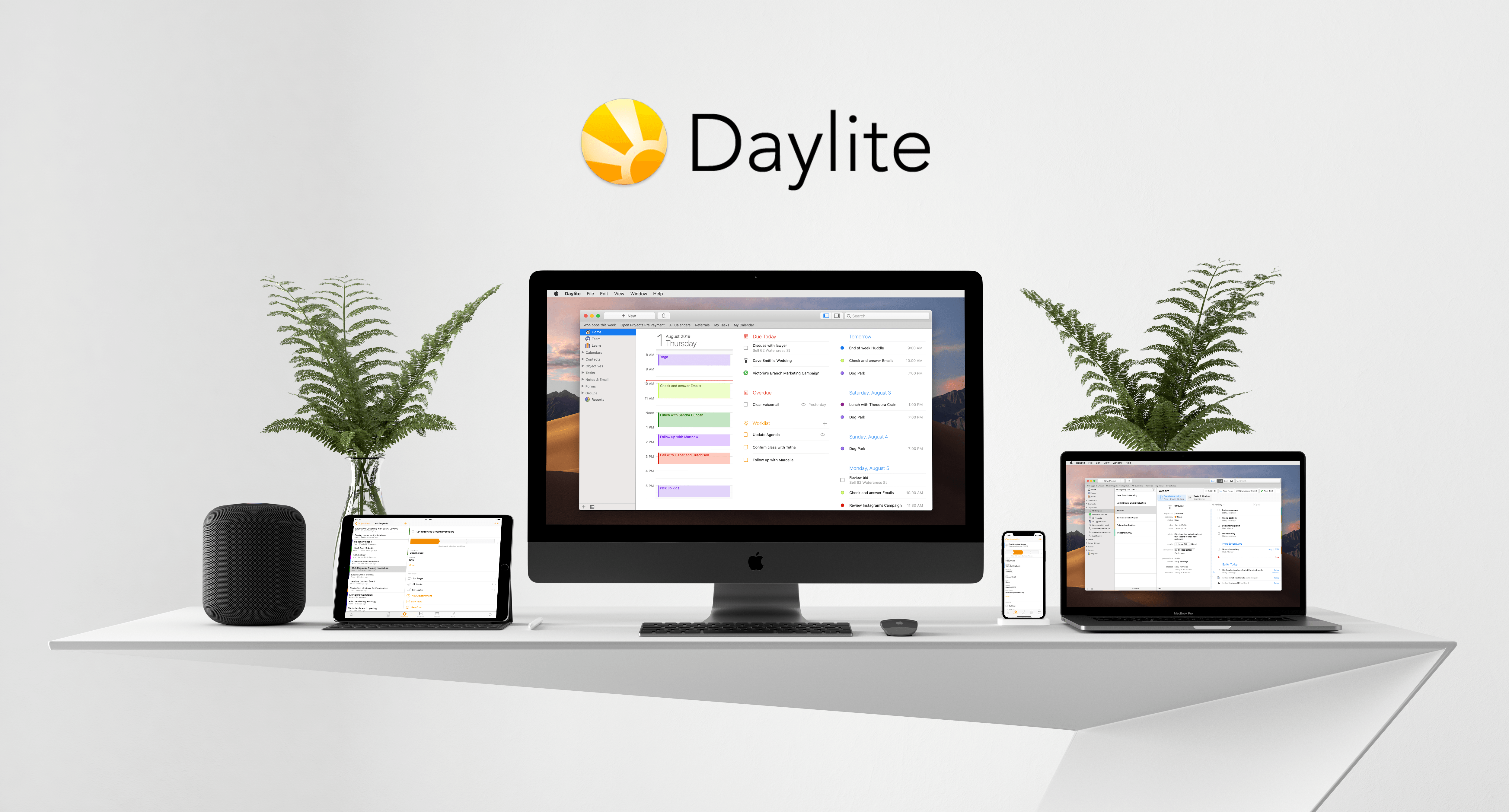
Looking for a way to keep everything in one place so you never miss a thing? It’s here! Built exclusively for Mac, iPhone, and iPad, say hello to organization and peace of mind with Daylite.

Capture every email, every meeting, and every call, all in the same place. Follow up when you say you will. Stay top of mind with your customers. Projects are so streamlined, you never worry about what’s next. Everything you need is just a click away.

Integrate with Apple Contacts, Apple Calendar, Apple Mail, and Reminders for a seamless Apple experience. Big fan of leveraging different apps to be more productive? Daylite and Zapier integration allows you to connect Daylite with 1500+ apps. Want to see a notification created in Daylite every time an action happens in another app? Automate it!

Easily organize contacts into lists for email campaigns and follow-ups. Keep a history of every interaction with a client. Track communications and next steps for client projects and always know what’s next.

New in Daylite: Always on the go? With the newly released Daylite Mail for iPhone and iPad, you can now process your email anywhere and make sure everything you need is in Daylite no matter where you are. Create tasks, follow-up reminders, and appointments without leaving your inbox – or your location!

You know how important efficiency and productivity is to your success. You know that when you’re in control, your potential is limitless. Sign up for a free 30-day Daylite trial now and become unstoppable!

Our thanks to Daylite for sponsoring MacStories this week.