John Voorhees

5429 posts on MacStories since November 2015

John is MacStories' Managing Editor, has been writing about Apple and apps since joining the team in 2015, and today, runs the site alongside Federico. John also co-hosts four MacStories podcasts: AppStories, which covers the world of apps, MacStories Unwind, which explores the fun differences between American and Italian culture and recommends media to listeners, Ruminate, a show about the weird web and unusual snacks, and NPC: Next Portable Console, a show about the games we take with us.

The Electrodes Used by Apple’s ECG Watch App Enable Faster, More Accurate Heart Rate Measurements

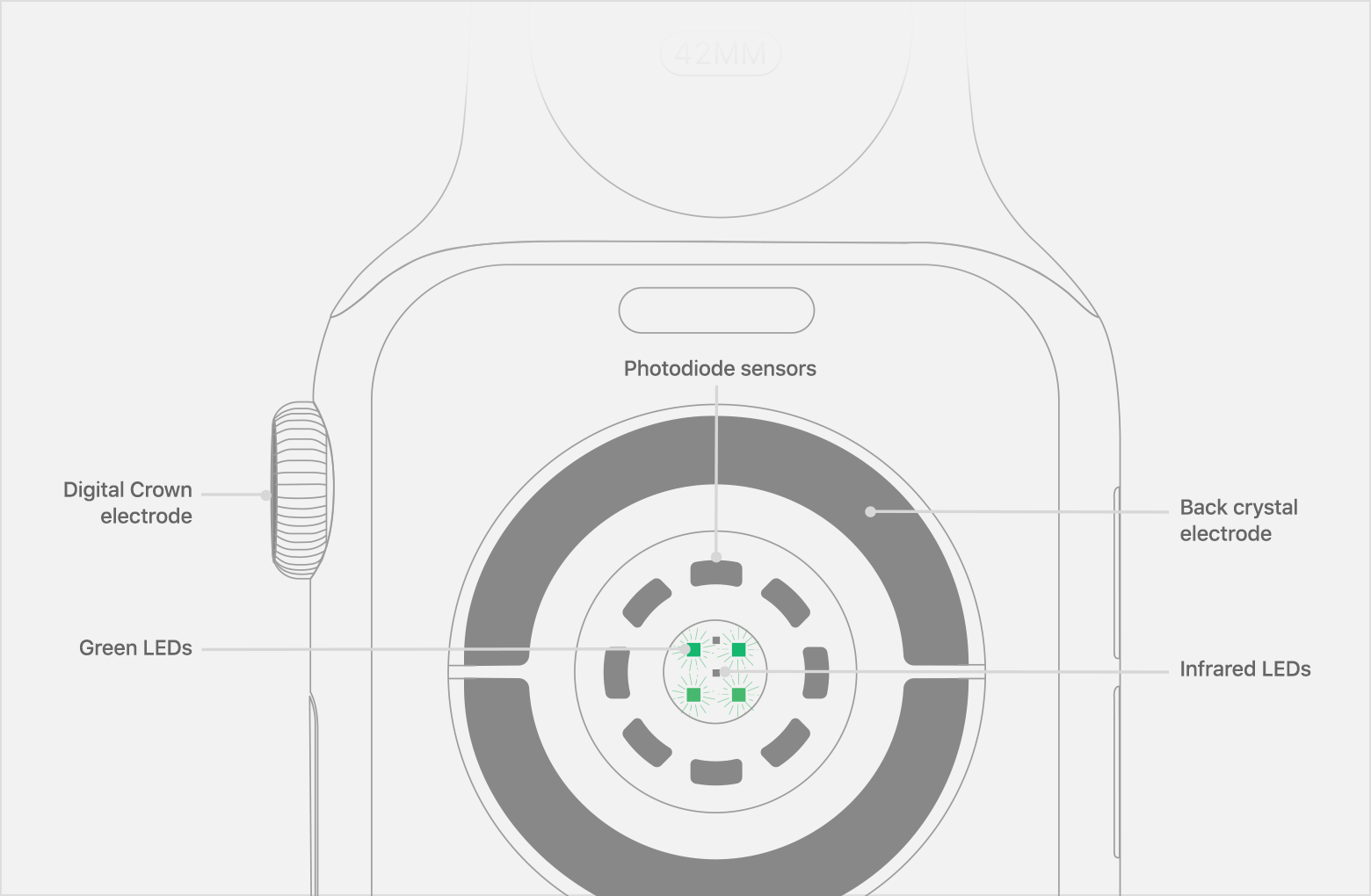
On 9to5Mac, Zac Hall breaks down how the new electrodes work in the Apple Watch Series 4 based on details published by Apple when it updated watchOS last week with the new ECG app. For now, the ECG app is only available in the US, but that doesn’t mean that others can’t benefit from the hardware that it uses. As Hall explains:

According to Apple, putting your finger on the Digital Crown to capture a heart rate reading also measures faster and with more accuracy as it updates every second versus every five seconds while the measurement is active.

That’s because placing your finger on the Digital Crown completes a circuit between your heart and arms that allows the Watch to record electrical impulses across your chest.

It will take time for the ECG app to gain the approval of regulators worldwide. However, in the meantime, it’s nice to know that the hardware that makes the ECG app possible is enhancing heart rate capture for everyone.

Permalink

AppStories, Episode 91 – Apps for Planning Projects Big and Small

On this week’s episode of AppStories, we explore the apps we use for planning everything from the upcoming year to the week ahead.

Sponsored by:

  • Affinity – super-fast, powerful, professional apps for modern creative people
  • Luna Display – The only hardware solution that turns your iPad into a wireless display for your Mac. Use promo code APPSTORIES at checkout for 10% off.

https://staging.macstories.net/podcasts/appstories/episodes/91/embed/

Permalink

Apps for Planning Projects Big and Small

AppStories+ Deeper into the world of apps

AppStories Episode 91 - Apps for Planning Projects Big and Small

0:00
39:59

AppStories+ Deeper into the world of apps

This week, Federico and John explore the apps they use for planning everything from the upcoming year to the week ahead.

Read more


Google Maps Debuts ‘For You’ Recommendations in 40 Countries on iOS

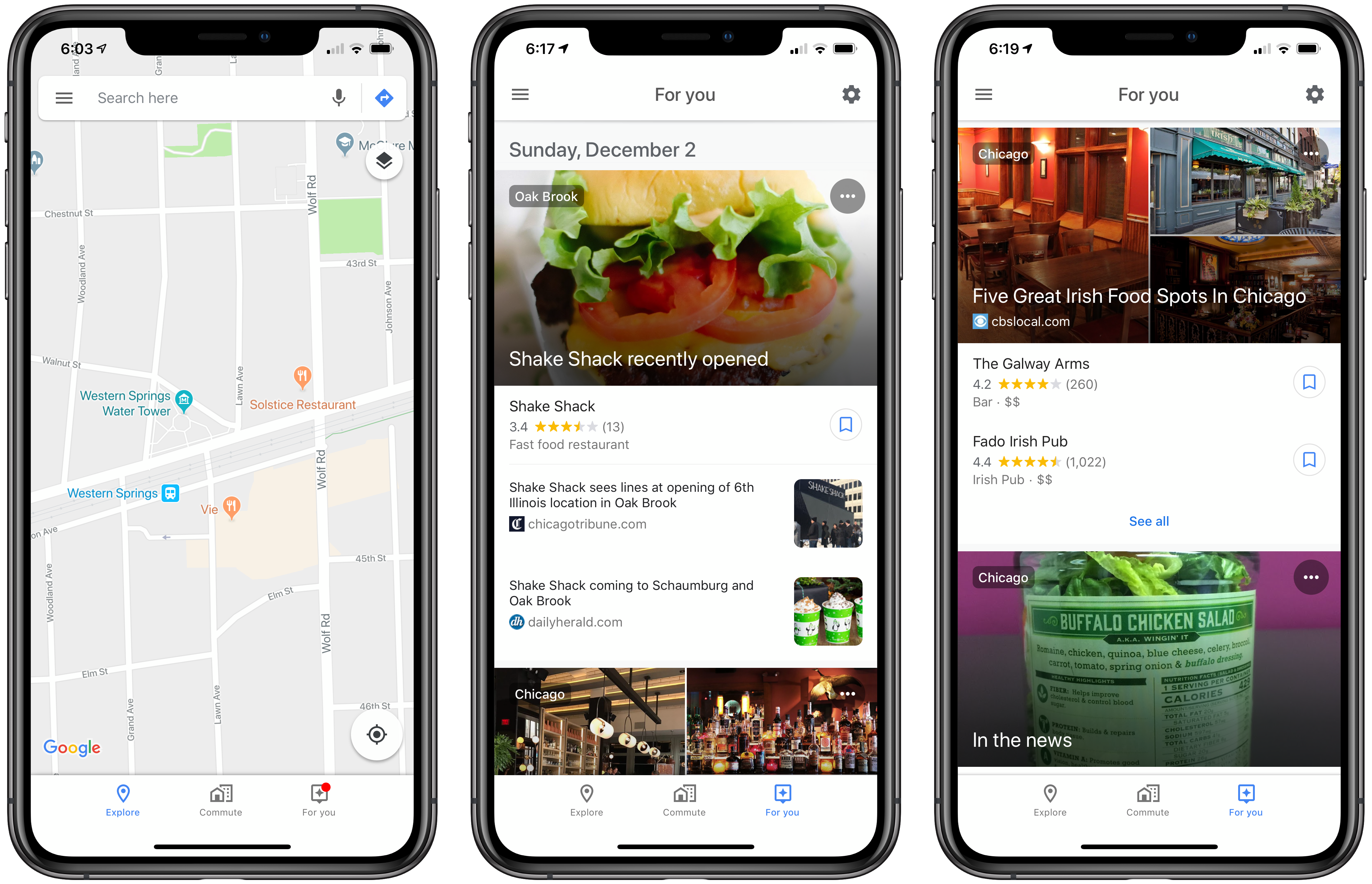
Previewed in May, Google has added a ‘For You’ tab to its Maps iOS app that is rolling out in stages today to users in 40 countries. The Android version of the feature is debuting in 130 countries.

‘For You,’ which appears as a tab on the far right of the app’s toolbar, is a way to follow a restaurant news feed for particular geographic areas. According to Google’s The Keyword blog:

Simply follow neighborhoods or places you’re interested in to get updates and recommendations—everything from recent news about an opening or pop up, a new menu item, and even restaurant suggestions based on what you’re likely to enjoy. If you’re making a trip this holiday season, the For You can help you get a jump start on travel planning even before you take off.

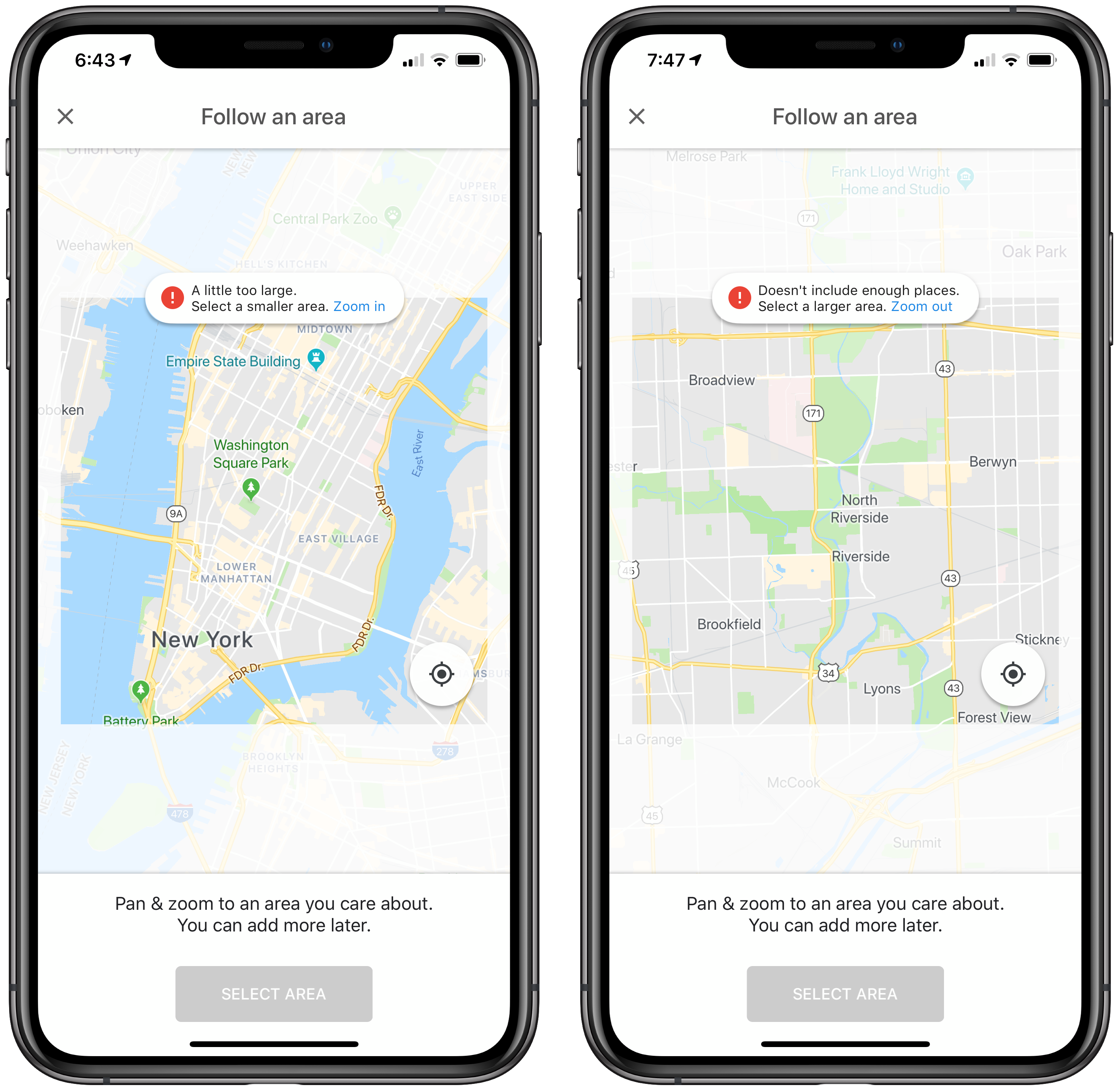
The For You tab includes its own settings that suggest additional areas to follow based on your location history. You can also add regions manually by panning and zooming the map to show the location in which you are interested. Surprisingly, there is no search bar for finding areas to follow.

If the area you pick doesn’t include enough places to track, the app prompts you to zoom out. That’s not an issue in densely populated cities, but in the suburbs where I live, I had to zoom out to roughly a 10x10-mile square that included several towns before I could save the area. Even then, I had to scroll back about a week before I found any local news. Likewise, if the area you pick is too large (for example, the entire New York metropolitan area), you’ll be prompted to zoom in to a smaller area.

The For You tab overlaps with the Explore tab’s listings of area restaurants but focuses on recent reviews and other news aggregated from third-party sources instead of business listings. If you see a place you want to try, there’s tap the bookmark icon next to it to add it to your ‘Want to go’ list, another list you’ve created, or your ‘Short List’ for sharing with others, just as you can from the Explore tab.

In my limited testing, my recommendations were dominated by Chicago. That’s not a surprise, but there were only four nearby entries since the beginning of November, which is a pretty weak showing for suburbs just 25 miles outside of Chicago. It’s worth noting too that the For You tab is limited to restaurants, which I didn’t expect. Not including events feels like a missed opportunity. Despite the overlap with the Explore tab and limited content available, For You should be useful the next time I’m looking for a new restaurant to try in Chicago or visiting an unfamiliar city.

The For You tab is being released in stages and will show up in Google Maps without the need to update the app in the App Store. If you don’t see the feature yet, force quitting Google Maps and reopening it can cause the new tab to appear.





Electrocardiogram App and Irregular Heart Rhythm Notifications Available Today

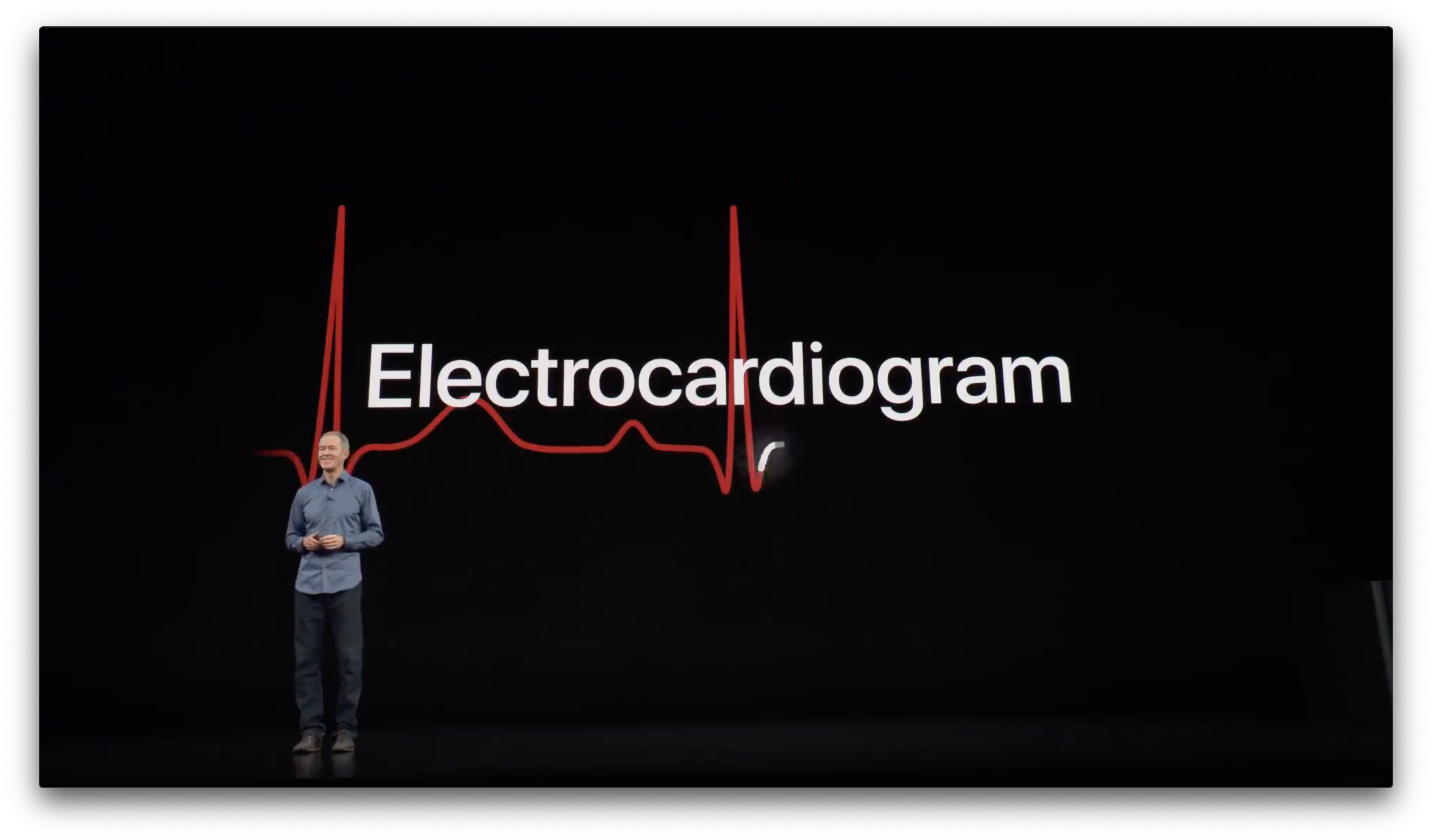
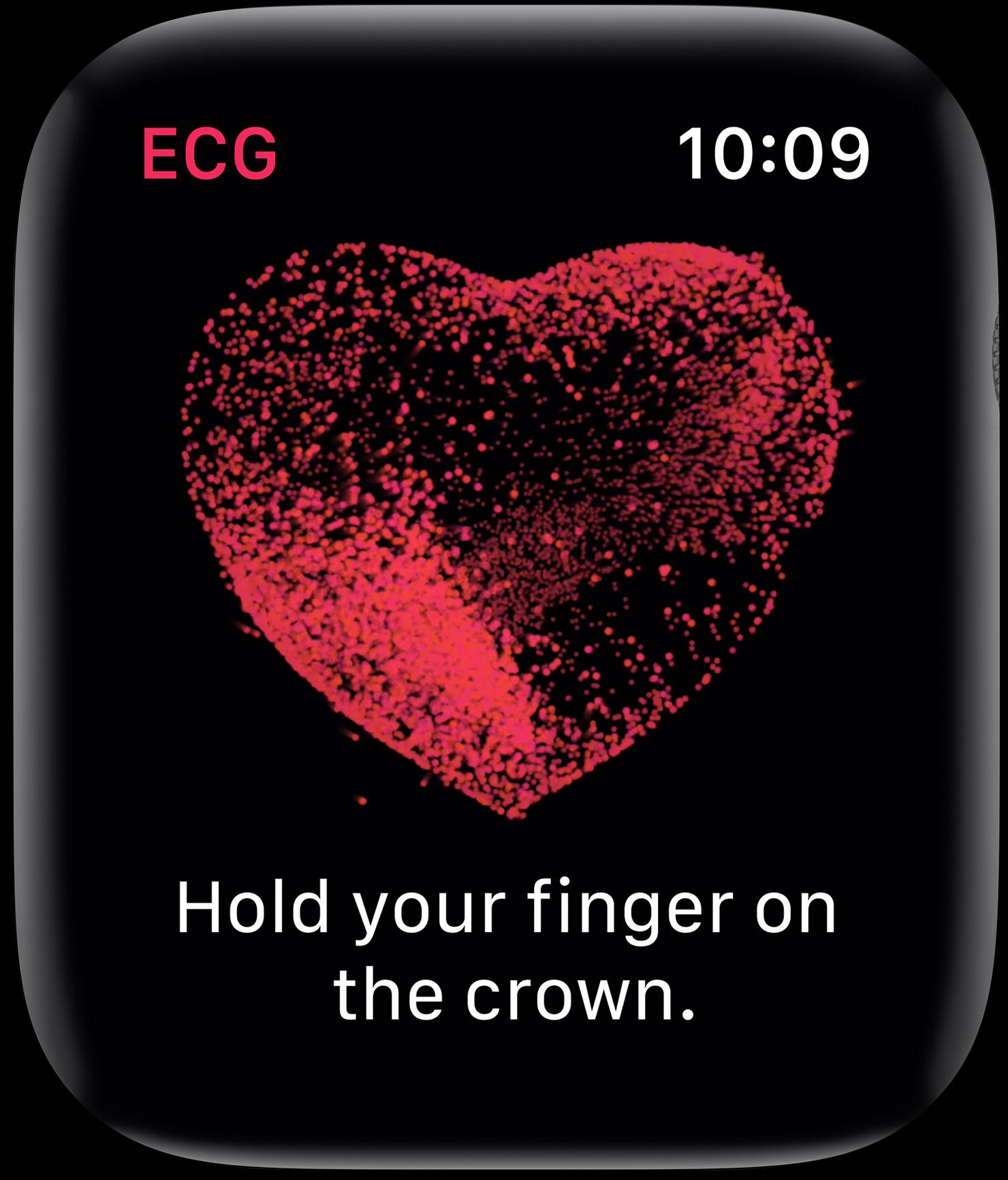
At Apple’s September keynote the company introduced the Series 4 Apple Watch. Among the features announced was a preview of the ability to generate an electrocardiogram or ECG within thirty seconds by placing a finger on the Digital Crown. At the time, Apple said the ECG functionality would ship in a software update ‘later this year.’

Today, with the release of watchOS 5.1.2, Apple has shipped the ECG app. As we explained in the MacStories Series 4 overview, the ECG functionality is enabled by new hardware including a new titanium electrode built into the Digital Crown:

This electrode pairs with another electrode built into the bottom of the Series 4’s new sapphire crystal back. When you place your finger over the top of the crown you form a closed circuit between your finger and the wrist of your other arm – where the back electrode is making contact.

Apple’s ECG sensor is notable because it’s the first of its kind available over the counter to consumers. ECG results taken with the Apple Watch are stored in the Health app, from which they can be exported as a PDF for sharing with your physician.

According to Apple’s press release:

The ECG app’s ability to accurately classify an ECG recording into AFib and sinus rhythm was validated in a clinical trial of around 600 participants. Rhythm classification from a gold standard 12-lead ECG by a cardiologist was compared to the rhythm classification of a simultaneously collected ECG from the ECG app. The study found the ECG app on Apple Watch demonstrated 98.3 percent sensitivity in classifying AFib and 99.6 percent specificity in classifying sinus rhythm in classifiable recordings. In the study, 87.8 percent of recordings could be classified by the ECG app.

watchOS has also been updated to notify users of irregular heart rhythms:

the irregular rhythm notification feature will occasionally check the user’s heart rhythm in the background for signs of an irregular heart rhythm that appears to be AFib and alerts the user with a notification if an irregular rhythm is detected on five rhythm checks over a minimum of 65 minutes.

The irregular heart rhythm notification feature, which is available for the Series 1 Watch and later, was likewise tested in clinical studies:

In that sub-study, of the participants that received an irregular rhythm notification on their Apple Watch while simultaneously wearing an ECG patch, 80 percent showed AFib on the ECG patch and 98 percent showed AFib or other clinically relevant arrhythmias.

The new Apple Watch ECG app and irregular heart rhythm notification feature are available as part of watchOS 5.1.2, which can be downloaded from the Software Update section of the Watch app on your iPhone.


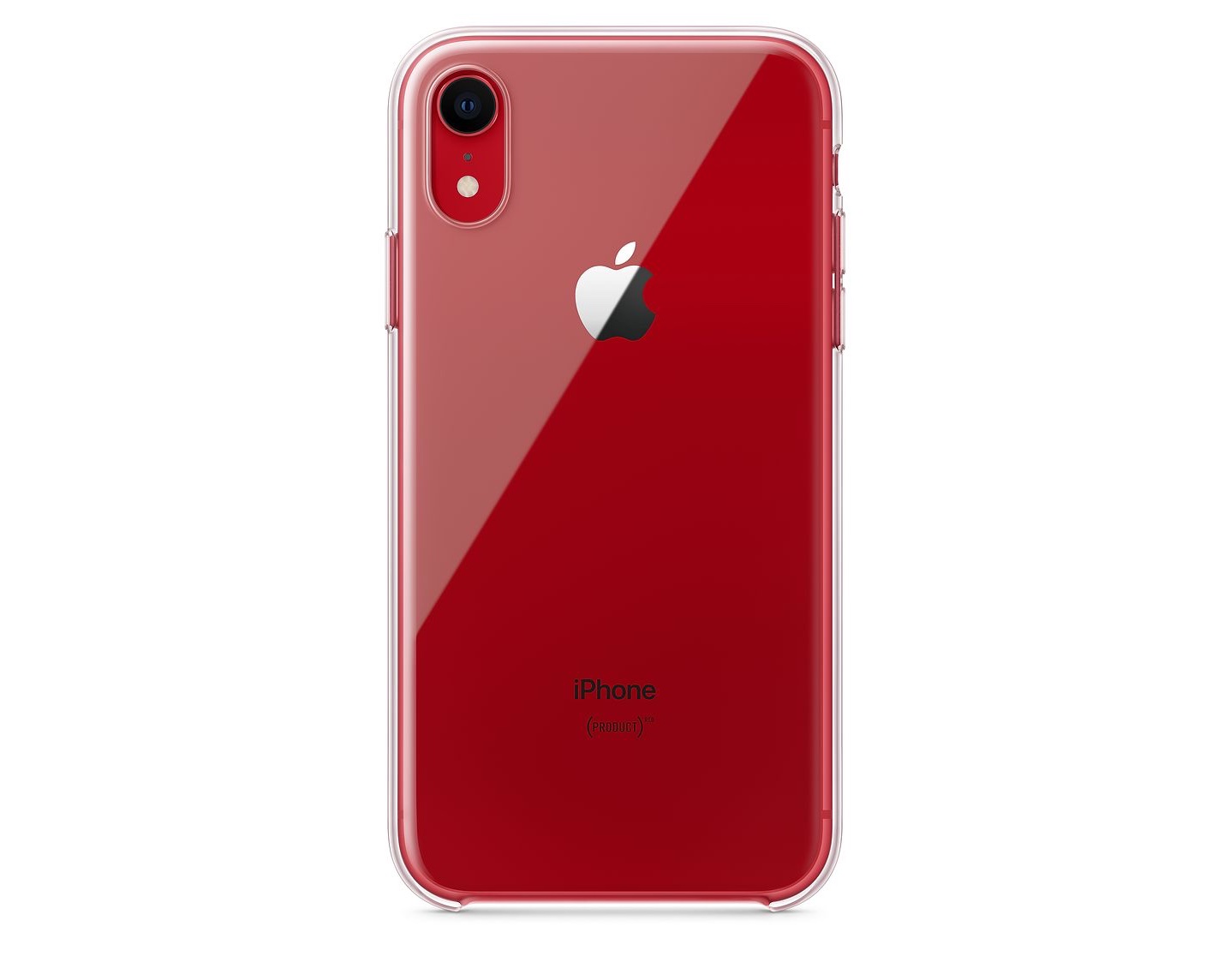
Apple Begins Selling a Clear Case for the iPhone XR and 18W iPad Pro Charger

In October, shortly before Apple began taking preorders for the iPhone XR, an Apple press release surfaced in Canada that mentioned a clear case for the phone. However, when the XR went on sale, the clear case was nowhere to be found on Apple’s website or in its retail stores.

Today, the case of the missing clear case has been solved. As MacRumors first reported, the iPhone XR clear case went on sale today on Apple.com for $39. Apple describes the case as ‘thin, light and easy to grip.’ The company also says that the case includes a scratch-resistant coating inside and out and works with wireless Qi chargers. Although third-party cases have been available since the iPhone XR was released, this is the first XR case offered by Apple.

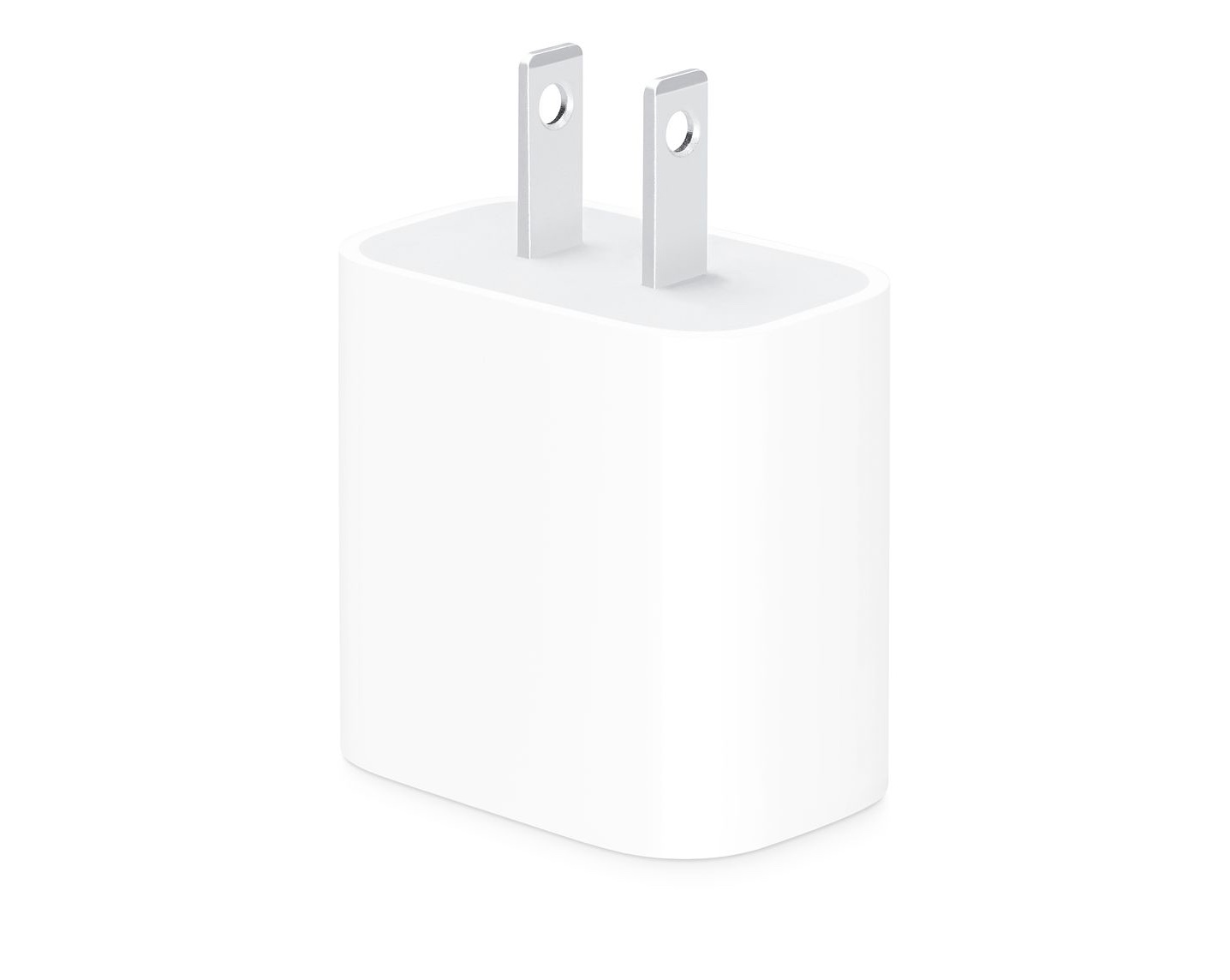
Also, 9to5Mac separately reports that Apple is selling an 18W USB-C charger for the latest iPad Pros which costs $29. Until today, the 18W charger was only available in the box with a new iPad Pro.