Home Screen: John Voorhees
...

 Home Screen: John Voorhees
Managing Your Media Library on iOS and Apple TV
Home Screen: John Voorhees
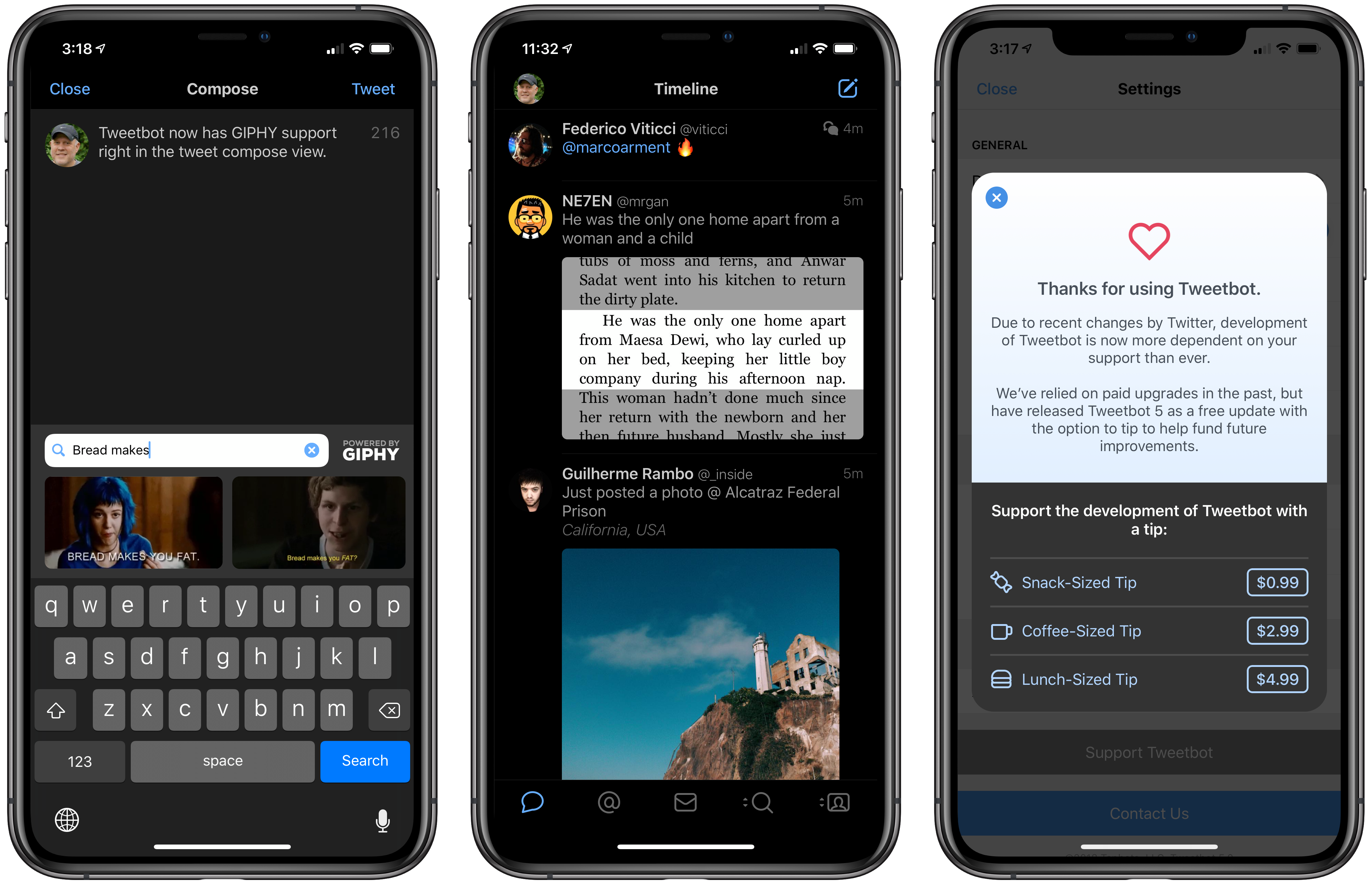
Managing Your Media Library on iOS and Apple TV Tweetbot 5 for iOS is out with a new look that more closely resembles the latest Mac version, which was redesigned in May. Tapbots has also added a handful of additional features, some of which mirror additions to the Mac version and others of which are unique to iOS.
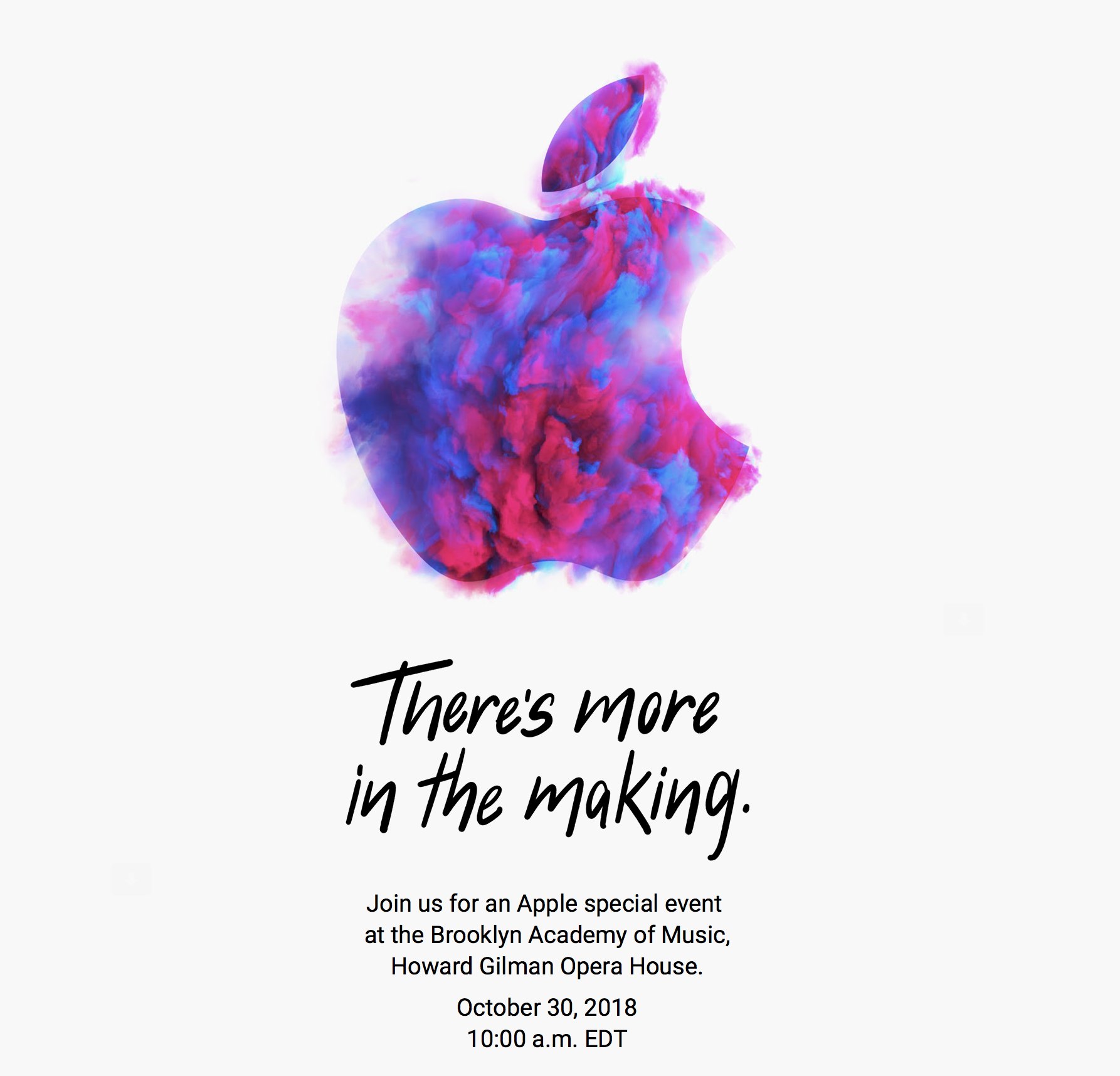
As first reported by Neil Cybart, Apple has announced a media event for October 30, 2018 at 10:00 am Eastern. The event will be held at the Brooklyn Academy of Music, Howard Gilman Opera House.
To announce the event, Apple sent invitations to members of the press with a wide variety of artistic renderings of the Apple logo. The designs are also used on Apple’s event website. Here’s a sampling collected by Sebasiaan de With on Twitter:
Based on rumors that have circulated for months, Apple is expected to introduce new iPad Pros with edge-to-edge screens and Face ID and external display support. There has also been speculation of a redesigned Apple Pencil that will pair with the new iPads using proximity sensing technology and a redesigned magnetic connector on the back of the iPad. It’s possible Apple might use the event to introduce the long-expected AirPower charging mat and new Mac hardware too.
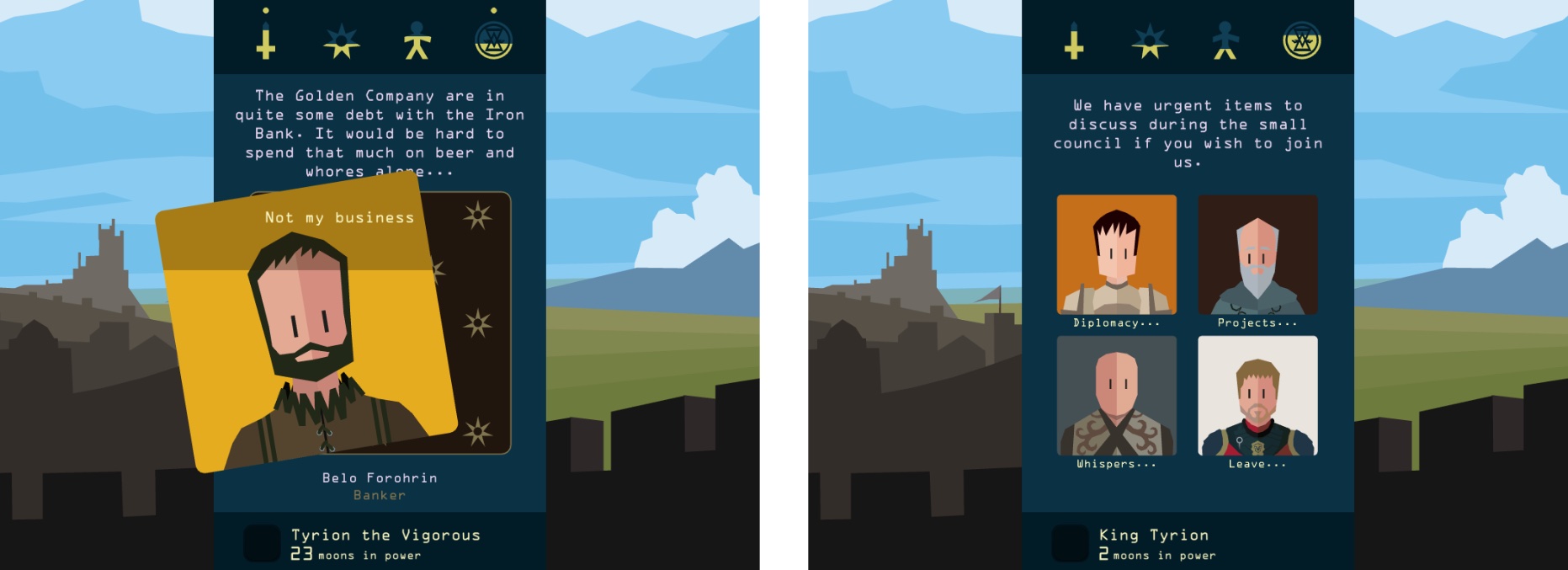
With Game of Thrones on hiatus before its eighth and final season, fans can get their fix of their favorite characters and join in the intrigue with Reigns: Game of Thrones, which was developed by UK-based Nerial and published by Devolver Digital. The announcement of the game in August came as something of a surprise because it’s not often that a media company the size of HBO entrusts the characters and story behind one of its most popular shows to a small independent game studio. At the same time, however, the combination felt like a perfectly natural evolution of the Reigns series. Reigns: Game of Thrones, which was released today, doesn’t disappoint.
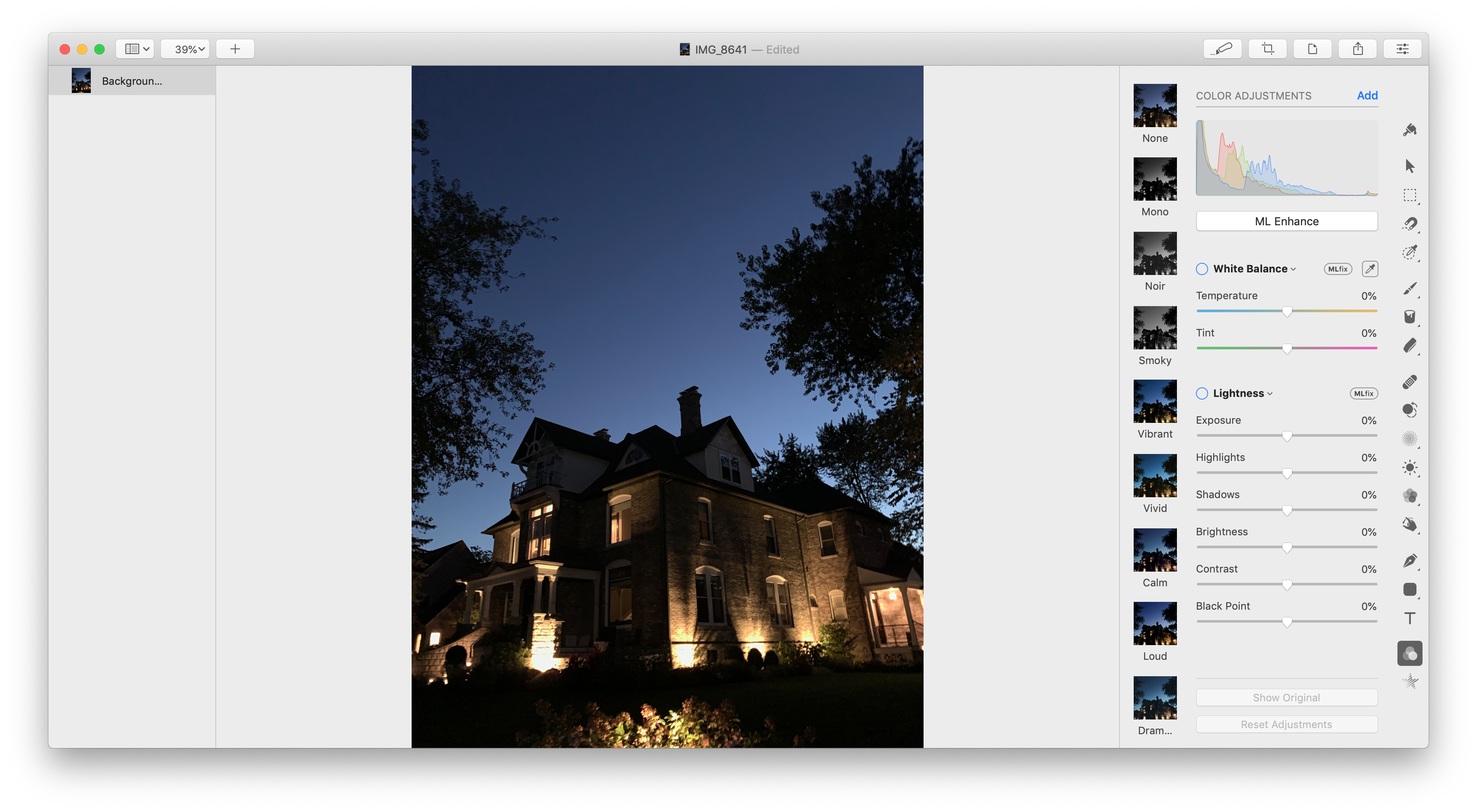
Pixelmator Pro for the Mac was updated to version 1.2 today with a handful of enhancements centered around macOS Mojave.
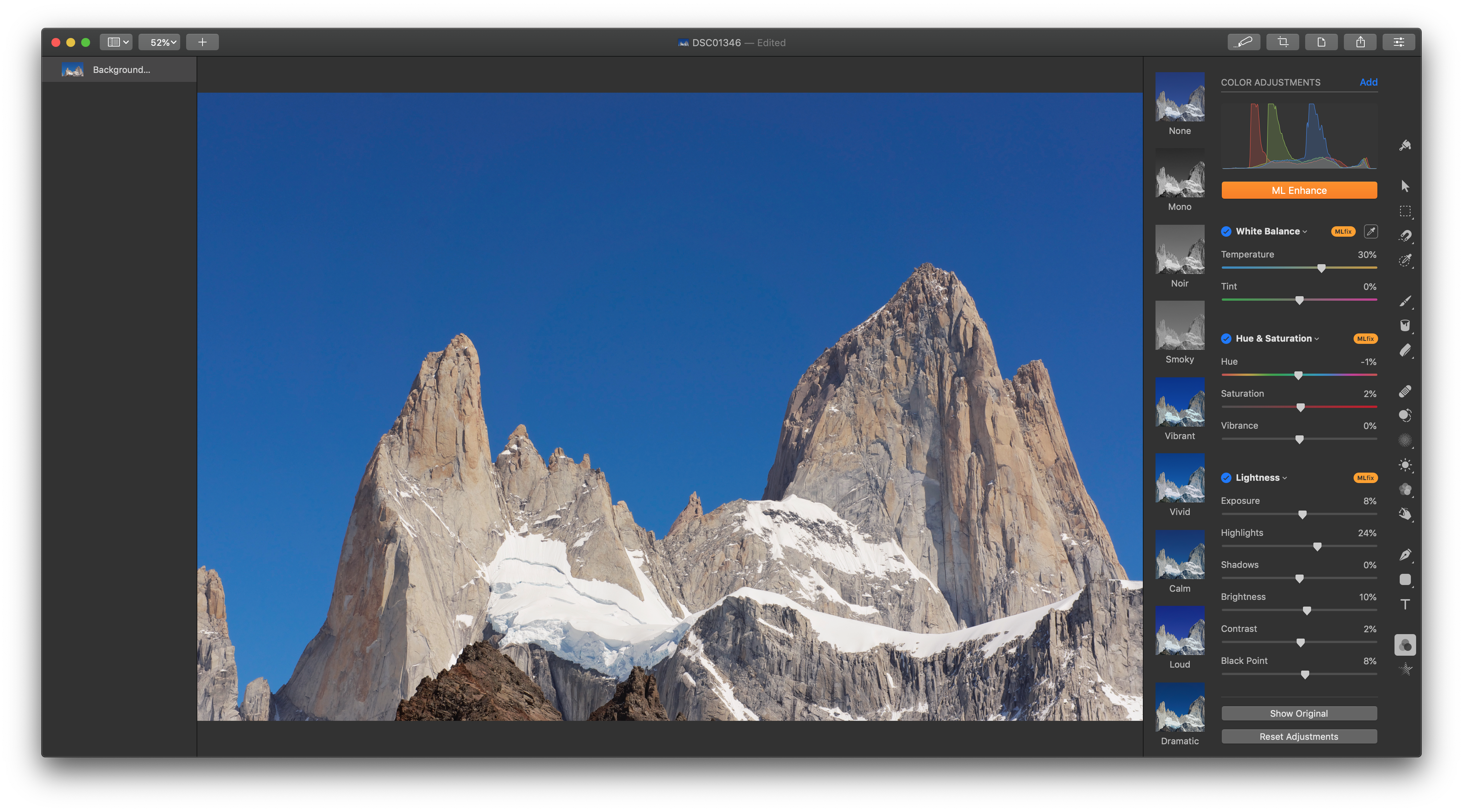
The update includes light and dark modes, which can be set in Preferences to follow the mode picked in System Preferences or full-time light or dark mode. Dark mode closely resembles Pixelmator Pro’s existing UI, but its light mode is brand-new.
Pixelmator Pro 1.2 has also added a new auto-enhance feature for images that applies machine learning to automatically adjust white balance, exposure, hue and saturation, lightness, color balance, and selective color. Previously auto-enhancement was available individually for some of the categories in Pixelmator’s Adjust Colors tab. The new ML Enhance feature, which the Pixelmator team says was trained with millions of professional photos, adjusts all of the categories listed above at once. If you don’t like the results, the adjustments can be turned off on a per category basis or adjusted manually.
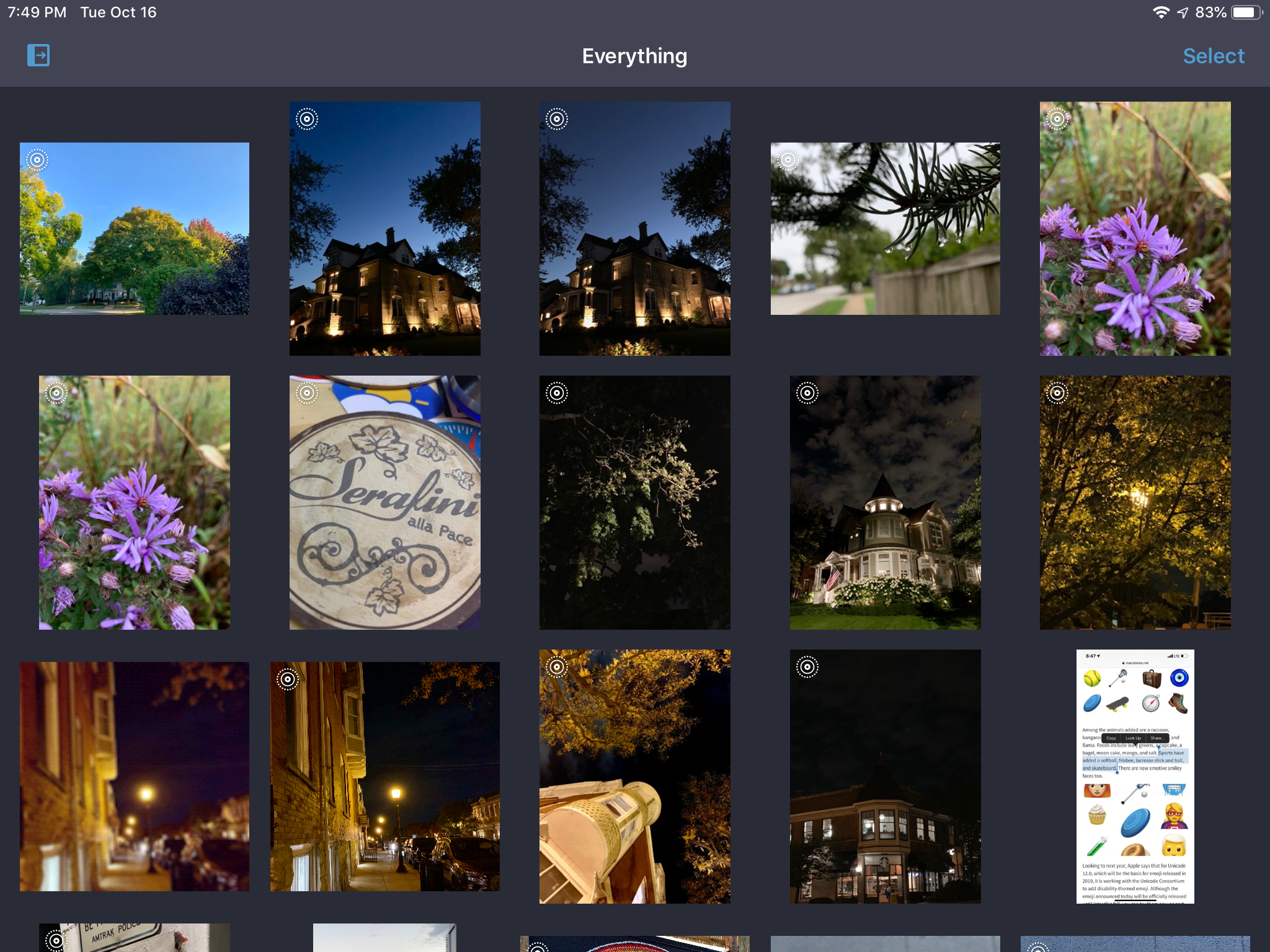
BestPhotos, a photo management app from Chicago-based Windy Software that we’ve covered on Club MacStories before, was updated today with new features for quickly and efficiently organizing your photos. I take thousands of pictures each year and sometimes it feels like I take even more screenshots. Sifting through to find the best shots and discard old screenshots, duplicates, and just plain bad photos takes a lot of tapping and time in Apple’s Photos app. BestPhotos is a better solution that streamlines the whole process.
In a brief post on Apple’s Developer news site, the company announced that it is adding support for app bundles to the Mac App Store. According to the post:
…now, you can create app bundles for Mac apps or free apps that offer an auto-renewable subscription to access all apps in the bundle.
The post points to developer documentation on creating app bundles that that has been revised to mention Mac apps. The process for setting up a bundle, which will allow developers to offer up to 10 Mac apps as a single purchase, appears to be the same as it is for iOS developers. Unfortunately for those developers with iOS and macOS apps, it does not appear possible to create a mixed bundle of iOS and Mac apps.
On this week’s episode of AppStories, we discuss some of our most frequently-used shortcuts for work and our personal lives.
Sponsored by:
https://staging.macstories.net/podcasts/appstories/episodes/83/embed/