Textor
...

 Textor
App Debuts
Textor
App Debuts On this week’s episode of AppStories, we discuss more of their favorite iOS and watchOS app debuts and updates highlighting iOS 12 and watchOS 5 features.
Sponsored by:
https://staging.macstories.net/podcasts/appstories/episodes/80/embed/






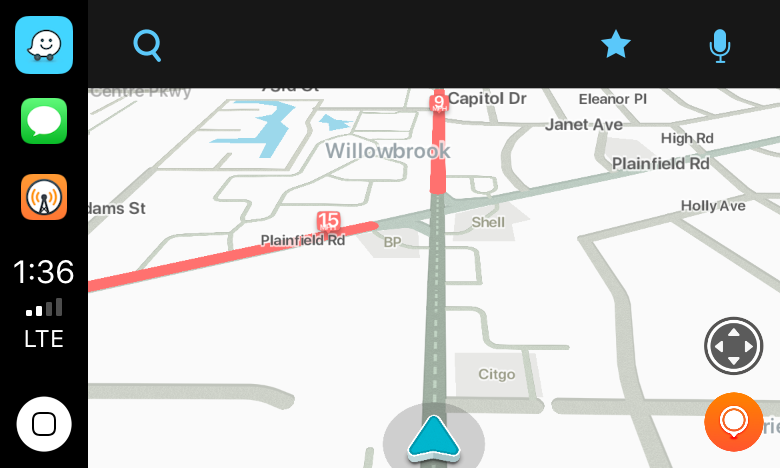
Today, Waze, which is owned by Google, updated its iOS app with CarPlay support, which Google Maps received last week. I took Waze out for a few errands over lunch and in my limited testing was impressed.
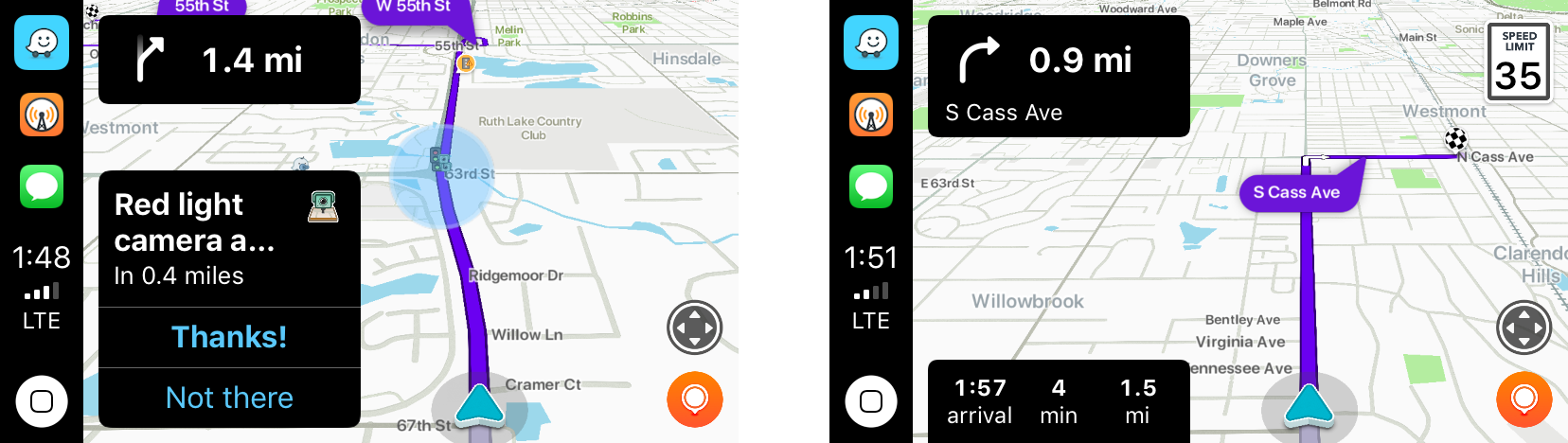
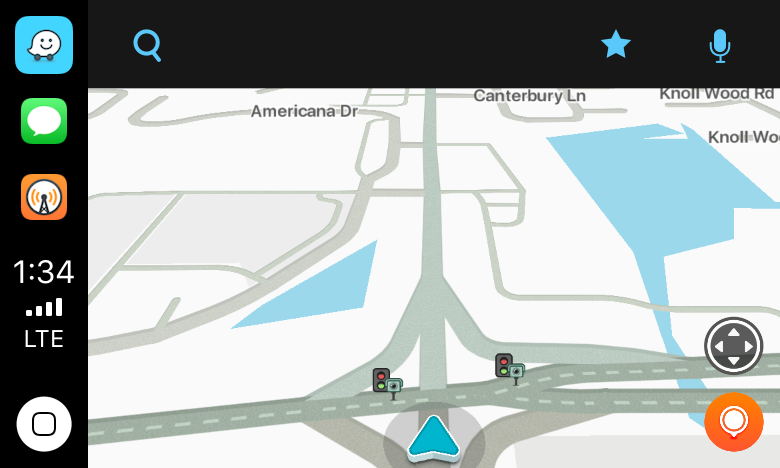
The first stop was the bank to pick up some cash. As I passed through a busy intersection, Waze warned me that there were stoplight cameras ahead, which I knew about, but it was good to see Waze did too.
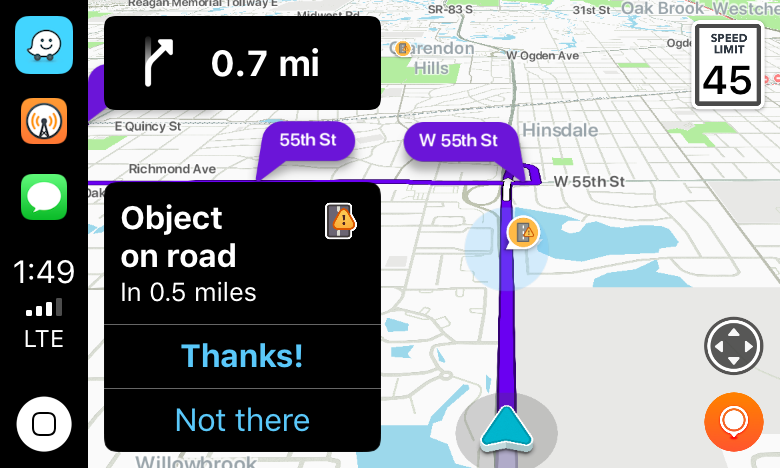
Next, it was off for some steak tacos to celebrate finally finishing my Mojave review. On the way, Waze said there was an object in the road. Sure enough, there was a piece of plywood straddling two lanes not too far ahead. Waze also alerted me to heavy traffic just ahead of my turnoff.
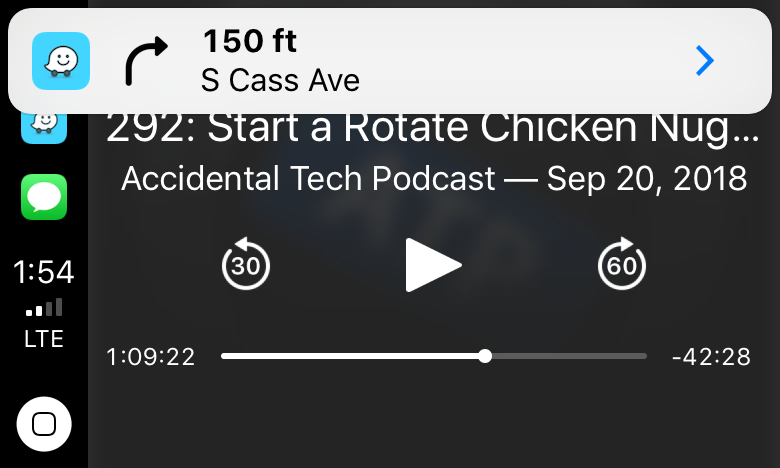
With each alert, the CarPlay UI displayed a notification with two choices: ‘Thanks!” and ‘Not there,’ with big buttons to allow me to help train the Waze database. I flipped back to Overcast, and as I approached my next turn, Waze announced it, momentarily pausing the audio, and displayed a notification that I could tap to return to the map of my route.
For people who use Waze regularly, those sorts of alerts and notifications will be familiar. Apple Maps still has the advantage of Siri integration with the hardware buttons on my steering wheel because like Google Maps, Waze can’t access Siri. That’s a shame because it’s easier to press a dedicated steering wheel button than it is to poke at a CarPlay screen in the center of your dashboard to do a voice search, but from a parked position in a bank parking lot the voice command I gave it was recognized immediately and I was on my way to the correct location.
I’ve only used Waze for this one trip, but my first impression was that the app is solid and should be well-received by its users. Especially for commuters that want traffic and other real-time, crowd-sourced data, Waze is a great option.
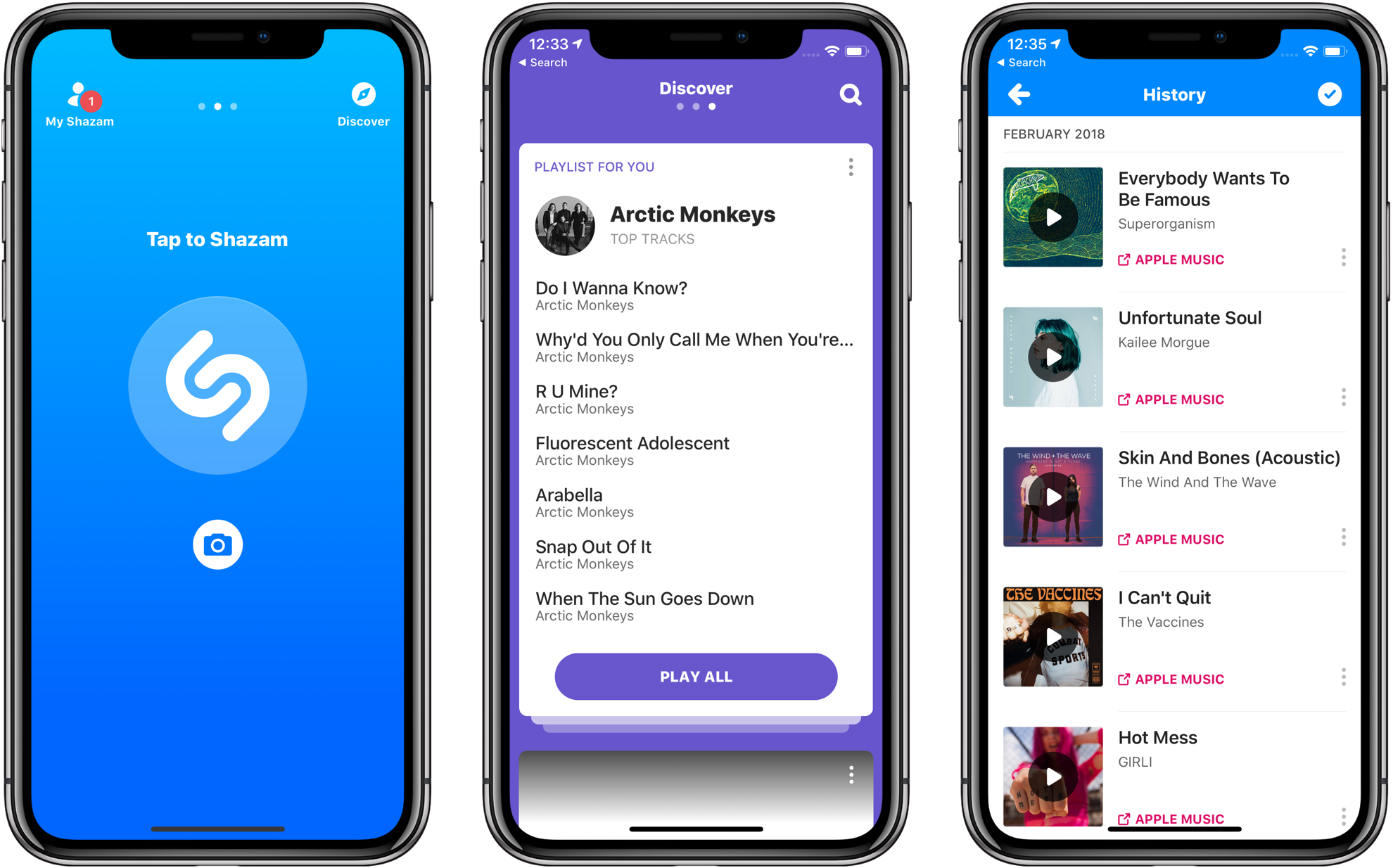
Late last year, Apple announced that it had agreed to purchase Shazam, the music-discovery service. The acquisition was held up for a time by an investigation by the European Commission, which ultimately said the deal is not anti-competitive and could go forward. Today Apple announced that the deal had been completed.
In a press release, Apple said:
Shazam has been downloaded over 1 billion times around the world, and users identify songs using the Shazam app over 20 million times each day. With pioneering innovation in music identification, Shazam helps people discover, interact with and share video, audio or printed content across devices and mediums — and allows music fans to follow their favorite artists and share in the thrill of discovery.
Apple also announced that Shazam would soon be offered ad-free to all users.
I went to San Jose this June not expecting much from macOS. After all, it’s a mature OS that already did what I need. My expectations were reinforced by rumors and leaks that Apple would introduce a Dark Mode and the fact that High Sierra introduced several significant foundational changes to macOS. I concluded that Mojave would focus primarily on a design refresh.
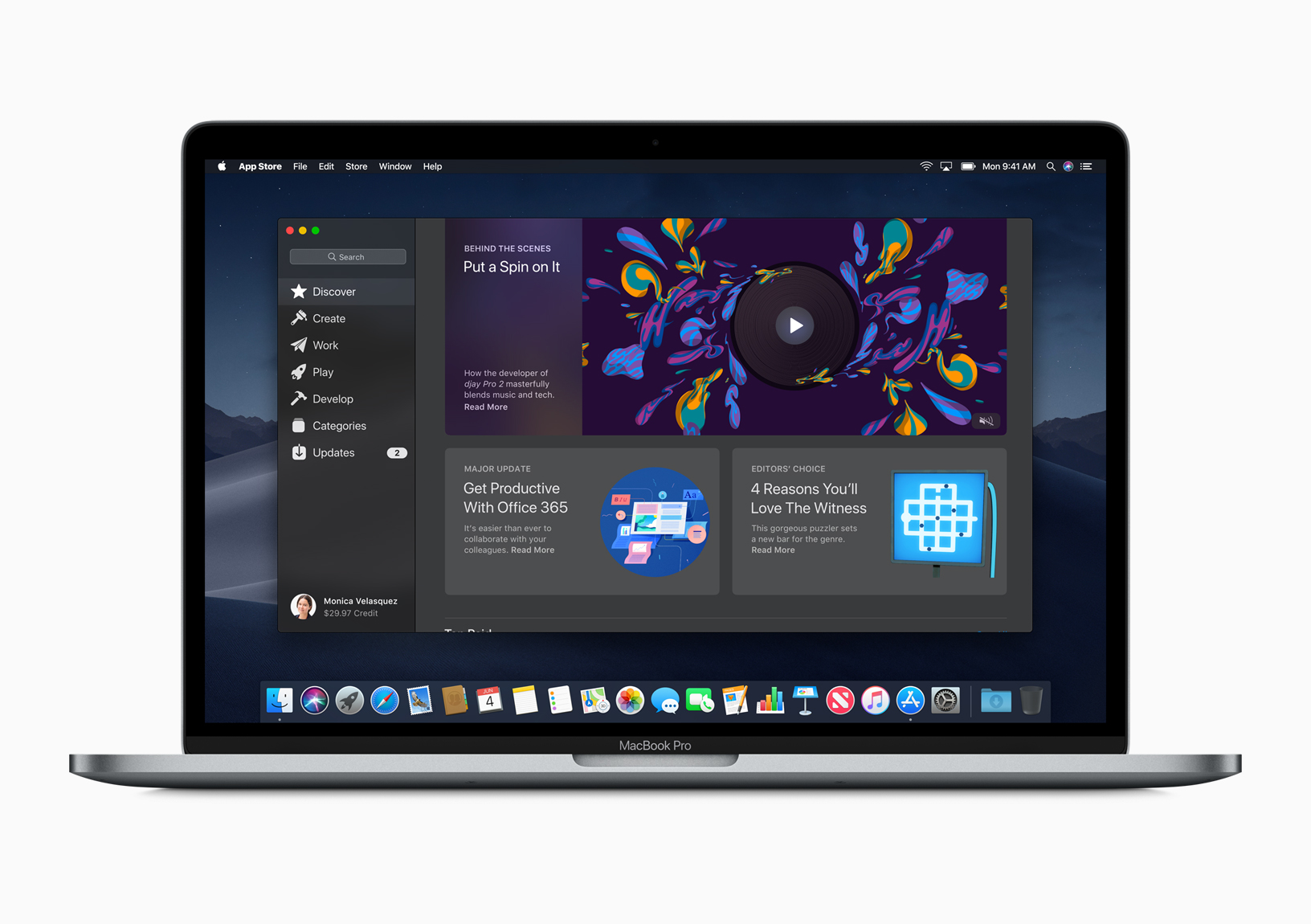
I was wrong. Dark Mode is the most visible and one of the most significant changes to macOS, but Mojave is much more than a UI refresh. Dark Mode and Mojave’s other system updates include productivity enhancements that have made meaningful improvements to the way I work on my Mac.
It took some time to acclimate to Dark Mode, but now I prefer it. As much as I like Dark Mode though, the most important changes to macOS have been those that surface existing functionality in new places making them more useful than in the past.
Mojave adds a collection of Desktop, Finder, and screenshot tools that are notable for the way they meet users where and how they work. It’s a functional approach to computing that has had a bigger impact on my day-to-day workflow than other recent updates to macOS, even where the Mojave updates provide new ways to do things I could already do before.
There’s a lot to cover in Mojave, so I’m going to dive right in and dispense with explaining how to set it up. Apple has a whole page devoted to the topic that you can explore if you’d like. Instead, let’s start by considering how Mojave’s Dark Mode.
 Our Favorite Apps with iOS 12 Features (Part 2)
App Debuts
Our Favorite Apps with iOS 12 Features (Part 2)
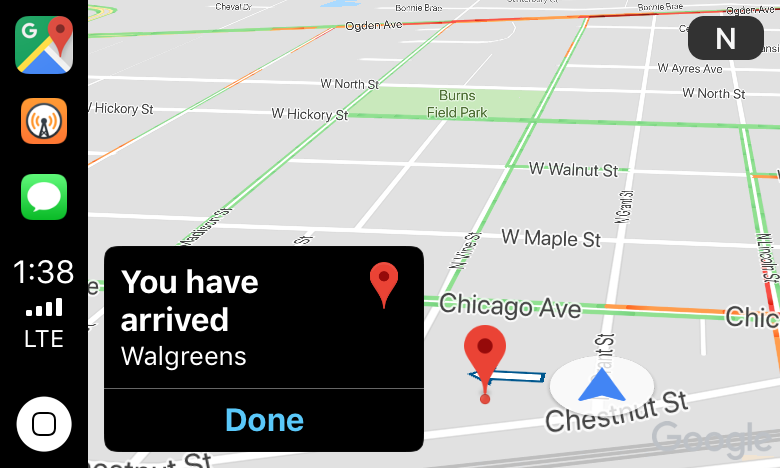
App Debuts I just got home from a trip to my local drugstore using Google Maps’ new CarPlay integration. Once I had a destination selected and was on my way, the experience was fine, as long as I didn’t stray from the path. Overall though, from my very preliminary, single test drive, I wasn’t left wanting to switch away from Apple Maps.
 Federico