John Voorhees

5429 posts on MacStories since November 2015

John is MacStories' Managing Editor, has been writing about Apple and apps since joining the team in 2015, and today, runs the site alongside Federico. John also co-hosts four MacStories podcasts: AppStories, which covers the world of apps, MacStories Unwind, which explores the fun differences between American and Italian culture and recommends media to listeners, Ruminate, a show about the weird web and unusual snacks, and NPC: Next Portable Console, a show about the games we take with us.

AppStories, Episode 41 – iOS 11’s Effect on Our iOS Habits

On this week’s episode of AppStories, we take a look at how iOS 11 has changed not only the way we work, but also how it has impacted our use of lifestyle, health and fitness, media consumption, and other types of apps.

Sponsored by:

  • WALTR 2 - A Magic Drop Area to Convert & Push Media into Any iPhone, iPad or iPod
    • Use the coupon code APPSTORIES for 30% off

https://staging.macstories.net/podcasts/appstories/episodes/41/embed/

Permalink

HomePod Review Roundup

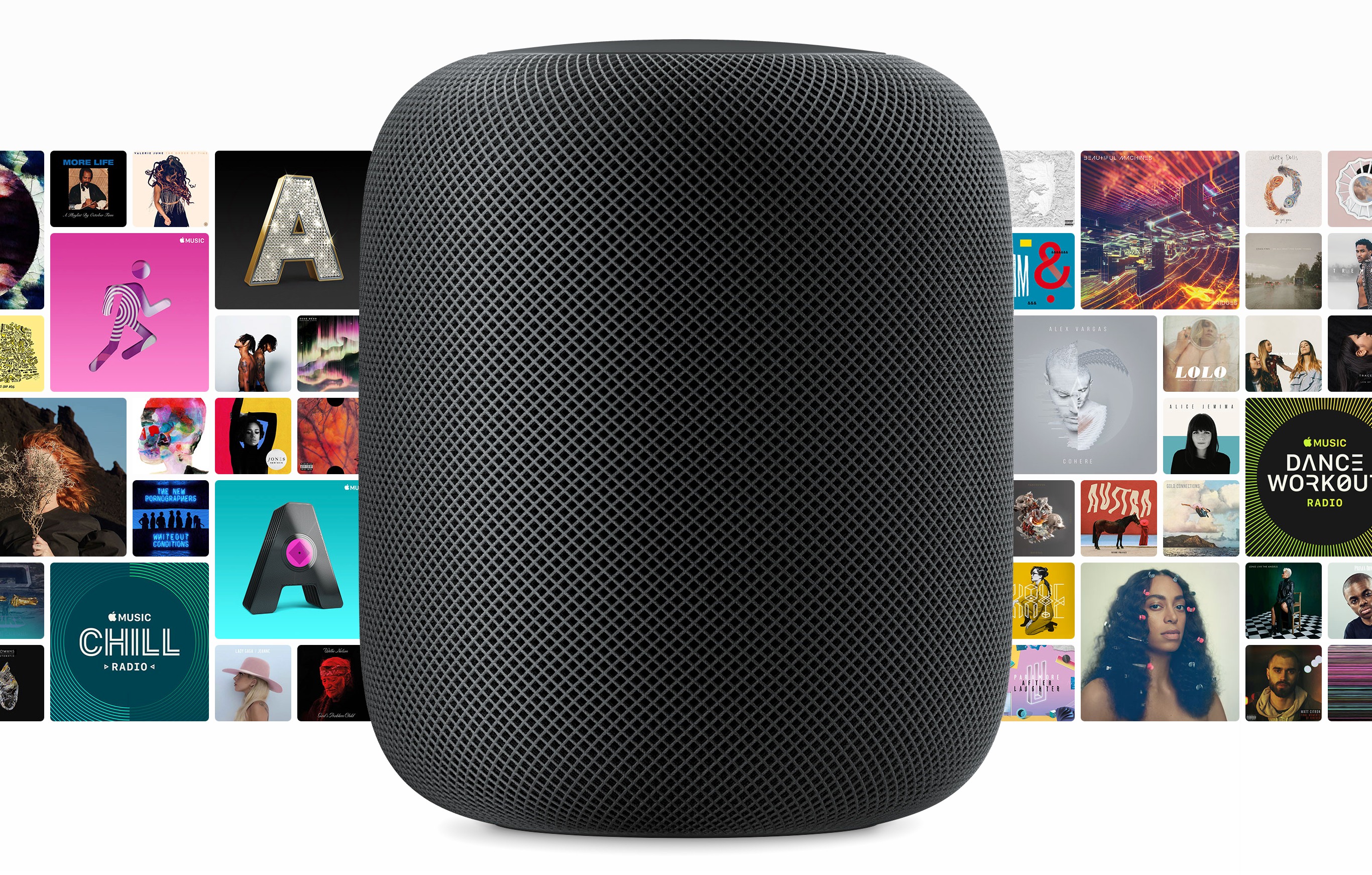
Initial orders of Apple’s new HomePod smart speaker will arrive on doorsteps and in Apple stores beginning Friday in the US, UK, and Australia. Today, reviews were published by several media outlets that have had about a week to test the HomePod. Apple also invited several journalists for a tour of its audio labs in Cupertino with Phil Schiller, hardware VP Kate Bergeron, and senior director of audio design and engineering Gary Greaves.

The consensus of the first wave of reviews is that the HomePod sounds fantastic. Apple has brought its engineering expertise and computing power to bear in a way that reviewers say produces remarkable sound for the HomePod’s size and price.

However, Siri’s limitations and the lack of support for third-party music streaming services also mean that the HomePod’s voice assistant features lag behind those of the Amazon Echo and Google Home. As a result, the HomePod’s appeal will likely be limited to people who already subscribe to Apple Music, use iOS devices, and care about high-quality audio.

Matthew Panzarino of TechCrunch:

Apple’s HomePod is easily the best sounding mainstream smart speaker ever. It’s got better separation and bass response than anything else in its size and boasts a nuance and subtlety of sound that pays off the 7 years Apple has been working on it.

As a smart speaker, it offers best-in-class voice recognition, vastly outstripping the ability of other smart speakers to hear you trying to trigger a command at a distance or while music is playing, but its overall flexibility is limited by the limited command sets that the Siri protocol offers.

Buy a HomePod if you already have Apple Music or you want to have it and you’re in the market for a single incredibly over-designed and radically impressive speaker that will give you really great sound with basically no tuning, fussing, measuring or tweaking.

Nilay Patel sums up what that means for everyone else:

The Apple engineers I talked to were very proud of how the HomePod sounds, and for good reason: Apple’s audio engineering team did something really clever and new with the HomePod, and it really works. I’m not sure there’s anything out there that sounds better for the price, or even several times the price.

Unfortunately, Apple’s audio engineering team wasn’t in charge of just putting out a speaker. It was in charge of the audio components of a smart speaker, one that simply isn’t as smart as its competitors.

That’s really the crux of it: the HomePod sounds incredible, but not so world-bendingly amazing that you should switch away from Spotify, or accept Siri’s frustrating limitations as compared to Alexa.

Read more


iOS 11’s Effect on Our iOS Habits

AppStories+ Deeper into the world of apps

AppStories Episode 41 - iOS 11’s Effect on Our iOS Habits

0:00
38:23

AppStories+ Deeper into the world of apps

Nearly five months into iOS 11, Federico and John take a look at how iOS 11 has changed not only the way they work, but also how it has impacted their use of lifestyle, health and fitness, media consumption, and other types of apps.

Read more


Newton: Supercharged Email with Space-Age Features [Sponsor]

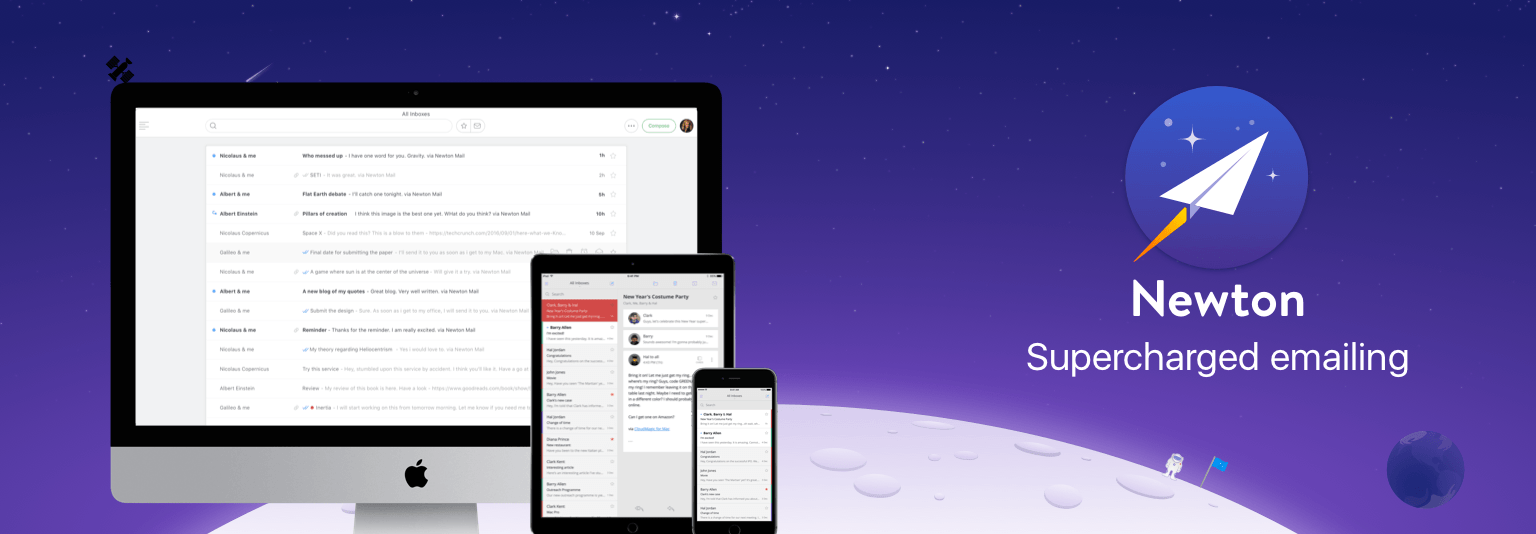
Reliability is essential when it comes to email. Newton has you covered with rock-solid messaging, lightning-fast push notifications, sync across all your devices, and modern email management tools.

Life doesn’t just happen at your desk. Email streams in all day whether you’re working at your desk or out running errands. With Newton, you can keep on top of it all regardless of where you are because Newton works seamlessly across platforms.

What makes Newton stand out from the crowd is its simple, elegant design and flexibility. Newton supports all your email accounts whether they’re based on IMAP, Gmail, iCloud, Office 365, or another platform. The app also features modern functionality that you won’t find in many other email client. For example, with Newton, you can request read receipts and quickly find attachments. You can also schedule emails to be sent later, which is handy if you work unusual hours or with people across the world. Newton can even tidy up your inbox by putting things like newsletters to the side until you have time to look at them.

Newton works with your calendar too, eliminating the need to leave your messages when you want to add an event to your calendar. Other key features include integrations for saving email messages to Evernote, Trello, Todoist, Pocket, and other apps, snoozing messages, and sender profiles, so you know more about the people with whom you interact. It’s a powerful set of features that make it easier to manage your inbox by getting actionable items out of your email and putting them where they belong.

Harness the power of Newton to get control of your email once and for all. You can learn more on Newton’s website or go download it now and start your free trial immediately.

Thanks to Newton for sponsoring MacStories this week.


Sebastiaan de With Tackles RAW Photo Editing

Editing RAW photo files can be intimidating for beginners. There are a seemingly endless number of adjustments that can be made, and it’s not always clear what each does. However, if you take the time to learn the tools and shoot RAW images on your iPhone or another camera, the results can be stunning.

Sebastiaan de With, the designer of Halide, an excellent RAW camera app for iPhone, has published the second in a series of articles about shooting and editing RAW photos. As de With explains at the outset of this second article in the series:

This guide will walk you through the basics of RAW editing and adjustment. Most of these pointers also apply to editing RAW files from other cameras, but some parts focus on iOS editing workflows and how to transfer your RAW files from your iPhone to your Mac or PC.

The remainder of the article is full of great tips and eye-opening examples of what can be done on a Mac or iOS to edit RAW photos. If you’re interested in photography on any platform, this is a must-read article. In an upcoming installment de With will cover advanced editing and editing with depth channels.

Permalink

Questioning the Snow Leopard Moment

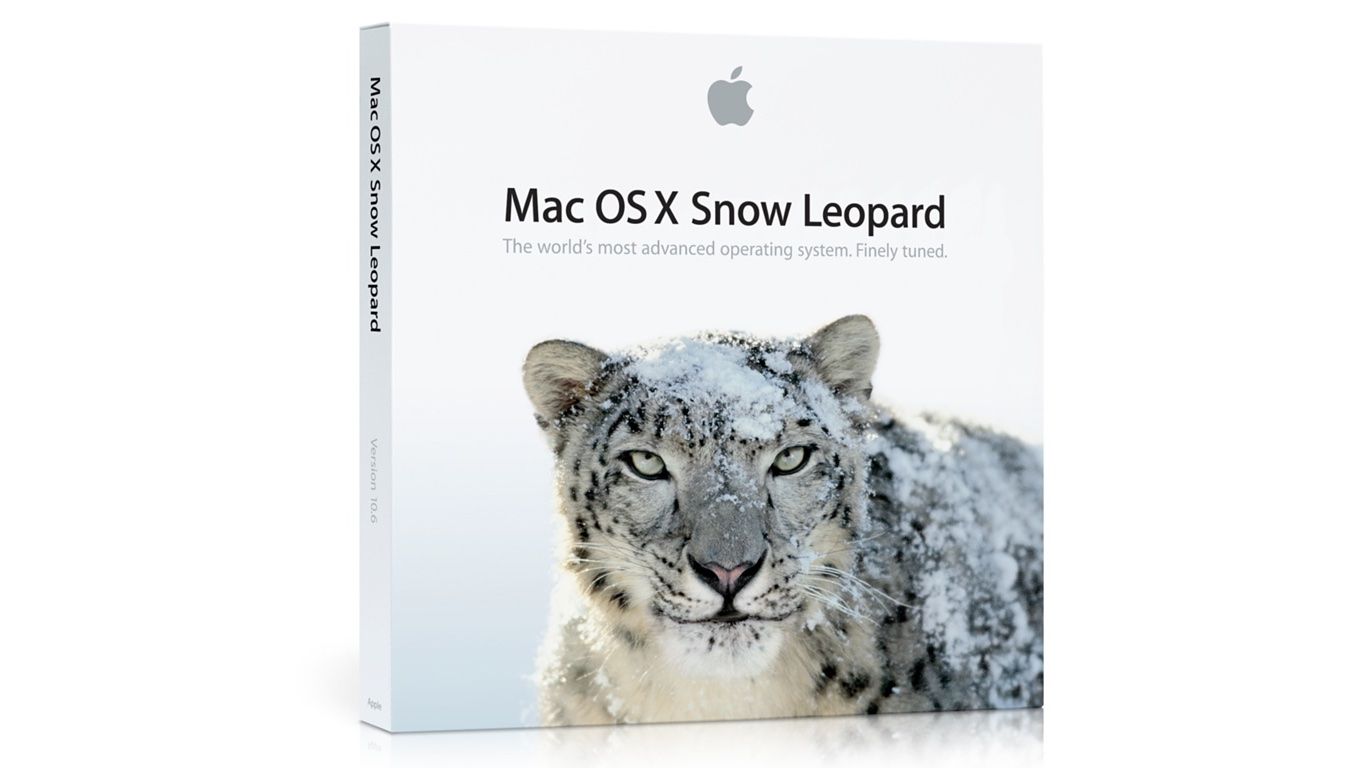
If you’ve followed Apple for any length of time, you’ve no doubt encountered someone reminiscing about Mac OS X Snow Leopard or wondering whether the time was right for some products’ ’Snow Leopard’ moment. Snow Leopard, which was released in 2009, has become synonymous with a software release focused on stability and bug fixes instead of new features.

Michael Steeber at 9to5Mac takes an in-depth look at the legend behind Snow Leopard and questions whether it’s deserved. As Steeber notes, Snow Leopard was marketed as having no new features, but it was far from bug-free. Nonetheless, the release’s marketing message, a general perception that the quality of Apple’s software declined in subsequent years, and other factors, have led to Snow Leopard’s mythological status. As Steeber puts it:

…a kernel of truth persists underneath the mythology. Improvements to iOS and macOS, no matter how small, contribute to a better experience for everyone. Fixing bugs might not be as marketable as shiny new Animoji or a fresh design, but maintenance can only be deferred so long. If Apple can knock stability out of the park in 2018, maybe the legend of Snow Leopard can finally be put to rest.

I suspect Snow Leopard’s reputation, which has become conventional wisdom at this point, will persist regardless of what happens this year. Still, it’s instructive to see how we got to this point and worth noting for the next time a similar meme circulates.

Permalink