


Earlier this year, the volume of junk phone calls I got on my iPhone started to increase. At first, it was a couple per week, but it wasn’t long before it became a couple per day, which became disruptive and annoying. I remembered I’d seen a post on Marco Arment’s blog about robocall blocking...
AppStories, Episode 13 – Interview: Rehearsal Pro with David H. Lawrence XVII→
On this week’s episode of AppStories, we chat with actor David H. Lawrence XVII about his app Rehearsal Pro, which helps actors rehearse for parts, the intersection of the performing arts and apps, how David’s experience as an actor has helped his app find a large following among other professional actors, and how some of the app’s more famous users have become its best marketing.
Sponsored by:
- Trails - Your outdoor GPS tracker and logbook for iPhone and Apple Watch.
- Set up a free Trails account and email Trails support with the subject ‘AppStories’ for a free month of Trails Pro service.
- Big Keys - Finally, an iOS keyboard and emoji you can see.
- On sale for $0.99 for this week only.
https://staging.macstories.net/podcasts/appstories/episodes/13/embed/






OmniGraffle 3.0 Brings the Power of Its macOS Counterpart to iOS
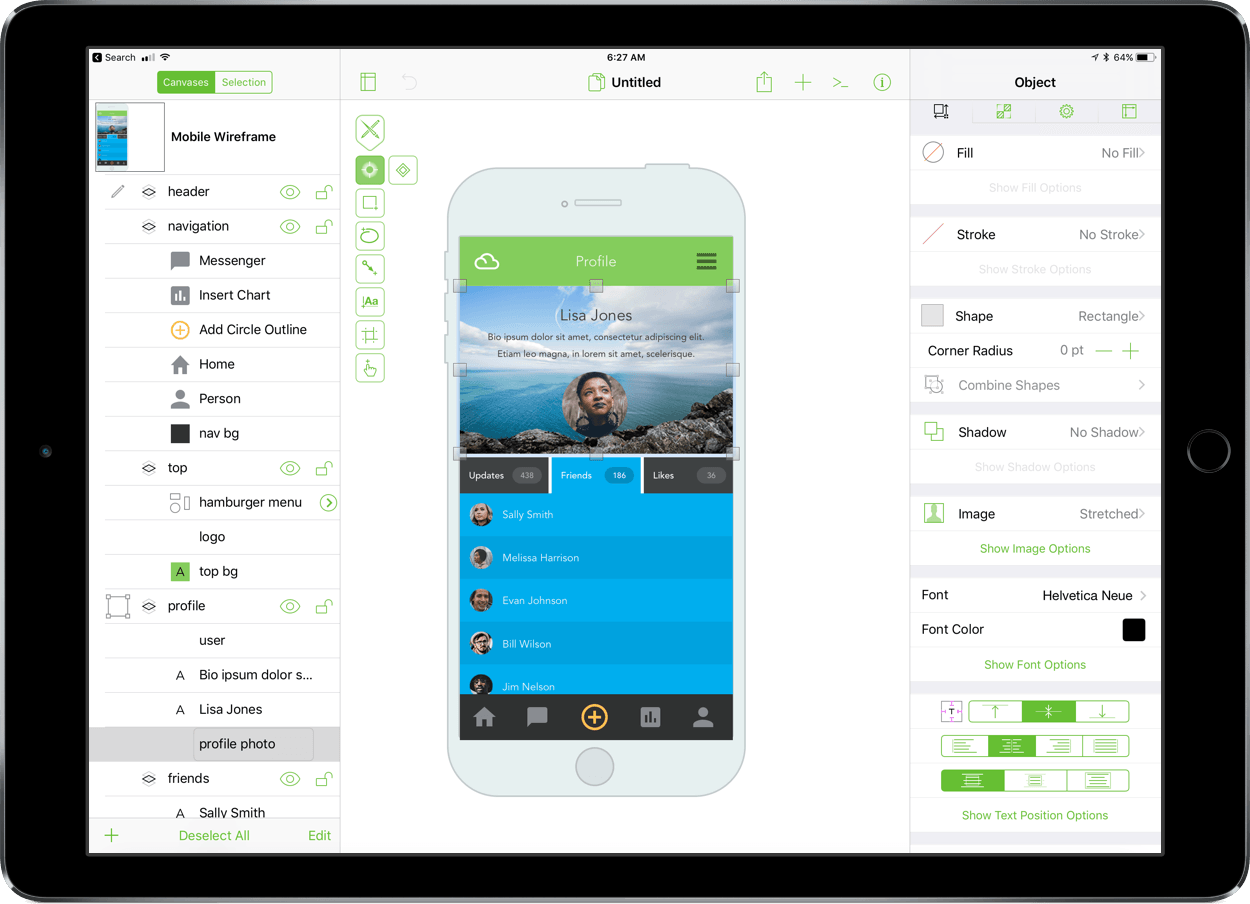
OmniGraffle got a major upgrade on macOS last fall, and now, it’s the iOS version’s turn. Today, The Omni Group released OmniGraffle Standard and Pro 3.0 for iOS. What I said in my review of OmniGraffle 7 for macOS is equally true for its iOS equivalent:
…the power of OmniGraffle lies as much in the flexibility of its tools as anything else. By giving users the ability to tweak virtually any property of a shape, line, or other graphic element on its canvas, OmniGraffle works equally well for prototyping an iPhone app as it does for laying out an addition to your house or creating a corporate organization chart.
The iOS version of OmniGraffle adopts the paneled design found on the Mac, which should make fans of that version feel right at home with the update. The app also brings the iOS version in line with the core functionality of the macOS version including features like artboards.
PayPal is Rolling Out to the App Store, Apple Music, iTunes, and iBooks→
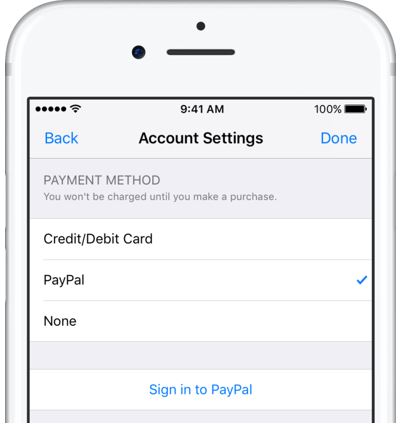
PayPal announced that its payment service is coming to the App Store, Apple Music, iTunes, and iBooks on iOS devices and Macs today, starting in Canada and Mexico with the US and other countries to follow soon. Setting up PayPal works the same as adding a credit card:
Paying with PayPal is simple. Customers with a new or existing Apple ID can select “PayPal” as their payment method from their account settings in the App Store, Apple Music, iTunes [and iBooks] from their iPhone, iPad, iPod touch and Mac, or on iTunes from their PC.
After PayPal is enabled, purchases from the selected Apple ID will be made from the customer’s PayPal account.
Adding PayPal should expand the universe of customers making purchases from Apple’s stores by creating an alternative for people who don’t have or don’t want to use a credit card.
Mindscope Review
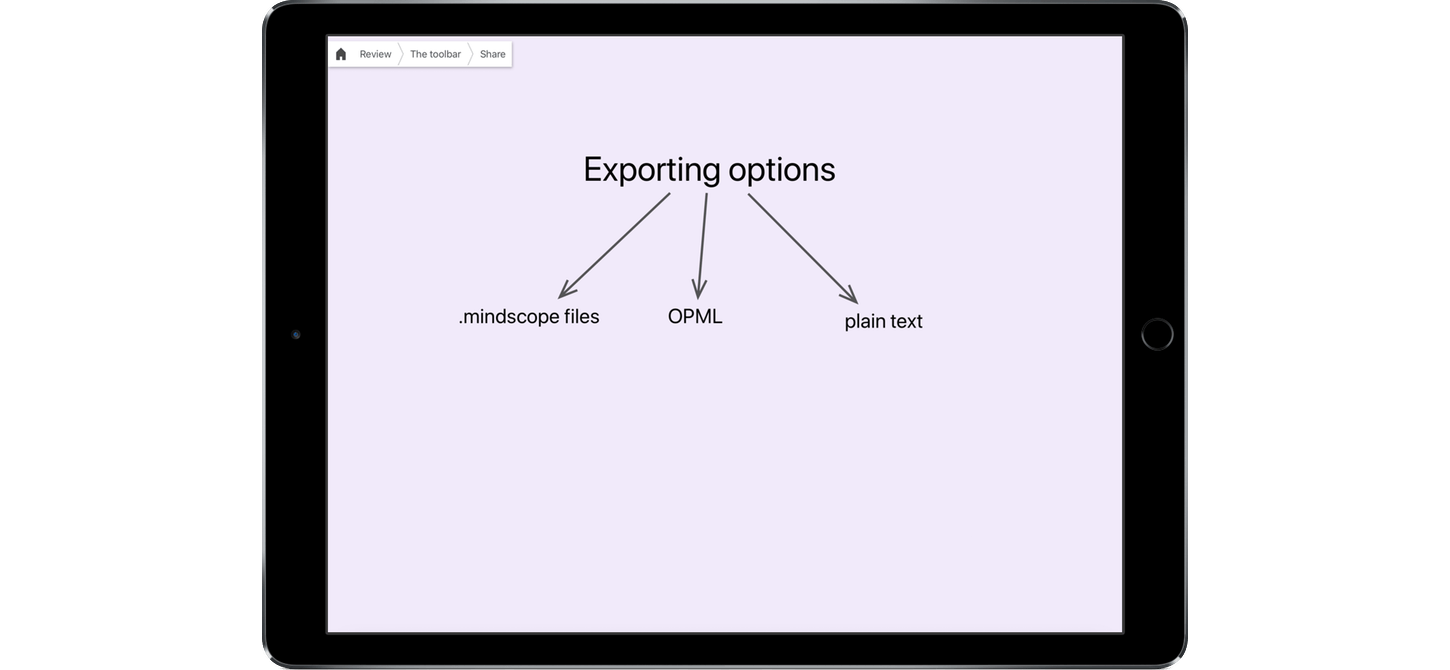
The first thing that came to mind when I saw Mindscope for iOS was Literature and Latte’s Scapple for macOS. Both apps are designed to get text onto a screen in a way that is easily manipulated and organized with as little fussing with formatting as possible. John Goering, the developer of Mindscope, describes the app as a magnet board for your brain. That’s a good description as far as it goes, but it doesn’t entirely capture what is possible with his app. With wiki-like cross-links and the hierarchical depth of an outliner, Mindscope offers a dimensionality to organizing text that isn’t possible with tools like Scapple.
Every Default Wallpaper from Cheetah to High Sierra in 5K→

Each major revision of OS X and macOS has come with a different default wallpaper. Stephen Hackett of 512 Pixels has collected them all in one place and teamed up with designer @forgottentowel to create 5K versions of the lower resolution wallpapers. One more reason to get a 5K iMac or display.
 Interview: Rehearsal Pro with David H. Lawrence XVII
 Federico
AppStories Episode 13 - Interview: Rehearsal Pro with David H. Lawrence XVII
0:00
34:05
34:05
Federico and John speak to actor David H. Lawrence XVII about his app Rehearsal Pro, which helps actors rehearse for parts, how understanding his audience has helped the app find a large following among professional actors, and how some of its more famous users have become its best marketing.
Game Day: Poly Bridge

It’s a good bet that I’ve stumbled onto a great game when it gets in the way of finishing the review. That’s been the case with Poly Bridge, a physics-based puzzle game with simulator elements that sucks me in for long stretches every time I launch it.
Softorino YouTube Converter 2 Makes Downloading Streaming Video Effortless
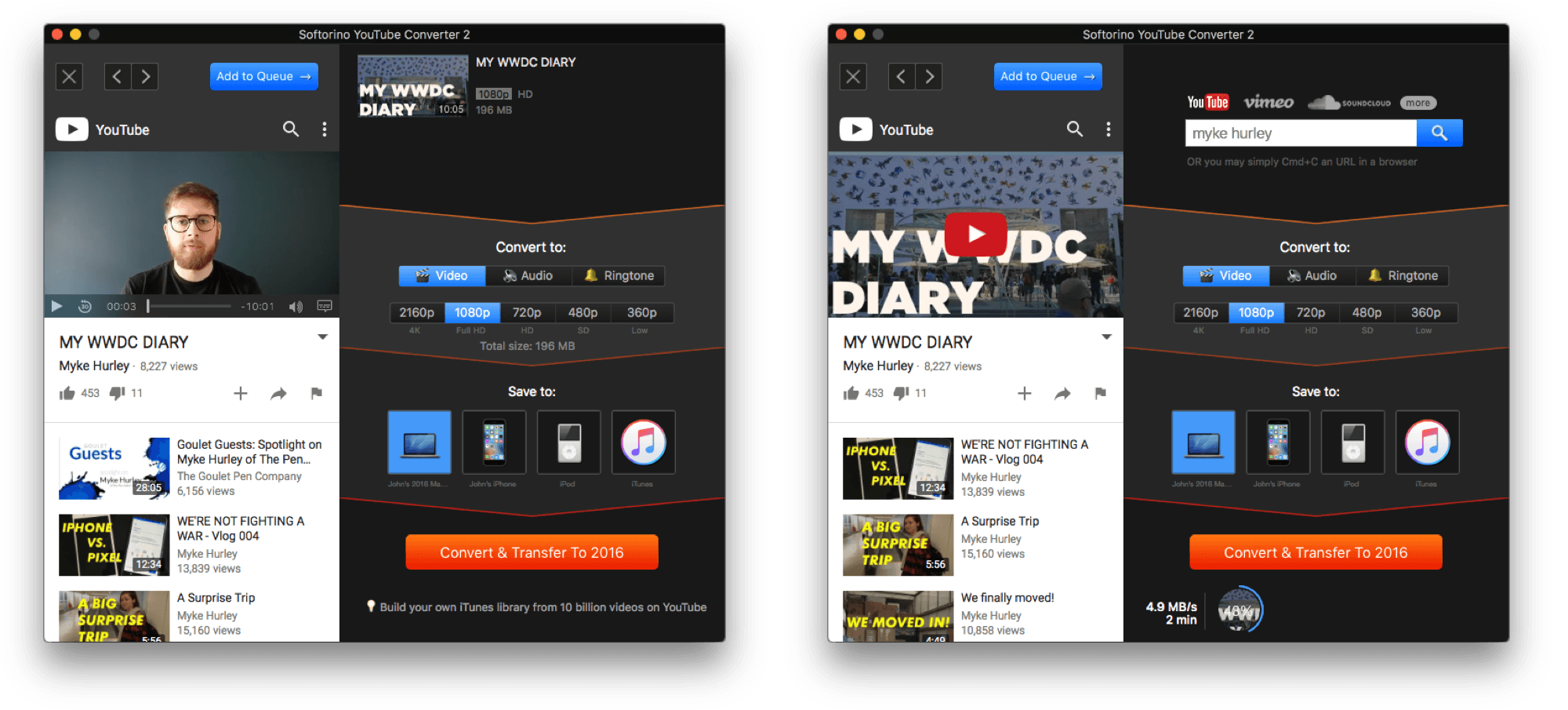
There are few macOS utilities I’ve tried that take a potentially complex, multi-step process and boil it down to a simple task as well as Softorino YouTube Converter 2 does. That’s because it’s a difficult technical and design challenge to hide complexity without creating an inflexible app with too many compromises. Softorino YouTube Converter, also known as SYC, does an excellent job avoiding the pitfalls and striking a balance between utility and simplicity. It only takes a few steps to go from a URL to a downloaded video or audio file, but SYC still allows for just enough tweaking along the way that it preserves a level of versatility that should make it attractive to a wide range of users.