John Voorhees

5429 posts on MacStories since November 2015

John is MacStories' Managing Editor, has been writing about Apple and apps since joining the team in 2015, and today, runs the site alongside Federico. John also co-hosts four MacStories podcasts: AppStories, which covers the world of apps, MacStories Unwind, which explores the fun differences between American and Italian culture and recommends media to listeners, Ruminate, a show about the weird web and unusual snacks, and NPC: Next Portable Console, a show about the games we take with us.

Game Day: Island Delta

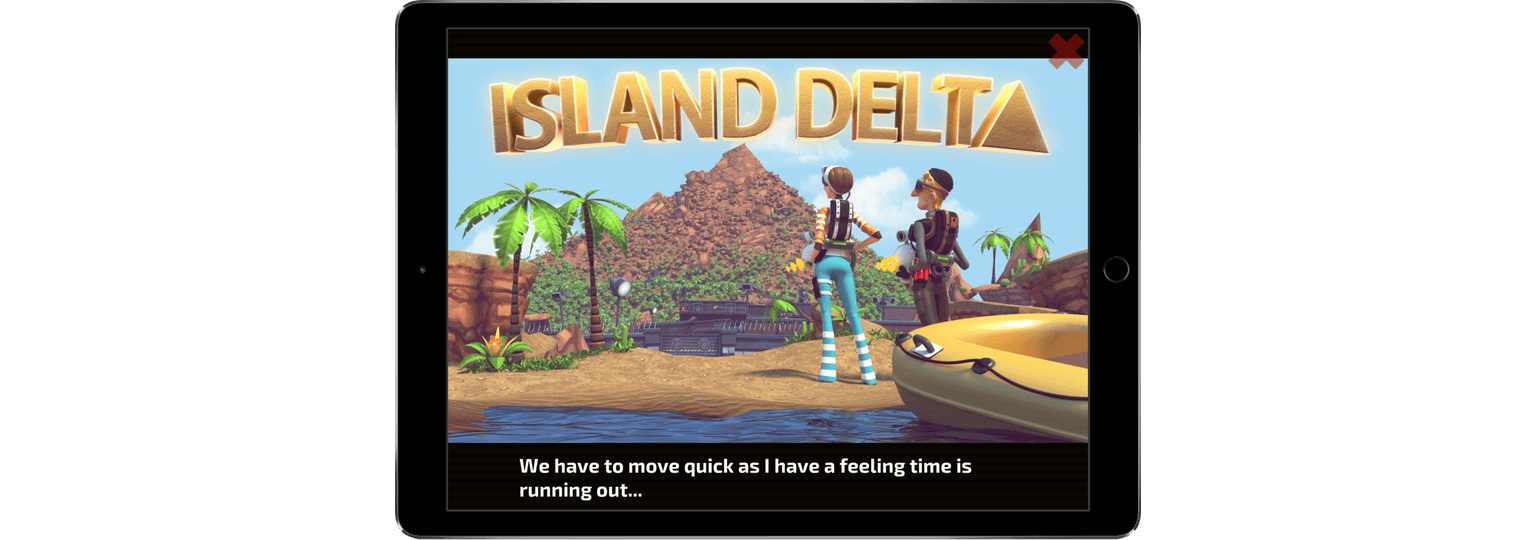
Island Delta is an action-packed puzzle game from indie development studio Mantisbite and Noodlecake. The game follows heroes Zoe and Baxter who are on a mission to save Zoe’s robot, Harold, from the evil Dr. Gunderson.

The universal app looks great on an iPad where the high-resolution graphics and silky-smooth animations can be appreciated to their greatest extent. You are Zoe or Baxter depending on which level you’re playing. In all, the three-fourths perspective game has thirty levels spanning five chapters. Although there is an ‘iCloud save’ setting, which I assumed saved progress and synced it to multiple devices, I was unable to sync progress from my iPad to my iPhone.
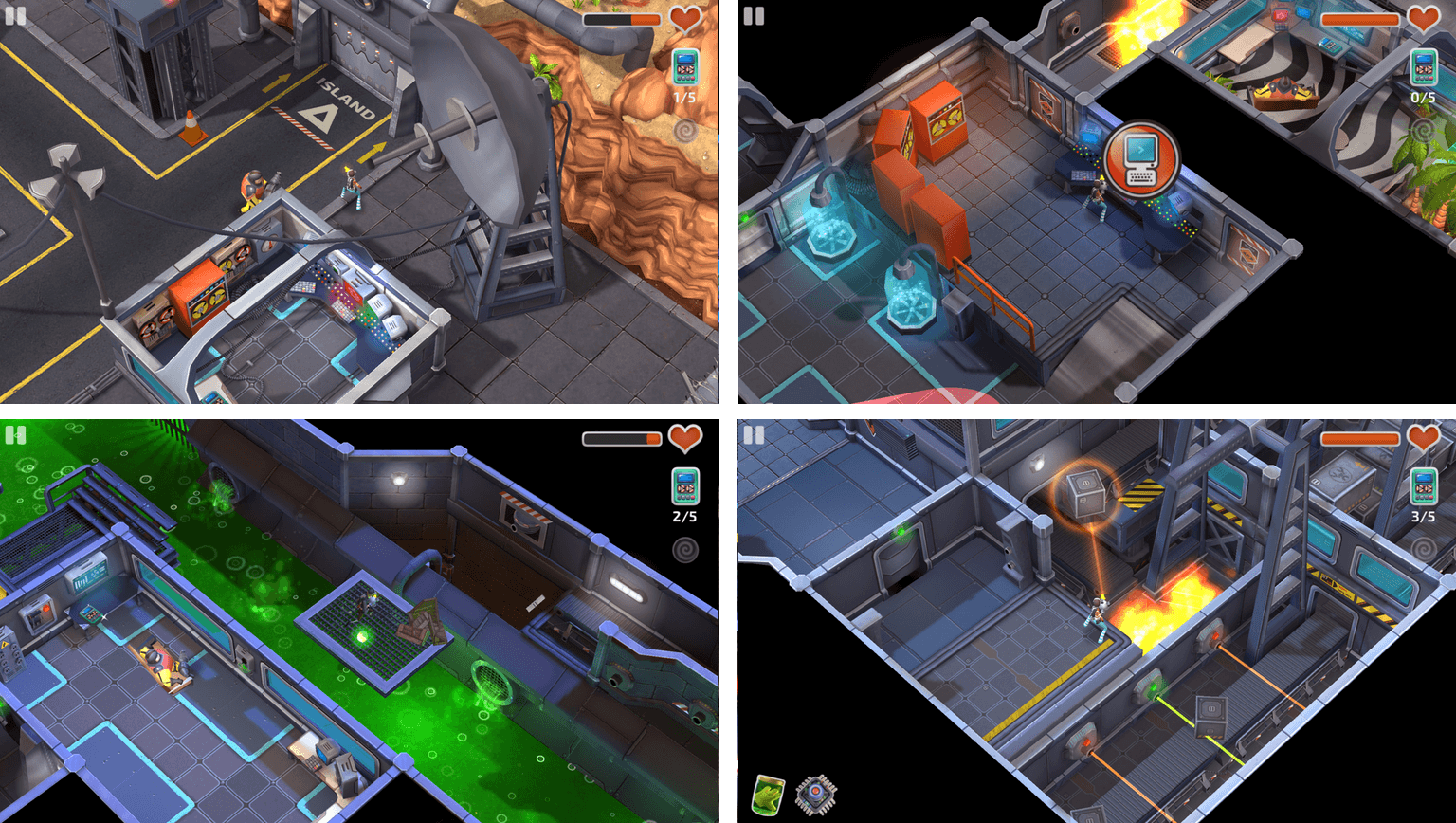
The game starts on Dr. Gunderson’s island stronghold, which is protected by robots, lasers, and other defenses. You must solve a series of puzzles to advance through the levels while avoiding Gunderson’s minions. The primary tool for interacting with your surroundings is an anti-gravity gun. Tap on something to pick it up, then tap again where you want to throw it. You can toss enemies to defeat them, batteries into power panels to activate doors, and boxes onto platforms to trigger switches. The anti-gravity gun is fun to use and a nice touch that sets Island Delta apart from similar games.

The controls for moving around each level are probably the weakest aspect of Island Delta. You have a virtual joystick under your finger that you drag in the direction you want your character to move. It works but can be frustratingly imprecise at times.
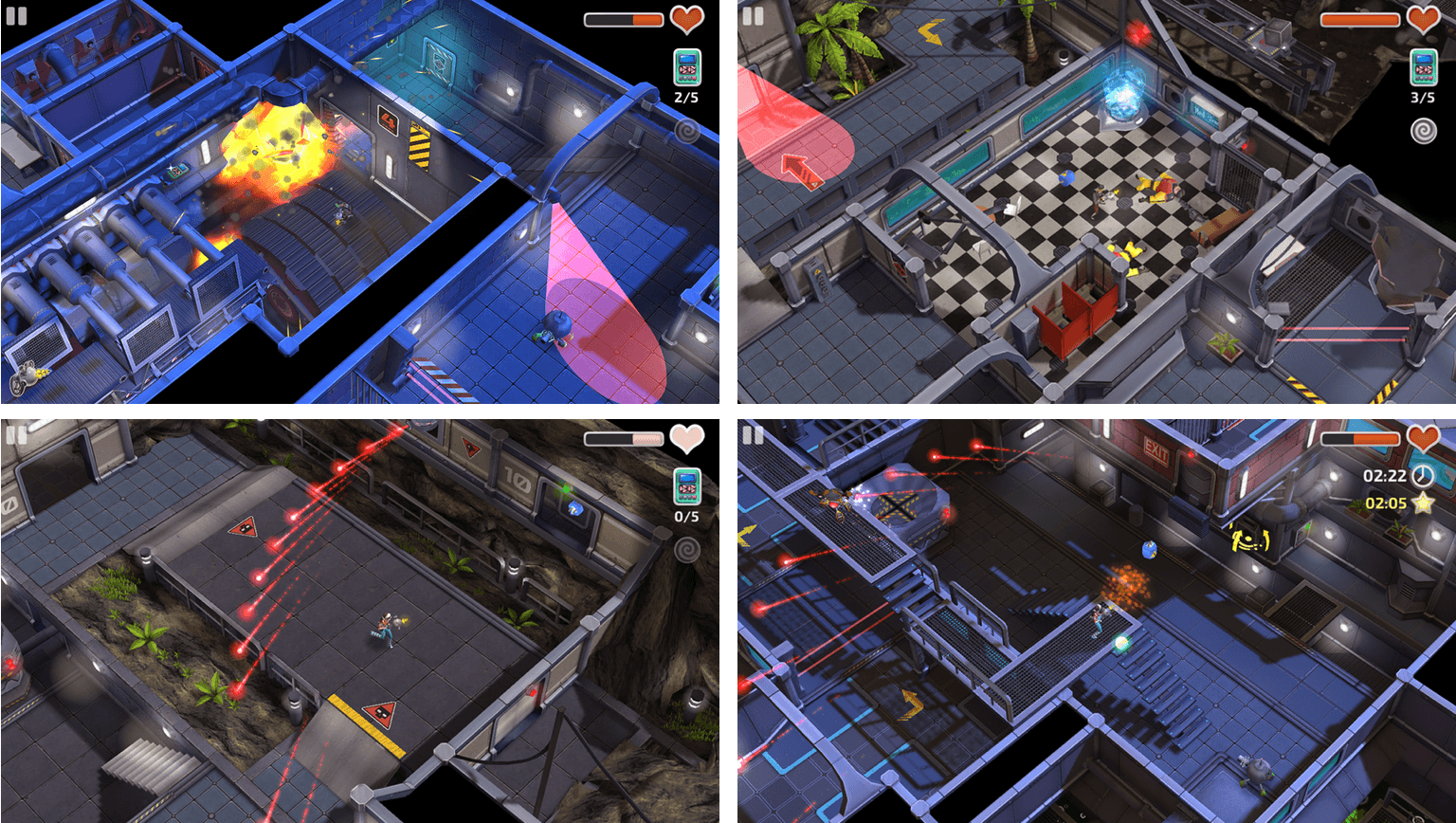
Island Delta’s storyline is engaging, and the pace was comfortable. There are no timers or other mechanics that force you through levels, which I appreciate. The game also includes collectibles throughout that open up secret areas in the game and are an incentive to explore and enjoy each level thoroughly.

Island Delta is one of the best-looking iOS games I’ve played recently. The game is infused with lighthearted humor and a soundtrack that give it a retro-futuristic spy vibe. It’s fun and exciting without the stress of gameplay mechanics that force the pace. Although the controls for navigating levels could be better, the puzzles, artwork, and other aspects of Island Delta make up for those shortcomings.

Island Delta is available on the App Store for $2.99.


Apple Highlights Wallpapers Created with Its Products to Celebrate the Chinese New Year

In anticipation of the Chinese New Year, which begins January 28th, Apple commissioned wallpapers for the Mac, iPad, and iPhone from five artists. Apple describes the wallpapers, which are available on its websites in China, Hong Kong, Singapore, and Taiwan, as ‘new interpretations of traditional Chinese New Year Nianhua folk art.’

Each of the wallpapers was created using a variety of Apple products, including the MacBook Pro, iMac, iPad Pro, and Apple Pencil and third-party apps, like Adobe Photoshop, Illustrator, and Procreate. The artists who designed the wallpapers will also be participating in ‘Meet the Artist’ programs at Apple Stores in China and Hong Kong.

The wallpapers are available to download here.

Permalink

Record App Store Results Reported by Apple

Apple announced today that the App Store smashed records in 2016 and on New Year’s Day. App developers earned $20 billion in 2016, up 40% from 2015. In addition, on New Year’s Day Apple set a single-day App Store record when customers spent $240 million on apps.

Phil Schiller, senior Vice President of Worldwide Marketing had this to say:

2016 was a record-shattering year for the App Store, generating $20 billion for developers, and 2017 is off to a great start with January 1 as the single biggest day ever on the App Store. We want to thank our entire developer community for the many innovative apps they have created — which together with our products — help to truly enrich people’s lives.

Apple revealed that Super Mario Run, the much anticipated game from from Nintendo, was the number one most downloaded app on both Christmas Day and New Year’s Day. Apple’s Apps for Earth and Games for (RED) campaigns also raised over $17 million for charity in 2016 and app subscription billings increased 75% in 2016.

Permalink

Twelve South Introduces ActionSleeve for Apple Watch

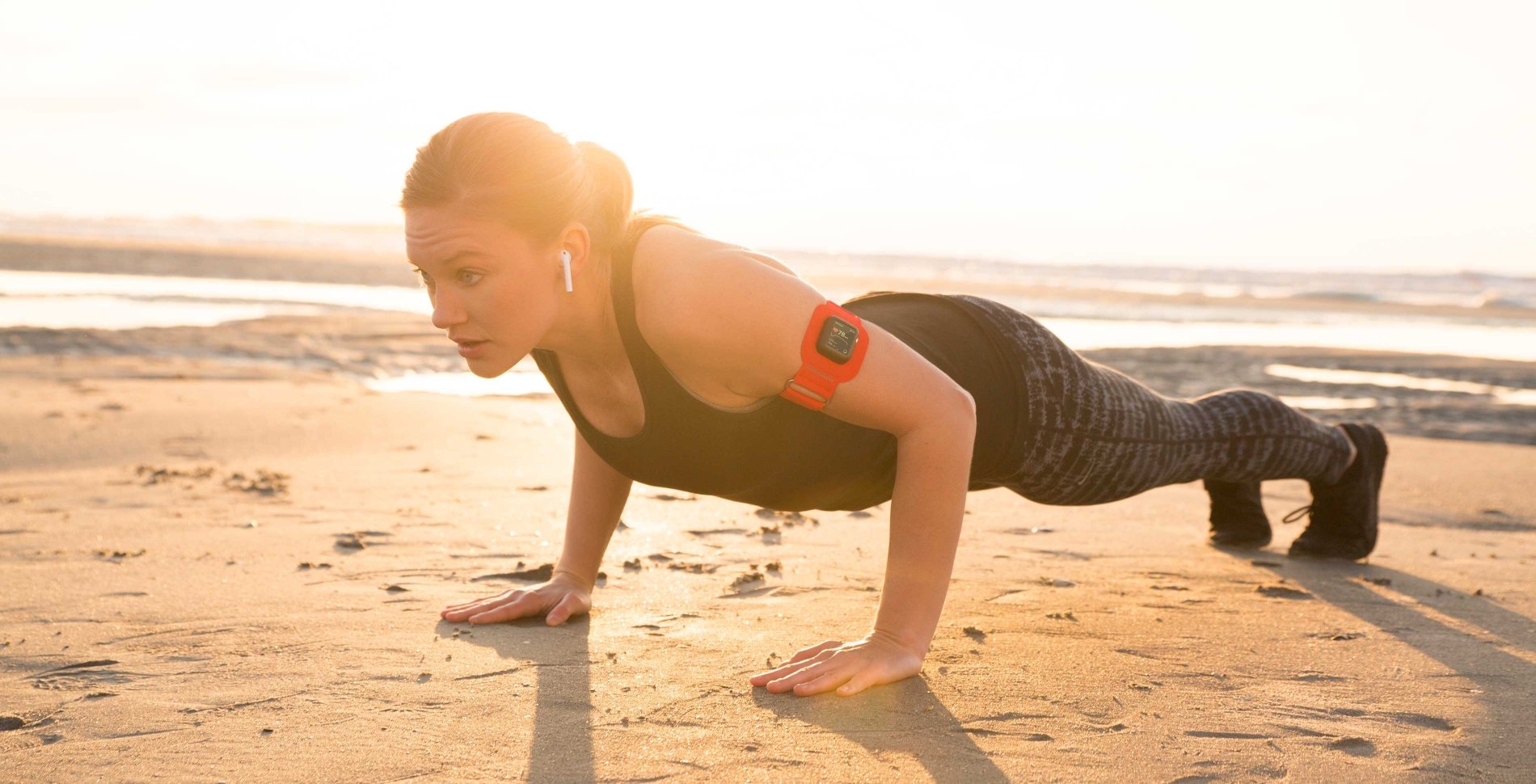
Having an Apple Watch on your wrist is not ideal for some activities. Twelve South introduced an interesting solution at CES today. The ActionSleeve is an armband for the Apple Watch. Slide your Apple Watch out of its band, pop it into the ActionSleeve, and you’re ready to go.

The ActionSleeve is already available to order on TwelveSouth’s website for $29.99. For anyone who participates in an activity where having something on your wrist is an issue, the ActionSleeve could enable fitness tracking that wasn’t possible before. For others, the fact that the ActionSleeve makes it hard (if not impossible) to glance at real-time statistics while you are exercising may be a nonstarter.

Personally, I’m intrigued. I like collecting fitness data while out on a run or walk, but I sometimes find the availability of glanceable information a distraction. Putting my Apple Watch in an armband has the appeal of enabling me to collect data that I can review later without the distraction of real-time statistics.

We’ll have more on the ActionSleeve soon. In the meantime, here is TwelveSouth’s promo video for the product:

Permalink

Weather Line Update Adds Today Widget and 3D Touch Quick Actions

Weather Line, one of my favorite iPhone weather apps, received its first update in some time today. Version 1.8 adds a Today widget, 3D Touch quick actions, plus bug fixes and design refinements.

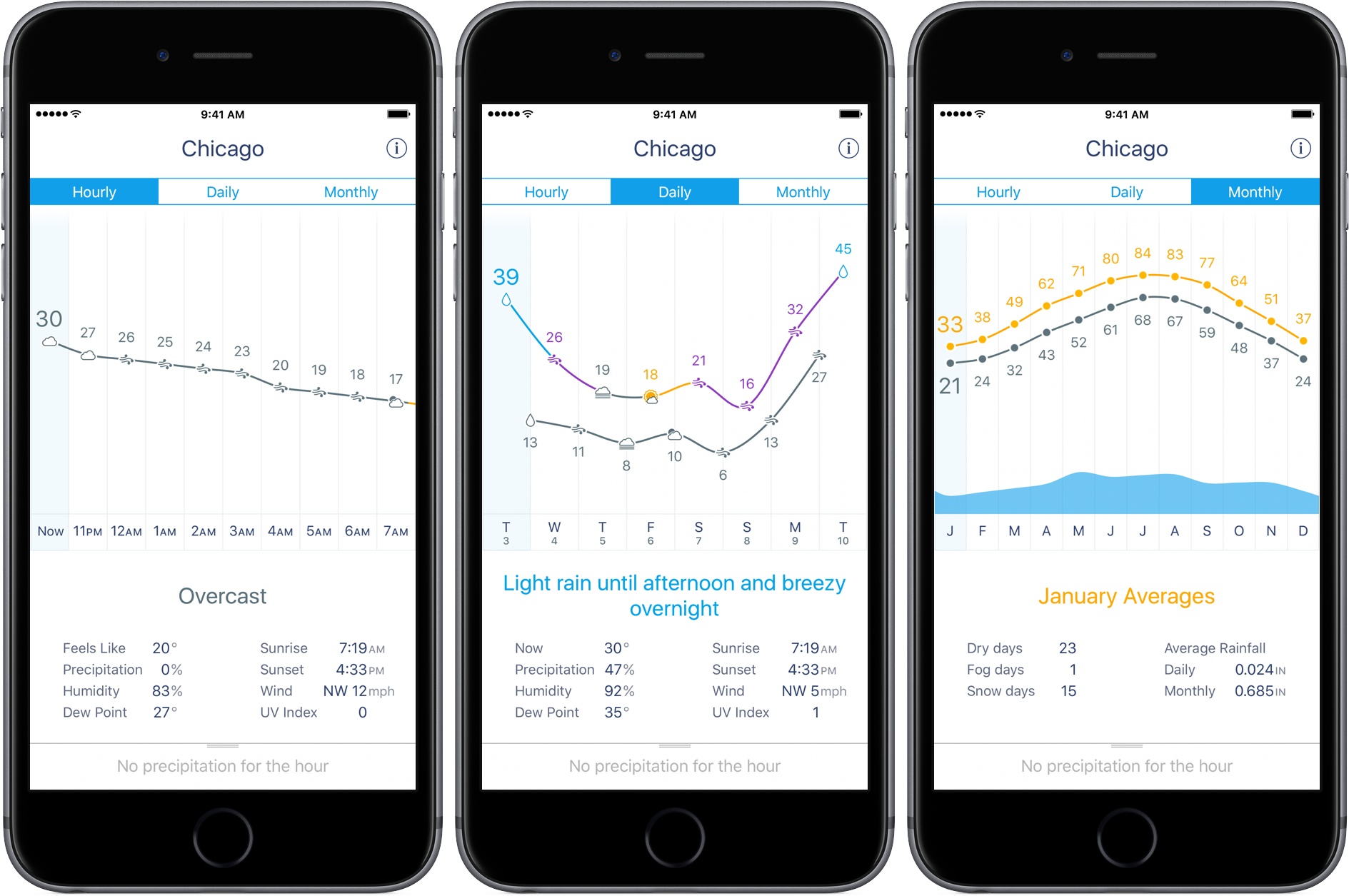
Weather Line displays hourly, daily, and monthly high and low temperatures and predicted conditions as a graph at the top of the screen. Additional weather data supplied by darksky.net and a panel that can be pulled up to show any short-term predicted precipitation are available on the bottom of each screen. You can choose among the weather for your current location and any cities saved in the app by swiping left and right among them.

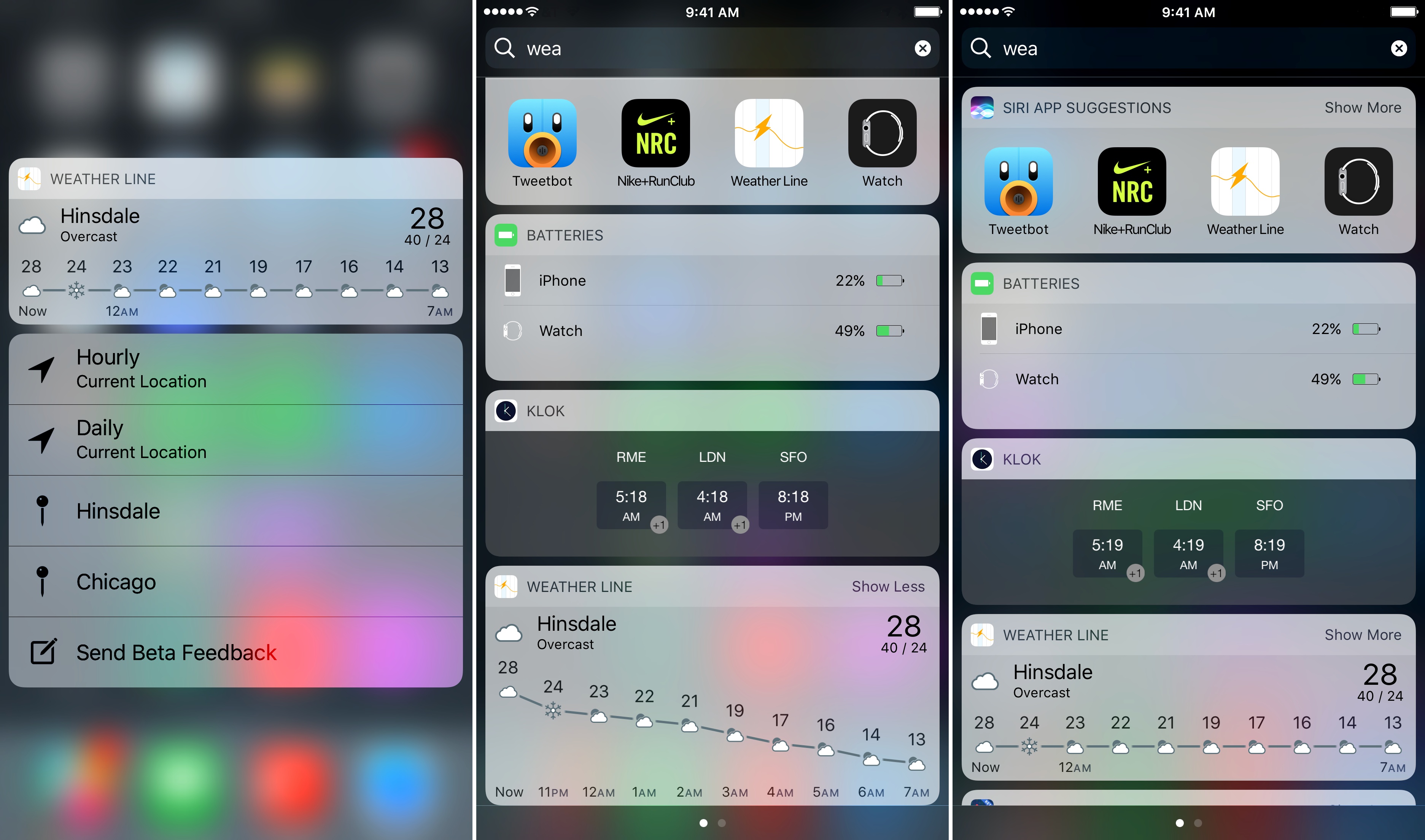
Weather Line has come in handy time and again, living in a city like Chicago where the temperature can change dramatically from hour to hour. That’s why I was happy to see the app add a Today widget. The widget displays a graph of the current and projected temperatures and conditions for your current location for the next ten hours. As with all widgets, Weather Line’s has a compact and expanded mode. I prefer the expanded mode, which gives the graphs more vertical space to visually communicate temperature changes, although collapsing the widget is a good way to save space for other widgets.

Weather Line has also added 3D Touch quick actions to its Home screen icon. If you have an iPhone that supports quick actions, pressing on the app’s icon displays the same widget, as well as shortcuts to the hourly and daily conditions for your current location and the weather for the two cities at the top of your saved locations list.

Weather Line quick actions and the widget expanded and collapsed.

Weather Line quick actions and the widget expanded and collapsed.

The update to Weather Line includes several other small tweaks. For instance, the app now uses the San Francisco typeface, which makes text pop a little more on each screen. Also, navigating between cities can now be accomplished by swiping anywhere on the screen, except in the hourly view where swiping left and right on the graph scrolls it horizontally. Previously, you couldn’t swipe on any of the graphs to switch locations. Location search has also been improved.

I’ve always relied on multiple weather apps for different circumstances. The clean, simple design of Weather Line has a timelessness that has kept it fresh and among my favorites despite infrequent updates. Nonetheless, it’s good to see Weather Line expand into widgets and 3D Touch, which make it easier than ever to access its graphs. I would love to see the app’s reach extended even further to the Apple Watch and iPad in coming updates.

Weather Line 1.8 is a free update to existing customers and is available to new customers on the App Store for $2.99.


Apple Watch Nike+ Ads Starring Kevin Hart Debut

The Apple Watch Nike+, with its special band, watch faces, and fitness features was released on October 28, 2016. Today, Nike released a series of ads titled The Man Who Kept Running starring actor-comedian Kevin Hart to show off the new watch.

The ads follow Hart as he leaves to try his new Apple Watch Nike+. The premise is that Hart disappears, but is found months later by a film crew as he runs through the desert 700 miles from home.

Each of the seven ads plays off of the question posed by the scheduling feature of the Nike+ Run Club watch app: ‘Are we running today?’ For Hart, the answer is always ‘yes.’ Each spot also highlights a unique feature of the Nike+ version of the Apple Watch that sets it apart from the regular Series 2 version.

Here is the ad that sets up the storyline for the series. The other videos can be viewed after the break.

Read more


Gboard Incorporated into Google’s iOS Search App

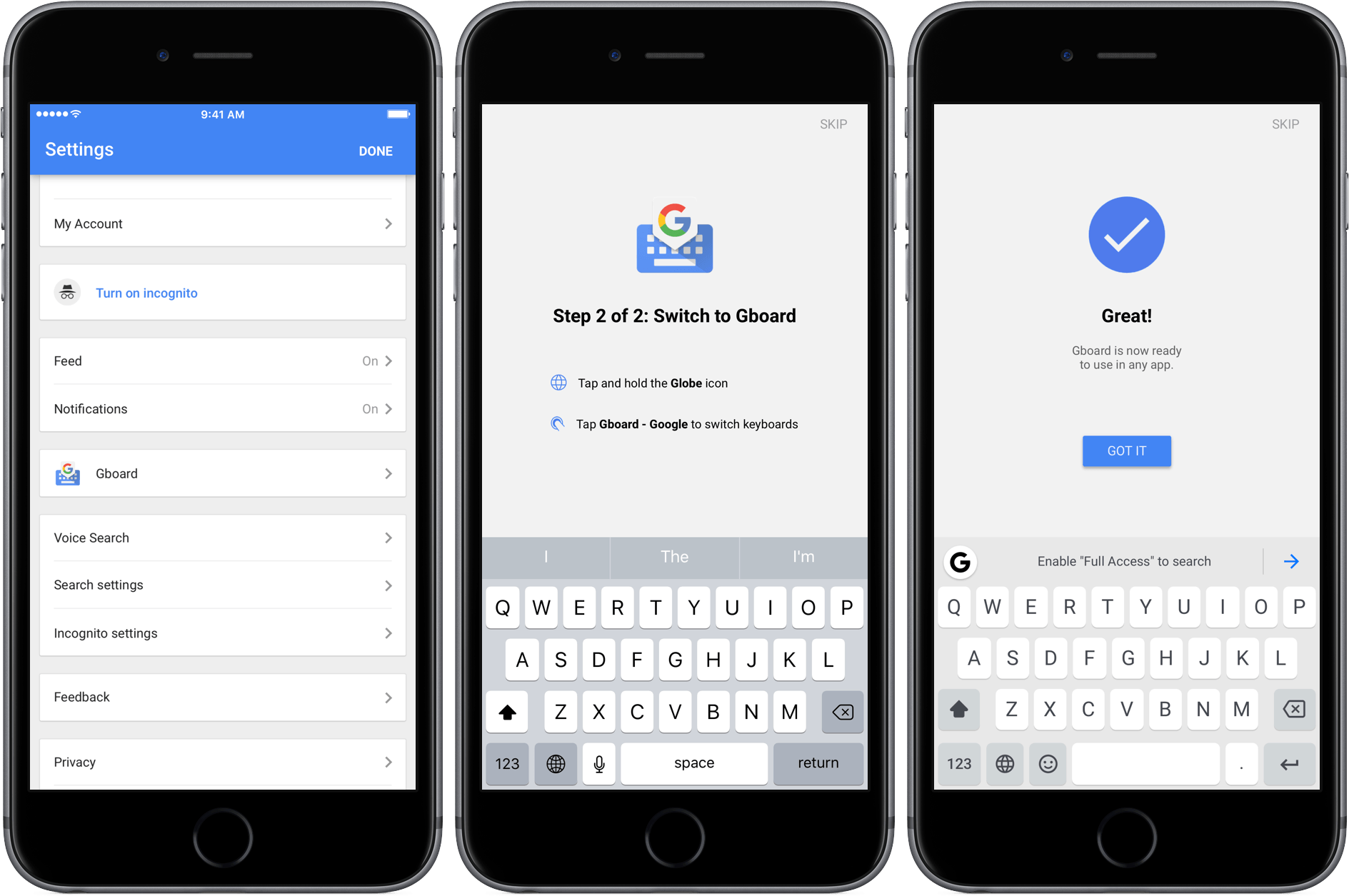
Google released an update to its iOS search app today that includes Gboard integration. Gboard is Google’s alternative to the iOS system keyboard and one of the better third-party keyboards available on iOS. The keyboard supports web, image, and GIF searches, instant-answer search results, multiple languages, 3D Touch cursor movement, contacts, and other features.

Gboard must still be installed by navigating to the Keyboard settings in Apple’s Settings app, but after you do that, Gboard’s settings can be adjusted in the Google app instead of the separate Gboard app. The downside of the new approach is that if you already have Gboard installed, it is now possible to have two Gboard keyboards installed at once – one from the standalone Gboard app, which is still available on the App Store, and the other from the Google app. If you’re a Google app user and already have Gboard installed as I did, I suggest deleting the Gboard app because there is no reason to have two instances of the Gboard keyboard installed.

Permalink

Developers Report Serious PDF Bugs in macOS Sierra

After macOS Sierra was released, reports of problems with PDFs created with Fujitsu’s ScanSnap scanner surfaced. Apple resolved those problems with the release of macOS 10.12.1, but it turns out the problems with PDFs on Sierra run deeper.

Adam Engst of TidBITS has a rundown of several issues that plague Preview, Apple’s PDF app, and many third-party PDF apps. The source of the problems seems to be PDFKit, a developer framework for handling PDFs in macOS. According to developers who spoke to Engst, Apple rewrote parts of PDFKit to unify the macOS and iOS PDF code bases. In the process, developers say that Apple introduced a series of significant bugs and deprecated PDFKit features that broke third-party apps that use PDFKit.

Most recently, the macOS 10.12.2 release seems to have introduced a Preview bug that deletes any OCR layer embedded in a PDF that is edited in Preview. Meanwhile, third-party developers have run into new bugs that affect the handling of PDF annotations.

Engst, the co-author of Take Control of Preview, concludes that:

… I have to recommend that Sierra users avoid using Preview to edit PDF documents until Apple fixes these bugs. If editing a PDF in Preview in unavoidable, be sure to work only on a copy of the file and retain the original in case editing introduces corruption of any sort. Smile’s PDFpen [which doesn’t use PDFKit] is the obvious alternative for PDF manipulation of all sorts (and for documentation, we have “Take Control of PDFpen 8” too), although Adobe’s Acrobat DC is also an option, albeit an expensive one.

Permalink