John Voorhees

5429 posts on MacStories since November 2015

John is MacStories' Managing Editor, has been writing about Apple and apps since joining the team in 2015, and today, runs the site alongside Federico. John also co-hosts four MacStories podcasts: AppStories, which covers the world of apps, MacStories Unwind, which explores the fun differences between American and Italian culture and recommends media to listeners, Ruminate, a show about the weird web and unusual snacks, and NPC: Next Portable Console, a show about the games we take with us.

The Process of Proposing New Emoji

The Verge has an interesting interview with Paul Hunt, a type designer at Adobe, who has proposed four emoji that have been adopted as part of the Unicode Standard: orange heart, child, adult, and older adult. In addition to describing the extensive research that can go into proposals to adopt a new emoji, Hunt explains the Unicode body’s approach to issues surrounding the diversity of emoji and inclusiveness:

… Unicode tries to be very sensitive and tries to avoid any kind of political issues when it comes to coding new characters. I think that Unicode doesn’t really try to give a voice for particular causes. Instead, they try to approach it in a way that they try to make tools for communicating existing realities. … I feel like having more emoji concepts to express issues around gender and around equality issues is only a good thing. Hopefully as people use and see these emoji, then it will help them to hopefully be able to think and empathize for the people who are using them.


Permalink

Canopy Keyboard Cover and iPad Stand Review

I’ve been carrying Studio Neat’s new Canopy, a combination keyboard case and iPad stand, for about a week. It’s the first time Apple’s Smart Keyboard has been off my iPad Pro since I got it, but I haven’t missed it at all. There are still certain situations where I prefer the Smart Keyboard, but I love having the option to work on my iPad with Apple’s Magic Keyboard when it suits my needs. So, while I won’t be switching to a Magic Keyboard/Canopy combination full-time, it’s a choice I’m glad to have and one I will use frequently.

Read more


Minecraft: Pocket Edition Hits 1.0 and Gets an Apple TV Version

Minecraft fans got an early present under the tree today. Mojang, the maker of Minecraft: Pocket Edition on iOS, announced that it is releasing a big update to the game today as well as an all-new Apple TV version.

The update to Minecraft: Pocket Edition on iOS has been dubbed the Ender Update and brings the version number of the game to 1.0. Mojang’s Owen Jones says on the Minecraft.net that:

my personal highlights have to be The Ender Dragon (because I’m Welsh and love dragons), The End (all dragons deserve to have a fitting home to relax in), and the Dragon’s Breath potion (it’s delicious). This update also brings this year’s Festive Mash-Up Pack including all kinds of holiday themed looks.

The Ender Update is currently rolling out and should be available in the App Store soon. In the meantime, Mojang has put together a preview trailer highlighting the update and another featuring the Festive Mash-Up Pack that you can watch:

Mojang also announced that Minecraft will be released on the Apple TV today. Originally mentioned onstage at Apple’s October MacBook Pro event, the game will be available for $19.99. For a limited time the Apple TV version will include the following seven DLC add-ons for free: Holiday 2015, Town Folk, and City Folk skin packs, along with the Plastic, Natural, Cartoon, and Festive 2016 mash-ups.


Game Day: LVL

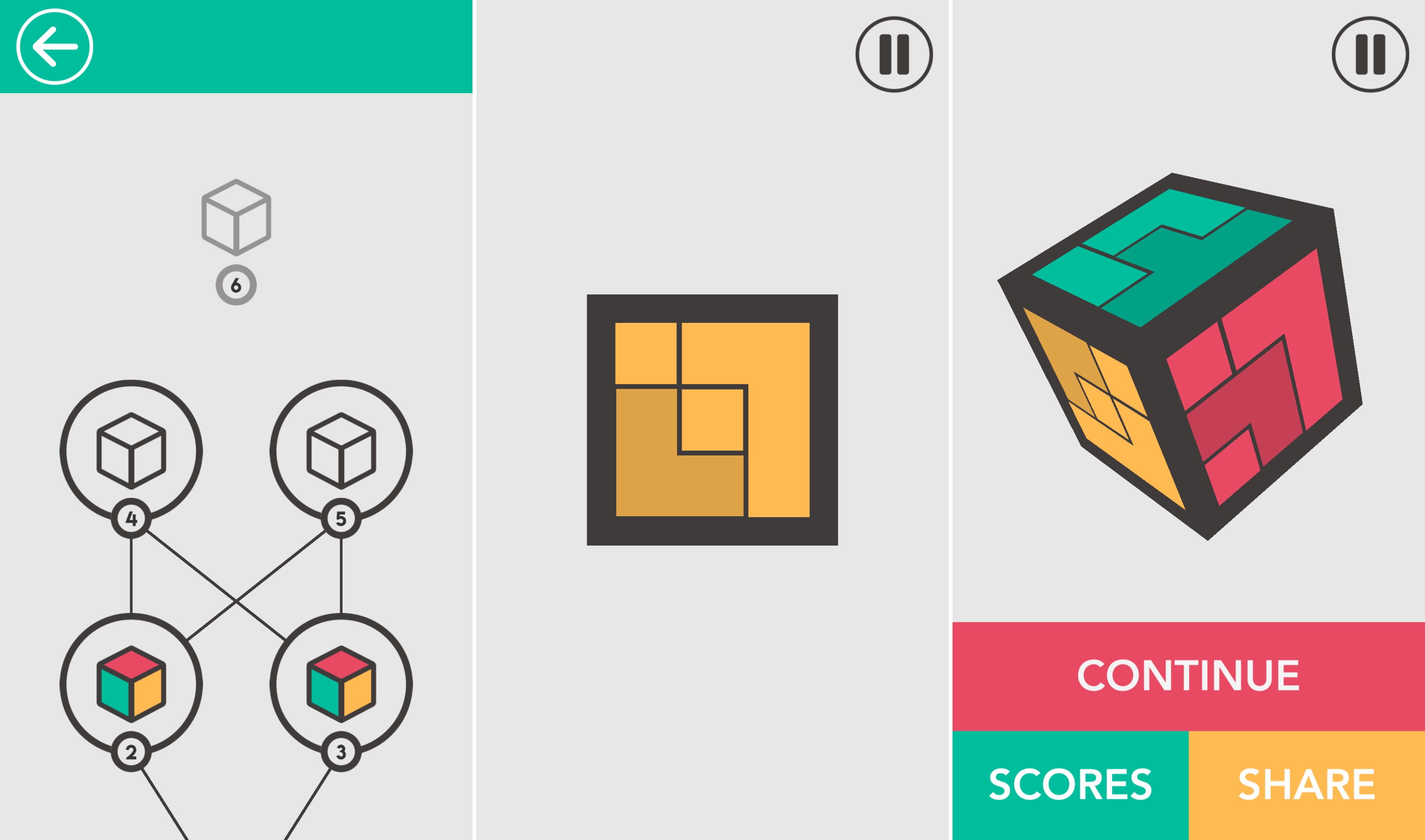
LVL, by Ankara-based SquareCube, is a clever synthesis of 3D and 2D puzzles. Each puzzle is solved in two dimensions, but requires you to consider three. Shapes are laid out on the sides of a cube divided into a three-by-three grids like a Rubik’s cube. Some of the squares on one side of the cube are occupied by colored shapes. The other squares are transparent so you can see the squares on the opposite side of the cube. Your job is to complete a grid of one color by moving the pieces on the opposite sides of the cube. As with similar puzzle games, the object is easy to grasp when you see it, but hard to describe. The best way to understand the mechanics of LVL is to watch this short trailer:

Pieces can be moved up, down, and laterally on each side, but not rotated or moved to a different surface of the cube. A puzzle is completed when the combination of moves on opposite sides positions the pieces in such a way that they form a solid grid of one color when a side is viewed head-on. The game is enhanced by it’s clean, simple, and colorful design and a spacey, mellow soundtrack.

In all, there are over 50 levels with over 150 total puzzles. LVL also incorporates Game Center leaderboards based on the number of puzzles you solve.

I’ve enjoyed some more fast-paced, frenetic games lately, but I also appreciate this sort of game where I can play short sessions at my own pace. Puzzle games like this are perfect if you need a little down-time and are looking for a fun distraction.

LVL is available on the App Store for $1.99.


Winter Break Activities for Kids

It doesn’t take kids long to get bored during a vacation from school. Left to their own devices, your kids might do what mine would and play video games all winter break. There’s a place for just relaxing and enjoying a good game, but if you’re looking for something a little more creative...


Viewing Related Photos on iOS

With iOS 10, Apple added a handy feature to Photos that is easy to miss or forget about because there is no indication that it’s there until you swipe up on a photo. When you swipe up, two sections are revealed. The first is ‘Places,’ which lists the address where the photo was taken,...


Album

Silly Stickmen This sticker pack brings animated stickmen to iMessage, with a twist: in addition to animations, the characters have been designed so it seems like they’re interacting with an iMessage bubble. A clever use of perspective and transparency makes dragging these stickers onto conversations a lot of fun. Neko Cat Banana I have...


Super Mario Run Arrives in the App Store

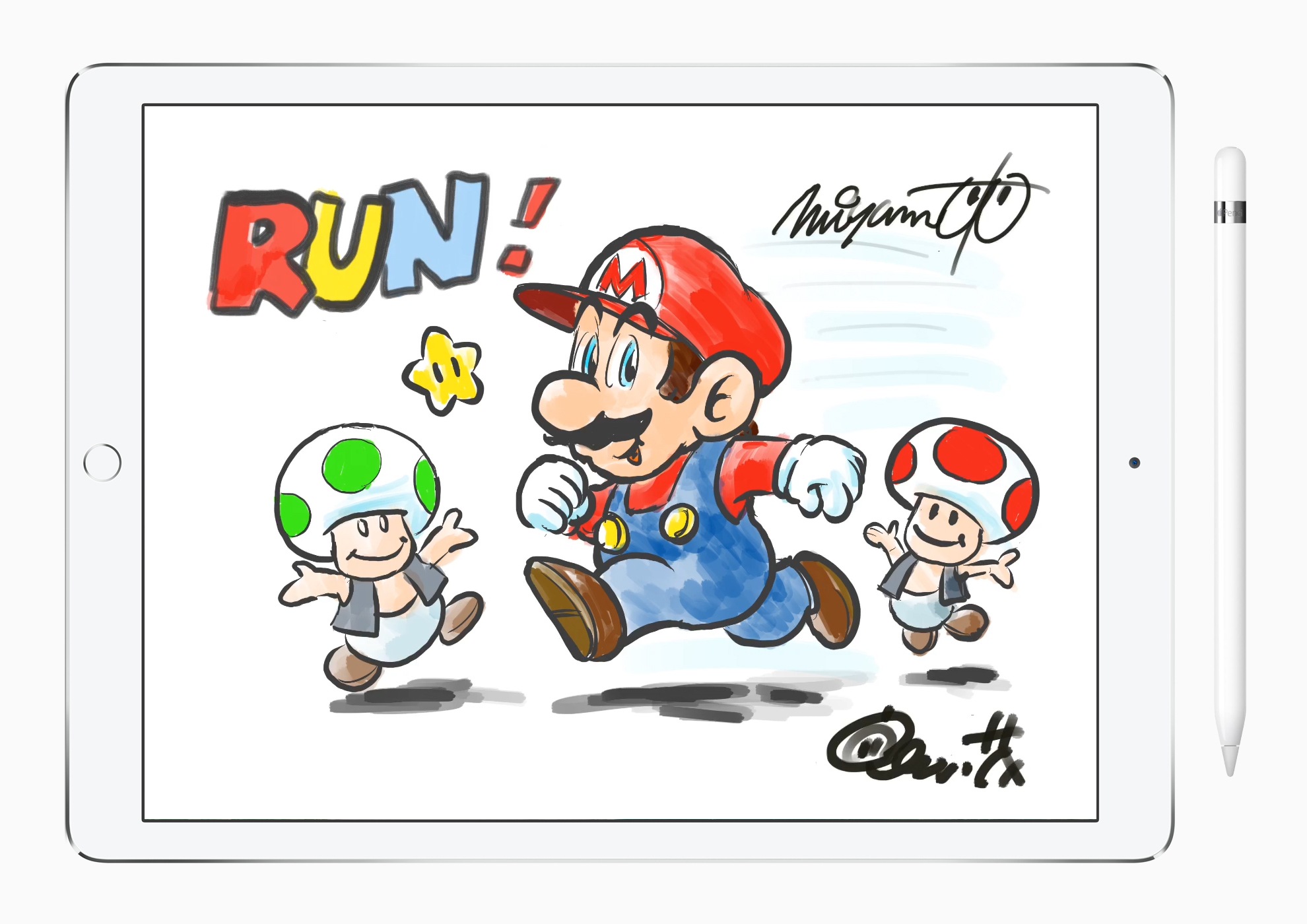
The announcement of Super Mario Run for iOS was a big surprise during Apple’s September 7th iPhone event. It feels like hardly a week has gone by since then without some sort of news about the game.

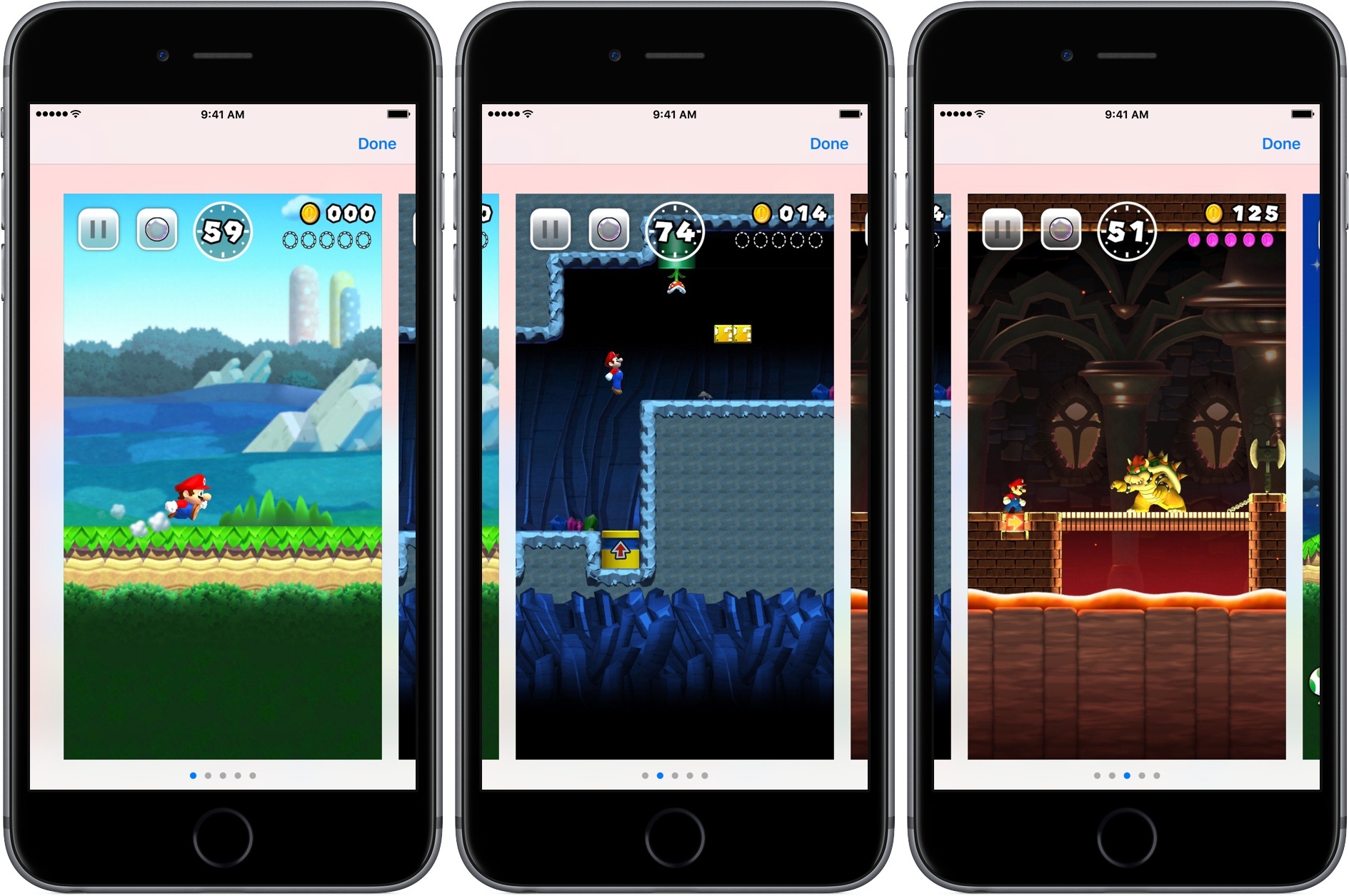
The wait is finally over. As of a short time ago, Super Mario Run began rolling out worldwide on the App Store. The game features three modes, an endless runner-style mode in which you tap the screen to help Mario reach platforms, collect coins, and avoid enemies, a head-to-head competition mode called Toad Rally, and a building mode called Kingdom Builder. This gameplay video posted by Nintendo last week walks through each part of the game:

Super Mario Run requires a constant connection to the Internet. Nintendo says it implemented the feature to combat piracy of the game – a decision that has been roundly criticized as user-hostile in the days since the requirement was revealed.

You can download Super Mario Run from the App Store for free, but a $9.99 in-app purchase is required to unlock the full game.

Permalink