John Voorhees

5429 posts on MacStories since November 2015

John is MacStories' Managing Editor, has been writing about Apple and apps since joining the team in 2015, and today, runs the site alongside Federico. John also co-hosts four MacStories podcasts: AppStories, which covers the world of apps, MacStories Unwind, which explores the fun differences between American and Italian culture and recommends media to listeners, Ruminate, a show about the weird web and unusual snacks, and NPC: Next Portable Console, a show about the games we take with us.

Messages Apps and Sticker Packs Roundup

Messages started life as an innovative app that unified SMS with Apple’s own free iMessage service when it was introduced five years ago. As time passed, Messages fell behind many of its competitors like Facebook Messenger, Telegram, WhatsApp, LINE, WeChat, and others.

With the introduction of iOS 10, Apple has made up substantial ground with Messages while upholding its commitment to customer privacy. Few third-party developers would have imagined even a couple of years ago that Apple would open up one of its most important first-party apps to them, but that is precisely what Apple has done with iOS 10.

In the process of unlocking Messages, Apple has created a whole ecosystem of apps and sticker packs with their own dedicated store built right into Messages. Developers immediately sensed an opportunity and an all-new land rush is in full swing.

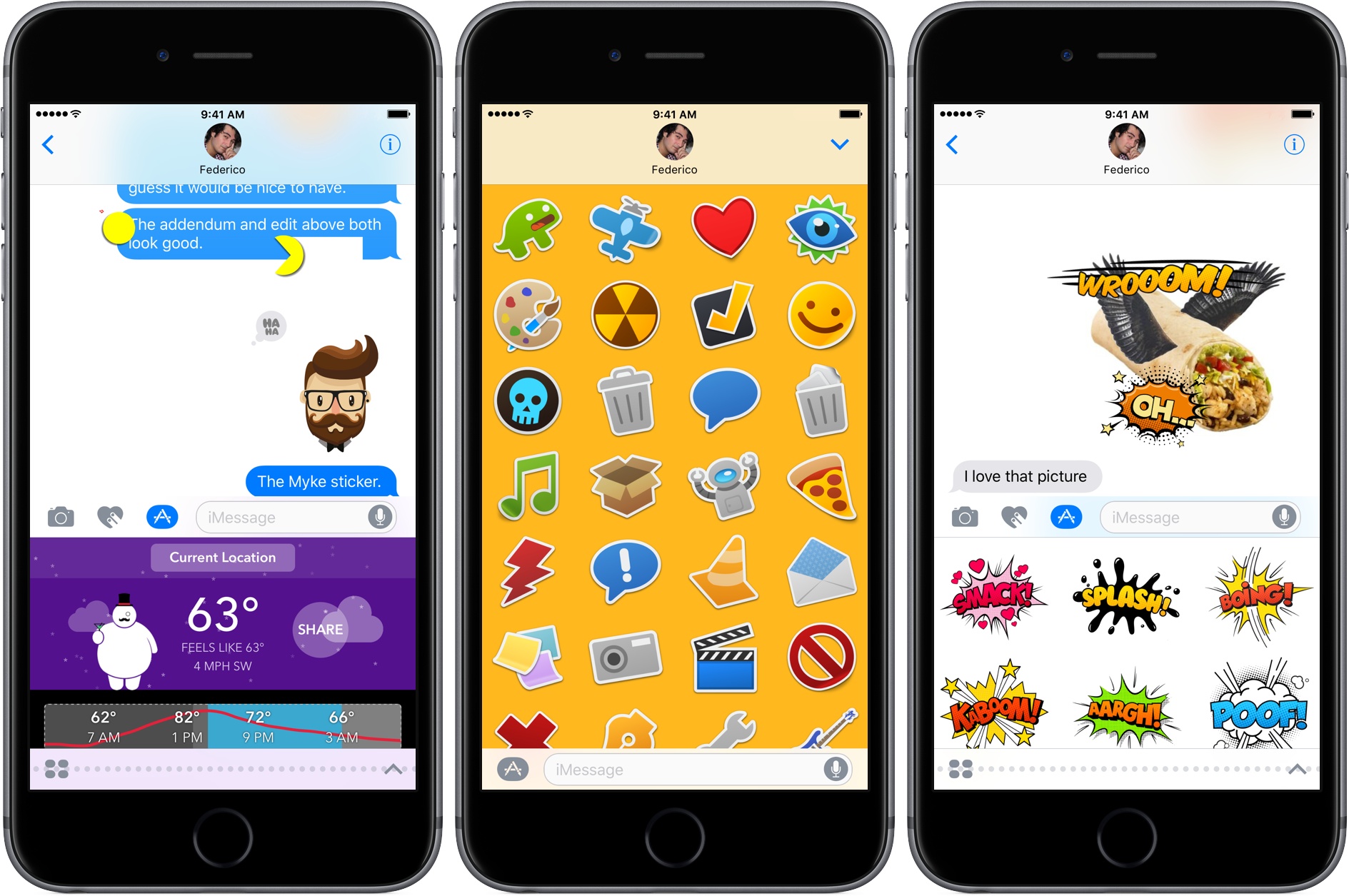
Over recent weeks, Federico and I have tested dozens of iMessage apps and sticker packs, exchanged hundreds of stickers, made interactive to-do lists, played games, edited photos, and much, much more. Some of the things we’ve tried are highlighted in Federico’s iOS 10 review to illustrate particular aspects of the Messages app, but we’ve seen so many interesting apps and stickers, we wanted to share them with readers in one place.
Read more


tvOS Adds Dark Mode, Siri Enhancements, and More

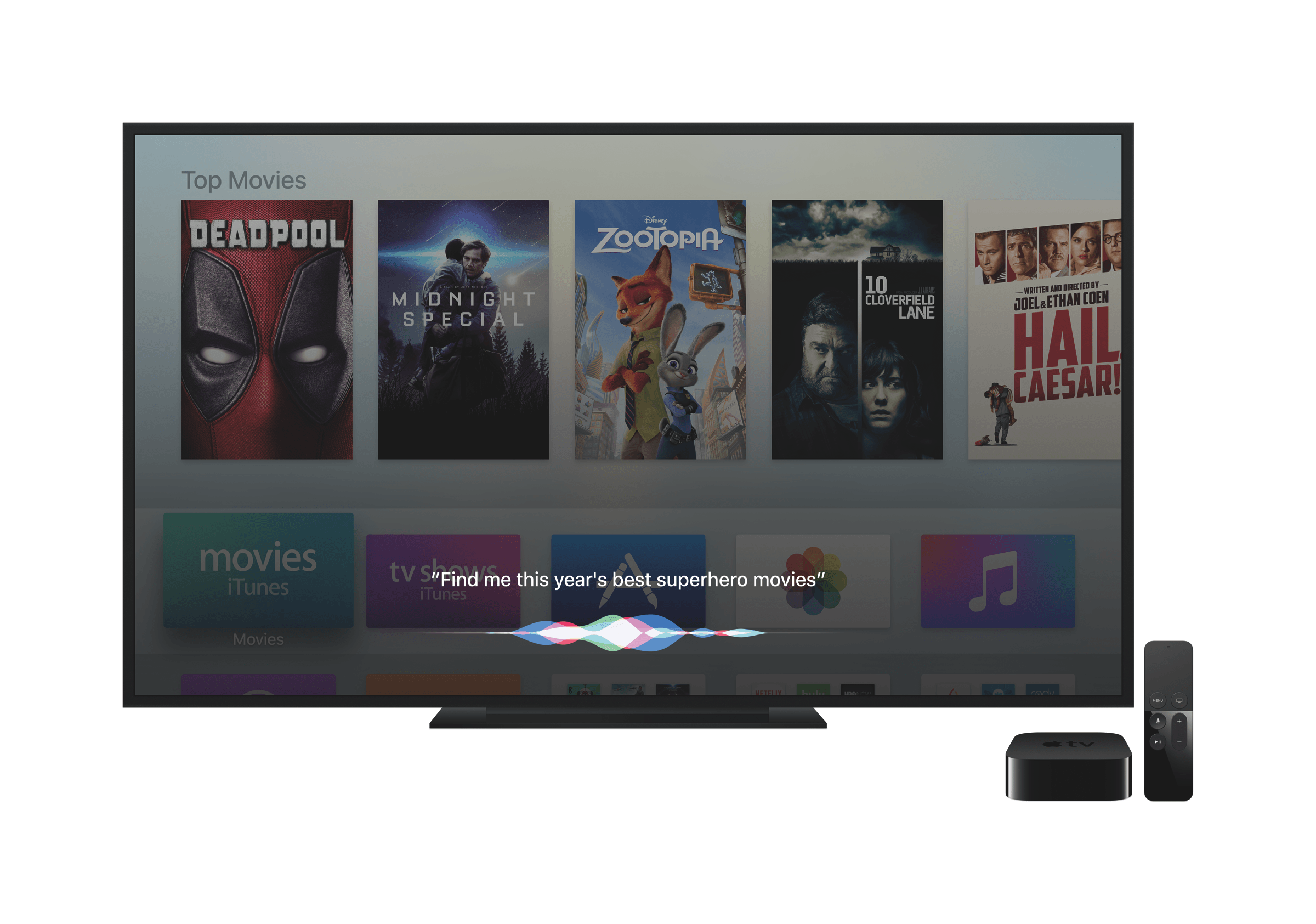
The fourth generation Apple TV was introduced almost exactly one year ago. Since then, Apple has continued to incrementally improve tvOS, the iOS-based operating system that controls the Apple TV. With the release of tvOS 10 today, Apple has extended the capabilities of features like Siri, added functionality to apps like Photos and Music that bring those apps in line with iOS 10, and improved the user experience with new features like a dark mode and single sign-on. Together, these features make for a more polished tvOS experience that should enhance customers’ enjoyment of the Apple TV without introducing radical changes to how the device works.

Read more


iOS 10 Refines the CarPlay Experience

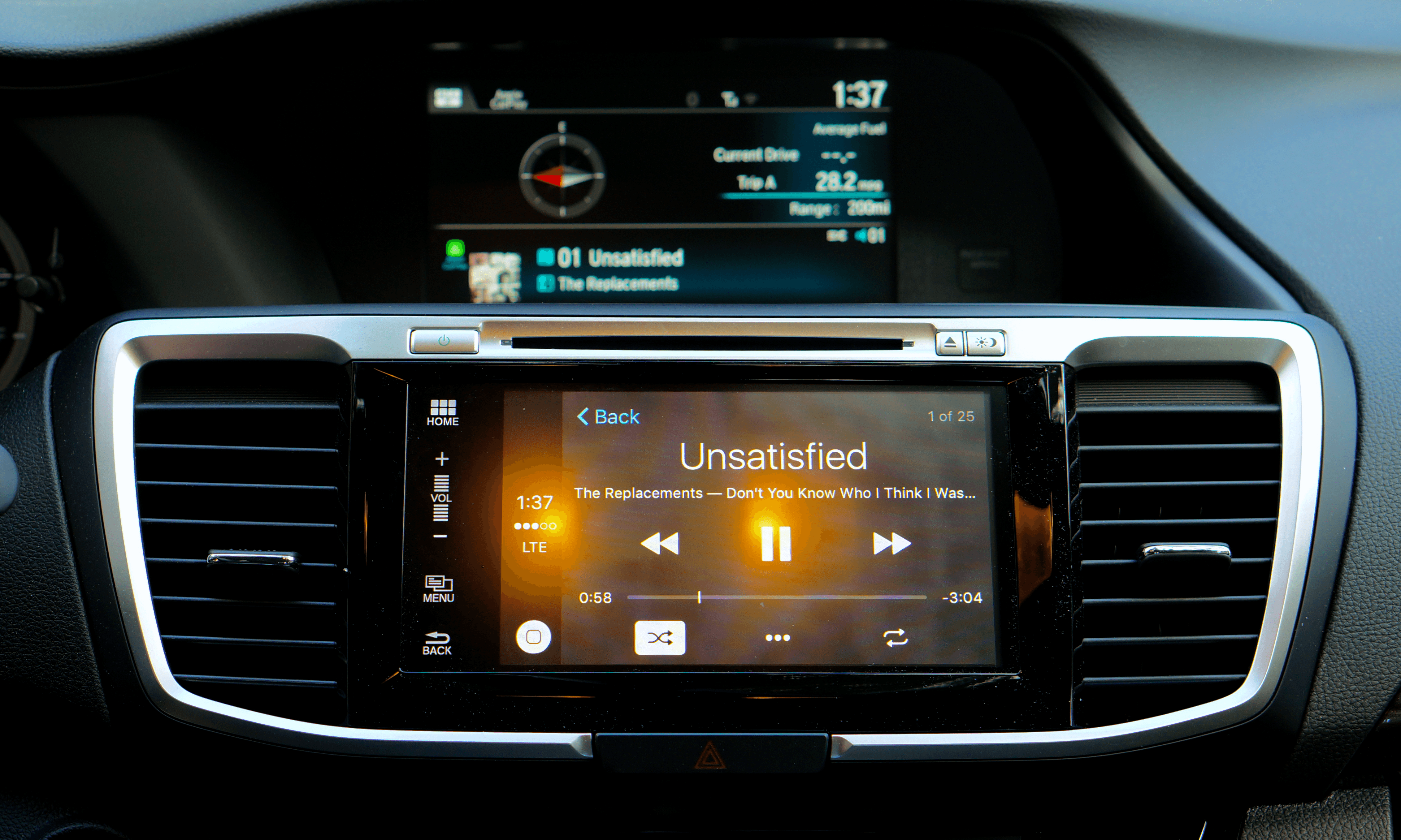
CarPlay is a window into iOS – an alternate UI for your iPhone designed to limit distractions as you drive. As such, most of the changes to CarPlay are simply a reflection of iOS 10. Nonetheless, iOS 10 brings a handful of refinements that are unique to the CarPlay interface along with iOS 10 compatibility.

Read more


Mario Stickers Make Their Debut

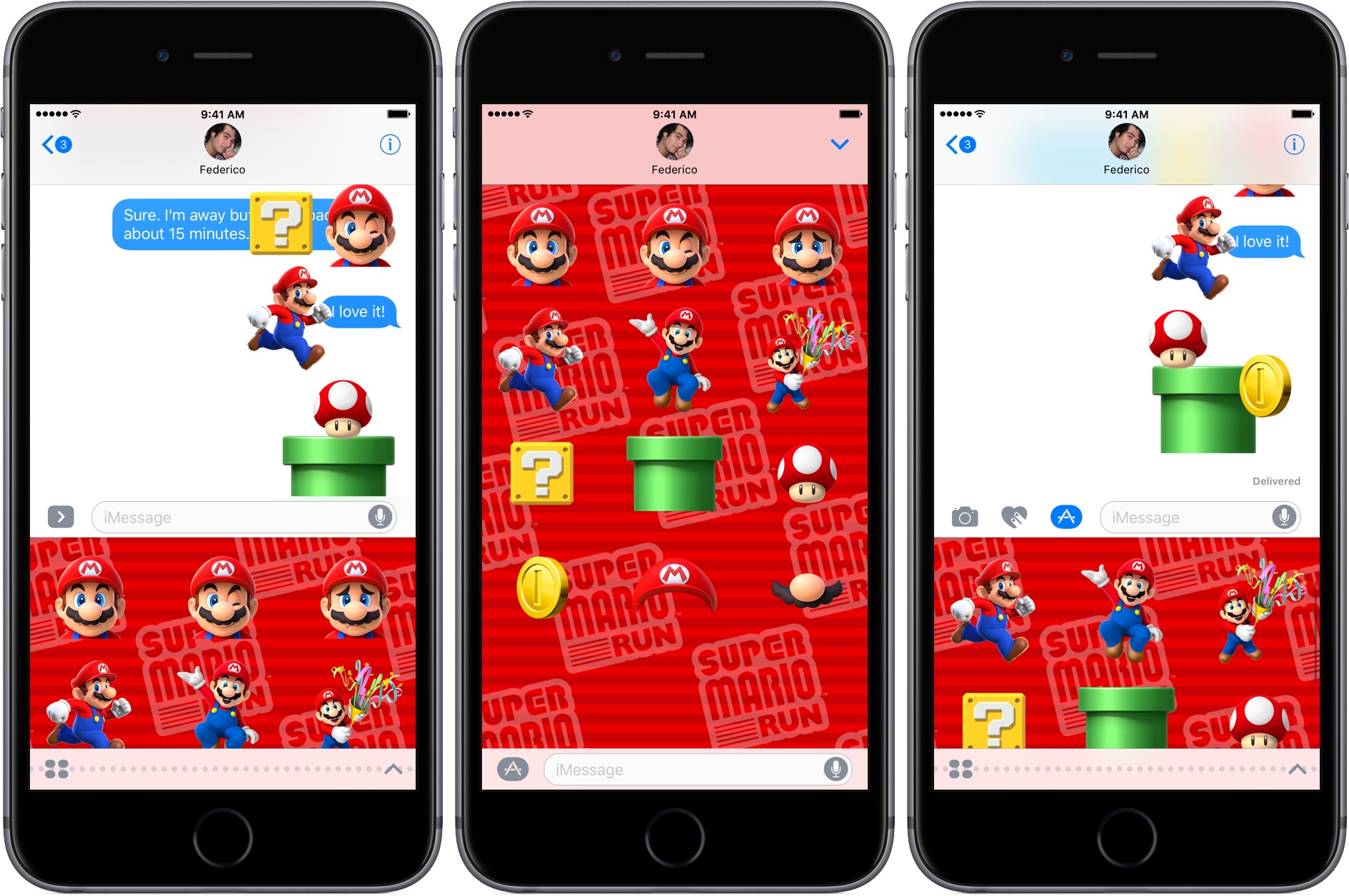
Last Wednesday, Shigeru Miyamoto of Nintendo was a surprise guest at Apple’s iPhone 7 event. Nintendo announced that Super Mario Run, an endless runner game starring Mario, would be coming to iOS in December. At the end of Miyamoto’s presentation, he added that Mario stickers would be launching alongside the introduction of iOS 10. Apple’s new iPhone operating system won’t be out until tomorrow, but sticker packs and iMessage apps have been showing up on the App Store all day, including the Super Mario Run sticker pack.

I really like these stickers and it demonstrates how developers can use sticker packs as a way to market upcoming products. We’ve tried dozens of iMessage apps and sticker packs over the past few weeks here at MacStories. In fact, I don’t think it would be an exaggeration to say Federico and I have exchanged hundreds of stickers and app messages over just the last few days as we prepare for the iOS 10 launch. Keep an eye on MacStories, because we will be sharing some of our favorite iMessage apps and sticker packs in a roundup tomorrow.


Game Day: Nightgate

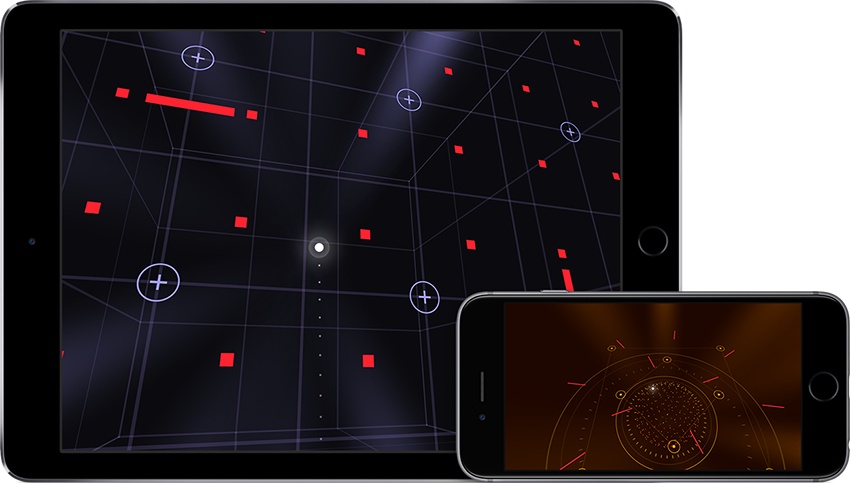
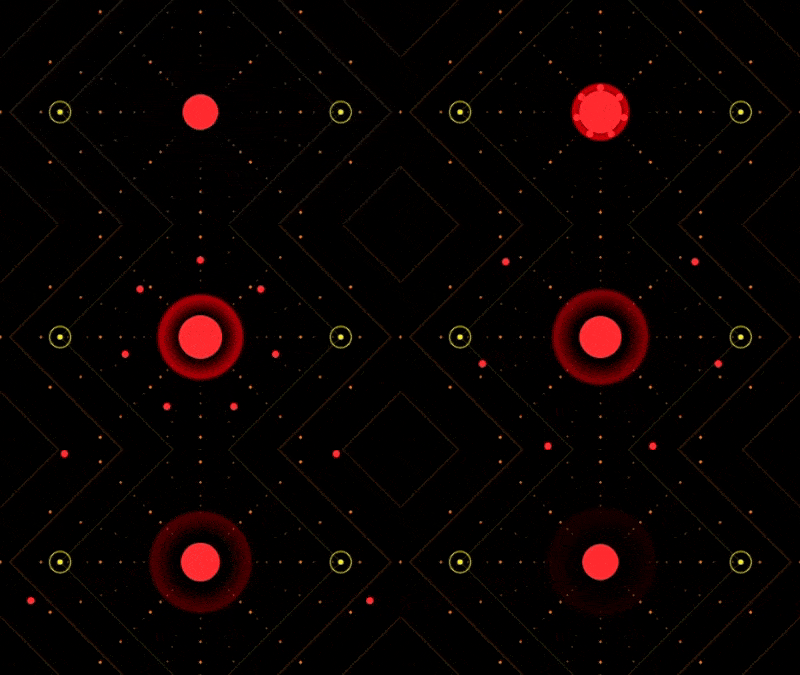
In Nightgate, by Semidome, you navigate a glowing sphere through a grid of 3D geometric shapes guided by another sphere. This is where I suspect some people might stop me and ask ‘Didn’t you review this game last week?’ No, but I wouldn’t blame you if you mistook Nightgate for Gemini at first glance. There are some superficial similarities, but the two games are very distinct.

Nightgate is a follow up to Semidome’s Last Voyage, which was among Apple’s Best of 2015. The game features 50 levels of puzzles. The goal of each puzzle is roughly the same – guide your sphere through a maze of obstacles by dragging your finger anywhere on the screen to move over specific spots identified by dots surrounded by a circle. After you have flown over each node your companion sphere takes you to the next stage of the game.

Read more


Tips

Last week I answered a question from Einar (@Einsidan) about creating folders within folders in Notes and Photos. Reader Paul (@nirens) wrote me to say that you can, in fact, nest folders in Photos. The feature is not easy to find, but has been there since at least iOS 9, so I wanted to...


Q&A

Question: I’m wondering if there is a way to write a presentation in Ulysses, complete with images, and then export it to presentation software like Keynote or PowerPoint. Most interested in doing this on iOS. (Kevin, @Kevinrothermel)

Kevin, I’d suggest a couple alternatives to Keynote and and PowerPoint. I know you said you would...


iOS Travel Apps, Vol. 2

Yelp Yelp is a mixed bag, but it’s an app you should have if you travel. I don’t find the reviews particularly helpful, but Yelp has a deep database of places to visit and things to do complete with addresses, telephone numbers, links to webpages, hours of operation, and a bunch of other information...


Google Photos Updated

Google released version 2.0.0 of Google Photos today to integrate better with other Google products and to give customers greater control over their photos.

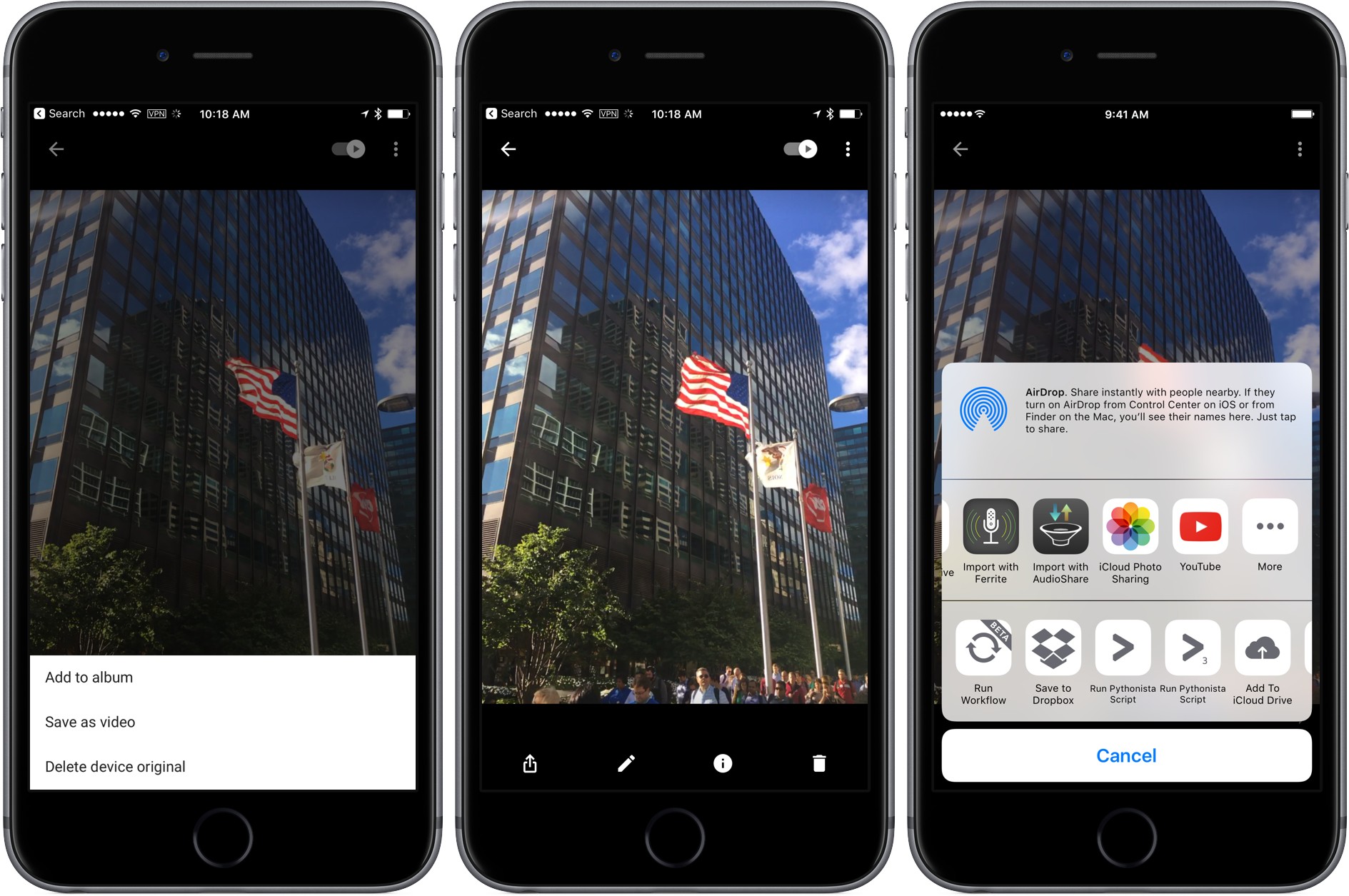
In June, Google released Motion Stills an app that can turn Live Photos into GIFs or movies and does an amazing job eliminating camera shake. Version 2.0.0 brings that same functionality to Google Photos. From the menu, choose ‘Save as video’ and Google Photos will save a video version of your Live Photo.

It is also easier to upload your videos to YouTube. Select a video, tap share, pick the ‘YouTube’ icon from the share sheet. Google Photos will prepare the file and send it to the YouTube app where you can edit it further before posting if you like.

Finally, Google added a couple of user-friendly features to Google Photos. The first is the ability to sort photos in albums either chronologically or by recently added. The second is the ability to change the thumbnail used in the ‘People’ view to a photo of your own choosing.

As we saw from the introduction of the iPhone 7 yesterday, photography and the apps surrounding it continue to be some of the most competitive areas in mobile computing. With Google Photos 2.0.0, Google continues to refine its approach to photo management and tie it more closely with its video products.