

Are Technica takes the latest Amazon Kindle, which starts at $129, for a spin and concludes that it’s the same good value as its predecessor but with useful new features like waterproofing and more storage. (Link) In a bid to be more than a bucket of bits, Dropbox is partnering with other web services in...
 Up Next on MacStories’ Podcasts
Next week on AppStories, Federico and John go in-depth on Grocery and HomeRun in an all-new installment of ‘Pick 2.’...
In This Issue
Pretext, Apps for Your New iPad Pro, a handy Messages tip, the first installment of a shortcutmini-series from Federico on how he built a Safari highlights archive with Shortcuts, plus the usual Weekly Q&A, Links, App Debuts, a recap of MacStories articles, and a preview of next week’s episode of AppStories....
Previously, On MacStories
Captivating the Creative Community with ‘Today at Apple’ Inside MacStadium’s Mac Data Center iPad Pro Review Roundup: Impressive Hardware Held Back by iOS Limitations Choosing Your Markdown Editor: A Comparison of Ulysses and Drafts MacBook Air and Mac mini Review Roundup: Welcome Updates to Apple’s Mac Lineup Phil Schiller and Anand Shimpi Discuss the iPad...
BetterTouchTool: Customize your Input Devices [Sponsor]
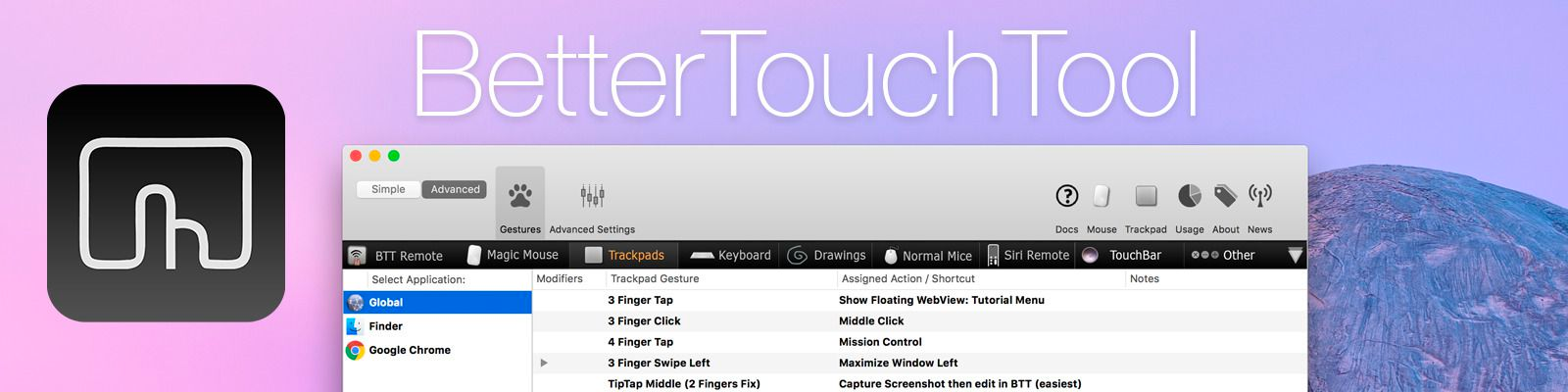
BetterTouchTool is a little but powerful app that makes it possible to customize your Mac’s input devices to perfectly match and improve your workflow. BetterTouchTool allows you to completely re-design your Touch Bar, configure various Magic Mouse and Trackpad gestures, define keyboard shortcuts, bind normal mouse buttons, use the Siri Remote with your Mac and do tons more.
BetterTouchTool offers many actions to automate various tasks on your Mac, these can be assigned to any input-device trigger you choose. Additionally, it contains some handy features like window snapping, a clipboard manager, a screenshot editor, and much more. It even includes a free iOS app to remotely control your Mac and trigger actions.
Recently, the BetterTouchTool Community was begun, which you can find at community.folivora.ai. Users have shared some amazing presets there, including some very advanced custom Touch Bar setups that you should definitely check out.
BetterTouchTool comes with a 45-day trial after which you can choose between a license that includes all updates for 2 years and a lifetime license.
BetterTouchTool has been around for 8 years, during which it has increased the productivity of many Mac users. To celebrate its 8th birthday, MacStories readers can purchase BetterTouchTool for 15% off at checkout by using the coupon code MACSTORIESBTT for a limited time. So don’t delay. Go to folivora.ai to learn more and take advantage of the special limited-time, 15% discount on BetterTouchTool.
Our thanks to BetterTouchTool for sponsoring MacStories this week.
Interesting Links
A recent beta of Microsoft’s PowerPoint presentation app for iOS can now convert your handwriting and drawings into text and shapes. (Link) Betas of Microsoft Word, Excel, and PowerPoint have also added a Dark Mode option on the Mac. (Link) Geoff Hackworth has a detailed breakdown of Compatibility Mode on the new iPad Pros. (Link)...
Previously, On MacStories
Halide Developer Ben Sandofsky Breaks Down How the iPhone XR Captures Depth Data Replay Apple’s October 30, 2018 Keynote and New Product Videos Apple Announces Release Dates for New iPad Pros, Macs, and iOS 12.1 Shortcuts 2.1 Brings New Weather and Clock Actions, iCloud Sharing Improvements, and More Apple Releases iOS 12.1 with New Emoji,...
Straw Poll
Straw Poll #8 Anticipating the New iPad Pro [...
In This Issue
RoboKiller,a collection of Brooklyn event takeaways, a special Apple event interview with Federico, Ryan looks ahead to what he hopes and expects 2019 will bring in The Extension, an interview with Apollo developer Christian Selig, the results of our iPad Pro straw poll, plus the usual Weekly Q&A, App Debuts, Links, a recap of MacStories...