Saving Multi-Page PDFs with Clickable URLs in DEVONthink and Highlights
...

 Saving Multi-Page PDFs with Clickable URLs in DEVONthink and Highlights
  Our watchOS and tvOS WWDC Wishes
This week, Federico and John share their wishes for watchOS and tvOS including a fitness app, more customization and complication options, APIs for third-party TV remotes, and more.
How I’m Using Perspectives in OmniFocus Craig Hockenberry, writing on The Iconfactory blog:
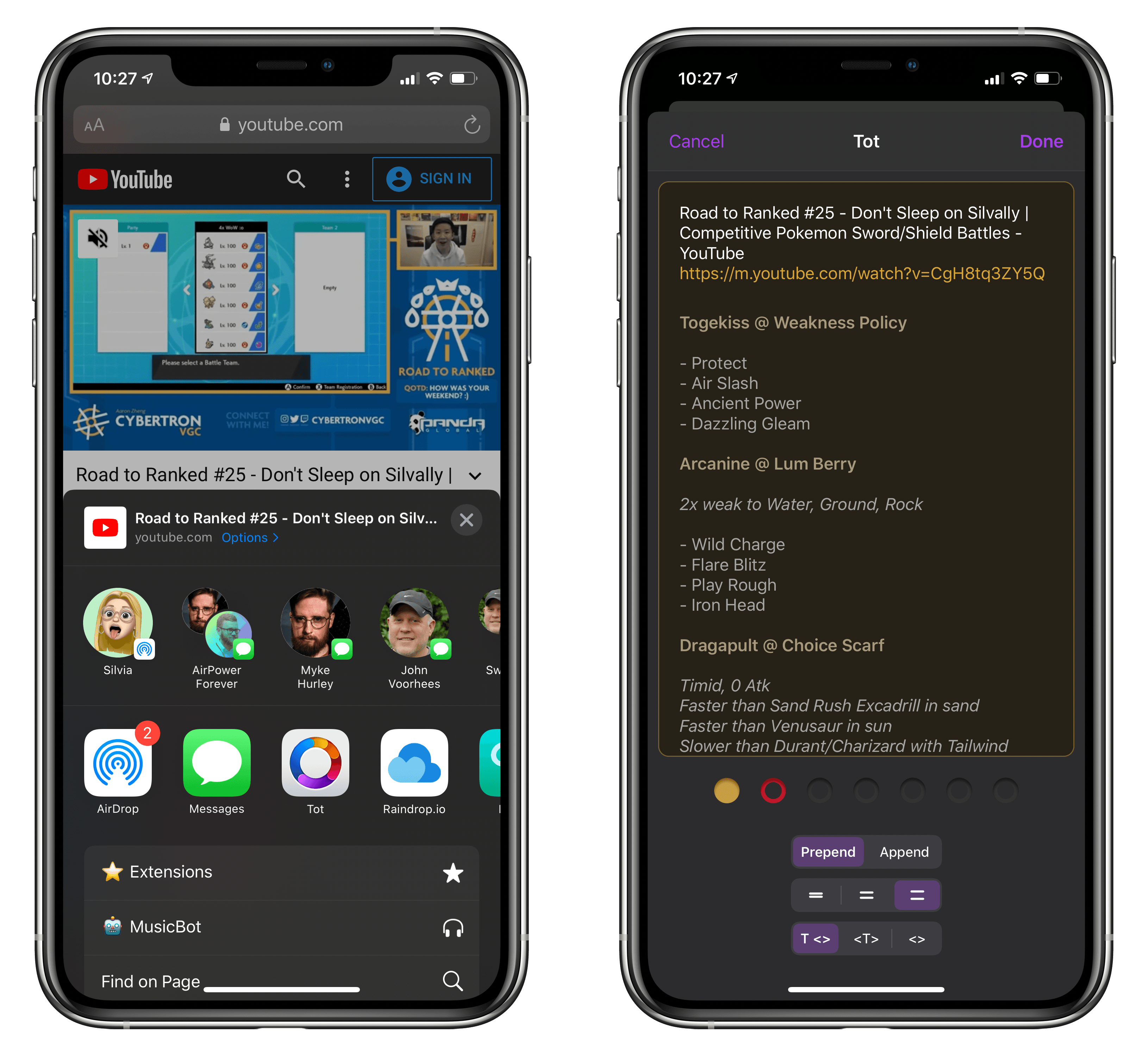
We’re happy to announce a new version of Tot with some features frequently requested by the app’s legion of fans.
The main focus of today’s release are system extensions that allow Tot to co-exist with other apps. To this end, we’ve added a Sharing extension for both iOS and macOS. Additionally, there’s also a widget for iOS that lets you quickly access any of Tot’s dots. Like everything else in Tot, attention was paid to minimizing friction, allowing information to be collected as quickly as possible.
Tot’s new share extension is, quite possibly, the best one I’ve ever tried for a plain text note-taking app. In an intuitive, compact UI, the extension offers everything I need: I can pick one of Tot’s seven dots; I can choose to append or prepend text to a dot; the extension even lets me pick the number of line breaks I want to put between a dot’s existing content and the new text I’m inserting into a note. And here’s the best part: the upper section of the share extension’s popup has a full, scrollable preview of the selected dot, so I can see what the entire note will look like before appending or prepending text. Tot is the first note-taking app I’ve used that gets this aspect of sharing text/links to an extension right.
It may be considered a small enhancement to the app, but Tot’s new extension shows how much consideration went into designing an experience that is both powerful and willing to get out of the way as quickly as possible. I wish more note-taking apps offered a share extension similar to The Iconfactory’s app, which, months after its original release, I still use as my go-to scratchpad every day.
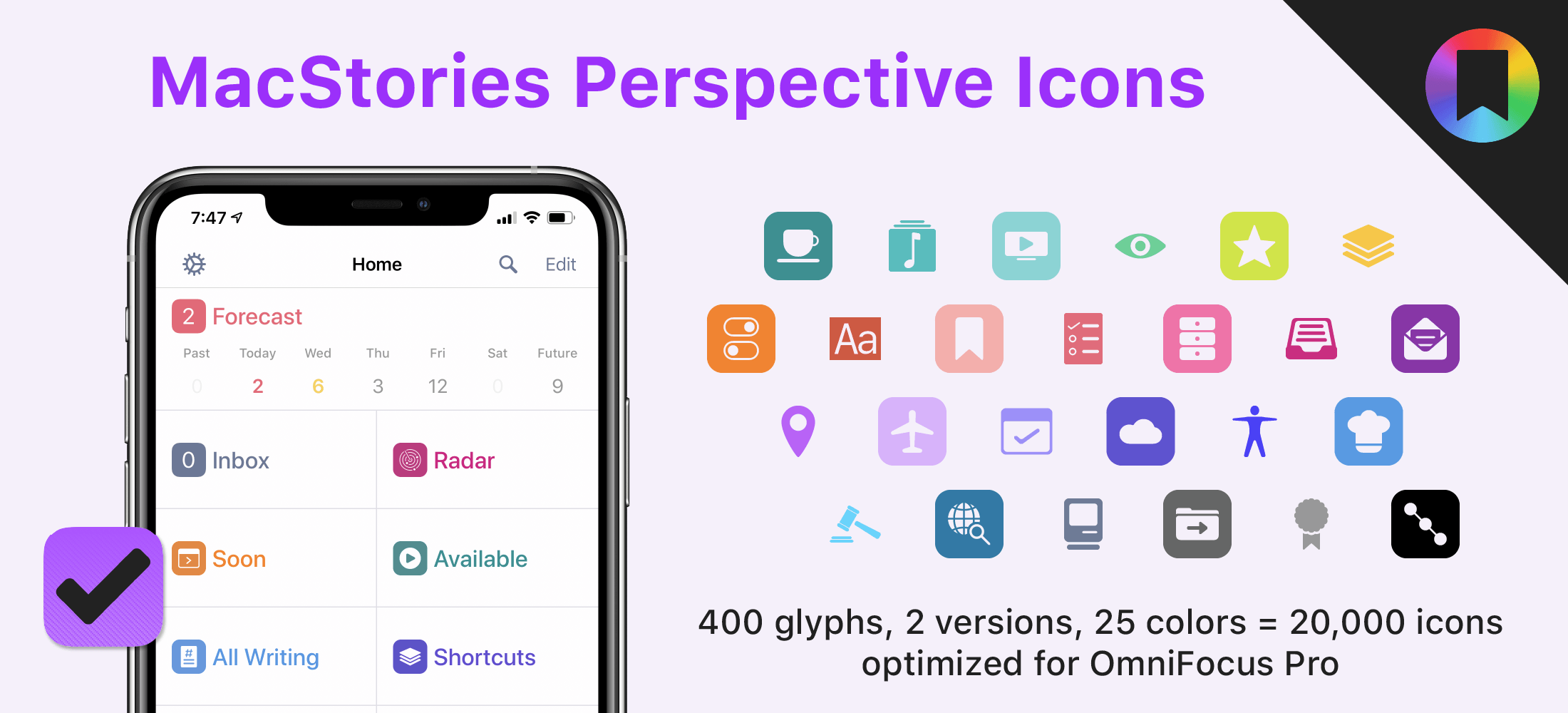
Today, I’m thrilled to announce MacStories Perspective Icons, a set of 20,000 icons for custom perspectives in OmniFocus Pro.
Here’s the short version of this story: our brand new Perspective Icons offer 400 unique glyphs with two distinct icon shapes available in 25 different colors, for a total of 20,000 icons included in the set. Yes, you read that number right. The icons can be easily installed in OmniFocus Pro for Mac, iPad, and iPhone using Finder or the Files app; all the icons and colors have been optimized for OmniFocus and designed to look like native additions to the app.
For a limited time, you can get the set at $17.99, down from the regular price of $24.99.
Imagining the Perfect Research App
This week, Federico and John, who have been spending too many of their waking hours investigating research apps on iPadOS and the Mac, discuss the features and approaches they’d like to see in an ideal research app or suite of apps.
Member Requests
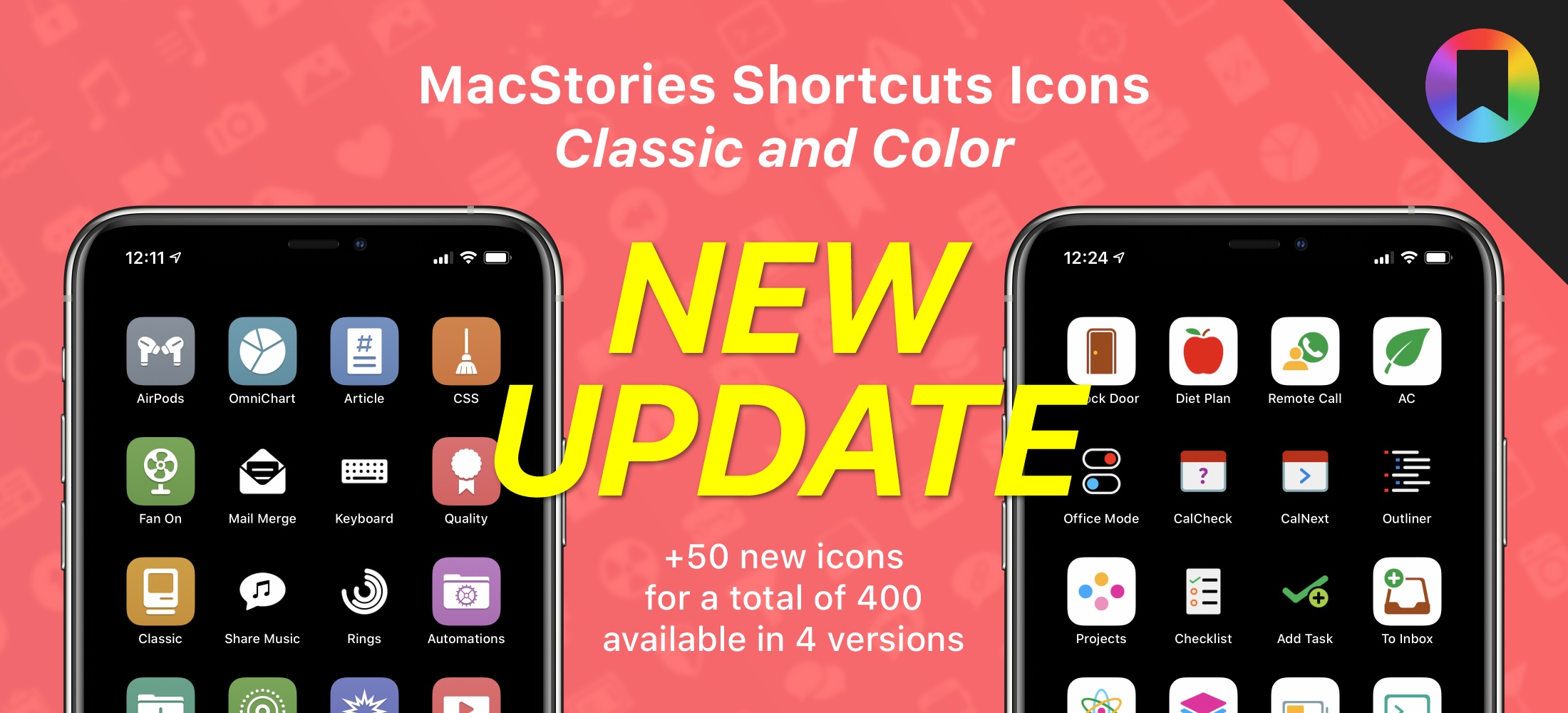
Creating File Launchers with GizmoPack I’m happy to announce that MacStories Shortcuts Icons, our custom icon set for adding shortcuts to the Home screen, has received a free update today that adds 50 new glyphs. With this second free update, the set has reached 400 unique glyphs available in four versions for a total of 1,600 icons included in the complete Bundle edition.
The update is now available, free for existing customers (just download the file again); for new customers, the update is part of the standard purchase for all editions of MacStories Shortcuts Icons: Bundle, Color, and Classic.
For those who may have missed it last year: MacStories Shortcuts Icons lets you customize the look of your shortcuts added to the Home screen by choosing from hundreds of glyphs designed specifically with Shortcuts users in mind, going beyond what’s provided by Apple in the Shortcuts app. The icons are available in two versions – Classic and Color – and a Bundle edition containing both (and discounted by 40% right now) is available as well.
 John
John