Prorated Upgrades to Annual Subscriptions
...

 Prorated Upgrades to Annual Subscriptions
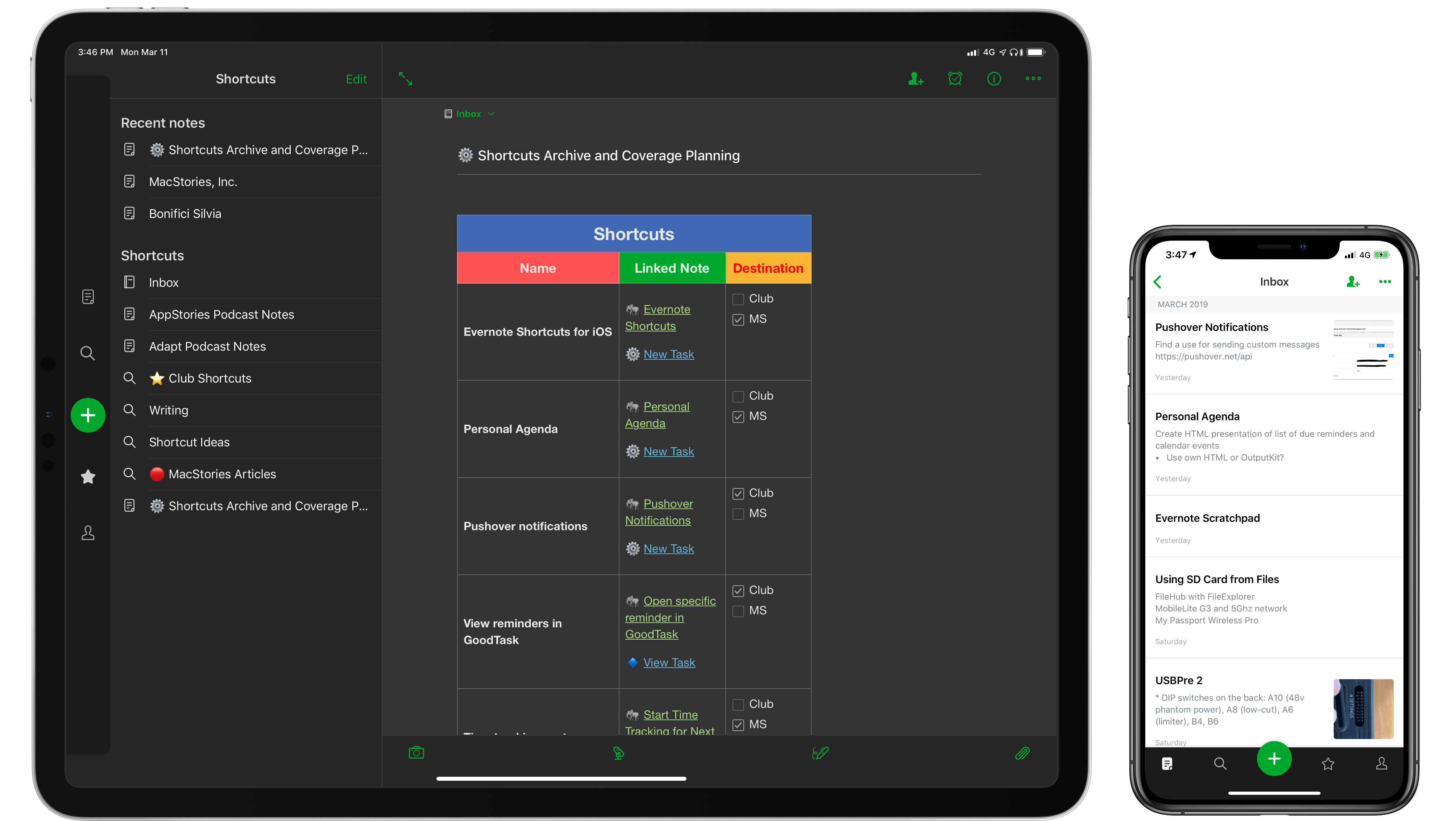
Turning Individual Reminders into GoodTask URLs
Prorated Upgrades to Annual Subscriptions
Turning Individual Reminders into GoodTask URLs Stephen introduces his co-hosts to a groundbreaking iPad drawing application, Federico starts a new mini-series and Myke buries the lede concerning Spotify.
On this week’s episode of Connected, we started a new mini-series about improvements we’d like to see in Apple services, starting with Apple Music. You can listen here.
Also, do not miss our new merch, available here for a limited time.
Sponsored by:
Like the best origin stories, this article comes from humble beginnings. A few weeks ago, I had the idea of adapting my shortcut to save webpage selections from Safari (see Weekly 151, 152, and 153) to make it work with Keep It rather than a JSON file. Simple enough, right? Given a text selection in Safari, I wanted to see if I could create a shortcut to append rich text to an existing document in Keep It without launching the app.
As Club MacStories members know, Keep It is the app I’ve been using for the past several months to hold my research material, which played an essential role in the making of my iOS 12 review (see Issues 135 and 144) of MacStories Weekly). But then I remembered that Keep It’s integration with Shortcuts was limited to URL schemes and that the app did not offer Siri shortcuts to append content to existing notes1. That was the beginning of a note-taking vision quest that culminated in this column, even though I’m not sure I reached the destination I was originally seeking.
 Utility Grab Bag, Part 2
Behind the Scenes of the MacStories Shortcuts Archive
Utility Grab Bag, Part 2
Behind the Scenes of the MacStories Shortcuts Archive Federico talks about the new MacStories Shortcuts Archive and the guys check in with iOS 12 halfway through its lifecycle.
On this week’s episode of Connected, we reassess the impact of iOS 12’s major new features. You can listen here.
Sponsored by:
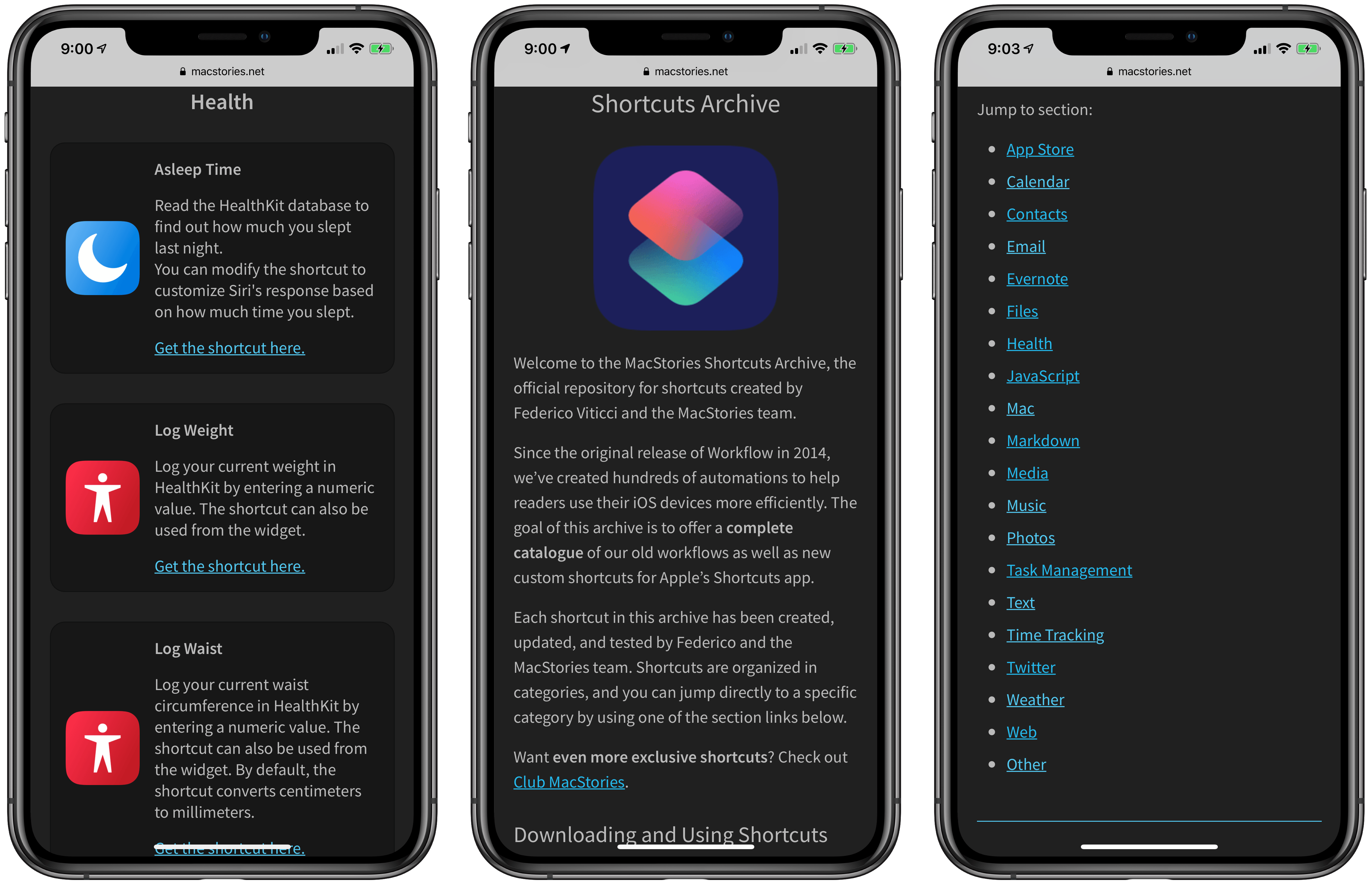
After several months of work, I’m pleased to announce the MacStories Shortcuts Archive – the official repository for shortcuts I’ve created over the years (including when they used to be called “workflows”) and which have been updated, tested for the Shortcuts app, and collected in a single place.
You can find the archive at macstories.net/shortcuts. In this first version, the archive contains 150 shortcuts, but more will be posted over time. Each shortcut was created and tested by me and the MacStories team; all of them have been categorized, updated for the Shortcuts app, and marked up with inline comments to explain what they do.
Even better, they’re all free to download and you can modify them to suit your needs.
iOS 13 Wish List Part 1: Files and the iPad Home Screen 
 John
John