

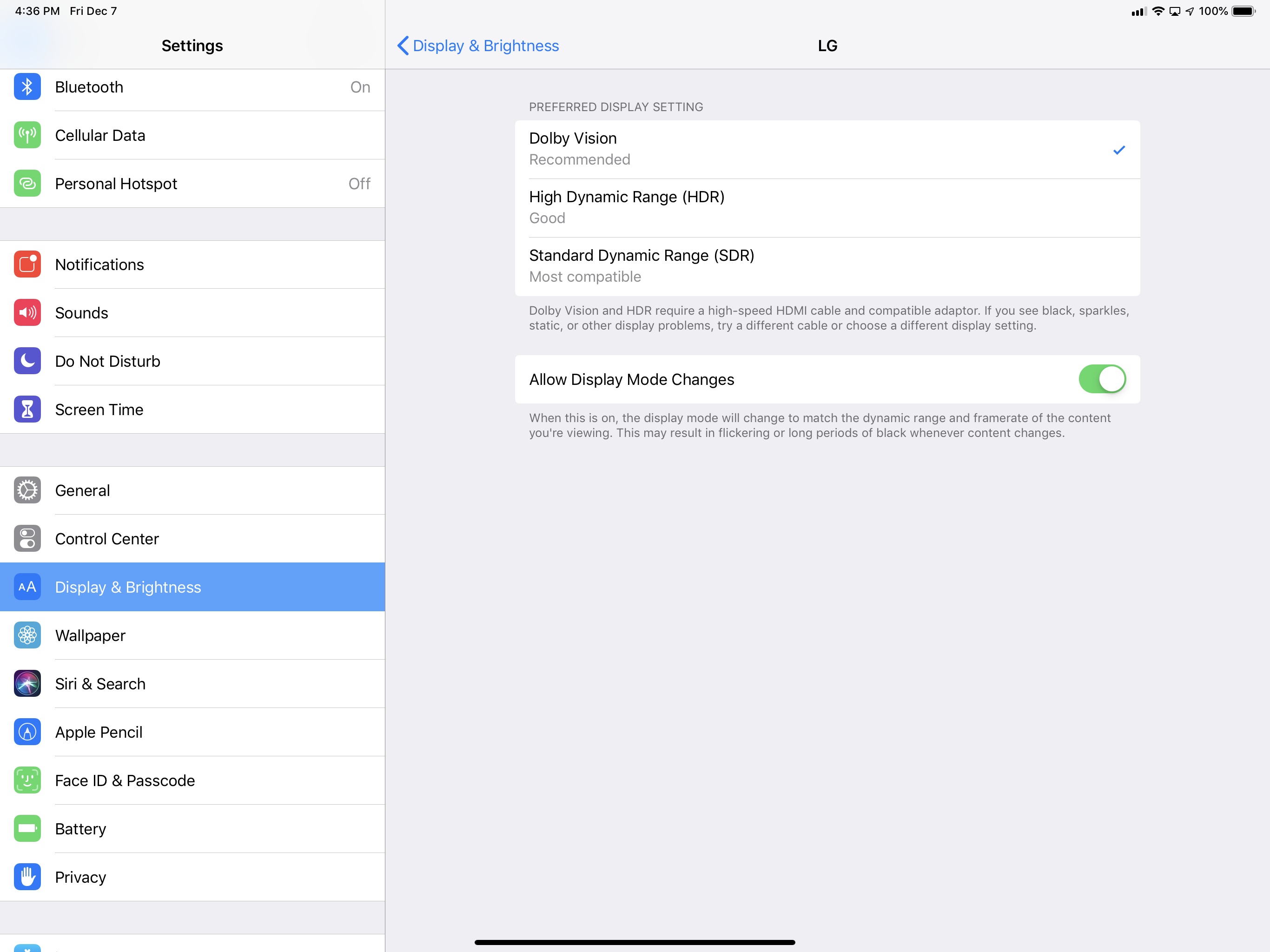
As I mentioned earlier this week, I have been looking forward to Belkin’s USB-C to HDMI adapter for the new iPad Pro since I discovered the accessory was announced on the same day of Apple’s Brooklyn event. The unique proposition of this adapter is support for 4K @ 60Hz video-out with HDR and HDCP 2.2, which, as I noted in yesterday’s iPad Diaries column as well, I haven’t been able to find in other USB-C adapters so far. I just spent 30 minutes playing with the iPad Pro connected to my 4K TV through this adapter, which arrived this morning, and I’m happy with the purchase, even though there is one significant drawback.
 Member Requests
...
Creating Gradient-Based and Solid Color Wallpapers in Shortcuts
...
iPad Diaries: The Many Setups of the 2018 iPad Pro
iPad Diaries is a regular series about using the iPad as a primary computer. You can find more installments here and subscribe to the dedicated RSS feed.
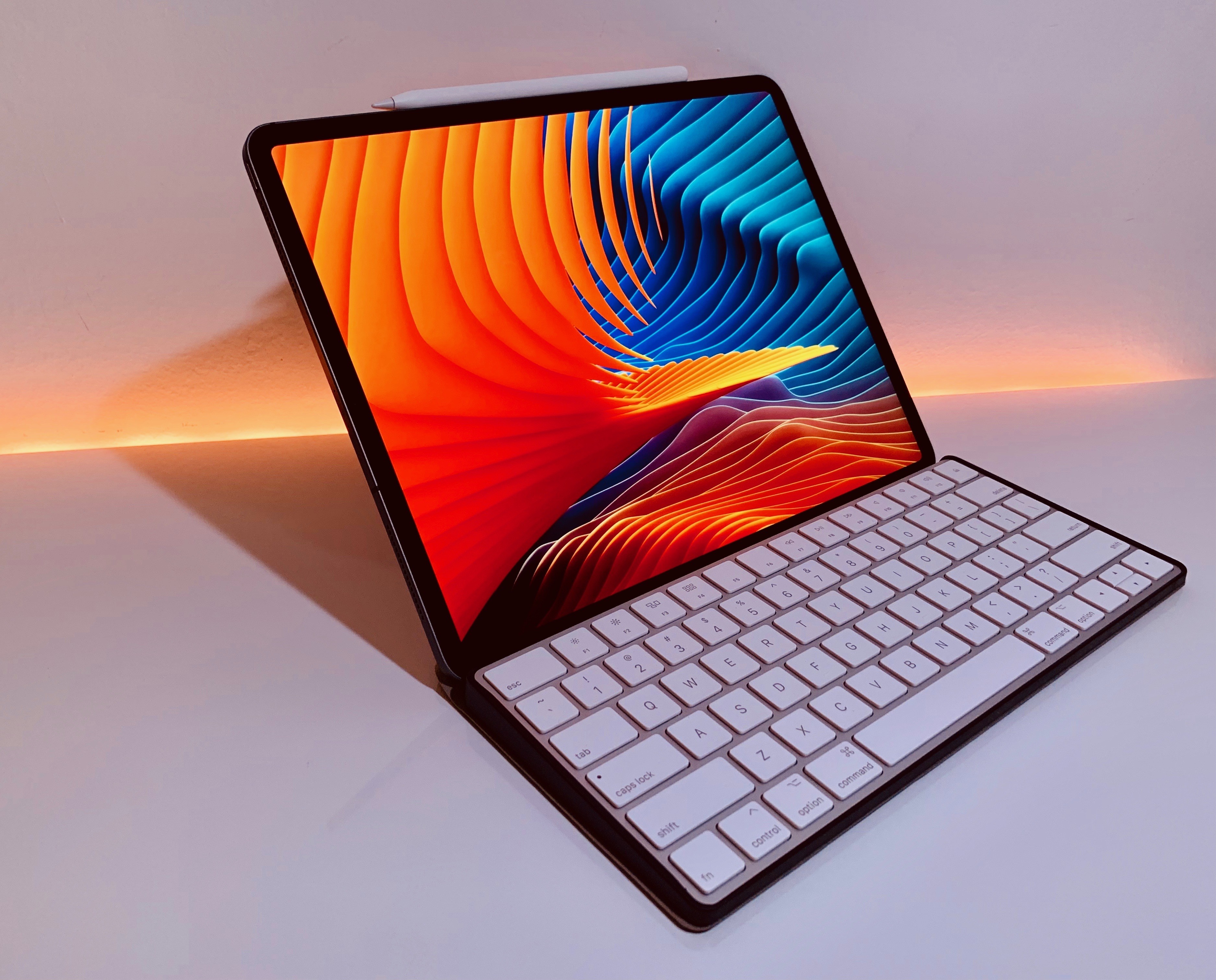
One of my favorite aspects of working on the iPad is the flexibility granted by its extensible form factor. At its very essence, the iPad is a screen that you can hold in your hands to interact with apps using multitouch. But what makes iPad unique is that, unlike a desktop computer or laptop, it is able to take on other forms – and thus adapt to different contexts – simply by connecting to a variety of removable accessories. The iPad can be used while relaxing on a couch or connected to a 4K display with a Bluetooth keyboard; you can work on it while waiting in a car thanks to built-in 4G LTE, or put it into a Brydge keyboard case and turn it into a quasi-MacBook laptop that will confuse a lot of your friends who aren’t familiar with iPad Pro accessories1. In a way, the iPad is modern computing’s version of Kirby, the famous Nintendo character that is a blank canvas on its own, but can absorb the capabilities of other characters when necessary.
Thanks to its USB-C port, the new iPad Pro takes this aspect of the traditional iPad experience even further by enabling easier connections to external devices that don’t come with a Lightning connector. At this stage, the new iPad Pro does not integrate with all USB-C accessories like any modern Mac would; also, connecting to Bluetooth keyboards has always been possible on iPad, as was interacting with external USB keyboards if you had the right Lightning adapter. But the point is that USB-C makes it easier to connect an iPad Pro to other USB devices either by virtue of using a single USB-C cable or, in the case of USB-A accessories, using existing USB-C hubs from any company that isn’t Apple. Not to mention how, thanks to the increased bandwidth of the USB 3.1 Gen. 2 spec supported by the iPad Pro’s USB-C port, it is now possible to connect the device directly to an external 4K/5K USB-C monitor, which can power the iPad Pro and act as a USB hub at the same time.
We haven’t seen the full picture of built-in USB-C with the new iPad Pro: external drives still aren’t supported by iOS’ Files app, and other peripherals often require app developers to specifically support them. However, I believe the removal of Lightning is already enhancing the iPad’s innate ability to adapt to a plurality of work setups and transform itself into a portable computer of different kinds. For the past few weeks, I’ve been testing this theory with Bluetooth and USB keyboards, a 4K USB-C monitor, USB-C hubs, and a handful of accessories that, once again, highlight the greater flexibility of the iPad Pro compared to traditional laptops and desktops, as well as some of its drawbacks.
Belkin Launches Wireless Charging Dock for iPhone and Apple Watch, USB-C to HDMI Adapter for Mac and iPad Pro
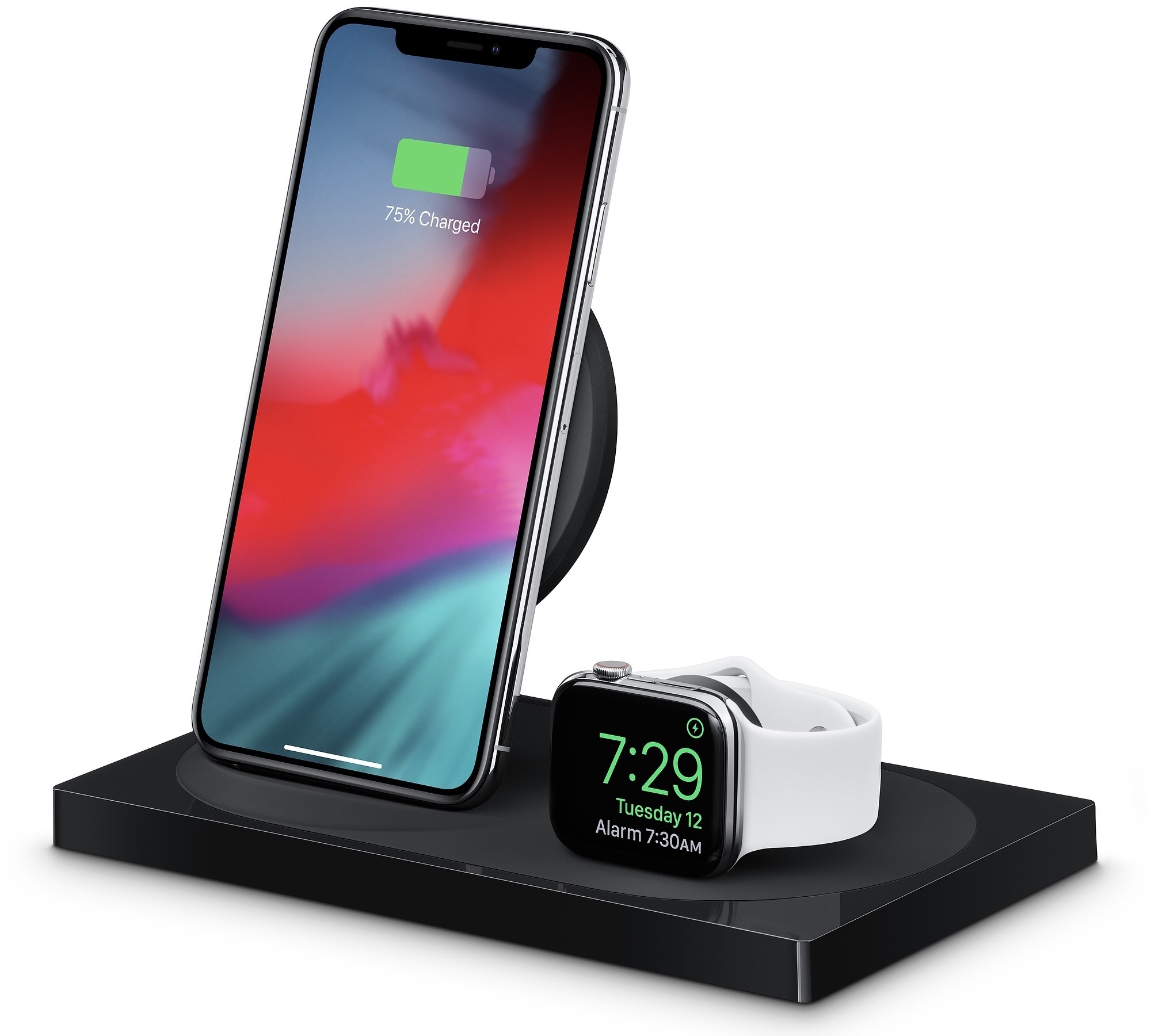
In addition to Apple’s clear case for the iPhone XR and 18W USB-C adapter, Apple online stores in Europe started selling Belkin’s highly anticipated Boost Up dual wireless charging dock and USB-C to HDMI adapter earlier today.
 Taking iOS Photography Further with RAW Camera Apps and Editors
 John
John
Turning Agenda’s Calendar Events into Reminders
...
Apple Music Coming to Amazon Echo Devices
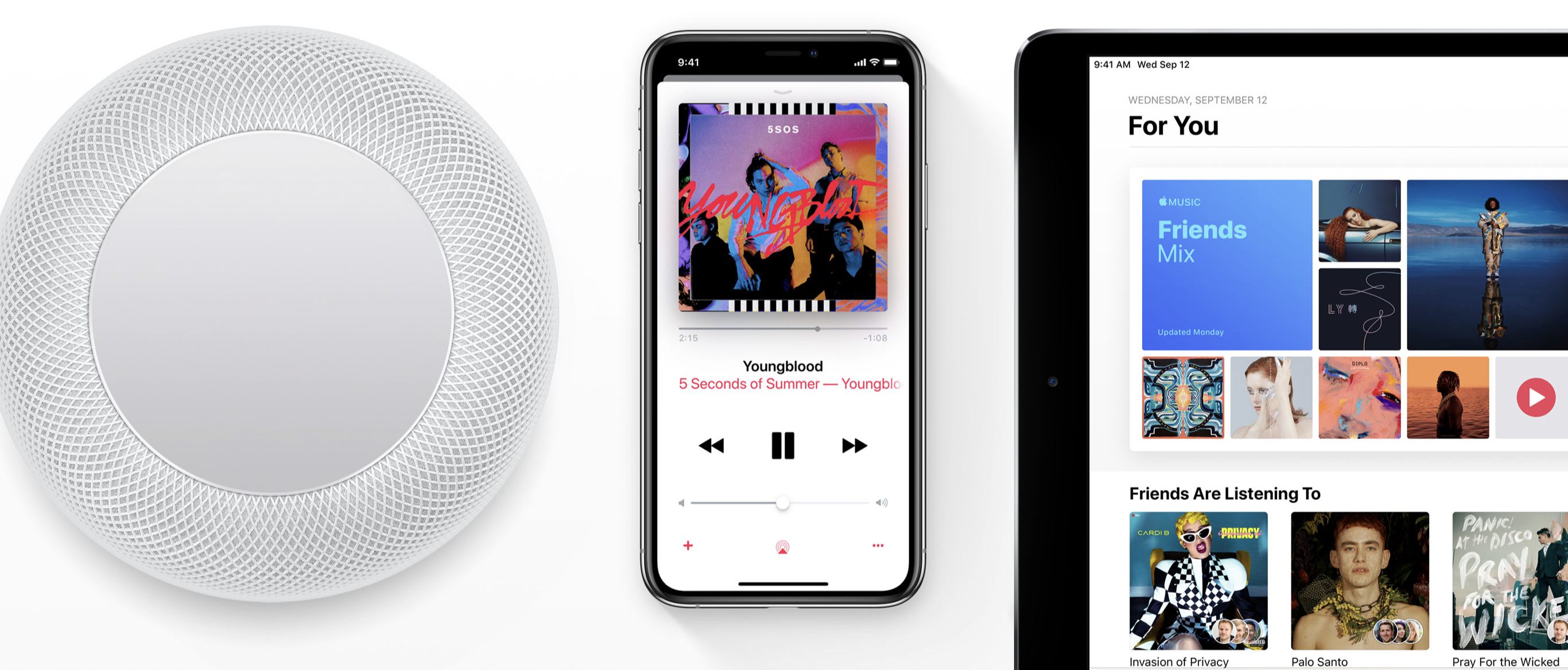
In a blog post published this morning, Amazon announced that Apple Music is set to launch on Amazon Echo devices next month, starting the week of December 17.
According to Dave Limp, senior vice president of Amazon Devices, Echo users will be able to ask Alexa, the device’s built-in voice assistant, to play their favorite songs, artists, albums, playlists created by Apple’s curators, as well as radio stations available on the service. Beats 1, Apple Music’s own live radio station featuring artist interviews and daily programs, will also be accessible via the Amazon Echo, the company said. The integration will be enabled just like any other skill on the Amazon Echo by connecting your Apple Music account to Amazon’s device using the Alexa app.
“Music is one of the most popular features on Alexa—since we launched Alexa four years ago, customers are listening to more music in their homes than ever before,” said Dave Limp, senior vice president, Amazon Devices. “We are committed to offering great music providers to our customers and since launching the Music Skill API to developers just last month, we’ve expanded the music selection on Alexa to include even more top tier services. We’re thrilled to bring Apple Music – one of the most popular music services in the US – to Echo customers this holiday.”
While Apple Music has long been available on Android in addition to iOS and macOS (and on Sonos speakers in addition to HomePod), the upcoming Amazon Echo integration marks a major shift as Apple Music has never been able to integrate with competing smart speakers through third-party voice assistants. It’ll be interesting to see if the Amazon Echo integration will be more limited than the HomePod’s native Apple Music access, which we’ll make sure to test once Apple Music’s Alexa skill goes live next month.
Made on iPad→
Michael Steeber, writing for 9to5Mac:
The new iPad Pro has ignited conversations about the future of computing and new possibilities for creative work. Paired with a second-generation Apple Pencil, the hardware unlocks potential that has driven many professionals to re-evaluate how iPads best fit in their lives. My own experience with the new iPad Pro has been a journey of discovery. To expand my horizons and help others get more out of their devices, I asked the creative professional community to share their own iPad workflows.
From digital illustration to managing a business, the vast range of ways people are working on iPads proves there’s no one right way or wrong way to use them. Some have embraced iOS as their platform of choice for every task. Some use a Mac and an iPad in concert to create powerful workflows that highlight the capabilities of each device. Others are developing entirely new ways of working that simply couldn’t exist before.
Fantastic idea by Steeber, and a collection of great examples of all kinds of people using the iPad for all kinds of professional work. Another reminder that we – as tech press – can only cover a fraction of the tasks an iPad is able to accomplish.