Federico Viticci

10804 posts on MacStories since April 2009

Federico is the founder and Editor-in-Chief of MacStories, where he writes about Apple with a focus on apps, developers, iPad, and iOS productivity. He founded MacStories in April 2009 and has been writing about Apple since. Federico is also the co-host of AppStories, a weekly podcast exploring the world of apps, Unwind, a fun exploration of media and more, and NPC: Next Portable Console, a show about portable gaming and the handheld revolution.

Getting the iPad to Pro

Thoughtful essay by Craig Mod on the limitations and virtues of working from an iPad Pro. This point about breaking the flow of getting work done while moving across apps is extremely relatable:

Switching contexts is also cumbersome. If you’re researching in a browser and frequently jumping back and forth between, say, (the actually quite wonderful) Notes.app and Safari, you’ll sometimes find your cursor position lost. The Notes.app document you were just editing fully occasionally resetting to the top of itself. For a long document, this is infuriating and makes every CMD-Tab feel dangerous. It doesn’t always happen, the behavior is unpredictable, making things worse. This interface “brittleness” makes you feel like you’re using an OS in the wrong way.

In other writing apps, the page position might remain after a CMD-Tab, but cursor position is lost. Leading to a frustrating circus of: CMD-Tab, start typing, realize nothing is happening, tap on screen, cursor inserts to wrong position, long-press on screen to get more precise input, move cursor to where it needs to be, start typing. This murders flow. It creates a cost to switching contexts that simply doesn’t exist on the macOS, and shouldn’t exist on any modern computing device.

This stuff has been broken on iPad for years (essentially since 2015, when Split View was introduced in iOS 9). Don’t even get me started on figuring out which app in a Split View pair is the “active” one receiving keyboard input (and therefore listening for keyboard shortcuts). These small interaction annoyances might have been okay three years ago as we all sort of imagined Apple was just getting started with bringing serious multitasking to iPad; now that we’ve reached this generation of iPad Pros, they’re just downright inexcusable.

Permalink

iPad Diaries: My First 48 Hours with the New 12.9” iPad Pro

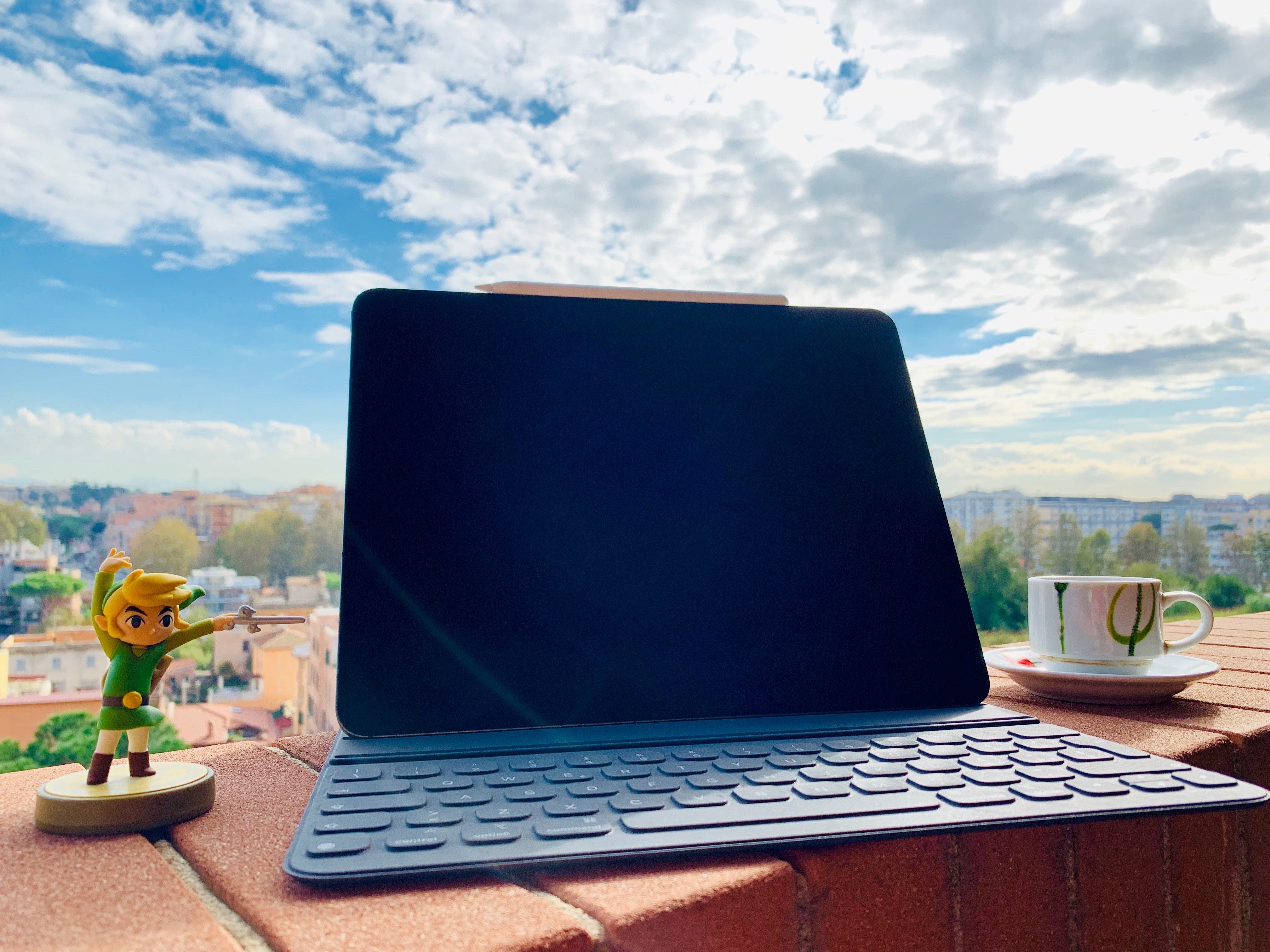
Two days ago, I walked into my local Apple Store and bought the new 12.9” iPad Pro along with a Smart Keyboard Folio, second-generation Apple Pencil, and LG’s UltraFine 4K display (plus, of course, AppleCare+ because these iPads don’t come cheap). As I shared on Twitter and the Connected podcast on Wednesday, I went for a 1 TB configuration (with cellular) in Space Gray, and the display is the monitor I’ll primarily use with a new Mac mini I also plan on buying very soon. It’s been a busy couple of weeks in our apartment: we’ve been doing some renovations and buying new furniture, including a larger desk for my “office” (read: a section of our bedroom). As I’ve shared on my various podcasts for the past few months, getting a bigger desk with a Mac mini and 4K display that would support both macOS and iOS was always part of the plan.

While in previous years I was able to offer reviews for the new iPad Pros before launch day, that wasn’t possible this year. For this reason, I decided I didn’t want to wait several weeks to prepare an in-depth review of the new iPad Pro and avoid questions from MacStories readers until the story was finished. So in a break with tradition, I’m trying something different this time: as part of my semi-regular iPad Diaries column here on MacStories, I’m going to share a collection of shorter and more topical articles about the new iPad Pro over the next few weeks.

I believe this generation of iPad Pros is one the most exciting changes to the iPad line in years, and I want to jump straight into the discussion by detailing, step by step, my ongoing experience with the new iPad Pro from the perspective of someone who’s been using an iPad as his main computer for the past five years. I plan to write about iOS, apps, and my iPad Pro workflow soon, but today I’d like to start by explaining my purchase decision and sharing some initial impressions about the iPad’s hardware. Let’s dive in.

Read more


Apps and the New iPad Pro

AppStories+ Deeper into the world of apps

AppStories Episode 86 - Apps and the New iPad Pro

0:00
38:23

AppStories+ Deeper into the world of apps

This week, Federico and John talk about the new iPad Pros announced at the event held by Apple in Brooklyn, New York, the apps announced onstage and that Federico tried in the hands-on area, Apple’s dubious comparison of the iPad GPU to the Xbox One S, and the first-party apps they expected but didn’t see.

Read more


Connected, Episode 216: The Honking Powers the Vehicles

The MacBook Air and Mac mini are alive, and the iPad Pro has taken a big step forward, but progress seems to come with larger price tags. The guys dive into all the news, after Federico reviews New York City.

This week’s episode of Connected is all about Apple’s Brooklyn event and my first impressions of the new iPad Pro. You can listen here.

Sponsored by:

  • Pingdom: Start monitoring your websites and servers today. Use offer code CONNECTED to get 30% off.
  • Linode: High performance SSD Linux servers for all of your infrastructure needs. Get a $20 credit with promo code ‘connected2018’
  • PayPal: When it comes to growing your business, PayPal is your payments partner for today and tomorrow.
Permalink

The New 11” and 12.9” iPad Pros: My First Impressions and Hands-On

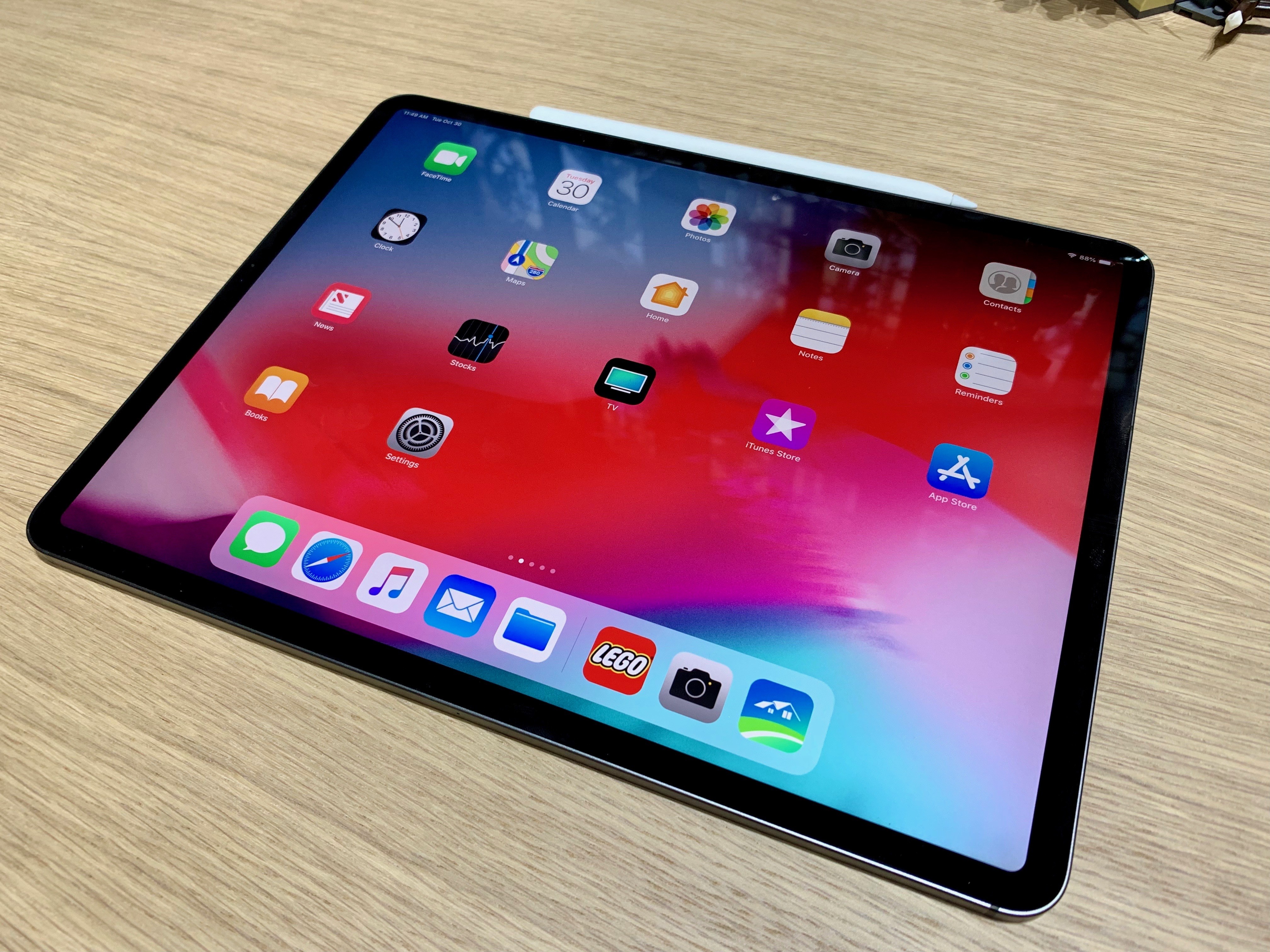
I just came back from the media event Apple held this morning in Brooklyn, during which the company announced major updates for the MacBook Air, Mac mini, and iPad Pro. Personally speaking, the star of the show was – unsurprisingly – the new iPad Pro line, with two new models featuring a stunning edge-to-edge display, an iPhone X-like gesture-driven interface, more powerful CPUs, and a more compact form factor.

We’re sharing more details about specs, new features, and prices in our dedicated overviews (you can find the iPad Pro, Mac mini, and MacBook Air overviews here, here, and here, respectively). In this post, I’m going to be sharing some quick first impressions about the new iPad Pros along with some notes and pictures I took at the hands-on area Apple set up after the event. Obviously, I will be sharing a lot more about the new iPad Pros over the next few days and weeks both on MacStories and AppStories.

Read more


Shortcuts 2.1 Brings New Weather and Clock Actions, iCloud Sharing Improvements, and More

In a release that largely focuses on performance improvements and digital well-being tools to curb notification overload and smartphone addiction, Apple’s Siri shortcuts initiative in iOS 12 stands out as one of the most exciting developments in modern iOS history. Perhaps even more impressive than developers’ adoption of Siri shortcuts though has been the response to Apple’s Shortcuts app, which enables the creation of custom shortcuts that can integrate with apps, system features, and even Siri.

In addition to a thriving community that continues to prove how combining users’ imagination with automation can elevate iOS productivity, Apple itself has so far shown a remarkable commitment to the Shortcuts app by listening to the community and ensuring a smooth transition from Workflow. Traditionally, Apple’s App Store apps receive major updates then linger for months before the next big set of changes; with Shortcuts, Apple has kept the TestFlight beta channel active, pushing for the same development pace that characterized Workflow before its acquisition.

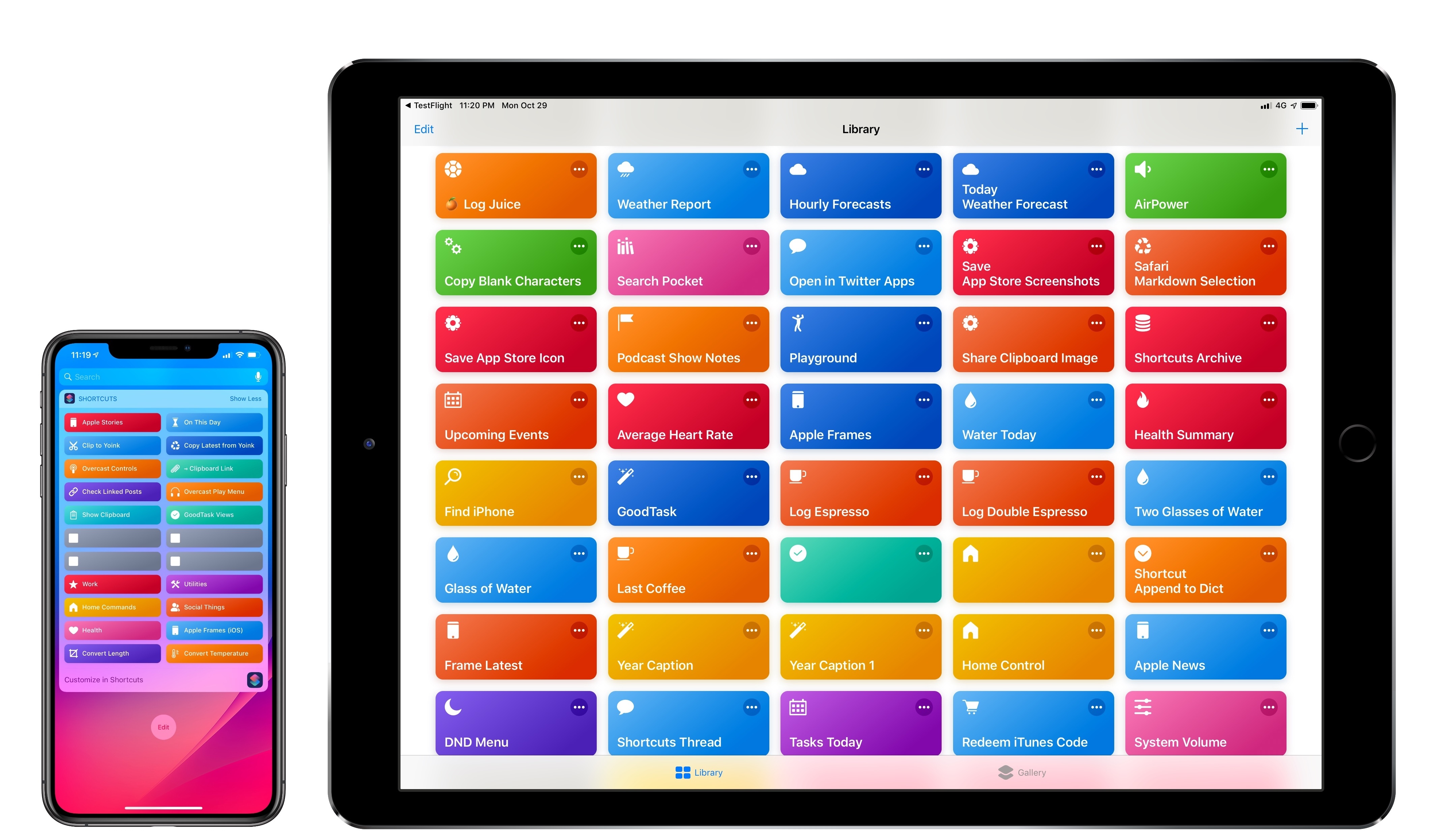
The result is Shortcuts 2.1, released today on the App Store with a variety of bug fixes, iCloud improvements, and, more importantly, new actions that integrate the app even more deeply with iOS 12. If you’re not familiar with the Shortcuts app, I recommending reading the dedicated section from my iOS 12 review first; if you’re an existing Shortcuts user and rely on the app for key aspects of your iOS workflow, let’s dig in and take a look at what’s new.

Read more


iOS Personalization and Customization

AppStories+ Deeper into the world of apps

AppStories Episode 85 - iOS Personalization and Customization

0:00
35:56

AppStories+ Deeper into the world of apps

This week, Federico and John talk about some of the ways they personalize and tweak their iOS setups, including wallpapers, widgets, control center, share sheet, app icons, and more.

Read more


Connected, Episode 214: The Californian Idea of Food

Stephen was wrong, and Myke demands an apology before explaining what makes up dust. The FileMaker world is considered, then Federico explains why he thinks the ????emoji is wrong. Lastly, Adobe and Palm are both in the news.

Last week’s episode of Connected was a fun one – we discussed food emoji, Photoshop on iPad, and the Shortcuts 2.1 beta. You can listen here.

Sponsored by:

  • Squarespace: Make your next move. Enter offer code CONNECTED at checkout to get 10% off your first purchase.
  • Luna Display: The only hardware solution that turns your iPad into a wireless display for your Mac. Use promo code CONNECTED at checkout for 10% off.
  • PayPal: When it comes to growing your business, PayPal is your payments partner for today and tomorrow.
Permalink