Federico Viticci

10804 posts on MacStories since April 2009

Federico is the founder and Editor-in-Chief of MacStories, where he writes about Apple with a focus on apps, developers, iPad, and iOS productivity. He founded MacStories in April 2009 and has been writing about Apple since. Federico is also the co-host of AppStories, a weekly podcast exploring the world of apps, Unwind, a fun exploration of media and more, and NPC: Next Portable Console, a show about portable gaming and the handheld revolution.

The Reliable Simplicity of AirPods

Chris Welch, writing for The Verge on AirPods’ advantage over other wireless earbuds:

AirPods are the best truly wireless earbuds available because they nail the essentials like ease of use, reliability, and battery life. There are alternatives that definitely_ sound_ better from Bose, B&O Play, and other. But they often cost more and all of them experience occasional audio dropouts. AirPods don’t. I’d argue they’re maybe the best first-gen product Apple has ever made. Unfortunately, I’m one of the sad souls whose ears just aren’t a match for the AirPods — and I’m a nerd who likes having both an iPhone and Android phone around — so I’ve been searching for the best non-Apple option.

But some 14 months after AirPods shipped, there’s still no clear cut competitor that’s truly better at the important stuff. They all lack the magic sauce that is Apple’s W1 chip, which improves pairing, range, and battery life for the AirPods. At this point I think it’s fair to say that Bluetooth alone isn’t enough to make these gadgets work smoothly. Hopefully the connection will be more sturdy once more earbuds with Bluetooth 5 hit the market. And Qualcomm is also putting in work to help improve reliability.

I haven’t tested all the wireless earbuds Welch has, but I have some anecdotal experience here.

A few months ago, I bought the B&O E8 earbuds on Amazon. After getting a 4K HDR TV for Black Friday (the 55-inch LG B7), I realized that I wanted to be able to watch a movie or play videogames while lying in bed without having to put bulky over-ear Bluetooth headphones on. Essentially, I wanted AirPods for my TV, but I didn’t want to use the AirPods that were already paired with my iPhone and iPad. I wanted something that I could take out of the case, put on, and be done with. So instead of getting a second pair of AirPods, I decided to try the E8.

I like the way the E8 sound and I’m a fan of the Comply foam tips. The case is elegant (though not as intuitive as the AirPods’ case) and the gestures can be confusing. My problem is that, despite sitting 3 meters away from the TV, one of the earbuds constantly drops out. I sometimes have to sit perfectly still to ensure the audio doesn’t cut out – quite often, even turning my head causes the audio to drop out in one of the E8. I’m still going to use these because I like the freedom granted by a truly wireless experience and because I’ve found the ideal position that doesn’t cause audio issues, but I’m not a happy customer. Also, it’s too late to return them now.

A couple of days ago, I was doing chores around the house. I usually listen to podcasts with my AirPods on if it’s early and my girlfriend is still sleeping, which means I leave my iPhone in the kitchen and move around wearing AirPods. At one point, I needed to check out something outside (we have a very spacious terrace – large enough for the dogs to run around) and I just walked out while listening to a podcast.

A couple of minutes later, the audio started cutting out. My first thought was that something in Overcast was broken. It took me a solid minute to realize that I had walked too far away from the iPhone inside the house. I’m so used to the incredible reliability and simplicity of my AirPods, it didn’t even occur to me that I shouldn’t have left my iPhone 15 meters and two rooms away.


How We Use RSS

AppStories+ Deeper into the world of apps

AppStories Episode 43 - How We Use RSS

0:00
30:56

AppStories+ Deeper into the world of apps

Federico and John follow up their RSS app and service episode with a closer look at how each of them uses RSS for work and pleasure reading.

Read more


New iOS Apps Must Be Built with iOS 11 SDK and Support iPhone X Display Starting in April

Juli Clover, writing for MacRumors:

Apple today sent out a notice to developers letting them know that starting in April of 2018, all new apps submitted to the App Store must be built using the iOS 11 SDK, which is included in Xcode 9 or later.

Furthermore, Apple says that all new apps designed for the iPhone, including universal apps, must support the iPhone X’s Super Retina display.

“Must be built”, unfortunately, doesn’t mean apps have to support new features like drag and drop. Speaking of which, I don’t think supporting the native resolution of the 12.9-inch iPad Pro is a requirement yet, and the device launched in November 2015.

Permalink

Apple Music’s Archaic Album Categorization

Benjamin Mayo sums up one of the most annoying features of Apple Music: the way the service thinks everything is an “album”, making it extremely inconvenient to find what you’re looking for.

These artefacts of compact discs show up again when looking at an artist page. What a human would think of as an artist’s albums, and what Apple Music lists, are completely different. EPs, singles, specials, deluxe, originals are all shoehorned under one name ‘Albums’. There is no way to filter these out. This really makes finding what you want hard. When you know what you want to find, all this backwardly organised catalogue gets in your way.

There has to be a better method than packaging everything up with the same ‘album’ label. This is not a hard problem, I thought to myself. In fact, it’s already been solved … by Spotify. As you have probably noticed by now, I have included a graphical illustration of Apple Music’s biggest flaw alongside this article. If you can’t see it, your browser isn’t wide enough. If you are reading outside of a browser, like RSS, this probably won’t show up for you either. Use a browser. I encountered this exact scenario in my first day of using the service. I did not fabricate it.

Don’t miss the effective visualization of this problem on his post.

I like Apple Music, but this has been a problem since the service launched almost three years ago, and it’s time for a fix.

Here’s what makes this even more annoying: Beats Music – the very service Apple Music is largely based onvisualized albums, compilations, and different editions in separate tabs/views. Two of the worst Apple Music features (album categorization and the separation of playlists made by you vs. those made by others) had already been fixed by Beats Music, but Apple went for an inferior design that is still with us today.

Permalink

Connected, Episode 180: Our True Tiny Head Form

We have HomePod opinions, dreams about WWDC and an amazing new t-shirt.

On this week’s episode of Connected, we talk about our HomePod impressions and Apple’s plans for iOS and macOS this year. You can listen here.

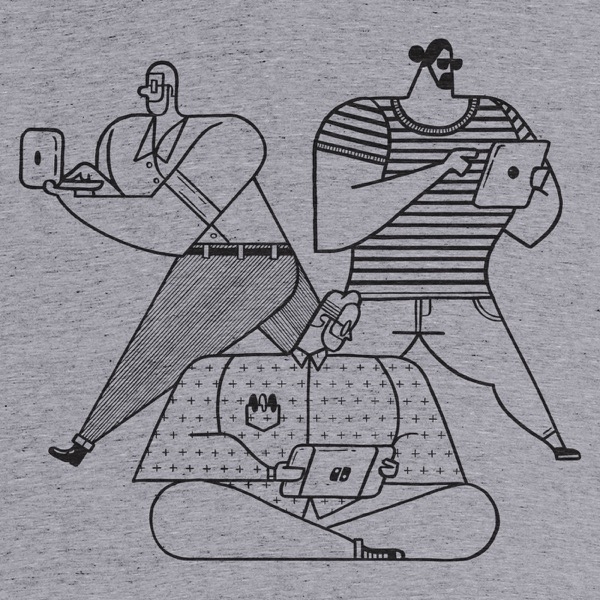
As a side note, we’ve launched a new t-shirt design for Connected. You can find the t-shirt (in three colors) on Cotton Bureau.

I think this artwork (by the talented Chris Rowland) is amazing, and I’d love to see many of these t-shirts at WWDC later this year. You can get yours here.

Permalink

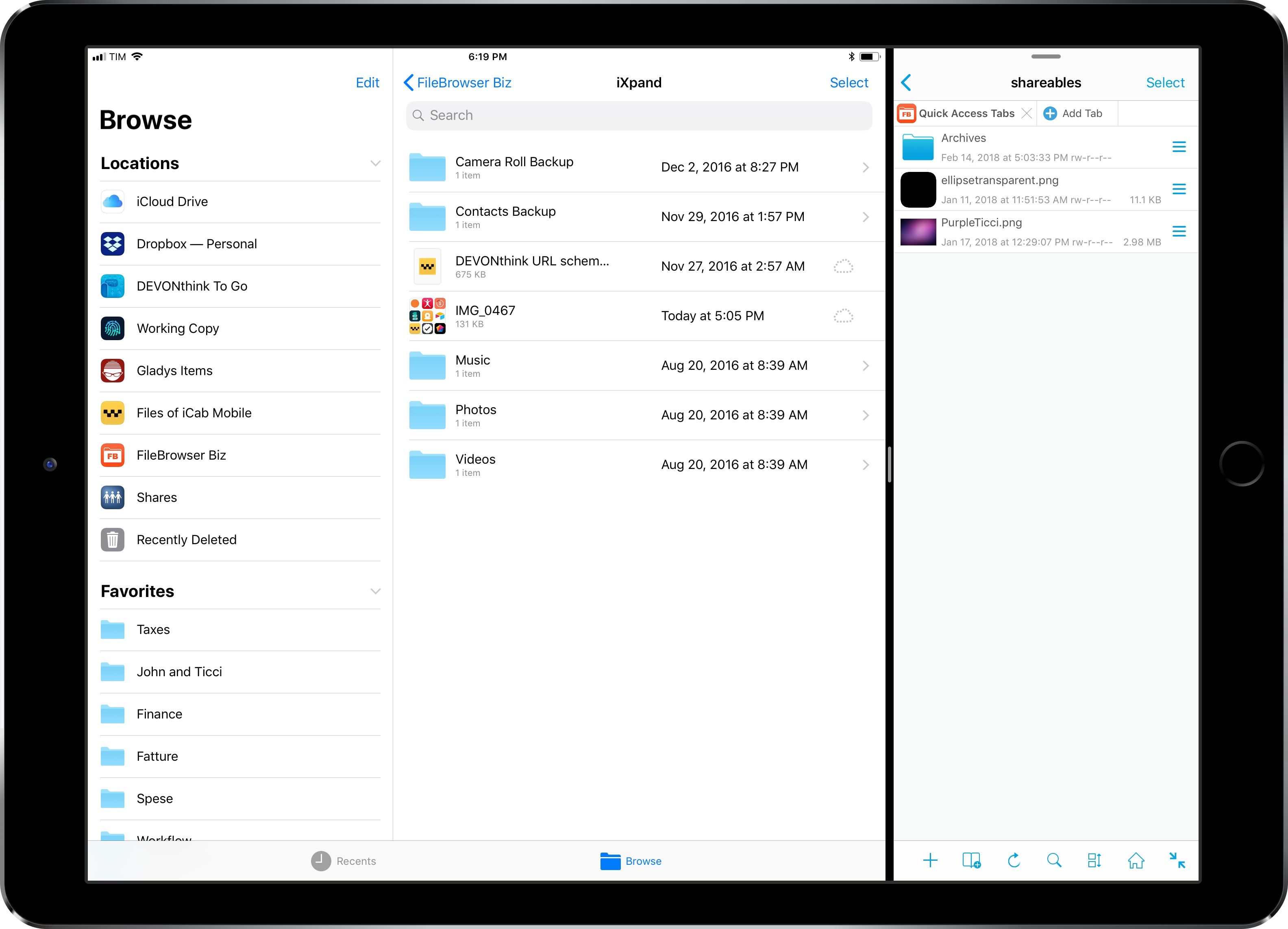
FileBrowser for Business Gains New FTP Options, Native iXpand Drive Integration in Files App

I first covered FileBrowser in an iPad Diaries column from January about finding a replacement for Transmit on iOS. As I noted in the story, FileBrowser didn’t have the prettiest interface (to be fair, I still have to find a file manager that looks as nice as Transmit), but it offered superior integration with iOS 11 features such as drag and drop and Files.

I wrote:

What FileBrowser gets right is support for iOS 11’s drag and drop and Files app. With drag and drop, you can import items into FileBrowser (and thus upload them to any configured location) as well as export files from a server you’re browsing in FileBrowser. The app supports multi-item drag and drop so you can pick up multiple files in a single drag session and drop them into another iPad app, and it correctly implements lazy delivery (asynchronous transfers) for large files. For instance, I was able to drag a .aif song (30 MB) and a .zip archive (160 MB) from FileBrowser and drop them into Gladys and, while it took a few seconds (particularly for the 160 MB file), it worked just fine; as the file was being copied after I let go of it, I could continue using Gladys as normal.

Something else I should have noted: the FileBrowser team is extremely receptive to criticism and new ideas. Over the past few weeks, I’ve been testing an updated version of FileBrowser (in the Business flavor) that addresses several limitations I covered last month.

Read more


New Apps for 2018

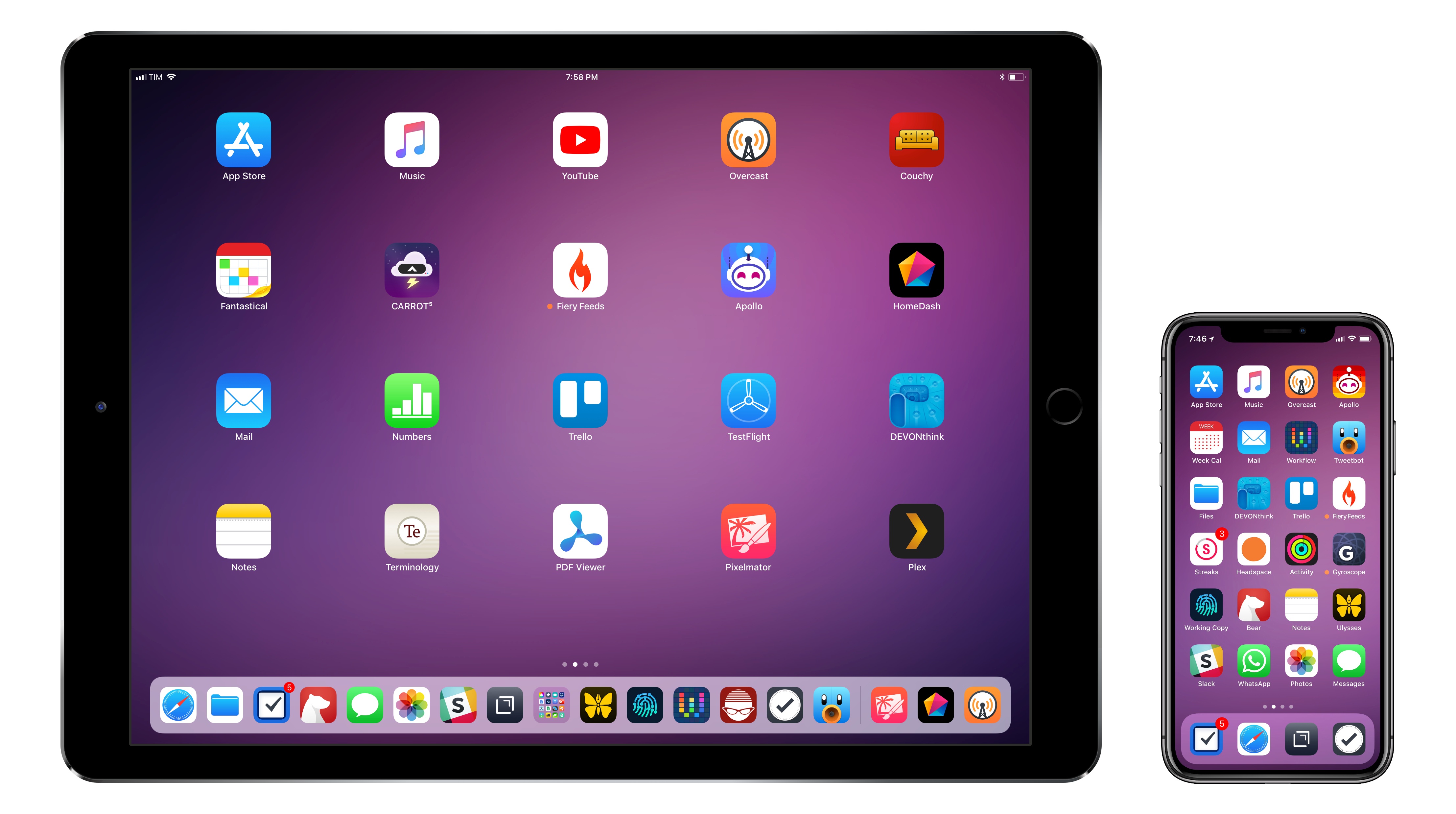
You can download my wallpaper here.

The new year is always an opportunity for me to take some time off work and better understand how I use technology and, more importantly, what I want from the devices I write about. Historically, that meant I would take a short break over the holidays and come back to MacStories with a handful of recommendations for new apps I wanted to test throughout the year, from text editors to finance management utilities and health apps.

This time, the break lasted a little longer. Last year was a particularly stressful one for me, and I felt that I needed to take at least a couple of weeks off all my work projects to clear my mind and make a plan for the year ahead. That turned out to be a fantastic idea: not only was I able to finally relax (to the point where I was craving the website and feeling the urge to write again) – the extended break also allowed me to identify areas of my life that I wanted to act upon immediately and improve in 2018.

This is why, when Myke Hurley asked me on Analog(ue) which big project I was working on for the new year, my first answer was “myself”. My plan for 2018 is to take better care of myself – from multiple perspectives – so I can avoid the stress of 2017, feel more inspired, write more, and, ultimately, be happier. I don’t have a single big “work project” for 2018; my goal is to improve every aspect of my daily routine, in big and small ways, so everything I do can subsequently grow as well. Essentially, I need to fix the foundation before I can build on top of it again.

In addition to new habits (which I detailed in last month’s issue of the MacStories Monthly Log for Club members; you should subscribe if you haven’t yet), this effort involves new apps I’m using to help me along the way. I decided to wait a full month after I came back to work because I wanted to see which ones would actually stick around; what you’ll find below is a collection of apps I’m now using on my iPhone and iPad on a daily basis.

While this type of story isn’t new to longtime MacStories readers, I feel like the 2018 version is more personal and pragmatic. These aren’t advanced automation apps or utilities I’m just experimenting with for the mere sake of geekery; from mental health to time tracking, each of these apps is having a tangible, positive impact on my life that I’d like to highlight.

Read more


The Sweet Setup Launches ‘All the Things’ Video Course

Today The Sweet Setup launched ‘All the Things’, a video course primarily aimed at explaining how to get the most out of Things, the popular task manager for Mac and iOS.

Like they did for their Ulysses screencasts last year, the folks at The Sweet Setup have produced a series of videos covering Things with walkthroughs of its basic features, project organization, as well as more advanced options such as iPad drag & drop and workflows. The videos included in the $29 ‘All the Things’ Basic package are:

  • Walkthrough of Things on the Mac, iPad, and iPhone
  • Anatomy of a Task
  • All the ways to Capture
  • Anatomy of a Project
  • Anatomy of an Area
  • Cloud Sync & Backup
  • iPad drag & drop
  • AppleScripts & Workflows

In addition to the screencasts, the Basic package includes setup interviews with Things users who rely on the app to get work done. I was honored when Shawn asked me to participate in the course, and it was fun to answer his questions about my decision to switch to Things and how I use the app. You can find my interview here.

I’m a fan of The Sweet Setup’s screencast courses. I like Shawn’s style of demonstrating features and how they work in practice, and I think the Basic video package is a great deal at $29 if you’re looking for a way to get started with Things and learn how other people use it.

There’s more, though. In the Pro version of the ‘All the Things’ package, available at $39 for a limited time, you’ll also get access to Shawn’s productivity training videos that contain general tips that work for any task manager. So whether you use Todoist or OmniFocus or something else, videos such as ‘How to Schedule Your Day’ and ‘Weekly Planning & Reviewing’ will likely give you something you can apply to your own workflow. And if you just want these videos without the Things screencasts, that’s also an option at $35.

I watched nearly every video of the ‘All the Things’ Pro bundle over the past week, and – I don’t say this because I was interviewed for this series – I think $39 for the discounted Pro package is great value whether you want to learn Things or optimize the way you work. You can find all the details about ‘All the Things’ and purchase the course here.