Matt Birchler ran some tests with faster wireless charging on iOS 11.2 (currently in beta) and, unfortunately, the results aren’t impressive:
Over the 2 hour test, the iPhone 8 Plus went from zero to 47%. It charged at an incredibly consistent 4% per 10 minutes. Previously I got up to 40% with this same charger after 2 hours, which is a 17% improvement in wireless charging speed. While this is indeed an increase, it’s not the sort of increase that’s going to get you from “wireless charging is too slow” to “I love wireless charging!”. If you have 2 hours to change your phone and there is a 7% difference in the change level, I don’t think that’s a huge deal. Especially when you compare 30 minutes on the charger, I saw literally no change in performance, as it took 30 minutes for the phone to reach 11% charge.
As I noted yesterday, the Qi spec supports up to 15W, but it’s unclear if Apple will go beyond 7.5W for wireless charging on the iPhone 8 and X lines. “Faster” wireless charging doesn’t compare to actual USB-C fast charging at all – earlier today, I tested a 30W USB-C battery pack for an iPhone X story I’m working on, and the device charged by 83% in just 60 minutes. Now that is remarkable.
Control Center is broken, Myke is broken and Spotify is broken.
On this week’s episode of Connected, we continue our discussion on the iPhone X and talk about music streaming services and smart speakers. You can listen here.
Sponsored by:
- Eero: Never think about WiFi again. Use code CONNECTED for free overnight shipping.
- Squarespace: Make your next move. Enter offer code WORLD at checkout to get 10% off your first purchase.
- Hover: Show the world what you’re passionate about with 10% off your first purchase
Juli Clover, writing for MacRumors:
Starting with iOS 11.2, the iPhone 8, iPhone 8 Plus, and iPhone X are able to charge at 7.5 watts using compatible Qi-based wireless charging accessories.
Currently, on iOS 11.1.1, the three devices charge at 5 watts using Qi wireless chargers, but Apple promised that faster speeds would become available in a future update. It appears that update is iOS 11.2.
MacRumors received a tip about the new feature from accessory maker RAVpower this evening, and tested the new charging speeds to confirm. Using the Belkin charger that Apple sells, which does support 7.5W charging speeds, the iPhone X was charged from 46 to 66 percent over the course of thirty minutes.
At 7.5W, it’s still not as fast as the 15W supported by the Qi 1.2 spec on compatible Android devices, but it’s good progress nonetheless. I wonder if Apple’s upcoming AirPower mat will also max out at 7.5W, or support up to 15W wireless charging for multiple devices.
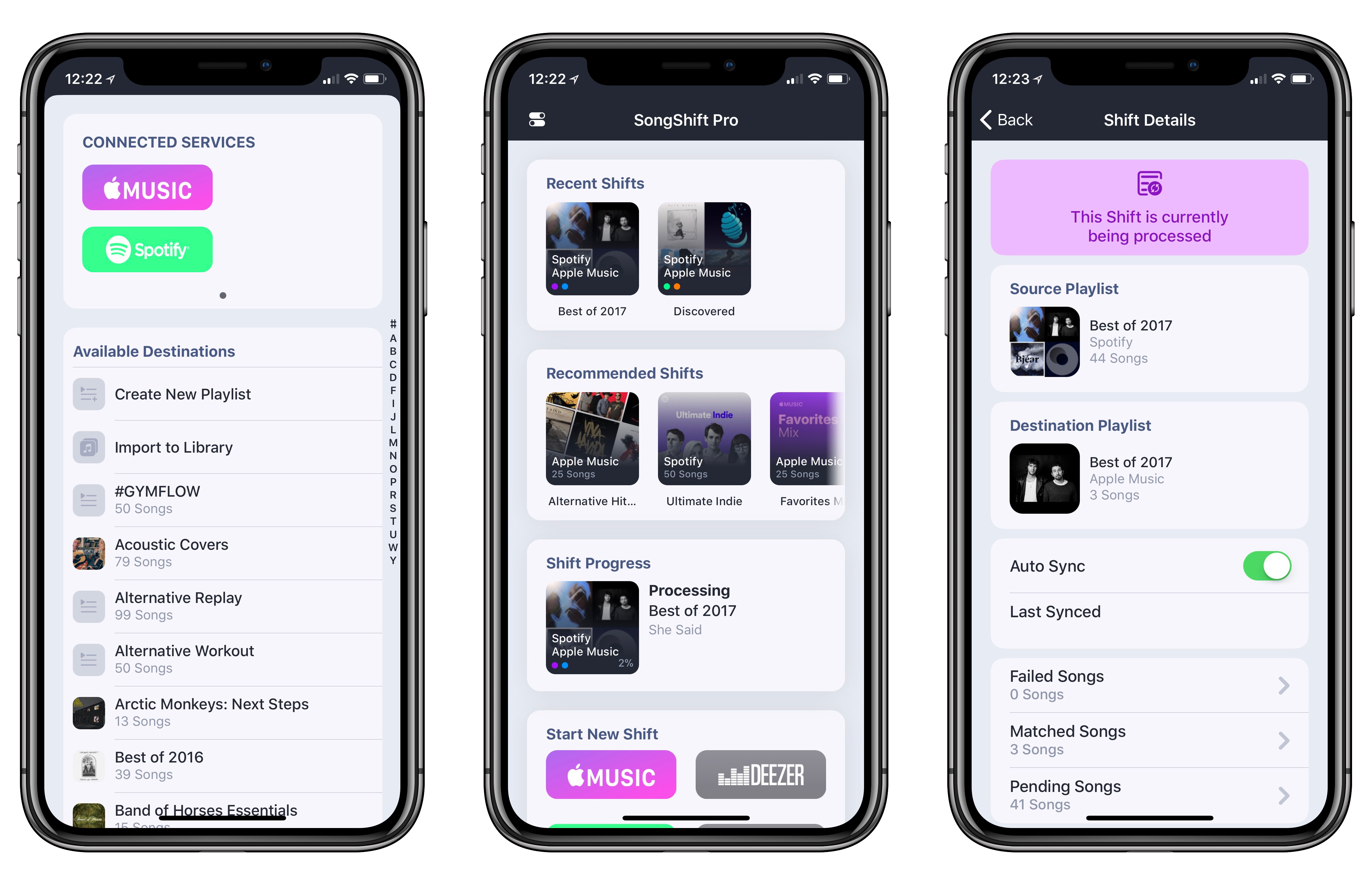
For the better part of this year, I’ve been using both Spotify and Apple Music. In my opinion, each service does a few things exceptionally well, but, unfortunately, I can’t have all of them in a single music app.
Spotify’s discovery tools for both old and new songs are simply unparalleled in the industry: Discover Weekly continues to surprise me on a weekly basis just like mixtapes used to do. Spotify is everywhere (including my Amazon Echo); I like how it organizes releases on artist pages; and, it’s got a richer selection of user-generated playlists. Apple Music, on the other hand, looks much better than Spotify (I love Apple’s focus on album artworks and large photography), features built-in lyrics, is deeply integrated with the Apple ecosystem, and I’m a fan of the social feed launched with iOS 11. In short: Spotify is superior when it comes to discovery for music aficionados and integration with third-party hardware, but Apple Music is nicer and easier to use for iOS users. I can’t choose because I happen to have a foot in both camps.
Read more
Neil Hughes ran some battery tests on the iPhone X comparing standard white-background UIs against the “dark mode” generated by iOS 11’s Smart Invert Colors in Safari. The results are remarkable:
Reddit normally features a white background and black text, but with Apple’s smart invert colors option enabled, the back of the screen is now black and the text is white. This is important because black pixels in an OLED are essentially “turned off” and consume far less power — a stark contrast from LCD displays, where the backlight must illuminate all pixels, including black ones.
After three hours with maximum brightness and smart invert colors enabled, the iPhone X battery dropped from 100 percent to just 85 percent.
We then ran the exact same test with an iPhone X running in normal mode — that is to say, Reddit was loaded on Safari with a white background and black test. With the backlight turned up to maximum, the battery drained from 100 percent down to 28 percent.
It’s an extreme comparison, but it proves how dark interfaces could be marketed as beneficial for the iPhone X’s battery life. I wonder if the long-awaited system-wide iOS dark mode could be presented as an energy efficiency feature next year?
(Related: as we mentioned on last week’s Connected, if you have an iPhone app with a custom dark mode, you’ll want to update it so it offers a “pure black” option on the iPhone X. It looks so much better than gray or dark blue.)
Federico and John look at apps that have been designed for the iPhone X and consider what makes certain apps ‘sticky.’
Read more
David Sparks makes a good point about the strengths of RSS compared to, say, getting your news from Twitter or Facebook:
RSS is so easy to implement that it’s a slippery slope between having RSS feeds for just a few websites and instead of having RSS feeds for hundreds of websites. If you’re not careful, every time you open your RSS reader, there will be 1,000 unread articles waiting for you, which completely defeats the purpose of using RSS. The trick to using RSS is to be brutal with your subscriptions. I think the key is looking for websites with high signal and low noise. Sites that publish one or two articles a day (or even one to two articles a week) but make them good articles are much more valuable and RSS feed than sites that published 30 articles a day.
Unlike Sparks, only a couple of my friends have moved on from RSS (and are using Twitter for news), but I agree otherwise – I don’t want to spend any more time on Twitter than absolutely necessary. I cherish the ability to subscribe to my favorite websites independently from social networks.
One thing I’d add: it’s possible to subscribe to high-volume feeds (and keep them alongside low-noise ones) if you take advantage of filters and muted keywords. Modern RSS services such as Feedly, Inoreader, and NewsBlur all come with advanced filtering features that mute specific articles directly on the server, so they don’t get pushed to clients on iOS or macOS at all. If you want to subscribe to a lot of sources but automatically hide topics you don’t care about, this is the only way to go.
We continue with our mini-series on long-form writing apps with a look at Scrivener.
On this week’s episode of Canvas, after featuring Ulysses, we take a look at the other big player among iOS writing apps. You can listen here.
Sponsored by:
- Balance Open: Find out more about Balance Open and get $2 in Ethereum
- FlightLogger: Real-time flight tracking for worry-free travel




 John
John