 Turning Multiple Notes into Tasks with Workflow’s Drag and Drop
...

 Turning Multiple Notes into Tasks with Workflow’s Drag and Drop
 iPad Diaries is a regular series about using the iPad as a primary computer. You can find more installments here and subscribe to the dedicated RSS feed.
In my review of iOS 11, I noted that the impact of drag and drop – arguably, the most powerful addition to the iPad – would be best measured in the following weeks, after developers had the time to update their apps with richer implementations of the framework. I dedicated a large portion of my review to drag and drop as I felt the feature would fundamentally reshape our interactions with iPad apps and the entire OS altogether. However, I knew that wouldn’t happen right away. With iOS 11 having been available for nearly two months now, I think it’s time to reassess the effect of drag and drop on the iPad’s app ecosystem.
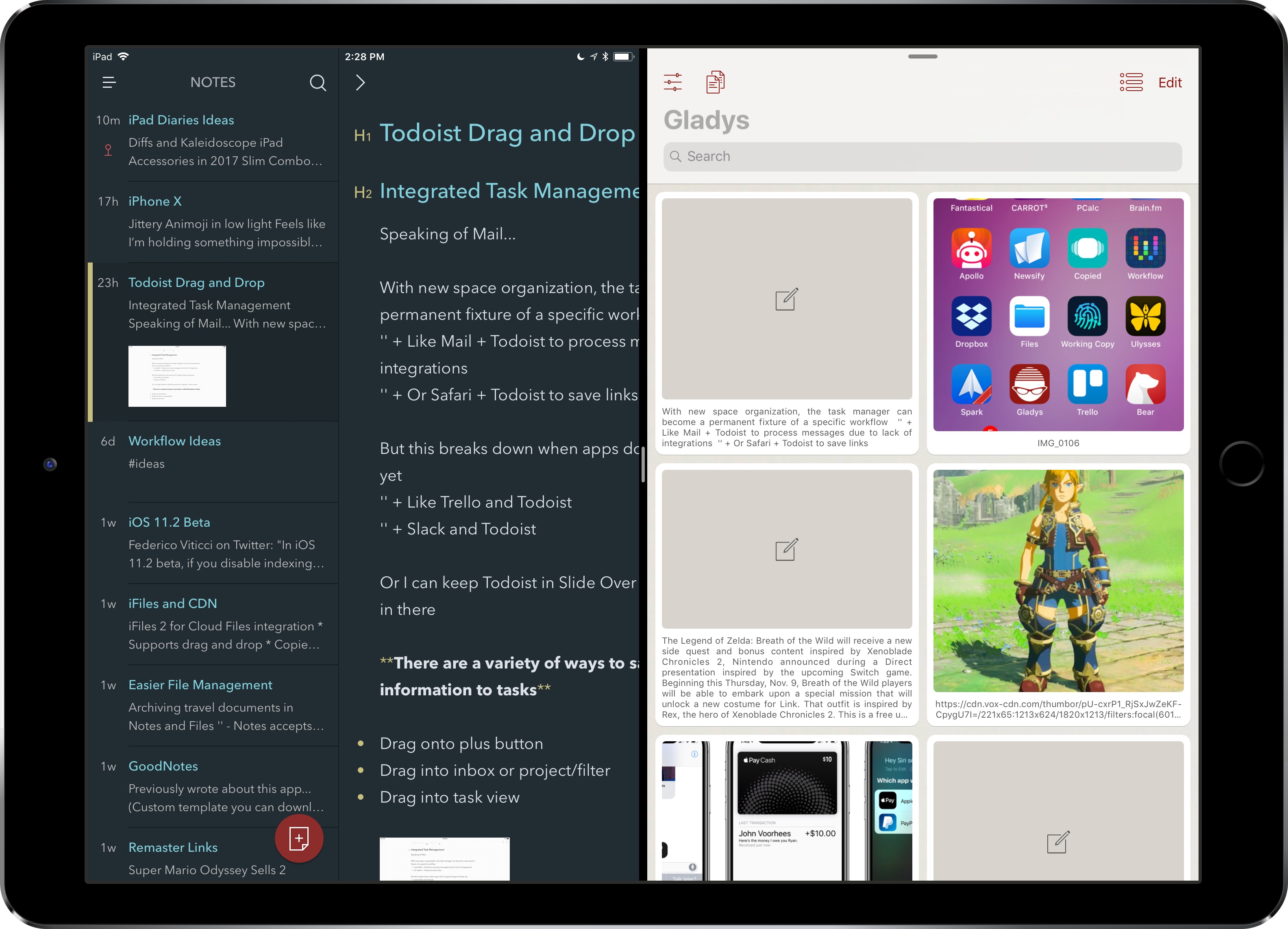
Starting this week, I’m going to take a look at some of the most important tasks I perform on my iPad and how drag and drop is helping me rethink them for my typical workflow. For the comeback of this column, I chose to focus on Bear and Gladys – a note-taking app and a shelf app, respectively – as I’ve been impressed with their developers’ understanding of iOS 11 and intricacies of drag and drop.
When I started researching this mini-series, I assumed that drag and drop hadn’t dramatically affected my favorite third-party apps yet. I was wrong. Drag and drop has started to trickle down into several areas of my daily iPad usage, often with surprising and powerful results.
Reeder got me into reading RSS feeds on my iPhone several years ago. The app isn’t updated often these days, but developer Silvio Rizzi always makes sure to release updates that support the latest Apple hardware and iOS versions, which I appreciate. Reeder is as smooth and elegant as the day it came out (specifically, version 2 in 2013), and today’s 3.1 update is a welcome one as it brings support for iOS 11 and the iPhone X.
There are no new features in this version, but I recommend trying it out on an iPhone X if only to look at the “pure black” theme on the device’s OLED display. It’s glorious. I’m looking at Reeder now as I’m reading some articles in bed, and I can’t tell where the display and the bezels meet. I wish more apps would implement dark themes like this on the iPhone X. And as always, it’s great to see that Reeder is still around.
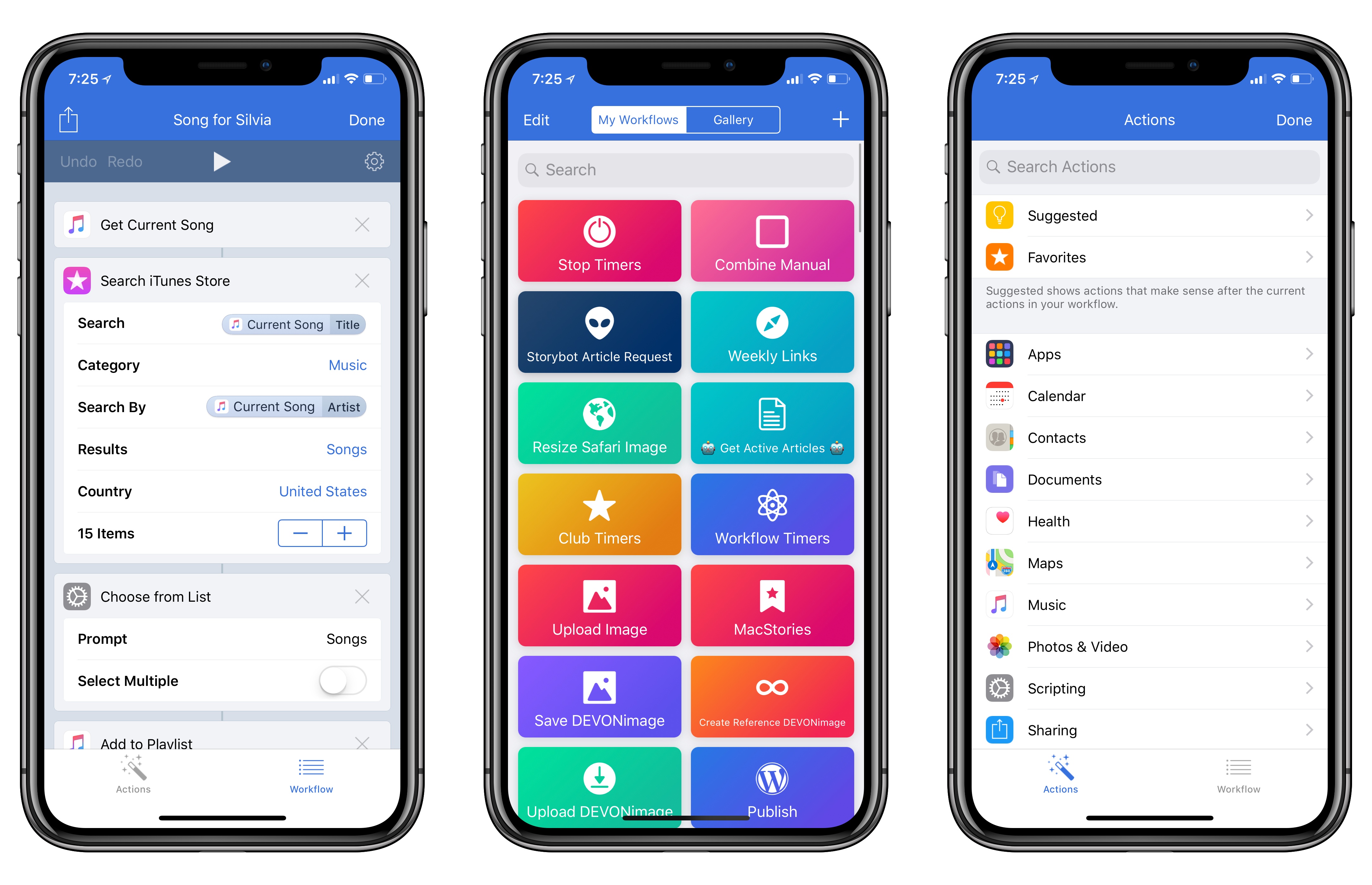
Workflow, the iOS automation app acquired by Apple earlier this year, received a major update today, adding support for the iPhone X and a variety of iOS 11-only features.
Developer Simon Støvring has put together SBSAnimoji, an iPhone X app that uses Apple’s private AvatarKit framework to let you record Animoji videos that aren’t limited to 10-second clips or the Messages app. You can download the project from GitHub and install it with Xcode on your iPhone X.
It’s fascinating to consider how Animoji could expand beyond iMessage through AvatarKit, or how the same tech that powers the framework could be used for the creation of different system avatars not necessarily modeled after popular emoji. Also: wouldn’t it be interesting to have AvatarKit as a proper API for third-party developers?
On this week’s episode of Connected, we share our first impressions on the iPhone X and discuss the experience of using the device. This is a long one. You can listen here.
Sponsored by:
I received my iPhone X earlier today, but because I didn’t add AppleCare+ to my shopping bag when the preorders opened (I wanted to be as quick as possible, and I was sleepy), today I had to buy it separately.
AppleCare+ came in handy earlier this year when I (inexplicably) bent my 12.9-inch iPad Pro and the repair’s cost ended up being €49 instead of €550. After Stephen Hackett pointed at the more expensive repair costs for the iPhone X, I was even more convinced to add the extra coverage to my new iPhone. Buying AppleCare online is surprisingly easy: you receive an email from Apple with a link, which takes you to iOS’ built-in diagnostics app that verifies your device’s eligibility with Apple’s servers. It takes a couple of minutes, after which you can continue with the checkout in Safari. I never did this myself before because I thought driving to the Apple store just to buy AppleCare was easier; it’s not. The diagnostics app has an iOS 11 large title design, too.
If you also have a new iPhone X without AppleCare, Apple has a support document that explains how you can purchase it here.
 The Apps and Workflows We Use to Cover Apple Earnings Calls
Federico and John explain the apps and workflows they use to cover Apple earnings calls and then cover updates to Newsify on iOS and Twitterrific for macOS.
Mario is back! Is he better than ever?
On this week’s episode of Remaster, we share our thoughts on Super Mario Odyssey. There are spoilers in the second half of the show. This is a good one. You can listen here.
Sponsored by:
 John
John