Federico Viticci

10804 posts on MacStories since April 2009

Federico is the founder and Editor-in-Chief of MacStories, where he writes about Apple with a focus on apps, developers, iPad, and iOS productivity. He founded MacStories in April 2009 and has been writing about Apple since. Federico is also the co-host of AppStories, a weekly podcast exploring the world of apps, Unwind, a fun exploration of media and more, and NPC: Next Portable Console, a show about portable gaming and the handheld revolution.

Matthew Panzarino’s Hands-On with the iPhone 7 Plus’ Portrait Mode in iOS 10.1 Beta

Matthew Panzarino, writing for TechCrunch, was able to test the iPhone 7 Plus’ upcoming Portrait mode, released to developers with a first beta of iOS 10.1 earlier today.

If you’ve skipped here to see how the heck it works, I don’t blame you. The short answer: incredibly, miraculously well in many instances. And pretty rough in others. Apple says this is still in beta and it is. It has trouble with leaves, with chain link fences and patterns and with motion. But it also handles things so well that I never thought possible like fine children’s hair and dog fur, shooting pictures with people facing away and objects that are not people at all.

What does it have major trouble with? Fine lines, wires, chain link, glass, leaves. Anything that merges with the edges of your subject a bunch of times could confuse it. The closer to the subject the harder it is for it to distinguish. Motion, too, is a no. If the subject moves a bit, ok. If it moves too much you get ghosting, as you do in HDR mode — because there is compositing involved.

Let’s look at some examples and I’ll dissect what works, what doesn’t and how the mode is applying the effect in each image. In each case, I’ll include both the standard and Depth Effect image for comparison.

Panzarino reports that Portrait works on non-human subjects as well (which Apple didn’t originally mention) and that it uses new body detection systems and a “sliding scale” mechanism to apply blurs for the background. Fascinating explanation – with some good points on how Apple could improve Portrait mode in the future.
Permalink


Tweetbot Updated with Support for Longer Tweets

When Twitter rolled out support for longer tweets yesterday, we mentioned that Tweetbot – the popular third-party client – would soon support the new format natively. Tapbots has released updates to the iOS and macOS apps today that let you view and create longer tweets (where media, polls, and quotes don’t count against 140 characters) without having to rely on Twitter’s official app. You can get the iOS update here.

Permalink

Daylite: A Business Productivity App for Mac and iOS [Sponsor]

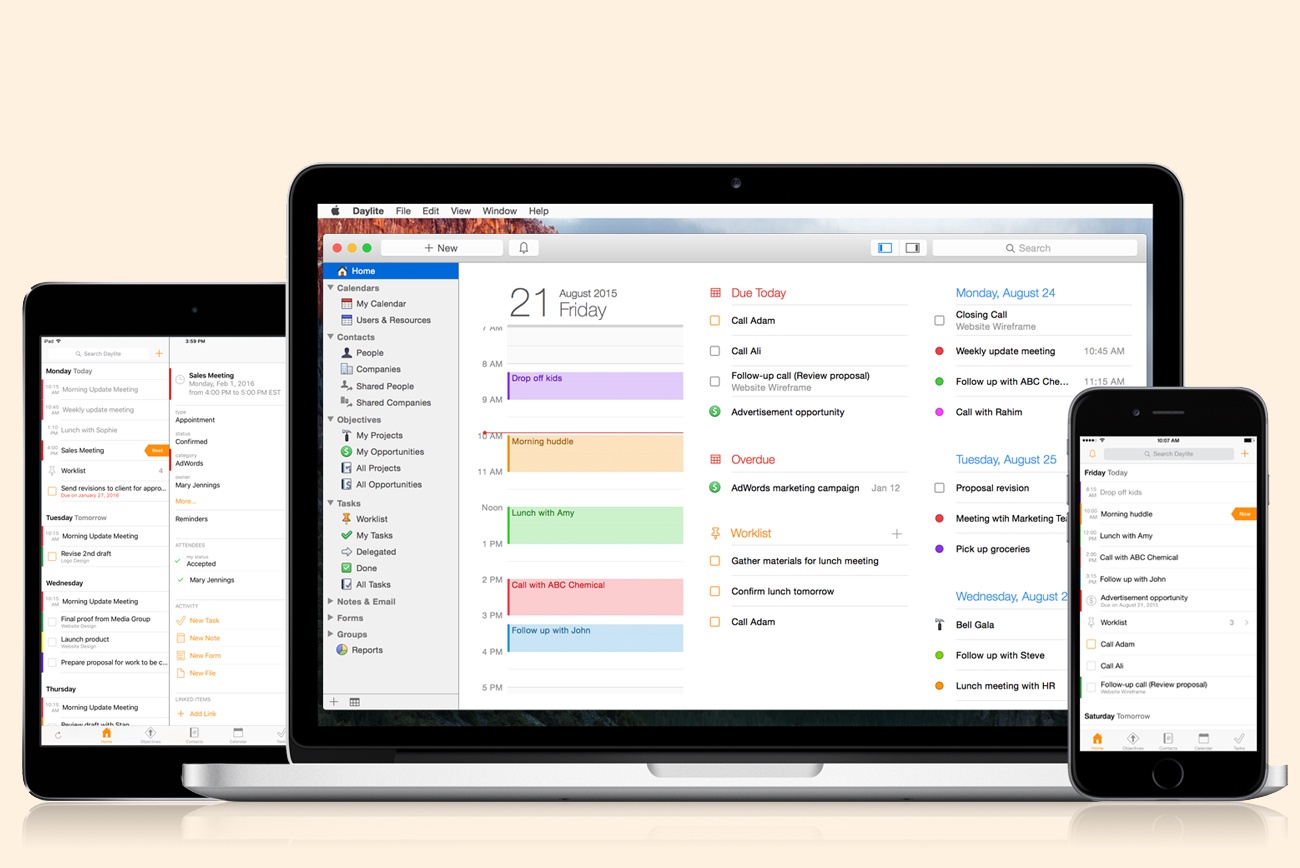
Daylite is a business productivity app for Mac, iPhone, and iPad.

Organize you and your team’s contacts, calendars, projects, tasks, emails, notes, and new business opportunities all in one app.

Track sales and set reminders for follow-ups. See a full history of all emails, calls, and notes for each customer. Customize your own pipelines to track sales and projects. View your whole team’s calendar to make scheduling meetings simple. Daylite even integrates with Apple Mail so you can update customer info, set tasks and reminders, and add appointments to your calendar – all without leaving Mail.

Automate lead generation from online web forms with Daylite & Zapier integration. When someone fills out a form on your website through Google Forms or Wufoo, a new contact and business opportunity are creating in Daylite. You can then segment leads for specific email campaigns and track all of your communication with them in Daylite.

Always have your business info no matter where you go. Daylite is a native app so you can access your information on your Mac, iPhone, or iPad even when you don’t have an Internet connection.

Read how businesses all over the world are becoming more efficient with Daylite.

Our thanks to Daylite for sponsoring MacStories this week.


Google Photos Introduces Movie Concepts

In addition to improvements for sharing between users, Google has announced a new feature for Google Photos dubbed ‘movie concepts’. Automatically generated like the service’s previous slideshows and Assistant creations, movie concepts are based on “creative concepts” – themes found in your photos that go beyond recent uploads.

As Google writes:

We’re also upping our game when it comes to automatic creations. Google Photos has always made movies for you using your recently uploaded photos. Now we’re going further, with new movies that are based on creative concepts — the kinds of movies you might make yourself, if you just had the time. And they’re not only limited to your most recent uploads.

And:

Look out for a concept to commemorate the good times from this summer, and another one for formal events like weddings. And you don’t need to do a thing — these movies get made automatically for you.

Here’s an example of a concept created by Google Photos:

Casey Newton, writing for The Verge, has more details:

Tim Novikoff, who joined Google last year when it acquired his video-editing company, Fly Labs, said the feature takes advantage of Google’s advancements in deep learning and computer vision. The idea, he said, was “let’s leverage this to make movies that are emotionally powerful — that make your really smile, or even make you cry and reminisce and show your family.”

More concept movies are planned. “You can imagine where this goes,” Novikoff said. “Christmas, Halloween, Thanksgiving, Little League highlights, dance recitals. All the things that people do, we can make special movies around them.”

The new feature comes less than a week after the launch of iOS 10, which includes Memories – a feature of Apple’s Photos app that creates personalized movies based on location, dates, and people recognized in your photo library. From Google’s description and Novikoff’s comments, it sounds like movie concepts will be more advanced than iOS’ automated creations, but we’ll have to test them in practice and see if the promise holds up. I’m curious to compare Apple’s Memories to Google Photos’ concepts.

Permalink


Tweetbot 4.5 Brings iOS 10 Updates, Profile Notes

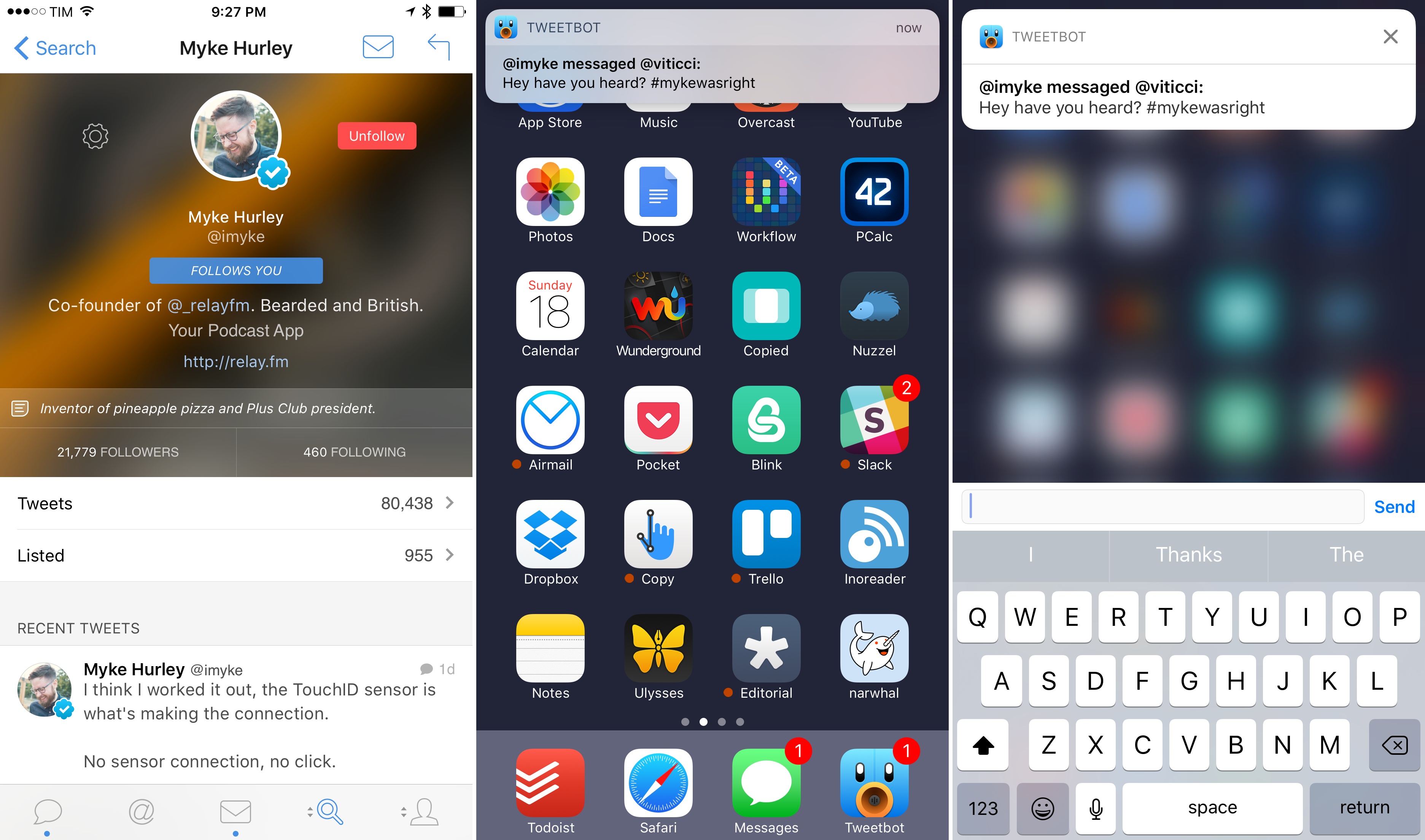
Profile notes and slightly richer notifications in Tweetbot 4.5.

Profile notes and slightly richer notifications in Tweetbot 4.5.

Tapbots released Tweetbot 4.5 today with a few iOS 10 additions.

In the latest version, notifications are slightly richer: you won’t be able to preview entire conversation or DM threads in a notification, but at least the sender’s username and notification title will have a bold font for better visual separation. I would have liked to see even richer notifications with custom interfaces, and I also wonder if Tweetbot could use SiriKit’s messaging intents to send DMs. Perhaps Tapbots will consider deeper iOS 10 enhancements in the future.

Also new in this version, you can now add notes to user profiles. According to Tapbots, the feature is intended to add a brief note to remember why you followed someone; personally, I think it’s just as effective to remember why you don’t want to follow someone without blocking them. User notes are private, they sync with iCloud, and they can be accessed from the gear menu on a user’s profile.

Finally, Tweetbot 4.5 supports smoother scrolling thanks to iOS 10’s performance improvements in this area. It’s not always noticeable, but I’m glad Tapbots implemented this feature for iOS 10 devices.

Tweetbot 4.5 is available on the App Store.


iOS 10 Actionable Notifications, the Lock Screen, and 3D Touch

Junjie, developer of Due for iOS, on changes to the Lock screen and actionable notifications in iOS 10:

To my surprise, when users upgraded their iOS 9 devices to iOS 10 this week, I started receiving feedback that they were no longer able to snooze or complete their reminders from their Lock Screen. Many thought I’ve removed the feature from Due, or that there was a bug with Due in iOS 10. Of course, neither of which is the case.
[…]
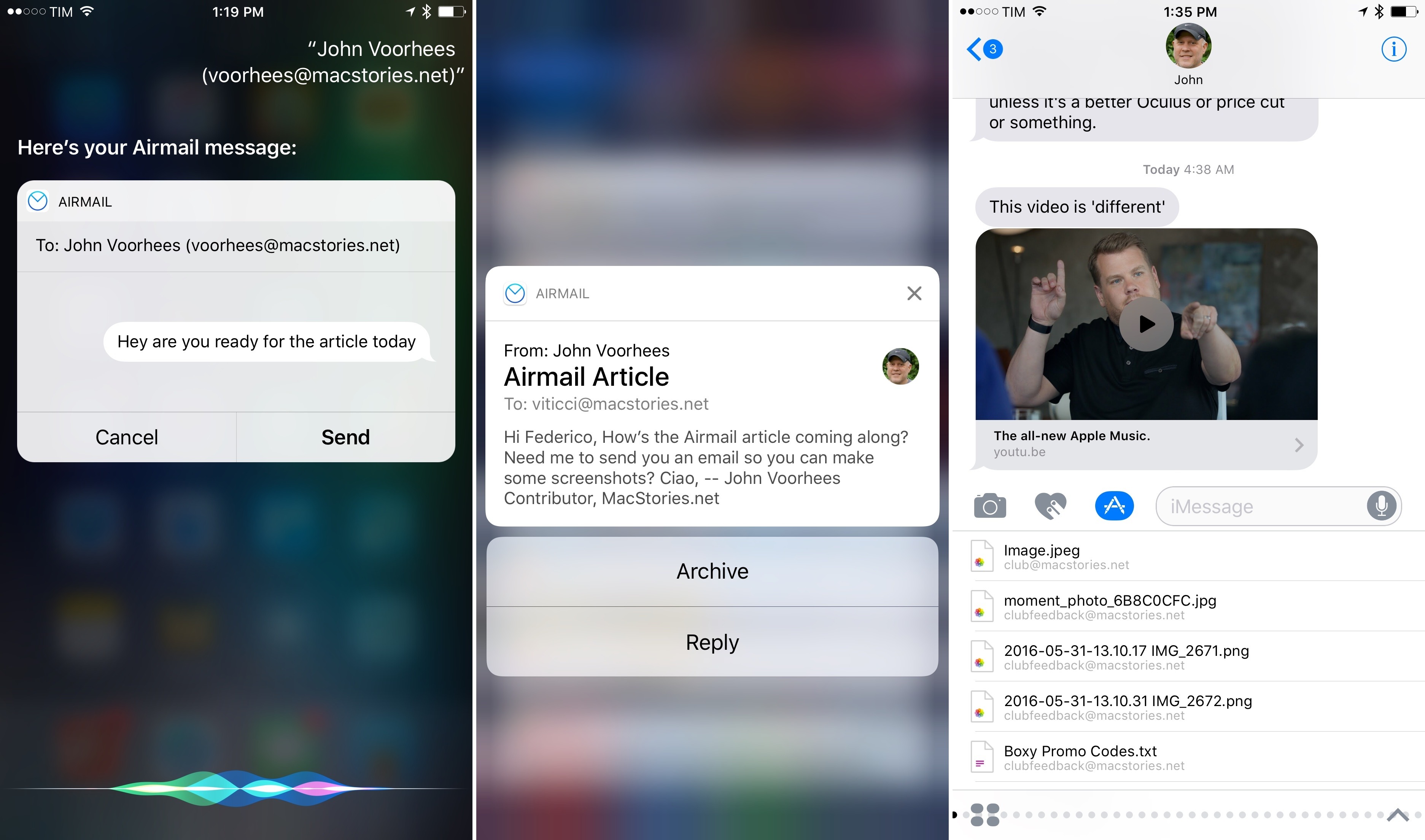
Unlike iOS 8 and iOS 9, swiping a notification from right to left in iOS 10 no longer reveals the notification actions. Instead, depending on the device that you use, it now displays either View and Clear on non-3D Touch devices, or just Clear on 3D Touch devices.
[…]
So while users can now access all four notification actions in iOS 10, they need to go through an additional, unintuitive step of pressing the View button. However, for users with 3D Touch enabled phones like the iPhones 6s and 7, pressing firmly on the notification will reveal the notification actions menu.

I was talking about this with my girlfriend earlier today, and it’s something I didn’t consider in my review. For some reason, she can’t use 3D Touch. Every time she presses on the screen, she ends up swiping or activating tap & hold accidentally. I don’t know what it is about the way she grips the phone or touches the screen – we’ve tried every setting, and she just can’t take advantage of 3D Touch in her daily iPhone usage. She ended up disabling 3D Touch altogether because it’s useless to her.

Here’s a problem, though: with iOS 10’s notification design, this means she can’t swipe on a notification and have instant access to actions. There’s an extra step:

  1. Swipe notification on the Lock screen;
  2. Tap the new ‘View’ button;
  3. Tap actions in the expanded notification.

Step 2 is what people who don’t use 3D Touch need to go through now, and it feels like a regression. I wish I had mentioned this in my story, but I didn’t think of it because I use 3D Touch and pressing notifications is second nature to me.

Perhaps Apple could improve this by automatically expanding a notification with a long swipe. Instead of revealing two buttons – View and Clear – a long swipe to the left could trigger the View button, expand a notification, and avoid the additional tap required for non-3D Touch users in iOS 10.

Permalink

The iMessage App Store and Paid Stickers

Ortwin Gentz, one of the developers behind Where To, has noticed that the majority of iMessage apps and sticker packs in the top charts seem to be paid ones. He collected some numbers from the iMessage App Store and concluded:

The distribution of business models is even more interesting. In contrast to the iOS App Store where freemium titles dominate the top-grossing charts, the overwhelming revenue in the iMessage App Store comes from paid titles. This reminds me of the early days of the App Store where In App Purchase wasn’t even available.

Probably the #1 reason for this is the lack of IAP in no-code sticker packs. These sticker packs consist only of the actual artwork and are easy to create for designers who don’t want to code.

Currently, basic sticker packs – the ones that only require dropping a bunch of image files into Xcode – can’t offer In-App Purchases. As soon as Apple offers an integrated solution to bring In-App Purchases to iMessage sticker packs without writing code, I have no doubt we’ll see the iMessage App Store follow the “Free with In-App Purchases” model of the iOS App Store.

Unless Apple is deliberately pushing artists towards paid packs because they do not want to repeat what happened with the App Store? The perception of sticker packs right now reminds me of the early days of the App Store – that good work is worth paying for.

Permalink